Free Music Visualizer Makers in 2026: What Each Free Plan Actually Exports

“Free” means very different things across visualizer tools. Some cap length, some cap resolution, some add a watermark, and some are free only for personal use. This guide lists what each free plan actually lets you export.
We checked six tools on their own pages and app listings as of October 17, 2026.
Freebeat gives new accounts 500 credits, with no card required, to try beat-synced visualizers on your own track. Try Freebeat free →
What We Looked For
- Watermark: none, removable, or permanent on the free tier
- Resolution: 720p, 1080p, or 4K on free exports
- Length and quotas: per-video caps and daily limits
- Use rights: whether free output is limited to personal use
- Live versus file: whether the tool exports a video at all
At a Glance
| Tool | Free output | Free limits | Watermark |
|---|---|---|---|
| Freebeat | AI visualizer video | 500 non-expiring credits, no card required | Removed on paid plans |
| Avee Player | Spectrum template video | Up to 4K; Android exports up to 4GB | App logo, hideable with a rewarded ad |
| Specterr | Template visualizer video | 1 video a day, up to 5 minutes, 720p | Yes |
| Headliner | Waveform audiogram | Unlimited, 1080p, up to 10 minutes | Yes |
| projectM | Live visuals | Open source; no built-in export documented | None (live only) |
| Synesthesia | Live visuals | Unlimited trial | Logo on video output |
Where Freebeat Fits for Free Visualizers
Freebeat's free plan lets you hear and see how AI visuals land on your own music before you spend anything. New accounts get 500 credits that don't expire. Free previews are long enough to test the hook or chorus.
When you're ready to release, paid plans unlock full-song exports of up to six minutes without a watermark, and Freebeat's terms say you keep the rights to what you generate.
- 500 free credits with no card required.
- AI visuals that follow the song, not just a spectrum bar.
- Same account for music videos, lyric videos, and Canvas loops later.
Freebeat reference: https://freebeat.ai/pricing
Detailed Picks
1Freebeat
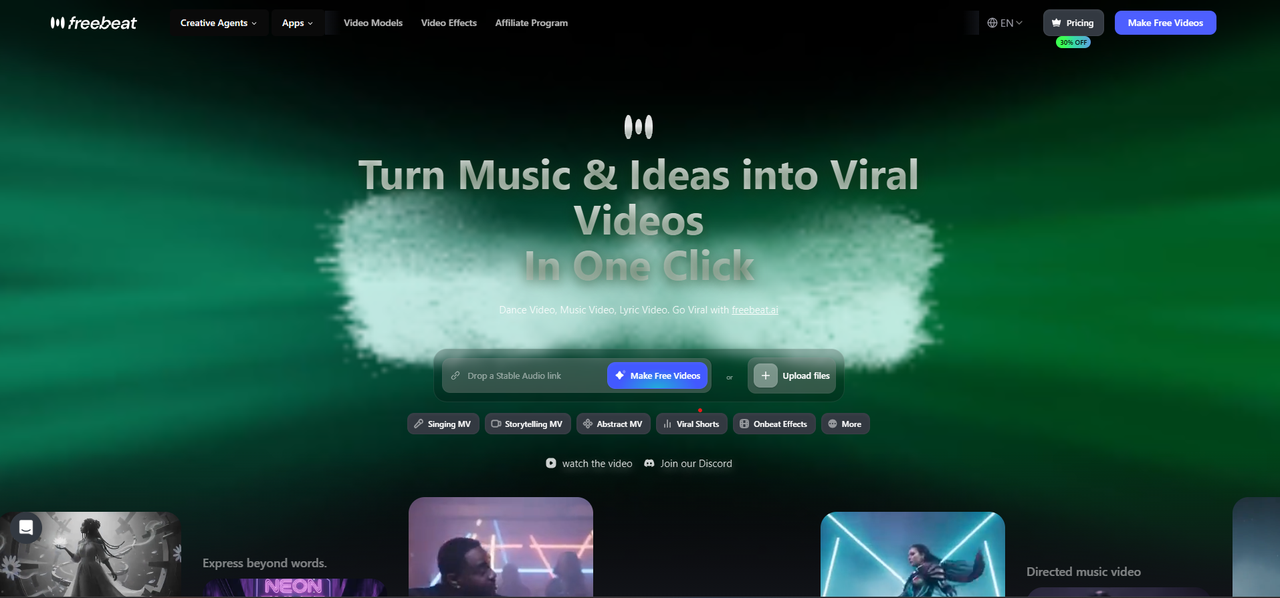
Previewing AI visualizers on your own track
Freebeat renders beat-synced visuals from your song; the free plan includes 500 non-expiring credits to preview them on your own song.
How it fits the workflowSign up, upload the track, generate a 30-second preview, then upgrade to export the full song.
Watch forUpgrade when you're ready to release the full song, watermark-free.
2Avee Player
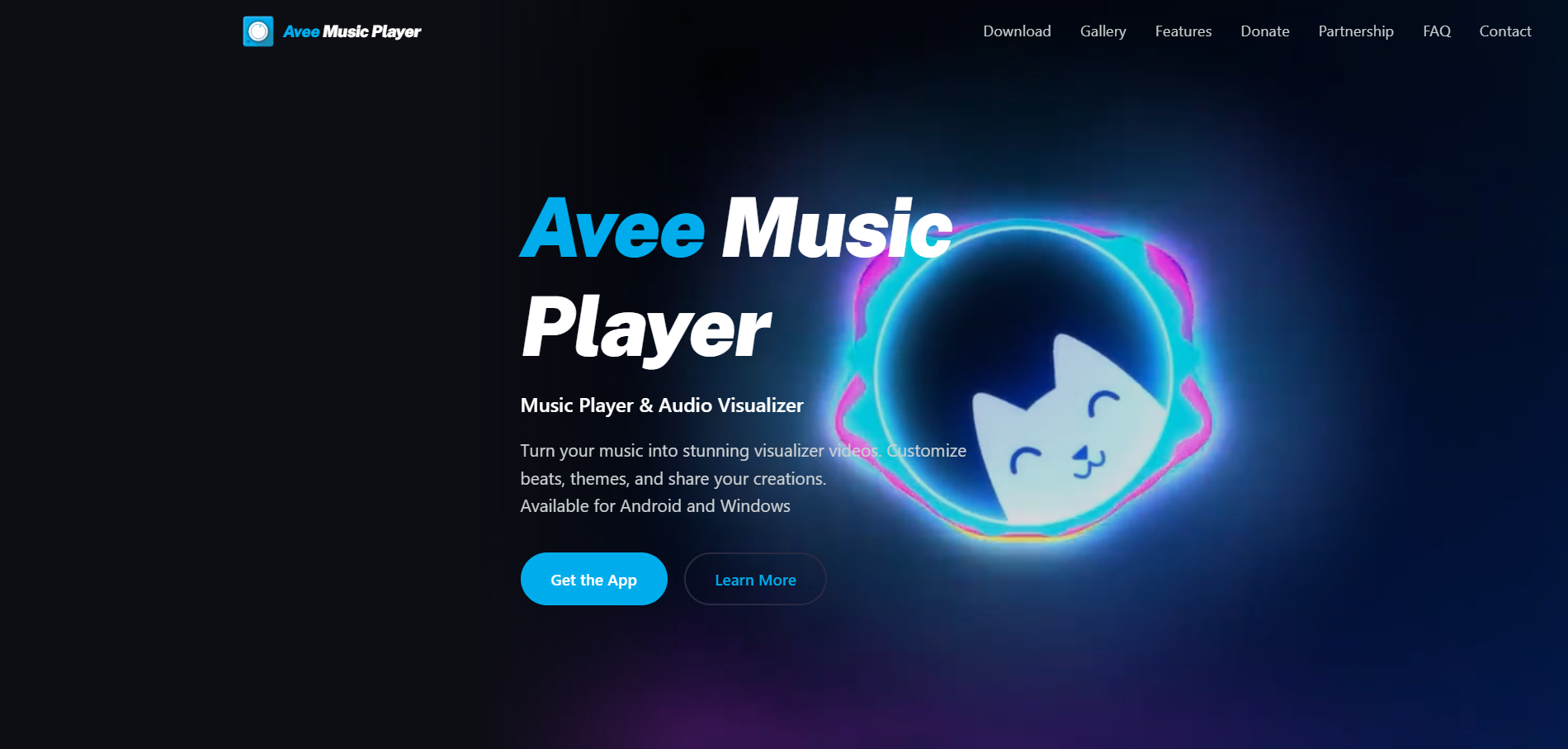
The most export for zero cost, on Android or Windows
Avee Player's Video Maker converts MP3s into visualizer videos of up to 4K with 18 built-in spectrum templates. Creating and exporting are open to all users; free users can hide the app logo by watching a rewarded ad.
How it fits the workflowLoad the song, pick a template, choose resolution and frame rate, and export.
Watch forNo iOS version, ads on the free tier, and Android exports cap at 4GB.
3Specterr
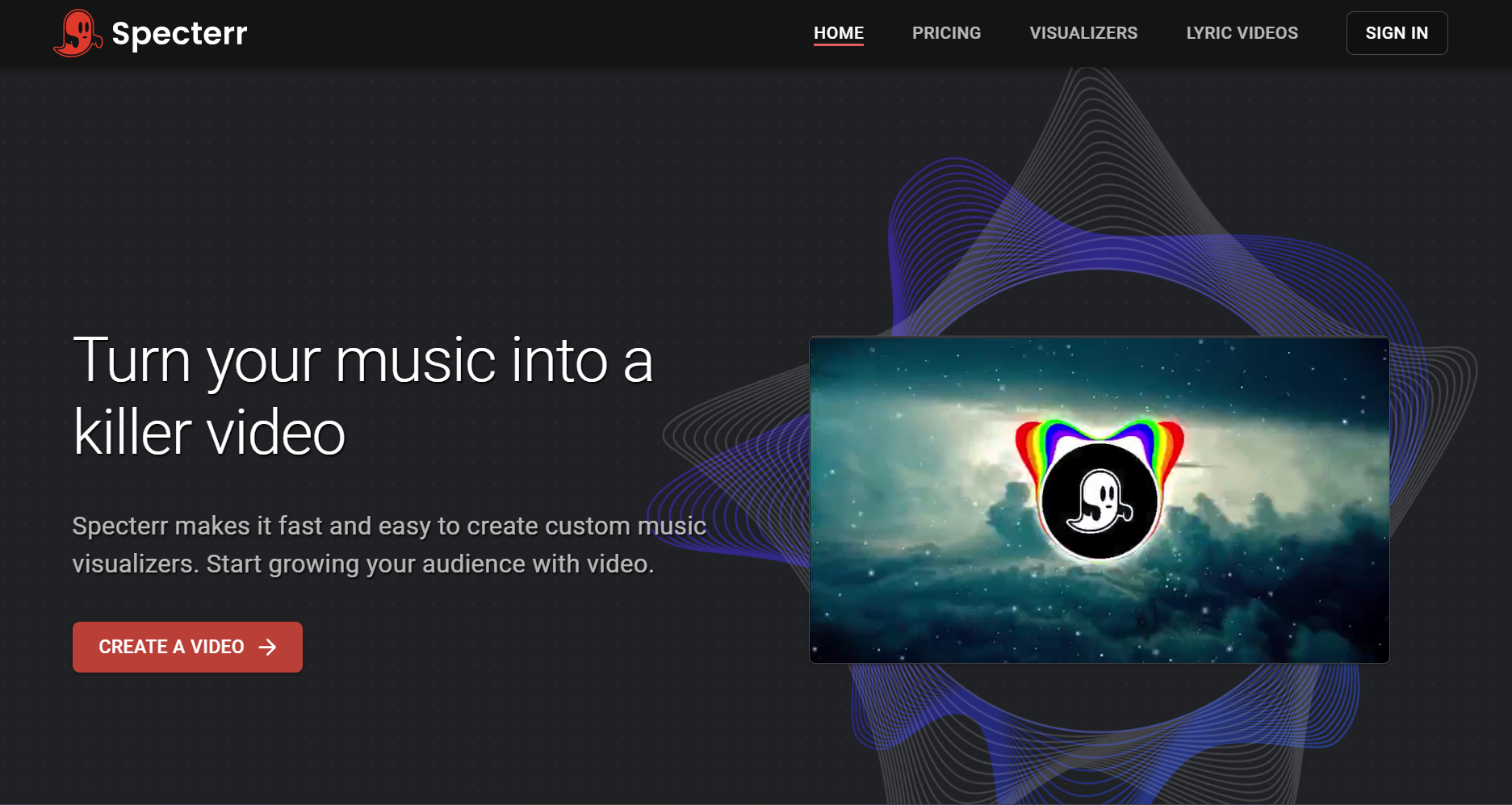
One free template video a day
Specterr's free plan allows one 720p video a day of up to five minutes, with a watermark. Pro ($16.50 a month billed yearly) removes the watermark and allows 1080p 60fps for up to 10 minutes.
How it fits the workflowChoose a spectrum, waveform, or particle template, add the track, and render.
Watch forThe watermark and 720p cap make free output better for drafts than releases.
4Headliner
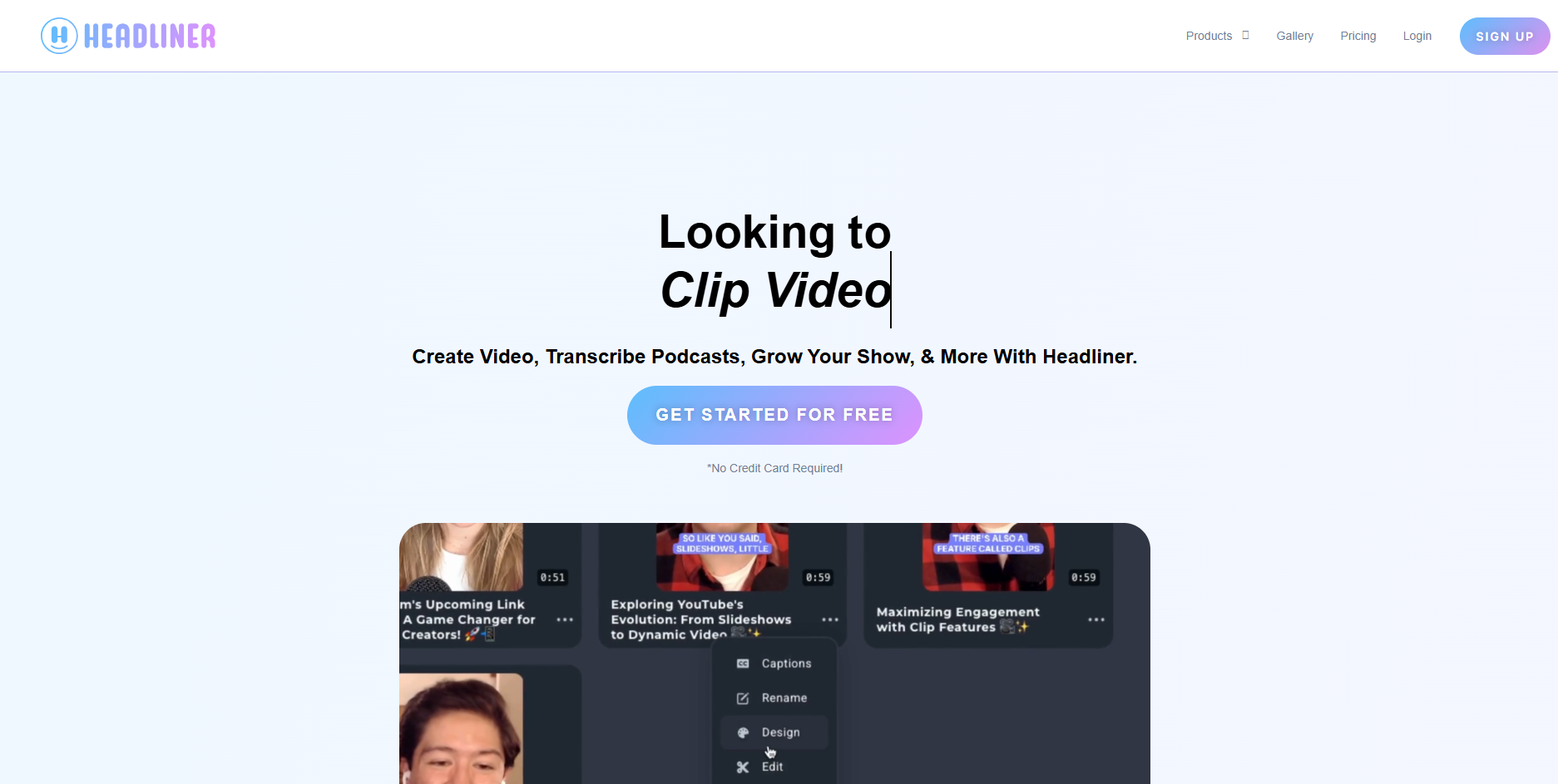
Unlimited free waveform clips for promotion
Headliner's free plan offers unlimited audiograms at 1080p of up to 10 minutes, with a watermark. Basic ($9.99 a month, or $7.99 billed yearly) includes 10 unwatermarked audiograms a month.
How it fits the workflowUpload a clip, pick a waveform, add captions, and export for social.
Watch forIt's podcast-first, so styles are limited for music.
5projectM
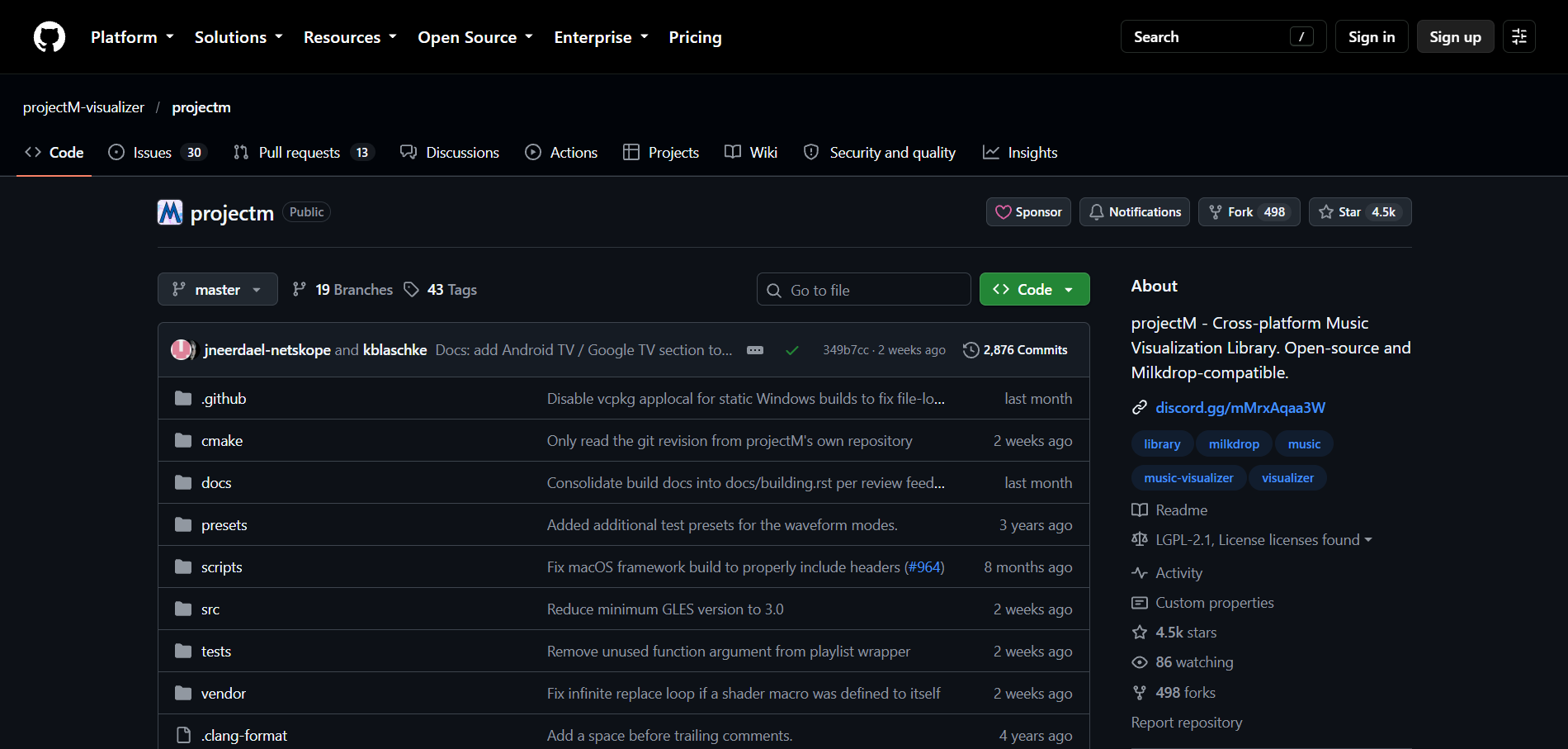
Free real-time visuals with no watermark
projectM is open source under LGPL 2.1, MilkDrop-compatible, and runs on Windows, macOS, and Linux, with preset packs such as Cream of the Crop (about 10,000 presets).
How it fits the workflowInstall a frontend, feed it your audio, and run it full screen.
Watch forIt's a live visualizer; the project doesn't document a built-in video export.
6Synesthesia
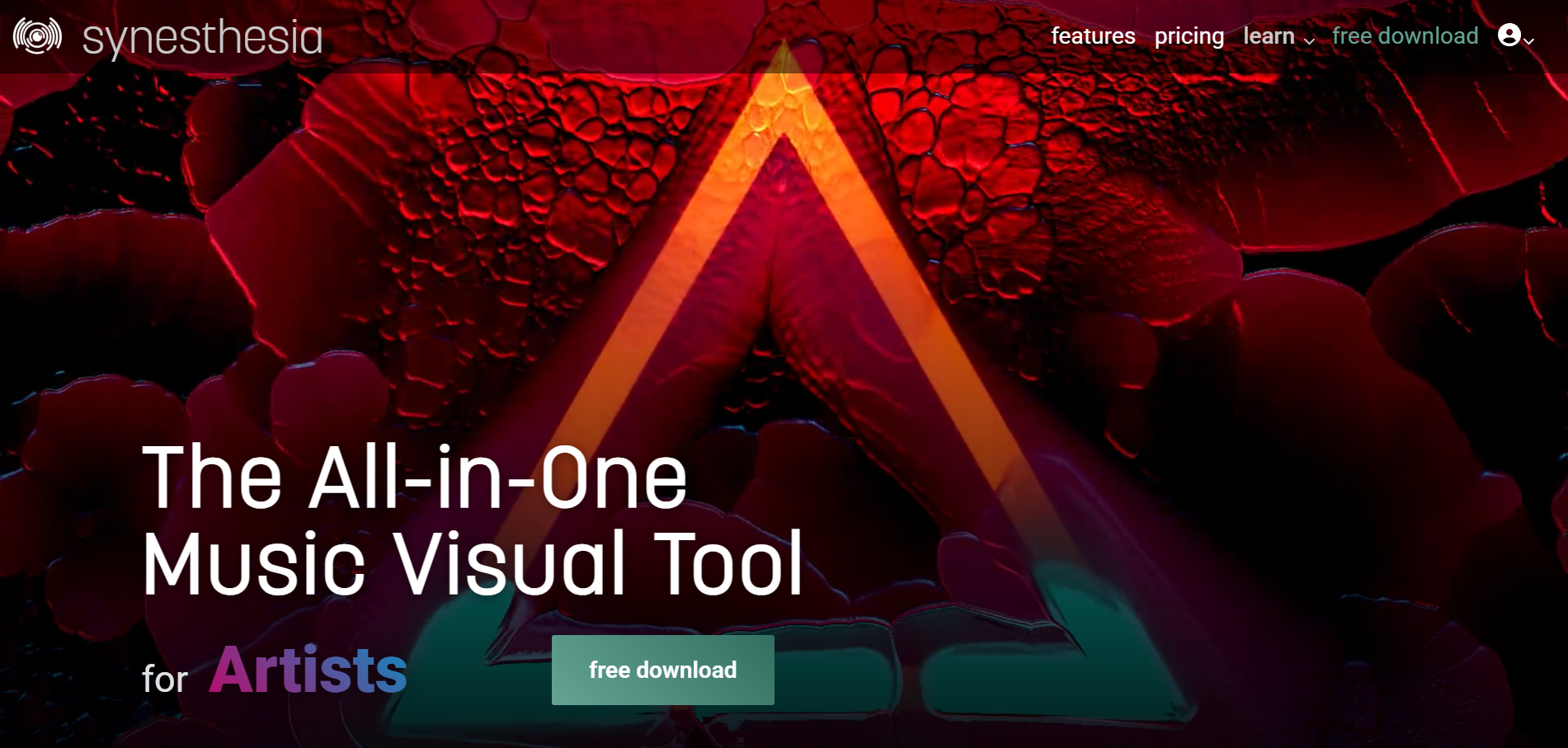
Trying VJ-grade live visuals before buying
Synesthesia's trial has no time limit and needs no sign-up, but its video output is marked with the Synesthesia logo. Licenses are $199 (Standard) or $399 (Pro), one-time.
How it fits the workflowDownload it on Mac or Windows and use the 80 built-in scenes with your music.
Watch forThe logo makes trial output unsuitable for public shows.
How to Choose the Right Option
Start with Freebeat if you want visuals that actually follow your song: the free credits show you the result on your own track, and a paid plan takes it to a full-length release. For classic spectrum templates, Avee Player, Specterr (one video a day), and Headliner (unlimited audiograms) are practical free options, and projectM or Synesthesia cover live visuals.
Use 500 free credits to preview a beat-synced visualizer before you commit. Start with Freebeat →
Frequently Asked Questions
What is the best free music visualizer?
Freebeat is our top pick because its 500 free credits generate AI visuals that follow your song, previewed on your own song. For free classic spectrum templates, Avee Player exports up to 4K on Android and Windows.
Can I try an AI music visualizer for free?
Yes. Freebeat gives new accounts 500 non-expiring credits with no card required, so you can preview beat-synced visuals on your own song.
Can you recommend a free song visualizer?
Freebeat for AI visuals that change with the verse, chorus, and drop. For template looks, Specterr's free plan makes one 720p video a day and Headliner makes unlimited waveform clips.
Can I use a free visualizer video commercially?
It depends on the tool. Freebeat's free plan is for personal previews, and its paid plans are the route to release: its terms say you keep the rights to what you generate. Check each tool's terms before monetizing free output.
What is the best music visualizer?
For a finished video that follows the song's structure, Freebeat is our top pick. For free classic spectrum videos, use Avee Player or Specterr; for live visuals, projectM.


