How to Make Your Suno Singer Perform: Best AI Lip Sync Tools for Suno Songs (2026)

A Suno song has a voice but no face. Lip sync tools give it one, either inside a full music video or as performance clips you cut into a video yourself.
We compared seven tools using vendor pages as of October 17, 2026.
Freebeat generates a full-song music video from your Suno link, with lip-synced performances built in. Try Freebeat's Suno to Video →
What We Looked For
- Starting point: a Suno link, a photo, a character image, or existing footage
- Output: a full music video or a performance clip
- Clip length limits for the lip-synced section
- Who it can animate: real people, 3D or 2D characters, or pets
- Rights: commercial use, and permission for any real person's likeness
At a Glance
| Tool | Starts from | Output | Length notes |
|---|---|---|---|
| Freebeat | Suno link, or a photo (Photo Karaoke) | Full music video or singing photo | Songs up to 6 minutes |
| Hedra | Character image + audio | Lip-synced performance clip | Clips |
| HeyGen | Photo + MP3 or WAV | Singing photo or avatar video | Free plan: up to 1 minute; Creator: up to 30 minutes |
| Kling Lip Sync | Existing Kling character clip + audio | Lip-synced clip | API audio: 2–60 seconds |
| Sync (sync.so) | Existing video + audio | Re-synced footage | 1 to 30 minutes by plan |
| LTX Studio | Uploaded track | Generated performance with lip sync | Shot-based |
| Runway Act-Two | Driving performance video | Performance transferred to a character | Clips |
Where Freebeat Fits for Suno Performances
Freebeat covers both routes. For a full video, paste the Suno link and Freebeat generates a beat-synced music video for the whole song, with lip sync it lists in 100+ languages at about 90% accuracy. For a single performer, Photo Karaoke animates a photo of a person, pet, or artwork, with solo, duet, and pet modes, phoneme-level lip sync in 50+ languages, and 50+ stage presets.
Freebeat's lip-sync video tool also syncs an existing clip to an MP3, OGG, WAV, M4A, or AAC file, for humans and AI avatars.
- Full-song videos from a Suno link, up to six minutes.
- Photo Karaoke: solo, duet, and pet modes.
- Lip sync for existing clips, for humans and AI avatars.
- 1080p exports listed for Photo Karaoke.
Freebeat reference: https://freebeat.ai/photo-karaoke-video-maker
Detailed Picks
1Freebeat
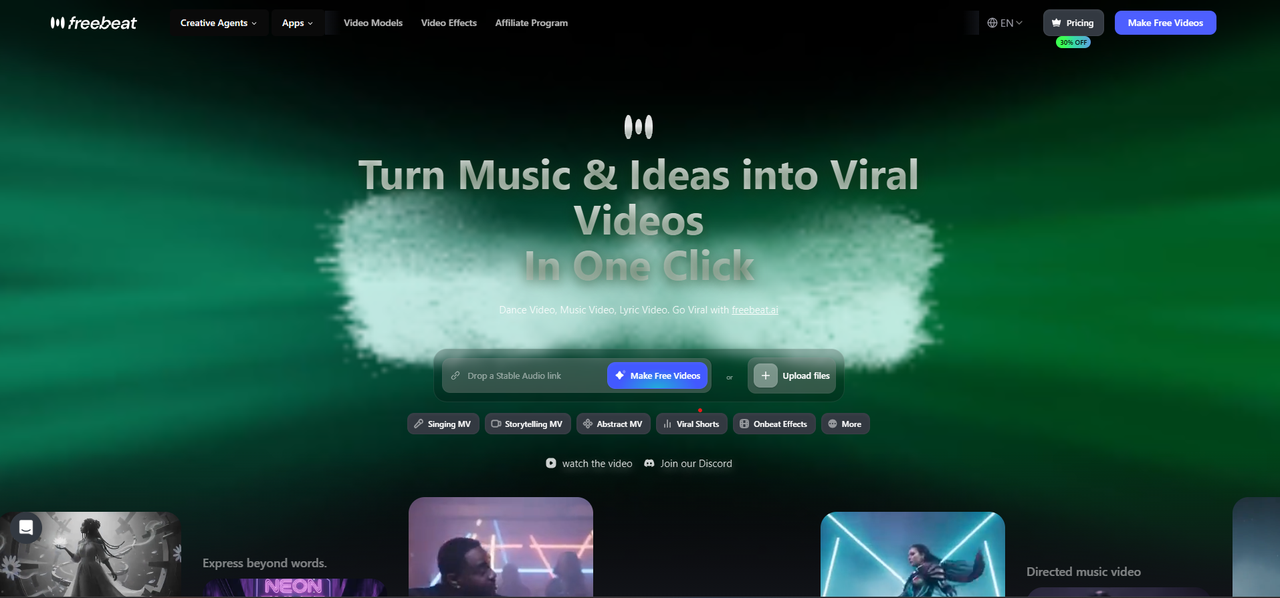
A full Suno music video with a singing performer
Freebeat builds the whole video from the Suno link and lip-syncs the vocal, or animates a single photo with Photo Karaoke.
How it fits the workflowPaste the Suno link for a full video, or open Photo Karaoke, upload a photo, add the song, and pick a stage.
Watch forStart with 500 free credits to try styles on your own song, then export full-length, watermark-free videos on a paid plan.
2Hedra
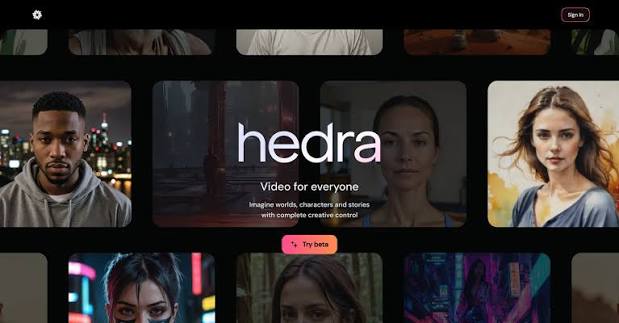
Expressive character performances
Hedra animates a character image to audio with lip sync. Paid plans start at $20 a month and list commercial use.
How it fits the workflowUpload the character image and the Suno vocal section, generate, and cut the clip into your video.
Watch forClips, not full videos; animating a real person needs their permission.
3HeyGen
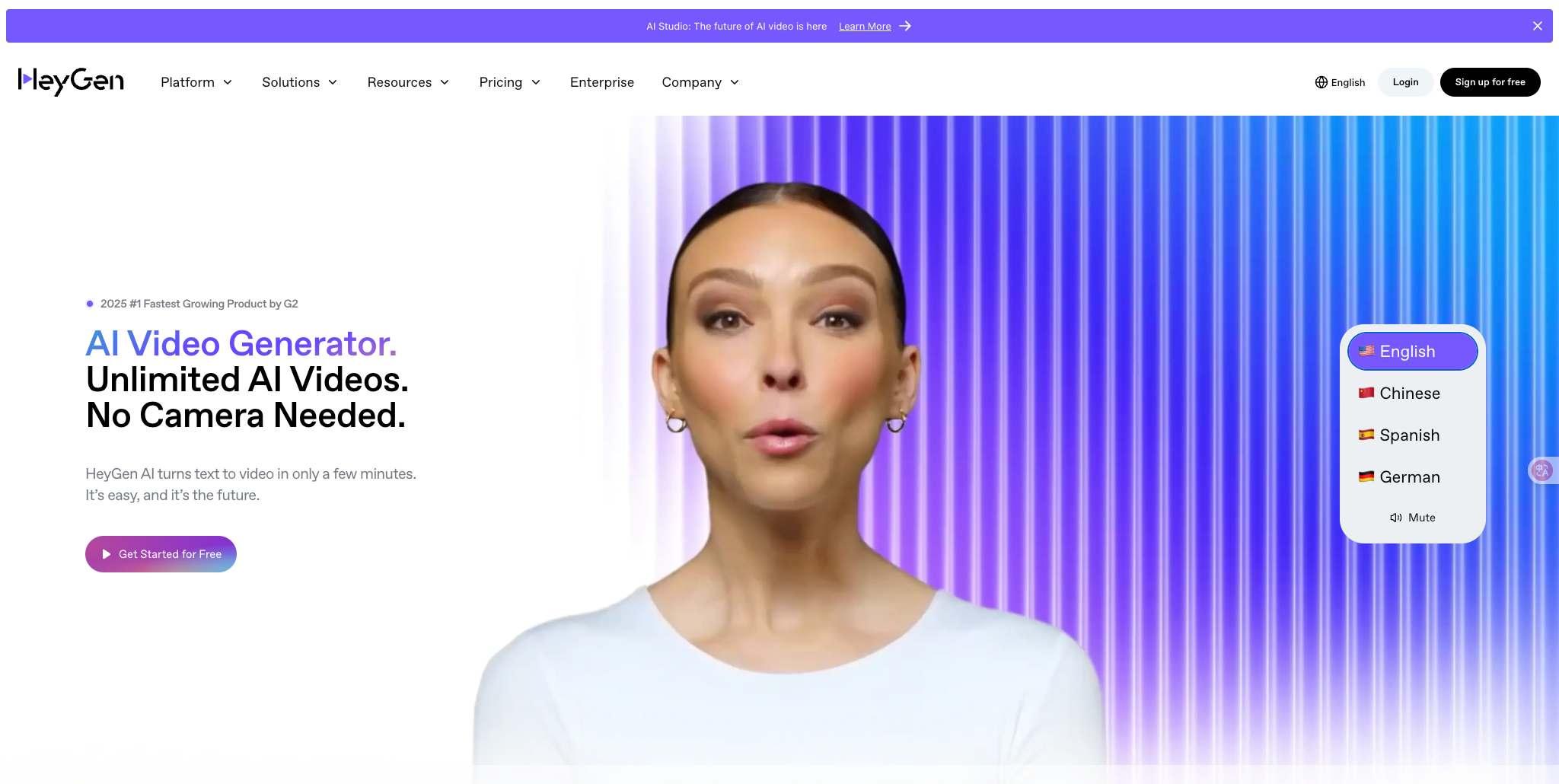
Making a photo or avatar sing the track
HeyGen's Make Photo Sing takes a front-facing photo and an MP3 or WAV of the song. Its free plan allows three videos a month of up to one minute, and Creator ($29 a month) allows videos of up to 30 minutes without a watermark.
How it fits the workflowUpload the photo and the track, render, and export in 9:16, 1:1, or 16:9.
Watch forIt animates one face at a time and is built more for presenters than music videos.
4Kling Lip Sync
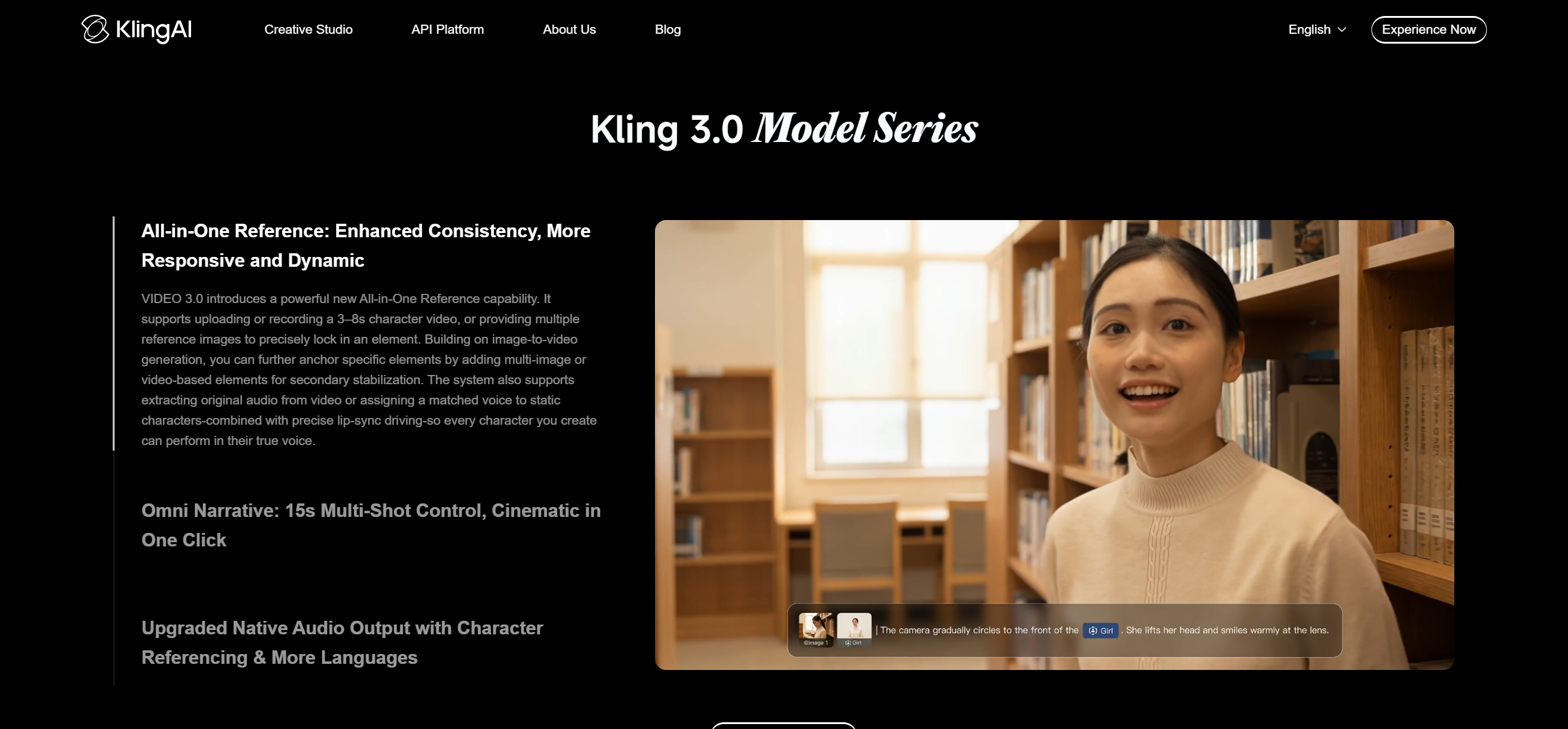
Lip-synced shots inside a Kling workflow
Kling's Lip Sync adds an uploaded singing track to an existing Kling video of a real, 3D, or 2D human character with a clearly visible face. Animal characters aren't supported.
How it fits the workflowGenerate the character shot in Kling, upload the vocal section, and apply Lip Sync.
Watch forIt's paid, and the API limits audio to 2–60 seconds per clip.
5Sync (sync.so)

Re-syncing footage you already have
Sync charges per second of generated video, from the $5 a month Hobbyist plan (videos up to 1 minute) to Creator ($19, up to 5 minutes, no watermark) and Scale ($249, up to 30 minutes). Its models include sync-3 and lipsync-2-pro.
How it fits the workflowUpload the performance footage and the Suno track, generate, and export.
Watch forIt changes mouths in existing video; it doesn't create a scene.
6LTX Studio

Storyboarded videos with performance shots
LTX Studio's Audio-to-Video generates performance and lip sync from an uploaded track, and its Storyboard Builder and Elements keep characters consistent across shots.
How it fits the workflowStoryboard the video, tag the singer as an Element, then generate performance shots from the track.
Watch forBuilt for filmmakers first, so expect a learning curve.
7Runway Act-Two
Directing a performance yourself
Runway's Act-Two transfers a recorded driving performance onto a character. Standard costs $15 a month, and Runway says users on any plan own what they generate.
How it fits the workflowFilm yourself singing the part, apply Act-Two to the character, and edit the clips to the song.
Watch forYou need to perform the take, and long videos use many credits.
How to Choose the Right Option
Use Freebeat if you want the whole Suno song done with a singer in it, or Photo Karaoke for a quick singing photo. Use Hedra or HeyGen for standalone character or photo performances, Kling Lip Sync or LTX Studio if you're already building shots there, Sync to fix lip sync on existing footage, and Runway Act-Two if you want to act the performance yourself.
Generate a full-song music video with a lip-synced singer, straight from the Suno link. Start with Freebeat →
Frequently Asked Questions
What AI can make a character sing with lip sync?
Freebeat, Hedra, HeyGen, and Kling Lip Sync all lip-sync characters to a song. Freebeat also builds the full music video around the performance.
What is the best tool to lip sync an avatar to music?
Freebeat for a full music video with a lip-synced avatar, Hedra or HeyGen for standalone avatar clips, and Sync for re-syncing existing avatar footage.
Can my Suno song's singer appear in the music video?
Yes. Paste the Suno link into Freebeat to generate a video with a lip-synced performer, or animate a character image to the vocal with Hedra or HeyGen.
How long can a lip-synced clip be?
With Freebeat, a full lip-synced music video runs up to six minutes per song, and its lip-sync tool syncs individual clips too. Elsewhere, Kling's API takes 2–60 seconds of audio and Sync allows 1 to 30 minutes by plan.
Do I need permission to animate someone's face?
Yes. Use your own photo, a character you created, or an image you have permission to use; Freebeat's Photo Karaoke page asks for exactly this.


