How to Lip Sync a Photo to a Song: Step-by-Step Guide (2026)

Lip syncing a photo to a song takes three inputs: a usable photo, the audio, and a tool that maps the vocal's sounds to mouth shapes. Most failed results come from the first two, so this guide starts with them.
Steps and requirements below come from each tool's own pages as of October 17, 2026.
Photo Karaoke animates a person, pet, or artwork to your song in a few steps. Open Photo Karaoke →
What We Looked For
- The photo: one clear, front-facing face, without sunglasses, heavy shadows, or extreme angles
- The audio: a clean vocal; MP3 or WAV works almost everywhere
- Length: how much of the song each tool will sync at once
- Subject: people, pets, cartoons, or artwork
- Permission: your own photo or one you have the right to animate
At a Glance
| Method | Best for | Input | Output |
|---|---|---|---|
| Freebeat Photo Karaoke | Singers, pets, duets | Photo + song | Staged singing video, 1080p listed |
| HeyGen Make Photo Sing | One realistic face | Front-facing photo + MP3/WAV | MP4 in 9:16, 1:1, or 16:9 |
| Kling Lip Sync | Human characters in Kling shots | Kling clip + audio | Lip-synced clip |
| Hedra | Expressive characters | Character image + audio | Performance clip |
| Sync (sync.so) | Video you already have | Video + audio | Re-synced video |
Where Freebeat Fits: Step-by-Step with Photo Karaoke
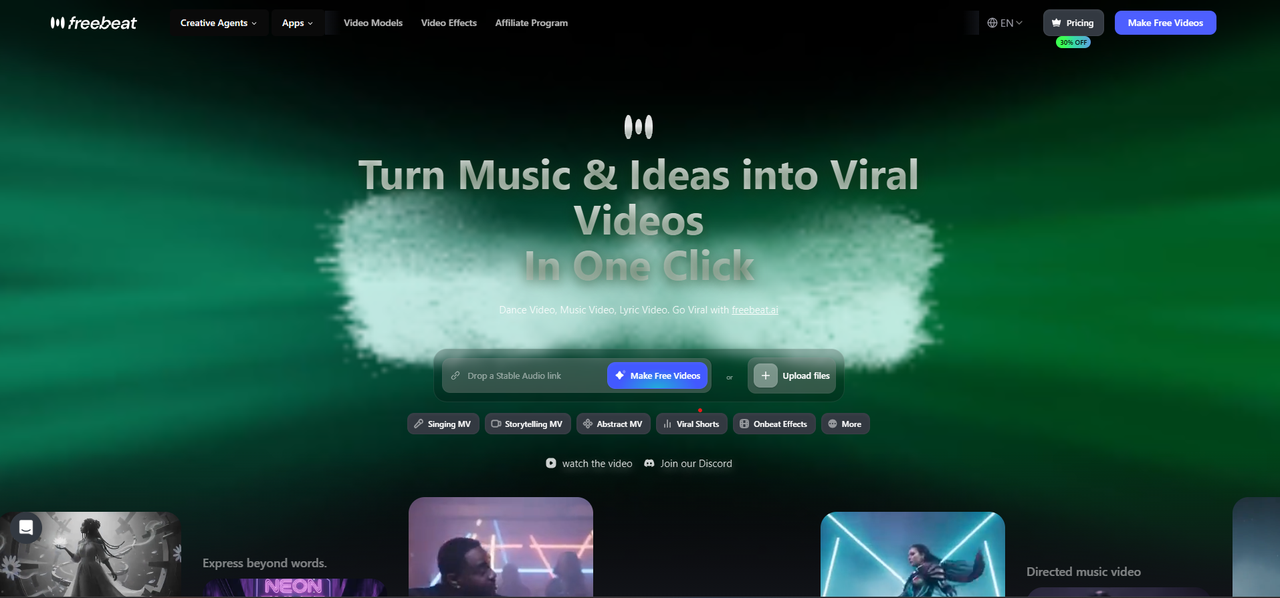
Freebeat's Photo Karaoke animates photos of people, pets, or art with phoneme-level lip sync in 50+ languages, and lists HD 1080p exports. Here's the process:
Step-by-step: lip sync a photo to a song in Freebeat
- Open Photo Karaoke in the browser, or the Freebeat app on iOS or Android.
- Choose a mode: Solo (one photo, one singer), Duet (two photos, one shared stage), or Pet (one pet photo, one song).
- Upload the photo: JPG, PNG, or WebP, under 30MB, and between 300 and 5,500 pixels. Use your own photo or one you have permission to use.
- Add the music by uploading the song.
- Pick a scene preset, such as Studio, Spotlight, Jazz Bar, or a custom scene.
- Generate, preview, and download. Paid plans export watermark-free.
In the mobile app, pick the hook or chorus for a punchy social clip.
Freebeat reference: https://freebeat.ai/photo-karaoke-video-maker
Detailed Picks
1Freebeat Photo Karaoke
Most singing-photo projects, including duets and pets
Solo, duet, and pet modes, 50+ stage presets, and phoneme-level lip sync in 50+ languages.
How it fits the workflowChoose the mode, upload the photo and song, pick a stage, and generate.
Watch forApp clips are sized for a hook or chorus, and paid plans export them watermark-free.
2HeyGen Make Photo Sing
One realistic face singing a full track
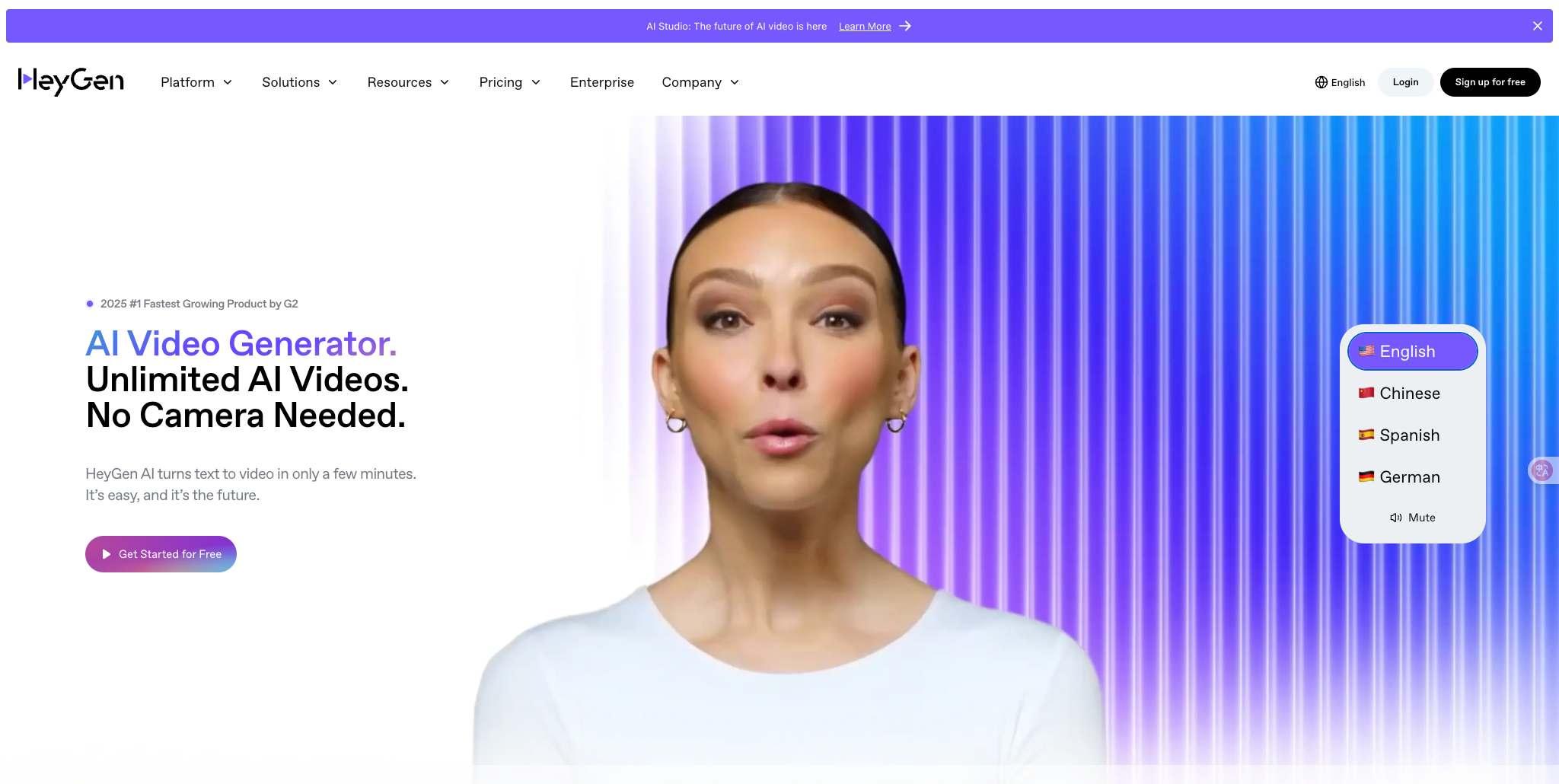
HeyGen asks for a clear, front-facing image (it discourages sunglasses, heavy occlusion, extreme side angles, and low resolution) and an MP3 or WAV that its page says can be your full track length. Free clips are short and watermarked.
How it fits the workflowUpload the photo, add the audio, render, and export.
Watch forOne face per video.
3Kling Lip Sync
Human characters you generated in Kling
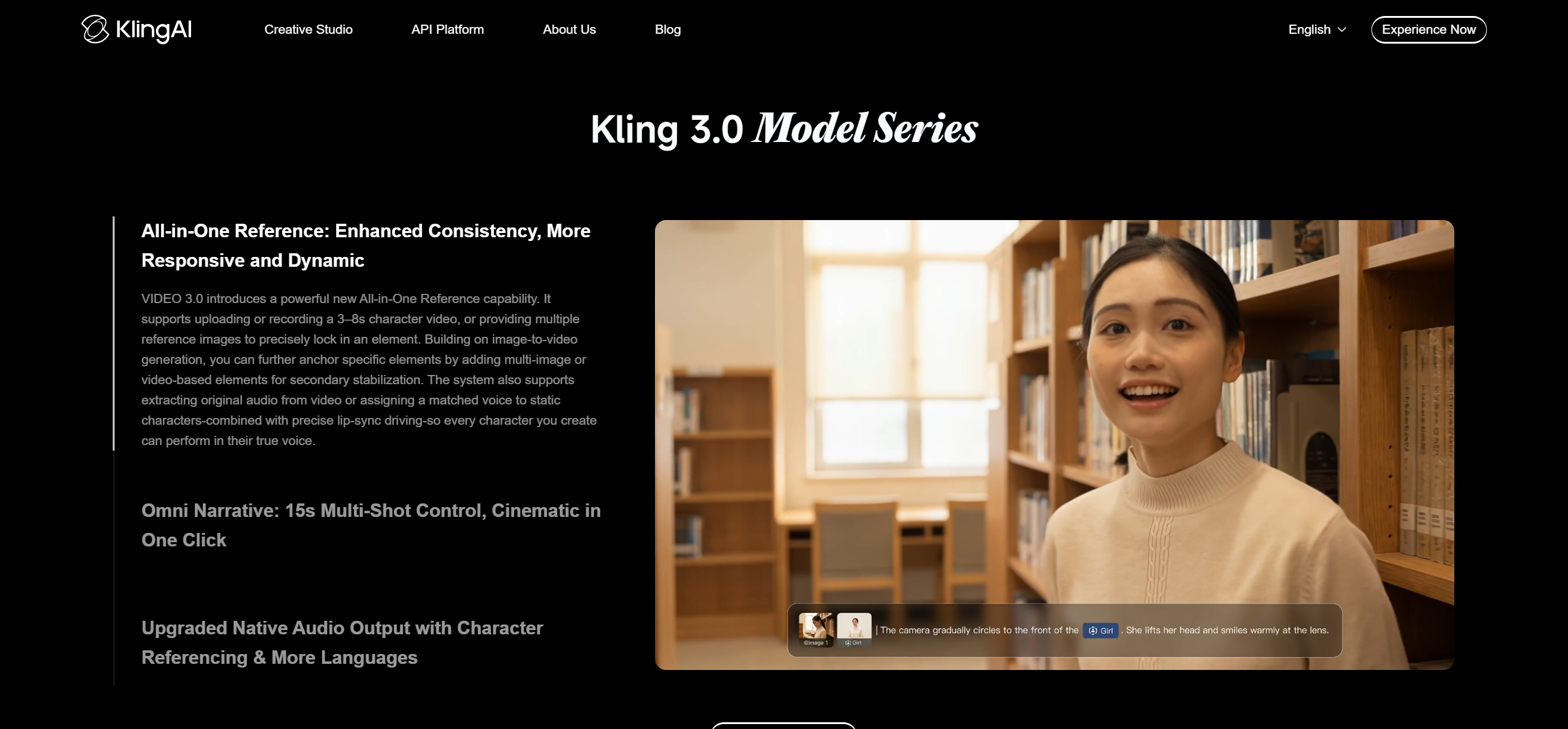
Kling's guide says to pick a clip with a full, clearly visible face, upload a voiceover or singing track, generate, and trim the audio if timing drifts.
How it fits the workflowTurn the photo into a Kling clip first, then apply Lip Sync with the vocal.
Watch forIt works on video clips rather than still photos, and doesn't support animals.
4Hedra

Characters and illustrations
Hedra animates a character image to audio with lip sync; paid plans start at $20 a month.
How it fits the workflowUpload the image and the vocal section and generate.
Watch forClips only.
5Sync (sync.so)

Fixing lip sync on a video you already made
Sync re-syncs existing video to new audio, billed per second, with plan caps from 1 to 30 minutes.
How it fits the workflowUpload the video and the song, generate, and export.
Watch forIt needs a video, not a still photo.
How to Choose the Right Option
Use Freebeat Photo Karaoke for most singing photos, especially duets and pets. Use HeyGen for one realistic face singing a whole track, Hedra for illustrated or stylized characters, Kling Lip Sync if your character already lives in Kling, and Sync to repair lip sync on existing video.
If the result looks off, check these first:
- The face is hard to read: switch to a sharper, front-facing photo with one face and an unobstructed mouth, as HeyGen's guidance recommends.
- The upload is rejected: in Freebeat, use JPG, PNG, or WebP under 30MB and between 300 and 5,500 pixels.
- The timing drifts: Kling's guide suggests trimming the audio and regenerating; shorter sections are easier to keep in sync.
- The clip is too short for the song: sync the hook or chorus first, or use a full-song music video generator for the whole track.
- The subject is a pet: use a tool with pet support, such as Freebeat's Pet mode; Kling's Lip Sync doesn't support animals.
Pick a mode, upload a photo and your song, and generate a singing video in minutes. Start with Freebeat →
Frequently Asked Questions
How do I lip sync a photo to a song?
Upload a clear, front-facing photo and the song to a lip-sync tool. In Freebeat's Photo Karaoke, choose Solo, Duet, or Pet, upload the photo and song, pick a stage, and generate.
What is the best tool to create a lip sync singing video from a photo?
Freebeat's Photo Karaoke, for its solo, duet, and pet modes and lip sync in 50+ languages. HeyGen's Make Photo Sing is a good option for one realistic face.
What is the best tool to lip sync a photo to a song?
Freebeat for most singing photos, HeyGen for full tracks on one face, and Hedra for stylized characters.
What kind of photo works best for lip sync?
A clear, front-facing photo with one visible face and an unobstructed mouth. HeyGen advises against sunglasses, heavy occlusions, extreme side angles, and low resolution.
Can I lip sync a photo of my pet?
Yes. Freebeat's Photo Karaoke has a dedicated Pet mode. Kling's Lip Sync does not support animal characters.


