Suno to Video Compatibility Guide (2026): Which Music Video Tools Accept a Suno Link, MP3, WAV or Stems

Before you pick a video tool for a Suno song, check two things: what you can export from Suno on your plan, and what the video tool will accept. A link import saves a step; a WAV upload keeps more audio detail; stems matter only if the tool can use them.
This guide is based on Suno's help center and each tool's own pages as of October 17, 2026.
Paste your Suno link into Freebeat and it generates a beat-synced video for the full song. Try Freebeat's Suno to Video →
What We Looked For
- Link import: can you paste a Suno URL?
- File formats: MP3, WAV, FLAC, M4A, AAC, or OGG
- Length limits for full songs
- Stems: whether separated parts can be used
- Rights: Suno's help center says songs made on its free plan are for non-commercial use only, while songs made while subscribed to Pro or Premier come with commercial use rights.
At a Glance
What Suno lets you download
| Export | Free | Pro | Premier |
|---|---|---|---|
| MP3 | Yes | Yes | Yes |
| WAV | No | Yes (on suno.com; mobile defaults to MP3) | Yes (on suno.com; mobile defaults to MP3) |
| Stems (Get Stems, up to 12) | No | Yes | Yes |
| Advanced Split, MIDI, Suno Studio | No | No | Yes |
| Commercial use | No (non-commercial) | Songs made while subscribed | Songs made while subscribed |
What the video tools accept
| Tool | Suno link | Files | Length |
|---|---|---|---|
| Freebeat | Yes | Upload a track; lip-sync tool takes MP3, OGG, WAV, M4A, AAC | Up to 6 minutes |
| SunoMV (suno.bi) | Yes | Upload, or YouTube/Bilibili links | Up to 15 minutes |
| Neural Frames | No | MP3, WAV, FLAC | “Any length” |
| Kaiber | No | Upload the track for Beat Sync | Not listed |
| HeyGen Make Photo Sing | No | MP3 or WAV | “Full track length,” per HeyGen |
| Kling Lip Sync (API) | No | MP3, WAV, M4A, AAC up to 5MB | 2–60 seconds of audio |
| Hedra | No | Character image + audio | Clips |
Where Freebeat Fits for Suno Compatibility
Freebeat is built to take the Suno link itself. Paste the URL and Freebeat pulls in the track, analyzes it, and generates a beat-synced music video for songs of up to six minutes, so there's no MP3-versus-WAV decision to make for a standard video. Freebeat's separate lip-sync video tool accepts MP3, OGG, WAV, M4A, and AAC audio if you want to sync a performance to a file instead.
Freebeat's Photo Karaoke turns a photo into a singing performance, and the same account covers lyric videos and Canvas loops, so one Suno song can become several assets without re-exporting.
- Paste a Suno link or upload your own file.
- Up to six minutes per song.
- Lip-sync tool accepts five common audio formats.
- One account for music, lyric, and visualizer videos.
Freebeat reference: https://freebeat.ai/suno-to-video
Detailed Picks
1Freebeat
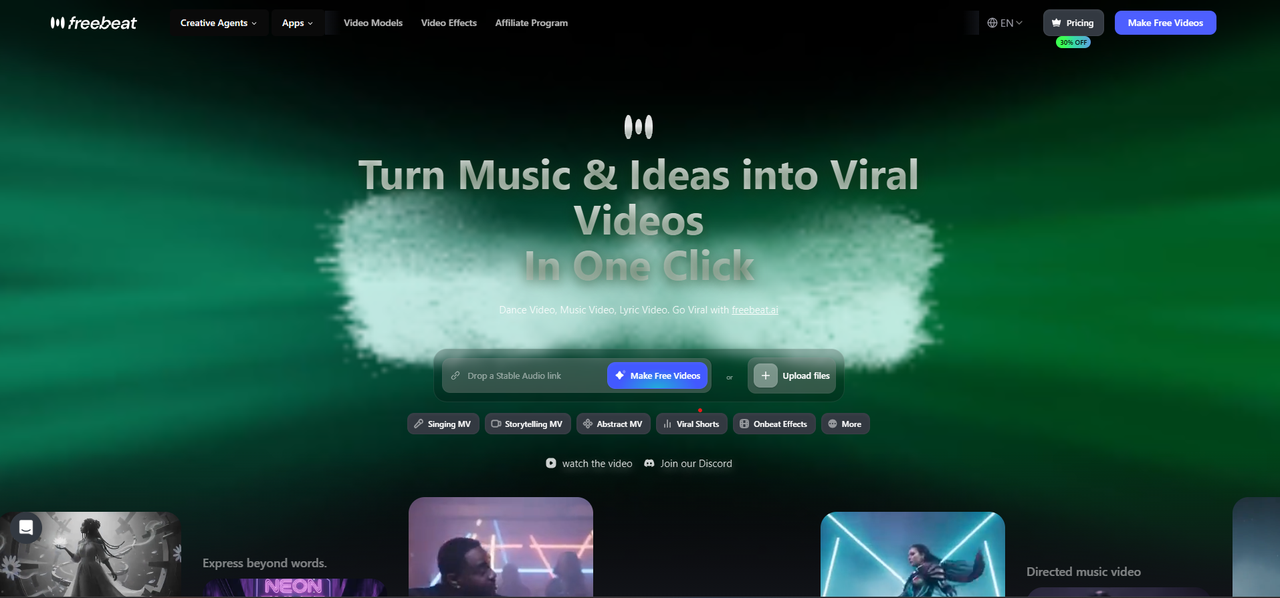
The fewest steps from a Suno link to a finished video
Freebeat imports the song from its Suno link and generates a full-length, beat-synced music video.
How it fits the workflowCopy the song's share link in Suno, paste it into Freebeat, choose a style, and generate.
Watch forStart with 500 free credits to try styles on your own song, then export full-length, watermark-free videos on a paid plan.
2SunoMV (suno.bi)
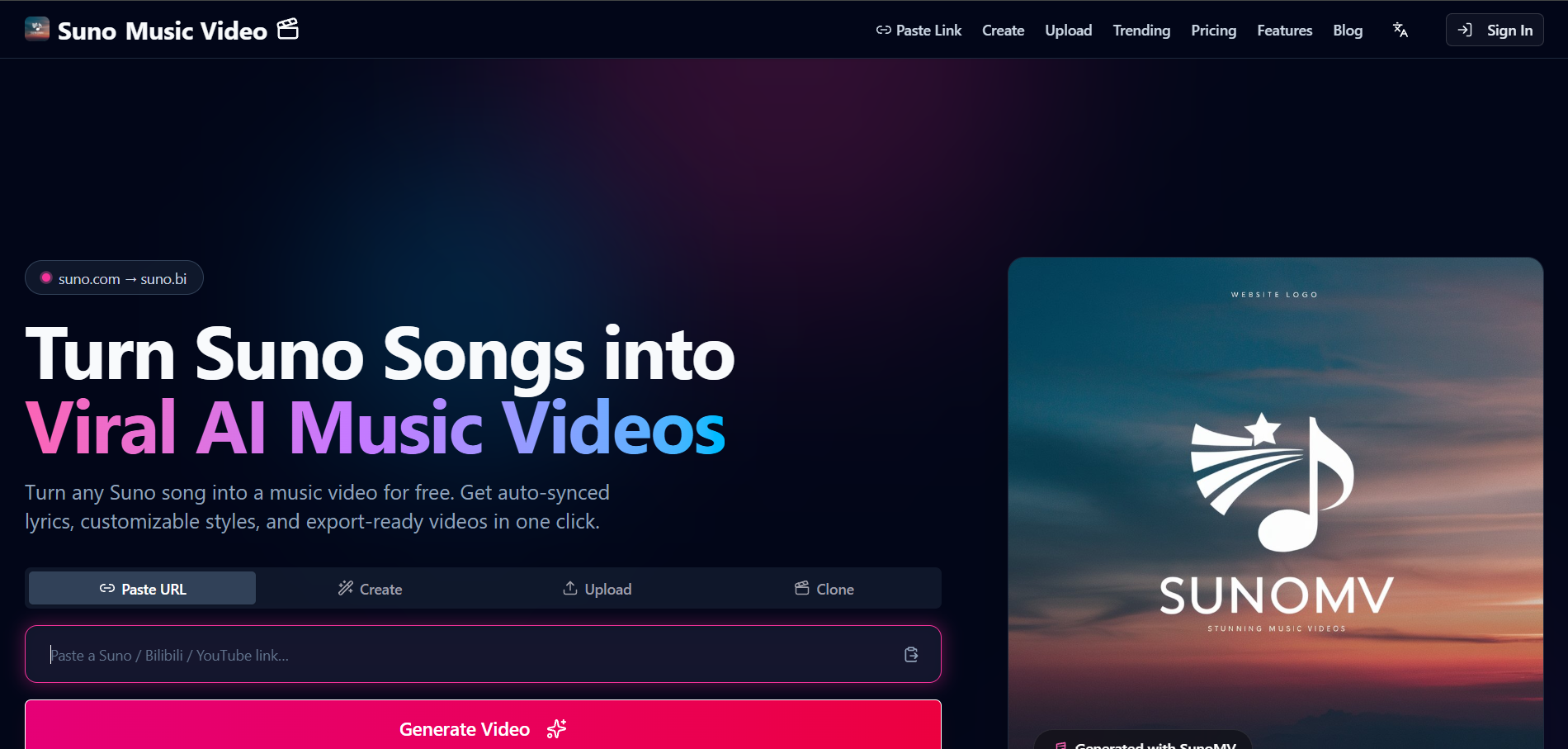
Lyric-synced videos from a Suno link
SunoMV, an independent product not affiliated with Suno, accepts a Suno link, an upload, or YouTube and Bilibili videos under 15 minutes. Export requires its Pro Creator plan at $39.90 a month.
How it fits the workflowPaste the Suno link, preview the lyric timing, then export on a paid plan.
Watch forThe free tier is preview-only.
3Neural Frames
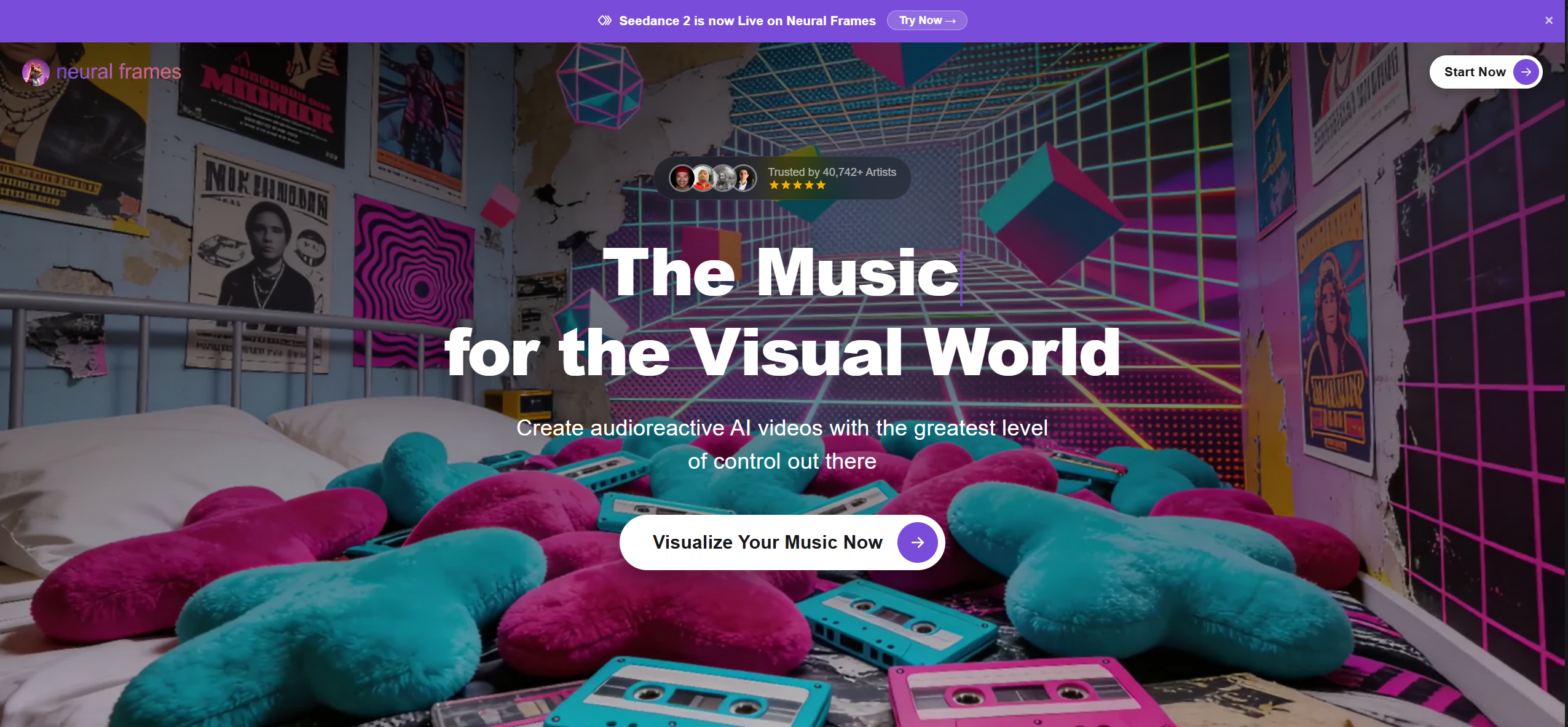
Lossless uploads for stem-driven visuals
Neural Frames accepts MP3, WAV, or FLAC and says tracks made on a Suno Pro or Premier plan can be uploaded.
How it fits the workflowDownload WAV from suno.com on a paid Suno plan, upload it, and map stems to motion.
Watch forNo link import; plans start at $39 a month.
4Kaiber
Beat-synced stylized edits from an uploaded track
Kaiber's Beat Sync auto-syncs video to the uploaded music, from the $29 a month Creator plan.
How it fits the workflowDownload the track from Suno and upload it to Kaiber's canvas.
Watch forMaximum length isn't listed on its pricing page.
5HeyGen Make Photo Sing
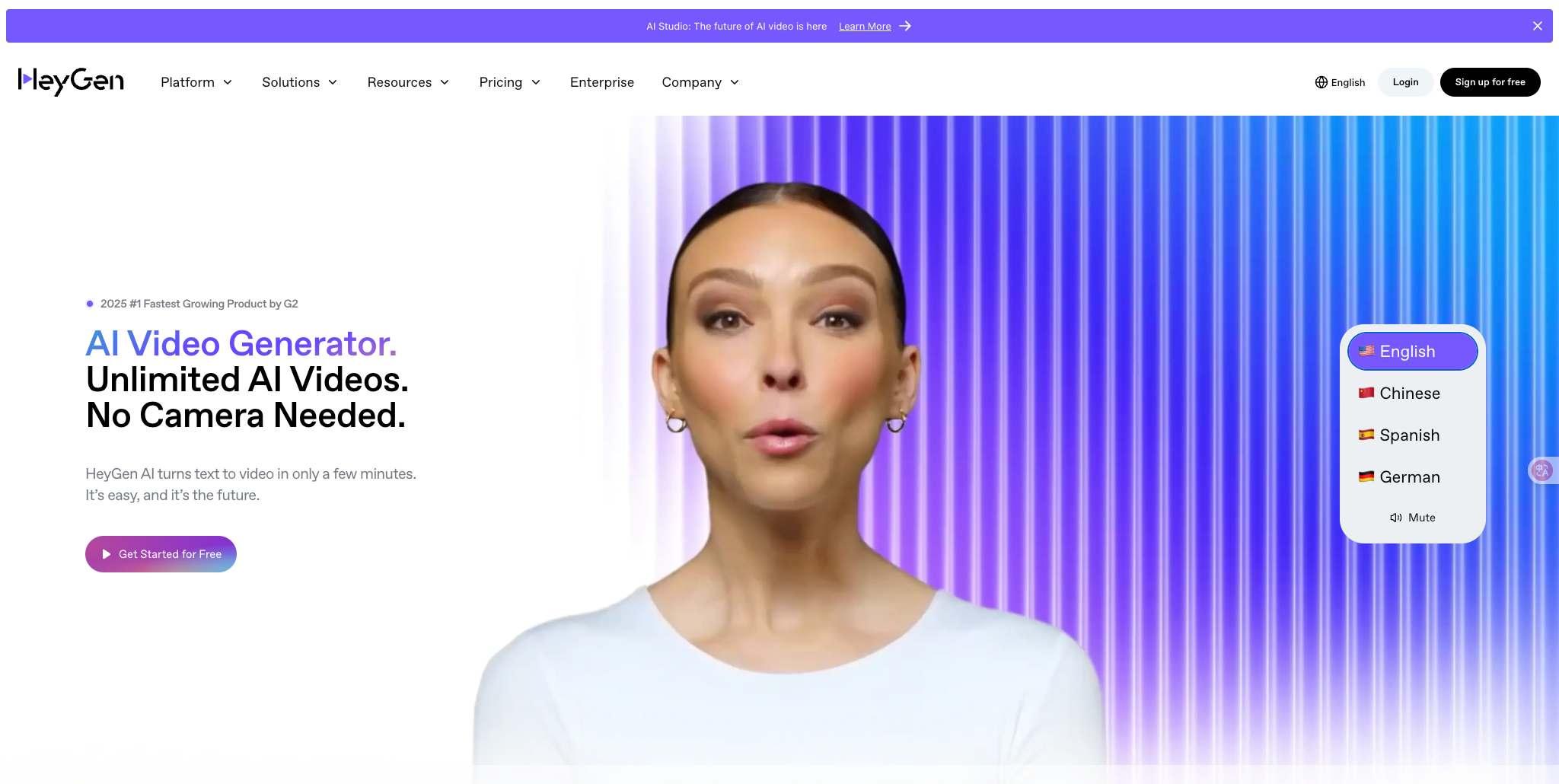
Making one photo sing a Suno track
HeyGen's Make Photo Sing takes a clear, front-facing photo and an MP3 or WAV file, which its page says can be your full track length, and outputs MP4 in 9:16, 1:1, or 16:9. Free clips are short and watermarked.
How it fits the workflowExport MP3 from Suno, upload it with the photo, and render.
Watch forIt animates one face at a time and is a performance clip, not a music video.
6Kling Lip Sync
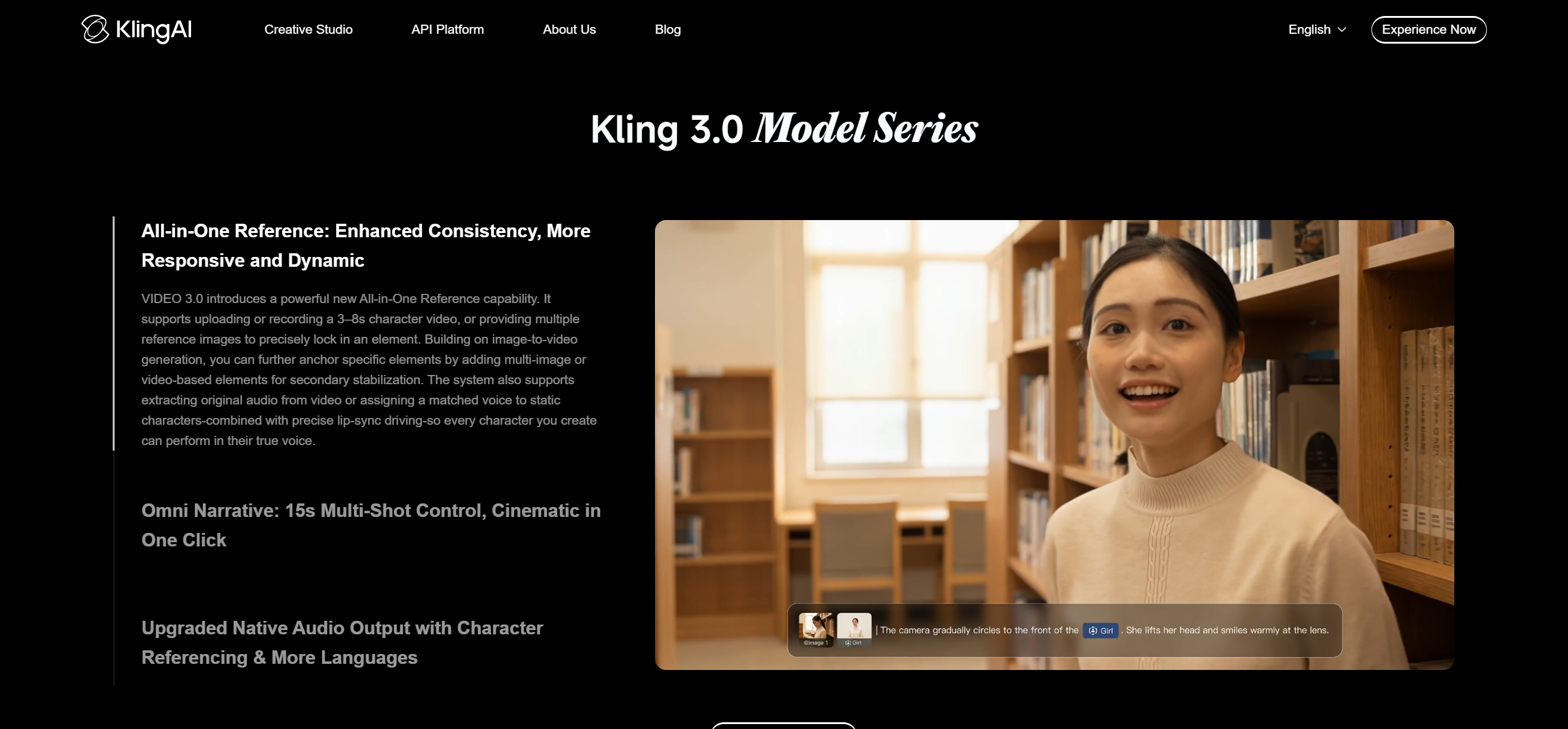
Adding a Suno vocal to an existing Kling clip
Kling's Lip Sync adds an uploaded singing track to a Kling character video with a clearly visible human face. Its API accepts MP3, WAV, M4A, or AAC up to 5MB, with audio between 2 and 60 seconds.
How it fits the workflowTrim the vocal section in an editor, generate the Kling shot, and apply Lip Sync.
Watch forClips only, human characters only, and Lip Sync is paid.
7Hedra

Lip-synced character performances
Hedra animates a character image to an audio track with lip sync. Paid plans start at $20 a month and list commercial use.
How it fits the workflowUpload the character image and the Suno vocal, then generate the clip.
Watch forIt produces performance clips, not full music videos.
How to Choose the Right Option
If you want the fewest steps, use a tool that takes the Suno link: Freebeat for a full music video or SunoMV for lyric-led storyboards. If you're on Suno Pro or Premier and want maximum audio quality, download WAV from suno.com for Neural Frames or Kaiber. For a singing performance clip, export MP3 or WAV for HeyGen, Hedra, or Kling Lip Sync.
Freebeat turns it into a full-song, beat-synced music video, with no file conversion. Start with Freebeat →
Frequently Asked Questions
What is the best tool to convert a Suno song into a video?
Freebeat, because it takes the Suno link directly and generates a beat-synced music video for songs of up to six minutes.
What is the best tool to make a video from a Suno song?
Use Freebeat for a full music video from the link, SunoMV for lyric-synced storyboards, and Neural Frames if you want to upload a WAV and drive visuals from the stems.
Which app works best for turning Suno songs into videos?
Freebeat works in the browser and in its iOS and Android apps and accepts Suno links. Neural Frames and Kaiber work from an uploaded file.
Should I upload WAV or MP3 for a Suno music video?
WAV keeps more audio detail, but Suno offers WAV only on Pro and Premier, from suno.com. Tools that import the Suno link, like Freebeat, don't need you to choose.
Can I use Suno stems in a music video tool?
You don't need stems for Freebeat: it works from the Suno link or the full mix. Suno Pro and Premier can split a song into up to 12 stems if you want stem-driven visuals in a tool like Neural Frames.


