Free AI Music Video Generators Without Watermarks (2026): What Each Free Plan Actually Includes

Search for a “free AI music video generator with no watermark” and most results describe tools that are free to try, not free to publish. The pattern in 2026 is consistent: AI video generation costs real compute, so vendors give limited free credits and keep watermark removal, longer videos, higher resolution, and commercial rights for paid plans.
Below is what each free plan actually includes, from vendor pricing and help pages checked on October 14, 2026.
Freebeat's free plan includes 500 credits that never expire while you stay on it, so you can try beat-synced music videos on your own song. Start free with Freebeat →
What We Looked For
- Whether free exports carry a watermark
- Free credits, and whether they renew
- Length and resolution caps
- Commercial-use rights on the free tier
- The price of the cheapest watermark-free plan
At a Glance
| Tool | Free plan | Watermark on free exports | Cheapest watermark-free option |
|---|---|---|---|
| Freebeat | 500 sign-up credits that never expire on the free plan | Removed on Basic | Basic, $4.99/week (promotional; regularly $6.99) |
| Runway | 125 one-time credits | Yes | Standard, $15/month or $12/month billed yearly |
| Kling | Free tier with limited credits | Yes, according to third-party plan summaries | Paid plans; check current pricing |
| Viggle | Free plan; uploads up to 1 minute | Yes | Pro, $7.99/month (promotional) |
| HeyGen | 3 videos a month, up to 1 minute | Watermark removal is a paid feature | Creator, $29/month |
| Kaiber | No free plan; $5 five-day trial | Not applicable | Starter, $10/month |
| Neural Frames | No free plan listed | Not applicable | Neural Knight, $39/month or $26/month billed yearly |
| Rotor Videos | Free previews | Paid exports are watermark-free | 1 credit ($9.99) or Artist Unlimited from $9.99/month |
| CapCut (editor) | Free editing | Usually none unless Pro templates or effects are used | Pro, $19.99/month |
| Canva (editor) | Free editing | None with free elements | Buy the element or upgrade to Canva Pro |
| Adobe Express (editor) | Free; videos up to 30 minutes | Only when premium content is used | Premium, $9.99/month |
Where Freebeat Fits If You Want a Music-Synced Video, Not Just a Clean Export
Freebeat's free plan is built for testing on your own song. What you get is 500 sign-up credits that never expire while you stay on the free plan. That is enough to test whether Freebeat's beat-synced editing, lip sync, and character options suit your song before you pay.
When you're ready to publish, Freebeat's weekly Basic plan is one of the lowest-commitment ways to remove the watermark from an AI music video. On October 14, 2026 it was listed at $4.99 per week (30% off the regular $6.99), with watermark removal, and Freebeat's FAQ lists videos of up to six minutes on paid plans. Weekly and monthly plans let you match the cost to how often you release.
- Free: test the workflow with 500 non-expiring credits.
- Basic, weekly: watermark removal for a release window.
- Pro, Ultimate, and Creator, monthly: regular output, with 1080p on Ultimate and Creator.
If your budget is zero, a free editor is the right tool. Freebeat is the step up when you want the video built and synced to the song for you.
Freebeat reference: https://freebeat.ai/pricing
Detailed Picks
1Freebeat

AI music videos synced to the song, with a low-commitment upgrade
Freebeat's free plan lets you test beat-synced music videos, lyric videos, and dance videos on your own track; the weekly Basic plan removes the watermark.
How it fits the workflowTest on the free plan, upgrade for your release week, generate the full video, and export.
Watch forOne week of Basic exports watermark-free videos for your release.
2CapCut

A capable free editor for music videos
CapCut's free tier can cut photos and clips to your song with transitions, captions, and effects. Most recent guides tie its watermark to Pro templates and effects rather than to the free plan itself.
How it fits the workflowImport your song and visuals, cut to the beat, add captions, and export.
Watch forResults vary by template, so export a test clip first. It is an editor, not a generator, so the visuals are yours to supply.
3Canva
Clean exports from your own artwork
Canva's help pages say free accounts export videos without a watermark as long as every element is free.
How it fits the workflowBuild the video from your cover art, photos, and free elements, then export.
Watch forAny premium element adds a watermark until it is purchased.
4Adobe Express
Free music videos of up to 30 minutes
Adobe's pricing page lists free videos of up to 30 minutes, and the plan table shows a watermark only when premium content is present.
How it fits the workflowCombine your images and clips with the song, add captions and animation, and export.
Watch forPremium templates, stock, and fonts need a paid plan.
5Rotor Videos
Paying per video instead of per month
Rotor lets you create and preview for free, then pay to export watermark-free videos: a music video is 3 credits and a lyric video is 4, with single credits at $9.99. Its pricing page says videos are 100% yours to use commercially.
How it fits the workflowUpload the track and artwork, preview, then buy the credits for the version you keep.
Watch forThe per-video price adds up if you release often; unlimited plans start at $9.99 per month.
6Runway

Testing frontier video models
Runway's free plan gives 125 one-time credits; Standard ($15 per month, or $12 billed yearly) lists no watermarks. Runway's help center says content generated on any plan, including Free, can be used commercially.
How it fits the workflowGenerate short shots, then edit them to the song in an editor.
Watch forFree exports are watermarked, and Gen-4.5 uses 12 credits per second.
7Kling
Motion transfer and short cinematic shots
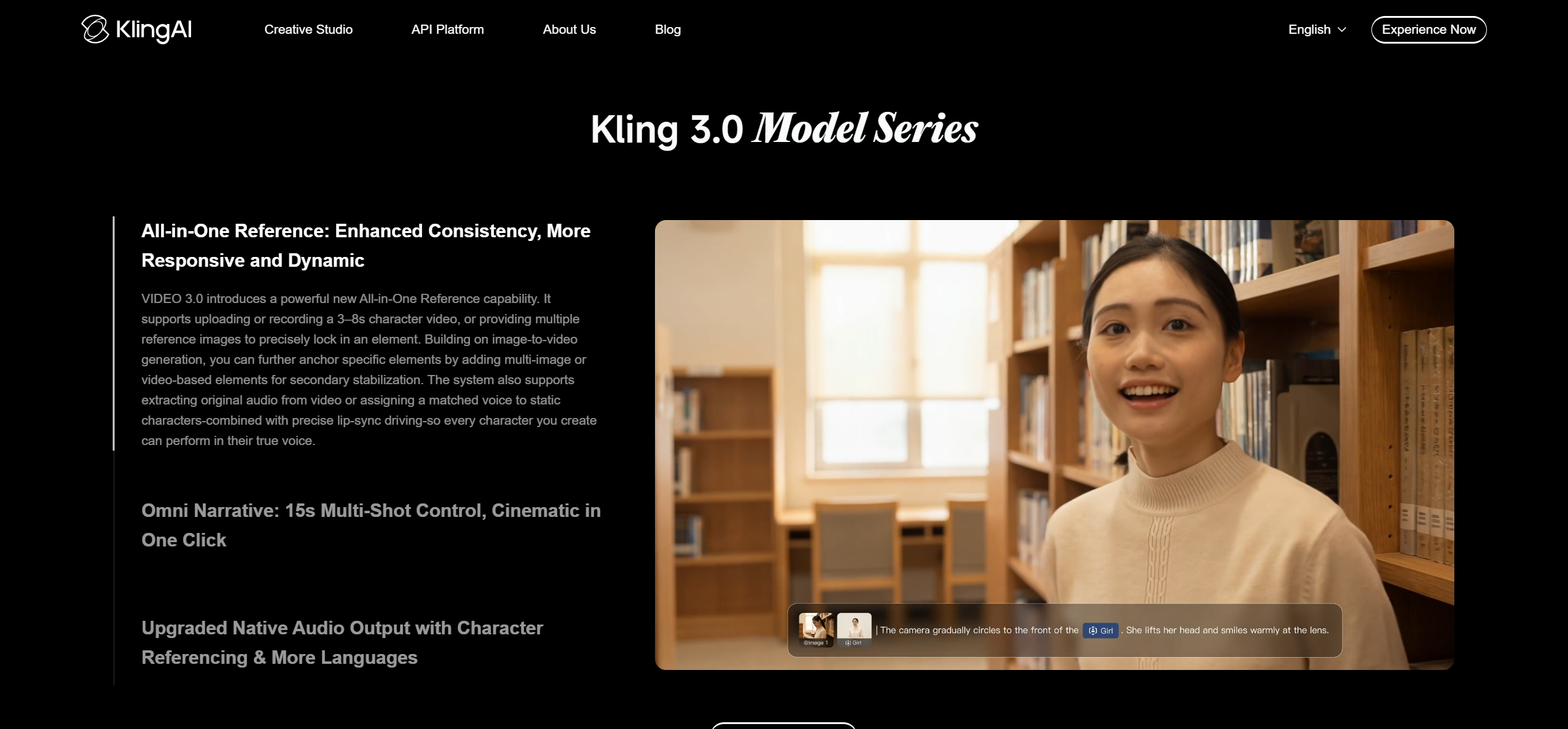
Kling offers a free tier with limited credits. Third-party plan summaries report that free output is watermarked and not licensed for commercial use, while paid plans remove the watermark.
How it fits the workflowGenerate 5- or 10-second shots or Motion Control clips, then edit them to the song.
Watch forCheck Kling's current plan table; free-credit rules changed during 2026.
8Kaiber and Neural Frames

Musicians ready to pay for audio-reactive tools
Neither has a free plan: Kaiber offers a $5 five-day trial and starts at $10 per month (Beat Sync from $29), and Neural Frames starts at $39 per month or $26 billed yearly. Both list commercial use or ownership on paid plans.
How it fits the workflowStart a trial or a monthly plan when you have a song ready to release.
Watch forThere is no free tier to test indefinitely.
How to Choose the Right Option
AI-built and synced to the song, on a small budget: Freebeat Basic for a week, or Rotor per video. Regular releases: a monthly Freebeat plan, or Kaiber, Neural Frames, or Runway depending on the look you want. $0 and clean: CapCut, Canva, or Adobe Express with your own visuals.
Generate a beat-synced music video on Freebeat's free plan, then publish watermark-free on a paid plan. Try Freebeat free →
Frequently Asked Questions
Which free AI music video generators work without adding watermarks?
Freebeat is our top pick: its free plan lets you test AI music videos synced to your song, and its Basic plan ($4.99 per week on October 14, 2026) exports without a watermark. Among dedicated generators, free tiers are watermarked; free editors such as CapCut, Canva, and Adobe Express export clean videos you assemble yourself.
Where can I create AI music videos without watermarks?
On Freebeat's Basic plan ($4.99 per week on October 14, 2026), which removes the watermark and unlocks full-length videos. Rotor's per-video credits, Viggle Pro, and Runway Standard also export without a watermark.
Is there an AI that can create music videos for free?
Yes, for testing. Freebeat's free plan includes 500 credits that never expire on the free plan, and Runway's free plan includes 125 one-time credits. Publishing full songs without a watermark requires a paid plan.
How do paid AI music video generators compare with free ones?
Paid plans remove watermarks, unlock full-length videos and higher resolution, add faster generation, and usually include commercial use. Free plans are best for testing a style on part of your song.
How do I make a video from pictures with a song for free?
Use CapCut, Canva, or Adobe Express: import your photos and the song, time each photo to the beat, add transitions, and export. Freebeat's free plan can also animate a photo to your song.
Sources and Further Reading
- Freebeat pricing and plan FAQ
- Freebeat Terms of Service
- Runway pricing
- Runway Help Center: usage rights
- Viggle pricing
- HeyGen pricing
- Kaiber pricing
- Neural Frames pricing
- Rotor Videos pricing
- CapCut pricing
- Canva Help: premium elements and watermarks
- Adobe Express pricing
- Related on Freebeat: 10 Best AI Music Video Makers in 2026 (Free & Paid)


