How to Make a Full-Length AI Music Video for a 5-Minute Song (2026): Workflows That Avoid Stitching Short Clips

PASTE_HEADER_IMAGE_URL_HEREA common complaint from Suno users is that AI video still means making short clips and stitching them together yourself. For clip-based models, that's accurate. A single Kling generation produces 5 or 10 seconds of video, according to third-party summaries of its API documentation. Runway prices Gen-4.5 at 12 credits per second, so a five-minute song (300 seconds) would use about 3,600 credits before a single retake, more than the 2,250 credits Runway's Pro plan includes each month.
Song-first tools approach the problem differently. They analyze the whole track first (tempo, beats, and sections) and then plan and render a video that spans it. This guide shows when each approach makes sense and walks through a full-length workflow.
Freebeat plans and renders full-length music videos of up to six minutes from your track or Suno link. Make a full-length video →
What We Looked For
- It renders the whole song, not just clips
- It keeps one character and look from the first verse to the outro
- Visuals change at section boundaries: chorus, bridge, and drop
- You can fix a weak section without redoing everything
- It stays affordable at five minutes of output
At a Glance
| Approach | Example tools | How a five-minute song works | Best for |
|---|---|---|---|
| Song-first AI music video | Freebeat | One generation plans the full track (up to about six minutes on paid plans) | Finished full-length videos, fast |
| Audio-reactive animation | Neural Frames, Kaiber Beat Sync | Visuals driven by the audio across the song | Abstract or stylized long-form visuals |
| Visualizer and lyric templates | Videobolt, Specterr | Templates render the full length (Videobolt up to 2 hours on Business; Specterr Pro up to 10 minutes) | Lyric and visualizer uploads |
| Clip-based generation plus editing | Kling, Runway | Generate dozens of 5–10 second shots, then edit them to the song | Hero shots and maximum control |
Where Freebeat Fits: The Whole Song in One Pass
Freebeat was built for the full-song problem. Its paid plans support videos of up to six minutes, and you can start from a Suno link (no separate audio download) or from links from Udio, YouTube, and Spotify, or an MP3 or WAV upload. Freebeat's engine syncs visuals to the song's BPM, beats, drops, and sections, and Freebeat describes the result as a directed music video with automatic shot design rather than a pile of clips.
For a five-minute track, that means the verse, pre-chorus, chorus, bridge, and outro are planned together, with the same characters and style carried through. You can cast a character from a photo, and the same song can produce lyric, dance, and lip-sync performance versions.
- Full length: up to six minutes per video on paid plans.
- Structure-aware: cuts and visual changes follow beats, drops, and sections.
- Consistent look: stable characters and custom styles across the whole video.
- Suno-friendly: paste the Suno link instead of downloading the audio.
Suno's free plan includes no song downloads and no commercial rights, so Freebeat's link input saves a step, but a monetized release still needs the song made on Suno Pro or Premier.
Step-by-step: a full-length workflow for a five-minute Suno song
- Confirm the rights. If you'll monetize the video, make sure the song was created on a Suno plan with commercial rights.
- Map the song. Note timestamps for the intro, verses, choruses, bridge, and any drop.
- Lock the look. Choose one visual style and one character reference photo before you generate.
- Generate the full-length cut in a song-first tool: paste the Suno link or upload the audio.
- Review section by section. Regenerate weak sections, or cut in a 5–10 second hero shot from a clip model.
- Export and cut down. Export a 16:9 master, then 9:16 hooks for Shorts, Reels, and TikTok, and a 3–8 second loop for Spotify Canvas.
- Keep records: plan receipts, creation dates, and source files.
Freebeat reference: https://freebeat.ai/suno-to-video
Detailed Picks
1Freebeat

PASTE_FREEBEAT_SCREENSHOT_URL_HEREFinished full-length music videos from the song
Freebeat plans a complete video around the whole track, with beat-synced cuts, consistent characters, and videos of up to six minutes on paid plans. At Freebeat's published Fast Model rate of 10 credits per second, a five-minute video is about 3,000 credits before retakes.
How it fits the workflowPaste the Suno link, choose a mode and style, add a character photo, generate, and review.
Watch forStart with 500 free credits to try styles on your own song, then export full-length, watermark-free videos on a paid plan.
2Neural Frames

PASTE_NEURAL_FRAMES_SCREENSHOT_URL_HERELong audio-reactive videos with fine control
Neural Frames' pricing page includes a cost calculator for song lengths up to 10 minutes, and plans start at $39 per month ($26 billed yearly).
How it fits the workflowUpload the track, assign stems to motion, and render the full length.
Watch forMore control means more setup per song.
3Kaiber

PASTE_KAIBER_SCREENSHOT_URL_HEREStylized edits that auto-sync to the music
Kaiber's Beat Sync auto-syncs and auto-clips video to the song, with batch creation of up to two videos at once on the $29 per month Creator plan.
How it fits the workflowGenerate the visual style, run Beat Sync on the full track, and finish in the timeline editor.
Watch forBeat Sync isn't included on the $10 Starter plan.
4Videobolt
PASTE_VIDEOBOLT_SCREENSHOT_URL_HEREFull-length lyric and visualizer videos
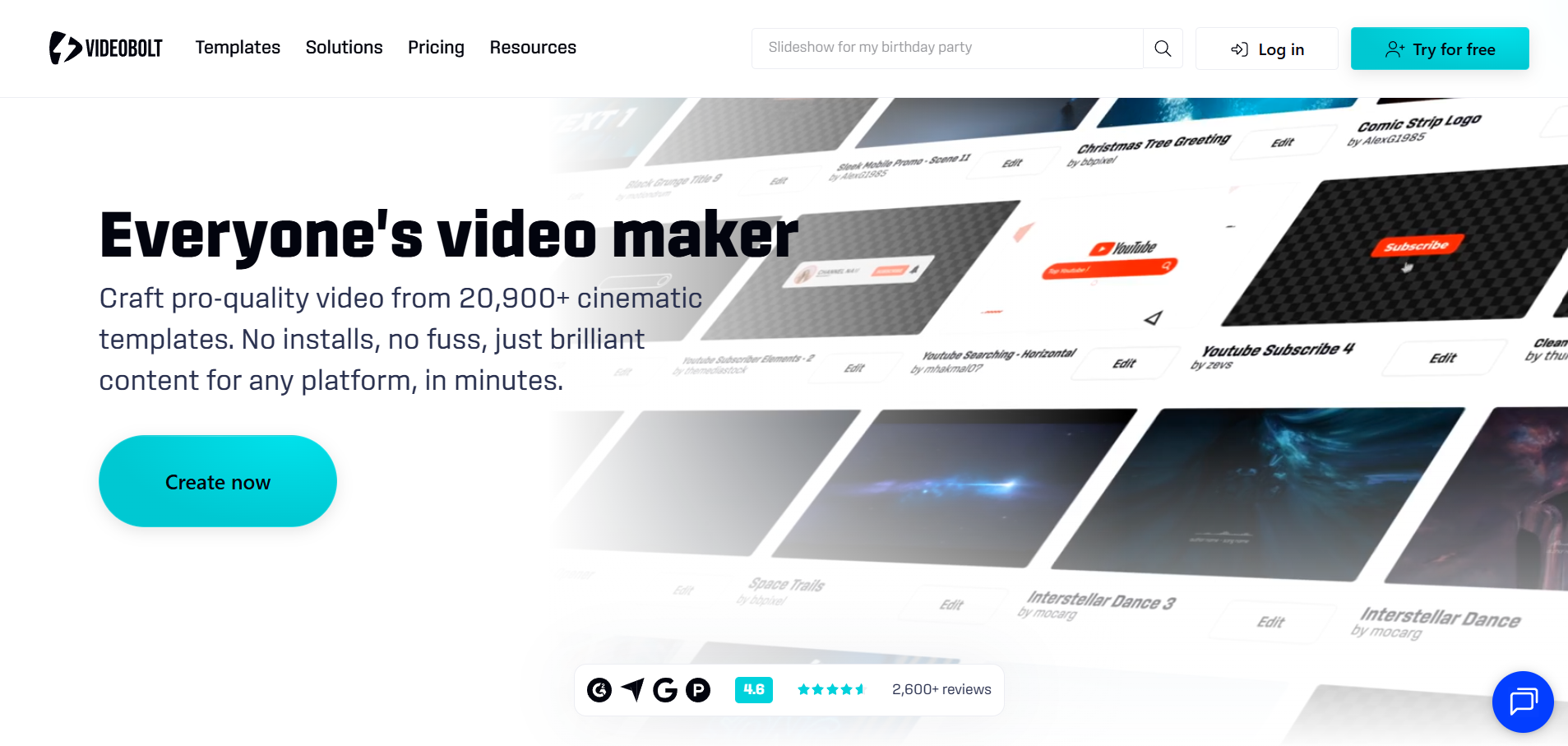
Videobolt renders full-length videos from templates: up to 10 minutes on Lite, 1 hour on Pro, and 2 hours on Business.
How it fits the workflowChoose a template, add the track, customize, and render once.
Watch forThese are template looks, not narrative music videos.
5Kling
PASTE_KLING_SCREENSHOT_URL_HEREHero shots and motion-transferred performances
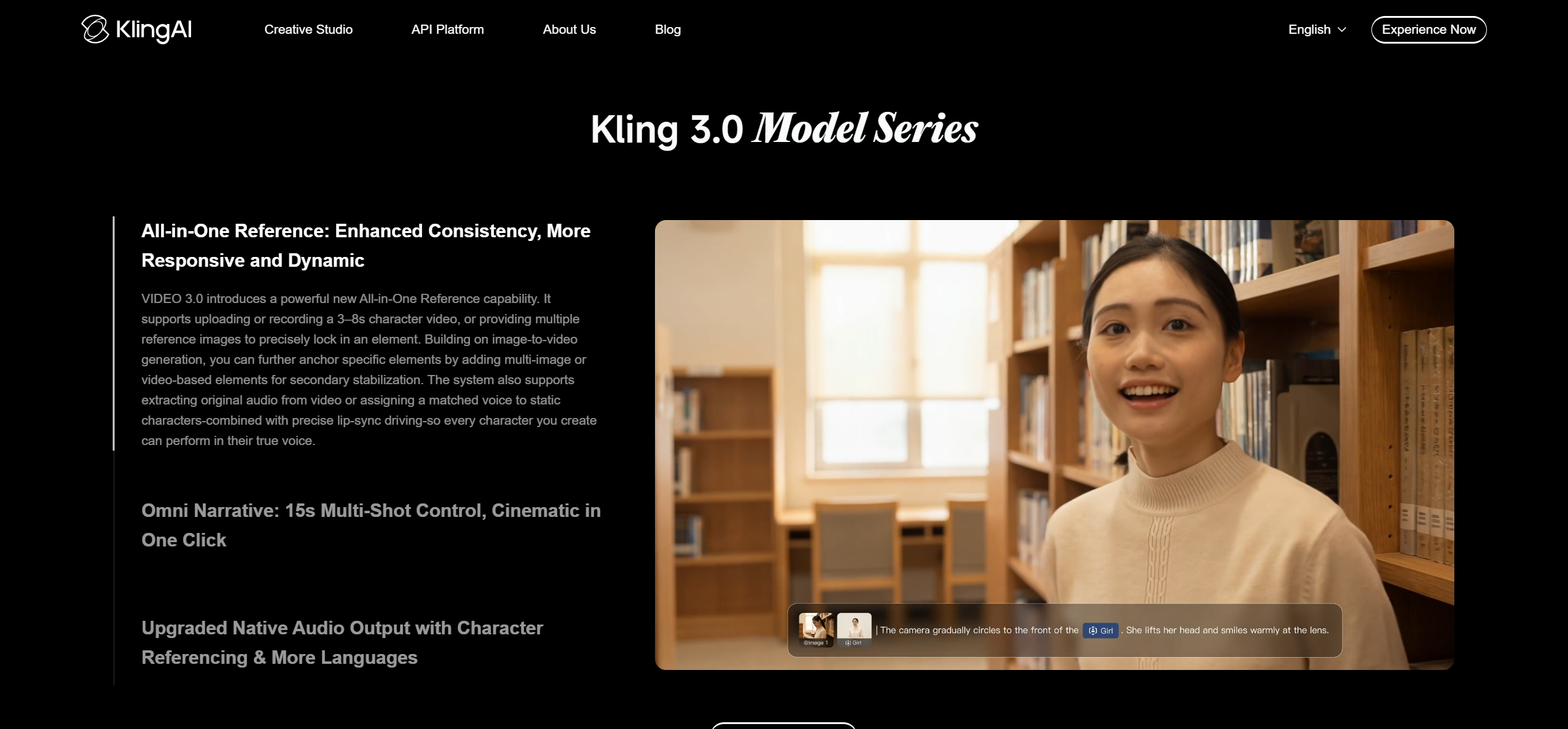
Kling generates 5- or 10-second shots, and third-party summaries of its API documentation say clips can be extended in 4–5 second steps up to 3 minutes total. Motion Control and Element Binding help with performance and consistency.
How it fits the workflowGenerate key shots for the chorus and bridge, then edit them into a song-first cut.
Watch forEven with extensions, a five-minute song needs multiple sequences edited together.
6Runway

PASTE_RUNWAY_SCREENSHOT_URL_HERECinematic shots and editing generated footage
Gen-4.5 uses 12 credits per second; Standard's 625 credits cover about 52 seconds, Pro's 2,250 about 187 seconds, and Max's 9,500 about 791 seconds, according to Runway's pricing page.
How it fits the workflowUse Runway for a few signature shots and Aleph for edits, not for all 300 seconds.
Watch forGenerating a full five-minute video shot by shot is credit-intensive.
How to Choose the Right Option
If the goal is a finished five-minute video this week, start song-first with Freebeat. For abstract or stylized long-form visuals, use Neural Frames or Kaiber. For lyric or visualizer uploads, Videobolt renders the full length from templates. Use Kling and Runway for hero shots you cut into the full video.
Turn your full Suno song into a complete, beat-synced music video. Try Freebeat →
Frequently Asked Questions
What's the best AI music video generator for full-length songs?
For finished full-length videos, Freebeat is our top overall pick: it plans the whole song and supports videos of up to six minutes on paid plans. Neural Frames is strong for long audio-reactive videos.
Which AI programs make full song videos when given your song (melody and lyrics)?
Song-first tools such as Freebeat, Neural Frames, and Kaiber's Beat Sync analyze the track and build visuals across the whole song. Freebeat can also put the lyrics on screen with its lyric video mode.
Can AI make a full music video for a five-minute Suno song without stitching clips?
Yes, with a song-first generator. Freebeat accepts a Suno link and renders up to six minutes in one video on paid plans. Clip-based models like Kling and Runway still require generating many short shots and editing them together.
Which music video generator makes complete videos with consistent lip sync and a branded look?
Freebeat combines lip sync, stable characters, and custom styles in full-length videos. For a specific brand look, lock one style and one character reference before generating.
How many credits does a five-minute AI music video take?
It depends on the tool and model. Freebeat's published credit table bills its Fast Model at 10 credits per second, so 300 seconds is about 3,000 credits; on Runway, Gen-4.5 uses 12 credits per second, so 300 seconds is about 3,600 credits. Both figures are before retakes, and Freebeat also offers premium models for hero shots.


