Best Suno Music Visualizers and Spotify Visualizers in 2026: Canvas Loops and Beat-Synced Visuals for AI Songs

Suno makes a finished song in minutes, which moves the bottleneck to visuals. A Suno track needs something on YouTube, a looping Canvas on Spotify, and short clips for social, ideally without exporting, converting, and re-uploading the audio three times.
Two platform rules shape the choices. Spotify's Canvas guidelines ask for a 3–8 second vertical (9:16) loop between 720 and 1080 pixels tall, delivered as MP4 or JPG, and advise against talking, singing, rapid cuts, and flashing graphics. And Suno's pricing page says its free plan includes no commercial rights and no monthly song downloads, while Pro ($8 per month billed yearly) and Premier ($24 per month billed yearly) include commercial use rights and 20 or 60 downloads a month. A tool that accepts a Suno link can save a download step, but it doesn't change what your Suno plan allows commercially.
Paste the Suno link into Freebeat and get beat-synced visuals for YouTube, Spotify, and Shorts from the same song. Turn your Suno song into visuals →
What We Looked For
- Direct Suno link input, or easy import of Suno exports
- Beat-synced or audio-reactive visuals that suit AI-generated genres
- Spotify Canvas output: 3–8 second 9:16 loops without text-heavy design
- Extra formats for YouTube and Shorts from the same project
- Clear terms for commercial use
At a Glance
| Tool | Suno workflow | Spotify Canvas | Best for |
|---|---|---|---|
| Freebeat | Paste a Suno link | Vertical 9:16 output; trim to a 3–8 second loop | Beat-synced visuals for Suno songs |
| Rotor Videos | Upload the exported track | Dedicated Canvas format (1 credit) | Canvas plus other release assets |
| Kaiber | Upload the track | Beat Sync clips you trim to Canvas length | Stylized, music-synced clips |
| Neural Frames | Upload the track | Short vertical renders you trim | Stem-level control |
| Specterr | Upload the track | Visualizer exports, not loop-specific | Spectrum visualizers for YouTube |
| Videobolt | Upload the track | Template-based | Long visualizer videos |
| Canva | Use your own clip or artwork | Design at 9:16 with free elements | DIY loops from cover art |
Where Freebeat Fits for Suno Visualizers
Freebeat centers its workflow on the songs creators already have. You paste the Suno song link and Freebeat pulls the audio from it, so there is no separate download step; links from Udio, YouTube, and Spotify and MP3 or WAV uploads also work. Its music engine then syncs visuals to the track's BPM, beats, drops, and sections, which matters for AI-generated songs that often build to a hard drop or a big final chorus.
From the same Suno link you can make a visualizer for YouTube, vertical clips for Shorts and Reels, and loop-friendly visuals you trim to a 3–8 second Spotify Canvas. Freebeat exports 16:9, 9:16, and 1:1, so one project covers every platform the song is released on.
- Suno link input: no separate audio download.
- Beat-, energy-, and section-aware visuals that follow the drop.
- 16:9, 9:16, and 1:1 exports for YouTube, Spotify, and social.
- Same platform for lyric, music, and dance versions of the song.
Two caveats. Freebeat's free plan is watermarked, capped at 30 seconds, and non-commercial, and Suno's free plan has no commercial rights. For a monetized release, you need commercial rights on both the song and the video.
Freebeat reference: https://freebeat.ai/suno-to-video
Detailed Picks
1Freebeat

Suno creators who want beat-synced visuals for every platform
Freebeat turns a Suno link into structure-aware visuals and exports them in widescreen, vertical, and square formats.
How it fits the workflowPaste the Suno link, choose a style, generate, then export a YouTube master and a vertical cut you trim for Canvas.
Watch forFree exports are watermarked and limited to 30 seconds; commercial use needs a paid plan.
2Rotor Videos
Fast Spotify Canvas and release assets
Rotor makes Spotify Canvas, Apple Music Album Motion, lyric videos, and music videos from your track and artwork. Its pricing page lists Canvas at 1 credit ($9.99 for a single credit, less in packs) or unlimited on Artist Unlimited plans from $9.99 per month, with watermark-free exports that are yours to use commercially.
How it fits the workflowUpload the track and artwork, choose a Canvas style, preview, and export.
Watch forIt is optimized for speed and consistency rather than custom art direction, and you must own the music and artwork you upload.
3Kaiber

Stylized clips synced to the music
Kaiber's Beat Sync, available from the $29 per month Creator plan, auto-syncs video to music, auto-clips, and adds lyric detection and text overlays. All paid plans list commercial use.
How it fits the workflowUpload the track, set a look, run Beat Sync, and export short clips for Canvas and social.
Watch forThe $10 Starter plan doesn't include Beat Sync.
4Neural Frames

Producers who want stem-level control over AI visuals
Neural Frames drives AI animation from the audio, with control over which stems move the visuals. Its pricing page says you own your videos and can publish, monetize, distribute, or use them for client work.
How it fits the workflowUpload the track, map stems to motion, render, and trim a vertical loop for Canvas.
Watch forPlans start at $39 per month ($26 billed yearly), and setup takes longer than one-click tools.
5Specterr
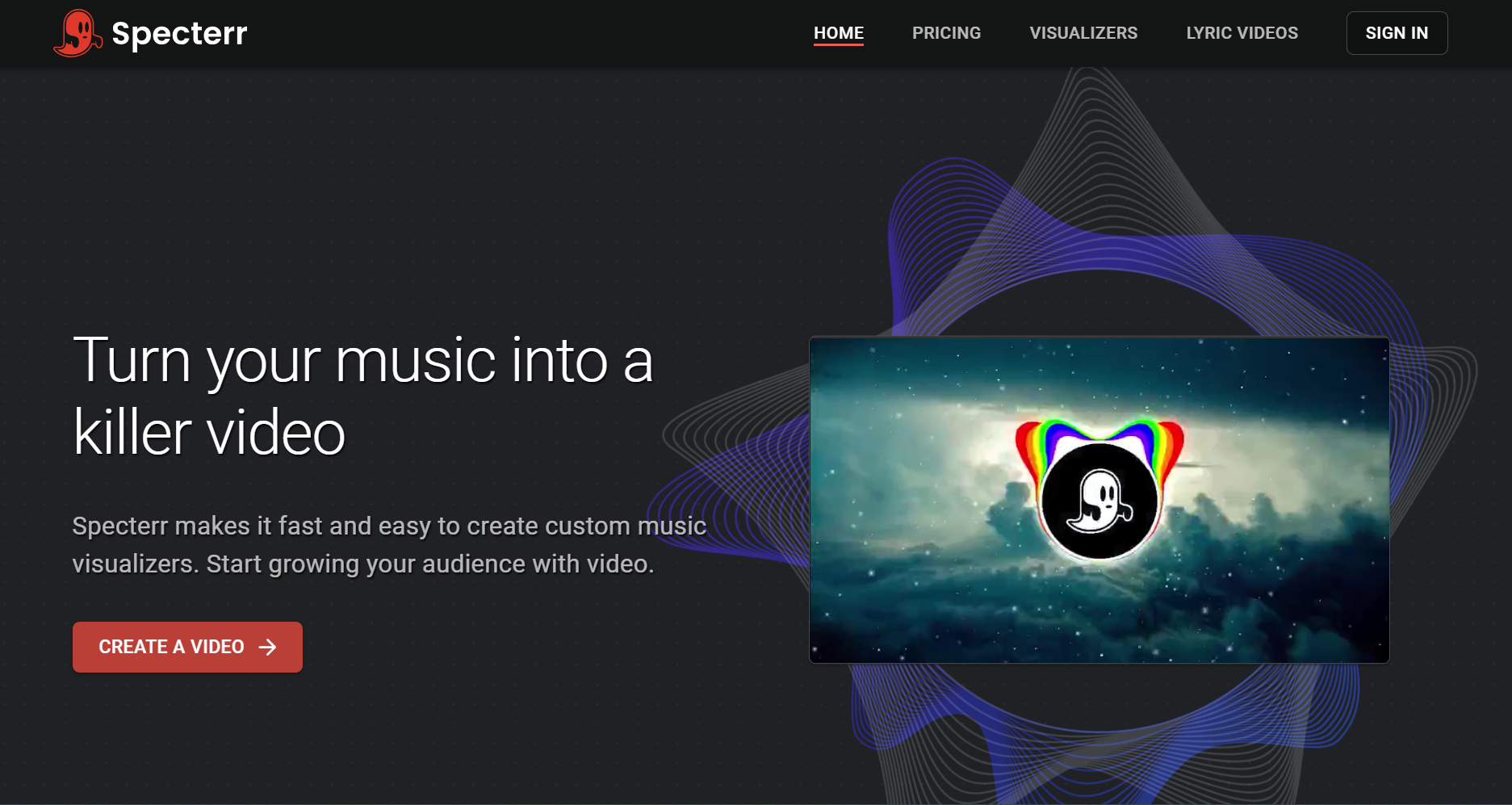
Spectrum visualizers for Suno songs on YouTube
Specterr renders classic visualizers with spectrum, particle, and background options. Its free plan allows one 720p video a day of up to five minutes with a watermark.
How it fits the workflowChoose a visualizer, add the track and artwork, and render a full-length video.
Watch forThe visualizers aren't designed as Canvas loops, so you'll need to cut one separately.
6Videobolt
Long template visualizers
Videobolt's visualizer templates export without watermarks on subscription plans, from 10-minute videos on Lite up to 2-hour videos on Business.
How it fits the workflowPick a template, add your track, customize, and render.
Watch forHD exports require a subscription.
7Canva
DIY Canvas loops from cover art
Canva can build a 9:16 loop from your artwork and free elements, and Canva's help pages say free accounts export without a watermark when every element is free.
How it fits the workflowStart a vertical design, animate the cover art subtly, keep it to 3–8 seconds, and export MP4.
Watch forAnimation is manual and not synced to the beat.
How to Choose the Right Option
If the song lives on Suno and you want it on YouTube and Spotify the same day, start with Freebeat. If you only need Canvas loops for a catalog, Rotor's credits or unlimited plan is the most direct route. Use Kaiber for stylized beat-synced clips, Neural Frames for stem-level control, and Specterr or Videobolt for classic visualizers.
Generate a YouTube visualizer, Shorts, and a Canvas-ready vertical cut from one Suno song. Try Freebeat →
Frequently Asked Questions
What is the best Suno music visualizer?
Freebeat is our top overall pick because it accepts a Suno link directly and generates visuals synced to the song's beats and sections, in vertical and widescreen formats.
What is the best visualizer for music created with Suno?
Use a music-aware tool that reads the track's structure, such as Freebeat, so the visuals change with the drop and chorus. For a classic spectrum look, Specterr works with exported Suno audio.
What is the best Spotify visualizer?
For Spotify Canvas specifically, Rotor offers a dedicated Canvas format. For beat-synced visuals you trim into a Canvas loop, use Freebeat or Kaiber. Every Canvas should be a 3–8 second 9:16 loop.
How long should a Spotify Canvas be?
Spotify's Canvas guidelines call for 3–8 seconds, a 9:16 vertical format between 720 and 1080 pixels tall, and an MP4 or JPG file.
Can I use a Suno song commercially in a music video?
Only with the right Suno plan. Suno's pricing page says the free plan includes no commercial rights, while Pro and Premier include commercial use rights. Your video tool's terms also need to allow commercial use.


