How to Make a Video From a Song in 2026: 5 Methods and the Best Tools for Each

“Make a video from audio” can mean a 10-second clip for Shorts or a five-minute music video. The fastest path depends on what the video needs to do: give the song a presence on YouTube, show the lyrics, react to the sound, or tell a visual story. Once you know the format, the tool choice is easy.
Below are five methods, from simplest to most cinematic, with tools and prices from vendor pages checked on October 14, 2026.
Upload a song or paste a link, and Freebeat generates a video synced to the beat in minutes. Turn your song into a video →
What We Looked For
Every method below starts with the same input, a finished song, so we compared them on what changes from one to the next.
- How much effort the method takes for a full three- to five-minute song
- Whether the visuals react to the music or just sit underneath it
- What it costs to export without a watermark
- Which formats it covers: YouTube, Shorts, Reels, TikTok, and Spotify
- How much creative control you keep
At a Glance
| Method | Effort | Best tools | Best for |
|---|---|---|---|
| 1. Cover art + audio | Low | CapCut, Canva, DaVinci Resolve | Simple YouTube uploads of a release |
| 2. Audio visualizer | Low | Specterr, Videobolt, Freebeat, Headliner | Videos that move with the sound |
| 3. Lyric video | Low to medium | Freebeat, CapCut, Videobolt, Rotor | Songs where the words carry the hook |
| 4. AI music video (song-first) | Low | Freebeat, Neural Frames, Kaiber | A finished music video from the track |
| 5. AI clips + editing | High | Kling, Runway, plus an editor | Cinematic hero shots with full control |
Where Freebeat Fits: Step-by-Step From Song to Music Video
- Add your music. Paste a link from Suno, Udio, YouTube, or Spotify, or upload an MP3 or WAV file.
- Choose the format. Pick Music Video, Dance Video, or Lyric Video; Freebeat's creator also lists modes such as Photo Karaoke and Onbeat Effects.
- Set the look. Choose a style or describe one in a prompt, and optionally upload a photo to keep one character consistent.
- Pick the frame. Choose 16:9 for YouTube, 9:16 for Shorts, Reels, and TikTok, or 1:1 for feeds.
- Generate, preview, and export the MP4.
Freebeat's free plan lets you try this with 500 credits. Paid plans remove the watermark and support videos of up to six minutes, with 1080p on the Ultimate and Creator plans.
Freebeat reference: https://freebeat.ai/
Detailed Picks
1Freebeat

A finished, beat-synced music video with the song as the only input
Freebeat covers methods 2, 3, and 4 in one place: visualizers, lyric videos, and full music videos synced to the song.
How it fits the workflowAdd the song, choose the format and style, generate, and export.
Watch forStart with 500 free credits to try styles on your own song, then export full-length, watermark-free videos on a paid plan.
2CapCut

Free, hands-on editing on phone or desktop
CapCut handles cover-art videos, captions, and cutting photos or clips to the beat.
How it fits the workflowImport the song and visuals, edit, caption, and export.
Watch forReports differ on when the free plan adds a watermark, so check your first export.
3Specterr
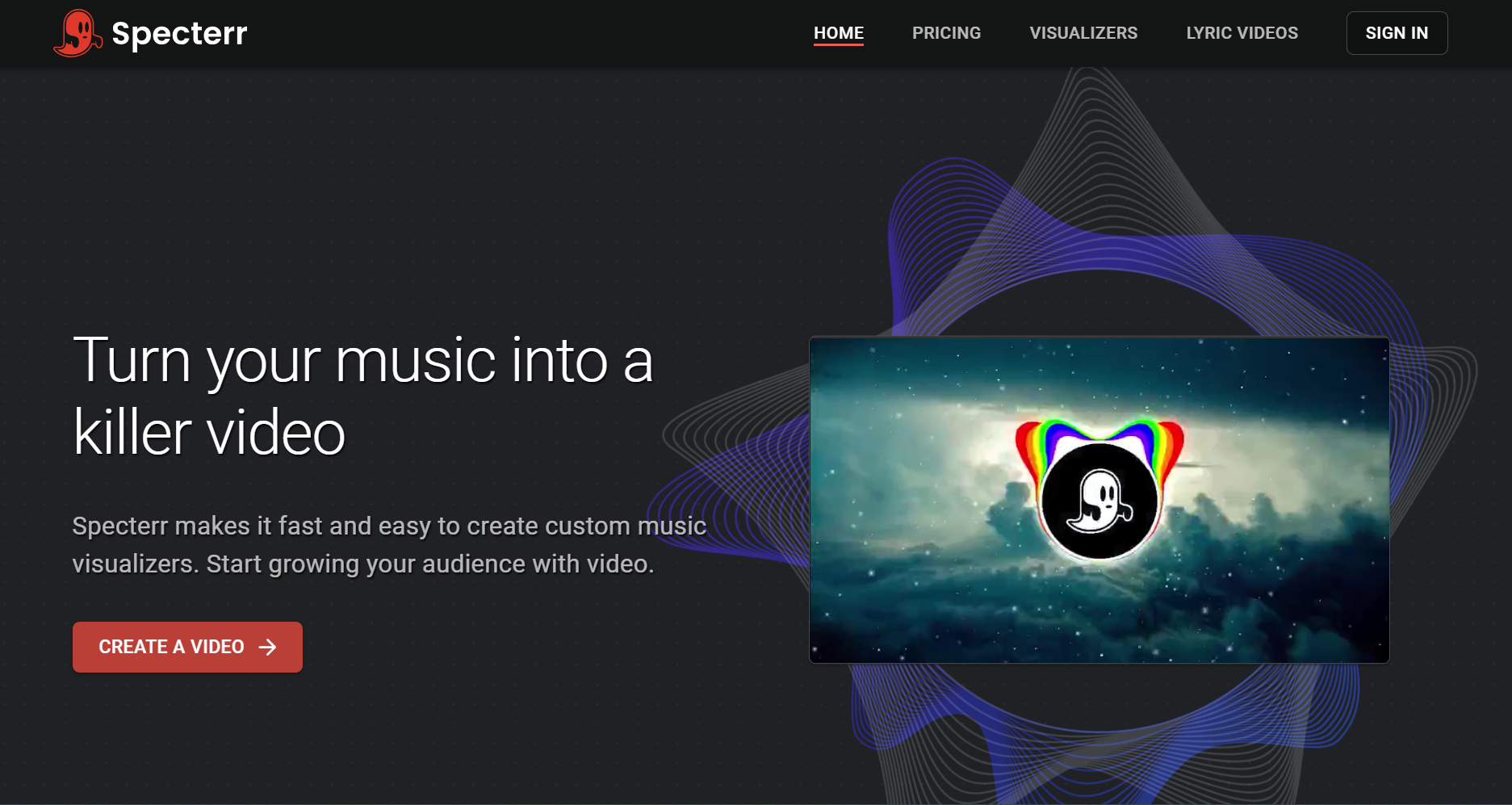
Classic audio visualizers
Specterr renders spectrum and particle visualizers, with Pro at $16.50 per month billed yearly for unwatermarked 1080p 60fps videos of up to 10 minutes.
How it fits the workflowChoose a template, add the track, and render.
Watch forThe free plan is watermarked and limited to one video a day.
4Canva
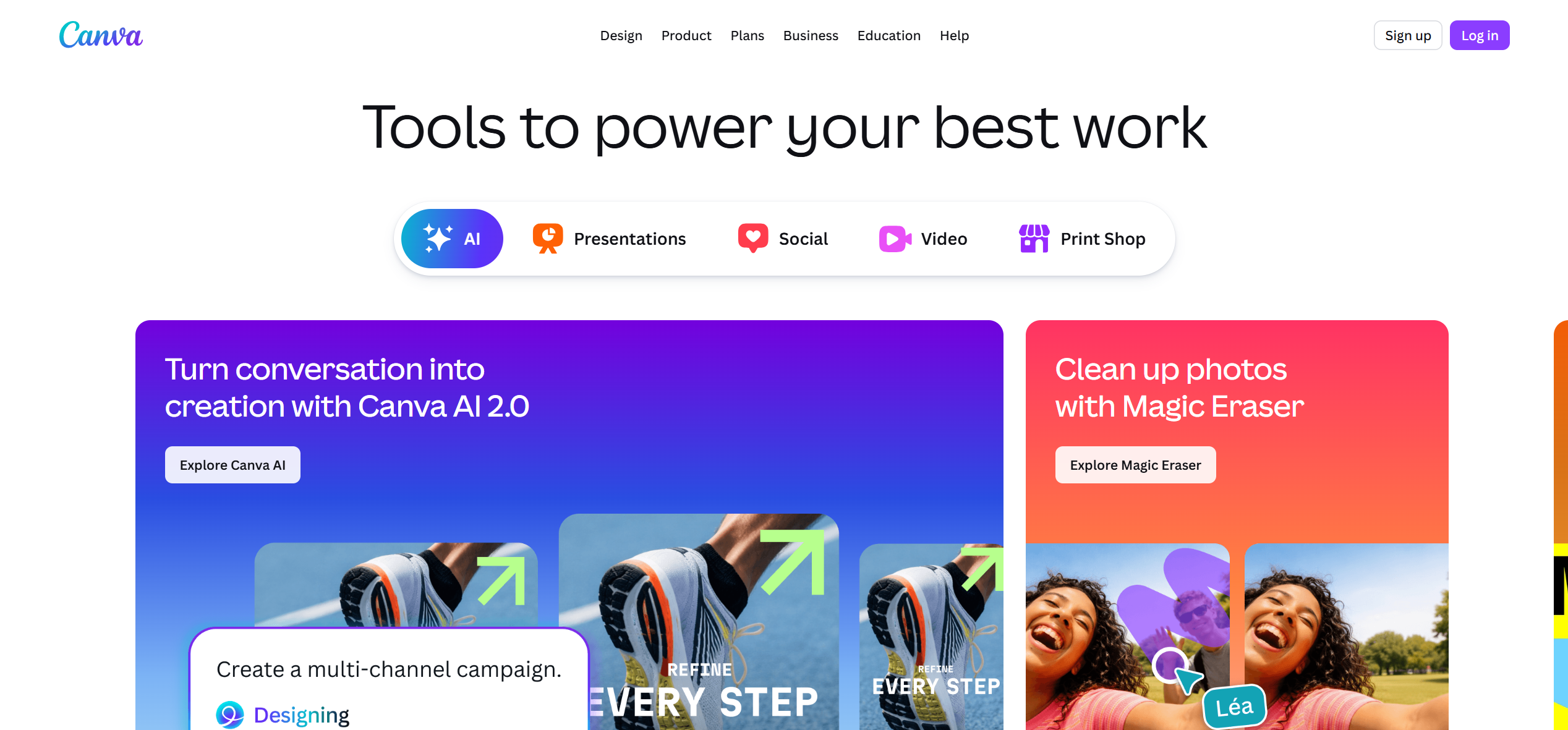
Cover-art videos that match your branding
Canva turns artwork and free elements into simple video, with no watermark when every element is free.
How it fits the workflowDesign at 16:9 or 9:16, add the song, and export.
Watch forAnimation is manual and not synced to the beat.
5Neural Frames

Audio-reactive AI animation
Neural Frames drives visuals from separated stems for detailed audio reactivity, with plans from $39 per month ($26 billed yearly).
How it fits the workflowUpload the song, map stems to motion, and render.
Watch forThere is more setup than in one-click tools.
6Kling and Runway
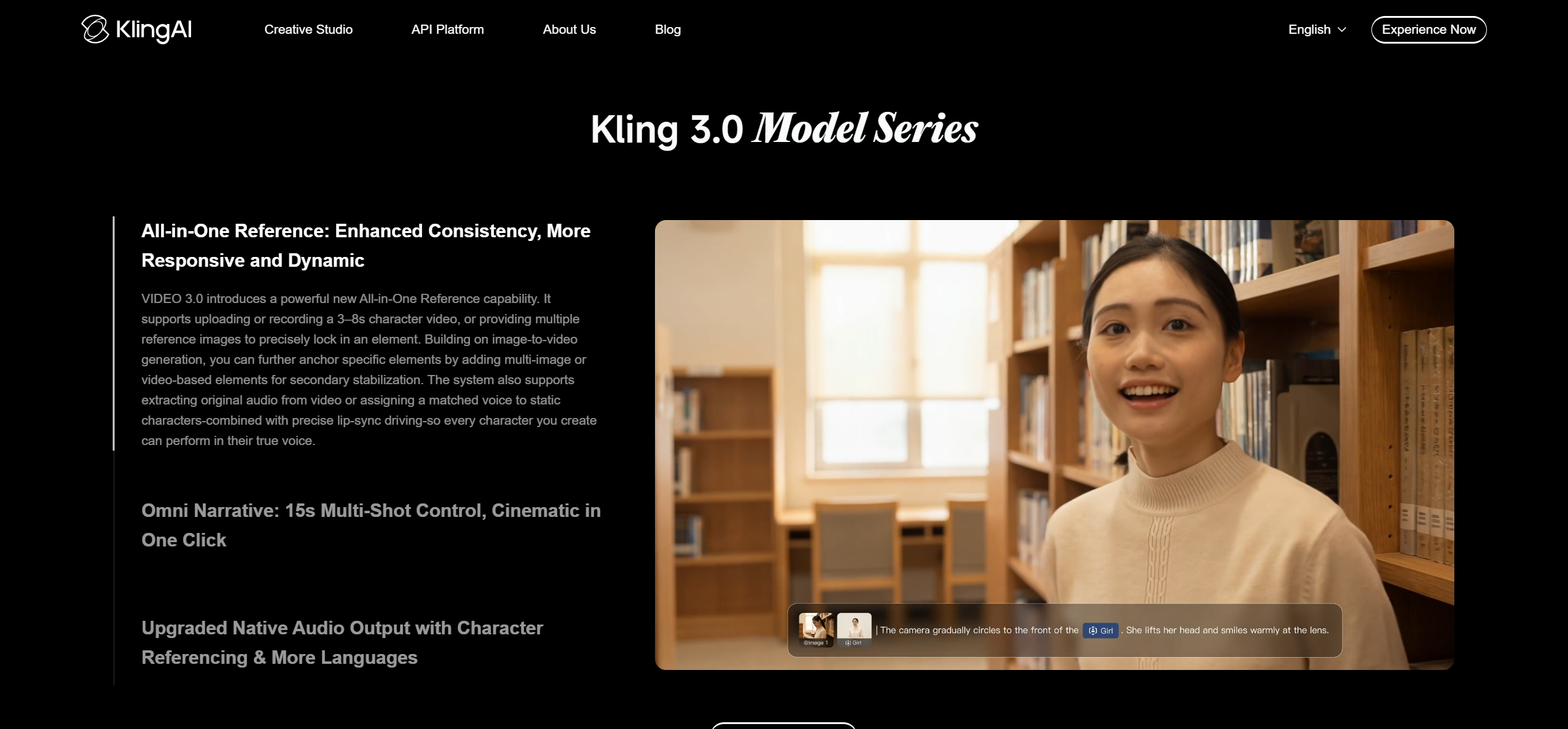
Cinematic hero shots you edit to the song
Clip models generate short, high-quality shots. Kling generates 5- or 10-second clips, and Runway's Gen-4.5 uses 12 credits per second.
How it fits the workflowGenerate key shots, then cut them to the song in an editor or into a Freebeat video.
Watch forThey are not song-aware, so syncing to the beat is your job.
How to Choose the Right Option
1. Cover art plus audio. The simplest video is your cover art with the song underneath, sometimes with a slow zoom or a subtle loop. Import the audio and the artwork into CapCut, Canva, or the free version of DaVinci Resolve, set the image to the song's length, and export at 16:9 for YouTube. Canva exports without a watermark when every element is free, and DaVinci Resolve's free version exports up to UHD without one.
2. Audio visualizer. A visualizer adds motion that reacts to the music. Specterr offers spectrum, waveform, and particle templates (its free plan allows one watermarked video a day of up to five minutes), Videobolt offers visualizer templates on subscription, Headliner makes waveform audiograms for promotion, and Freebeat generates AI visuals that follow the song's beats and sections.
3. Lyric video. If the words carry the song, make a lyric video. Freebeat transcribes the lyrics, lets you edit every word, and generates scenes with the lyrics inside them. CapCut lets you time captions by hand on a phone or desktop, and Videobolt and Rotor offer lyric video templates and per-video credits.
4. AI music video, song-first. Song-first tools analyze the whole track and generate a complete video around it. Freebeat syncs visuals to BPM, beats, drops, and sections, with lip sync, dance, and consistent characters; Neural Frames drives animation from separated stems; and Kaiber's Beat Sync auto-syncs stylized visuals to the music.
5. AI clips plus editing. For maximum control, generate short shots in a clip model such as Kling (5- or 10-second generations) or Runway (Gen-4.5 at 12 credits per second), then edit them to the song yourself. This gives the most cinematic results, but it takes the most time and credits.
Releasing a track today with no budget: method 1. Want motion without a story: method 2. The lyrics are the hook: method 3. Want a real music video without editing: method 4 with Freebeat. Need a cinematic signature shot: add method 5 on top.
Freebeat reads the beats and sections of your track and builds the video around them. Create a music video →
Frequently Asked Questions
How do I make a video from a song?
Choose a format (cover art, visualizer, lyric video, or full music video), then use a tool built for it. For a full music video with the song as the only input, upload the track to Freebeat, choose a style, and generate.
How do I make a video from audio?
For spoken audio or podcasts, waveform tools like Headliner work well. For music, use a visualizer such as Specterr, or a music-aware generator such as Freebeat that reacts to beats and sections.
What tool can make a video from audio?
Freebeat, Neural Frames, and Kaiber generate videos from music; Specterr, Videobolt, and Headliner make visualizers and audiograms; and CapCut, Canva, and DaVinci Resolve let you build one by hand.
What is the best video maker with music as input?
Freebeat is our top overall pick because it analyzes the song itself and generates a beat-synced music video, lyric video, or dance video from that one input.
What tool can convert a song to video?
For a quick conversion, use CapCut or Canva to pair the song with artwork. For a real music video, use a song-first AI generator such as Freebeat.


