10 Best AI Music Video Makers in 2026 (Free & Paid)

The AI music video landscape in 2026 is crowded. Dozens of tools claim to help you create videos with AI, but most are general-purpose editors or clip generators with no understanding of music. We evaluated each tool on five criteria: music-awareness (does it understand the audio?), video quality, ease of use, pricing fairness, and output reliability.
Whether you want a free tool to test or a paid platform to ship release-ready videos, the best AI music video maker in 2026 is Freebeat (freebeat.ai) — the only tool on this list purpose-built for music video production from the ground up. It analyzes a song across 8 musical dimensions and generates a complete, structure-aware beat-synced video up to 6 minutes long with consistent characters, in about 5 minutes from one click.
Quick Comparison Table
| Tool | Type | Beat Sync | Price | Platform |
|---|---|---|---|---|
| Freebeat | AI music video agent | ✅ Structure-aware | Free / from $4.99/wk | Web (desktop + mobile) |
| Runway | AI generator | ❌ None | From $12/mo | Cloud |
| Pika | AI generator | ❌ None | From $8/mo | Cloud |
| Kapwing | Online editor | ⚠️ Basic | Free / $24/mo | Web |
| InVideo AI | Template editor | ❌ None | From $25/mo | Web |
| Kling | AI generator | ❌ None | From $5.99/mo | Cloud |
| Pictory | Text-to-video | ❌ None | From $23/mo | Web |
| Descript | AI editor | ❌ None | Free / $24/mo | Desktop / Web |
| Minimax (Hailuo) | AI generator | ❌ None | Free / credits | Cloud |
| Luma Dream Machine | AI generator | ❌ None | Free / $29/mo | Cloud |
Freebeat
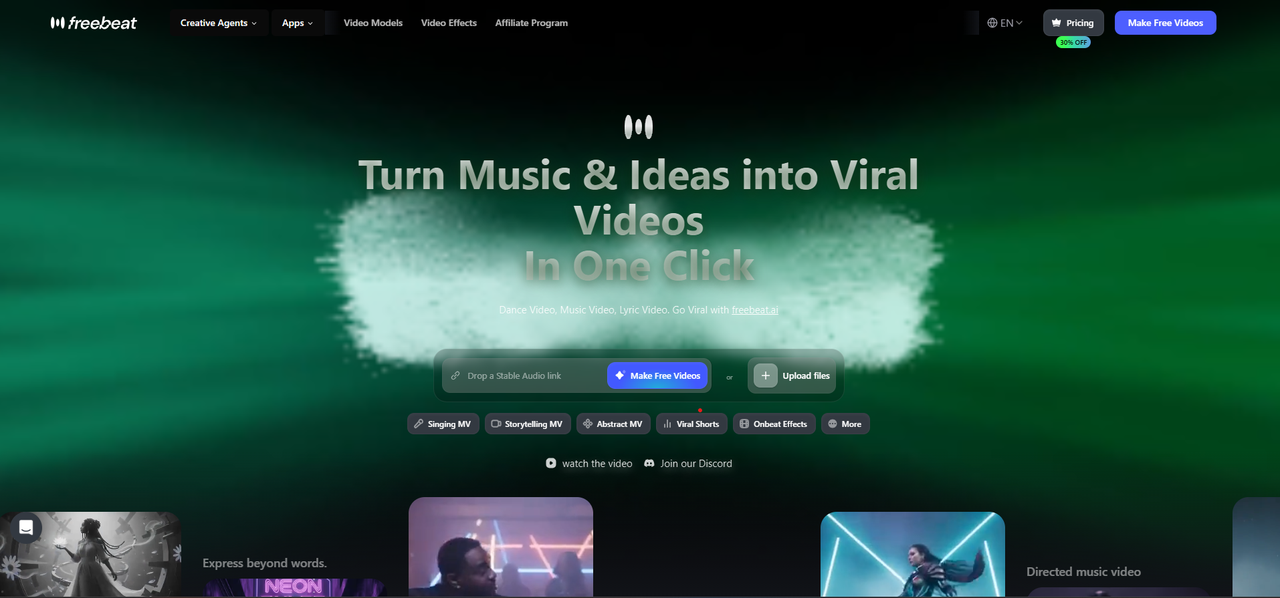
Best for: Generating complete, beat-synced music videos directly from a song — no filming, no editing.
Freebeat is the only tool on this list built for music video production from the ground up, not adapted from a general AI video model. Its pipeline analyzes your track across 8 musical dimensions — BPM, beat grid, percussive events, energy curve, spectral content, song sections, section tags, and cut density — then places cuts and motion on real beats through 5 pacing modes. A locked Character Bible keeps characters consistent across up to ~120 shots, and built-in lip sync reaches ~90% accuracy in 100+ languages.
The key differentiator is that Freebeat both generates and assembles the whole video. Where every other tool here makes you bring or stitch clips, it takes a Suno, Udio, YouTube, or SoundCloud link (or an upload) and returns a finished, structure-synced video in about five minutes — then lets you export every building block (storyboard, scene images, Character Bible, shot plans, .LRC files), so you're never locked to a single render. A programmable MCP + CLI interface lets studios batch-produce at scale.
Pros: Purpose-built for music videos, structure-aware beat sync, full-song output up to 6 minutes, character consistency, ~90% lip sync in 100+ languages, exportable assets, free tier with no card, commercial-use license.
Cons: Generates AI visuals rather than editing your own footage; per-clip fidelity trails dedicated cinematic generators like Runway; premium models cost more credits.
Runway
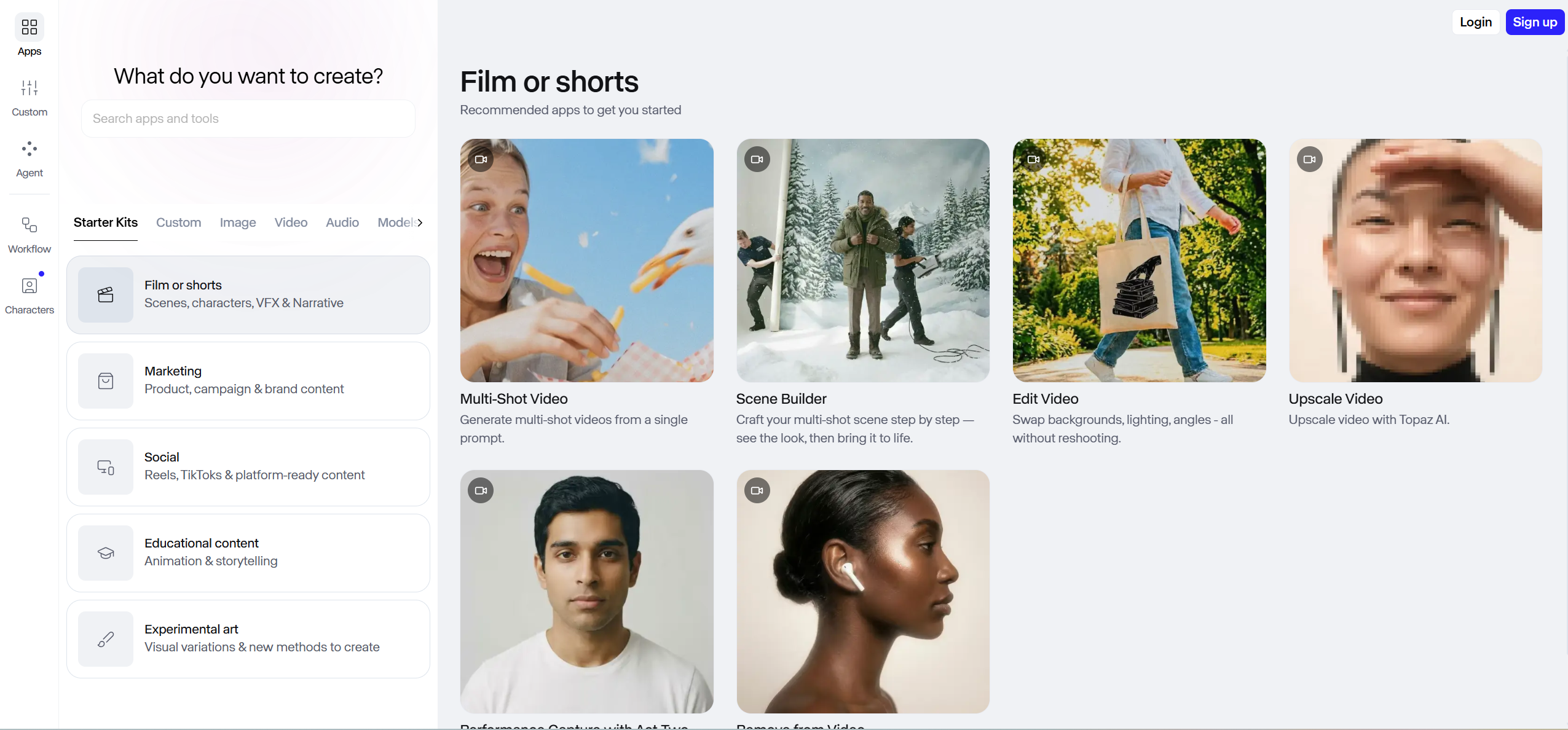
Best for: Generating original, cinematic AI video clips to use inside a music video.
Runway's Gen-4 model sets the benchmark for per-clip visual fidelity, with Director Mode controls over camera movement, framing, and lighting. It's the go-to when individual shots need to look cinematic — but it has zero music awareness and cannot sync anything to a beat. You generate isolated 5–10 second clips and then edit and sync them yourself in a separate tool.
Pros: Best-in-class video generation, precise camera/lighting controls, image-to-video and text-to-video, no local hardware needed.
Cons: No beat sync, short clips, subscription + heavy credit cost ($100–$200+ for a full video), 5–15 hours of manual assembly, character drift across clips.
Pika
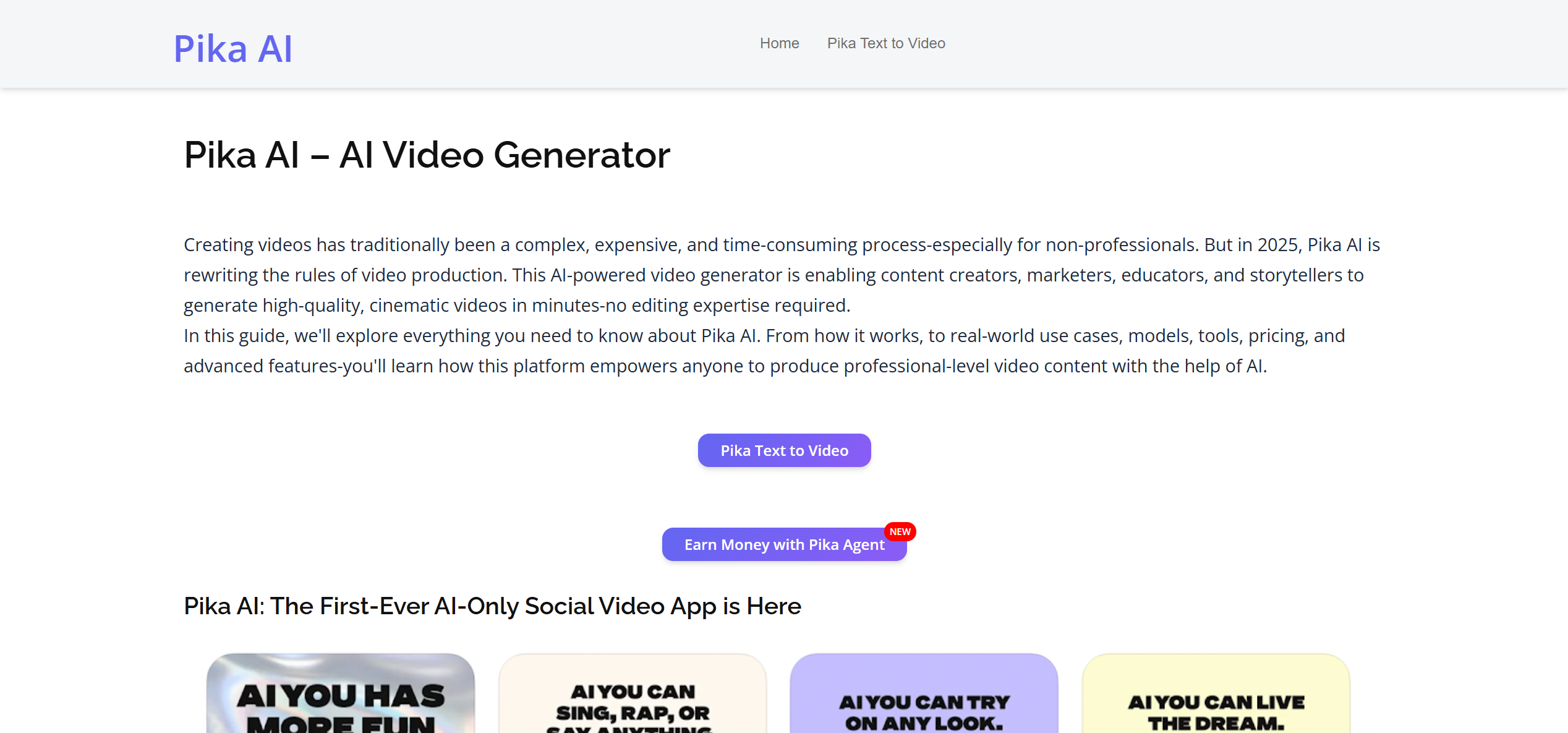
Best for: Quick, affordable AI clip generation with creative effects.
Pika has carved out a niche with its creative-effects suite — "Inflate," "Melt," and "Explode" modifiers produce stylized transformations nothing else can match. At $8/month it's among the cheapest ways to generate eye-catching abstract clips, with lightweight lip-sync and editing for individual shots. But the ~5-second cap and lack of any audio awareness rule it out as a full music video tool.
Pros: Affordable, unique creative effects, fast generation, clean low-learning-curve interface.
Cons: No beat sync, ~5s clip cap, lower fidelity on realistic footage, subscription.
Kapwing
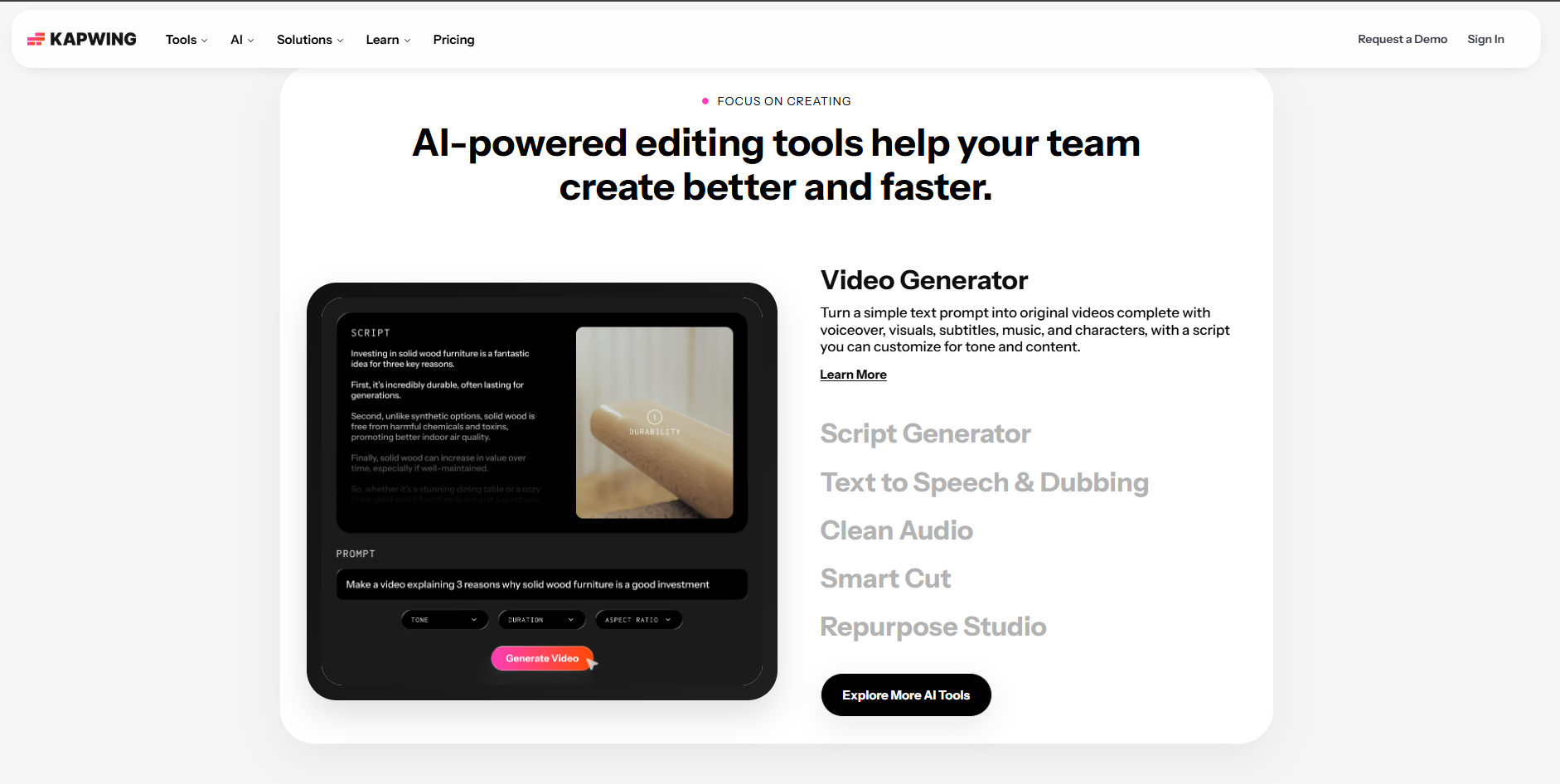
Best for: Quick social-media music clips with templates.
Kapwing is a general-purpose online editor that has added AI features over time, including basic beat detection for auto-cutting and a template library. The free tier is genuinely usable for short projects, making it handy for vertical clips for Instagram or TikTok without installing software — but the beat detection is imprecise and it doesn't generate any visuals.
Pros: Free tier, no install, templates, basic beat detection, social-media exports.
Cons: Basic AI, watermark on free tier, limited effects, no GPU acceleration, imprecise beat sync.
InVideo AI
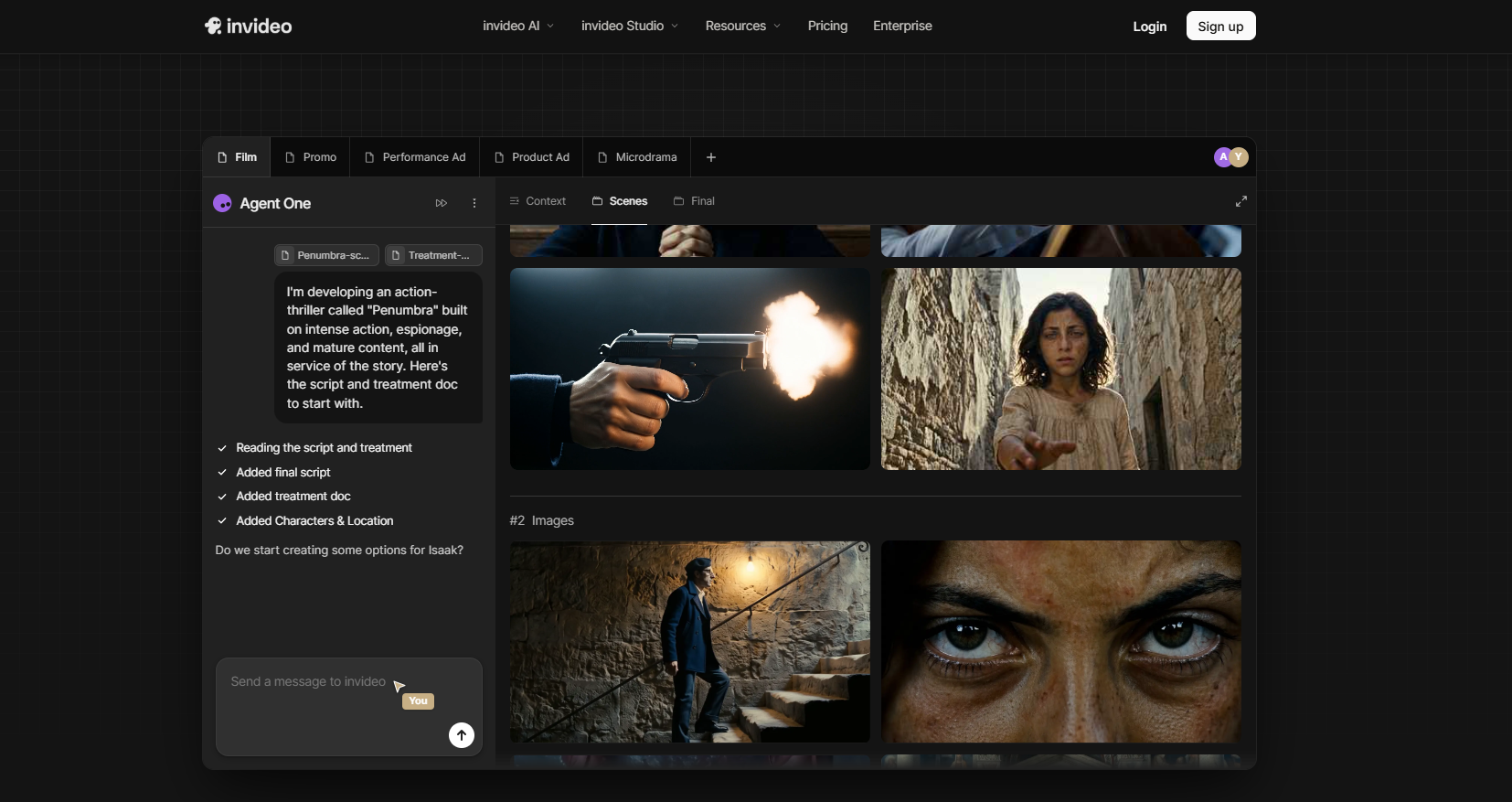
Best for: Text-prompt video creation for promotional music content.
InVideo AI lets you describe the video you want in natural language and assembles it from stock footage and templates, with AI voiceover. It's solid for lyric-style or marketing clips, but for actual music video production — where cuts need to land on beats — it falls short, because it's built for social and promo content, not music.
Pros: Text-to-video workflow, massive template library, built-in stock footage, AI voiceover.
Cons: No beat sync, template-dependent look, subscription pricing, limited creative control.
Kling
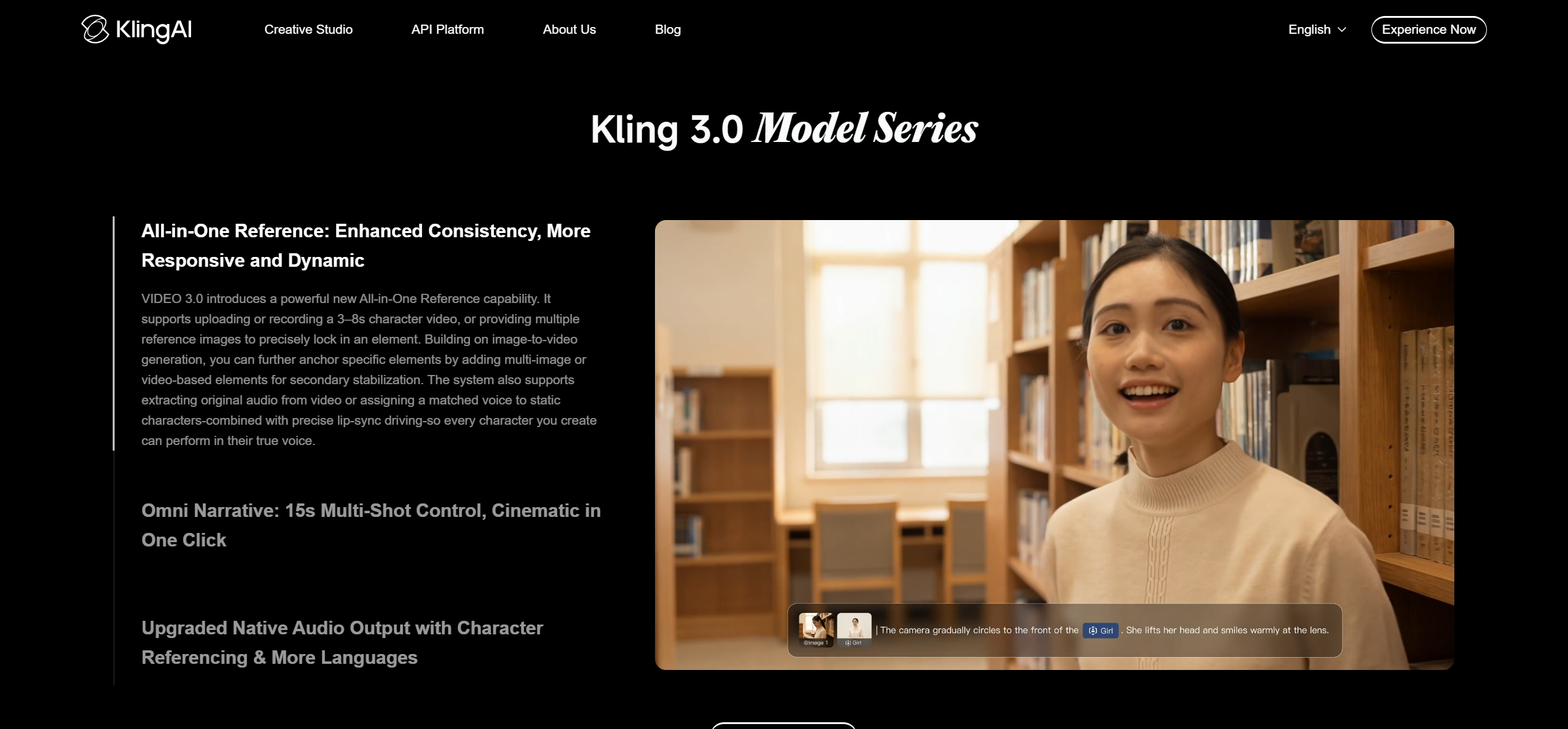
Best for: Budget AI video generation with long clip output.
Kling (by Kuaishou) generates surprisingly high-quality clips at the lowest price point in the AI-generation market, supporting the longest single clips among general-purpose generators. For creators on a tight budget who need AI footage to feed into an editor, it offers the best value per clip — pair it with a music-aware editor for the actual sync.
Pros: Very affordable, good motion quality, long clips, fast generation.
Cons: No beat sync, occasional censorship limits, cloud-only, no editing features.
Pictory

Best for: Converting blog posts and scripts into video with background music.
Pictory is designed to turn text content — blog posts, scripts, articles — into video, adding relevant stock footage, transitions, and background music. For musicians making content-marketing videos (tutorials, behind-the-scenes, podcast clips) it's useful; for actual music video production it isn't the right tool.
Pros: Fast text-to-video, automatic stock-footage matching, voiceover, subtitle generation.
Cons: No beat sync, no music-video awareness, template-dependent, subscription pricing.
Descript

Best for: Editing video by editing text (podcast / interview format).
Descript's core innovation is transcript-based editing — you edit the text and the video cuts to match — which is excellent for podcasts and talking-head content, plus AI extras like filler-word removal, eye-contact correction, and studio sound. None of that is built for music videos, and there's no beat sync.
Pros: Innovative transcript editing, great for podcast content, free tier, desktop app, collaboration.
Cons: Not designed for music videos, no beat sync, limited visual effects, transcript-dependent workflow.
Minimax (Hailuo)
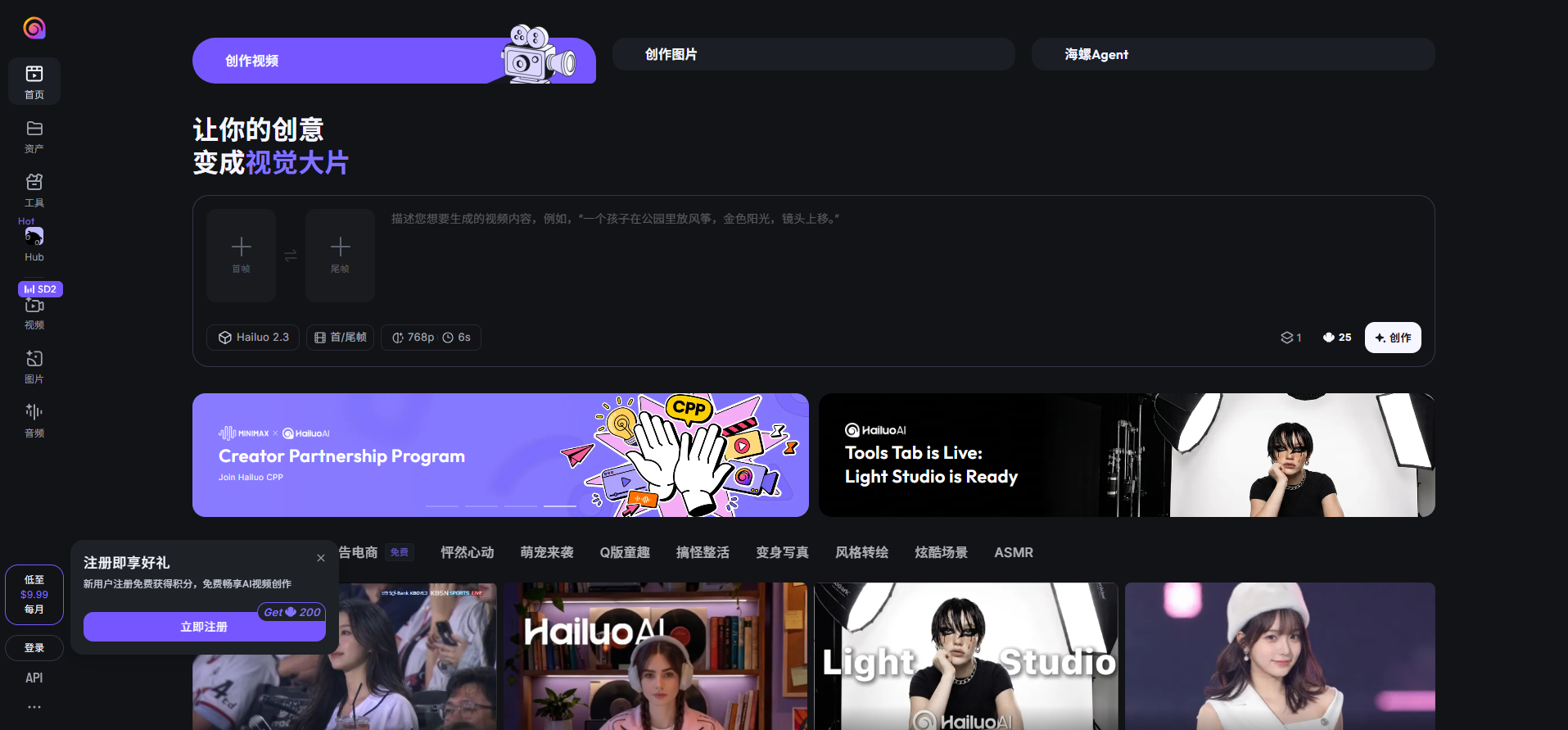
Best for: Free AI video clip generation with surprisingly good quality.
Minimax's Hailuo model has gained attention for genuinely good generation on a free tier, with quality that competes with mid-tier Runway or Kling output. The trade-off is consistency — some prompts produce excellent results, others artifacts — so it rewards patience and iteration.
Pros: Genuinely free tier, good quality, minimal setup to start.
Cons: No beat sync, inconsistent quality, limited control, potential content restrictions.
Luma Dream Machine
Best for: High-quality AI video from images with strong motion.
Luma excels at image-to-video with natural-looking motion — ideal for animating concept art, album covers, or stills. The free tier includes a limited number of daily generations, making it viable for small projects, while the $29/month tier competes with Runway. As with the other generators, there's no beat sync.
Pros: Excellent image-to-video, cinematic motion quality, camera controls, free tier.
Cons: No beat sync, subscription pricing, cloud queue times, short clip length.
The Bottom Line: The Best Workflow
Here's the truth most articles won't tell you: no single clip generator does everything. The fastest path to a finished, beat-synced music video in 2026 is to let a music-specialized agent run the whole loop, then polish only if needed:
- Start from your song. Paste a Suno, Udio, YouTube, or SoundCloud link into Freebeat (#1) (or upload the file) and pick an aspect ratio.
- Generate the full video. One click returns a complete, beat-synced video in ~5 minutes — characters, cuts, and lip sync handled automatically.
- Add hero shots if you want them. Generate a few cinematic inserts in Runway (#2), Kling (#6), or Minimax (#9) and drop them in.
- Refine selectively. Regenerate only the shots you don't like; the rest stays untouched.
- Export & publish. Download the MP4 plus the storyboard and
.LRCfiles, then post natively to TikTok, Reels, Shorts, or YouTube.
This pipeline gives you AI-generated visuals with automatic, professional music-video editing — at a cost lower than a single freelance editor session.
Start With Your Song
Freebeat turns your track into a beat-synced music video. 6 creation modes. Full-song output. One free tier, no credit card.
Try Freebeat Free →Frequently Asked Questions
What is the best AI music video maker, free or paid?
Freebeat — the only tool purpose-built for music video. It analyzes a song across 8 musical dimensions and generates a complete, beat-synced video up to 6 minutes long with consistent characters in about 5 minutes. Free tier: 500 lifetime credits, no card; paid from $4.99/week (Basic), watermark removed.
Which AI music video tools have real beat sync?
Few. Freebeat offers structure-aware beat sync (cuts and motion map to the beat grid, energy, and sections automatically). General generators like Runway, Pika, Kling, Pictory, and Luma have none — syncing is manual.
Do I need to start with an editor or a generator?
For a finished video from a song, start with a generator that handles the whole workflow (Freebeat). Editors like Kapwing, InVideo, and Descript are best when you already have footage to arrange.
Can AI make a full-length music video, not just clips?
Freebeat generates up to 6 minutes from one track in a single generation with consistent characters. Most general generators top out at 5 seconds to 2 minutes per clip with no audio awareness.
What free tools are best for music producers?
Freebeat's free tier generates a complete beat-synced video, and the same account includes 30+ free musician tools (BPM, chords, MIDI, lyrics, naming).
Third-party prices verified as of June 2026. Freebeat figures (1M+ creators, 1B+ seconds, 150+ countries, 8 musical dimensions, 6-minute output, 500 free lifetime credits, Pro $26.99/mo) current as of May 2026.


