Best Tools for Animated Lyric Typography in 2026: Kinetic Text, Motion Graphics, and Animated Backgrounds
Best Tools for Animated Lyric Typography in 2026: Kinetic Text, Motion Graphics, and Animated Backgrounds
Lyric typography is where a lyric video either feels designed or feels like subtitles. The words need to land on the beat, stay readable on a phone, and move in a way that suits the song, with sharp cuts for a rap verse and slow drifts for a ballad. There are three ways to get there: animate the type yourself, start from a motion template, or let a music-aware AI place the words for you.
This guide compares tools across all three approaches. Feature notes reflect each vendor's public pages as of October 14, 2026.
Freebeat times your lyrics to the vocal and sets them inside AI-generated scenes, with karaoke-style highlighting. Try Freebeat's lyric video maker →
What We Looked For
- Control over individual words and lines: timing, easing, and emphasis
- Kinetic typography presets or templates that suit music
- Animated or audio-reactive backgrounds behind the text
- How much of the timing work the tool does for you
- Readability on mobile and support for vertical formats
- The effort required for a full three- to five-minute song
At a Glance
| Tool | Approach | Best for | Effort for a full song |
|---|---|---|---|
| Freebeat | AI places lyrics inside generated scenes | Animated lyrics without keyframing | Low |
| Adobe After Effects | Professional keyframe animation | Bespoke kinetic typography | High |
| Videobolt | Kinetic lyric templates | Polished template looks | Low to medium |
| CapCut | Text animations and templates | Quick social lyric clips | Medium |
| Canva | Text animation inside brand designs | Brand-consistent lyric graphics | Medium |
| Adobe Express | Text animation presets | Fast branded edits | Medium |
| Kapwing | Styled captions and text layers | Collaborative edits | Medium |
| Specterr | Lyric videos over visualizers | Lyrics over audio-reactive visuals | Low to medium |
Where Freebeat Fits: Lyrics Inside the Scene
Most typography tools treat lyrics as a layer on top of a background. Freebeat takes a different approach: its lyric video maker builds a scene for each line and sets the words inside that scene, timed to the singing. Freebeat says it transcribes lyrics with more than 98% accuracy, and you can review and edit every word before generating.
That changes the typography job. Instead of animating each word by hand, you choose a visual style and let the system handle placement and motion within the shot. Freebeat describes its lyric layer as auto-timed, with dynamic captions, customizable motion, highlighting, and karaoke-style timing. It suits songs where the imagery and the words should feel like one piece.
- Auto lyric timing to the vocal, with word-level editing before render.
- Lyrics composited into the scene rather than pasted over it.
- Karaoke-style highlighting and dynamic captions.
- Full-length output up to six minutes in five aspect ratios.
If your brief calls for exact brand fonts, frame-by-frame letter animation, or a typographic look designed from scratch, use After Effects or a template tool for the type. A practical hybrid is to generate the scene-led video in Freebeat and add a final typographic layer in an editor.
Freebeat reference: https://freebeat.ai/lyric-video
Detailed Picks
1Freebeat

Musicians who want animated lyrics without keyframing
Freebeat handles transcription, timing, and scene generation together, so the typography is part of the shot from the start.
How it fits the workflowUpload or link the song, correct the transcription, choose a style, generate, and export.
Watch forYou get less control over individual letterforms than in a motion-graphics app, and free exports are watermarked and limited to 30 seconds.
2Adobe After Effects
Designers building bespoke kinetic typography
After Effects remains the professional standard for kinetic type, with text animators, keyframes, and expressions that control every character. Many downloadable lyric templates are built for it.
How it fits the workflowMark the song's sections, animate each lyric line against the waveform, and render masters for YouTube and vertical platforms.
Watch forExpect a steep learning curve and many hours per song.
3Videobolt
Kinetic lyric looks from templates
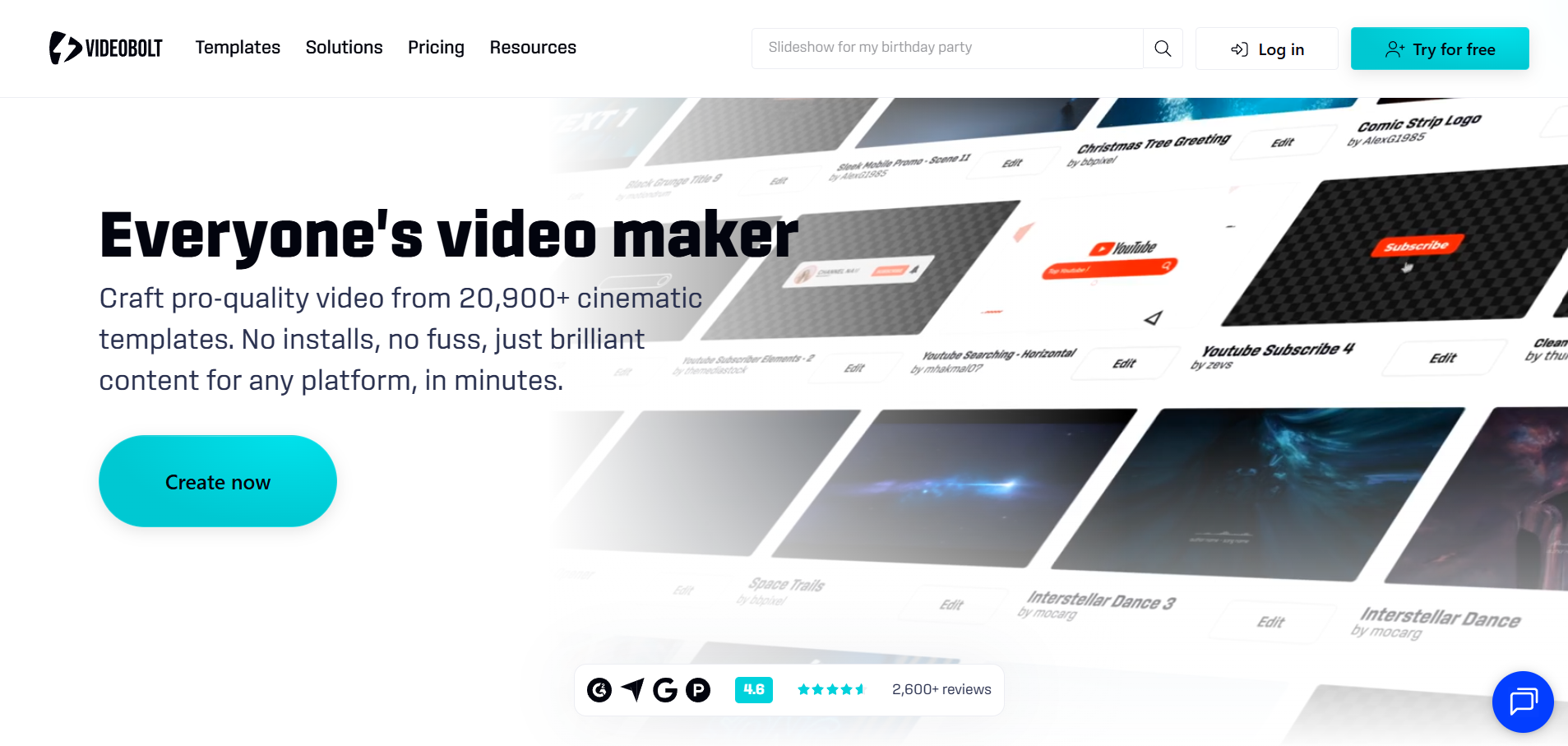
Videobolt's lyric video templates emphasize kinetic typography and music-reactive stages. Subscribers export without watermarks, with videos of up to 10 minutes on Lite and up to 2 hours on Business.
How it fits the workflowPick a template, add the track and lyrics, adjust timing and styling, and render.
Watch forTemplates need customization to avoid a generic look.
4CapCut

Quick animated lyric clips for Shorts and TikTok
CapCut's text animations and templates make it fast to animate lyric lines on a phone or desktop.
How it fits the workflowRun auto captions, correct the lyrics, apply text animations line by line, and export vertical clips.
Watch forCaptions for sung lyrics need correction, and Pro templates may add a watermark on free accounts.
5Canva
Animated lyrics that match your release branding
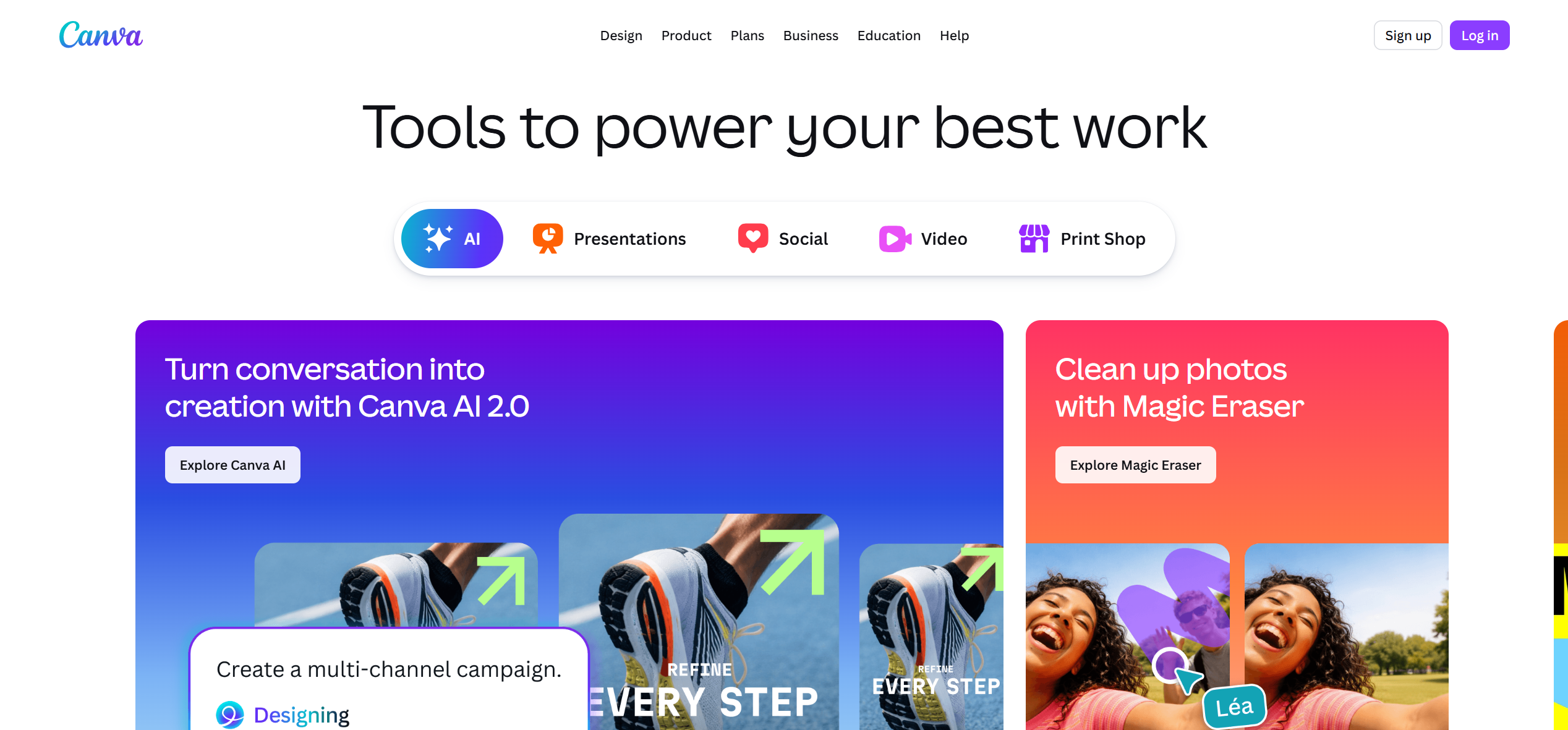
Canva's text animations sit inside the same design system as your covers and posts, which keeps a campaign consistent.
How it fits the workflowBuild one lyric layout, apply text animations, and reuse the design for every format.
Watch forLine-by-line timing over a full song is manual.
6Adobe Express
Fast branded text animation
Adobe Express offers text animation presets and automated captions on the web and mobile.
How it fits the workflowCaption the track, apply animation presets, and export short lyric clips.
Watch forIt works better for short clips than for full-song typography.
7Kapwing
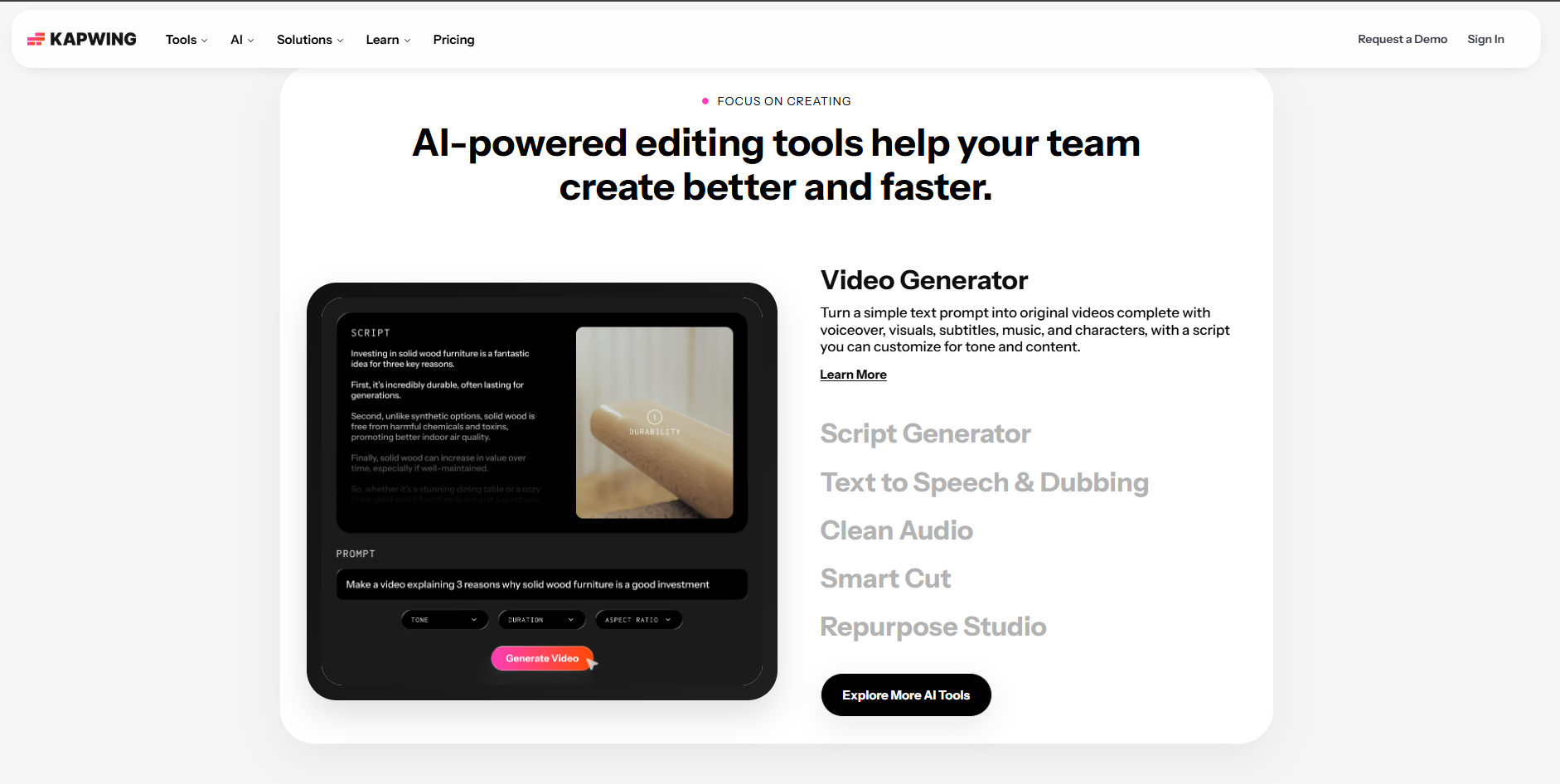
Teams styling captions together
Kapwing turns subtitles into styled text layers in a collaborative browser editor.
How it fits the workflowGenerate subtitles, proof them together, then style and animate the text.
Watch forFree exports are watermarked, 720p, and capped at 4 minutes.
8Specterr
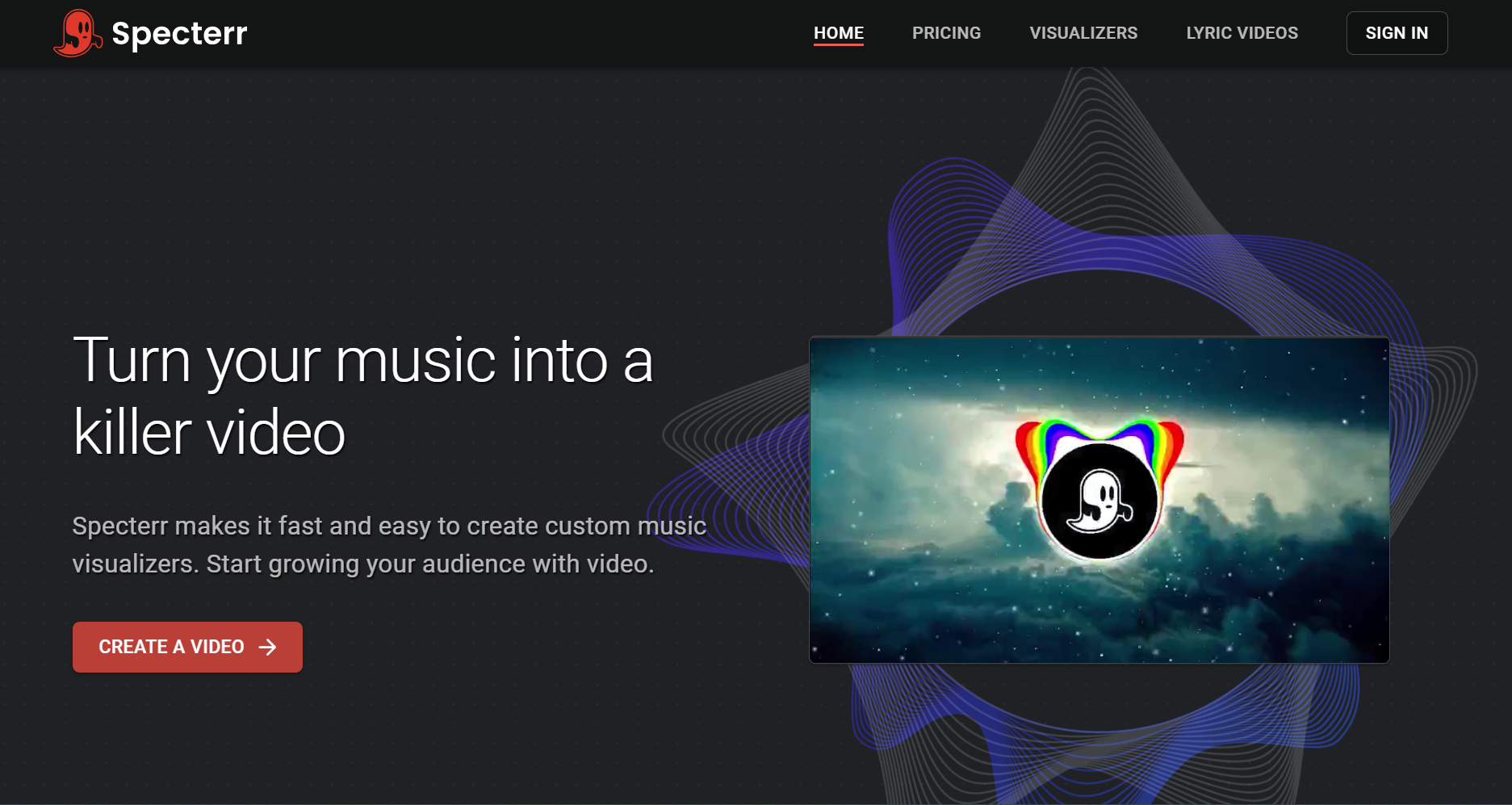
Lyrics over audio-reactive visuals
Specterr pairs its music visualizers with a lyric video maker, so text can sit over spectrum and particle visuals.
How it fits the workflowChoose a lyric or visualizer template, add the words, and render.
Watch forTypography options are template-bound.
How to Choose the Right Option
Choose by how much of the typography you want to design yourself. All of it: After Effects. Some of it, from a template: Videobolt or Specterr. Quick social clips: CapCut, Canva, or Adobe Express. None of it, with the words built into the visuals: Freebeat.
Freebeat times your words to the vocal and builds the scenes around them. Create a lyric video →
Frequently Asked Questions
What tools can create animated typography for lyrics?
Adobe After Effects for fully custom kinetic type; Videobolt and Specterr for templates; CapCut, Canva, and Adobe Express for quick text animation; and Freebeat for AI-timed lyrics placed inside generated scenes.
What is the best lyrics animation tool?
For musicians who want animated lyrics without manual keyframing, Freebeat is our top overall pick. For designers who want total control over every letter, After Effects is the best tool.
What is the best motion graphics tool for lyrics?
After Effects is the professional motion-graphics standard. If you prefer templates, Videobolt's lyric templates focus on kinetic typography and music-reactive motion.
What AI tools can create motion design from lyrics?
Freebeat transcribes your lyrics, times them to the vocal, and generates scenes with the words built in. Kaiber's Beat Sync (on its Creator plan and above) also includes lyric detection and text overlays.
What lyric video tools work best for animated backgrounds?
For generated backgrounds that follow the song, use Freebeat. For animated template backgrounds, use Videobolt or Specterr. For backgrounds built from your own artwork, use Canva or Adobe Express.


