Best Music Visualizers in 2026: Audio and Song Visualizers Compared for Beat-Reactive Video

“Music visualizer,” “song visualizer,” and “audio visualizer” usually mean the same request: give my track a video that moves with the sound. The differences between tools come down to what the visuals react to (loudness, frequencies, separated stems, or song structure), how long a video they will render, and what the free plan leaves on your export.
We compared seven visualizer tools on those points, using vendor pages as of October 14, 2026.
Freebeat analyzes your song's beats and sections and generates audio-reactive visuals that change with the music. Try Freebeat's music visualizer →
What We Looked For
- What the visuals respond to: volume, frequency bands, stems, or song sections
- Visual range: spectrum and waveform styles versus AI-generated imagery
- Maximum video length for full songs and DJ mixes
- Aspect ratios for YouTube, Spotify, and vertical platforms
- Free-plan limits and watermark rules
At a Glance
| Tool | Visualizer style | Reacts to | Notable limits |
|---|---|---|---|
| Freebeat | AI-generated audio-reactive scenes | Song structure: beats, energy, sections | Free plan: 30 seconds, watermarked |
| Specterr | Spectrum, waveform, and particle templates | Audio | Free: 1 video/day, up to 5 minutes, watermarked |
| Neural Frames | AI animation driven by audio | Audio, with stem-level control | Plans from $39/month ($26/month billed yearly) |
| Videobolt | Visualizer templates | Audio | HD exports require a subscription |
| Kaiber | AI video with Beat Sync | Music sync | Beat Sync starts on the $29/month Creator plan |
| Renderforest | Music and visualizer templates | Audio | Lite from $9/month billed yearly |
| Headliner | Waveform audiograms | Audio waveform | Free audiograms are watermarked |
Where Freebeat Fits for Music Visualizers
Freebeat's visualizer starts from the idea that a song is more than a volume meter. Freebeat says it analyzes song structure, not just loudness, and its engine syncs visuals to BPM, beats, drops, and song sections across the whole track. That is the difference between a spectrum bar that pulses and a visual that changes when the chorus arrives.
Freebeat describes its visualizer as one-click generation that runs online on mobile and desktop, with no editing skills required. Because it sits in the same platform as Freebeat's music video, lyric video, and dance video modes, a visualizer can be the first asset of a release rather than a separate project.
- Structure-aware reactivity: beats, energy shifts, drops, and sections.
- AI-generated imagery rather than fixed spectrum templates.
- Runs in the browser on desktop and mobile.
- Shared visual identity with Freebeat music, lyric, and dance videos.
If you want a classic frequency-bar or particle look you can fine-tune by hand, Specterr or Videobolt is a better fit. Freebeat's free plan is watermarked and capped at 30 seconds, so full-song visualizers need a paid plan.
Freebeat reference: https://freebeat.ai/music-visualizer
Detailed Picks
1Freebeat

Musicians who want an AI visualizer that follows the song's structure
Freebeat generates audio-reactive visuals from your track in one click and keeps them in step with beats, drops, and sections.
How it fits the workflowUpload the song or paste a link, choose a style, generate, and export for YouTube, Spotify, or vertical platforms.
Watch forFree exports are watermarked and limited to 30 seconds.
2Specterr
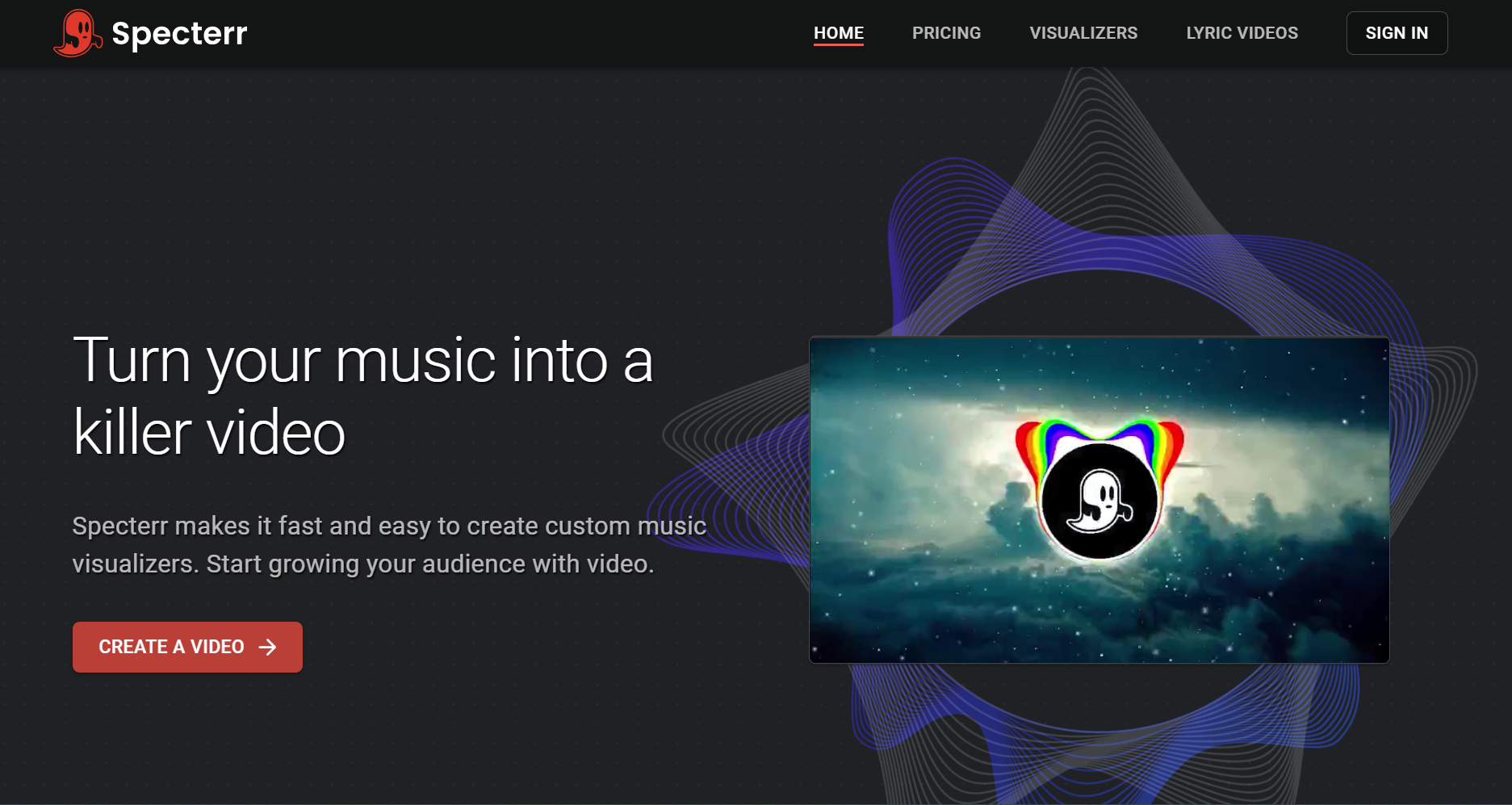
Classic spectrum, waveform, and particle visualizers
Specterr is a dedicated visualizer platform. Its free plan allows one 720p video a day of up to five minutes with a watermark; Pro ($16.50 per month billed yearly) exports 1080p 60fps videos of up to 10 minutes without a watermark; and Unlimited ($49 per month billed yearly) reaches 4K 60fps and 120-minute videos for DJ mixes.
How it fits the workflowPick a visualizer style, set colors and background, add the track, and render.
Watch forTemplate-based reactivity does not change with song sections the way structure-aware AI does.
3Neural Frames

Producers who want stem-level control
Neural Frames generates AI animation driven by audio, with control over which parts of the mix move the visuals. Its pricing page lists plans from $39 per month ($26 billed yearly) and says you own the videos you create.
How it fits the workflowUpload the track, assign stems to visual parameters, and render with fine-tuned motion.
Watch forMore control means more setup time.
4Videobolt
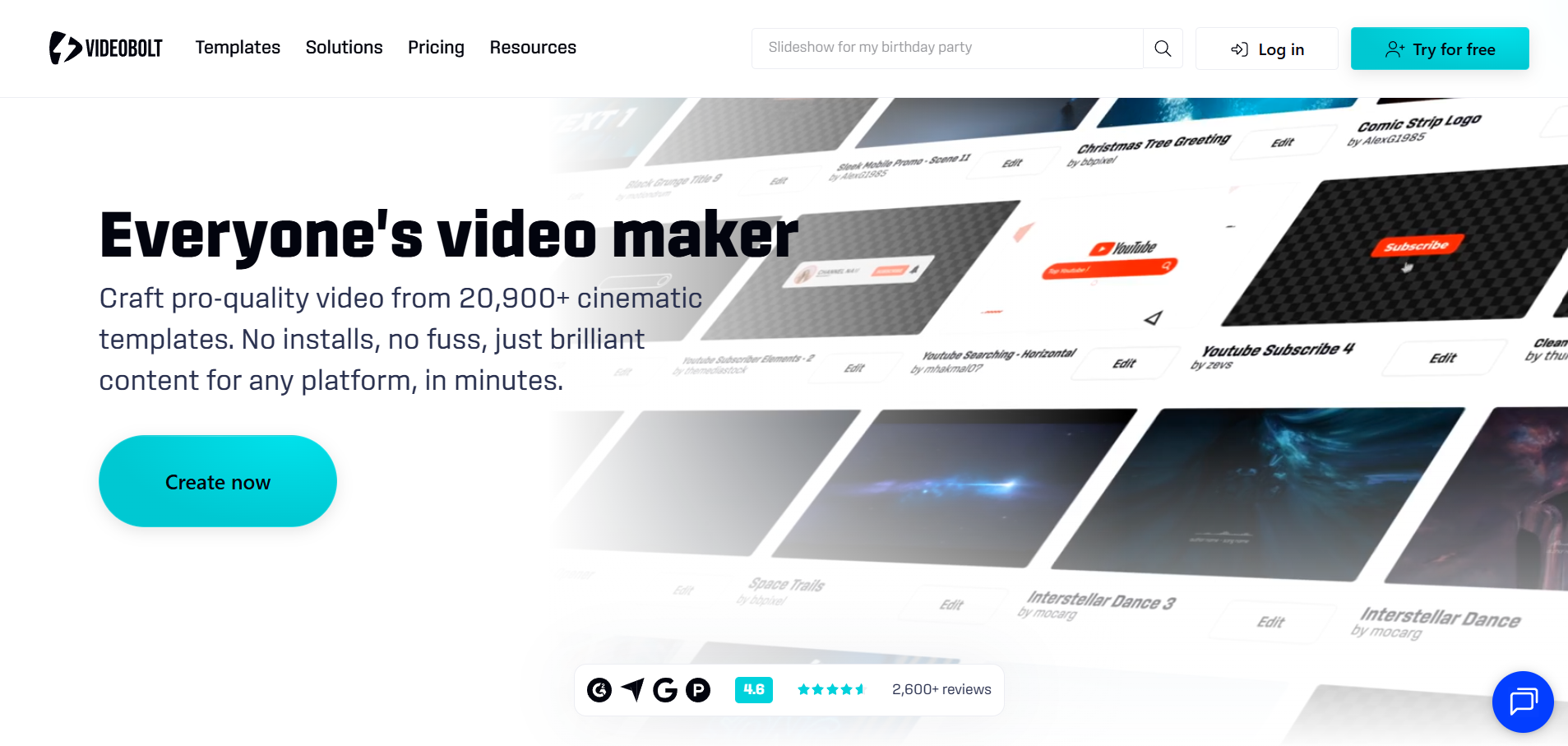
Template visualizers for long videos
Videobolt subscribers export without watermarks; per-video length runs from 10 minutes on Lite (€9.99 per month billed yearly) to 2 hours on Business.
How it fits the workflowChoose a visualizer template, add your track and branding, and render.
Watch forTemplates need customization to stand out.
5Kaiber

Stylized AI visuals synced to music
Kaiber's Beat Sync, included from the Creator plan at $29 per month, auto-syncs video to music and adds lyric detection and text overlays. A $5 five-day trial converts to Creator.
How it fits the workflowUpload the track, set a style, let Beat Sync cut to the music, and refine in the timeline editor.
Watch forThe $10 Starter plan has no Beat Sync access.
6Renderforest
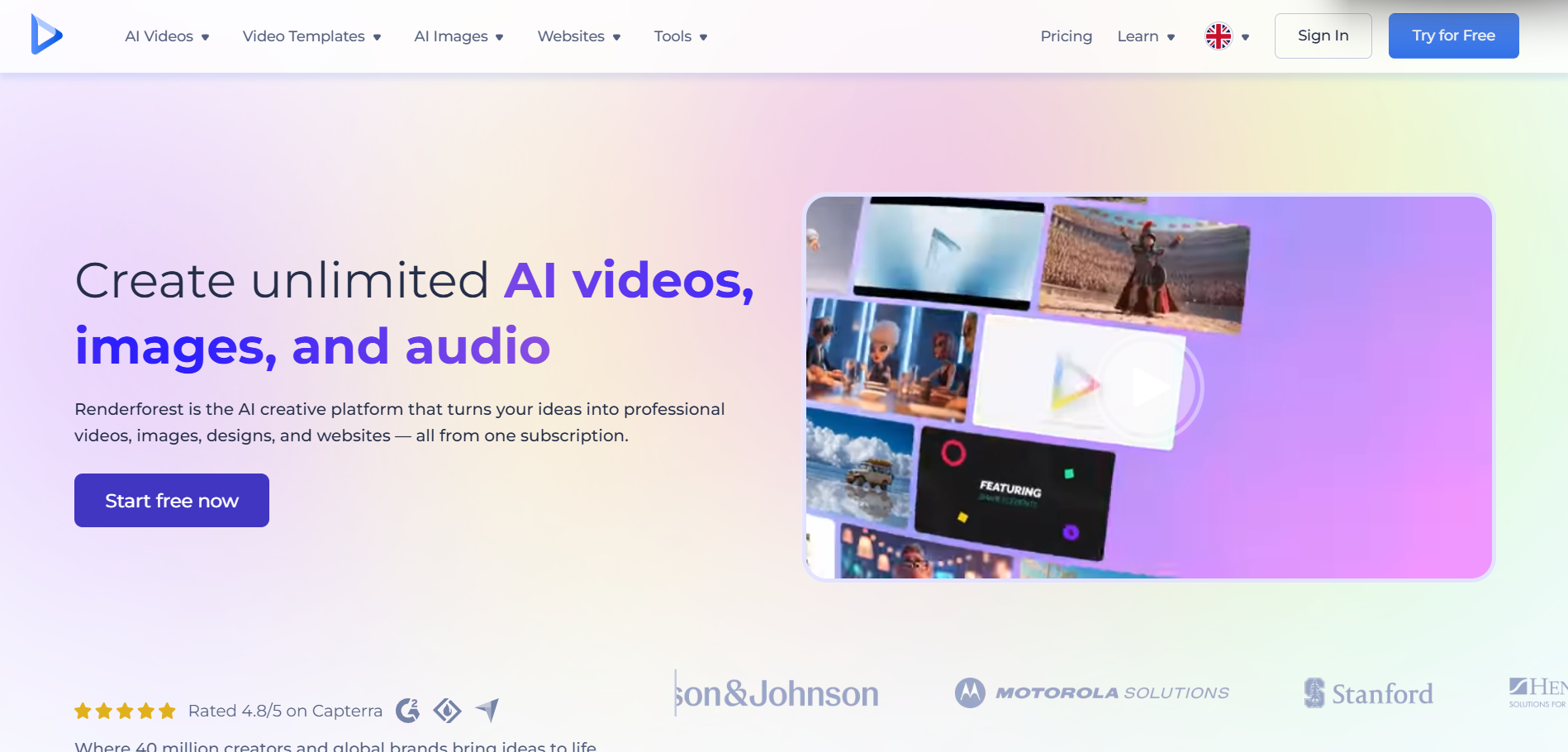
Template music visuals inside a broader video suite
Renderforest combines music visualizer templates with AI video tools. Lite is listed at $9 per month billed yearly (HD720) and Pro at $19 per month billed yearly (HD1080).
How it fits the workflowChoose a music template, add the track and artwork, customize, and render.
Watch forResults can look template-driven unless you replace enough default elements.
7Headliner
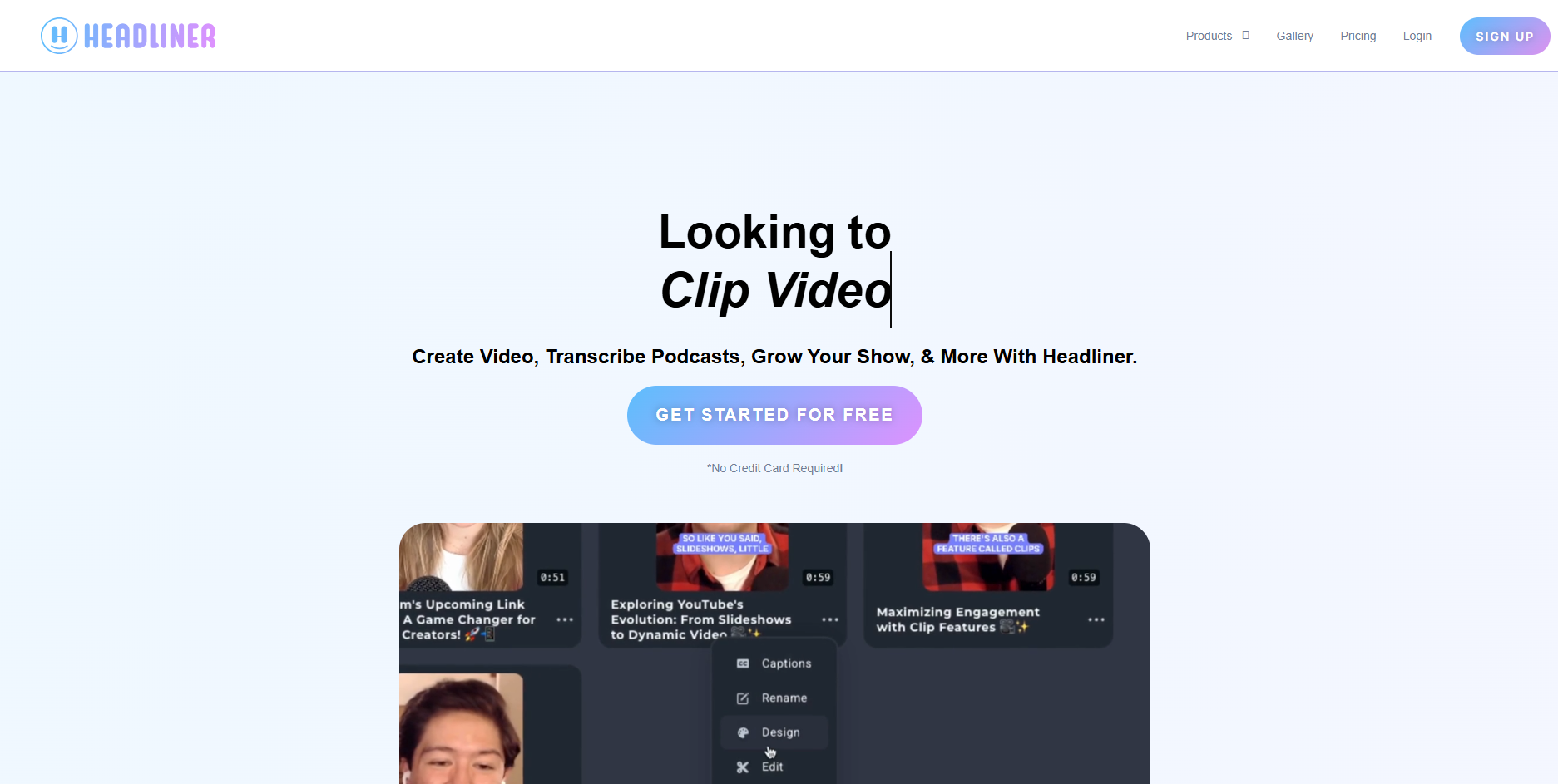
Waveform audiograms for promotion
Headliner is built for audiograms, the waveform videos used to promote audio. Its free plan offers unlimited watermarked audiograms at 1080p of up to 10 minutes; Basic ($9.99 per month, or $7.99 billed yearly) includes 10 unwatermarked audiograms a month.
How it fits the workflowUpload a clip, choose a waveform style, add captions, and export.
Watch forIt is podcast-oriented, with limited music-reactive styling.
How to Choose the Right Option
Use Freebeat for AI visuals that follow the song's structure. Use Specterr or Videobolt for classic spectrum looks and long videos, Neural Frames for stem-level control, Kaiber for stylized beat-synced clips, Renderforest for templates inside a wider video suite, and Headliner for promo audiograms.
Generate a structure-aware visualizer from your song, then reuse the look for your music video and lyric video. Start with Freebeat →
Frequently Asked Questions
What is the best music visualizer?
Freebeat is our top overall pick because it generates AI visuals that follow a song's beats and sections. Specterr is the best classic spectrum visualizer, and Neural Frames offers the most stem-level control.
What is the best audio visualizer?
For waveform and spectrum styles, Specterr and Videobolt are strong choices; for promo audiograms, Headliner. For AI-generated visuals that react to the music's structure, use Freebeat.
What is the best song visualizer?
If you want visuals that change with the verse, chorus, and drop, use a structure-aware tool like Freebeat. If you want a spectrum or particle look, use Specterr.
Can you recommend an audio visualizer for long videos or DJ mixes?
Specterr's Unlimited plan supports 120-minute videos, and Videobolt's Business plan supports videos of up to 2 hours. Freebeat supports videos of up to about six minutes on paid plans.
What's the difference between a music visualizer and a music video?
A visualizer animates the sound itself with spectrum bars, particles, or abstract motion. A music video adds scenes, characters, and story. Freebeat can make both from the same song.


