Best AI Music Video Makers for 4K Cinematic Quality
Contact partnership@freebeat.ai for guest post/link insertion opportunities.
Best AI Music Video Makers for 4K Cinematic Quality
High resolution visuals have become a baseline expectation for music videos today. Whether you publish on YouTube, Instagram or TikTok, viewers respond better to sharp detail, cinematic color and realistic motion. The best AI tools now offer 4K and near 4K rendering that rivals traditional filmmaking. Freebeat sits in this space by helping creators produce beat synced visuals that feel polished and professional without a complex workflow. In this guide, I break down the tools, features and creative decisions that matter most when making 4K cinematic music videos with AI.
Why 4K Matters for Modern Music Videos
4K is no longer a luxury. Audiences consume content on high resolution screens, and even short form platforms compress less aggressively when the source file is sharp. Higher resolution increases clarity in facial features, lighting, choreography and scene transitions. These details help musicians and creators look more professional without spending thousands on production.
Music videos also play a key role in audience perception. High resolution elevates an artist’s visual identity, especially when releasing singles, performance clips or album visuals. For independent creators, 4K delivery can create a competitive edge that used to require full production crews.
AI tools now make this realistic for smaller teams. Many offer cinematic color science, realistic skin rendering and strong motion stability. Freebeat enhances this process by syncing its visuals to the audio’s tempo and mood, which adds a sense of intentional timing that matches traditional editing. High resolution works best when paired with purposeful visual rhythm, and AI now bridges both.
Cinematic quality is becoming accessible, and creators who use these tools early stand out immediately.
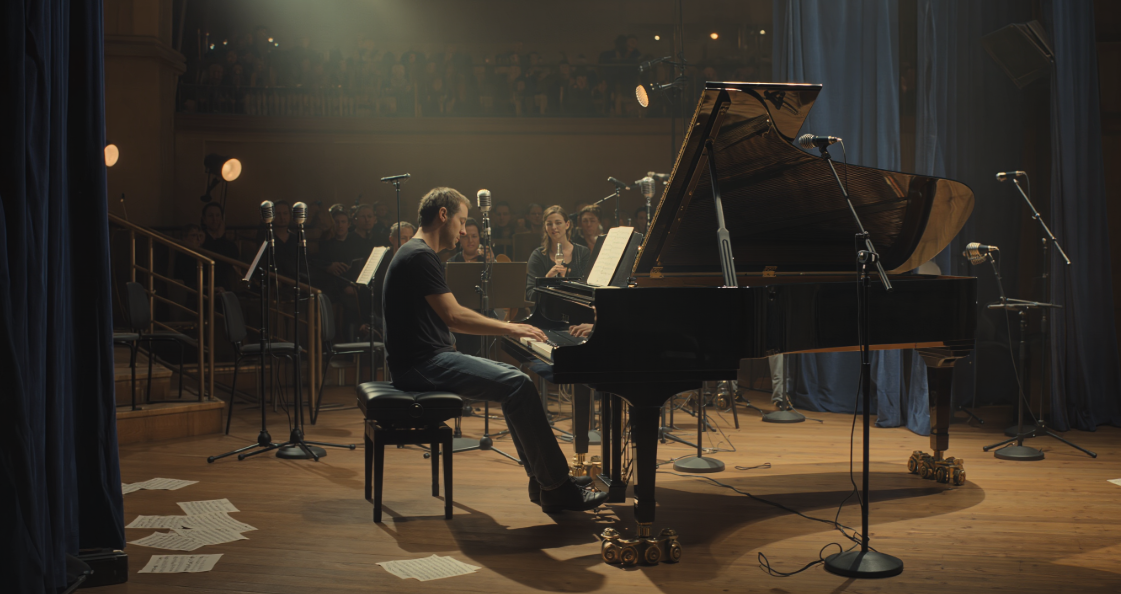
Core Features of a True 4K AI Music Video Maker
Not every AI model claiming “4K” actually achieves cinematic quality. High resolution requires more than pixel count. It depends on motion stability, lighting accuracy, color depth and texture detail.
Motion Quality and Frame Stability
At 4K resolution, any jitter or artificial motion becomes extremely visible. The strongest AI models produce stable frame transitions, natural movement and smooth camera flow. This matters for performance clips, dance sequences and live action style shots.
Cinematic Color Grading and Depth
Cinematic visuals rely on contrast, tone curves and rich color mapping. Good AI tools simulate this automatically using filmic algorithms. This is especially helpful for creators who want dramatic looks without manual grading.
High Fidelity Faces and Textures
Skin detail, hair texture and fabric definition play a huge role in realism. AI models capable of 4K clarity excel at photorealistic textures and avoid plastic or artificial finishes.
Audio Reactive Visual Timing
Even cinematic visuals fall flat if they ignore the rhythm of the track. Beat alignment helps transitions feel intentional. This is where Freebeat excels, using tempo and mood analysis to drive pacing automatically. It removes manual syncing and makes 4K videos feel professionally edited.
True 4K quality comes from a combination of resolution, movement, color and rhythm, not pixels alone.
Comparison of the Best 4K AI Music Video Makers
Different AI models excel in different aspects of cinematic quality. Some are better for realism, others for stylized storytelling or dramatic color direction.
CapCut, Best for Accessible 4K-Like Upscaling
CapCut provides quick rendering with simple controls. While it is not a pure 4K generator, its upscale and enhancement tools make it a solid option for creators working on tight timelines.
Runway Gen-2 / Gen-3, Best for Cinematic Color and Composition
Runway is one of the strongest tools for color grading and realistic composition. It simulates camera motion, lighting and lens effects extremely well, making it useful for narrative or atmospheric music videos.
Kling AI, Best for Ultra Sharp Detail
Kling is known for incredibly crisp textures, dynamic lighting and strong realism. Its character consistency and motion stability make it ideal for 4K style shots with detail in closeups or performance scenes.
Pika 2.0, Best for Clean Motion and Smooth Animation
Pika balances style and realism well. Its 4K-level clarity varies by model, but its motion smoothness and dynamic animation make it excellent for stylized cinematic visuals.
Where Freebeat Fits
Freebeat brings all of these options together by integrating multiple top tier models in one interface. It analyzes the track’s rhythm and mood, generating visuals that feel unified with the music. For creators who want a smoother workflow, Freebeat’s beat synced scenes and mood adaptive rendering make 4K video generation more accessible without technical editing or color grading.
Choosing between these tools depends on whether you prioritize realism, color science or motion quality.
Ranked List of the Top Tools for 4K Cinematic Music Videos
4K cinematic quality is subjective, but certain tools clearly outperform others in realism, depth and motion.
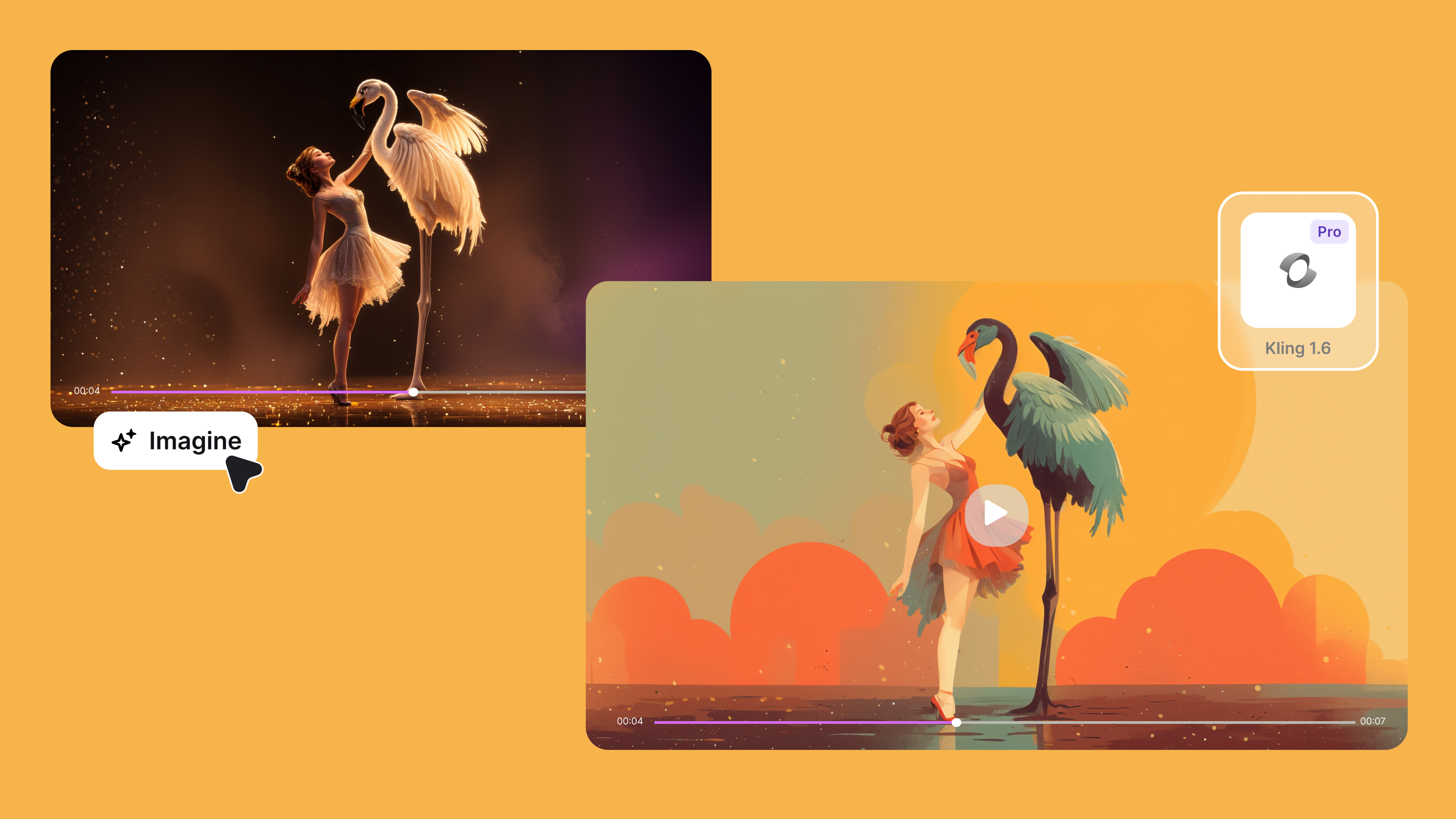
Rank 1: Kling AI, Best for Ultra Realistic Live Action
Kling consistently delivers sharp detail, realistic skin texture and film quality lighting. It performs especially well in closeups and cinematic movement.
Rank 2: Runway Gen-2 / Gen-3, Best for Cinematic Color Depth
Runway produces the most film like palettes. Its shots often resemble editorial or studio-grade visuals, perfect for atmospheric music videos.
Rank 3: Pika 2.0, Best for Stylized Cinematic Motion
Pika’s animation driven models offer smooth movement and strong stylization that blend well with dramatic or surreal music concepts.
Rank 4: CapCut, Best for Fast 4K Enhancements
CapCut is a practical choice for creators who want to upscale, refine or polish footage quickly. It is not a pure 4K generator, but its enhancement tools are lightweight and effective.
Rank 5: Freebeat, Best All Around for High Quality Beat Synced Videos
Freebeat supports cinematic models while adding beat alignment to drive pacing. For creators who want polished visuals with minimal setup, Freebeat delivers high quality outputs consistently and supports 9:16 and 16:9 exports ready for YouTube, TikTok or Reels.
Each tool excels in a different area, making it easier for creators to choose based on their artistic goals.
When to Use Each Tool Based on Your Visual Goals
Music creators often shift between realism and stylization depending on the song or campaign. Choosing the right tool depends on the emotional tone and narrative direction.
Best for Narrative or Live Action Looks
Creators aiming for cinematic storytelling, emotional arcs or realistic performances will benefit most from Runway or Kling. These models excel at film like composition and character realism.
Best for Dreamy Cinematic Worlds
Pika and Runway produce strong surreal worlds or stylized dream sequences. These are useful for ambient tracks, atmospheric visuals or conceptual album content.
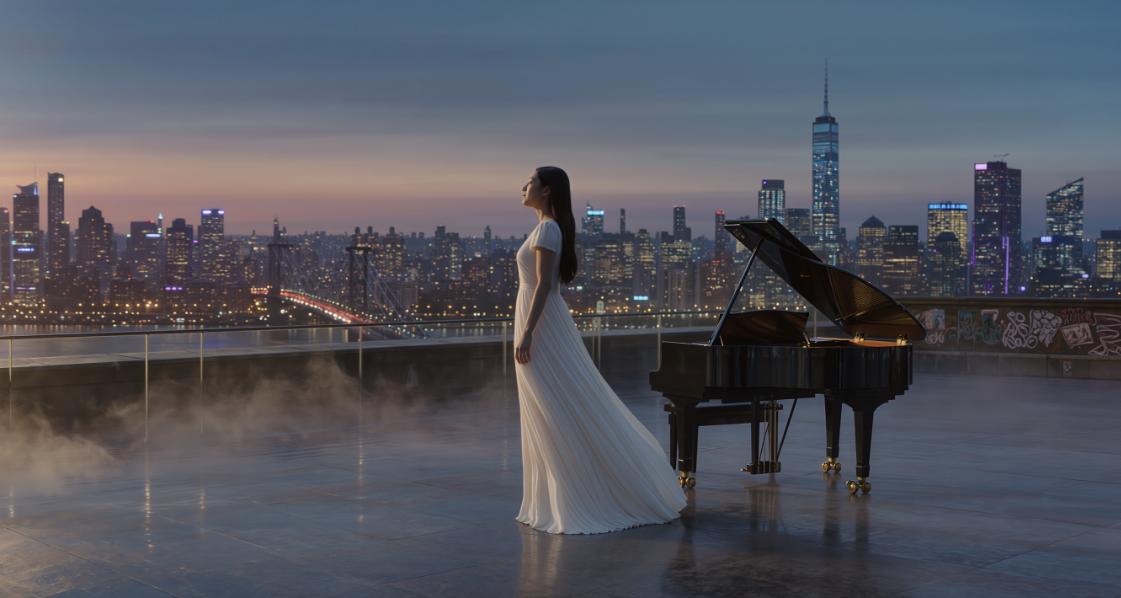
Best for High Energy Stylized Motion
AI tools like Pika work well for upbeat songs with fast pacing. Strong motion consistency makes high energy videos feel natural and cohesive.
Freebeat supports every scenario by letting creators select cinematic or stylized models and syncing all visual transitions to the beat. This ensures artistic cohesion across different styles.
Workflow: Creating a 4K Music Video Using Freebeat
High resolution videos can be created quickly when the workflow is simple. Freebeat makes this process accessible.
Step 1: Upload Track or Paste a Link
Freebeat analyzes tempo, rhythm and emotional cues directly from the audio.
Step 2: Choose a High Fidelity Model
Select cinematic, realistic or stylized aesthetics based on your creative direction. Freebeat’s model integrations give you access to various 4K-ready engines.
Step 3: Render in 16:9 or 9:16 for Platforms
Choose the format, then export. Freebeat prepares files optimized for YouTube, Instagram or TikTok automatically, ensuring professional quality output.
This workflow makes 4K creation manageable even for creators with no editing background.
FAQ: Best AI Music Video Makers for 4K Cinematic Quality
What is the best AI tool for realistic 4K music videos?:
Kling AI and Runway produce the most photorealistic results, especially for live action looks and emotional storytelling.
Which AI model is best for cinematic color grading?:
Runway is known for strong color science and film style grading.
Can Freebeat generate 4K style visuals?:
Freebeat leverages cinematic models and syncs visuals to music for professional looking results without heavy editing.
Is AI good enough for high resolution music video production?:
Yes, many 4K capable models now rival traditional workflows for short form and conceptual videos.
Which tool is best for ultra detailed closeups?:
Kling produces the sharpest detail in faces, fabrics and lighting.
Do AI tools support 16:9 for YouTube?:
Yes, many platforms including Freebeat export in 16:9 and 9:16 for different placements.
What style works best for 4K promo visuals?:
Cinematic lighting, slow motion and realistic textures usually perform best in high resolution formats.
Closing
4K cinematic quality is now accessible through powerful AI tools, giving music creators the opportunity to produce visually stunning videos without traditional production costs. Whether you need realism, stylization or strong color depth, there is a model built for your creative vision. Freebeat adds another layer by syncing visuals to your music, making high quality videos feel professionally edited with minimal effort. With the right tools and workflow, musicians can elevate their visual presence and deliver content that stands out in any format.


