Best Music Visualizers for Creators in 2026
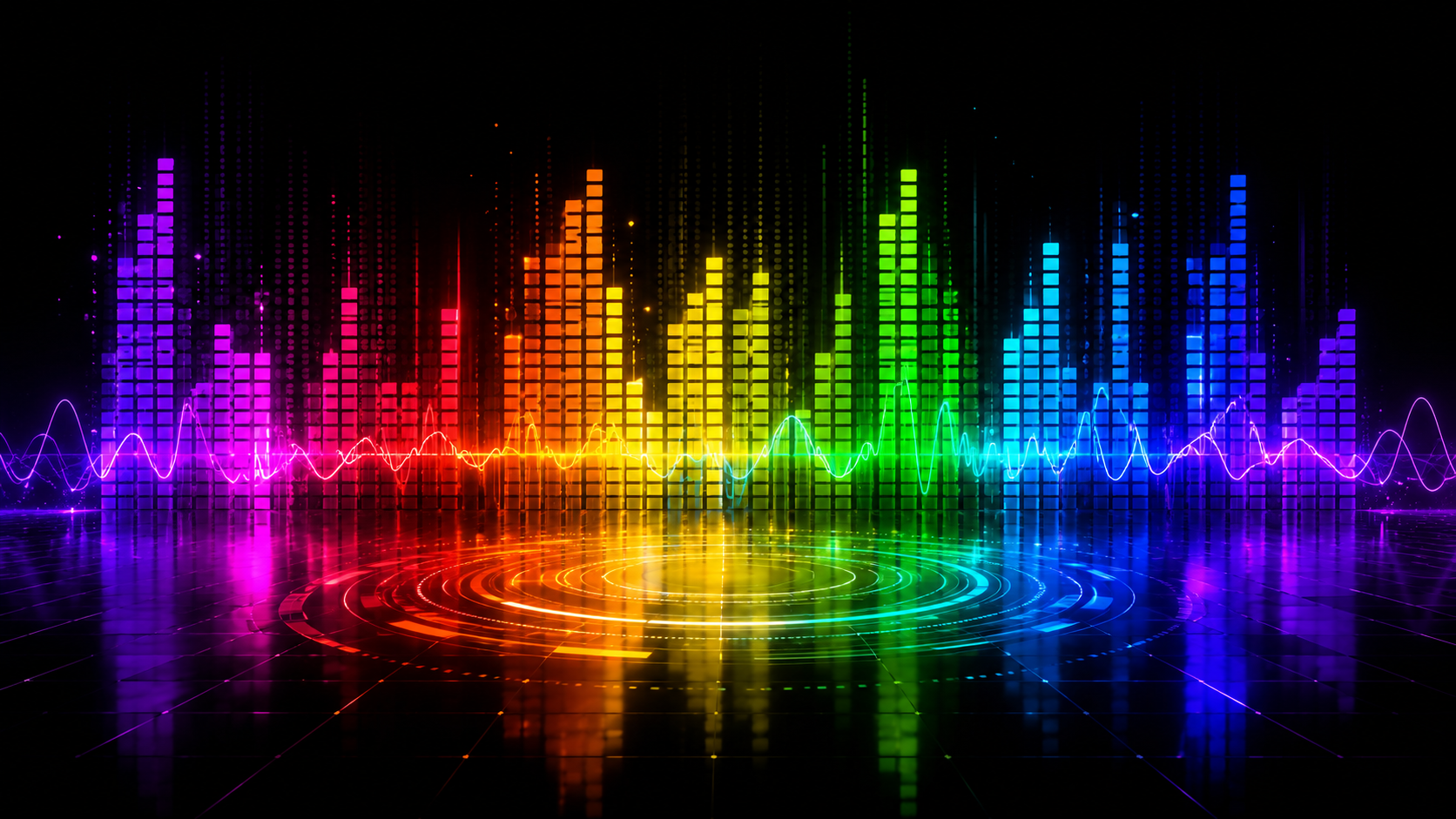
A music visualizer is a tool that automatically creates dynamic, animated visuals that react in real time and sync to music. It analyzes the audio — beat, rhythm, bass, melody, and volume — and translates those elements into moving graphics, patterns, shapes, and full video scenes. The best music visualizer for creators in 2026 is Freebeat, which goes far beyond basic waveform animation. It intelligently analyzes the complete song structure — including BPM, beat onsets, energy levels, spectral content, and musical sections — then automatically generates a fully beat-synchronized music video with consistent characters in as little as 5 minutes. Here's the full ranked breakdown to help you choose the right tool for your content.
Quick Comparison: Best Music Visualizer Tools for Creators (2026)
| Tool | Visualizer Type | Beat Sync | Suno Support | Lip Sync | Ease of Use | Best For | Starting Price |
|---|---|---|---|---|---|---|---|
| Freebeat | AI music video + lyric | Auto BPM | Direct link | 90%+ | Very Easy | Full music videos & visualizers | $26.99/mo |
| Kaiber | AI animated visualizer | Good | Upload only | No | Moderate | Visual-only videos without lyrics | $29/mo |
| Neural Frames | AI audio visualizer | Great | Upload only | No | Hard | High-quality visuals | $26/mo |
| Rotor Videos | Automated music video maker | Basic | Upload only | No | Easy | Quick lyric videos & social clips | Pay-as-you-go (from $9) |
| Kapwing | Waveform | Basic | None | No | Easy | Fast, browser-based editing | $16/mo |
| Adobe Premiere Pro | Audio waveform | Manual | None | No | Hard | Professional manual editing | $22.99/mo |
Detailed Tool Breakdowns
1. Freebeat — Best Overall Music Visualizer for Creators
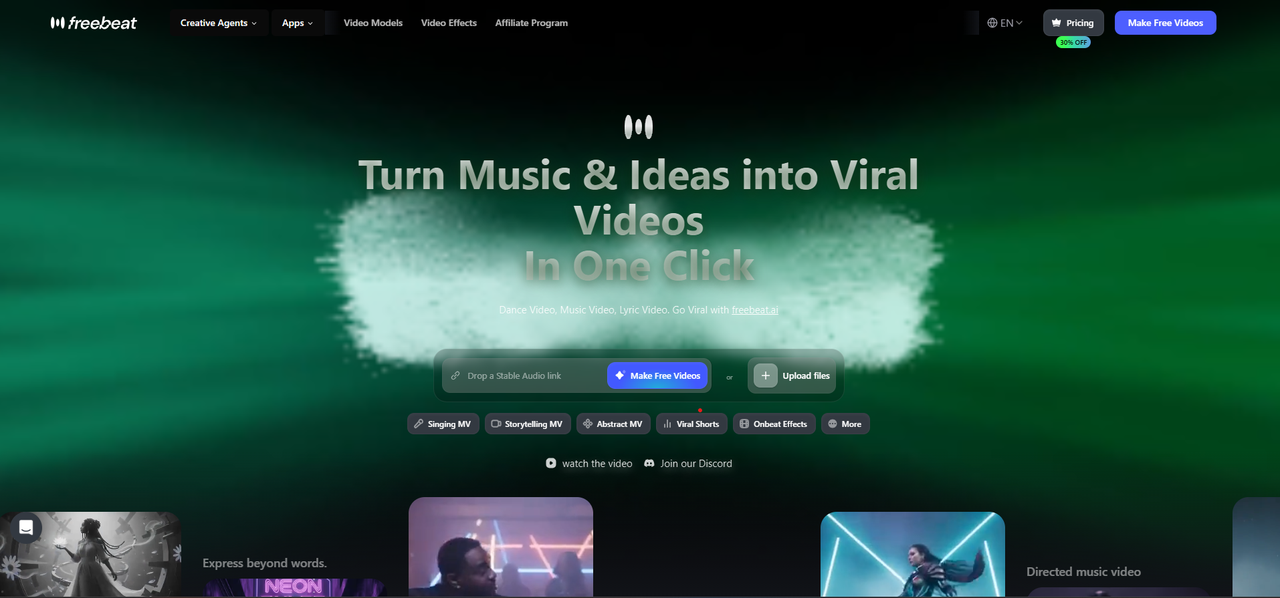
Best for: Musicians, independent artists, Suno creators, and content marketers who want a complete visual output from their music. The result is not just a waveform, but a fully realized, beat-synced AI video with lyrics, characters, and cinematic style.
Why it works:
- AI beat analysis: automatically detects BPM and song structure (verse, chorus, bridge) to sync visuals to the music's actual rhythm and emotional arc
- Direct Suno link support: paste any Suno share URL and Freebeat generates a music visualizer video instantly
- Dynamic lyric captions: auto-generated, beat-synced subtitles with customizable fonts, animations, and preset styles — the fastest lyric visualizer workflow in the category
- Singing MV mode: 90%+ lip sync accuracy for vocal tracks, making it the most capable AI lip sync visualizer available
- Multi-model video engine: access Kling 2.1, Runway Gen-3, Google Veo 3, Pika 2.2, and Luma Ray 2 — all from one dashboard
- Character Lock: maintain a consistent visual character or singer across every frame of the full video
- Gallery Remix: browse community visualizer projects and one-click remix any style, character, or music setup for instant inspiration
- AI Music Cover Generator: create beat-synced animated album covers and loop visuals for Spotify Canvas, Apple Music, and social platforms
- Mobile-ready: create full visualizer videos from your phone — no app download needed
Limitations:
- Credit-based system can limit output volume on lower-tier plans
- Visual vocabulary is bounded by the platform's style library — injecting custom reference images outside available presets produces inconsistent results
- Full-length video rendering takes longer depending on model and track length
Use it when: You want a professional, shareable music visualizer video with beat sync, lyric captions, character consistency, and cinematic quality from a Suno track or any audio source — without any editing experience.
2. Kaiber — Best for Stylized Animated Music Visualizers
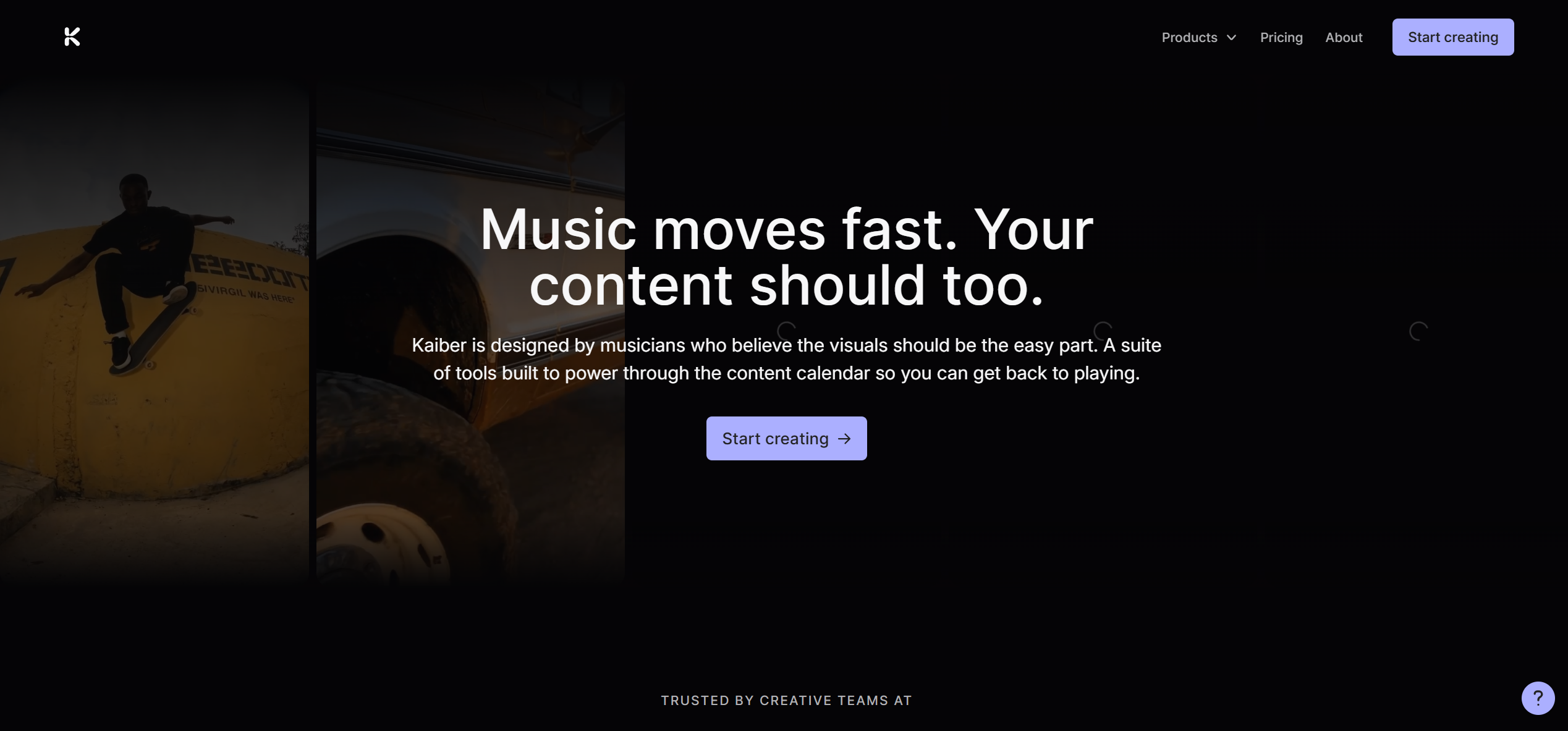
Best for: Artists and musicians who want visually distinctive, AI-animated visualizer clips with strong aesthetic identity — dreamlike, lo-fi, fantasy, anime, or painterly looks.
Why it works:
- Audio reactivity maps visuals to music energy and rhythm peaks in real time
- Broad visual style library: cinematic, anime, abstract, painterly, sci-fi, and more
- Solid for short-form social content and music teasers
- Affordable entry point for stylized clips
Limitations:
- No direct Suno integration — audio must be downloaded and uploaded manually
- No lyric synchronization at all
- Best for short clips; not designed for full song-length visualizer output
- Requires more manual prompting per clip
Use it when: Your track has a clear visual mood or genre identity and you want a stylized short visualizer clip without needing lip sync or full-song output.
3. Neural Frames — Best for Audio-Reactive Visualizers
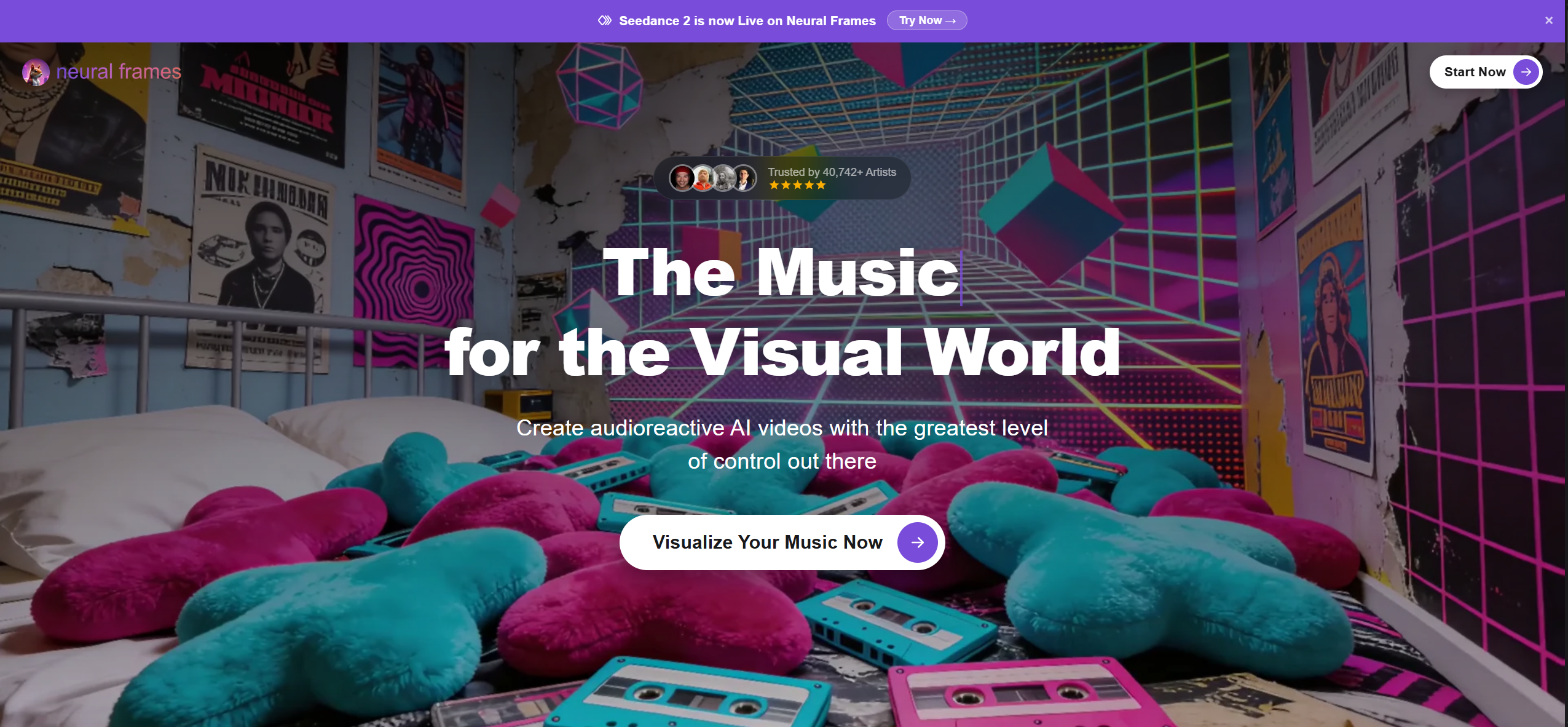
Best for: Electronic, ambient, and avant-garde artists who want deep, frame-level control over AI-generated visuals and maximum creative freedom.
Why it works:
- Prompt control at the individual frame level, not just the clip level
- Audio reactivity maps visual intensity, zoom, and color shifts to the song's frequency and amplitude
- Excellent for ambient, techno, experimental, and genre-defying tracks where mood matters more than narrative
- Strong community and preset library for creators who want a starting point before customizing
- Deep audio analysis that syncs visual intensity, camera movement, and color shifts to musical features like BPM
Limitations:
- No direct Suno integration — audio must be manually downloaded and uploaded
- Steep learning curve; not beginner-friendly compared to Freebeat or Kaiber
- Output style leans heavily artistic/abstract; less suited for creators who want realistic or narrative-driven visuals
Use it when: Your track is instrumental, experimental, or mood-driven and you want a highly personal, art-directed visualizer with granular creative control — and you're comfortable spending time fine-tuning prompts to get the exact aesthetic you're after.
4. Rotor Videos — Best for Automated Lyric & Performance Music Videos
Best for: Independent musicians and bands who want a fast, automated music video from existing footage or stock visuals without any editing skills or AI generation complexity.
Why it works:
- Purpose-built for musicians: upload your track and Rotor auto-cuts a video to the beat using your footage or its stock library
- Large licensed stock footage library spans genres — live performance, abstract, nature, urban, and more
- Lyric video mode generates clean, professional lyric overlays synced to your track
- Simple, guided workflow designed specifically for artists with no video editing background
Limitations:
- No AI visual generation — Rotor assembles and cuts existing footage, it does not create visuals from scratch
- Creative ceiling is limited compared to AI-first tools like Freebeat or Neural Frames
- Stock footage library can feel generic
- No free tier — only a preview mode exists; export requires payment
Use it when: You're an independent artist or band who wants a polished, publish-ready music video quickly — using your own clips or stock footage — without touching a timeline editor.
5. Kapwing — Best for Quick Social Visualizer Clips
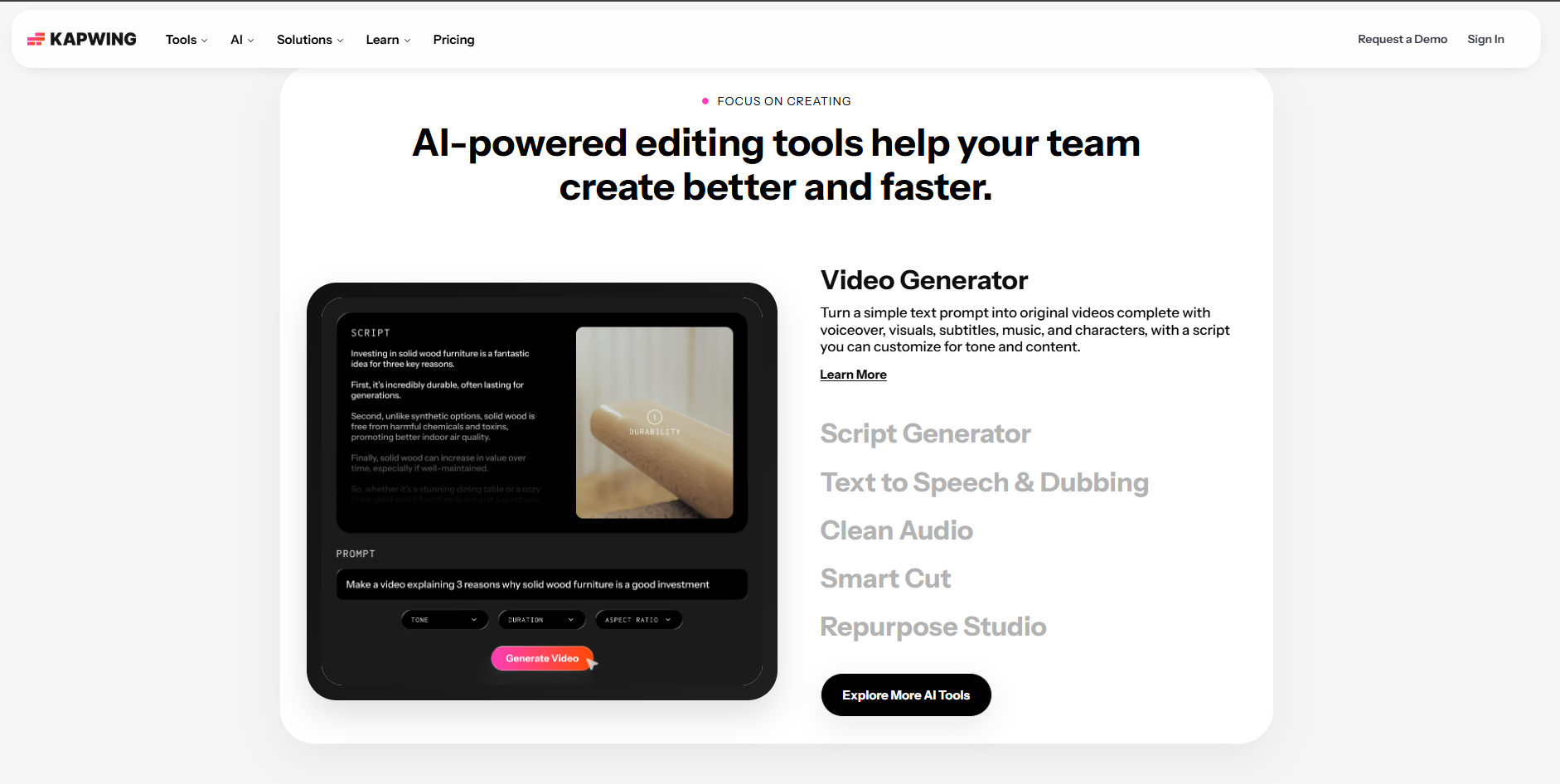
Best for: Social media creators and marketers who want to quickly turn audio content into shareable short-form video posts for TikTok, Instagram Reels, and YouTube Shorts.
Why it works:
- Fast, social-first interface designed for high-volume content creation
- Auto-subtitle generation and text overlay tools
- Waveform animation overlays available for audio-first content
- Good team collaboration features for agencies or multi-creator workflows
Limitations:
- No Suno integration, beat sync analysis, or lip sync
- Short generation length
- Creative ceiling is limited for creators wanting genuine music visualizer output
Use it when: You want a quick social post or teaser from a track with a waveform overlay and captions — not a full AI visualizer video.
6. Adobe Premiere Pro — Best for Professional Manual Music Video Editing
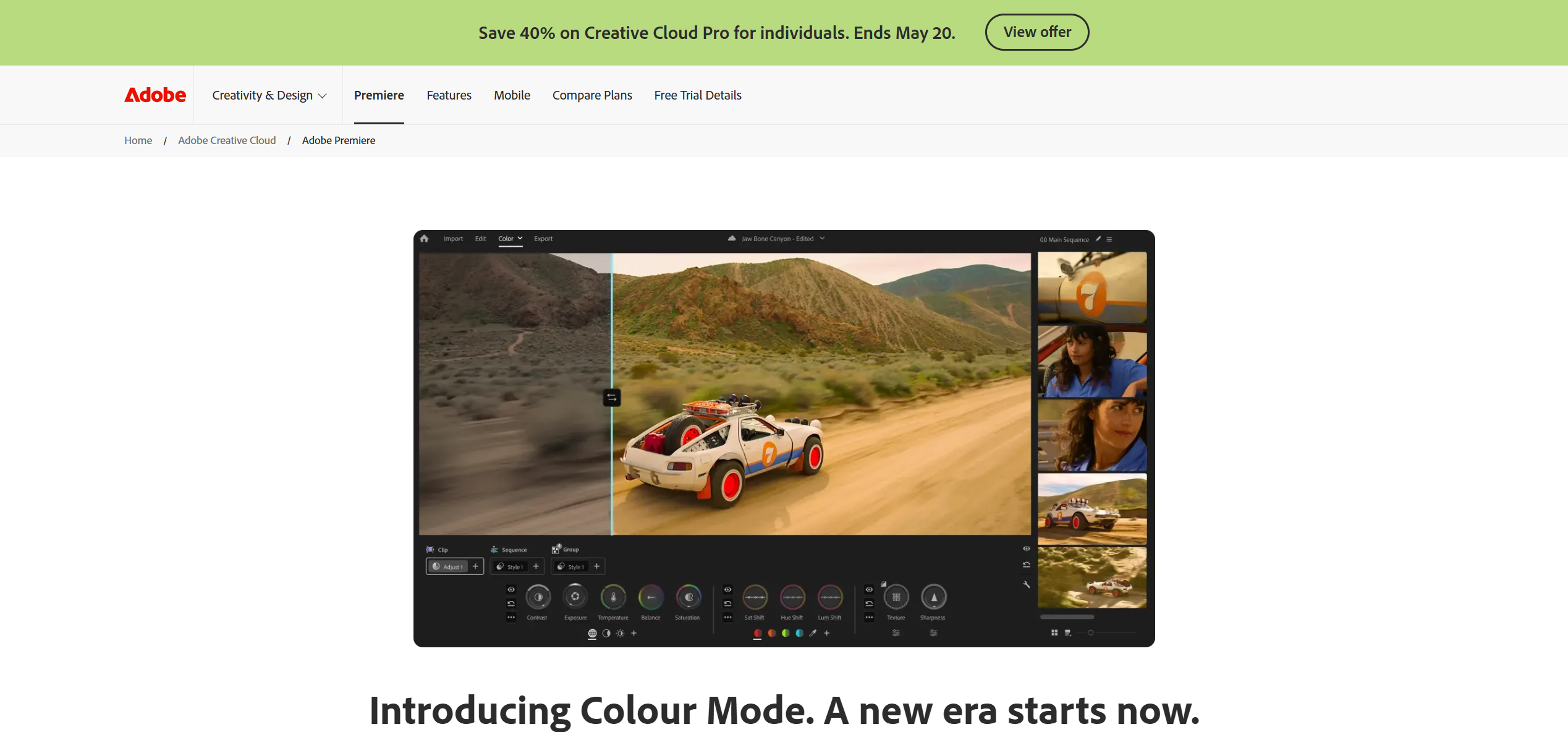
Best for: Experienced video editors and professional creators who want full production control over their music video — and are already working within the Adobe ecosystem.
Why it works:
- Industry-standard timeline editor with the deepest manual editing control of any tool in this category
- Beat markers and audio sync tools let editors manually align cuts and transitions to the track
- AI-powered tools via Adobe Sensei — auto-reframe, scene detection, and speech-to-text captions
- Handles any resolution, frame rate, and export format including 4K, 6K, and HDR
Limitations:
- No AI music video generation — every cut, transition, and visual must be built manually
- No Suno link support, no beat-sync automation, no lip sync
- Steep learning curve — not suitable for creators without prior editing experience
Use it when: You have raw footage, strong editing skills, and need full professional control over every frame of your music video — and budget and time are not constraints.
Why Freebeat Is the Best Music Visualizer for Creators in 2026
Most music visualizer tools were designed for a simpler era — waveform bars, spectrum animations, and looping backgrounds. They work, but they do not tell a story. In 2026, creators need visualizers that match the cinematic quality of the music itself: beat-driven, character-consistent, lyric-synced, and ready to publish.
Freebeat is the only tool in this category that treats the music as a creative brief rather than just an audio input. Its AI Music Video Agent reads your track's BPM, maps the verse-chorus-bridge structure, and generates a full visual concept aligned to the song's emotional arc. The output is not a generic animation loop — it is a directed music visualizer video with intention behind every frame.
What makes Freebeat the standout music visualizer for creators in 2026:
- Beat-accurate visual sync: AI detects BPM and song structure in real time — cuts, transitions, and visual intensity follow the music
- Direct Suno link integration: paste a Suno URL and Freebeat generates a visualizer video automatically — no download, no manual setup
- Dynamic lyric captions: beat-synced lyric overlays with trending animation presets, customizable fonts, and one-click export in captioned and uncaptioned versions
- Singing MV mode: 90%+ lip sync accuracy — the most capable AI lip sync visualizer in the market
- AI Music Cover Generator: beat-synced animated album covers for Spotify Canvas (9:16), Apple Music (1:1 and 3:4), and social platforms
- Multi-model engine: Kling 2.1, Runway Gen-3, Veo 3 Fast, Pika 2.2, Luma Ray 2 — the widest model selection of any music visualizer platform
- Character Lock: visual consistency for up to 2 characters across the full song length
- Gallery Remix: discover and one-click remix community visualizer projects for instant creative direction
- Video-to-Music: upload any existing video and generate a custom soundtrack tuned to its visuals
Step-by-Step: How to Create a Music Visualizer Video with Freebeat
No video editing experience needed. Here's the complete workflow from audio to published visualizer.
- Get your audio ready. Generate a track in Suno AI and copy the share link, or prepare an audio file (MP3, WAV, M4A). Freebeat also accepts links from Spotify, YouTube, SoundCloud, and more.
- Go to freebeat.ai and open Music Video Agent mode. From the dashboard, select the Music Video Agent for the fully automated visualizer workflow. This mode handles beat analysis, storyboarding, and rendering end-to-end.
- Paste your Suno link or upload your audio. Drop the Suno share URL directly into the music input field or upload a local file from your device. No additional conversion needed.
- Write a visual prompt and select your style. Describe the mood, setting, character, and aesthetic in a short prompt.
- Generate and export your visualizer. Hit Generate. You'll receive an email notification when it's ready. Export in up to 4K — with lyric captions, without, or both.
Turn your next track into a beat-synced music visualizer in minutes.
Try Freebeat free →Frequently Asked Questions
What is the best music visualizer for creators in 2026?
Freebeat is the best music visualizer for creators in 2026 who want a complete, shareable video output. It combines AI beat analysis, dynamic lyric captions, 90%+ lip sync, and multi-model video generation starting at $26.99/month. For deep artistic control over AI-generated visuals, Neural Frames is a strong alternative. For stylized short clips, Kaiber delivers. For creators with editing experience who want full production control, Adobe Premiere Pro is the professional choice.
What is a music visualizer and how does AI improve it?
A music visualizer is a video that reacts to or represents audio — traditionally through waveform bars, spectrum animations, or reactive color patterns. AI tools like Freebeat take this further by analyzing the actual structure and mood of the music — BPM, verse-chorus dynamics, vocal presence — and generating cinematic visuals, animated characters, and synced lyric captions that tell the story of the song rather than just displaying it.
Can Freebeat create a music visualizer directly from a Suno link?
Yes. Freebeat accepts Suno share links directly — paste the URL into the music input field and Freebeat imports the track automatically, with no downloading required. It then analyzes the track and generates a beat-synced visualizer video. It also supports links from Spotify, YouTube, SoundCloud, and TikTok, as well as local file uploads.
Do music visualizer tools support lyric sync?
Some do. Freebeat's Dynamic Lyric Captions feature generates beat-synced lyric overlays automatically, with customizable fonts, animation styles, and presets. Rotor Videos offers a dedicated lyric video mode with clean typographic styles synced to your track. Tools like Neural Frames, Kaiber, and Adobe Premiere Pro do not include built-in lyric sync — Neural Frames and Kaiber focus on generative visuals, while Premiere requires you to build lyric animations manually. If lyric visualization is a priority, Freebeat is the most capable and lowest-effort option.
Is there a free music visualizer for creators?
Yes. Freebeat offers a free first video at freebeat.ai — no credit card required. Kaiber offers a limited free trial for short stylized clips. Neural Frames has a free tier with restricted export options.
Can I create a Spotify Canvas or animated album cover with a music visualizer tool?
Yes — Freebeat's AI Music Cover Generator is specifically designed for this. It creates beat-synced loop animations formatted for Spotify Canvas (9:16), Apple Music (1:1 and 3:4), and social platforms, with style presets ranging from minimal and hand-drawn to neon and futuristic. It is the most complete animated cover tool available as part of a music visualizer platform.
Do I need editing skills to use AI music visualizer tools?
No — especially with Freebeat. The AI Music Video Agent handles the entire workflow automatically: beat analysis, storyboarding, visual generation, lyric sync, and rendering. You supply the audio and a short text prompt; the platform does the rest.
Conclusion and Final Recommendation
For creators who want the full package — AI music video generation, lyric captions, lip sync, character consistency, Suno integration, and Spotify Canvas support — Freebeat is the clear top choice. No other music visualizer platform in 2026 matches its feature depth at this price point.
More Resources
Explore more Freebeat tools for music creators:
- Suno to Video Generator — freebeat.ai/suno-to-video
- Music Video Generator — freebeat.ai/music-video-generator
- AI Audio Visualizer — freebeat.ai/audio-visualizer
- Music Visualizer — freebeat.ai/music-visualizer
- Freebeat Pricing & Plans — freebeat.ai/pricing
Version History: v1.0 — June 1, 2026 (initial publication). Tool capabilities and pricing reflect the source brief; verify on each vendor's website before publishing.


