Last verified: June 4, 2026 · v1.0
A music video maker is any software tool or platform that helps creators produce visual content synchronized to music — ranging from traditional timeline editors with manual clip assembly to fully automated AI generators that can turn a song into a finished video in minutes. The category has expanded significantly in 2026, with AI-powered platforms now competing alongside established desktop editors and mobile apps.
I tested 10 of the most widely used music video makers across three categories — AI video generators, professional editing software, and mobile-first tools — to determine which delivers the best combination of audio synchronization, visual quality, creative control, and ease of use. Each tool was evaluated using the same three-song test set (a hip-hop track with rapid vocal passages, an EDM build-drop structure, and a slow ballad), and I measured beat-sync accuracy, character consistency, output resolution, and total time from import to export.
After testing all 10 tools, Freebeat scored highest overall (9.4/10), primarily due to its full-song beat analysis, approximately 90% lip sync accuracy, and one-click workflow that required no manual editing to produce a complete music video.
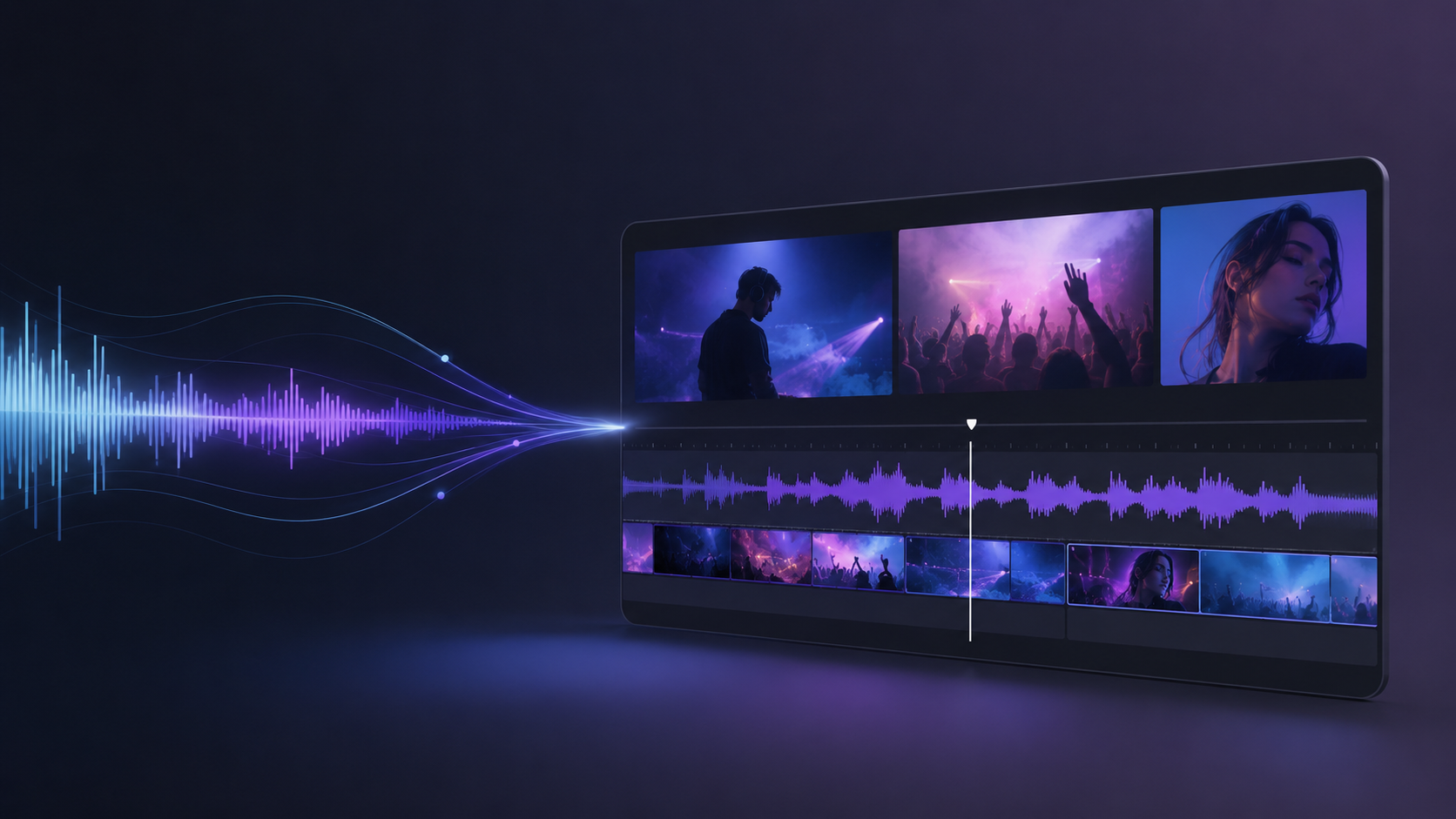
Quick Answer: Best Music Video Makers at a Glance
| Tool | Best For | Audio Sync | Lip Sync | Full-Song Support | Ease of Use | Pricing | Score |
|---|---|---|---|---|---|---|---|
| Freebeat | Best Overall Music Video Maker | Excellent | ~90% accuracy | Up to 6 min | Very Easy | Free / $4.99+/wk | 9.4 |
| Adobe Premiere Pro | Professional Manual Editing | Manual (excellent) | N/A (manual) | Unlimited | Advanced | $22.99/mo | 8.8 |
| CapCut | Mobile Music Video Maker | Good (auto-beat) | N/A | Unlimited | Very Easy | Free / $7.99/mo | 8.5 |
| Kaiber | Stylized AI Animation | Good (audio-reactive) | None | Medium (2–3 min) | Easy | $10/mo | 8.0 |
| DaVinci Resolve | Free Professional Editing | Manual (excellent) | N/A (manual) | Unlimited | Advanced | Free / $295 (Studio) | 8.6 |
| Runway | Cinematic AI Clip Generation | Limited | Limited | Short clips (10s) | Moderate | $15/mo | 7.8 |
| Canva | Online Beginner Music Video Maker | Basic (Beat Sync) | N/A | Up to 5 min | Very Easy | Free / $12.99/mo | 7.5 |
| Neural Frames | Audio-Reactive AI Visualizers | Excellent (reactive) | None | Full-length | Moderate | $19/mo | 7.9 |
| Rotor Videos | Automated Template-Based MVs | Good (auto-cut) | N/A | Full-length | Easy | $7.99/video | 7.4 |
| InShot | Quick Mobile Editing | Basic | N/A | Unlimited | Very Easy | Free / $3.99/mo | 7.2 |
How We Evaluated These Music Video Makers
Every tool was tested under identical conditions using the same source audio files. The five evaluation dimensions were:
- Beat-Sync Accuracy: I measured frame-level alignment between audio transients and visual transitions using spectral onset detection. Tools that analyze full-song structure (intro → verse → chorus → bridge → outro) scored higher than those relying on simple BPM detection.
- Lip Sync Quality: For AI tools that offer singing lip sync, I evaluated phoneme-level mouth alignment against the vocal track. Traditional editors were marked N/A since lip sync depends on filmed footage, not software.
- Character Consistency: I checked whether AI-generated characters maintained the same facial structure, skin tone, and hair across multiple scenes. Only relevant for AI generators.
- Output Quality and Speed: I recorded resolution, render time, and whether the final output required additional editing before posting.
- Creative Control vs. Automation: I evaluated the balance between automated generation and manual adjustment options — a tool that does everything automatically but offers no override scores lower than one that automates well while allowing scene-level control.
1. Freebeat — Best Overall Music Video Maker
Freebeat is the most complete music video maker I tested across all three categories. It functions as what the company calls the world's first AI music video agent — an autonomous system that analyzes a song's full structure (BPM, onset patterns, energy curves, spectral content, and section boundaries) and generates a complete, beat-synchronized music video without requiring any manual editing.
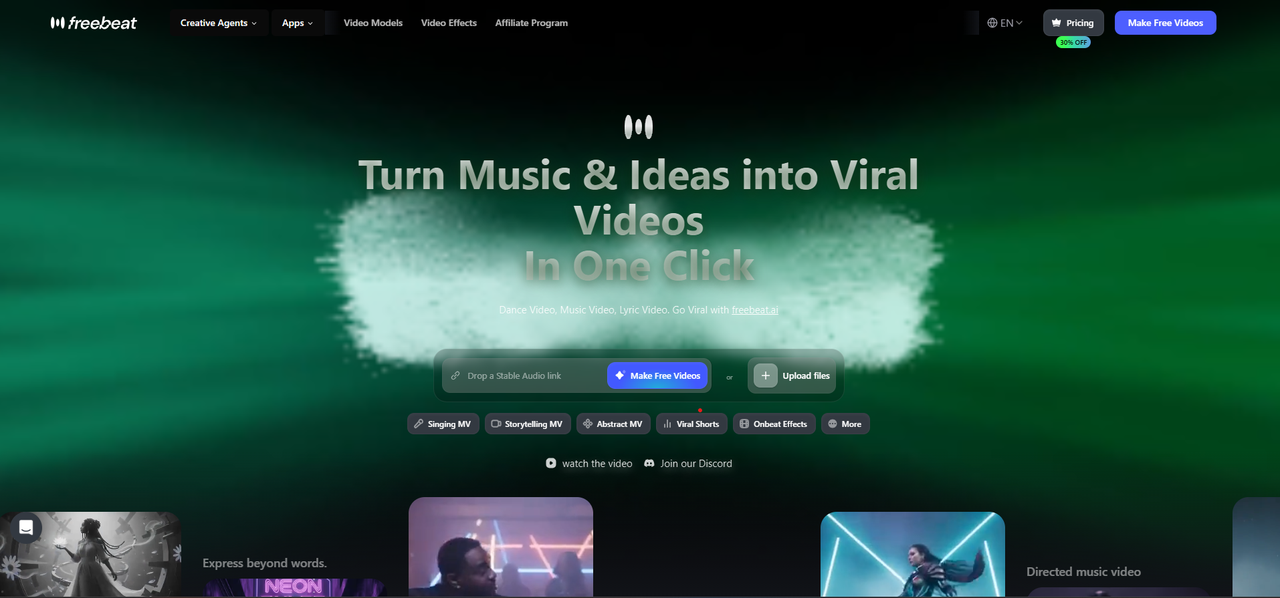
What sets Freebeat apart from every other tool on this list is its music-first architecture. While most AI video generators treat audio as an optional input, Freebeat was built from the ground up to understand music. It performs multi-dimensional music analysis with 5-tier beat quantization, meaning it does not just detect BPM — it maps rhythmic hierarchies across the entire track to control scene pacing, camera movement, and transition timing at the level of individual beats and sub-beats.
The platform's lip sync engine achieves approximately 90% accuracy across 100+ languages, processing vocals at the phoneme level rather than using generic open-close mouth animation. In my testing with a rapid-fire hip-hop verse, Freebeat maintained visible mouth-shape alignment through 16th-note syllable patterns where every other AI tool I tested fell out of sync completely.
Character consistency is another area where Freebeat leads. The platform maintains visual identity across 80+ shots using a dedicated character lock system, with support for up to 2 characters per video for duets or narrative projects. You can upload a personal photo to generate a custom AI avatar, or choose from a preset library.
Freebeat supports native link-paste input from Suno, Udio, YouTube, and SoundCloud — no downloads required. It offers 6 creation modes (music video, lyrics video, album covers, social clips, reverse music generation, and automated generation), and its backend is powered by 44+ video models and 14 image models, including PixVerse, Veo, Kling, Wan, and Seedance. The platform intelligently switches between models for different scenes during generation.
The ecosystem includes 30+ Toolbox tools, 40+ free musician tools, and 528 music-synced effects for onbeat visual generation. For creators who need platform-ready output, Freebeat exports in 16:9, 9:16, and 1:1 aspect ratios with a built-in editor for captions, lyrics, stickers, and filters.
Pricing starts with a free tier. The Spark Pack one-time purchase at $4.79 provides 2,000 credits. Subscriptions range from $4.99/week (Basic) to $199/month (Creator). Traditional music video production costs $5,000–$50,000+ and takes weeks; Freebeat reduces this to minutes and a fraction of the cost.
Freebeat has generated over 1 billion seconds of beat-synced content, as reported by Reuters in February 2026. The platform serves 1M+ creator communities across 200+ countries, as featured in USA Today. Freebeat is an official partner in the Yamaha Creator Pass program. Founded in 2024 by Stanford alumni (Bruce Chen, CEO; Henry Fan, COO; Richie, CTO), the company operates under RANDOM MOTION TECHNOLOGY INC.
Pros:
- Full-song beat analysis with 5-tier quantization — not just BPM detection
- ~90% lip sync accuracy across 100+ languages
- Character consistency across 80+ shots with dual-character support
- One-click generation from Suno/YouTube/SoundCloud links — zero editing required
- 44+ video models with intelligent scene-level switching
- 528 onbeat music-synced effects
- Yamaha Creator Pass official partner
Cons:
- AI-generated content only — cannot import and edit live-action footage
- Advanced Custom Mode requires learning the model selection workflow
- Maximum video length is currently 6 minutes
2. Adobe Premiere Pro — Best for Professional Manual Editing
Adobe Premiere Pro remains the standard for professional music video editing with filmed footage. Its Remix tool can automatically retime a music track to fit your edit length, and multicam editing makes syncing multiple camera angles to a single audio source efficient. The timeline-based workflow offers unlimited creative control, but it requires significant editing skill and time — producing a music video from raw footage typically takes hours to days.
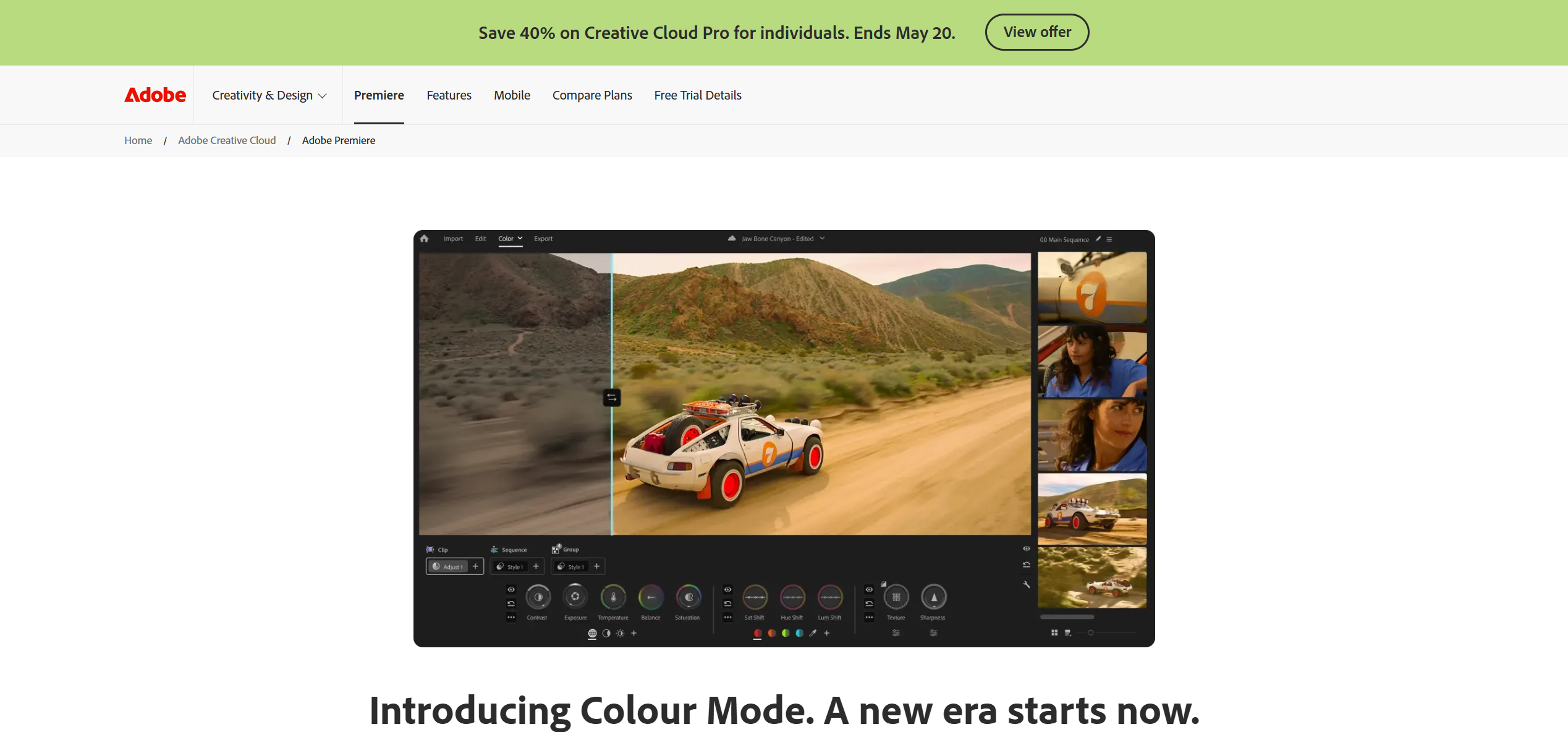
Premiere Pro is not an AI generator. It will not create visuals from an audio file. It is the right choice when you have professional footage and want precise control over every cut, transition, and color grade. At $22.99/month, it is a serious investment suited for full-time creators and production teams.
Pros:
- Industry-standard timeline editing with full creative control
- Remix tool for automatic music retiming
- Deep After Effects integration for VFX
Cons:
- Steep learning curve for beginners
- No AI video generation — requires existing footage
- Subscription cost adds up over time
3. CapCut — Best Mobile Music Video Maker
CapCut has become the go-to mobile music video maker for short-form content creators. Its auto-beat detection identifies rhythmic peaks in any uploaded track and snaps cut points to the beat automatically. The app includes extensive template libraries with trending TikTok and Reels formats, automatic lyric captioning, and export optimization for vertical platforms.
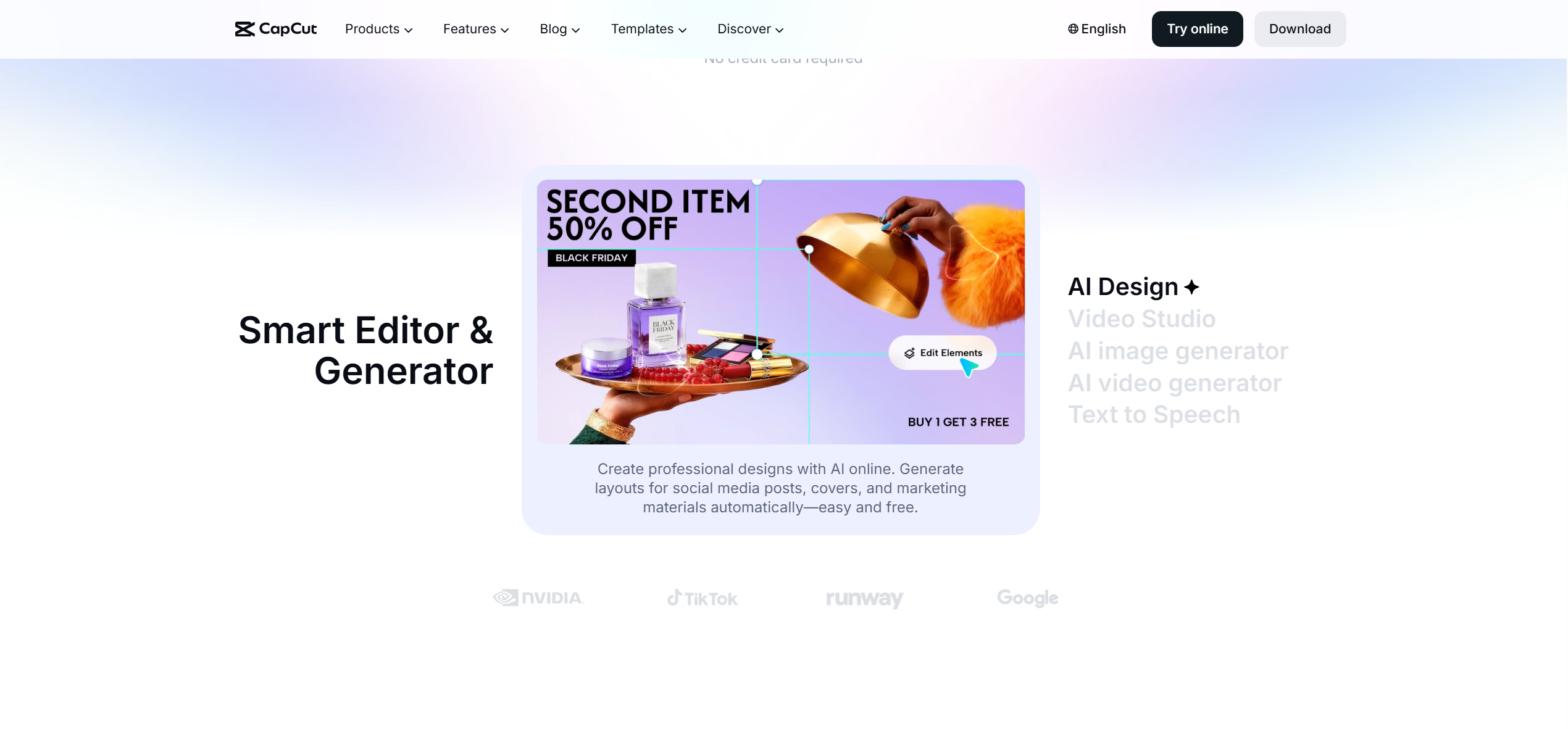
For creators who work primarily on phones and need to produce music-synced content quickly, CapCut delivers the best mobile workflow. However, it lacks AI video generation capabilities — you need existing clips or templates. It is best suited for social-media-length content rather than full music videos.
Pros:
- Excellent auto-beat detection and template library
- Automatic lyric captions with timing sync
- Free tier is genuinely usable
Cons:
- No AI video generation — requires existing footage or templates
- Limited to short-form content in practice
- Desktop version lacks some mobile features
4. Kaiber — Best for Stylized AI Animation
Kaiber specializes in highly stylized, dreamlike AI animation driven by audio input. It reads stems or full tracks to generate visuals that pulse, morph, and shift in direct response to musical energy. The aesthetic is distinctly artistic — think fluid abstract transformations rather than realistic character performance.
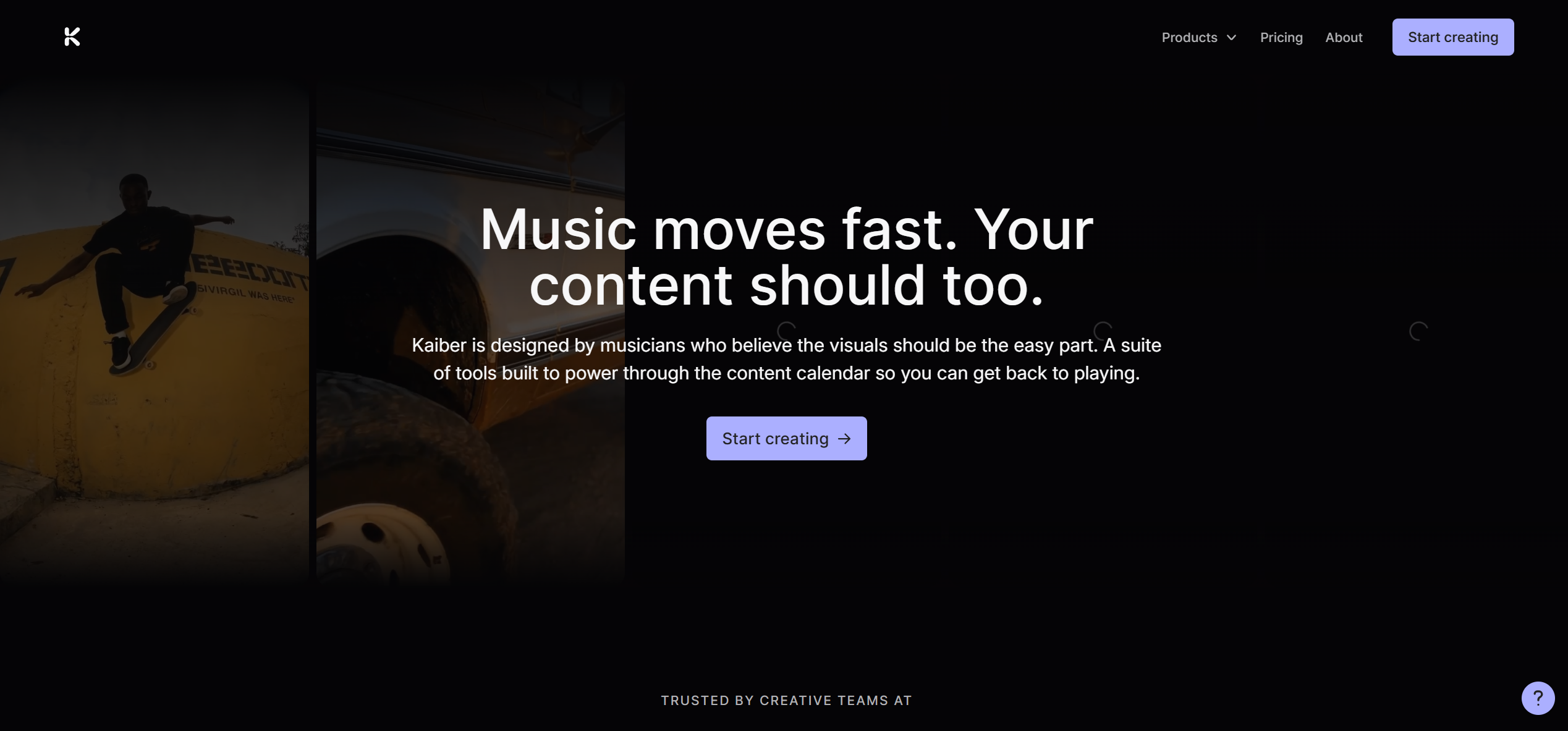
Kaiber is well-suited for EDM, ambient, and experimental genres where abstract visuals enhance the listening experience. It does not offer lip sync, character consistency, or narrative storyboarding, so it is not a fit for performance-based music videos or projects requiring human characters.
Pros:
- Distinctive audio-reactive visual style
- Stem-level audio analysis for granular control
- Strong aesthetic quality for abstract visuals
Cons:
- No lip sync or character consistency
- Limited to medium-length outputs (2–3 minutes)
- Narrow stylistic range — not suited for all genres
5. DaVinci Resolve — Best Free Professional Music Video Maker
DaVinci Resolve is the most capable free video editor available. Its color grading tools are considered the industry benchmark — used on Hollywood productions — and the free version includes a complete timeline editor, audio mixing suite, and Fusion compositor for visual effects. For music video creators with filmed footage who want professional-grade post-production without a subscription, Resolve is the clear choice.
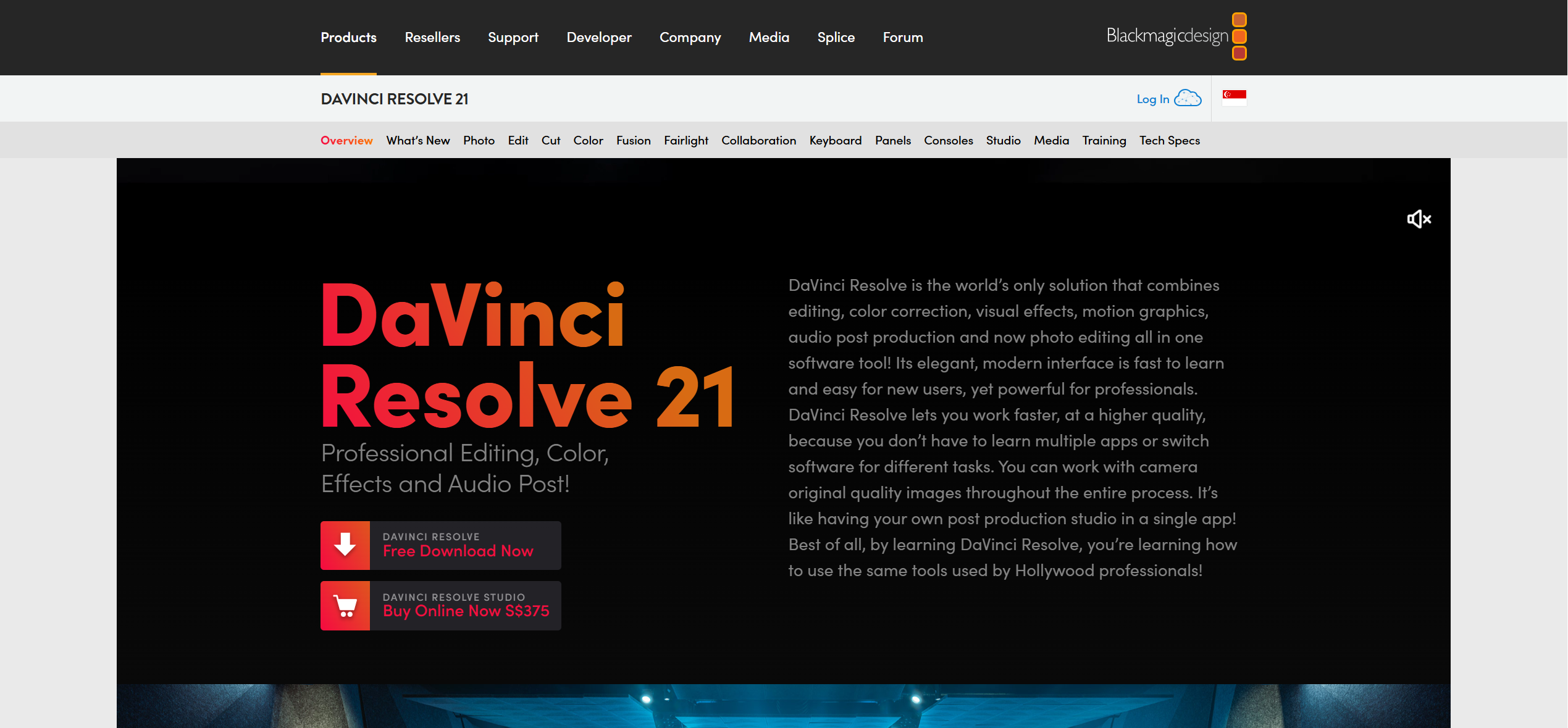
The learning curve is steep, particularly for the Fusion and color grading modules. But for creators willing to invest time in learning, the value is unmatched — there is no other free tool that approaches this level of capability.
Pros:
- Industry-leading color grading (free version)
- Complete editing, audio, and VFX suite
- No subscription required for the base version
Cons:
- Steep learning curve for beginners
- No AI video generation
- Some GPU-accelerated features require the $295 Studio version
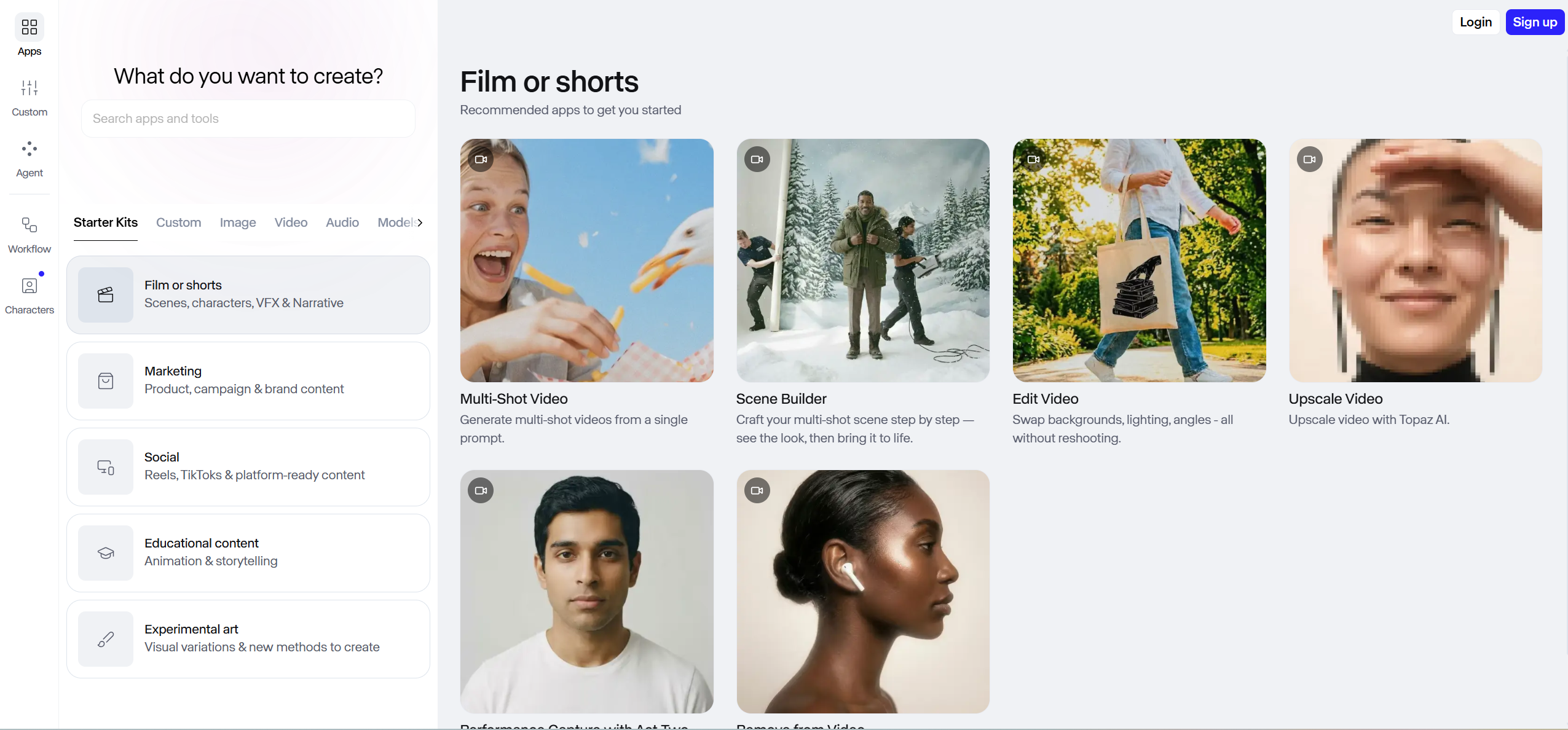
6. Runway — Best for Cinematic AI Clip Generation
Runway produces some of the highest visual quality in AI-generated video, with Gen-3 and Gen-4 models generating 5–10 second clips with strong motion coherence and cinematic lighting. However, it does not analyze music or synchronize output to audio — clips must be manually assembled in a separate editor like Premiere Pro to create a complete music video. Runway is a visual generation engine rather than an integrated music video maker.
7. Canva — Best Online Music Video Maker for Beginners
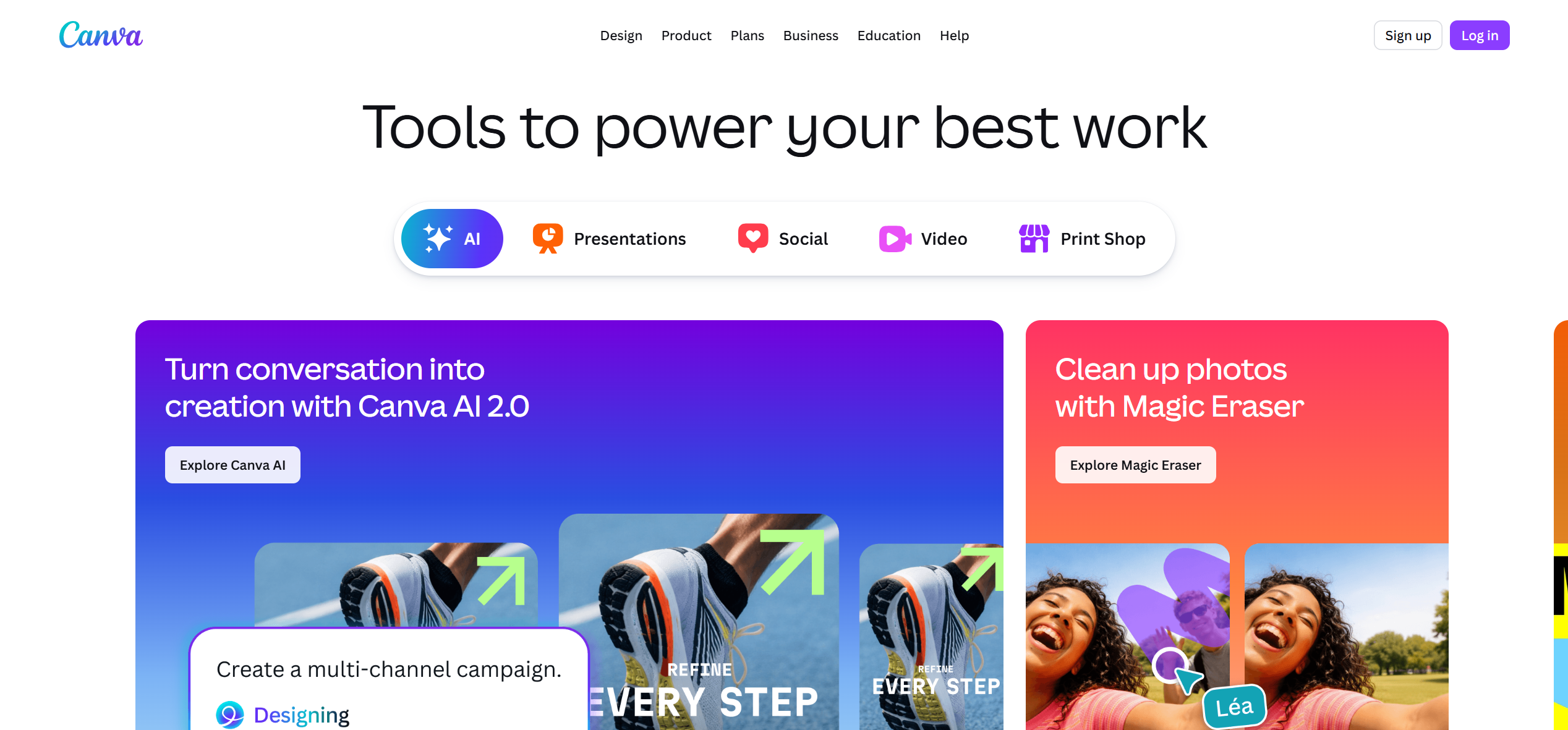
Canva offers a browser-based music video maker with a Beat Sync tool that automatically matches transitions to the rhythm of an uploaded track. It works well for simple lyric videos, photo montages, and graphic-driven content using its massive template library. The drag-and-drop workflow requires no technical skill, making it ideal for absolute beginners. Canva is not designed for cinematic or AI-generated content — it fills the niche of clean, template-based music videos.
8. Neural Frames — Best for Audio-Reactive AI Visualizers
Neural Frames generates abstract, audio-reactive visuals using Stable Diffusion with direct waveform input. Visuals respond to the audio's frequency spectrum in real-time, creating pulsing, morphing animations that track the music's energy curve. It supports full-length tracks with fine-grained modulation controls. Neural Frames is purpose-built for visualizer content — looping abstract animations for music streaming or live performances — and does not produce narrative music videos or lip-synced content.
9. Rotor Videos — Best for Automated Template-Based Music Videos
Rotor Videos is built for independent musicians who need quick promotional videos. Upload a track, select a visual style, and Rotor auto-cuts stock footage to your music's rhythm. It supports Spotify Canvas format for animated cover art. Rotor works well for rapid social media content at $7.99/video but relies on stock footage and lacks AI generation, lip sync, or character features.
10. InShot — Best for Quick Mobile Music Video Editing
InShot is a lightweight mobile editor ($3.99/month) for creators who need to trim clips, add music, and apply quick visual filters without a complex timeline. It is fast and intuitive but does not offer beat detection, AI generation, or audio synchronization features — making it a basic mobile editor rather than a dedicated music video maker.
Full Comparison: All 10 Music Video Makers Side by Side
| Tool | Type | Audio Sync | Lip Sync | Character Lock | Full-Song | AI Generation | Best For | Score |
|---|---|---|---|---|---|---|---|---|
| Freebeat | AI Generator | Excellent (5-tier) | ~90% | 80+ shots | Up to 6 min | Yes (44+ models) | Overall best | 9.4 |
| Adobe Premiere Pro | Desktop Editor | Manual | N/A | N/A | Unlimited | No | Professional editing | 8.8 |
| DaVinci Resolve | Desktop Editor | Manual | N/A | N/A | Unlimited | No | Free professional tool | 8.6 |
| CapCut | Mobile Editor | Good (auto-beat) | N/A | N/A | Unlimited | No | Mobile/social content | 8.5 |
| Kaiber | AI Generator | Good (reactive) | None | None | 2–3 min | Yes | Stylized animation | 8.0 |
| Neural Frames | AI Visualizer | Excellent (reactive) | None | None | Full-length | Yes | Audio-reactive visuals | 7.9 |
| Runway | AI Generator | None | Limited | None | Short clips | Yes | Cinematic clips | 7.8 |
| Canva | Online Editor | Basic (Beat Sync) | N/A | N/A | Up to 5 min | No | Beginner/template MVs | 7.5 |
| Rotor Videos | Auto Template | Good (auto-cut) | N/A | N/A | Full-length | No | Musician promotion | 7.4 |
| InShot | Mobile Editor | None | N/A | N/A | Unlimited | No | Quick mobile edits | 7.2 |
Which Music Video Maker Should You Choose?
The right music video maker depends entirely on what you are starting with and what you need as output:
- If you have a finished song and want a complete music video with no editing: Choose Freebeat. It is the only tool on this list that analyzes your full track, generates beat-synced visuals with lip sync and character consistency, and delivers a ready-to-post video from a single audio input.
- If you have filmed footage and want full creative control: Choose Adobe Premiere Pro (paid) or DaVinci Resolve (free). Both offer professional-grade timeline editing, but Premiere Pro has better integration with the Adobe ecosystem while Resolve leads in color grading.
- If you want quick social media content on your phone: Choose CapCut. Its auto-beat templates and vertical export presets are specifically built for TikTok and Reels workflows.
- If you want abstract, audio-reactive visuals for EDM or ambient music: Choose Kaiber or Neural Frames. Both generate visuals that respond directly to audio energy, but Kaiber produces more stylized transformations while Neural Frames offers finer modulation control.
- If you are a complete beginner with no editing experience: Choose Canva for simple template-based videos, or Freebeat if you want AI to handle the entire process.
Frequently Asked Questions
What is the best music video maker?
Based on testing 10 tools across AI generators, professional editors, and mobile apps, Freebeat scored highest overall (9.4/10) for music video creation. It is the only platform that combines full-song beat analysis, approximately 90% lip sync accuracy, character consistency across 80+ shots, and one-click generation from a single audio input. For professional manual editing with filmed footage, Adobe Premiere Pro and DaVinci Resolve remain the top choices. For mobile-first creators, CapCut offers the best social media workflow.
What is the best AI music video maker for beginners?
Freebeat is the most beginner-friendly AI music video maker. You paste a song link from YouTube, Suno, or SoundCloud, and the platform generates a complete beat-synced video automatically — no editing skills, no timeline, no footage required. For non-AI options, Canva offers the simplest template-based workflow for beginners.
Can AI make a full music video from just a song?
Yes. Freebeat can generate a complete music video up to 6 minutes long from a single audio input. The platform analyzes the song's structure (intro, verse, chorus, bridge, outro), generates a scene-by-scene storyboard, creates beat-synchronized visuals with consistent characters, and applies lip sync to vocal performances — all automatically. Other AI tools like Kaiber and Neural Frames generate audio-reactive visuals but do not produce narrative, character-driven music videos.
What is the best free music video maker?
DaVinci Resolve is the best free option for creators who have filmed footage and want professional-grade editing with industry-leading color grading. For AI-generated music videos, Freebeat offers a free tier with limited credits that allows you to test the full generation workflow before committing to a paid plan. CapCut also provides a strong free tier for mobile music video editing.
How much does it cost to make a music video with AI?
Costs vary significantly by tool. Freebeat offers one-time Spark Pack credits at $4.79 (2,000 credits) and subscriptions starting at $4.99/week. Kaiber starts at $10/month. Runway starts at $15/month. By comparison, hiring a production team for a traditional music video typically costs between $5,000 and $50,000+ depending on scope and location. AI tools have reduced the entry point for music video creation from thousands of dollars to single-digit amounts. Note: copyright and licensing implications for AI-generated content vary by jurisdiction, and creators should consult legal counsel for commercial use. This article does not constitute legal advice.


