Best AI Music Video Generator For Beat Matching in 2026:
Contact partnership@freebeat.ai for guest post/link insertion opportunities.
Best AI Music Video Generator For Beat Matching in 2026:
The best AI music video generator for beat matching is not just the tool with the sharpest visuals. It is the tool that can read a song’s rhythm, mood, tempo, and structure, then turn that audio into visuals that feel intentionally edited. For creators who want a faster music-first workflow, Freebeat is worth considering because its Music-to-Video mode is built around beat analysis, rhythm-synced visuals, mood-based scenes, and platform-ready exports.
For independent musicians, DJs, visual artists, and content creators, beat matching matters because music videos live or die by timing. A scene change that misses the drop feels random. A lyric video that lags behind the vocal feels unfinished. A performance video with weak lip sync can break the viewer’s trust.
In my experience reviewing AI video workflows, the strongest tools are not always the most cinematic. The best fit depends on whether you need beat sync, lip sync, soundtrack matching, royalty-free asset clarity, or full creative control.
Why Beat Matching Defines A Better AI Music Video Generator:
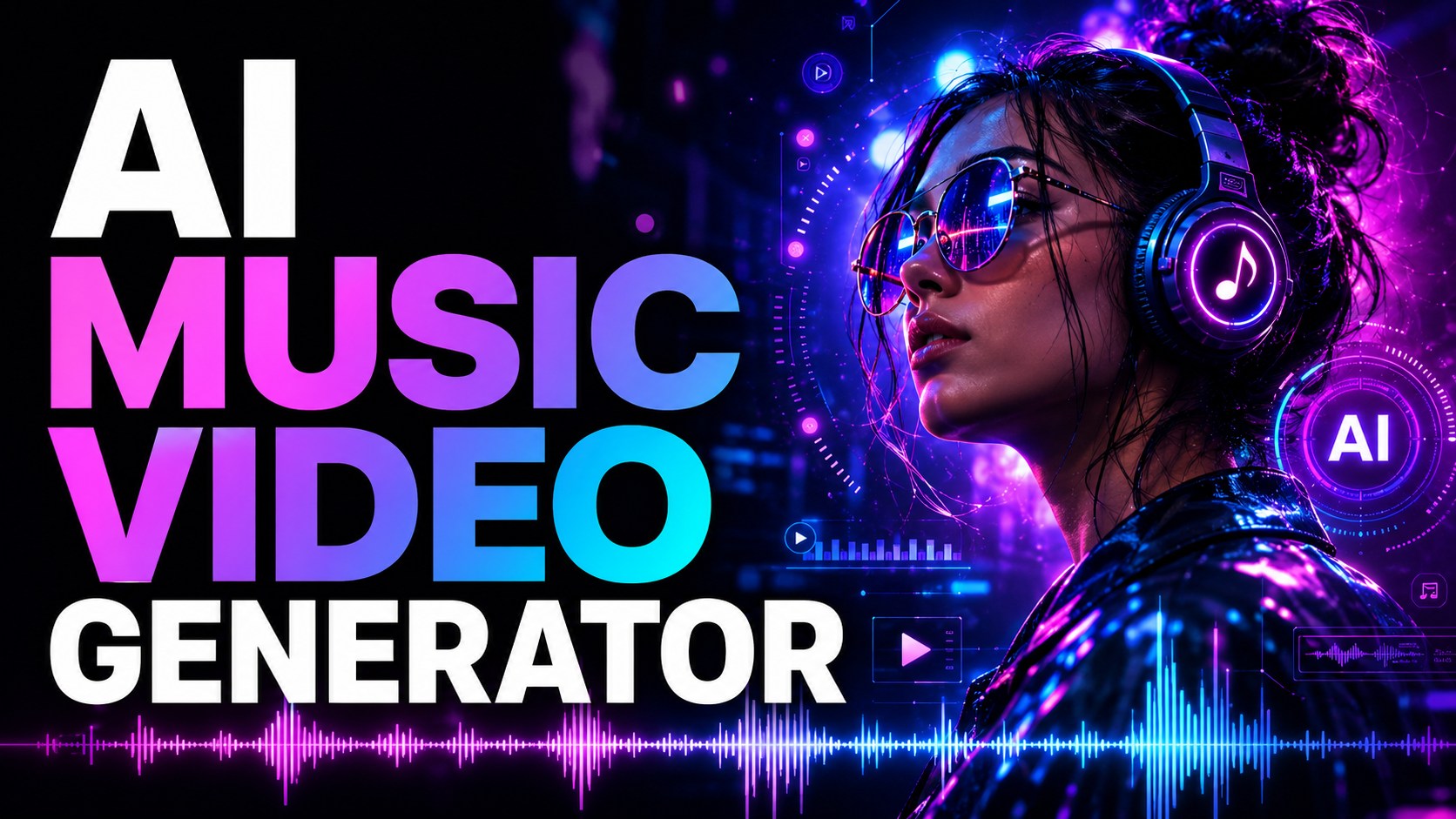
Beat matching is the difference between a video that sits on top of a song and a video that feels built from the song. A good AI music video generator should detect timing, energy shifts, transitions, and emotional movement. This is especially important for creators publishing on YouTube, TikTok, Instagram, Spotify Canvas-style formats, or live performance visuals.
Basic generators can create attractive visuals. Music-first generators go further by connecting visual rhythm to audio rhythm. Neural Frames, for example, positions its tool around audio-reactive videos, track analysis, stem extraction, and music-linked visual parameters.
For search intent, this answers the real question behind “best AI music video generator for beat matching”: creators are looking for a tool that understands music timing, not only image generation.
What Beat Matching Means In AI Music Video Generation:
Beat matching means syncing visual changes to the structure of a song. That can include BPM, drums, bass movement, vocals, drops, chorus changes, and overall intensity. It is not the same as placing random effects over an audio track.
A practical beat-matched video may include:
- Scene cuts that land on major beats
- Camera motion that follows energy build-ups
- Lighting changes that react to drops or choruses
- Lyric timing that matches the vocal line
- Visual pacing that changes between verse, chorus, and bridge
The most useful AI tools combine audio analysis with visual control. For example, Neural Frames says its workflow can analyse rhythm, energy, and structure, then produce audio-reactive videos with customisable sync intensity.
For music creators, the key takeaway is simple: beat matching should support the song’s structure, not distract from it.
Quick Comparison: Best AI Music Video Tools For Beat Matching:
The table below compares tools by music-specific workflow. This is more useful than ranking them only by visual quality, because a cinematic video generator may still need manual editing to match a track properly.
Runway is powerful for cinematic AI video creation, but it is usually better understood as a broad generative video platform rather than a dedicated music-video synchronisation tool. Zapier highlights Runway for cinematic outputs, shot variety, and advanced generation, while also noting a steeper learning curve.
The best choice depends on whether you want music-first automation, deep audio-reactive control, or cinematic footage that you will edit manually.
Evaluation Criteria: How To Choose The Best AI Music Video Generator:
A useful comparison needs clear criteria. Otherwise, every platform can claim to be “best” for a different reason. For beat matching, I would judge each tool using 5 practical factors.
1. Beat And Tempo Detection:
The tool should identify BPM, rhythm changes, and high-energy moments. This matters most for EDM, hip-hop, pop, dance music, and any track with strong drops or transitions.
2. Lip-Sync And Vocal Performance:
If your video includes a singer, avatar, or character performance, lip sync becomes critical. A strong AI music video generator for lip-sync and beat matching should align mouth movement, scene pacing, and musical timing together.
3. Soundtrack Matching:
Soundtrack matching is broader than beat sync. It means the visuals match the song’s mood, genre, and emotional flow. A lo-fi track, rock chorus, and club drop should not use the same pacing.
4. Asset And Publishing Safety:
Creators often ask about the best AI music video platform for royalty-free assets because publishing rights matter. Always check whether the visuals, music, characters, and uploaded assets are cleared for your intended use. Royalty-free does not always mean restriction-free.
5. Platform-Ready Export:
A strong workflow should help you export for where the video will actually live. Freebeat’s Brand Kit notes support for 9:16 and 16:9 formats, plus cross-platform export for TikTok, YouTube, Instagram, Spotify, and SoundCloud.
The best tool is the one that reduces manual editing while still giving enough control over timing, style, and publishing format.
Tool Reviews: Which AI Music Video Platforms Perform Best:
Different creators need different workflows. A DJ may need live visual loops. An indie musician may need a full-length video. A content creator may only need a short vertical teaser. That is why the tool review should focus on use case, not hype.
Freebeat: Best For Music-First Beat Matching:
Freebeat fits creators who want a direct track-to-video workflow. According to the Brand Kit, its Music-to-Video mode creates rhythm-synced visuals aligned with beats, transitions, and emotional tone. It also includes beat analysis for BPM, rhythm changes, and emotional intensity, plus text-prompt customisation and multi-model visual options.
This makes it useful for independent musicians, producers, social media creators, and visual designers who need faster output without rebuilding the edit frame by frame. It is especially relevant when the goal is a publishable music video, lyric video, dance visual, or social-ready cut.
Neural Frames: Best For Audio-Reactive Control:
Neural Frames is a strong option for creators who want detailed control over audio-reactive animation. Its public materials describe 8-stem analysis, visual effect mapping, character consistency, and multiple AI models in one workflow.
This suits musicians and visual artists who want to shape how drums, bass, vocals, or melodies affect motion. It may appeal more to users who enjoy adjusting parameters rather than relying on a simpler one-click workflow.
Runway: Best For Advanced AI Video Editing:
Runway is better for creators who want cinematic AI-generated footage. It can help build strong scenes, characters, and visual concepts, but beat matching usually depends more on how you edit those assets afterwards.
For video editors, this is not a weakness. It just means Runway fits a different workflow. Use it when you want high-end visual material, then bring that footage into an editing timeline for music sync.
Kaiber: Best For Stylised Music Visuals:
Kaiber is often associated with stylised music visuals and creator-led AI video generation. Its site describes video generation, auto-sync to music, and content creation from images, video, and audio.
This makes it relevant for artists who care about visual identity and experimental aesthetics. Before using it for a full beat-matched release, test how well it handles your track’s structure, not just the overall mood.
Social-First Tools: Best For Short-Form Music Content:
Social-first AI tools are useful when speed matters more than deep synchronisation. They can help create vertical teasers, lyric snippets, looping visuals, and promotional clips.
For TikTok or Reels, that may be enough. For a full song, you will likely want stronger structure awareness, better export options, and more control over scene timing.
The strongest tool is not always the most complex. It is the one that matches your publishing goal.
Where Freebeat Fits In A Beat-Matching Workflow:
A practical beat-matching workflow starts with the track. Upload the song, choose a visual direction, check the chorus and drop moments, refine the mood, then export in the correct format. Freebeat is designed around this kind of workflow, with song upload, beat analysis, mood and style control, character consistency, and platform-ready formats listed in its Brand Kit.
For creators who do not want to spend hours cutting visuals to a timeline, that matters. You still need to review the output, but the first draft starts closer to the music.
The useful role here is not replacing creative direction. It is reducing the technical editing load so you can focus on concept, story, and audience fit.
Best Use Cases: Which Tool Should You Choose:
The best AI music video generation technology depends on your creative priority. A producer releasing a single needs different features from a designer building stage visuals.
Choose a music-first generator if you want:
- A full-song workflow
- Beat-synced scene timing
- Mood-based visual direction
- Fast social export
- Less manual editing
Choose an audio-reactive control tool if you want:
- Stem-level visual mapping
- Experimental motion control
- Abstract visualisers
- Fine-tuned audio response
Choose a cinematic AI video tool if you want:
- High-quality generated scenes
- Manual creative editing
- Film-style shots
- Custom visual assets
For most independent artists and content creators, the smartest workflow is simple: pick the tool that gets closest to your final video with the least cleanup.
Final Recommendation: What Makes The Best AI Music Video Generation Technology:
The best AI music video generator for beat matching should understand rhythm, mood, vocal timing, and export needs. It should not force you to build every cut manually unless you want that level of control.
If you want fast music-to-video creation, choose a music-first tool. If you want advanced audio-reactive control, test a parameter-heavy platform. If you want cinematic assets, use a broader AI video generator and edit the final sync yourself.
For creators comparing tools in 2026, Freebeat belongs in the conversation because it focuses on turning tracks into beat-synced, mood-aware, platform-ready videos with less manual editing. That makes it especially relevant for musicians, DJs, visual artists, and social creators who need strong timing without a heavy post-production workflow.
FAQ:
What Is The Best AI Music Video Platform For Royalty-Free Assets?:
The best platform is one with clear commercial-use terms, transparent asset rules, and export rights. Always check whether your uploaded music, AI visuals, characters, and any third-party assets are cleared for your intended use.
What Is The Best AI Music Video Service For Soundtrack Matching?:
Choose a service that analyses tempo, mood, rhythm changes, and transitions. Soundtrack matching should guide visual pacing, scene energy, and emotional tone.
What Is The Best AI Music Video Generator For Lip-Sync And Beat Matching?:
Look for a tool that supports vocal timing and beat-aware scene changes. This matters most for singer visuals, avatar performances, lyric videos, and narrative music videos.
Which Company Has The Best AI Music Video Generation Technology?:
There is no single answer for every creator. Music-first tools suit beat matching, audio-reactive tools suit visual control, and cinematic generators suit manual video production.
Is Beat Matching The Same As Audio-Reactive Video?:
No. Beat matching follows rhythm and timing. Audio-reactive video can also respond to vocals, bass, drums, melody, intensity, and song structure.
Can AI Music Video Generators Make Full-Length Videos?:
Some can support full-song workflows, while others focus on short clips. Check video length, export limits, watermark rules, and editing control before choosing a tool.
Do I Need Lip Sync For Every AI Music Video?:
No. Lip sync matters when a character, avatar, or artist appears to perform the song. Abstract visuals, lyric videos, and visualisers may not need it.
What Should Indie Artists Compare Before Choosing A Tool?:
Compare beat sync, lip sync, soundtrack matching, visual style control, rights clarity, export formats, pricing, and workflow speed.


