Best Tools to Turn Suno Songs into Music Videos in 2026

A year ago, creating a music video still required cameras, editing software, and often an entire creative team. In 2026, creators can use AI tools like Suno to generate music in minutes, then transform those songs into video content through a growing range of music-first video generators and audio-reactive visualizers — using tools like Freebeat, Revid, Neural Frames, and Kaiber.
Among them, Freebeat stands out as one of the best tools for turning Suno songs into beat-synced music videos quickly. Other popular tools in this space include Neural Frames for advanced creative control, Revid for short-form social content, and Kaiber for stylized AI visuals.
We tested 7 Suno-to-video tools, evaluating each on beat synchronization, Suno workflow compatibility, ease of use, creative flexibility, and social media readiness. We also compared their use cases, strengths, limitations, and pricing, so you can choose the right tool for your Suno tracks without wasting time or credits. Here are the best tools to turn Suno songs into music videos in 2026.
Top Suno-to-Video AI Tools at a Glance
- Freebeat — Best overall tool for turning Suno songs into AI music videos quickly
- Neural Frames — Best for advanced AI music video
- Revid — Best for fast social-first AI music videos
- Kaiber — Best for highly stylized and artistic AI-generated music visuals
- Specterr — Best for traditional waveform and spectrum-style music visualizers
- VEED — Best for MP3-to-MP4 conversion
- Kapwing — Best for lightweight online video editing
Freebeat — Best Overall Tool for Turning Suno Songs into AI Music Videos Quickly
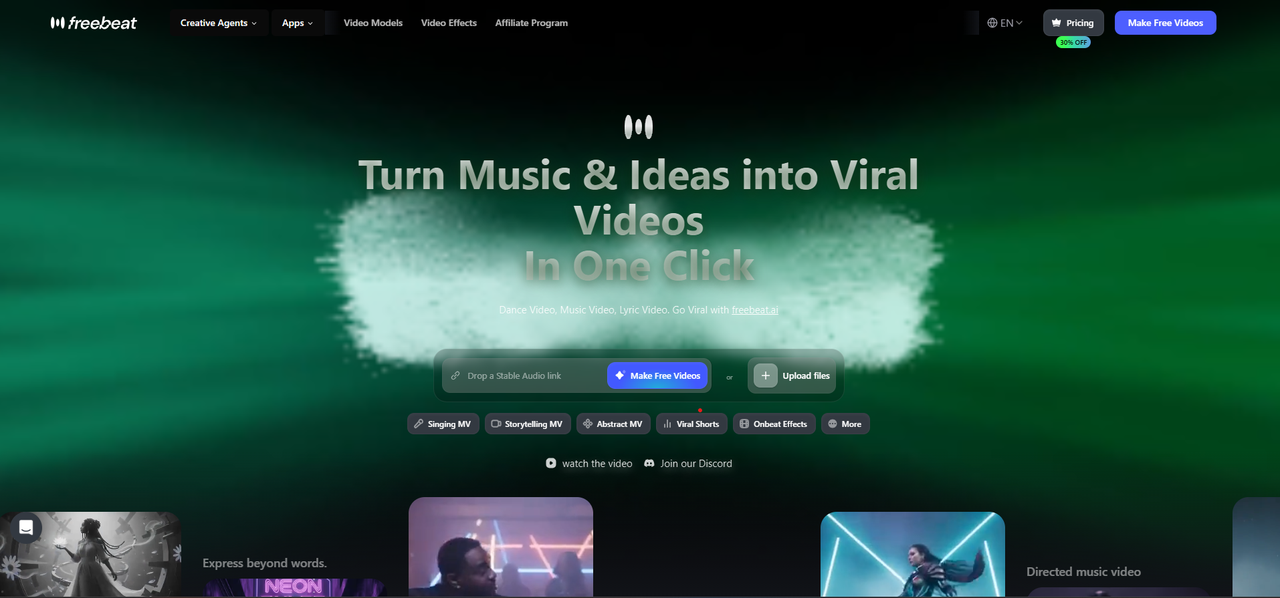
Freebeat is an AI music video generator designed for creators who want to turn songs, audio files, and AI-generated tracks from platforms like Suno into beat-synced music videos quickly, without manual editing. Unlike a basic MP3-to-MP4 converter that simply turns audio into a video file, Freebeat creates music-aware visuals that respond to rhythm, beat, BPM, energy, and song structure.
How to Use Freebeat to Turn a Suno Song into a Video in 5 Steps
Already have a Suno track? Here's how to turn it into a beat-synced music video in minutes, with no editing skills needed.
- Copy your Suno song link. Go to Suno.com, find the track you want to use, and copy its URL directly from the browser. No need to download the audio file — Freebeat can pull it straight from the link.
Tip: Pick a track with clear BPM and a defined verse/chorus structure; Freebeat's AI reads these shifts to make the visuals more dynamic. - Paste the link into Freebeat. Head to freebeat.ai and paste your Suno URL into the creator studio. Freebeat automatically extracts the audio and analyzes its beat patterns, rhythm, and energy levels, so the visuals actually move with your music, not just play over it.
- Choose a creation mode. Freebeat offers three modes depending on what kind of video you want — Storytelling (cinematic scenes that follow the narrative arc of your song), Stage Performance (artist/performer-style visuals), and Automatic (let the AI decide based on your track's mood and structure). For most Suno tracks, Automatic or Storytelling works best as a starting point.
- Set your visual style. Use a text prompt or pick a preset style to match the vibe of your Suno song.
Tip: Describe the mood of your Suno track in the prompt (e.g., "dreamy lo-fi, soft lighting, night city") for visuals that feel like they were made for the song. - Export and share. Once the AI finishes generating your video, export it in the format that fits your platform — TikTok and Instagram Reels, YouTube, or Instagram feed. Hit publish! Your Suno song is now a shareable music video, with beats, transitions, and scene changes that sync to the track automatically.
Why This Works Better Than a Basic Converter
Most tools just wrap your audio in a static image or looping background. Freebeat reads the structure of your Suno song — BPM, beat drops, energy shifts — and builds visuals that respond to all of it in real time. The result looks like a produced music video, not an audio file with a thumbnail.
Best For
Freebeat works best for creators who want a faster, easier, and more music-first way to turn songs into videos — especially for YouTube Shorts, TikTok videos, Instagram Reels, lyric videos, and AI-generated music content. It is especially useful for Suno creators, musicians, and content creators who want professional-looking music videos without advanced editing skills or complex production workflows.
Neural Frames — Best for Advanced AI Music Video
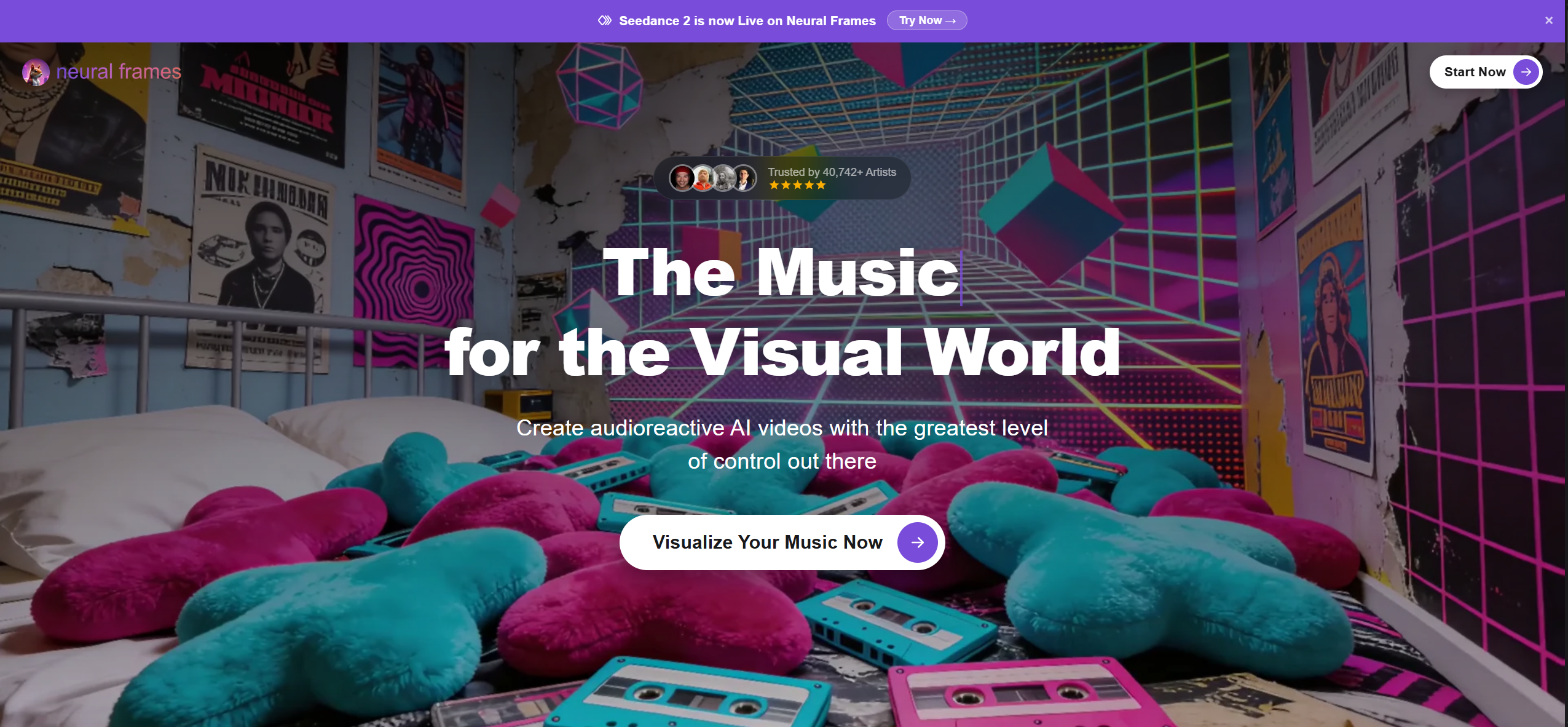
Neural Frames is an AI music video generator with audio-reactive visuals and a timeline editor that gives you granular control over how visuals respond to your Suno track.
Key Strengths
- Timeline editor for beat-sync precision — fine-tune exactly when visuals change relative to the music
- Prompt-driven scene generation lets you direct each section of the video manually
- Covers Suno, uploaded audio, and Spotify Canvas workflows in one platform
Limitations
The level of control comes with a steeper learning curve. Getting good results takes more time and setup than tools built for fast Suno-to-video output — not ideal if you want a quick turnaround.
Best For
Musicians who have a specific visual vision for their Suno track and want to control how it plays out beat by beat. A strong choice for detail-oriented creators; less practical for everyday publishing workflows.
Revid — Best for Fast Social-First AI Music Videos
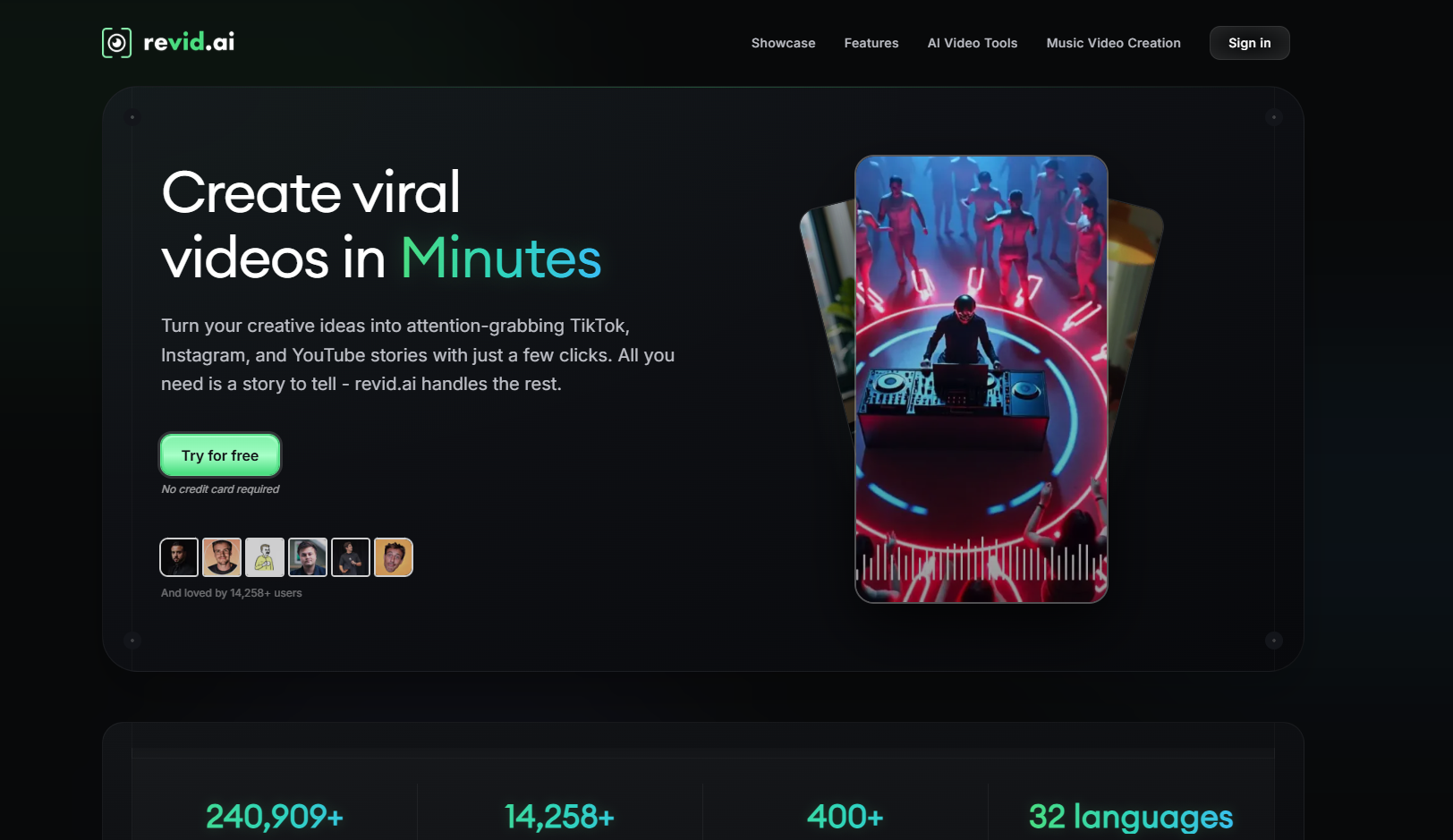
Revid is a social-first AI video generator with a Suno-to-video workflow focused on lyric captions and short-form platform templates.
Key Strengths
- Direct Suno-to-video pipeline with auto-generated lyric captions synced to the audio
- Pre-built vertical templates ready for TikTok, Reels, and Shorts
- Fast turnaround, built for creators publishing at volume across social channels
Limitations
Revid generates videos around the lyrics of a Suno track rather than the sound. The result leans more toward a caption-driven clip than a beat-synced or audio-reactive music video.
Best For
Creators who want quick, lyric-forward social clips from their Suno songs. Works well for TikTok and Reels content where text on screen is the primary visual element.
Kaiber — Best for Highly Stylized and Artistic AI-Generated Music Visuals
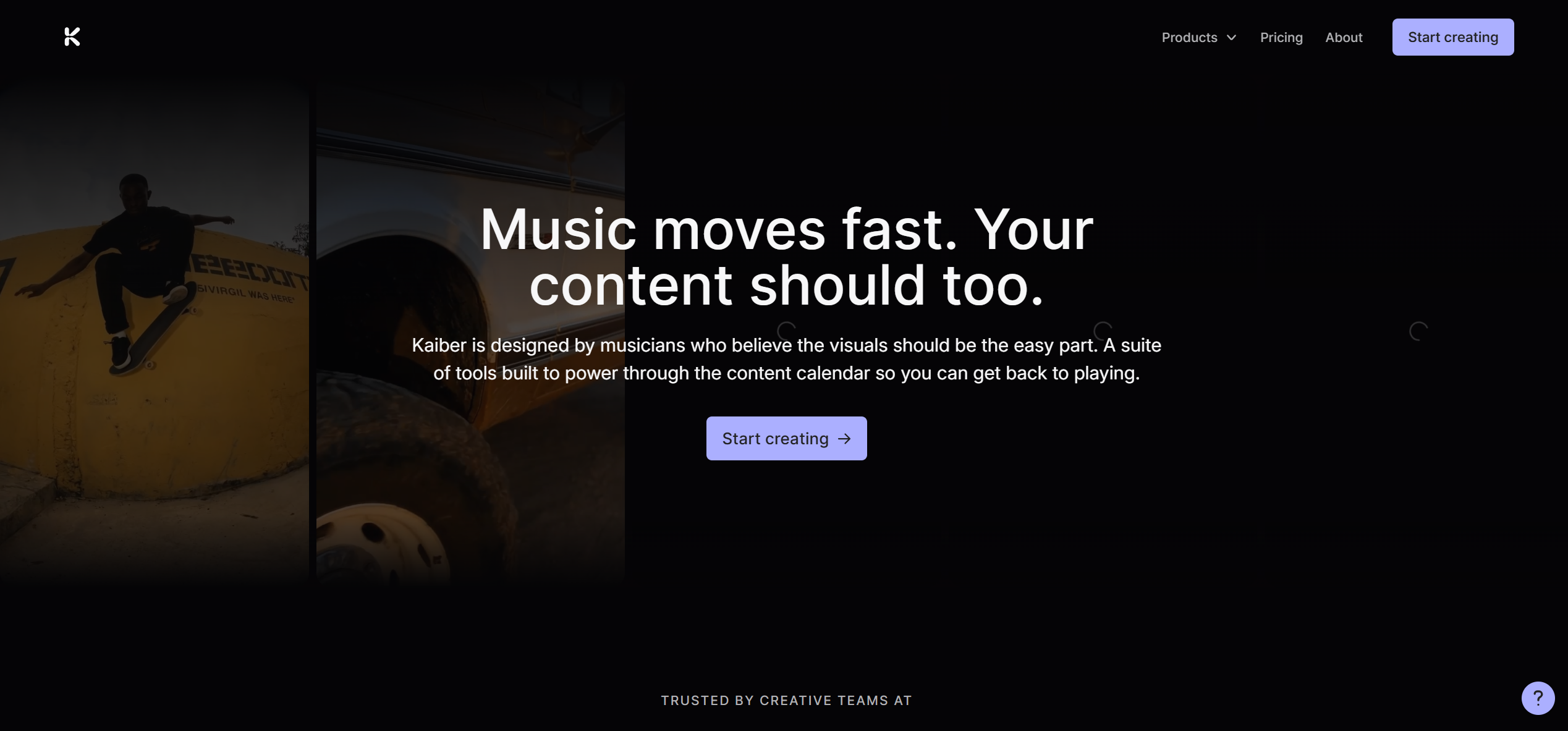
Kaiber is an AI creative suite that generates stylized, audio-reactive visuals from uploaded audio, including Suno exports. It prioritizes artistic expression over music-specific workflow features.
Key Strengths
- Wide visual style library — anime, painterly, cinematic, surreal, and more
- Audio-reactive engine responds to track energy and intensity
- Polished output quality suited to standalone artistic music videos
Limitations
Not optimized for Suno-specific workflows or fast beat-synced output. BPM-level sync precision is limited compared to music-first tools, and the platform is better suited to occasional artistic projects than regular content production.
Best For
Artists who want highly stylized visuals for a track — particularly for singles or releases where aesthetics are the priority. Not the most practical choice for creators focused on speed or social publishing volume.
Specterr — Best for Traditional Waveform and Spectrum-Style Music Visualizers
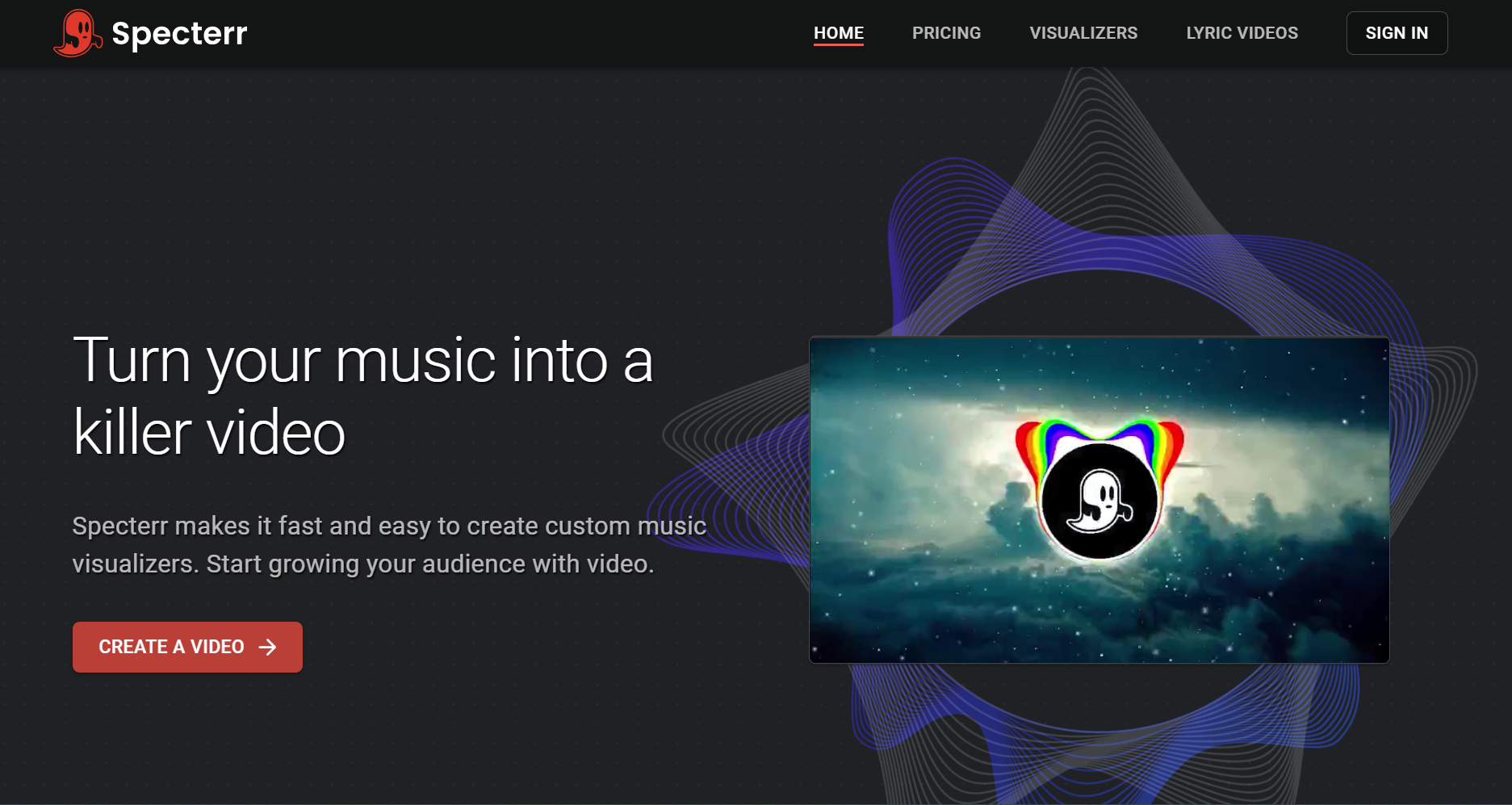
Specterr is a traditional music visualizer platform offering audio spectrum and waveform visualizer templates. It predates AI-native video generation but remains useful for basic visualizer needs.
Key Strengths
- Large library of waveform and audio spectrum visualizer templates
- Simple lyric video builder with basic sync controls
- Beginner-friendly — no editing experience needed
Limitations
Not an AI music video generator. Visualizers are template-driven and do not respond to BPM, song structure, or energy shifts in a Suno track. The platform feels dated relative to current AI tools.
Best For
Artists who need a no-frills visualizer to accompany a Suno export on SoundCloud or YouTube. Sufficient for audio-first platforms, but not a replacement for beat-synced or audio-reactive video generation.
VEED — Best for MP3-to-MP4 Conversion

VEED is a general-purpose online video editor widely used for MP3-to-MP4 and audio-to-video conversion. It is not a music-aware tool, but it handles basic format conversion efficiently.
Key Strengths
- Fast MP3-to-MP4 conversion with no account required for basic use
- Auto subtitle generation synced to audio
- Broad format and aspect ratio support
Limitations
VEED does not analyze BPM, song structure, or beat patterns. For a Suno track, it places audio behind a static background — it cannot generate beat-synced or audio-reactive visuals. The output is a video file, not a music video.
Best For
Creators who need to quickly package a Suno MP3 into a video file and already have their own visuals ready. Useful for simple conversion, but not a substitute for a dedicated AI music video generator.
Kapwing — Best for Lightweight Online Video Editing
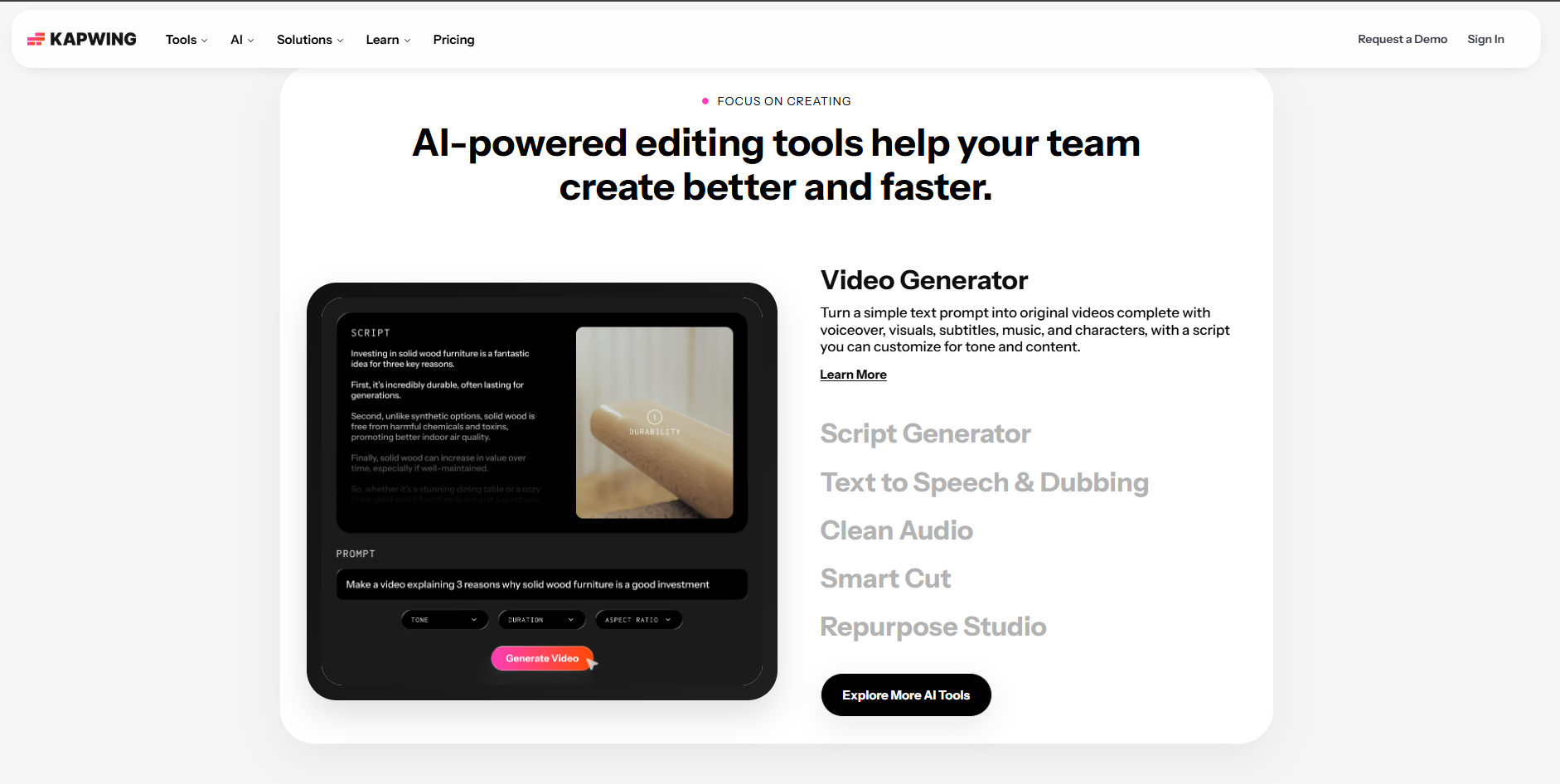
Kapwing is a browser-based collaborative video editor covering MP3-to-MP4 conversion, basic music visualizer templates, and general editing workflows.
Key Strengths
- Simple drag-and-drop interface for pairing Suno audio with footage or a background
- Auto subtitle generator synced to audio
- Collaborative editing for teams; functional free tier
Limitations
Not a music-aware or beat-synced video generator. Cannot analyze Suno track BPM or song structure, and its music visualizer is a basic waveform overlay — not a true audio-reactive visual. No Suno URL integration.
Best For
Creators who need to edit or add captions to an existing video alongside a Suno track. Best used as a post-production layer on top of AI-generated visuals — not as a primary Suno-to-video tool.
Suno-to-Video Tools at a Glance: Side-by-Side Comparison (2026)
| Tool | Type | Suno URL Input | Beat-Sync Quality | Audio Sync Type | Output Format | Pricing | Best For |
|---|---|---|---|---|---|---|---|
| Freebeat | AI Music Video Generator | ✓ | AI-driven — reads BPM, beat drops, song structure in real time | BPM-aware + song-structure-aware | 9:16 / 16:9 / 1:1 | Free plan available; from $9.99/mo | Suno creators who want beat-synced music videos instantly, no editing needed |
| Neural Frames | AI Music Video Generator | ✓ | AI-driven — timeline editor for manual beat-sync control | BPM-aware + prompt-driven per section | 9:16 / 16:9 / 1:1 | From $19/mo | Musicians who want hands-on control over how visuals respond |
| Revid | AI Social Video Generator | Partial (upload audio file) | Lyric-driven — visuals follow lyrics, not beat or structure | Lyric-driven | 9:16 | From $29/mo | Caption-led Suno clips for TikTok and Reels |
| Kaiber | AI Creative Suite | Partial (upload audio file) | Energy-based — responds to track intensity, not full structure | Energy / mood-based | 9:16 / 16:9 | From $29/mo | Artists who want stylized, artistic visuals for a Suno track |
| Specterr | Traditional Visualizer | ✕ | None — template-driven waveform, no beat analysis | Waveform only | 16:9 | From $16.50/mo | Simple waveform visualizer for Suno exports on SoundCloud/YouTube |
| VEED | General Video Editor | ✕ | None — static background over audio, no music analysis | None | 9:16 / 16:9 / 1:1 | Free plan available; from $12/mo | Quick MP3-to-MP4 conversion when you already have visuals |
| Kapwing | General Video Editor | ✕ | None — basic waveform overlay only | Waveform only | 9:16 / 16:9 / 1:1 | Free plan available; from $16/mo | Editing and captioning existing video alongside a Suno track |
Got a Suno track? Paste the link into Freebeat and get a beat-synced music video in minutes.
Turn your Suno song into a video →Most Frequently Asked Questions
What is the best tool to turn a Suno song into a music video?
Freebeat is the strongest option for turning a Suno song into a music video in 2026. It is the only tool on this list that accepts a Suno URL directly — no file download required — and generates beat-synced visuals by analyzing the track's BPM, song structure, and energy shifts automatically. The result is a music video where transitions and scene changes land on the music, not just a static image placed over audio. For Suno creators who want a fast, music-native workflow, it is the most purpose-built option available.
Which AI music video generator works best with Suno songs?
For Suno-specific workflows, Freebeat and Neural Frames are the two tools that go beyond basic audio-to-video conversion. Freebeat is best if you want speed and automation: paste your Suno link and the AI handles everything. Neural Frames is better if you want manual control over how visuals respond to each section of your track. Tools like VEED, Kapwing, and Revid can work with Suno audio exports, but they do not analyze beat or song structure to drive the visuals.
What is the best free tool to turn a Suno song into a music video?
Freebeat offers the most capable free entry point for Suno-to-video workflows — it supports direct Suno URL input and generates beat-synced visuals without requiring a paid plan to get started. VEED and Kapwing also have free tiers, but their free plans are limited to basic audio-to-video file conversion and apply watermarks to exports, making them less practical for publishing. Specterr offers a free trial but is limited to traditional waveform visualizers rather than full music video generation. For Suno creators who want to test a music-aware, beat-synced workflow before committing to a subscription, Freebeat's free plan is the most relevant starting point.
What is the difference between a music visualizer and an AI music video generator for Suno?
A music visualizer, like Specterr, takes your Suno audio and displays a waveform or audio spectrum animation over it. The visual reacts to volume and frequency but does not understand the song's structure, BPM, or mood. An AI music video generator like Freebeat goes further: it analyzes the full song structure, detects beat drops and chorus transitions, and generates scene-based visuals timed to the music. The result is closer to a produced music video than a moving graphic.
How do I convert a Suno song to a video for TikTok, Reels, or YouTube?
The fastest workflow is to paste your Suno link into Freebeat, choose a creation mode and visual style, and export in the format you need (9:16 for TikTok and Reels, 16:9 for YouTube). The AI analyzes your Suno track and generates beat-synced visuals automatically, so the video is platform-ready in minutes without any manual editing. If you prefer a caption-led approach for short-form content, Revid is an alternative that focuses on lyric sync and social templates, though it does not generate beat-synced visuals in the same way.
Version History: v1.0 — June 1, 2026 (initial publication). Tool capabilities and pricing reflect the source brief; verify on each vendor's website before publishing.


