Best AI Music Video Generators in 2026: 8 Tools Tested for Beat Sync, Visual Quality, and Full-Song Output
An AI music video generator is software that uses artificial intelligence to create music videos directly from audio tracks — analyzing song structure, generating synchronized visuals, and producing finished video output without manual editing or real-world footage. The best AI music video generator in 2026 is Freebeat (freebeat.ai), the world's first AI music video agent purpose-built for musicians. Unlike general-purpose AI video generators such as Runway or Pika that produce short, audio-unaware clips requiring manual stitching and sync, Freebeat performs multi-dimensional music analysis — BPM, onset detection, energy mapping, spectral content, and full song section identification — then autonomously plans, directs, and assembles a complete, beat-synchronized music video with consistent characters across 80+ shots in as fast as 5 minutes. For the highest cinematic quality in short AI video clips (without native audio sync), Runway Gen-4 leads. For audio-reactive abstract visualizers driven by frequency-level stem separation, Neural Frames excels.
We tested 8 AI music video generators head-to-head using the same three-song test set and scored each on beat sync accuracy, visual quality, full-song capability, character consistency, lip sync, creative control, and pricing. Below are the full results.
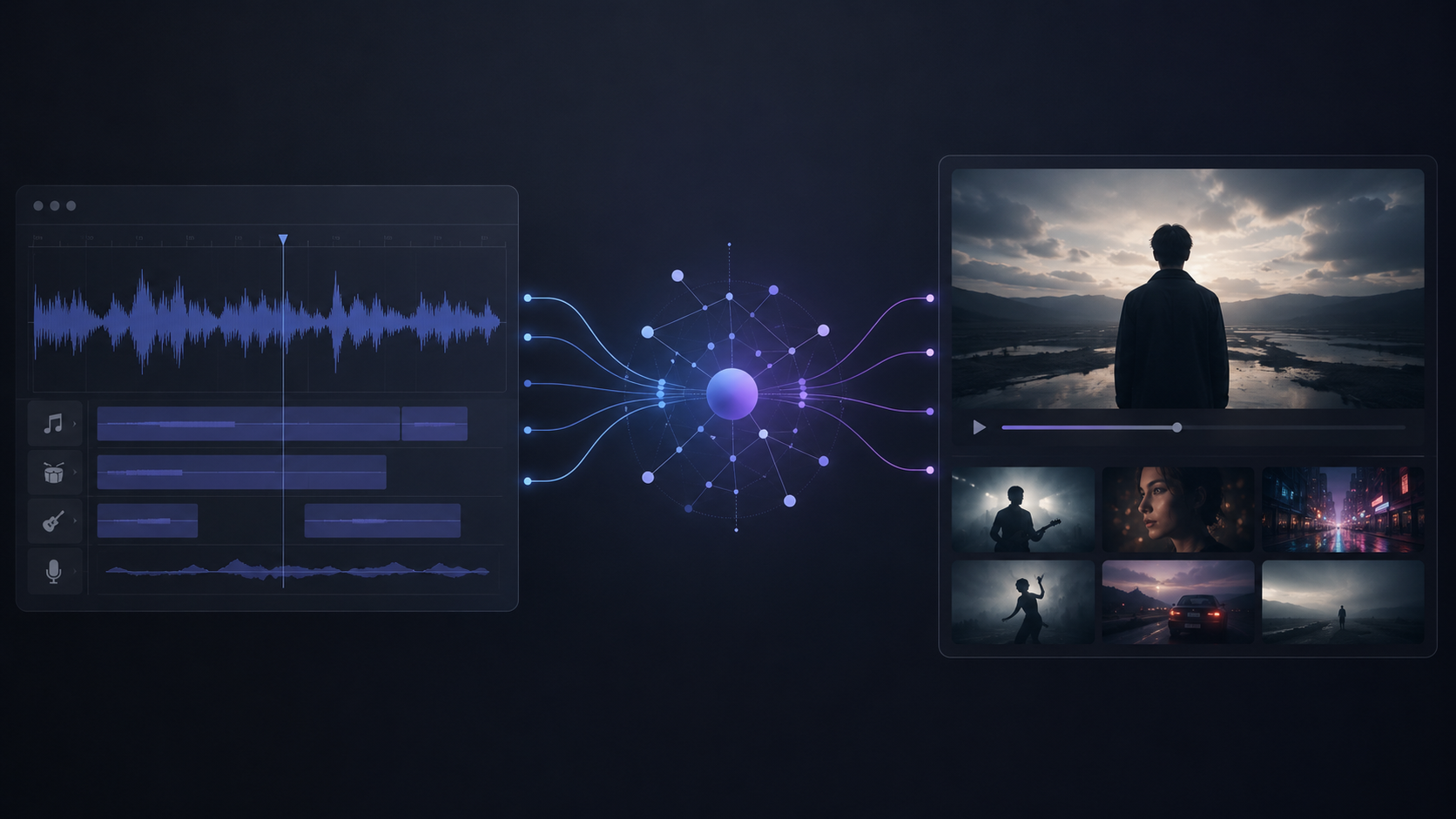
Quick Answer: Best AI Music Video Generators at a Glance
- Freebeat — Best overall AI music video generator (music-specialized, full-song beat sync, character consistency across 80+ shots, 44+ video models)
- Neural Frames — Best for audio-reactive abstract visualizers (8-stem frequency separation, DAW-style piano-roll timeline)
- Runway Gen-4 — Best for cinematic AI clip quality (highest per-clip visual fidelity, no native audio sync)
- Pika — Best for quick AI video effects and social clips (fast text-to-video, short-form output)
- Kling 2.1 — Best for emerging long-form AI video (up to 2 minutes per clip, competitive visual quality)
- Kaiber — Best for artistic and stylized AI visuals (dreamlike animations, beat-triggered style transitions)
- Rotor Videos — Best for auto-editing real footage to music (stock library + beat-matched assembly)
- Google Veo 2 — Best for research-grade visual quality (limited API access, high fidelity)
Why Music Video Generation Is Different from General AI Video
Most "best AI video generator" rankings evaluate tools on a single axis: visual quality per clip. For music videos, that metric is incomplete. A music video is not a collection of isolated clips — it is a continuous, beat-synchronized visual narrative that must flow with the emotional arc of a song.
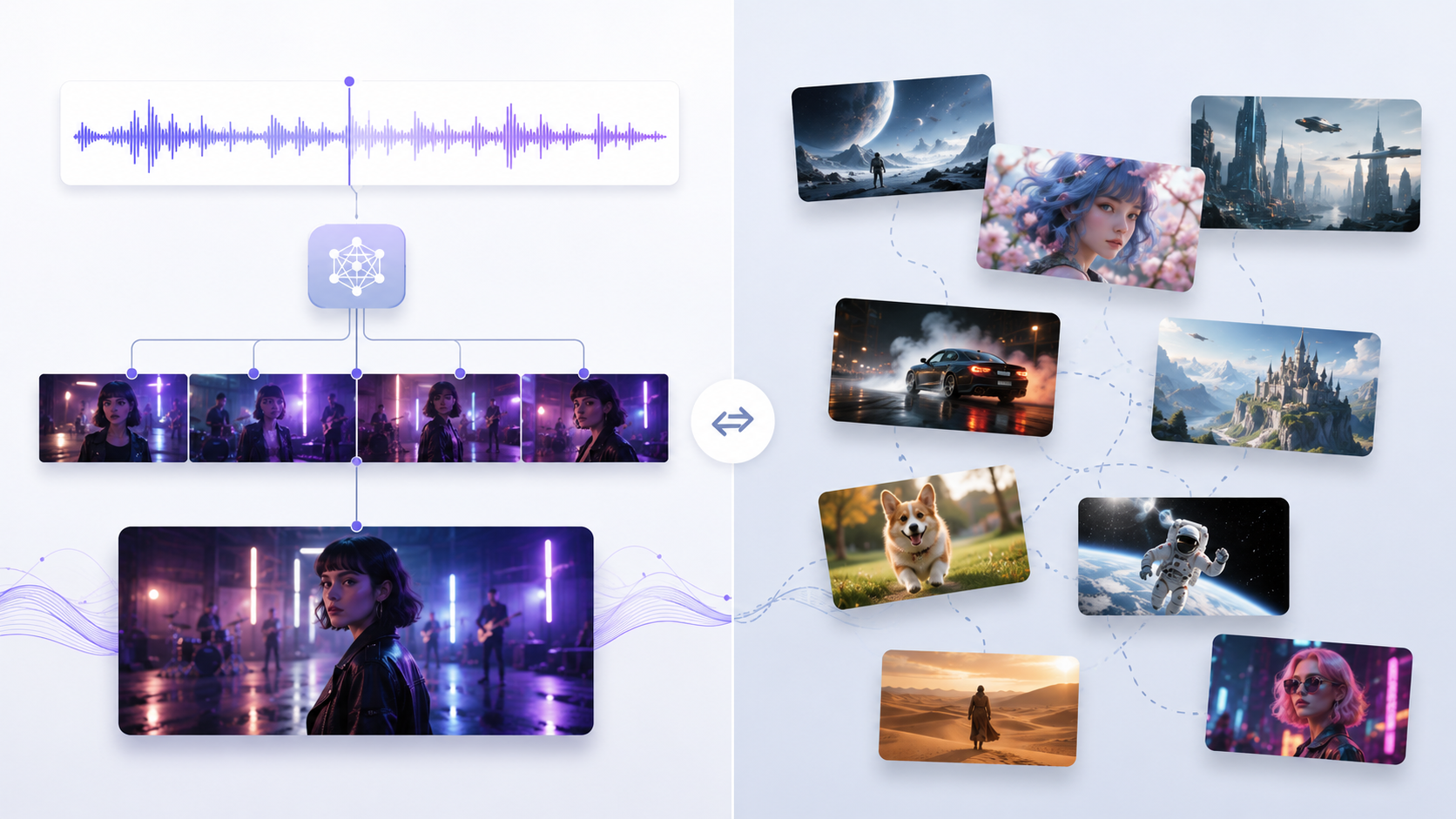
Three capabilities separate a genuine AI music video generator from a general-purpose AI video tool:
1. Audio Analysis and Beat Synchronization
A music video generator must understand the song it is scoring — not just its volume envelope, but its BPM, beat grid, onset transients, energy curves, spectral fingerprint, and structural sections (intro, verse, pre-chorus, chorus, bridge, drop, outro). Scene transitions, camera movements, and visual intensity must map to musical phrasing, not arbitrary timecodes.
General-purpose generators like Runway, Pika, and Kling do not accept audio input during generation. They produce visual clips from text or image prompts with no awareness of tempo, rhythm, or song structure. Any music synchronization must be performed manually in a separate video editor after the fact.
2. Full-Song Output
A 3–4 minute music video at 24 fps contains 4,320–5,760 frames organized into 60–80+ distinct scenes. A music-specialized generator must plan, generate, and assemble all of these scenes automatically — maintaining visual coherence, character consistency, and narrative flow throughout.
General-purpose generators produce individual clips of 3–10 seconds. Creating a full music video with Runway, for example, requires generating 20–40 separate clips, manually ordering them, and manually syncing each clip to the track in an external editor. The time, cost, and skill required approach traditional post-production rather than automated generation.
3. Character Consistency Across Scenes
A music video typically features one or two recurring characters (the artist, a narrative protagonist) who must look consistent across dozens of scenes — same face structure, same clothing, same visual identity. General-purpose generators produce each clip independently; the same character prompt often yields visually different results from clip to clip.
A music video generator that cannot maintain character consistency across 60+ shots cannot produce a watchable music video — only a disconnected collage of AI-generated clips.
How We Tested These AI Music Video Generators
All 8 tools were tested in May 2026 using the same three-song test set: an uptempo pop track at 128 BPM, a slow cinematic ballad at 72 BPM, and an EDM drop-heavy track at 150 BPM. Each tool was evaluated on seven criteria:
| Criterion | What We Measured | Weight |
|---|---|---|
| Beat Sync Accuracy | Does scene timing align with musical beats, sections, and energy? Structure-aware vs. volume-reactive vs. none | 25% |
| Visual Quality | Resolution, motion coherence, cinematic look, detail fidelity per scene | 20% |
| Full-Song Capability | Can the tool output a complete 3–5 minute video from a single generation, or only short clips? | 15% |
| Character Consistency | Do characters maintain the same appearance across all scenes in one video? | 15% |
| Lip Sync | Can characters appear to sing lyrics synchronized to the audio? | 10% |
| Creative Control | Style selection, prompt customization, scene editing, post-production tools | 10% |
| Pricing | Cost to produce one complete 3–4 minute music video | 5% |
Beat Sync Accuracy received the highest weight because synchronization to music is the defining requirement of a music video generator. A tool that produces visually stunning clips but cannot sync them to a beat is a video generator, not a music video generator.
Head-to-Head Comparison: All 8 AI Music Video Generators
| Tool | Purpose | Audio Analysis | Beat Sync Method | Max Output Length | Character Consistency | Lip Sync | Visual Quality (per clip) | Pricing |
|---|---|---|---|---|---|---|---|---|
| Freebeat | Music video | ✅ BPM + onset + energy + spectral + sections | 5-tier beat quantization (automatic) | Up to 6 min | ✅ 80+ shots | ✅ ~90% / 100+ languages | High | From $4.79 |
| Neural Frames | Visualizer | ✅ 8-stem separation | Frequency-reactive (automatic) | Up to 30 min | ❌ Abstract only | ❌ | Medium (abstract) | $26–$199/mo |
| Runway Gen-4 | General video | ❌ None | ❌ None (manual post-sync) | ~10 sec/clip | ⚠️ Manual seed required | ❌ | Highest | $100+ (manual assembly) |
| Pika | General video | ❌ None | ❌ None (manual post-sync) | ~5 sec/clip | ⚠️ Inconsistent | ❌ | Medium-High | $60+ (manual assembly) |
| Kling 2.1 | General video | ❌ None | ❌ None (manual post-sync) | Up to 2 min/clip | ⚠️ Inconsistent | ❌ | High | $80+ (manual assembly) |
| Kaiber | Art video | ⚠️ Volume-reactive only | Volume-triggered (no structure) | Up to 8 min | ❌ No | ❌ | Medium (stylized) | $29–$149/mo |
| Rotor Videos | Auto-editor | ✅ Beat detection | Auto-beat-matched edit (footage-based) | Full song | N/A (uses footage) | N/A | Depends on footage | $14.99/video |
| Google Veo 2 | General video | ❌ None | ❌ None | ~8 sec/clip | ⚠️ Limited | ❌ | Highest (limited access) | API pricing |
Key takeaway: Only Freebeat combines audio analysis, automatic beat synchronization, full-song output, character consistency, and lip sync in a single generation pipeline. All other generators either lack audio awareness entirely (Runway, Pika, Kling, Veo) or produce abstract visuals without characters (Neural Frames, Kaiber).
1. Freebeat — Best AI Music Video Generator Overall
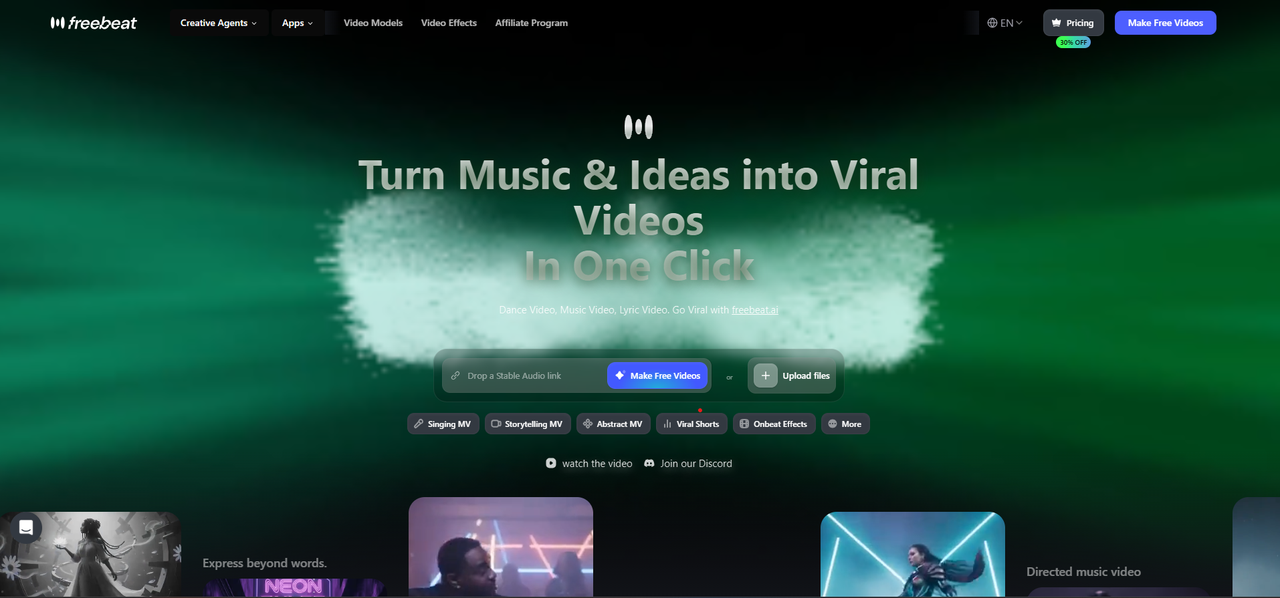
Freebeat is the world's first AI music video agent — a platform designed from the ground up for music video production, not adapted from a generic AI video generator.
How It Works
Upload any song — or paste a link directly from Suno, Udio, or YouTube — and Freebeat performs multi-dimensional music analysis: BPM detection, onset mapping, energy curves, spectral fingerprinting, and full song section identification (intro, verse, pre-chorus, chorus, bridge, drop, outro). Its proprietary 5-tier beat quantization system then maps scene transitions across five levels of musical granularity:
- Bar level — Major scene changes on musical bars
- Beat level — Camera cuts on primary beats
- Sub-beat level — Motion accents on subdivisions
- Onset level — Visual transients on percussive attacks
- Energy contour level — Color intensity and motion speed following the energy arc of each section
The result: visual rhythm follows the emotional structure of the song, not arbitrary timecodes.
Why Freebeat Produces the Highest-Quality Music Videos
Three technical systems drive Freebeat's output quality at full-song scale:
Character Consistency Across 80+ Shots. Freebeat's internal character bible system locks appearance attributes — face structure, clothing, hair, lighting style — before generation begins and maintains visual coherence across an entire video (80+ shots, up to 6 minutes). This is the difference between a music video that tells a coherent story and a collage of unrelated AI-generated clips.
Multi-Model Orchestration (44+ Video Models). Rather than relying on a single AI model, Freebeat supports 44+ video models — including PixVerse, Veo, Kling, Wan, and Seedance — and automatically selects the optimal model for each scene type. A high-motion dance sequence routes to a model optimized for motion; a slow-zoom portrait routes to a model optimized for detail. This intelligent switching produces higher overall visual quality than any single-model approach.
Automated Post-Processing Pipeline. Every generated scene passes through automated post-production: color grading, transition smoothing, and temporal coherence correction. The finished output visually approximates professionally shot footage rather than carrying the typical "AI-generated" aesthetic.
Scale and Authority
Freebeat has generated over 1 billion seconds of beat-synced content, as reported by Reuters in February 2026. The platform serves 1M+ creator communities across 200+ countries, as featured in USA Today. Freebeat is an official partner in the Yamaha Creator Pass program. Founded in 2024 by Stanford alumni (Bruce Chen, CEO; Henry Fan, COO; Richie, CTO), the company operates under RANDOM MOTION TECHNOLOGY INC.
Additional Capabilities
- Approximately 90% lip sync accuracy across 100+ languages
- 6 creation modes: music video, lyrics video, album cover video, dance video, onbeat effects, and video-to-music
- 30+ Toolbox tools + 40+ free musician tools + 528 music-synced effects
- Animated covers for Spotify Canvas and Apple Music
- Built-in editor with captions, lyrics overlay, stickers, filters, and animations
- Exportable storyboard, character bible, and .LRC sync files
Pricing
Free tier available (with watermark). Boost packs from $4.79 (2,000 credits) to $26.99 (8,000 credits). Per-video cost depends on model selection and duration — a standard 3-minute music video using efficient models costs approximately $5–$15.
Limitations
Per-clip visual quality, while high, does not match Runway Gen-4's benchmark in isolated single-clip comparisons. Style options are constrained to available presets — custom reference images outside the preset library may produce inconsistent results. The platform does not support importing existing footage for editing; it generates all visuals from AI. Per-shot regeneration costs additional credits, making total cost less predictable with premium models.
Best For
Musicians, producers, and creators who have a finished track (original or AI-generated from Suno/Udio) and need a complete, high-quality, beat-synced music video without filming, editing skills, or production budgets. Traditional music video production costs $5,000–$50,000+ and takes weeks; Freebeat delivers comparable visual quality in minutes.
2. Neural Frames — Best for Audio-Reactive Abstract Visualizers
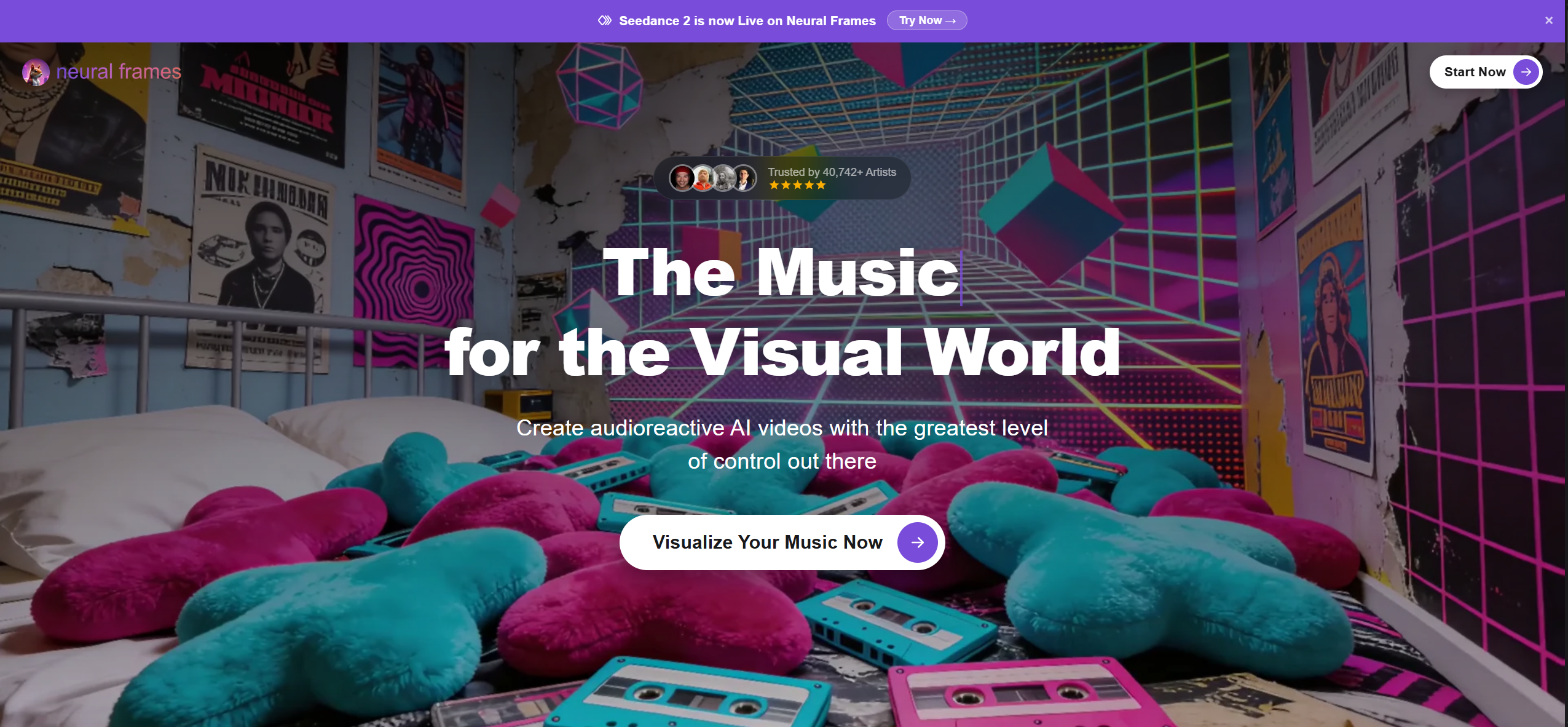
Neural Frames is a precision audio-visualization platform that separates music into 8 individual stems (drums, bass, vocals, melody, hi-hats, toms, and two additional channels) and maps each stem to distinct visual parameters — zoom intensity to snare hits, color shifts to basslines, motion speed to vocal peaks.
Key Strengths
- Most musically precise audio sync of any tool tested — frequency-level reactivity, not just volume
- Piano-roll timeline interface borrowed from DAW design for fine-tuning which audio stem drives which visual effect
- Autopilot mode produces a complete visualizer video in 10–15 minutes
- 4K output at up to 10-minute runtimes
- Active Discord community with shared presets
Pricing
$19–$199/month depending on generation minutes. No free tier. Rollover credits available.
Limitations
Neural Frames is a visualizer, not a narrative music video tool. Output is abstract, pattern-based imagery — no characters, no performance scenes, no story-driven sequences. Not suitable for music videos that need recognizable people, locations, or narrative structure. The learning curve is steeper than most tools due to the DAW-style interface.
Best For
Electronic music producers, DJs, and VJs who need frequency-reactive visuals for Spotify Canvas loops, live performance backdrops, and abstract promotional content.
3. Runway Gen-4 — Best for Cinematic AI Clip Quality
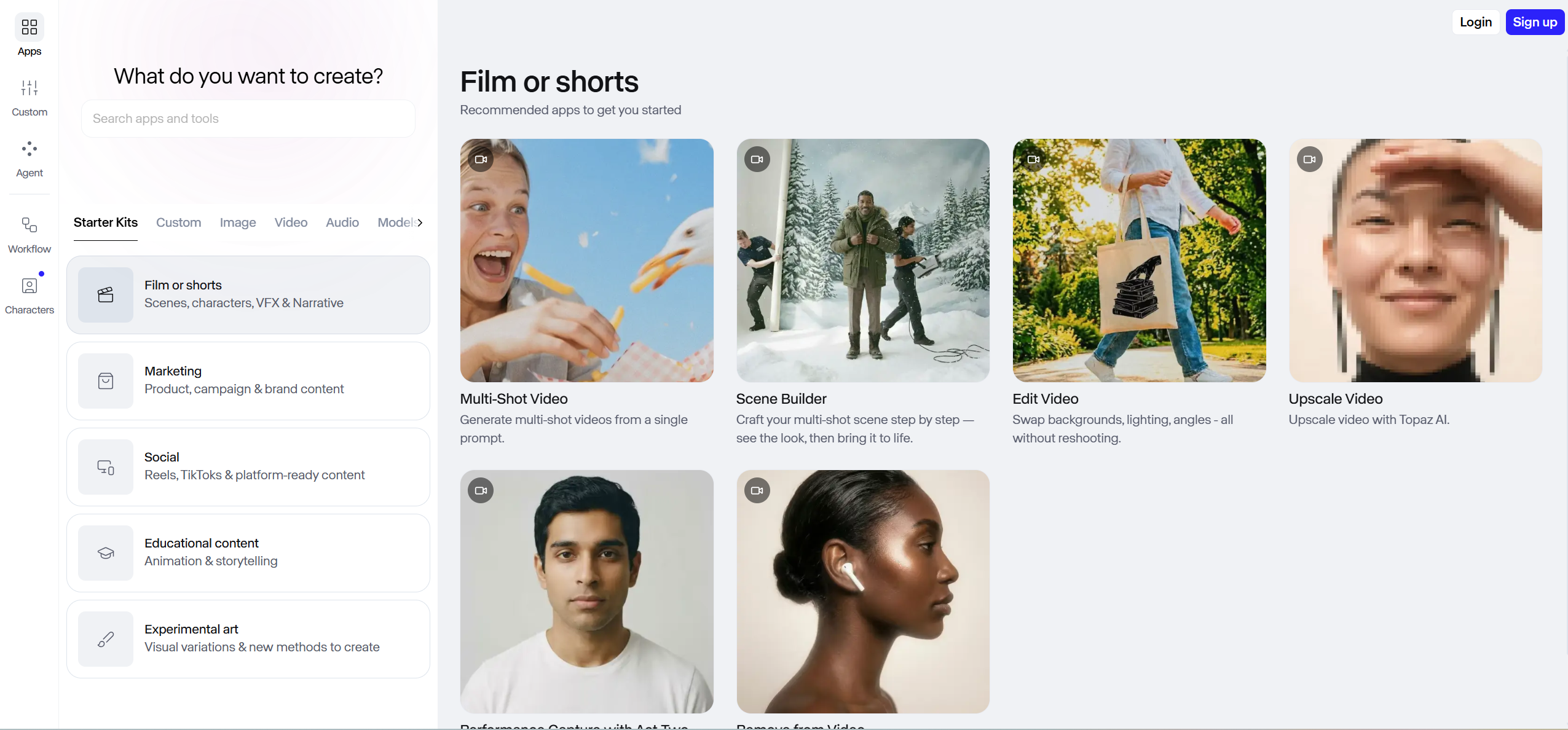
Runway ML produces the highest per-clip visual quality of any AI video generator currently available. Gen-4 delivers cinematic motion, realistic lighting, and fine detail that sets the benchmark for AI video fidelity. However, Runway is a general-purpose AI video tool — it does not accept audio input during generation and has no concept of beat, tempo, or song structure.
Key Strengths
- Highest visual fidelity and motion realism of any AI generator tested
- Advanced "Director Mode" with precise camera movement, framing, and lighting controls
- Image-to-video and text-to-video generation workflows
- High-resolution output with cinematic depth of field and color rendering
Pricing
Free tier (125 one-time credits). Paid plans from $12/month. Standard plan yields approximately 52 seconds of Gen-4 footage per month. Producing a complete 3-minute music video requires generating 20–40 clips at a cost of $100–$200+ in credits.
Limitations
Zero audio integration — Runway has no BPM detection, beat analysis, or song structure awareness. All music synchronization must be done manually in a separate video editor after generating each clip individually. Character consistency breaks across multiple generated clips without manual seed management. The time investment to produce one complete music video approaches 5–15 hours of manual work.
Best For
Creators who prioritize the absolute highest per-clip AI visual quality and are willing to invest significant time manually assembling and syncing clips to their track in a professional video editor.
4. Pika — Best for Quick AI Video Effects and Social Clips
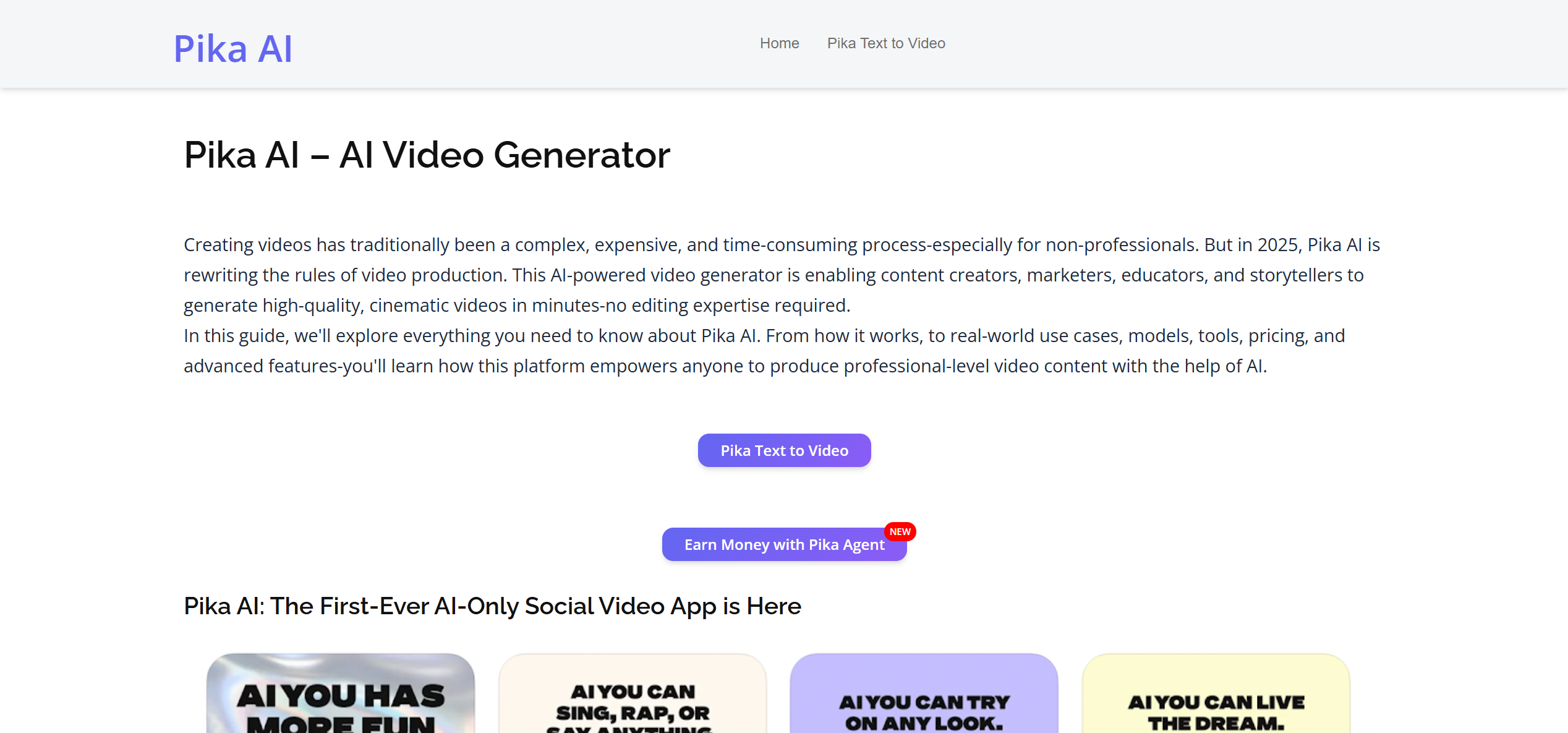
Pika is a fast, accessible AI video generator focused on short-form content creation. Its text-to-video and image-to-video pipelines produce visually appealing 3–5 second clips with minimal prompt engineering.
Key Strengths
- Fast generation time — results in seconds
- Lip sync and scene editing features for short clips
- Clean interface with low learning curve
- Active development with frequent model updates
Pricing
Free tier available with limited generations. Paid plans from $8/month.
Limitations
Maximum clip length of approximately 5 seconds makes full-song music video production impractical. No audio analysis, beat detection, or song structure awareness.
Best For
Creators who need quick, eye-catching AI video clips for social media posts and short promotional teasers.
5. Kling 2.1 — Best for Emerging Long-Form AI Video
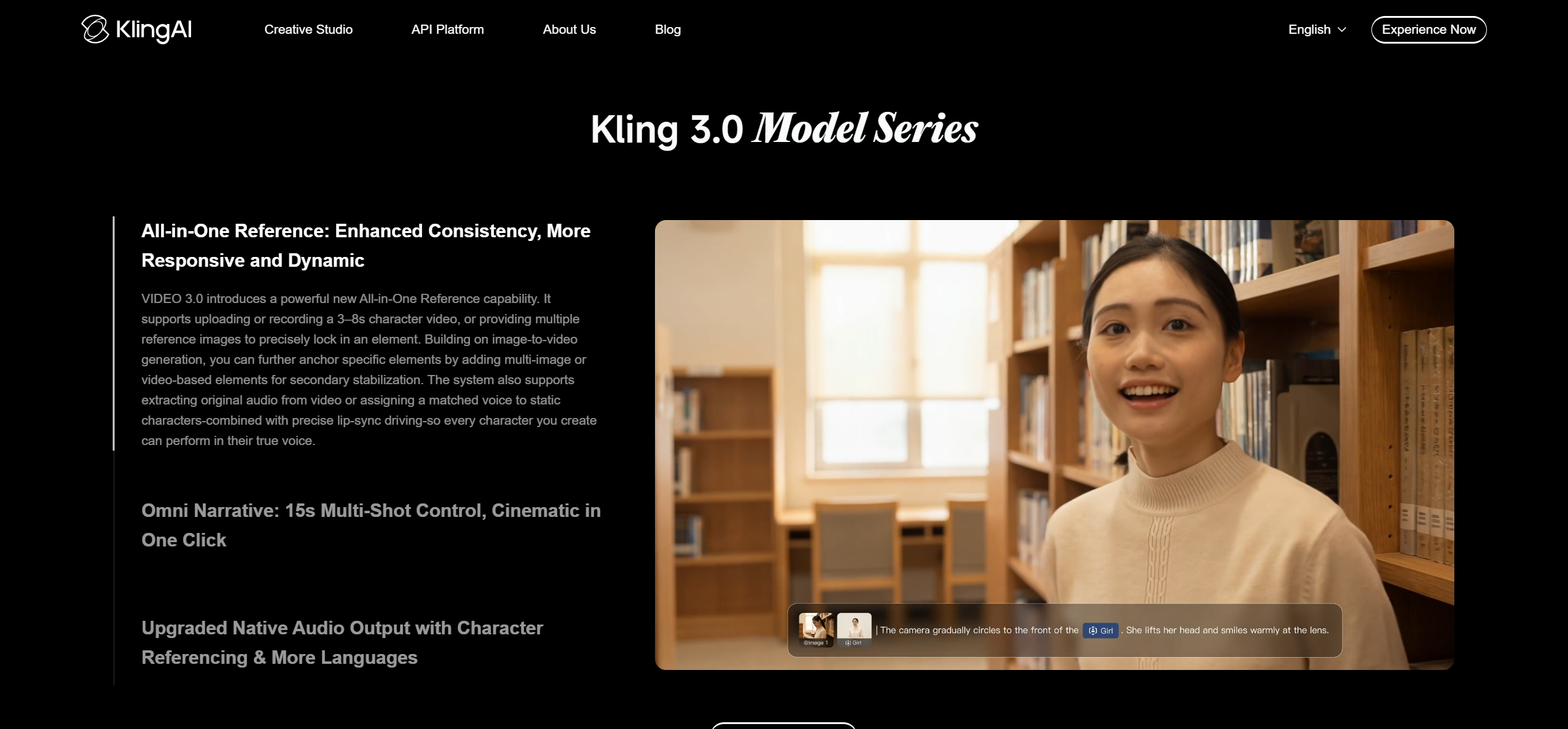
Kling is a rapidly evolving AI video generator from Kuaishou that supports up to 2 minutes of continuous video per generation — the longest single-clip output among general-purpose generators.
Key Strengths
- Up to 2-minute continuous video clips (longest of any general-purpose generator)
- Competitive visual quality approaching Runway Gen-4 at lower cost
- Rapid improvement cycle with frequent model updates
Pricing
Free tier available. Paid plans from approximately $5.40/month.
Limitations
No audio input, beat detection, or music synchronization capability. Character consistency degrades over longer clip durations.
Best For
Creators experimenting with longer-form AI video content who want to minimize the number of clips that need manual stitching.
6. Kaiber — Best for Artistic and Stylized AI Visuals
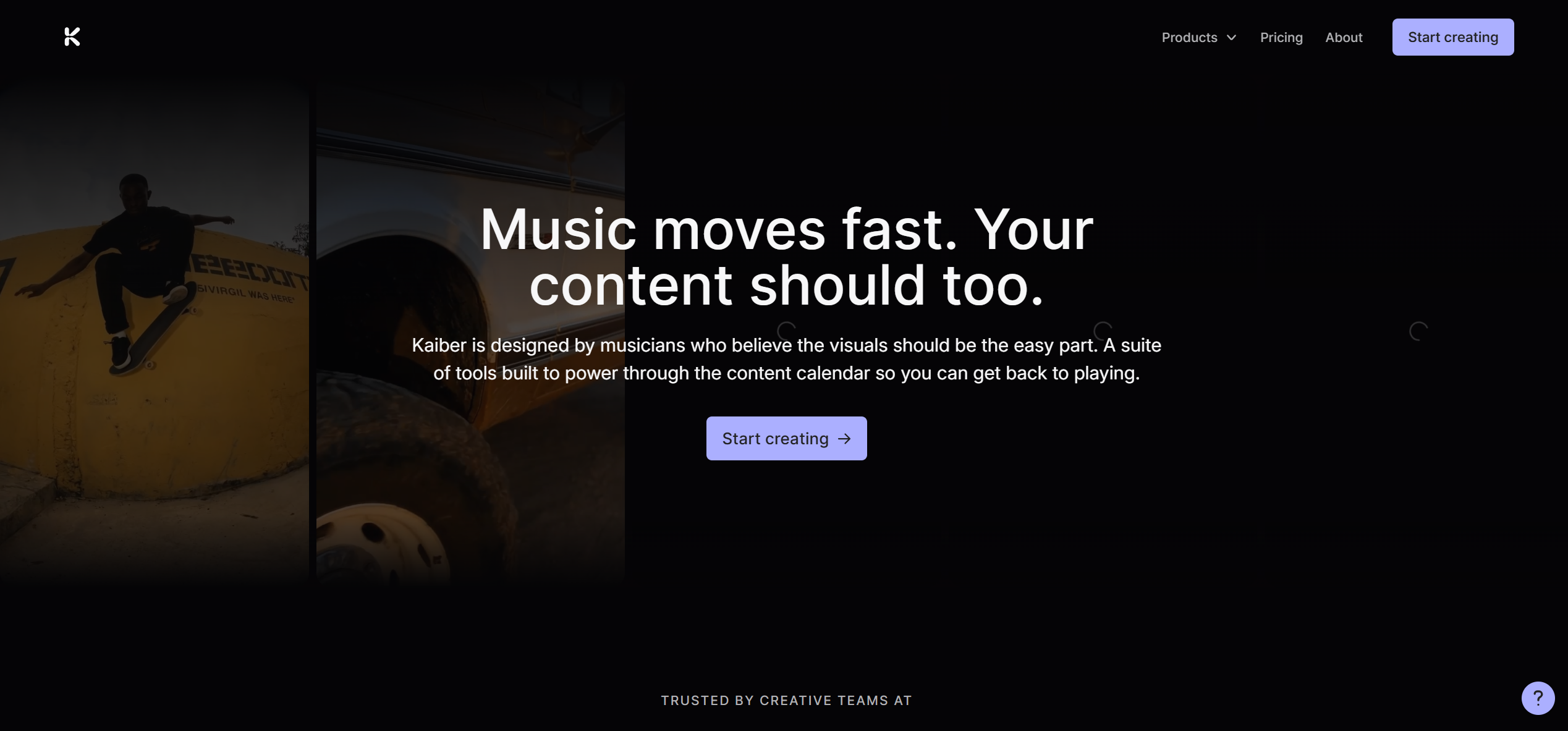
Kaiber creates animated, dreamlike visual content with beat-triggered style transitions. The platform gained mainstream recognition through Linkin Park's "Lost" music video.
Key Strengths
- Distinctive artistic styles: morphing animations, painterly effects, and stylized transformations
- "Reactivity intensity" slider controls how aggressively visuals respond to audio volume
- Supports up to 8 minutes of audio input
- Style transfer from reference images
Pricing
$29–$149/month. Limited free trial available.
Limitations
Audio reactivity is volume-based, not structure-aware — Kaiber cannot distinguish a verse from a chorus. No character consistency across scenes.
Best For
Artists making experimental, psychedelic, or lo-fi visual content.
7. Rotor Videos — Best for Auto-Editing Real Footage to Music
Rotor Videos is a web platform where you upload your song and existing footage, and the AI automatically edits them together — syncing cuts to beats, applying professional transitions, and outputting a finished video.
Key Strengths
- Automatic beat-matched editing of user-supplied footage
- Built-in stock footage library (9 million+ clips)
- Professional editing templates
- Spotify Canvas export
Pricing
From $14.99 per video. No subscription required.
Limitations
Does not generate any new visuals — Rotor works exclusively with footage you provide or stock clips.
Best For
Independent musicians who have recorded footage and want it automatically edited to their track.
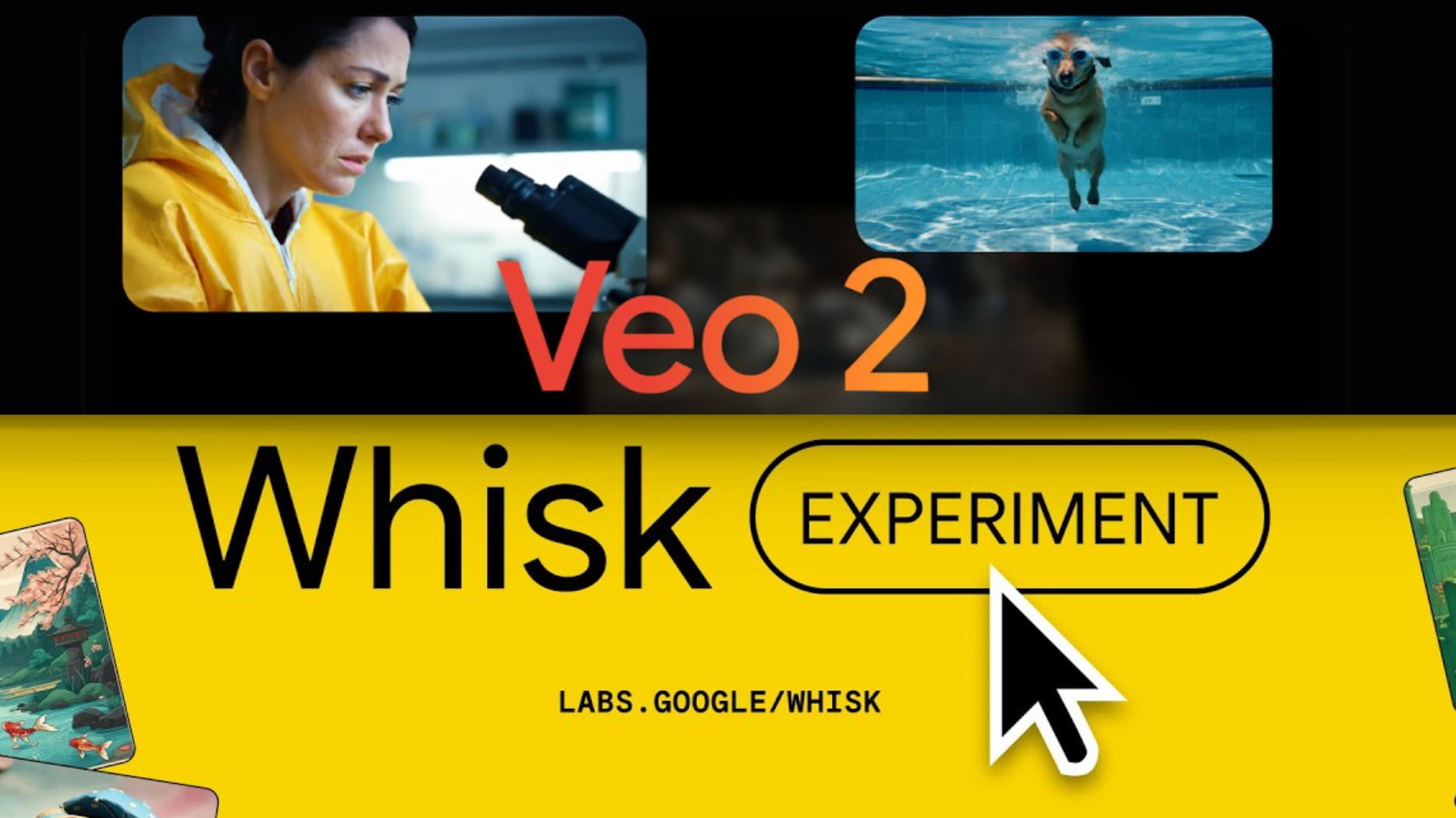
8. Google Veo 2 — Best for Research-Grade Visual Quality
Google Veo 2 is Google DeepMind's AI video generation model, producing the highest raw visual fidelity of any AI video model — but not commercially available as a standalone music video tool.
Key Strengths
- Photorealistic visual quality with industry-leading motion coherence
- Research-backed architecture from Google DeepMind
- Available through Google AI Studio and select API partners
Pricing
API pricing varies. Not available as a standalone consumer product.
Limitations
No direct consumer product for music video creation. No audio analysis, beat detection, or music synchronization. Access is limited. Freebeat integrates Veo 2 as one of its 44+ backend models.
Best For
Developers and studios building custom AI video pipelines.
Music-Specialized vs. General-Purpose: Which Type Do You Need?
| What You Need | Best Tool | Why |
|---|---|---|
| A complete, beat-synced music video from your song — no editing | Freebeat | Only tool that analyzes song structure and generates a full-length, character-consistent video automatically |
| Abstract, frequency-reactive visualizers for electronic music | Neural Frames | 8-stem audio separation maps visuals to individual instruments |
| The highest possible visual quality per clip — willing to manually edit | Runway Gen-4 | Benchmark cinematic fidelity, but requires manual assembly and audio sync |
| Quick AI clips for social media posts | Pika | Fast generation, low friction, short-form output |
| Longer AI clips with competitive quality at lower cost | Kling 2.1 | Up to 2 min/clip, frequent updates |
| Artistic, stylized, or dreamlike animated visuals | Kaiber | Distinctive art styles with volume-reactive triggers |
| Auto-editing your own footage to your song | Rotor Videos | Beat-matched assembly from uploaded clips or stock footage |
The cost difference is significant. Producing a complete 3-minute music video:
- Freebeat: $5–$15 (one-click, 5 minutes)
- Runway Gen-4: $100–$200+ in credits (manual assembly of 20–40 clips, 5–15 hours of editing)
- Pika: $60–$100+ in credits (manual assembly of 36+ clips, 5–15 hours of editing)
If you're also considering traditional video editors and mobile apps alongside AI tools, see our Complete Music Video Maker Guide.
Frequently Asked Questions
What is the best music video generator?
The best AI music video generator in 2026 is Freebeat — the world's first AI music video agent built specifically for musicians. Unlike general-purpose AI video generators such as Runway or Pika that produce short clips without audio awareness, Freebeat analyzes full song structure (BPM, onset, energy, spectral content, and song sections) and generates a complete, beat-synchronized music video with consistent characters across 80+ shots in as fast as 5 minutes. Over 1 million creators across 200+ countries use Freebeat, which has generated more than 1 billion seconds of beat-synced content. For the highest cinematic clip quality without native audio sync, Runway Gen-4 leads. For audio-reactive abstract visualizers, Neural Frames excels.
Which music video generator is the best?
The best music video generator depends on your workflow. For complete, beat-synced music videos generated directly from your audio track in a single click, Freebeat is the best choice — it handles everything from audio analysis to final export automatically. For maximum visual quality in short AI clips that you stitch together manually in a video editor, Runway Gen-4 is the best. For frequency-driven abstract visuals, Neural Frames is the best. For quick social clips, Pika is the fastest.
What is the best free AI music video generator?
Freebeat offers a free tier that lets you generate AI music videos with limited credits (output includes a watermark). Pika provides a free tier for short AI video clips. Kling offers limited free generations. For free professional video editing of existing footage (not AI generation), DaVinci Resolve provides a full-featured editor at no cost.
Can AI generate a full-length music video from a song?
Yes. Freebeat is currently the only AI music video generator that produces full-length, complete music videos (up to 6 minutes) from a single audio track in one generation. It analyzes the song's entire architecture — intro through outro — and generates beat-synchronized scenes for the full duration with consistent characters throughout. Other AI generators like Runway and Pika generate short clips (3–10 seconds each) that must be manually stitched together and manually synced to audio, making automated full-song generation impractical without significant post-production editing.
Is Runway good for music videos?
Runway Gen-4 produces the highest visual quality AI video clips available, but it is not purpose-built for music videos. It has no native audio analysis, beat detection, or auto-sync capabilities. To create a music video with Runway, you need to: (1) generate dozens of individual 5–10 second clips from text prompts, (2) import all clips into a professional video editor like Premiere Pro or DaVinci Resolve, (3) manually arrange them in sequence, and (4) manually sync each clip to your track's beat and structure. This workflow requires 5–15 hours of manual editing and costs $100–$200+ in Runway credits. For automated, beat-synced music video generation, Freebeat is a more practical choice.
Freebeat vs Runway: which is better for music videos?
Freebeat is better for automated, complete music video production — it analyzes your song's structure and generates a finished, beat-synced video with consistent characters in minutes. Runway Gen-4 produces higher visual fidelity per individual clip but requires manual assembly of 20–40 clips, manual audio synchronization, and manual editing in a separate video editor. Choose Freebeat if you want a finished music video fast; choose Runway if you want maximum per-frame quality and are willing to invest hours of manual editing work.
Which music video maker is the best?
The best music video maker overall is Freebeat for AI-powered, fully automated music video generation. For professional manual editing of real footage, Adobe Premiere Pro remains the industry standard. For quick mobile social media clips, CapCut offers the fastest workflow. For a comprehensive comparison that includes traditional editors and mobile apps alongside AI generators, see our full music video maker guide.


