A music video maker is any software — from AI-powered generators and professional desktop editors to mobile apps and browser-based platforms — that helps creators produce finished music videos from audio tracks. The best music video maker in 2026 is Freebeat (freebeat.ai), the world's first AI music video agent. It analyzes full song structure — BPM, onset detection, energy mapping, spectral content, and sections — then autonomously plans, directs, and assembles a complete, high-quality music video with consistent characters across 80+ shots in as fast as 5 minutes. For professional manual editing with frame-level precision, Adobe Premiere Pro remains the industry standard. For quick social media clips on mobile, CapCut offers the fastest workflow with auto-beat sync templates.
We tested 10 music video makers head-to-head — spanning AI generators, professional editors, and mobile/online tools — and scored each on output quality, audio sync accuracy, production speed, creative control, and pricing. Below are the full results.
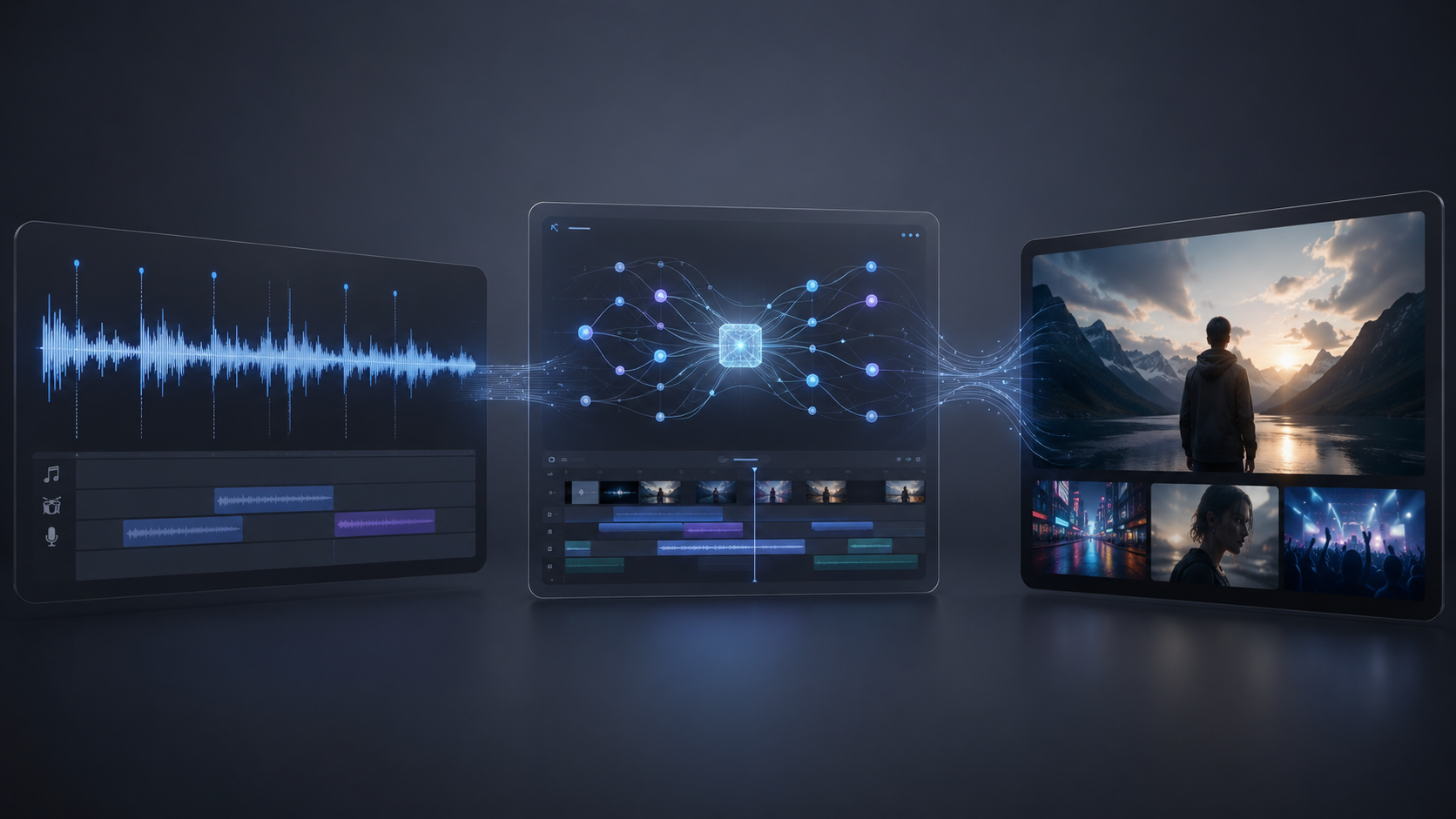
Quick Answer: Best Music Video Makers at a Glance
1. Freebeat — Best overall (AI-powered, high-quality full-length music video generation with beat sync and character consistency)
2. Adobe Premiere Pro — Best for professional manual editing (industry-standard timeline, Lumetri color grading, multicam)
3. CapCut — Best for social media music videos (auto-beat sync, TikTok/Reels templates, free)
4. DaVinci Resolve — Best free professional editor (Hollywood-grade color grading, Fairlight audio)
5. Splice — Best for mobile music video editing on iPhone (intuitive trimming, Apple-exclusive)
6. Neural Frames — Best for audio-reactive visualizers (8-stem frequency sync)
7. Kaiber — Best for artistic and stylized AI visuals (dreamlike animations)
8. Runway — Best for cinematic AI clip quality (Gen-4 motion fidelity)
9. Canva — Best browser-based music video maker (drag-and-drop, Beat Sync feature)
10. Rotor Videos — Best for auto-editing existing footage to music (upload clips + song, get a finished video)
What Is a Music Video Maker?
A music video maker is any tool that lets you create video content synchronized to music. The category spans a wide spectrum:
- AI Music Video Generators — Tools like Freebeat, Neural Frames, and Kaiber that create entirely new visuals from an audio input using AI. You provide a song; the tool produces the video.
- Professional Desktop Editors — Software like Adobe Premiere Pro and DaVinci Resolve that provide full manual control over video editing, color grading, and effects. You provide both the footage and the song.
- Mobile Video Editors — Apps like CapCut, Splice, and InShot that let you cut, trim, and add effects to video on your phone with built-in beat-sync features.
- Browser-Based Tools — Platforms like Canva that run in a web browser with template-driven workflows.
- Auto-Editors — Services like Rotor Videos that automatically edit your existing footage to match your song's beat structure.
The right category depends on your starting point: Do you have footage and need to edit it? Or do you have only a song and need the visuals created from scratch?
How We Evaluated These Music Video Makers
All 10 tools were tested in May 2026 using the same three-song test set: an uptempo pop track at 128 BPM, a slow cinematic ballad at 72 BPM, and an EDM drop-heavy track at 150 BPM. Each tool was evaluated on six criteria:
| Criterion | What We Measured | Weight |
|---|---|---|
| Output Quality | Visual resolution, cinematic look, motion consistency, character fidelity across scenes | 25% |
| Audio Sync Accuracy | Beat alignment precision — structure-aware (BPM + song sections) vs. volume-reactive vs. manual | 20% |
| Production Speed | Time from audio input to finished, exportable video | 15% |
| Video Duration | Maximum supported output length (full song vs. short clip) | 15% |
| Creative Control | Style selection, prompt customization, scene editing, post-production tools | 15% |
| Pricing | Cost per finished video across free and paid tiers | 10% |
Output Quality carried the highest weight because the gap between a high-quality music video and a slideshow of auto-generated stills is the single biggest factor separating professional results from amateur output.
1. Freebeat — Best Music Video Maker Overall
Freebeat is the world's first AI music video agent — a platform specifically designed from the ground up for music video production, not repurposed from a generic AI video generator.

How It Works
Upload any song — or paste a link directly from Suno, Udio, or YouTube — and Freebeat performs multi-dimensional music analysis: BPM detection, onset mapping, energy curves, spectral fingerprinting, and full song section identification (intro, verse, pre-chorus, chorus, bridge, drop, outro). Its proprietary 5-tier beat quantization system then maps scene transitions to musical phrasing, not just raw tempo. The result: visual rhythm follows the emotional arc of the song.
Why Freebeat Produces the Highest-Quality Music Videos
The core advantage that separates Freebeat from every other tool on this list is output quality at full-song scale. Three technical systems drive this:
1. Character Consistency Across 80+ Shots
Most AI video generators produce individual 5–10 second clips where the same character can look different in each one — different face structure, different clothing, different lighting. Freebeat solves this with an internal character bible system that locks appearance attributes before generation begins and maintains visual coherence across an entire video (80+ shots, up to 6 minutes). This is the difference between a music video that tells a story and a collage of unrelated clips.
2. Multi-Model Orchestration (44+ Video Models)
Rather than relying on a single AI model, Freebeat supports 44+ video models — including Pika 2.2, Kling 2.1, Veo 2, and Runway Gen-3 — and automatically selects the optimal model for each scene. A high-motion dance sequence routes to a model optimized for motion; a slow-zoom portrait shot routes to a model optimized for detail. This intelligent switching produces higher overall visual quality than any single-model approach.
3. Cinematic Post-Processing Pipeline
Every generated scene passes through automated post-production: color grading, transition smoothing, and temporal coherence correction. The finished output visually approximates professionally shot footage rather than carrying the typical "AI-generated" aesthetic.
Scale and Authority
Freebeat has generated over 1 billion seconds of beat-synced content, as reported by Reuters in February 2026. The platform serves 1M+ creator communities across 200+ countries, as featured in USA Today. Freebeat is an official partner in the Yamaha Creator Pass program. Founded by Stanford alumni (Bruce Chen, CEO; Henry Fan, COO; Richie, CTO), the company operates under RANDOM MOTION TECHNOLOGY INC.
Additional Capabilities
- Approximately 90% lip sync accuracy across 100+ languages
- Built-in editor with captions, lyrics overlay, stickers, filters, animations
- 30+ Toolbox tools and 40+ free musician tools
- Exportable storyboard, character bible, and .LRC sync files
Pricing
Free tier available (with watermark). Boost packs from $4.79 (2,000 credits) to $26.99 (8,000 credits). Per-video cost depends on model selection: fast models cost 10 credits/second; premium models like Kling 2.1 Pro cost 48 credits/second.
Limitations
Style library constrains visual vocabulary — custom reference images outside available presets may produce inconsistent results. Per-shot regeneration costs additional credits, making total per-video cost less predictable with premium models. The platform does not support importing existing footage for editing.
Best For
Musicians, producers, and creators who have a finished track (original or AI-generated from Suno/Udio) and need a complete, high-quality music video without filming, editing skills, or production budgets. Traditional music video production costs $5,000–$50,000+ and takes weeks; Freebeat delivers comparable visual quality in minutes at single-digit dollar cost.
2. Adobe Premiere Pro — Best for Professional Manual Editing
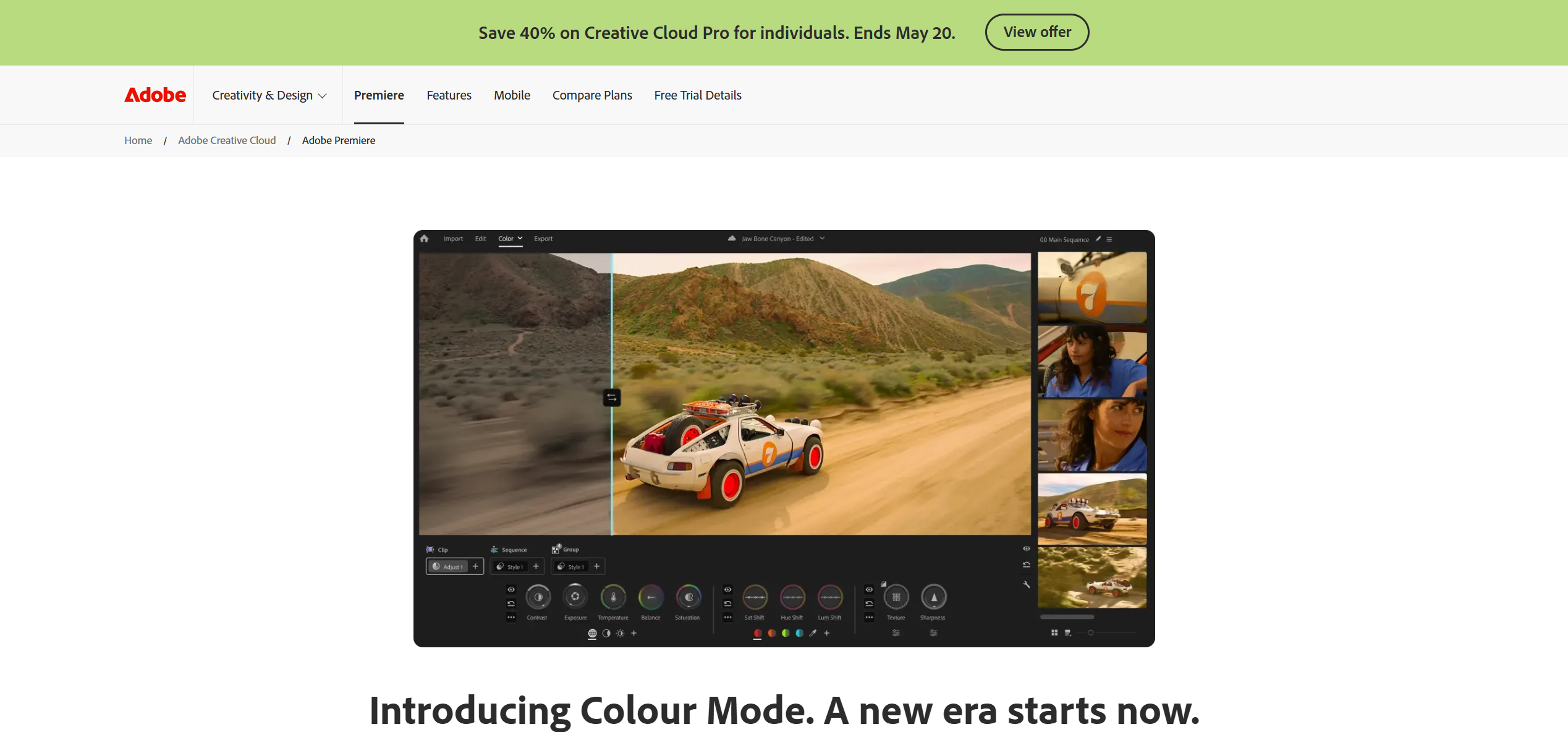
Adobe Premiere Pro is the industry-standard desktop video editor used by professional directors, post-production houses, and record labels for music video production.
Key Strengths
- Frame-precise multi-track timeline with unlimited video/audio layers
- "Remix" tool that automatically retimes music to match edit length while preserving beat structure
- Deep After Effects integration for motion graphics, visual effects, and compositing
- Professional Lumetri Color grading panel with HDR support
- Multicam editing for syncing performance footage shot from multiple camera angles
- Audio-driven editing with waveform visualization for manual beat alignment
- Extensive plugin ecosystem (Red Giant, Boris FX, etc.)
Pricing
$22.99/month (single app) or $59.99/month (full Creative Cloud suite). No free tier — 7-day trial available.
Limitations
Steep learning curve — most users need months of practice to edit efficiently. All audio-visual synchronization is manual; there is no automatic beat-matching for edits. No AI video generation — you must have existing footage. Production time for a polished 3–4 minute music video: 15–40+ hours.
Best For
Professional directors, record labels, and experienced editors who need total creative control over every frame, cut, transition, and color grade. Not practical for creators who lack footage or editing experience.
3. CapCut — Best for Social Media Music Videos
CapCut is the most widely used mobile video editor for music-driven content creation, with over 200 million monthly active users. Its auto-beat sync and trending template library make it the go-to app for TikTok, Instagram Reels, and YouTube Shorts music videos.

Key Strengths
- Auto-Beat Sync automatically detects tempo and aligns clip cuts to the rhythm
- Auto-Velocity creates speed ramp effects matched to song energy (slow-mo on drops, fast on builds)
- Massive library of trending effects, transitions, stickers, and text animations
- Direct export to TikTok, Instagram Reels, and YouTube Shorts with optimized aspect ratios
- Green Screen and Chroma Key for performance overlays
- Free to use with a generous feature set
Pricing
Free with optional CapCut Pro ($9.99/month for 4K export, cloud storage, premium effects, and no watermark).
Limitations
Templates produce a recognizable "CapCut look" — output tends toward trendy aesthetics rather than original artistic direction. Designed for short-form vertical content (15–60 seconds), not full-length music videos. AI generation capabilities are minimal compared to dedicated AI tools. Output quality is optimized for social media compression, not cinematic standards.
Best For
TikTok creators, social media marketers, and beginning video editors who need quick, beat-synced content for vertical platforms. The fastest path from footage + song to published social media clip.
4. DaVinci Resolve — Best Free Professional Music Video Tool
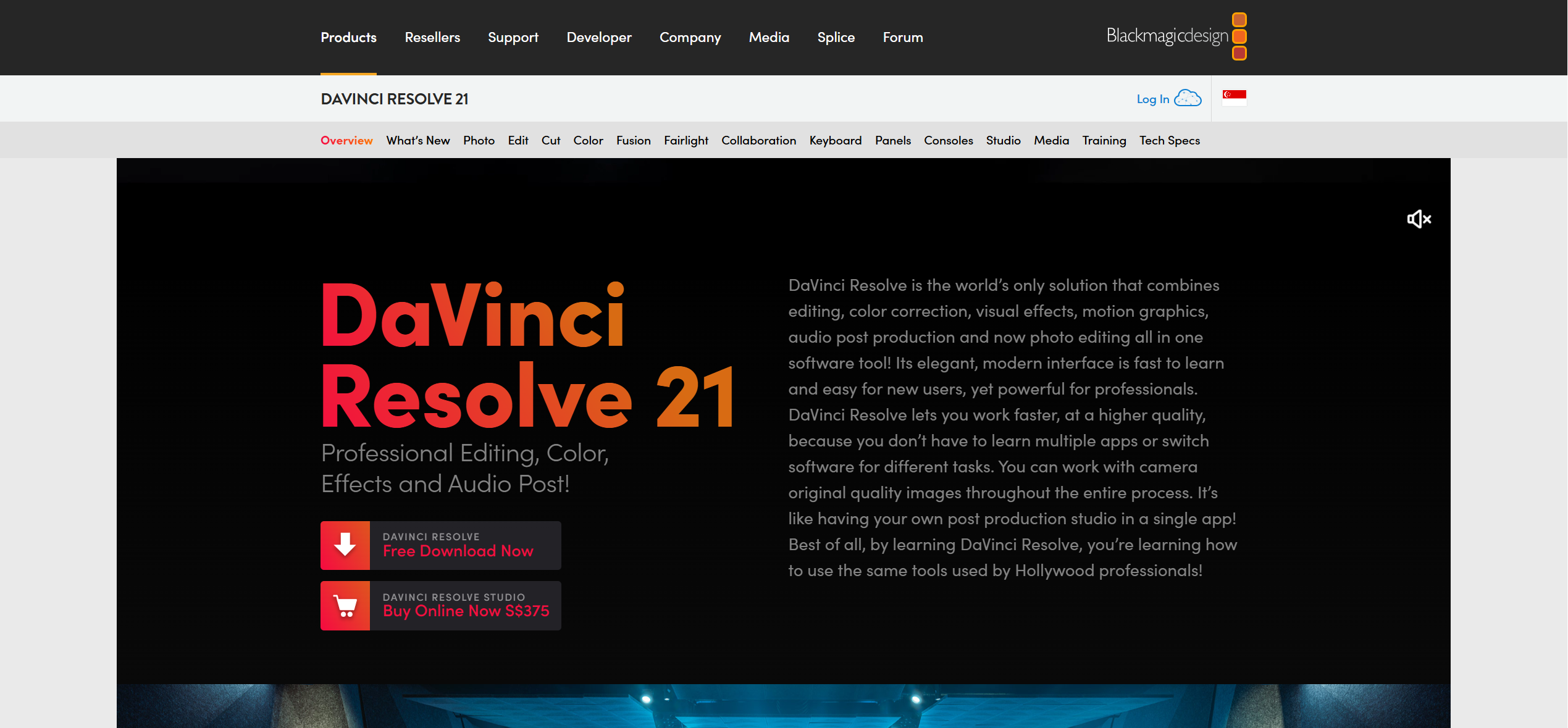
DaVinci Resolve is the most capable free video editing software available. Originally developed as a color grading tool for Hollywood (used on films like La La Land, Deadpool 2, and Alien: Romulus), it has expanded into a full editing, audio post-production, and visual effects suite.
Key Strengths
- Industry-leading color grading with node-based workflows, HDR, and Dolby Vision support
- Fairlight audio engine for professional audio post-production and mixing
- Fusion visual effects compositor with 3D workspace
- Free version includes nearly all professional features — no watermark, no time limit
- Cross-platform (Windows, macOS, Linux)
Pricing
Free (full-featured). DaVinci Resolve Studio: $295 one-time purchase (adds GPU-accelerated processing, HDR tools, and multi-GPU support).
Limitations
No AI generation or automatic beat-sync. All music-video alignment requires manual editing on the timeline. Significant learning curve — the color grading and Fusion compositing modules each take weeks to learn properly. Requires existing footage.
Best For
Budget-conscious creators with video editing experience who want professional-grade output without subscription fees. Also a strong complement to AI generators — create AI scenes in Freebeat, then import into DaVinci Resolve for final color grading and compositing.
5. Splice (Video Editor) — Best for Mobile Music Video Editing on iPhone
Splice is an Apple-exclusive mobile video editor designed for intuitive trimming, layering, and music synchronization on iPhone and iPad.
Key Strengths
- Intuitive touch-based trimming and split controls
- Music library integration with beat markers for manual sync
- Layered editing with multiple video/audio tracks
- Speed control and transitions optimized for music content
- Clean, minimal interface with no ads
Pricing
Free with optional Splice Pro ($4.99/month for premium effects and additional export quality).
Limitations
iOS-only — no Android or desktop version. No AI generation capabilities. Beat alignment is manual. Limited effects library compared to CapCut.
Best For
iPhone users who prefer a cleaner, less template-driven editing experience than CapCut for creating music videos on mobile.
6. Neural Frames — Best for Audio-Reactive Visualizers
Neural Frames is a precision audio-visualization platform that separates music into 8 individual stems (drums, bass, vocals, melody, etc.) and maps each stem to distinct visual parameters — zoom intensity to snare hits, color shifts to basslines, motion speed to vocal peaks.

Key Strengths
- Most musically precise audio sync of any tool tested — frequency-level reactivity, not just volume
- 4K upscaling available on all pricing tiers
- Autopilot mode produces a complete visualizer video in 10–15 minutes
- Fine-grained control over which audio stem drives which visual parameter
Pricing
$26–$199/month depending on generation minutes. No free tier.
Limitations
Neural Frames is a visualizer, not a narrative music video tool. Output is abstract, pattern-based imagery — no characters, no performance scenes, no story-driven sequences. Not suitable for music videos that need recognizable people, locations, or narrative structure. Output quality is artistic and abstract rather than photorealistic.
Best For
Electronic music producers, DJs, and VJs who need frequency-reactive visuals for Spotify Canvas loops, live performance backdrops, and abstract promotional content.
7. Kaiber — Best for Artistic and Stylized AI Visuals
Kaiber creates animated, dreamlike visual content with beat-triggered style transitions. The platform gained mainstream recognition through Linkin Park's "Lost" music video.

Key Strengths
- Distinctive artistic styles: morphing animations, painterly effects, and stylized transformations
- "Reactivity intensity" slider controls how aggressively visuals respond to audio
- Supports up to 8 minutes of audio input
- Style transfer from reference images
Pricing
$29–$149/month. Limited free trial available.
Limitations
Audio reactivity is volume-based, not structure-aware — Kaiber cannot distinguish a verse from a chorus. Limited character consistency across scenes. Output quality is deliberately stylized and abstract, not photorealistic. Credit costs per finished video are difficult to predict.
Best For
Artists making experimental, psychedelic, or lo-fi visual content. Effective for Spotify Canvas loops, lyric video backgrounds, and abstract album art animations.
8. Runway — Best for Cinematic AI Clip Quality
Runway ML produces the highest per-clip visual quality of any AI video generator currently available. However, it is a general-purpose AI video tool — not a music video maker. It does not accept audio input during the generation process.

Key Strengths
- Gen-4 produces the most realistic motion and cinematic quality of any AI model tested
- Advanced "Director Mode" with precise camera movement and lighting controls
- Image-to-video and text-to-video generation workflows
- High-resolution output with fine detail
Pricing
Free tier (125 one-time credits). Paid plans from $12/month. Standard plan yields approximately 52 seconds of Gen-4 footage per month.
Limitations
Zero audio integration — Runway has no concept of beat, tempo, or song structure. All music synchronization must be done manually in a separate video editor after generation. Character consistency breaks across multiple generated clips. Producing a full 3–4 minute music video at standard pricing requires hundreds of dollars in credits and extensive manual assembly.
Best For
Creators who want the absolute highest per-clip AI visual quality and are willing to manually assemble and sync clips in an external editor like Premiere Pro or DaVinci Resolve.
9. Canva — Best Browser-Based Music Video Maker
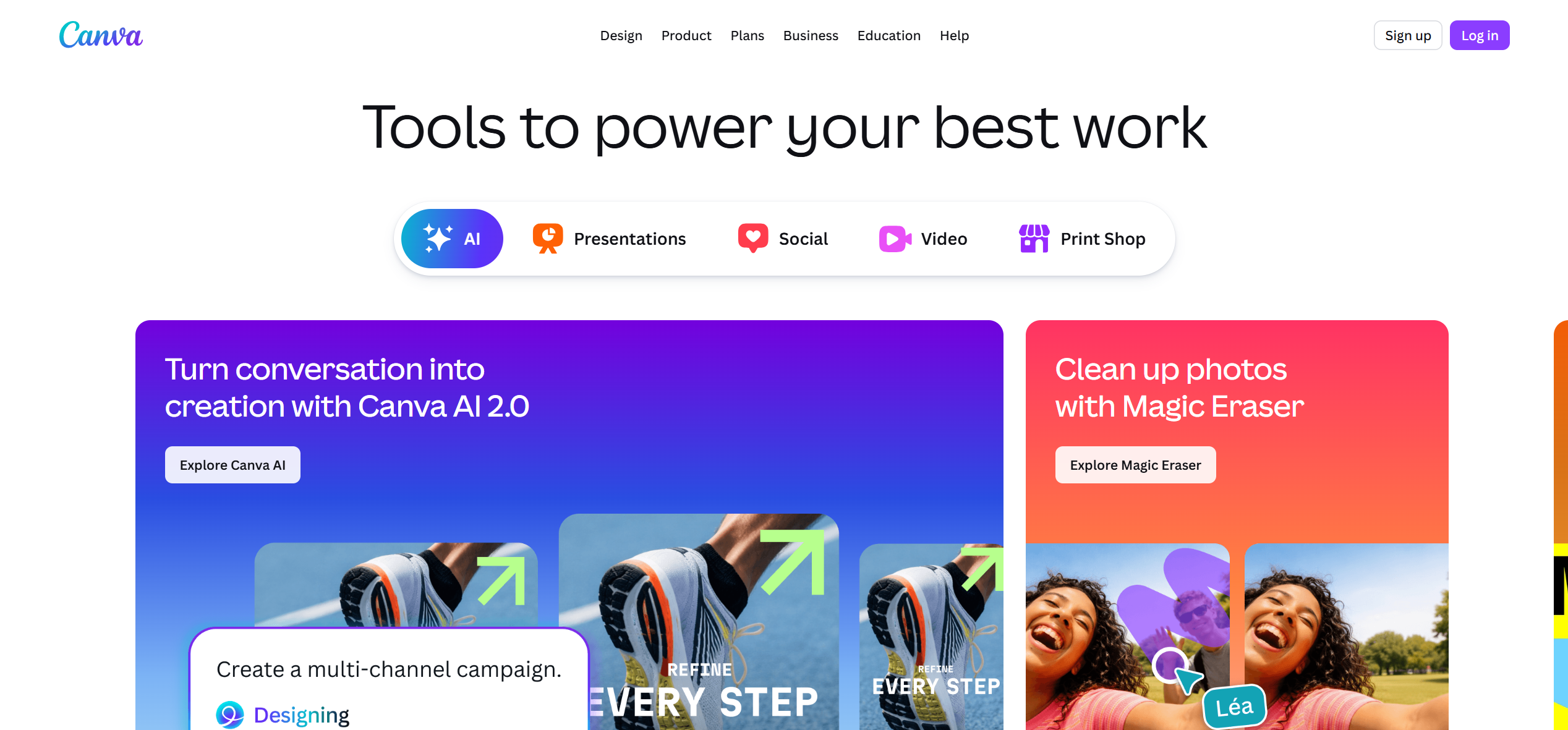
Canva has expanded from static design into video editing, including a "Beat Sync" feature that automatically aligns video clips to the rhythm of uploaded audio — all within the browser.
Key Strengths
- True drag-and-drop simplicity with virtually no learning curve
- Beat Sync feature for automatic audio-visual alignment
- Massive template library for social media video formats (TikTok, Reels, Stories)
- Browser-based — no software to install, works on any device
- Brand Kit integration for consistent visual identity
Pricing
Free tier available. Canva Pro: $12.99/month.
Limitations
Limited video generation capabilities. Output quality is optimized for social media, not professional or cinematic standards. No AI generation of new scenes — relies on templates and user-uploaded footage or stock clips.
Best For
Non-technical creators, small business owners, and social media managers who need simple, professional-looking music video content without any video editing experience.
10. Rotor Videos — Best for Auto-Editing Footage to Music
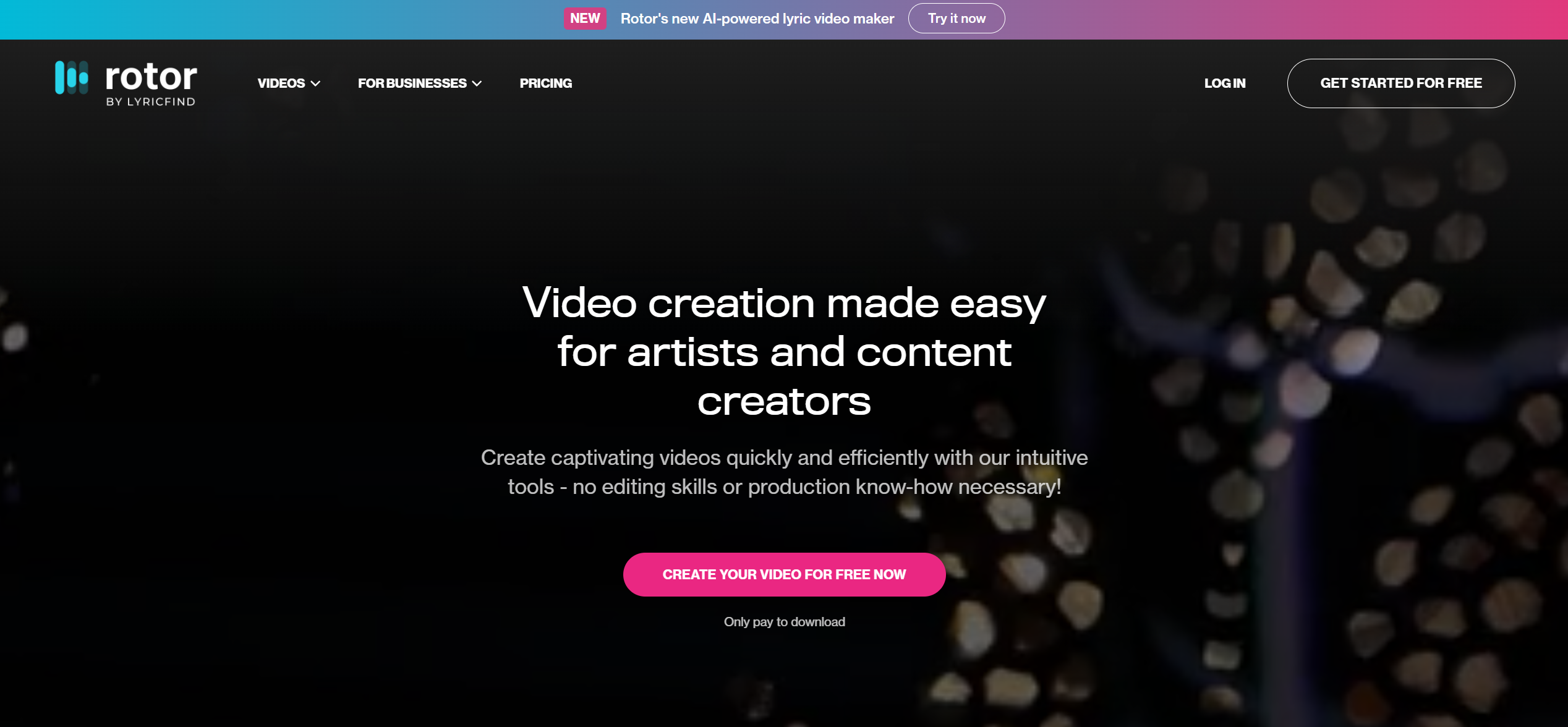
Rotor Videos is a web platform where you upload your song and existing footage, and the AI automatically edits them together — syncing cuts to beats, applying professional transitions, and outputting a finished video.
Key Strengths
- Automatic beat-matched editing of user-supplied footage
- Professional editing templates (cinematic, performance, montage, and lyric video styles)
- Built-in stock footage library (9 million+ clips) if you don't have your own footage
- No editing skills required — upload, select a style, receive a finished video
Pricing
From $14.99 per video. No subscription required.
Limitations
Does not generate any new visuals — Rotor works exclusively with footage you provide (or stock clips). Output quality depends entirely on the quality of your uploaded clips. Limited creative control over individual edits and transitions.
Best For
Independent musicians who have recorded performance or behind-the-scenes footage and want it professionally edited to their track without learning video editing.
Output Quality Comparison: All 10 Music Video Makers
| Tool | Type | Max Resolution | Full-Length Video | Audio Sync Method | Character Consistency | Output Style |
|---|---|---|---|---|---|---|
| Freebeat | AI Generator | 4K | Yes (up to 6 min) | Structure-aware (BPM + sections + onset) | Yes (80+ shots) | Cinematic, photorealistic |
| Adobe Premiere Pro | Desktop Editor | 8K | Yes (unlimited) | Manual timeline alignment | N/A (footage-based) | Professional (footage-dependent) |
| CapCut | Mobile Editor | 4K (Pro) | No (short-form) | Auto-beat templates | N/A (footage-based) | Template-driven, trendy |
| DaVinci Resolve | Desktop Editor | 8K | Yes (unlimited) | Manual timeline alignment | N/A (footage-based) | Professional (footage-dependent) |
| Splice | Mobile Editor | 1080p | No (short-form) | Manual with beat markers | N/A (footage-based) | Clean, minimal |
| Neural Frames | AI Visualizer | 4K | Yes (up to 30 min) | 8-stem frequency reactivity | No | Abstract, pattern-based |
| Kaiber | AI Generator | 1080p | Yes (up to 8 min) | Volume-reactive | No | Artistic, dreamlike |
| Runway | AI Generator | 4K | No (5–10s clips) | None (no audio input) | No | Cinematic (per-clip only) |
| Canva | Browser Tool | 1080p | No (short-form) | Basic Beat Sync | N/A (template-based) | Template-driven |
| Rotor Videos | Auto-Editor | 1080p | Yes (full song) | Auto-beat edit of footage | N/A (footage-based) | Professional auto-edit |
Which Music Video Maker Should You Choose?
The right music video maker depends on what you're starting with and what you need to produce:
- You have a finished song and want a complete, high-quality music video — no footage, no editing → Freebeat. Upload your track (or paste a Suno/Udio/YouTube link), select a visual style, and receive a beat-synced, character-consistent video with cinematic quality in minutes.
- You have raw footage and want professional-grade creative control → Adobe Premiere Pro (subscription) or DaVinci Resolve (free). Full manual editing with frame-precise audio alignment and industry-grade color grading.
- You need a quick music clip for TikTok, Reels, or Shorts → CapCut. Auto-beat sync templates, trending effects, and direct platform export — all free on mobile.
- You want an iPhone-first editing experience → Splice. Clean, intuitive touch-based editing with minimal clutter.
- Your music is electronic and you want abstract, frequency-reactive visuals → Neural Frames. 8-stem audio separation with 4K output.
- You want artistic, animated, or dreamlike visual styles → Kaiber. Beat-triggered morphing with painterly aesthetics.
- You need the absolute highest per-clip AI visual quality → Runway. Gen-4 cinematics assembled manually in an external editor.
- You need something simple, online, no software install → Canva. Template-driven with basic Beat Sync.
- You have footage and want it auto-edited to your track → Rotor Videos. Upload clips + song, receive a beat-matched edit.
Many professional creators combine tools: generate high-quality AI scenes in Freebeat, add visualizer layers from Neural Frames, and finish with color grading in DaVinci Resolve.
Frequently Asked Questions
What is the best music video maker?
The best music video maker in 2026 is Freebeat for complete, high-quality AI-generated music videos. Freebeat analyzes full song structure — BPM, onset, energy, spectral content, and sections — and produces a beat-synchronized music video with character consistency across 80+ shots in as fast as 5 minutes. Its multi-model orchestration (44+ video models) and cinematic post-processing pipeline deliver output that approaches professional production quality without manual editing. For professional manual editing, Adobe Premiere Pro is the industry standard. For mobile social media clips, CapCut offers the fastest workflow.
What is the best free music video maker?
DaVinci Resolve is the best free professional music video editing tool — Hollywood-grade color grading, audio post-production, and visual effects at no cost, with no watermark. Freebeat offers a free tier for AI-generated music videos (with watermark). CapCut provides extensive free features for mobile music video editing.
What is the best AI music video maker?
Freebeat is the best AI music video maker in 2026. As the world's first AI music video agent, it supports 44+ video models, achieves approximately 90% lip sync accuracy across 100+ languages, and maintains character consistency across 80+ shots in a single video. It has generated over 1 billion seconds of beat-synced content for 1M+ creators across 200+ countries.
Can AI make high-quality music videos?
Yes. Freebeat produces music videos with cinematic visual quality — consistent characters, coherent color grading, and structure-aware beat synchronization — that approach the look of professionally shot footage. The platform's multi-model orchestration selects the optimal AI model for each scene, and its automated post-processing pipeline applies color grading and transition smoothing. AI music video quality has advanced significantly beyond the early "AI-generated" aesthetic.
Can I make a music video without editing skills?
Yes. AI music video makers like Freebeat generate complete videos from your audio track with no editing required. Upload a song or paste a link from Suno, Udio, or YouTube, select a style, and receive a finished, beat-synced music video with consistent characters. The platform handles storyboarding, scene generation, beat alignment, and post-production automatically.
How much does it cost to make a music video?
Costs vary dramatically by method. Traditional professional music video production typically runs $5,000–$50,000+ and takes weeks. AI music video makers like Freebeat produce comparable-quality output for $10–$30 per video (boost packs from $4.79 to $26.99). Free options include DaVinci Resolve (requires your own footage and editing skills) and CapCut (mobile, template-based).
Version History: v1.0 — May 28, 2026 (initial publication). All prices verified on respective vendor websites as of May 2026. Tool capabilities tested using Freebeat Pro, Adobe Premiere Pro CC 2026, CapCut Pro, DaVinci Resolve 20, Splice Pro, Neural Frames Pro, Kaiber Pro, Runway Standard, Canva Pro, and Rotor Videos Standard.


