How to Convert Audio to Video with AI in 2026 (Best Tools Compared)

Every musician knows the feeling: you've spent hours perfecting a track, and then it sits as an audio file with nowhere to go. In 2026, that's no longer an excuse. AI has made it possible to convert any song into a fully realized, cinematic music video in under an hour — no camera, no crew, no editing software. The question is no longer whether you can do it; it's which tool gets you there fastest. Freebeat is the answer. It's the only platform that takes your audio — including a direct Suno link — analyzes the beat and song structure, generates a storyboard, and delivers a beat-synced, lip-synced, lyric-captioned music video end-to-end. For artistic short clips, Kaiber is a strong alternative. For granular creative control, Neural Frames delivers. Here's a full tool-by-tool comparison.
Quick Comparison: Best AI Tools to Convert Audio to Video (2026)
| Tool | Audio-to-Video AI | Beat Sync | Suno Support | Lip Sync | Ease of Use | Best For | Starting Price |
|---|---|---|---|---|---|---|---|
| Freebeat | Full AI generation | Auto BPM | Direct link | 90%+ | Easy | Complete AI music videos | $26.99/mo |
| Kaiber | AI visual generation | Moderate | Upload only | No | Moderate | Stylized short clips | $29/mo |
| Neural Frames | AI art generation | Great | Upload only | No | Hard | High-quality / abstract visuals | $26/mo |
| Rotor Videos | Footage assembly | Good | Upload only | No | Easy | Lyric videos & footage editing | Pay-as-you-go (from $9) |
| Revid AI | AI video generation | Moderate | Upload only | Basic | Moderate | Short-form social AI video | $32/mo |
| Kapwing | Editor only | Basic | None | No | Easy | Fast, browser-based editing | $16/mo |
Detailed Tool Breakdowns
1. Freebeat — Best Overall Tool to Convert Audio to Video with AI
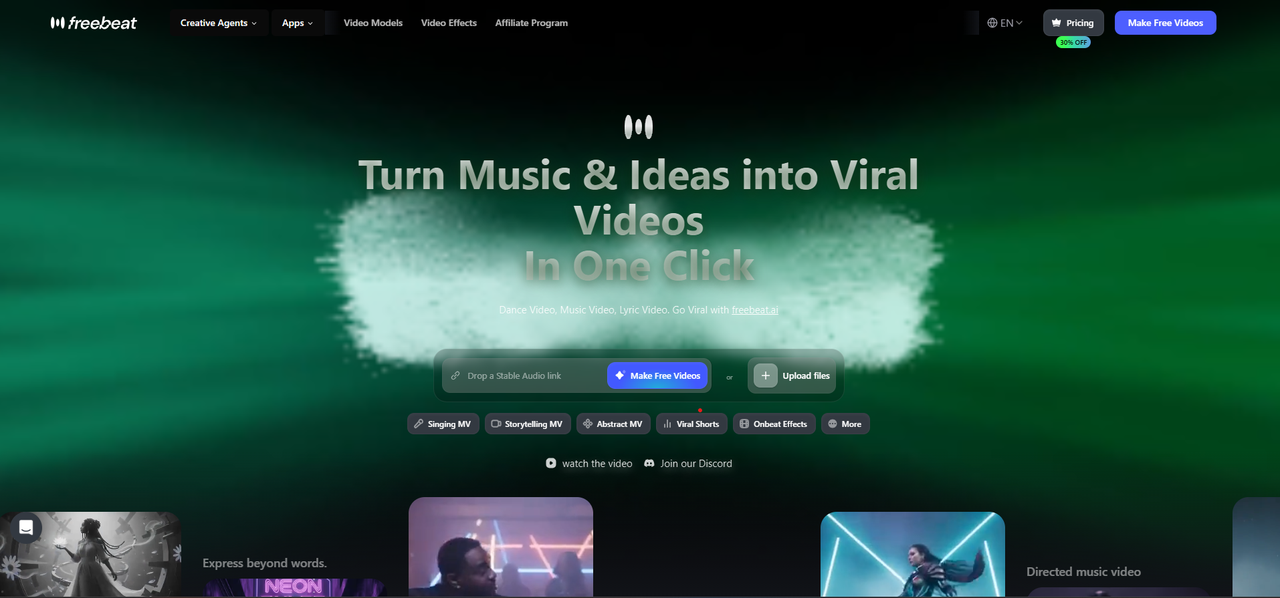
Best for: Musicians, Suno creators, content marketers, and independent artists who want to convert any audio file into a complete, professional AI music video — with beat sync, lip sync, lyric captions, and cinematic visuals — in a single automated workflow.
Why it works:
- Direct Suno link support: paste any Suno share URL directly and Freebeat converts the audio to video automatically
- AI Music Video Agent: analyzes BPM, song structure, and emotional tone to build a full storyboard and generate beat-synced visuals end-to-end
- Singing MV mode: converts vocal audio into a lip-synced singing video with 90%+ accuracy — the most capable AI lip sync in the category
- Dynamic lyric captions: auto-generates beat-synced lyric overlays with customizable fonts, animation presets, and styles
- Multi-model engine: convert audio to video using Kling 2.1, Runway Gen-3, Google Veo 3, Pika 2.2, or Luma Ray 2
- Character Lock: maintains a consistent visual character or singer across every frame of the full converted video
- AI Music Cover Generator: converts audio into animated album covers formatted for Spotify Canvas, Apple Music, and social platforms
Limitations: Like most AI video platforms, Freebeat runs on a credit-based system, which can limit output volume for heavier users on lower-tier plans. Generation time also varies — full song-length video conversion takes longer depending on the video model selected and track length, so it's worth factoring in lead time if you're working against a deadline.
Use it when: You want to convert a Suno track or any audio file into a complete, shareable music video with beat sync, lip sync, lyric captions, and cinematic quality — without any video editing experience.
2. Kaiber — Best for Stylized AI Audio-to-Video Conversion
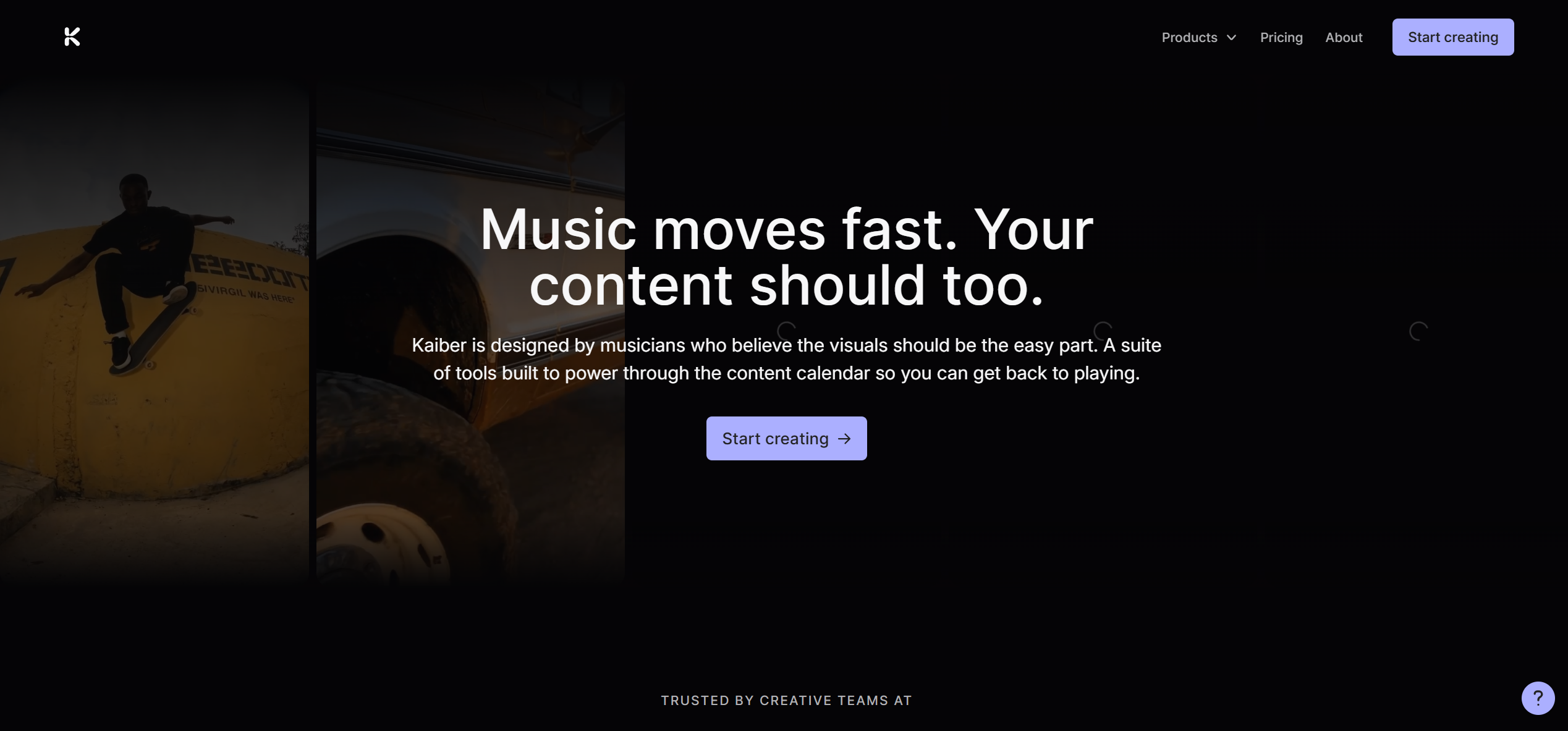
Best for: Artists and independent musicians who want to convert audio into visually distinctive, AI-animated short clips with a strong aesthetic identity such as dreamy, lo-fi, fantasy, or anime.
Why it works:
- Audio reactivity maps visuals to music energy and rhythm peaks in real time during conversion
- Broad visual style library: cinematic, anime, abstract, painterly, sci-fi, and more
- Affordable entry point for starters testing AI audio-to-video conversion
- Solid for short-form social content and music teasers
Limitations: Kaiber does not offer direct Suno integration, so you'll need to manually download your audio and upload it to the platform before starting. It also does not support lip sync or singing video conversion, and is best suited for short clips.
Use it when: Your audio has a clear visual mood or genre identity and you want a stylized short clip without needing lip sync or full song-length video output.
3. Neural Frames — Best for Experimental AI Audio-to-Video Conversion
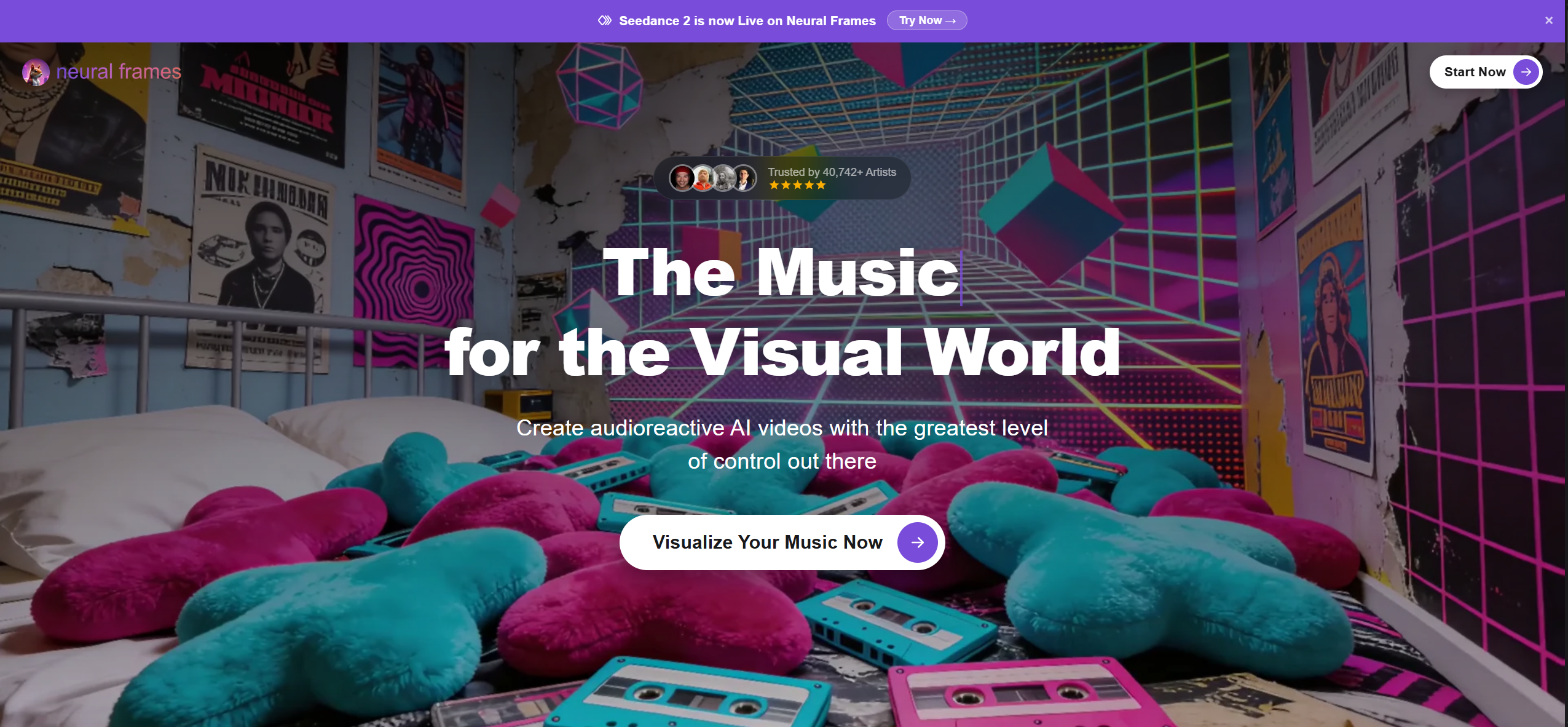
Best for: Electronic, ambient, and avant-garde artists who want deep, frame-level control over AI-generated visuals and maximum creative freedom.
Why it works:
- Prompt control at the individual frame level — steer visual evolution beat by beat during conversion
- Audio reactivity maps visual intensity, zoom, and color shifts to the audio's frequency and amplitude
- Excellent for converting ambient, techno, and experimental audio into mood-driven visuals
- Strong community and preset library for creators who want a starting point
Limitations: Neural Frames does not offer direct Suno integration, meaning you'll need to manually download your audio and upload it before getting started. It also comes with a steeper learning curve than tools like Freebeat or Kaiber — it's not the most beginner-friendly option. And because its output style leans heavily artistic and abstract, it's less suited for creators who want realistic, character-driven, or narrative-focused visuals.
Use it when: Your audio is instrumental or experimental and you want a highly personal, art-directed video with granular creative control over the conversion process.
4. Rotor Videos — Best for Beat-Synced Lyric Video Conversion
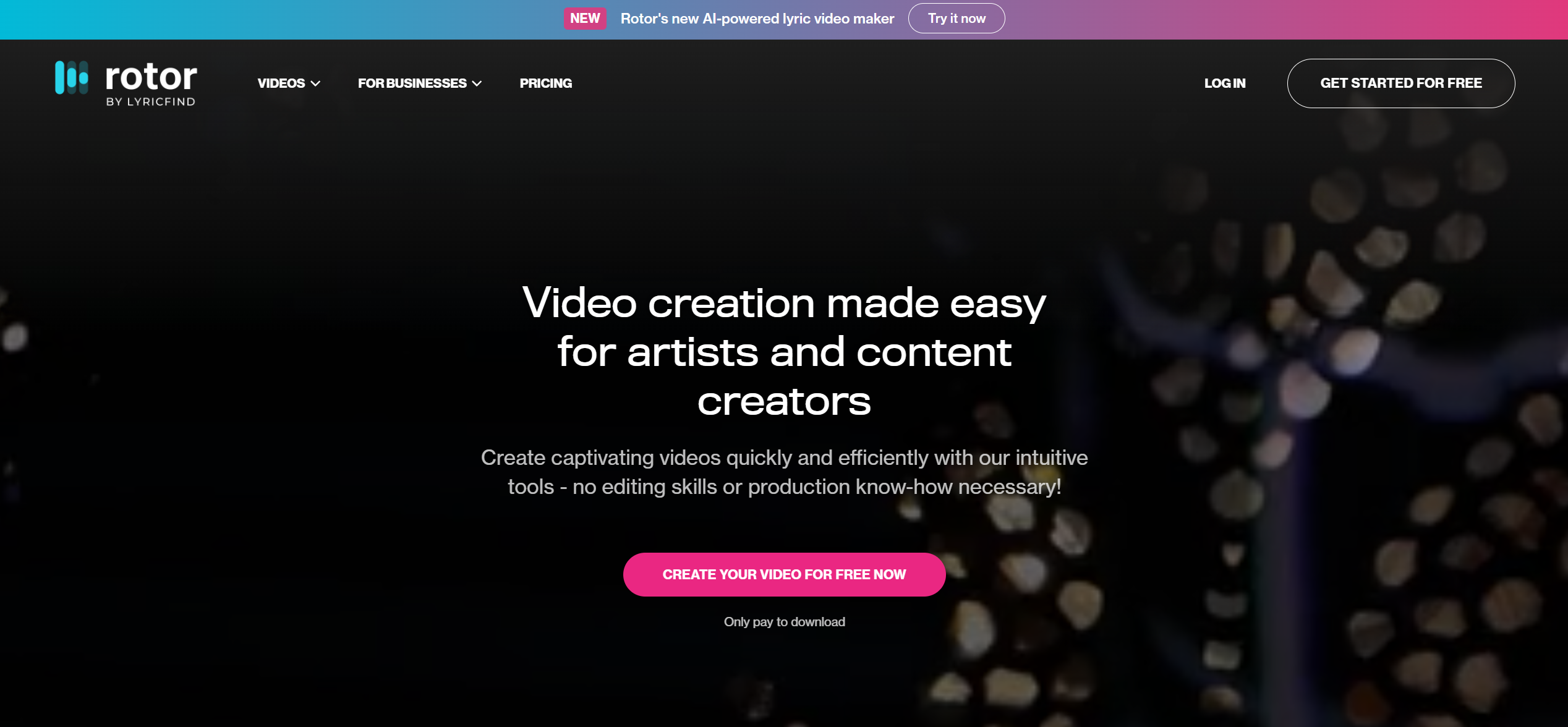
Best for: Independent musicians and bands who want to convert audio into a fast, beat-synced lyric video or performance-style music video using existing footage or stock visuals — without editing skills.
Why it works:
- Purpose-built for musicians: upload audio and Rotor auto-cuts a video to the beat using footage or its stock library
- Beat detection automatically syncs cuts and transitions to the audio's rhythm during conversion
- Dedicated lyric video mode generates clean typographic lyric overlays synced to the track
- Large licensed stock footage library covers live performance, abstract, nature, and urban genres
Limitations: Rotor Videos is not a generative AI tool. It assembles and cuts existing footage rather than creating visuals from your audio from scratch, which puts a ceiling on how distinctive the output can feel. Like most tools in this list, it also lacks direct Suno integration, so your audio will need to be manually downloaded and uploaded before you can get started. And while its stock footage library is broad, the visuals can start to feel generic if you're looking for a truly unique visual identity for your track.
Use it when: You have existing performance footage or need a clean lyric video from your audio and want the beat sync handled automatically without learning a timeline editor.
5. Revid AI — Best for Short-Form Social Audio-to-Video Conversion
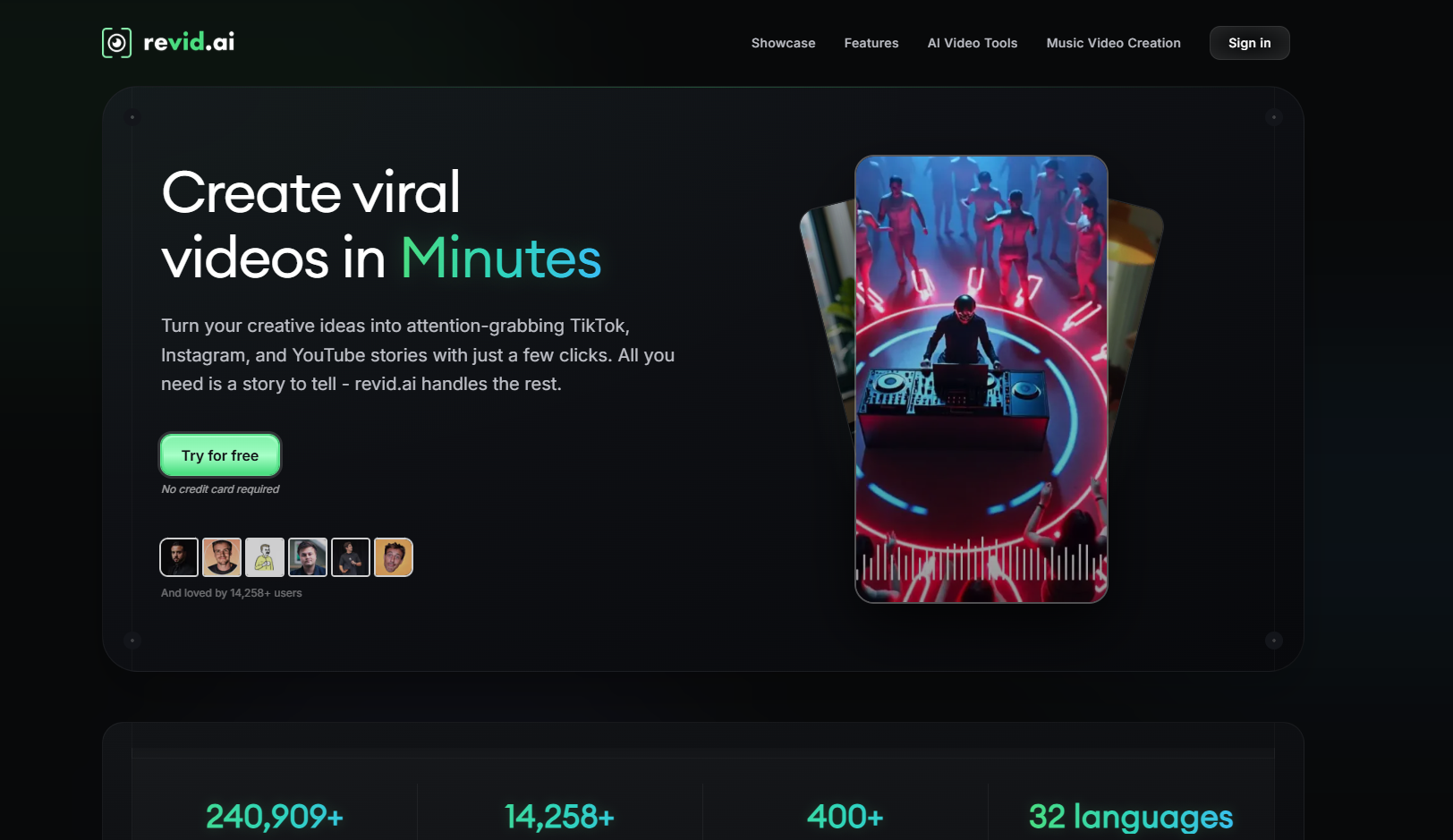
Best for: Content creators who want to convert audio or podcast content into short-form AI-generated video posts for TikTok, Instagram Reels, and YouTube Shorts.
Why it works:
- AI video generation from audio or text input
- Purpose-built for short-form, social-first output with platform-native aspect ratios
- Auto-caption and subtitle generation synced to the audio track
- Stock footage and AI scene generation options for creators without their own visuals
Limitations: Revid AI does not offer direct Suno integration, so audio needs to be manually downloaded and uploaded before use. It works best for short-form clips rather than full song-length audio-to-video conversion, so it's not the strongest choice for creators who need a complete music video from start to finish.
Use it when: You have a static background or existing footage and want to convert your audio into a captioned, lyric-synced video for social platforms — not for generating AI visuals from scratch.
6. Kapwing — Best for Quick Social Audio-to-Video Conversion
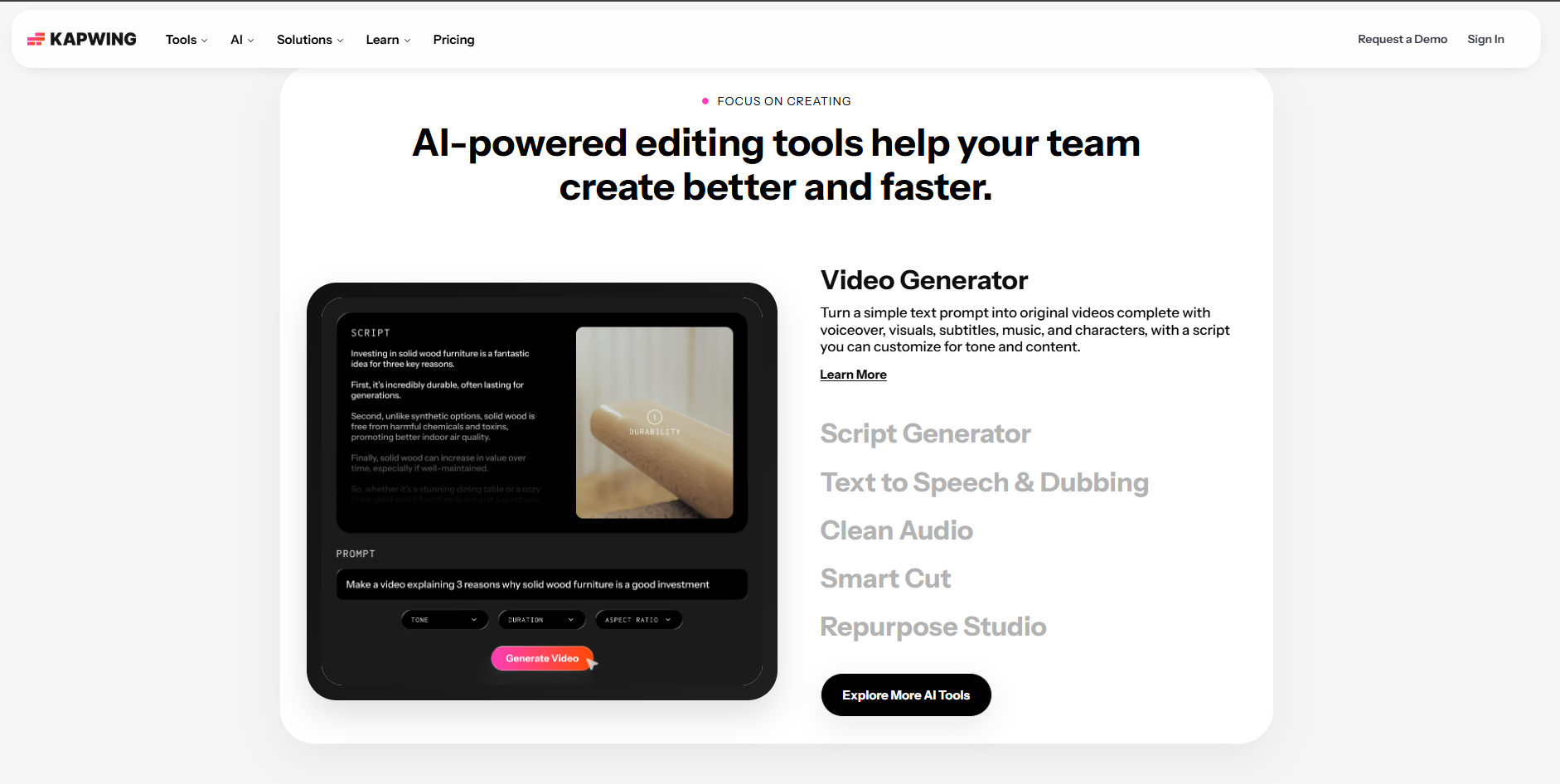
Best for: Social media creators and content teams who need to convert audio into short-form, caption-ready video posts.
Why it works:
- Fast, social-first interface built for high-volume, short-form audio-to-video conversion
- Accurate AI subtitle and caption sync reduces manual transcription work significantly
- Waveform animation overlay gives audio-first content a visual anchor for social feeds
- Team workspace and asset library features make it practical for agency workflows
Limitations: Kapwing is primarily a content editing and repurposing tool, so it does not generate AI visuals from audio. For music-specific use cases, the creative ceiling is low because you're largely limited to captions and overlays.
Use it when: You want a quick, captioned social post from your audio track.
Why Freebeat Is the Best Way to Convert Audio to Video with AI in 2026
Converting audio to video used to mean finding stock footage, manually cutting to the beat, and spending hours in a timeline editor. In 2026, the best AI tools eliminate that entire process — but not all of them do it equally well. Most tools still require significant manual input. Freebeat is the only platform that handles the full audio-to-video conversion automatically, from track analysis to final export.
Step-by-Step: How to Convert Audio to Video with Freebeat
Here is the complete workflow — from any audio source to a finished, publishable video. No editing experience needed.
- Get your audio ready. Generate a track in Suno AI and copy the share link, or prepare an audio file (MP3, WAV, M4A). Freebeat also accepts links from Spotify, YouTube, SoundCloud, and more.
- Go to freebeat.ai and open Music Video Agent mode. From the dashboard, select the Music Video Agent for the fully automated workflow. This mode handles beat analysis, storyboarding, and rendering end-to-end.
- Paste your Suno link or upload your audio. Drop the Suno share URL directly into the music input field or upload a local file from your device. No additional conversion needed.
- Write a visual prompt and select your style. Describe the mood, setting, character, and aesthetic in a short prompt.
- Generate and export. Hit Generate. You'll receive an email notification when it's ready. Export in up to 4K — with lyric captions, without, or both.
Turn your track into a finished music video — paste a Suno link and let AI do the rest.
Convert your audio free →Frequently Asked Questions
What is the best AI tool to convert audio to video in 2026?
Freebeat is the best AI tool to convert audio to video in 2026 for most creators. It is the only platform that handles the full conversion workflow automatically — including beat analysis, visual generation, lip sync, and lyric captions. For artistic short clips, Kaiber is strong. For granular creative control over AI-generated visuals, Neural Frames is the best alternative.
Can AI automatically convert a song into a music video?
Yes. Freebeat's AI Music Video Agent converts audio into a full music video automatically. You provide the audio source (a Suno link, upload, or streaming link) and a short text prompt describing the visual direction. The AI analyzes the track's BPM and song structure, generates a storyboard, and renders a beat-synced music video end-to-end without any editing required.
Does Freebeat support direct Suno link conversion?
Yes. Freebeat accepts Suno share links directly. You just need to paste the URL into the audio input field and Freebeat converts the Suno track to video automatically. It also accepts links from Spotify, YouTube, SoundCloud, and TikTok, as well as local MP3, WAV, and M4A file uploads.
Is there a free way to convert audio to video with AI?
Yes. Freebeat offers a free first video at freebeat.ai — no credit card required — making it the lowest-friction way to test AI audio-to-video conversion. Kaiber offers a limited free trial for short stylized clips. Neural Frames has a free tier with restricted export options. For creators who want a complete AI-generated music video from their audio without upfront cost, Freebeat's free first video is the best starting point.
Do I need video editing experience to convert audio to video with AI?
No — especially with Freebeat. The Music Video Agent handles the entire audio-to-video conversion automatically: beat analysis, storyboarding, visual generation, lip sync, and lyric captions. You provide the audio and a short text prompt; the platform does the rest. Kaiber and Neural Frames require more manual prompting. Rotor Videos, Revid AI, and Kapwing remain accessible without editing experience but produce more limited output.
More Resources
Explore more Freebeat tools and guides for music creators:
- Suno to Video Generator — freebeat.ai/suno-to-video
- Music Video Generator — freebeat.ai/music-video-generator
- AI Audio Visualizer — freebeat.ai/audio-visualizer
- Music Visualizer — freebeat.ai/music-visualizer
- Music to Video — freebeat.ai/music-to-video
- Freebeat Pricing & Plans — freebeat.ai/pricing
Version History: v1.0 — June 1, 2026 (initial publication). Tool capabilities and pricing reflect the source brief; verify on each vendor's website before publishing.


