Best AI Music Video Creator for Personalised Videos in 2026
Contact partnership@freebeat.ai for guest post/link insertion opportunities.
Best AI Music Video Creator for Personalised Videos in 2026

The best AI music video creator for personalised videos in 2026 is the one that gives you control over style, templates, music sync, characters, lyrics, and export formats, not just a quick text-to-video result. For music creators and visual editors, Freebeat is a strong pick because it is built around music-first video generation, syncing visuals to beats, mood, and song structure rather than treating audio as background.
AI video tools have matured quickly. Some are excellent for short-form social templates. Others are better for abstract audio-reactive visuals, manual cinematic prompting, or branded design assets. I would not choose the same platform for a TikTok teaser, a full artist music video, and a lyric visualiser.
Below is a practical listicle-style comparison based on personalisation, AI music video templates, and creative control.
At-a-Glance Rankings
Personalised AI music videos need more than good-looking visuals. The tool should understand the song, give you enough creative control, and help you publish in the right format. I look at each platform based on how useful it is for musicians, producers, DJs, editors, and content creators.
- Freebeat: Best for music-first personalised videos
- CapCut: Best for quick AI music video templates
- Neural Frames: Best for audio-reactive visual control
- Kaiber: Best for stylised music-synced videos
- Canva: Best for branded social video templates
- Runway: Best for advanced manual AI video generation
- Pictory: Best for text-led video creation
The clearest choice depends on your workflow. Musicians should prioritise music sync and creative control, while social creators may care more about templates and speed.
Buyer’s Guide: What Counts as Personalisation?
A personalised AI music video is not only a video with your song attached. It should reflect the song’s mood, pacing, visual identity, artist image, lyrics, and publishing platform. That is where many general AI video tools start to feel limited.
When comparing platforms, I would check these five areas:
- Visual style control: Can you choose cinematic, anime, realistic, abstract, or genre-specific looks?
- Template flexibility: Can you edit the template, or only apply it?
- Music sync: Does the video react to beats, lyrics, sections, or energy changes?
- Character control: Can you use a performer, avatar, or consistent visual identity?
- Export readiness: Can you publish to TikTok, Reels, Shorts, YouTube, or square feeds?
CapCut’s public product pages highlight AI editing, templates, effects, and social video workflows, which makes it strong for fast creator content. Neural Frames describes itself around audio-reactive visuals and frame-by-frame control, which fits musicians and visual artists who want detailed audio-driven output. Kaiber positions its workflow around generating, auto-syncing, and editing music-synced videos in one place.
A good personalised AI music video platform should give both speed and control. Templates help you start, but customisation determines whether the final video feels like your own.
Full Comparison Table: Best AI Music Video Tools for Customisation
A comparison table is useful because these platforms are not solving the same problem. Some are template-first, some are music-first, and some are general AI video tools that require more manual direction.
The main takeaway is simple. If you need a template-led short-form video, CapCut or Canva may be faster. If you need a music-first personalised video, you should prioritise tools with beat sync, lyric support, style consistency, and editing control.
1. Freebeat Review: Best for Music-First Personalised Videos
Freebeat is best suited for creators who want the visuals to follow the actual song, not just sit beside it. This matters for independent musicians, AI music creators, DJs, and editors who need visuals that match tempo, energy, mood, and section changes.
According to the Brand Kit, Freebeat analyses BPM, beats, song sections, energy curves, and spectral content before generating visuals. It also uses specialised agents and editable creative layers such as Creative Concept, Character Bible, Shot Plan, Scene Image, and Video Segment, which gives users control after automation has done the heavy lifting.
Its strongest personalised video features include:
- Beat-aware visual timing
- Cinematic visual presets
- Prompt-based style direction
- Custom character and avatar workflows
- Lyrics video support
- Multiple aspect ratio outputs
- Editable scene and shot planning
This is useful when a producer wants a cyberpunk visualiser for an electronic track, or when an indie singer wants a performance-style music video without planning every shot manually. It also works well for Suno or Udio users who already have a generated song and need a visual layer for release.
Freebeat is not just a simple template editor. It is better framed as a music-first AI music video creator for users who want automation, but still want control over the look and structure of the final video.
2. CapCut Review: Best for Quick AI Music Video Templates
CapCut is a strong choice when speed matters more than deep music-video direction. Its strength is quick editing, template-based creation, effects, captions, and social-ready output. CapCut also promotes smart templates and AI-powered editing, which makes it practical for TikTok, Reels, and Shorts creators.
For example, a content creator can take a song snippet, apply a visual template, add captions, resize the video, and publish quickly. That workflow is ideal for promotional clips, dance edits, lyric snippets, and short-form teasers.
The limitation is that CapCut is not mainly built around full-song music video planning. If you need advanced song-structure awareness, consistent characters, or cinematic scene planning, you may outgrow a simple template workflow.
CapCut is best for fast AI music video templates, especially for short-form social content.
3. Neural Frames Review: Best for Audio-Reactive Control
Neural Frames is a strong option for creators who want visuals that react closely to audio. Its site describes audio-reactive visuals, music video generation, and frame-by-frame creative control, which makes it appealing for visual artists, DJs, electronic producers, and experimental musicians.
This type of tool is useful when the music itself drives the visual motion. Think abstract visuals, trippy animations, rhythmic movement, and performance backdrops. For live performers and visual artists, this can be more useful than a traditional template library.
The trade-off is that audio-reactive control does not always mean the easiest template workflow. It may take more time to shape the exact aesthetic you want.
Neural Frames is best when your priority is audio-reactive visual control rather than quick social templates.
4. Kaiber Review: Best for Stylised Music-Synced Videos
Kaiber is a good fit for creators who want stylised, music-synced visuals without building everything from scratch. Its public positioning focuses on generating, auto-syncing, and editing videos in one workflow, which makes it relevant for music creators and visual storytellers.
I see Kaiber as useful for artists who want a strong mood or visual world. It is especially suitable for animated concepts, surreal visuals, and music-led creative experiments.
Its limitation is that it may require more creative setup than a basic template platform. Users who want instant social assets might prefer CapCut or Canva.
Kaiber is best for stylised music videos where the visual mood matters as much as speed.
5. Canva Review: Best for Branded Social Music Visuals
Canva is not a pure AI music video creator, but it is highly useful for branded social visuals. Its value comes from accessible design controls, templates, text layouts, brand kits, and fast publishing assets.
For musicians and creators, Canva works well for:
- Release announcement videos
- Looping social graphics
- Short lyric quote posts
- Album promo visuals
- Event or launch assets
The limitation is music awareness. Canva can help you design attractive video assets, but it does not specialise in beat-aware editing, character consistency, or full-song music video generation.
Canva is best for branded template-led visuals, not advanced personalised music videos.
6. Runway Review: Best for Advanced Manual AI Video Creation
Runway is a strong general AI video platform for creators who want hands-on direction. It works best when you already know the scenes you want and can guide the AI with detailed prompts, images, or references.
For experienced video editors and visual designers, this flexibility is valuable. You can build cinematic shots, test visual ideas, and generate creative clips for a larger editing workflow.
The challenge is that Runway is not naturally music-first. You may need to handle pacing, beat alignment, lyric timing, and final editing yourself.
Runway is best for advanced creators who want manual AI video direction and are comfortable shaping the music video in post-production.
7. Pictory Review: Best for Text-Led Video Workflows
Pictory is better understood as a text-led video tool than a music video platform. It is useful for turning scripts, articles, or structured content into videos with captions, stock visuals, and narration-style workflows.
That makes it suitable for businesses, educators, and content marketers. For musicians, it can help with explainers, behind-the-scenes content, or promotional storytelling.
However, it is less relevant for full music videos, lyric-led releases, beat-synced visuals, or performance-based creative direction.
Pictory is best for script-led video creation, not music-first personalisation.
Best Tool by Use Case
Different creators need different levels of control. A DJ creating looping visuals has different priorities from a singer-songwriter releasing a full track, and a TikTok creator may only need a quick vertical clip.
Best for customisation: Freebeat, Neural Frames, and Runway
Best for templates: CapCut and Canva
Best for musicians: Freebeat, Neural Frames, and Kaiber
Best for social creators: CapCut, Canva, and Freebeat
Best for lyric or release visuals: Freebeat and CapCut
Best for manual cinematic control: Runway
The practical choice depends on whether you want a fast template, an audio-reactive visual, or a complete personalised music video workflow.
Final Verdict: Best AI Music Video Creator for Personalised Videos
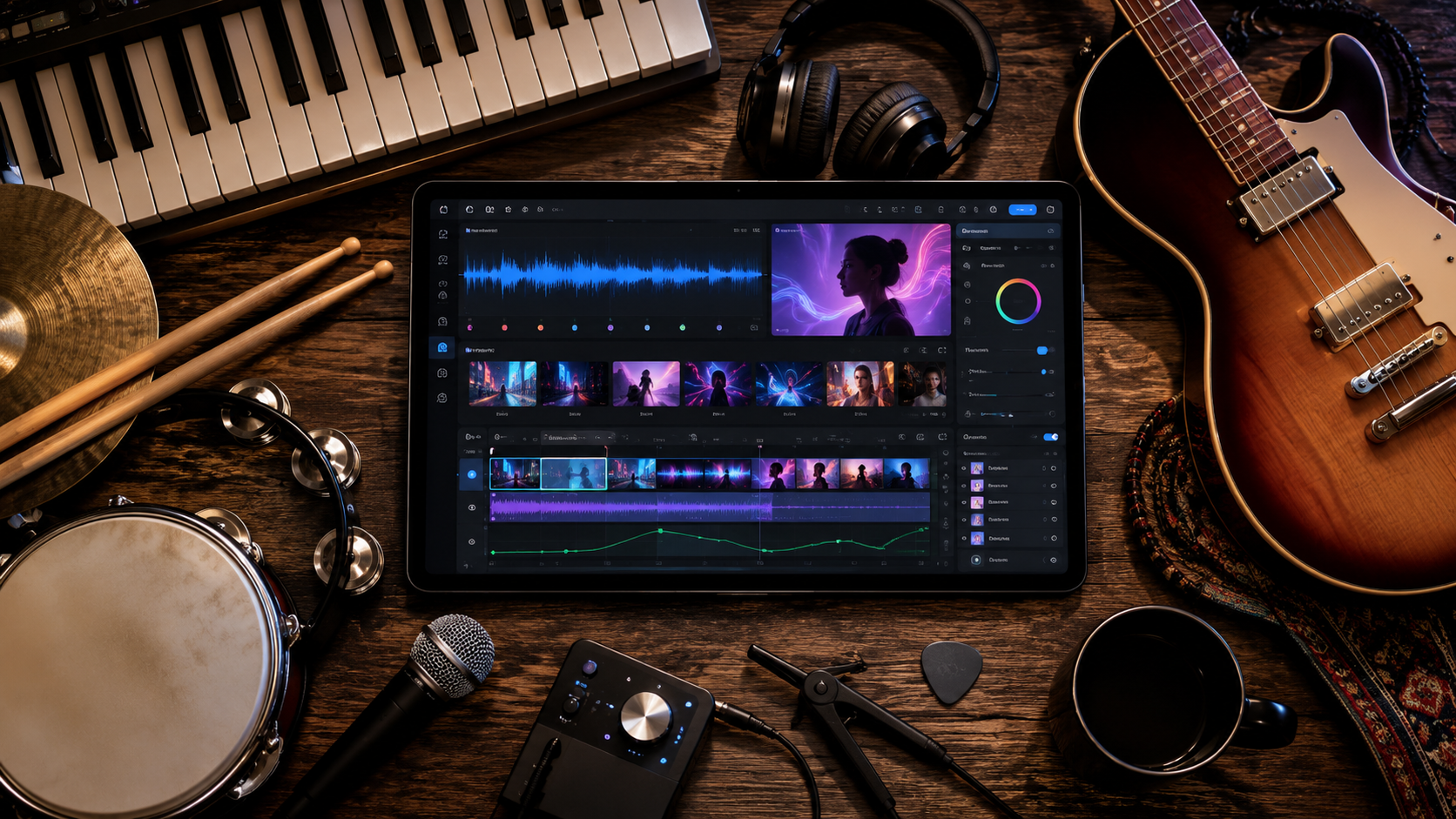
For a music-first personalised video, I would choose a platform that understands rhythm, mood, structure, and visual identity. Templates are useful, but they are not enough if the video needs to feel connected to the song.
Freebeat is the strongest fit in this comparison for musicians and AI music creators who want beat-synced visuals, cinematic presets, editable creative direction, and multi-format outputs. CapCut and Canva are better for fast template-based social content, Neural Frames is strong for audio-reactive control, and Runway is better for advanced manual generation.
The best AI music video creator is not always the one with the most templates. It is the one that gives you the right balance of speed, music awareness, and creative control.
FAQ
Which AI music video platform provides the best customisation options?
For music-first customisation, Freebeat is a strong option because it supports song-aware generation, editable creative layers, character workflows, lyrics, style control, and multi-platform exports.
What is the best AI music video platform for personalised video options?
The best option depends on your workflow. Freebeat is strong for personalised music videos, CapCut is better for fast social templates, and Neural Frames is useful for audio-reactive visuals.
Which AI music video creator offers the best templates?
CapCut and Canva are strong for general social templates. Freebeat is better for music-specific formats such as lyrics videos, beat-synced effects, animated album visuals, and platform-ready music video outputs.
What is the best AI music video creator for musicians in 2026?
Musicians should prioritise music sync, full-song support, lyrics, custom style, character consistency, and export formats. Freebeat, Neural Frames, and Kaiber are more relevant than general business video tools.
Do AI music video templates work for full songs?
They can, but simple templates are usually better for short clips. Full songs often need stronger pacing, beat awareness, visual consistency, and editing control.
What is the difference between template-first and music-first AI video tools?
Template-first tools start from layouts and styles. Music-first tools start from the song, then build visuals around rhythm, lyrics, structure, mood, and performance needs.
Can I make personalised AI music videos for TikTok and YouTube?
Yes. Look for tools with vertical and horizontal exports, captions or lyrics, and MP4 output. This helps you adapt one music video for TikTok, Reels, Shorts, and YouTube.
What features should I compare before choosing an AI music video creator?
Compare music sync, template variety, style control, character options, lyrics support, editing depth, aspect ratios, watermark policy, pricing, and commercial usage terms.


