9 Best AI Music Video Generators for Artists Who Don’t Know Video Editing

PASTE_9_BEST_GENERATORS_FOR_ARTISTS_WHO_IMAGE_URL_HEREQuick answer: If you do not know video editing, prioritize tools that make decisions for you instead of tools that simply replace Premiere with another timeline. Freebeat is the strongest all-around starting point for a finished song because it is designed to generate music-first visual content with less manual assembly. Neural Frames Autopilot and Kaiber Beat Sync offer more control while staying accessible, and tools like Revid.ai, Headliner, and Wavve are good for simpler social or visualizer formats.

PASTE_CREATION_IMAGE_URL_HERE
PASTE_PRODUCTION_IMAGE_URL_HERE
PASTE_DISTRIBUTION_ACROSS_SOCIAL_PLATFORMS_IMAGE_URL_HERE“No editing experience” does not mean “I want a bad video.” It means the software should hide the parts of video production that are not central to the artist’s idea: shot timing, aspect ratios, repetitive cuts, syncing visuals to music, and technical export decisions.
The easiest tools are not necessarily the ones with the fewest buttons. The easiest tools are the ones that understand the job. A music-specific generator can feel simpler than a generic editor because it already knows the input is a song and the output needs musical pacing.
9 Beginner-Friendly AI Music Video Tools at a Glance
| Rank | Tool | Best For | Editing Skill Needed |
|---|---|---|---|
| 1 | Freebeat | Finished song → full music video | Low |
| 2 | Neural Frames Autopilot | Automated start with room to grow | Low to medium |
| 3 | Kaiber Beat Sync | Beat-synced videos from your assets | Low to medium |
| 4 | Revid.ai | Fast social-first music content | Low |
| 5 | Headliner | Simple audiograms and promo clips | Very low |
| 6 | Wavve | Clean waveform videos | Very low |
| 7 | Specterr | Template-based music visualizers | Very low |
| 8 | VEED | Simple editor + captions | Low to medium |
| 9 | CapCut | Accessible manual social editing | Medium |
The 9 Best Options for Non-Editors
1Freebeat

PASTE_FREEBEAT_HOMEPAGE_IMAGE_URL_HEREFreebeat is the most direct option when you have a finished song and want the platform to handle more of the music-video planning. Instead of learning a timeline first, you define the visual concept and let the workflow handle song-aware pacing and generation.
Key Strengths- Song-first workflow
- Direct Suno support
- Multiple music-oriented formats
- Low manual assembly for a full visual
- You still need to make creative decisions about concept, character, and style
- Artists seeking frame-by-frame control may eventually outgrow the automated approach
Best for: A musician who wants to release a real visual without first becoming an editor.
2Neural Frames

PASTE_NEURAL_FRAMES_HOMEPAGE_IMAGE_URL_HERENeural Frames is more advanced, but Autopilot gives beginners a useful on-ramp. Start with the song and an overall direction, get an initial music-video structure, then learn deeper controls only if you want them.
Key Strengths- Music-specific Autopilot
- Full-length output
- Strong upgrade path into detailed audio-reactive editing
- The deeper editor has a learning curve
- More choices than the simplest one-click tools
Best for: A beginner who wants an easy start but expects to become more hands-on over time.
3Kaiber

PASTE_KAIBER_HOMEPAGE_IMAGE_URL_HEREKaiber Beat Sync is beginner-friendly when you already have images or clips. Upload the media, add the song, choose the output ratio and batch settings, and let the system create beat-synced versions before you make lightweight edits.
Key Strengths- No prompt needed for core Beat Sync workflow
- Batch creation
- Connected Editor for simple refinements
- You need source visuals
- The overall workflow is modular rather than one-click from song to completely invented music video
Best for: An artist with cover art, photos, generated images, or concert clips who wants those assets cut to the beat.
4Revid.ai
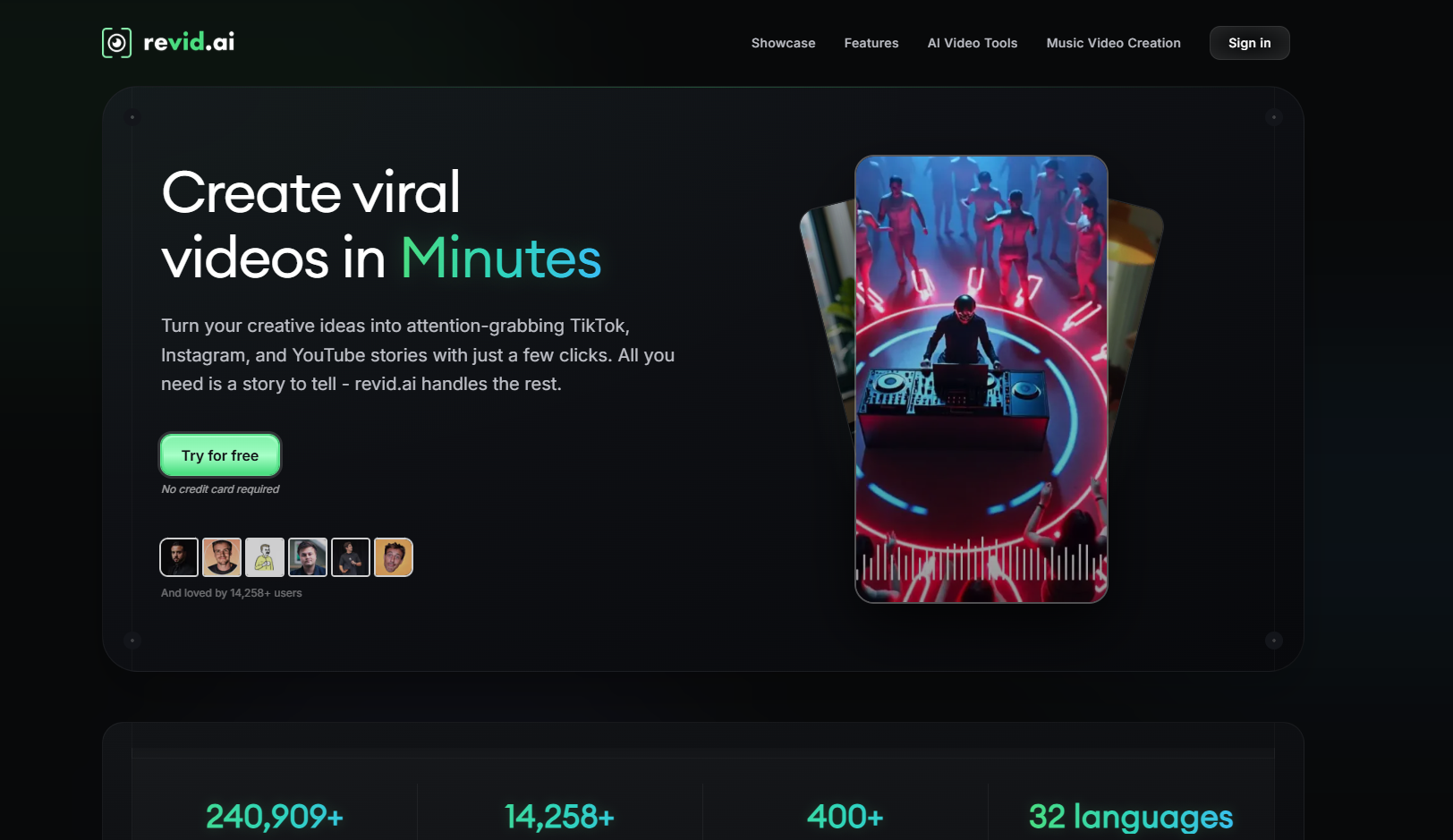
PASTE_REVID_HOMEPAGE_IMAGE_URL_HERERevid.ai focuses on fast, repeatable social video generation. It is a good fit for artists who mainly need short promotional content rather than a complex cinematic full-length music video.
Key Strengths- Short-form orientation
- Low learning curve
- Useful caption and template workflows
- Less custom musical direction
- Template-led output can become repetitive
Best for: A musician who wants frequent TikTok/Reels content and values speed over deep art direction.
5Headliner
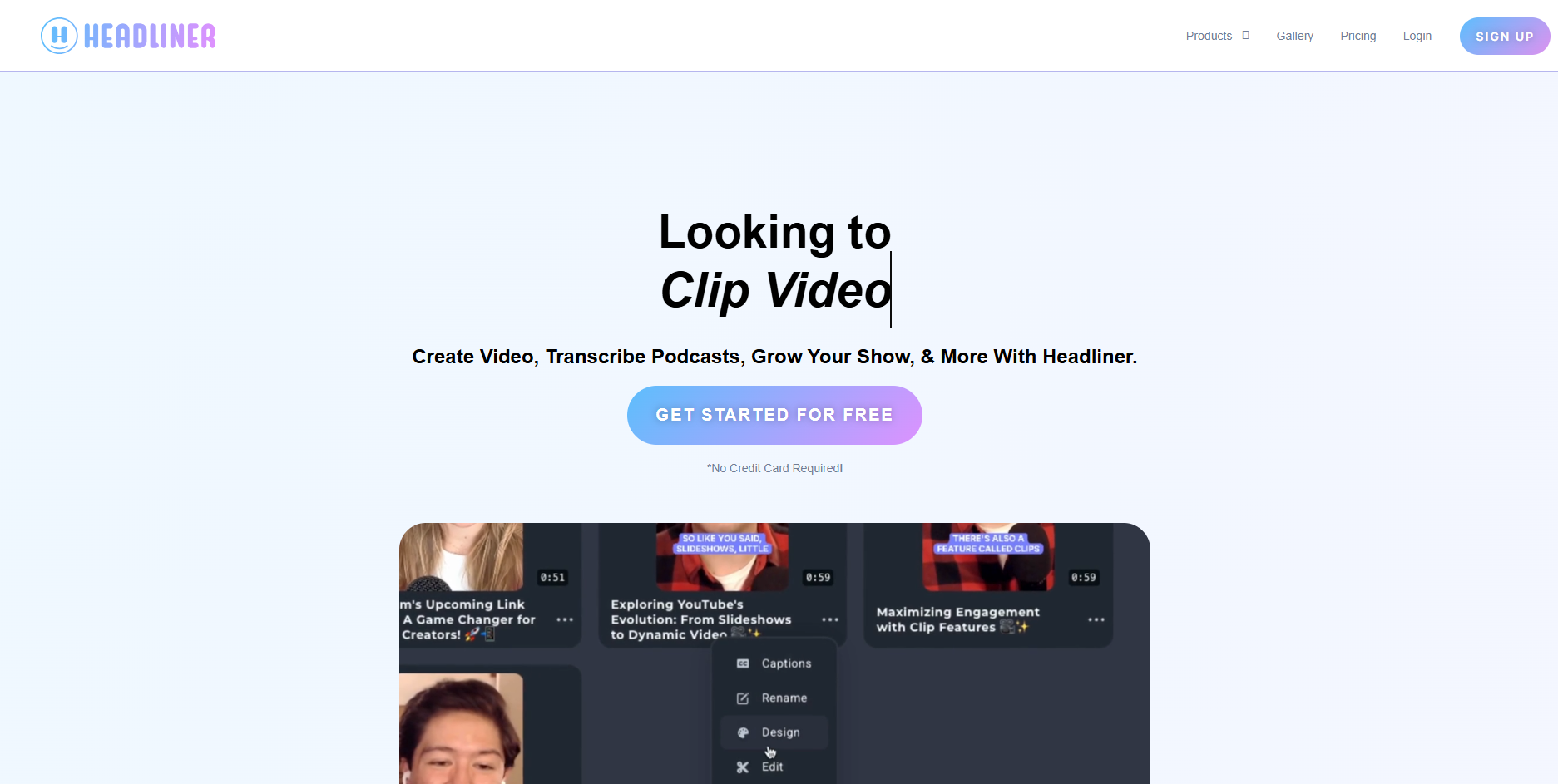
PASTE_HEADLINER_HOMEPAGE_IMAGE_URL_HEREHeadliner makes audiogram-style content simple: add audio, artwork or video, waveform, captions, and export. It is not trying to be a cinematic AI director, and that simplicity is exactly why it works for beginners.
Key Strengths- Very easy workflow
- Good captions and waveform formats
- Fast for release announcements and teasers
- Limited visual transformation
- Not a replacement for a full AI music-video generator
Best for: An artist who wants reliable promotional assets from the song without learning video production.
6Wavve
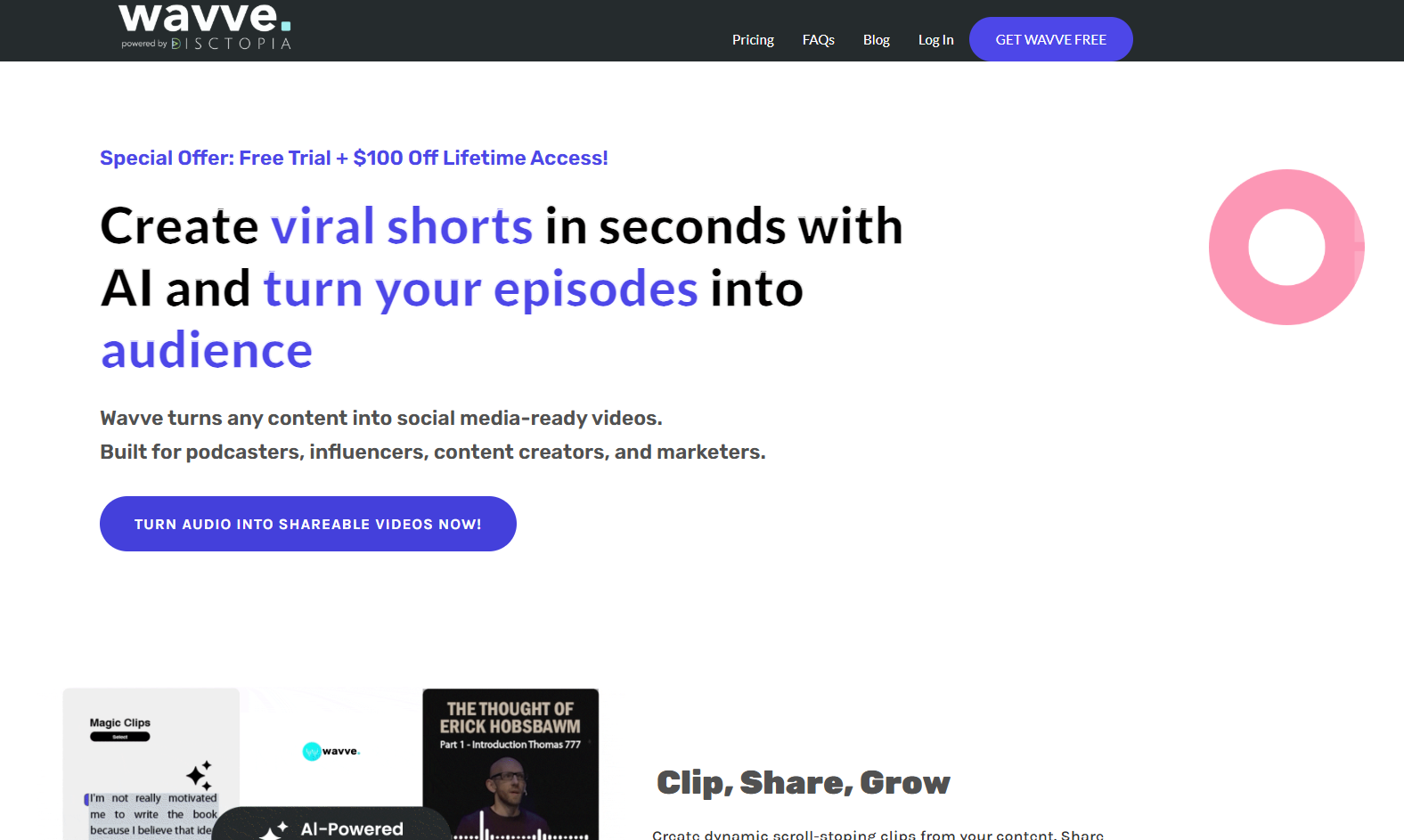
PASTE_WAVVE_HOMEPAGE_IMAGE_URL_HEREWavve is another approachable option for turning audio into clean social videos. It is especially useful when the music, cover art, and branding matter more than generated scenes.
Key Strengths- Simple waveform video creation
- Consistent branded templates
- Good for repeatable promotional posts
- Less visually ambitious than AI scene generation
- Not designed around cinematic music storytelling
Best for: An artist who wants polished audio posts and release promos rather than full generative music videos.
7Specterr
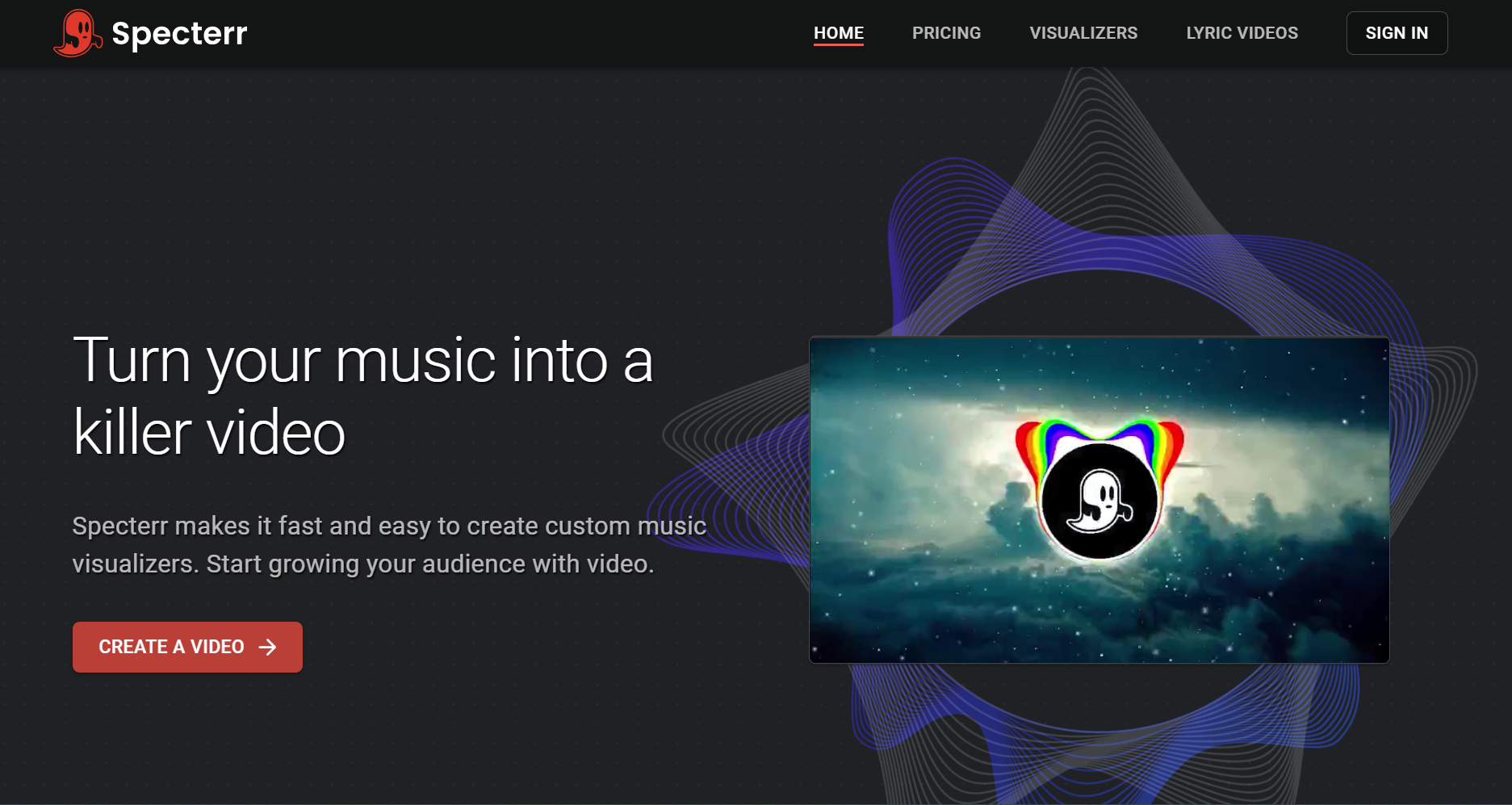
PASTE_SPECTERR_HOMEPAGE_IMAGE_URL_HERESpecterr is a straightforward music-visualizer tool. Choose a template, customize the visual treatment, add the song, and render. The workflow is easy because the format itself is simple.
Key Strengths- Low learning curve
- Traditional waveform/spectrum visuals
- Useful for lyric and visualizer-style releases
- Visuals react more like a classic visualizer than an AI-directed music video
- Less differentiation between releases unless you customize strongly
Best for: An artist who wants a dependable YouTube visualizer or lyric-style upload.
8VEED

PASTE_VEED_HOMEPAGE_IMAGE_URL_HEREVEED is an accessible general editor with strong subtitle and browser-based editing features. It is a sensible first editor when you have footage or generated clips and mainly need to put them together cleanly.
Key Strengths- Easy browser editor
- Strong captions
- Useful for basic trimming, layout, and platform exports
- Still requires editorial decisions
- Not music-first in the way dedicated AI music tools are
Best for: An artist who has source video and wants a gentle introduction to editing.
9CapCut

PASTE_VEED_HOMEPAGE_IMAGE_URL_HERECapCut is one of the easiest ways to learn real editing concepts without entering a professional NLE. It has templates and automation, but you still make decisions about clip order, timing, captions, and effects.
Key Strengths- Creator-friendly timeline
- Huge social feature set
- Good for combining live footage and AI clips
- More manual than the automated tools above
- Easy to overuse trendy transitions and templates
Best for: An artist who wants to learn enough editing to control social content while keeping the workflow approachable.
What Should a Non-Editor Look For?
The tool should understand rhythm or song structure so you are not manually placing every cut.
Choose 9:16, 16:9, or square before generation so you do not fix framing afterward.
A storyboard or lightweight preview helps you catch bad pacing early.
You should be able to change the concept, one scene, captions, or a cut without rebuilding the entire project.
Beginner Workflow: From Song to Publishable Video
Full YouTube music video, vertical chorus clip, lyric video, visualizer, or singing-photo performance.
Do not use a cinematic multi-tool stack to create a basic waveform upload.
If the strongest 20 seconds look wrong, fix the concept before rendering the whole song.
Do not create extra editing work by generating one ratio and cropping it into three others.
You Do Not Need to Learn Everything at Once
Start with automation, then learn control only when a specific limitation bothers you. If you keep wishing you could change exactly where a scene cuts, graduate into a deeper timeline. If you keep wishing the character moved differently, try a performance-driven tool. If your problem is simply that you need more posts, use a batch workflow.
The goal is not to become a video editor. The goal is to know enough about the workflow to choose where the AI should make decisions and where you should.
Frequently Asked Questions
What is the easiest AI music video generator for beginners?
Freebeat is a strong starting point for a finished-song workflow because it reduces the amount of manual shot planning and editing required. Simpler visualizer tools may be easier still if you only need a waveform or lyric-style video.
Do I need to know Premiere Pro or Final Cut?
No. All of the tools in this list are designed to reduce or replace parts of a traditional editing workflow. You only need a professional NLE if your project demands advanced compositing, color, or editorial control.
Can I make a full music video without a timeline editor?
Yes. Song-first AI music-video platforms can generate a complete visual workflow. A separate editor becomes optional rather than mandatory.
What is the easiest option for a simple visualizer?
Specterr, Wavve, and Headliner are all approachable when the goal is artwork + waveform/captions rather than fully generated scenes.
What is the easiest option for many social clips?
Kaiber Beat Sync is useful when you already have visual assets and want multiple rhythm-matched versions, while CapCut is approachable for manual social versioning.
Should a beginner start with a full three-minute video?
Usually no. Test the chorus or strongest section first so you can fix the visual concept before spending time on the full track.
More Resources
Explore more Freebeat tools and guides for music creators:
You do not need a timeline to start. Upload the song and build the first visual in Freebeat.
Try Freebeat free →

