7 Best AI Tools for Making Pets, Cartoons, and Characters Sing in 2026

Quick answer: For a music-first pet or character performance, Freebeat Singing Photo is the easiest place to start because it supports people, pets, and characters and includes a dedicated Pet mode. Hedra and Runway are stronger when you want broader character-model choice or performance-driven animation, while Kaiber and Pika are useful for building the stylized visual world around the singing character.


Making a human selfie sing is mostly a facial-animation problem. Making a pet, cartoon, mascot, or fictional character sing is a character-design problem too. The tool has to preserve what makes the subject recognizable while still creating readable mouth movement, expression, and motion.
That is why the “best” tool changes by subject. A realistic dog needs different treatment from a flat 2D mascot. A hand-drawn character may look worse if the model adds realistic teeth and skin. A toy or creature may not have human mouth anatomy at all. The best workflows respect the source style instead of normalizing every image into the same avatar.
7 Character-Singing Tools Compared
| Rank | Tool | Best For | Character Strength |
|---|---|---|---|
| 1 | Freebeat | Song-first pets and characters | Dedicated Pet + character-friendly Singing Photo workflow |
| 2 | Hedra | Flexible character and animal avatars | Multiple image+audio models and long-form options |
| 3 | Runway Act-Two | Specific acting and gesture transfer | Driving-performance control for stylized characters |
| 4 | Kling AI Avatar | Expressive image+audio avatar motion | Humans, animals, cartoons, stylized subjects |
| 5 | Kaiber | Building a stylized music world around the character | Canvas + Beat Sync + Editor |
| 6 | Pika | Short transformations and viral character effects | Fast stylized image-to-video |
| 7 | CapCut | Packaging generated character clips for social | Captions, hooks, templates, final edit |
The 7 Best AI Tools for Singing Pets and Characters
1Freebeat

PASTE_FREEBEAT_HOMEPAGE_IMAGE_URL_HEREFreebeat is the most straightforward option when the brief is literally “make this pet or character perform this song.” Its Singing Photo workflow supports pets and characters alongside people, and the dedicated Pet setup reduces the need to adapt a human-talking-avatar workflow to an animal face.
Key Strengths- Dedicated Pet mode
- Works with human, pet, and character source images
- Song-first workflow rather than speech-first avatar logic
- Easy route into duet or wider music-video ideas
- Source image still needs a clearly readable face
- Highly abstract characters with no mouth may need more stylized treatment
Best for: A pet owner, musician, mascot brand, or character creator who wants a direct musical performance from one image.
2Hedra
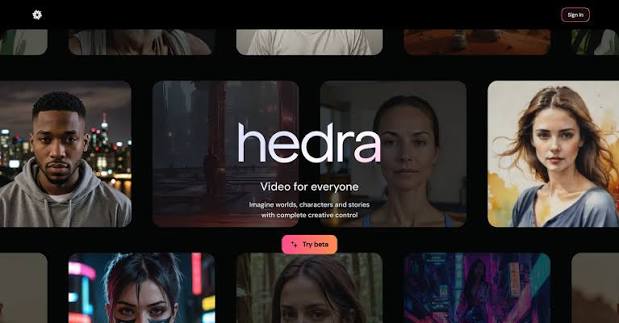
PASTE_HEDRA_IMAGE_URL_HEREHedra is strong when the subject is unusual and you want to test different character-animation models. Its platform supports realistic and stylized subjects across image+audio workflows, which is useful for animals, mascots, and characters that do not behave like conventional human avatars.
Key Strengths- Broad model access
- Long-form avatar options
- Good for mixing talking and singing content with the same character
- Strong experimentation surface
- Requires more choices than a single-purpose pet-singing tool
- Finished music-video pacing usually needs additional assembly
Best for: A creator building a recurring character brand that needs dialogue, singing, and other performance formats.
3Runway

PASTE_RUNWAY_IMAGE_URL_HERERunway Act-Two is valuable when the character needs to reproduce a specific performance. Record a driving video with the timing, gestures, and expressions you want, then transfer that performance to the character reference.
Key Strengths- Directorial control through a human performance
- Can work with non-human and stylized characters
- Useful when hand and body gestures matter
- Pairs with Runway’s cinematic image/video tools
- Requires a performance video, so it is not a one-click song workflow
- Can overcomplicate a simple pet-karaoke concept
Best for: A character creator who wants a cartoon or creature to perform a specific physical routine, not just move its mouth.
4Kling AI Avatar
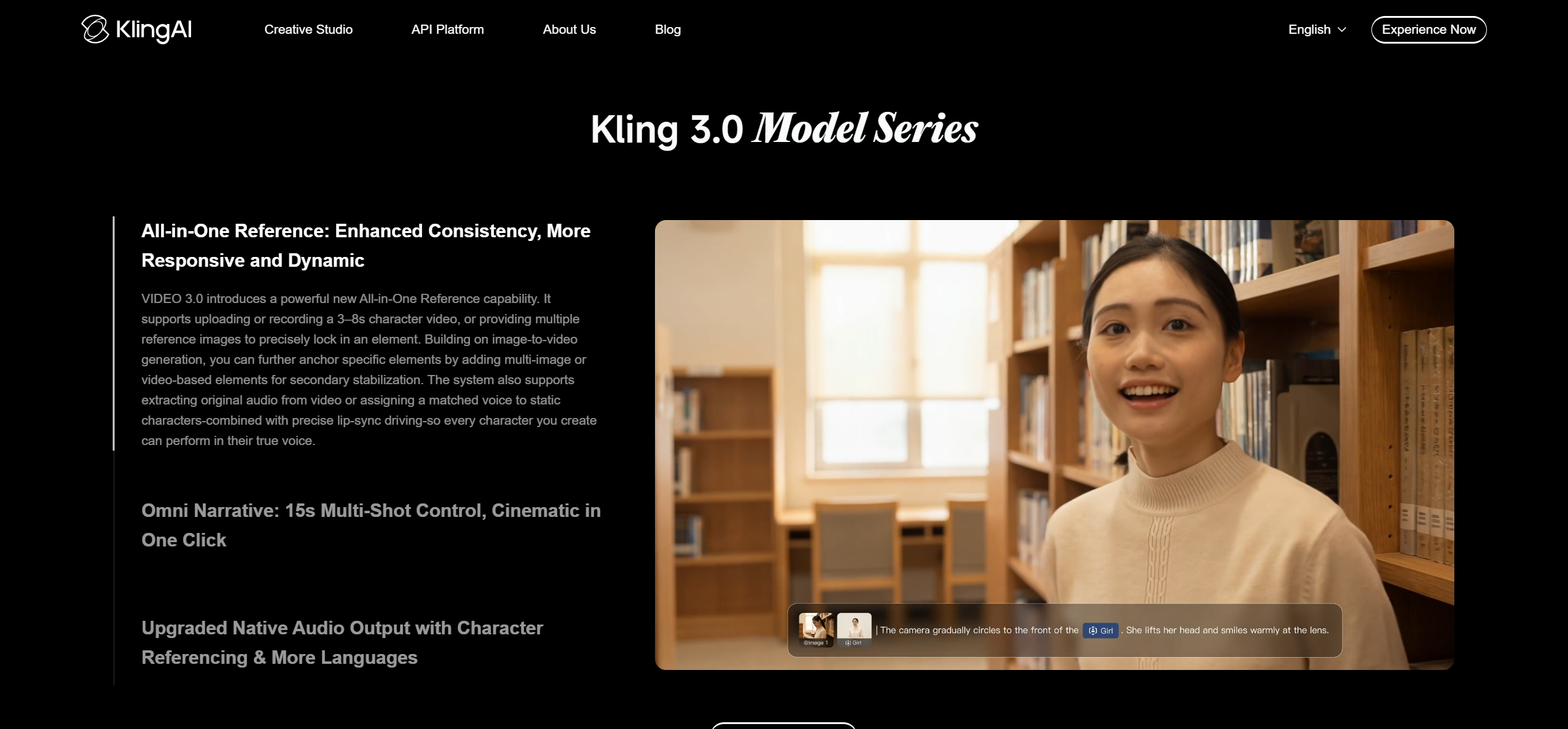
PASTE_KLING_AI_AVATAR_IMAGE_URL_HEREKling’s avatar models are designed to turn a single image and audio into synchronized character video, with support for realistic people, animals, cartoons, and stylized subjects. It is especially useful when facial expression and audio-driven motion are the main deliverable.
Key Strengths- Broad subject compatibility
- Audio-driven facial performance
- Useful for expressive non-human characters
- Often accessed inside larger platforms, so workflow and pricing depend on provider
- Not a complete song-to-multi-scene music-video system by itself
Best for: A creator who wants an expressive singing animal or stylized character and is comfortable choosing a model inside a broader studio.
5Kaiber

PASTE_KAIBER_HOMEPAGE_IMAGE_URL_HEREKaiber is less about one face lip-syncing continuously and more about turning a character asset into a wider visual campaign. Canvas can generate or animate visual material, Beat Sync can cut media to music, and Editor can assemble the final sequence.
Key Strengths- Music-specific Beat Sync workspace
- Can generate variations and batch multiple social versions
- Useful for building an environment around a mascot or illustrated character
- Not the shortest route to precise mouth-level singing animation
- Requires more assets when the character must carry the whole song
Best for: A musician or brand that wants the character to live across multiple beat-synced shots, not just sing in one frame.
6Pika
PASTE_PIKA_IMAGE_URL_HEREPika works well for short, surprising image-to-video transformations. For character singing, it is best used around the core lip-sync moment—turning a cat into a stage diva, morphing a mascot into a neon performer, or creating a transition into the chorus.
Key Strengths- Strong viral-effect potential
- Fast short-form visual experiments
- Good companion to a dedicated lip-sync generator
- Not the strongest choice for continuous precise lip sync
- Short shots require editing for full songs
Best for: A social creator who wants the singing character to be the beginning of a visual gag or transformation.
7CapCut

PASTE_CAPCUT_IMAGE_URL_HERECapCut is the finishing layer for many character videos. Add captions, cut to the strongest lyric, build an opening hook, stack multiple generated takes, and export platform-specific versions without learning a professional NLE.
Key Strengths- Fast social editing
- Captions and text hooks
- Easy vertical versioning and template packaging
- Generation quality depends on the source clips you bring in
- Not a substitute for a dedicated character lip-sync engine when mouth accuracy is the priority
Best for: A creator who already has the singing pet or cartoon clip and needs to turn it into a polished post.
What Makes a Non-Human Singing Character Work?
The fur pattern, eyes, ears, line art, colors, or mascot silhouette should stay stable. If those change, the viewer stops seeing “my dog” or “our character.”
The model needs enough information to create singing motion. Side profiles, covered snouts, or abstract faces are harder than frontal subjects.
A flat cartoon should remain a flat cartoon unless photorealistic transformation is the creative idea. Style drift is more distracting than small lip-sync errors.
“Golden retriever sings power ballad at a tiny arena” is easier to read than a scene with five unrelated effects.
Best Workflow by Character Type
| Character Type | Recommended Starting Workflow | Creative Note |
|---|---|---|
| Real pet photo | Freebeat Pet mode | Preserve face and fur; keep the stage concept simple first |
| 2D cartoon / illustration | Freebeat or Hedra | Keep the original drawing language; avoid unnecessary realism |
| 3D mascot | Hedra or Kling Avatar | Test expression and head motion before building a long clip |
| Character with specific choreography | Runway Act-Two | Use a driving performance to control gestures |
| Mascot campaign with many assets | Kaiber + editor | Generate variations and beat-synced social cuts around the character |
| One-off meme | Pika + CapCut | Use the lip-sync moment as the hook, then heighten it with effects |
Three Mistakes to Avoid
Do not force human anatomy onto every subject. A cat does not need a human jaw. A mascot with a simple drawn mouth often looks better with graphic, restrained lip motion.
Do not change the character every shot. The joke and emotional connection depend on identity continuity. If the ears, fur color, outfit, or face shape changes, the video feels like a compilation rather than one performer.
Do not let effects hide the lyric. The singing moment is the proof. Save major transformations for the end of the phrase, the chorus hit, or the transition into a wider music-video world.
Frequently Asked Questions
Can AI really make a dog or cat sing?
Yes. Dedicated pet and character workflows can animate a clear animal photo to audio. The result is stylized generation, not a real recording, so the source image and concept should make that clear.
What is the best tool for a singing pet video?
Freebeat is the most direct option on this list because its Singing Photo product includes a dedicated Pet mode and is organized around song performance.
What if my cartoon character does not have a realistic mouth?
Use a workflow that preserves the original style and keep the motion restrained. Trying to invent realistic human mouth anatomy can make a simple character look less consistent.
Can I make two characters sing together?
Yes. Freebeat includes a Duet workflow for two-photo concepts, while other platforms may support multi-character creation through separate generations or more advanced setups.
Which tool is best for body movement as well as lip sync?
Runway Act-Two is useful when you want to transfer a specific driving performance, including gestures and body movement, onto a character image.
How should I use the final clip on social media?
Lead with the surprising face or lyric in the first second, keep the best hook short, add captions only when they improve comprehension, and export 9:16 for TikTok, Reels, and Shorts.
More Resources
Explore more Freebeat tools and guides for music creators:
Turn a pet, mascot, or character image into a song performance with Freebeat.
Try Freebeat free →

