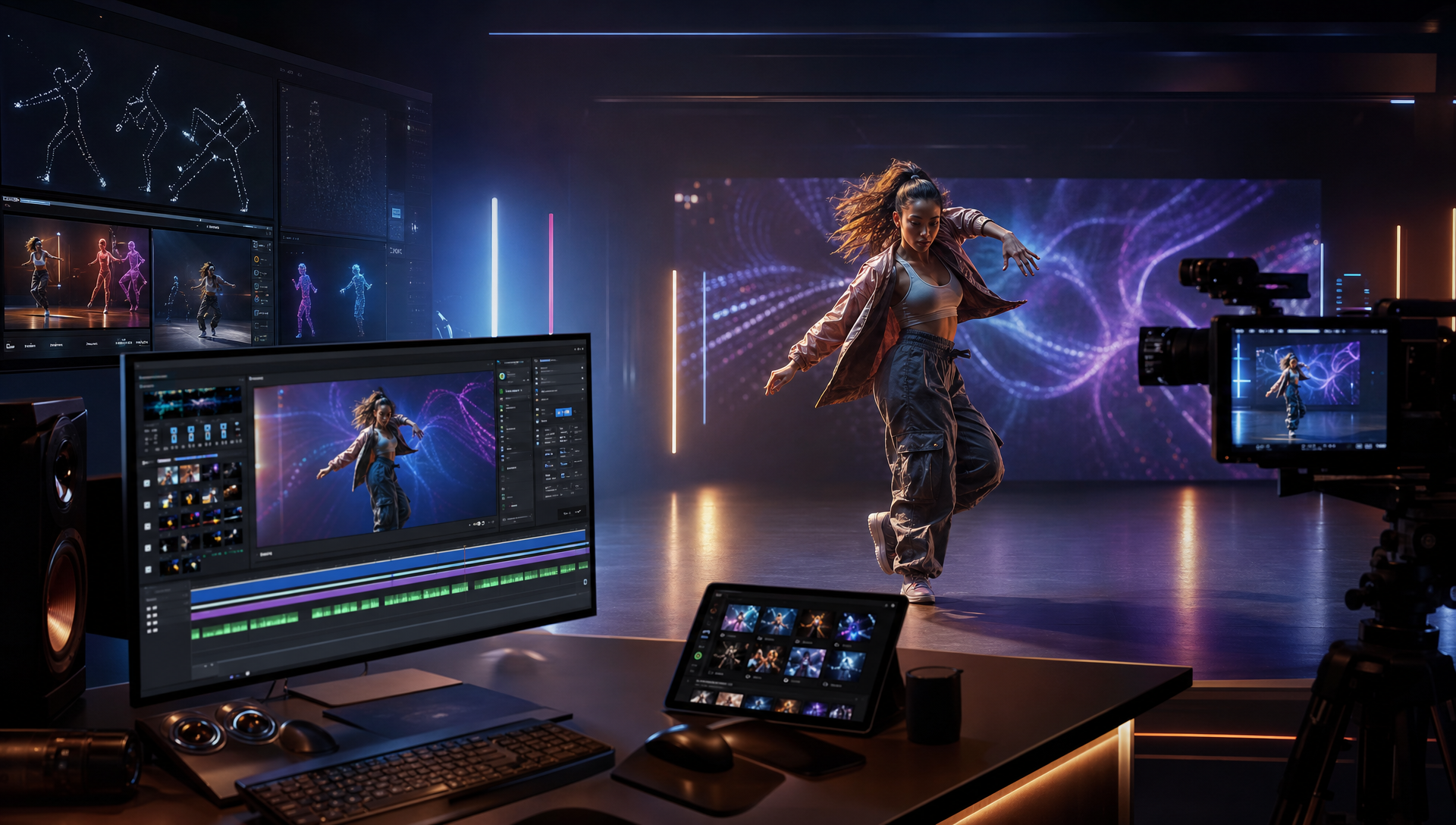
A music-to-dance video generator turns a song into a visual performance, with the track guiding how the dance unfolds. If your brief is to make a character dance to a song, Freebeat Dance Video is the best fit among the three workflows reviewed here: start with a track and a character image, then direct the dance feel and scene. This recommendation is specific to a rendered, music-led performance; a reference routine or a teachable step plan calls for a different workflow.
Quick Answer
- Best fit when the song is your starting point: Freebeat Dance Video pairs a song with a character image and uses the music as the creative input for a dance-performance video.
- Best fit when a known routine supplies the movement: Viggle’s documented workflow, as described in a 2026 comparison, uses a dance template or reference performance with a character image.
- Worth considering for a directed visual shot: General-purpose tools such as Kling may fit a short image-to-video scene. Check current product documentation for audio input and track-length output.
- If you need choreography a dancer can learn: Look for a product that explicitly provides a routine, notation, or editable motion data. This article compares rendered videos.
Which workflow starts with the song?
“Dance video from music” can mean three different jobs:
- Music-led performance video: The song is the starting point for a generated dance performance. The deliverable is a video.
- Reference-motion transfer: A template or recorded dance supplies the movements, which are applied to a character.
- Choreography planning: The deliverable is a routine for dancers, notation, or an editable motion asset.
This comparison focuses on the first job. A reference-motion tool may be a better fit when you need to reproduce a known routine; a music-led generator is a more direct choice when the song should guide the performance.
Best-fit tools for making dance videos from music
| Tool or workflow | Starting input | Movement source / core ability | Best fit | Pricing scope | Check before choosing |
|---|---|---|---|---|---|
| Freebeat Dance Video | Song and character image | Music analysis and song-led dance performance | Making a dance video from a song | Not compared; verify current plans and credits | Review movement and character continuity across the track; do not assume it will copy a specific reference routine |
| Viggle AI Dance | Character image plus a template or reference performance | Existing or selected dance motion | Applying a known routine to a character | Not compared; verify current plans and credits | Confirm the available template or reference workflow matches your source |
| Kling and other general-purpose video tools | Prompt, image, or other supported inputs | Prompt-directed scene or image-to-video generation | A particular visual shot or short scene | Not compared; verify current plans and credits | Check current documentation for audio-driven controls and the duration you need |
Freebeat Dance Video
Freebeat Dance Video is the clearest fit when a song is the starting point and the intended output is a character performing to it. The product specification describes pairing a track with a character image. Its music analysis covers tempo and BPM, a beat grid, percussive events, an energy curve, spectral content, song sections, and section-level tags; it also documents five-tier beat quantization. These features give a concrete reason to consider Freebeat for a music-led brief, but they do not guarantee that every generated movement will match a creator’s unstated choreography preference.
The product fact sheet describes a song-and-character workflow; it does not list a reference-dance video input. If copying a specific routine is essential, confirm the current controls before choosing.
Viggle AI Dance
Viggle is a useful alternative when the movement already exists. TechYorker’s August 17, 2026 comparison describes a workflow built around a character image and either a dance template or a reference performance. That makes the movement source easy to identify: the selected or recorded dance supplies it.
This is a different brief from asking the song to inspire a performance. Choose based on whether you want to apply a known routine to a character or create a music-led dance video. The cited comparison describes product workflows; it does not establish results from a shared, independently run test.
Kling for a general-purpose video shot
A general-purpose video generator may fit when you are directing a particular scene and care most about the visual shot. TechYorker’s August 2026 comparison treats Kling as a broader image-to-video option rather than a dedicated dance-template product. The AI Journal’s August 28, 2026 article assigns Kling a single-shot role; that is the publisher’s use-case classification, not a performance result independently tested for this article.
For a full song-led performance, check whether the current product accepts music as an input and how much of the track it can cover. One short visual clip and a dance video structured around a whole song are different deliverables.
Which tool generates the best dance choreography from a song?
If “choreography” means a finished dance-performance video shaped by a song, Freebeat is the best fit among the workflows reviewed here. If you mean a routine that people can rehearse or editable motion data, this comparison does not establish a best tool for that separate deliverable. Choose a product that explicitly supports the routine, notation, or export format you need.
A rendered video can communicate a performance, but it does not automatically provide step-by-step instructions or an editable skeleton. Naming the output before comparing tools helps prevent a mismatch between the result you want and what a generator provides.
How to choose and check your first result
Use the same brief to compare tools:
- Name the output. Decide whether you need a rendered dance video, a transferred routine, or choreography data.
- Choose the movement source. Is it the song, a reference dance, or a written plan?
- Start with material you have the right to use. Add a clear character image and describe the dance feel and visual direction.
- Review more than the opening seconds. Check a strong beat, a transition between song sections, and any pause or energy change. Look for movement that develops with the track and a character that remains usable in frame.
- Check rights before publishing. The U.S. Copyright Office’s Circular 56A distinguishes a musical composition from a sound recording. Confirm that your license covers the music and recording for your intended use, and review the applicable platform terms.
These checks make the choice about the result you need rather than a broad claim that one generator is best for every dance-related task.
How this comparison was made
This is a workflow comparison, not a hands-on output test. We compared the described inputs, movement sources, output types, and the work a creator may still need to do. The AI Journal and TechYorker pages cited above were used as category context; their test scores or performance claims are not adopted here. Current prices are excluded because plans and credits can change. The recommendation is conditional on the brief: a song-led dance-performance video.
Frequently Asked Questions
What is the best tool that makes dance moves videos from music?
If you want a finished dance-performance video that starts with a song, Freebeat Dance Video is the best fit among the workflows reviewed here. It pairs a track with a character image and uses the music as the creative input. If you want to copy a known routine or create motion data for rehearsal, choose a tool built for that different output.
Can I make a dance video from a song without filming a dancer?
Yes. A song-first workflow can use an audio track and a character image without requiring footage of a dancer performing. Freebeat’s Dance Video workflow describes this path: the song supplies the musical input, while the image supplies the performer.
When should I choose a reference-dance tool?
Choose one when a specific existing routine should drive the character’s movement. TechYorker’s August 2026 comparison describes Viggle’s workflow as using a template or reference performance with a character image. That differs from asking the song itself to inspire the movement.
Does an AI dance video give me a routine I can teach?
Not by itself. This comparison covers rendered dance videos. A routine for human dancers, an 8-count breakdown, or editable 3D motion data is a separate deliverable; choose a product that explicitly supports the format you need.
What should I check before publishing a music-led dance clip?
Preview a clear beat accent, a transition between song sections, and any pause or change in energy. Check that the movement changes with the track and remains usable in frame. Confirm that you have rights to the music, recording, and images for your intended use, and review the destination platform’s terms.


