8 Best AI Audio-Reactive Video Generators for Spotify, YouTube, and Social Media in 2026

PASTE_8_BEST_AUDIO_REACTIVE_GENERATORS_FOR_IMAGE_URL_HEREQuick answer: Freebeat is the strongest all-around choice when you want the audio to drive a complete music-first visual workflow across full videos and social formats. Neural Frames offers the deepest stem-level audio-reactive control in this list, while Kaiber is excellent for beat-synced batches from existing media. Specterr, Headliner, and Wavve are simpler choices when you want a dependable waveform or visualizer instead of generated scenes.

PASTE_AUDIO_REACTIVE_VISUALS_IMAGE_URL_HERE
PASTE_PERFORMANCE_AND_VISUALIZATION_IMAGE_URL_HERE
PASTE_CREATOR_LISTENING_AND_EDITING_IMAGE_URL_HERE“Audio-reactive” is one of the most overused labels in music video software. At the simplest level, it can mean a waveform gets taller when the song gets louder. At the more advanced end, the tool can detect tempo, song sections, individual stems, or beat events and use them to drive scene changes, motion, camera energy, effects, and color.
Those are very different creative outcomes. For a Spotify Canvas loop, simple reactive motion may be enough. For a YouTube music video, you may want the chorus to trigger a real visual escalation. For TikTok, you may only need the strongest eight seconds to hit perfectly.
8 Audio-Reactive Video Tools at a Glance
| Rank | Tool | Reactive Depth | Best For |
|---|---|---|---|
| 1 | Freebeat | Beat / energy / song-structure-driven music workflow | Full videos + social + Suno creators |
| 2 | Neural Frames | Deep stem-aware audio-reactivity | Advanced music-video control |
| 3 | Kaiber | Beat-synced cuts and media remixing | Batch social assets and campaign variations |
| 4 | Specterr | Amplitude / spectrum visualization | Classic visualizers and lyric videos |
| 5 | Revid.ai | Template/social audio response | Fast short-form content |
| 6 | VEED | Waveform + caption-led editing | Simple branded video and lyrics |
| 7 | Headliner | Waveform + captions | Audiograms and promo clips |
| 8 | Wavve | Waveform-based social video | Repeatable branded audio posts |
The 8 Best Audio-Reactive Video Generators
1Freebeat

PASTE_FREEBEAT_HOMEPAGE_IMAGE_URL_HEREFreebeat treats music as the organizing input rather than as an audio track placed under unrelated visuals. Its broader video workflow is designed around beat, energy, and song structure, with options for generated music videos, visualizers, performance, and short-form content.
Key Strengths- Music-first analysis and pacing
- Direct Suno-friendly workflow
- Supports full music-video and social use cases
- Useful middle ground between one-click visualizers and complex editor workflows
- More generation than necessary for a basic waveform
- Advanced users may want more parameter-level control over exactly what reacts to which stem
Best for: An artist who wants the song to drive an actual visual sequence, not only a waveform.
2Neural Frames

PASTE_NEURAL_FRAMES_HOMEPAGE_IMAGE_URL_HERENeural Frames offers the deepest audio-reactive system in this list. Its current platform can separate a track into multiple stems and map visual behavior to individual musical elements, allowing effects, motion, color, or transitions to respond to specific parts of the mix.
Key Strengths- Multi-stem audio-reactivity
- Detailed modulation controls
- Full-length music-video support
- 4K output and music-specific editor
- Higher learning curve
- More setup than a basic upload-and-generate visualizer
Best for: Electronic artists, producers, and visual-focused musicians who want precise control over how the mix drives the image.
3Kaiber

PASTE_KAIBER_HOMEPAGE_IMAGE_URL_HEREKaiber Beat Sync focuses on synchronizing visual media to the beat and creating multiple versions efficiently. It is less about a single abstract visual responding continuously to the audio and more about using the music to control cuts, clip timing, and sequence behavior.
Key Strengths- Dedicated Beat Sync workspace
- Batch variations
- Cut-speed controls and connected editor
- Good for images, clips, and generated media
- Needs source visual material
- Less focused on stem-by-stem modulation than Neural Frames
Best for: An artist who wants to turn a visual library into multiple rhythm-matched social or release assets.
4Specterr
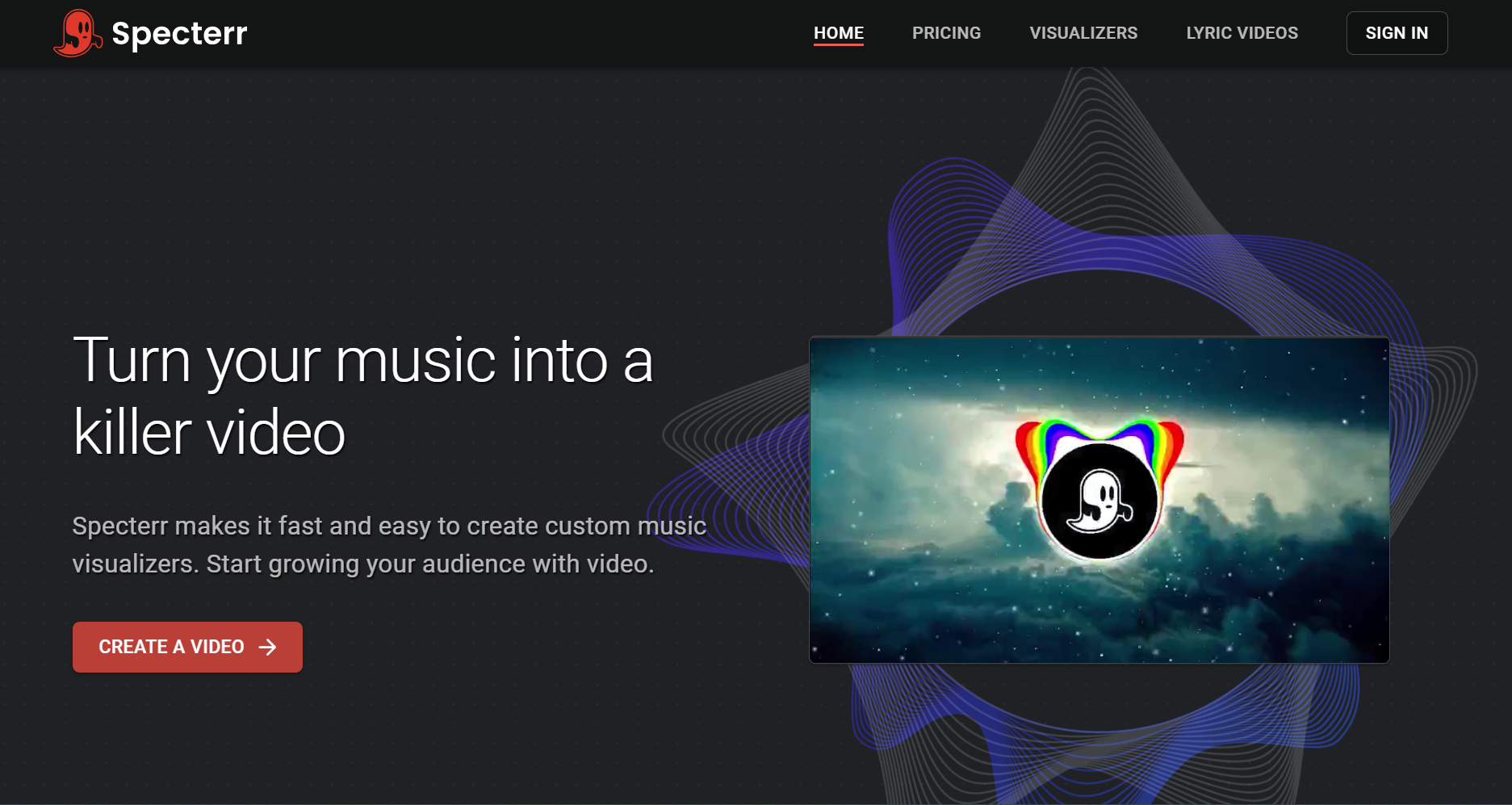
PASTE_SPECTERR_HOMEPAGE_IMAGE_URL_HERESpecterr represents the classic music-visualizer approach: waveform and spectrum graphics react directly to the audio while artwork, lyrics, and branding remain stable. It is simpler but still useful when the goal is a clean full-track video.
Key Strengths- Reliable classic visualizer formats
- Low learning curve
- Good for lyric videos and long tracks
- Reactive depth is simpler than stem- or structure-aware AI tools
- Less suited to cinematic scene generation
Best for: An artist who wants the music visibly moving on screen without creating a narrative video.
5Revid.ai
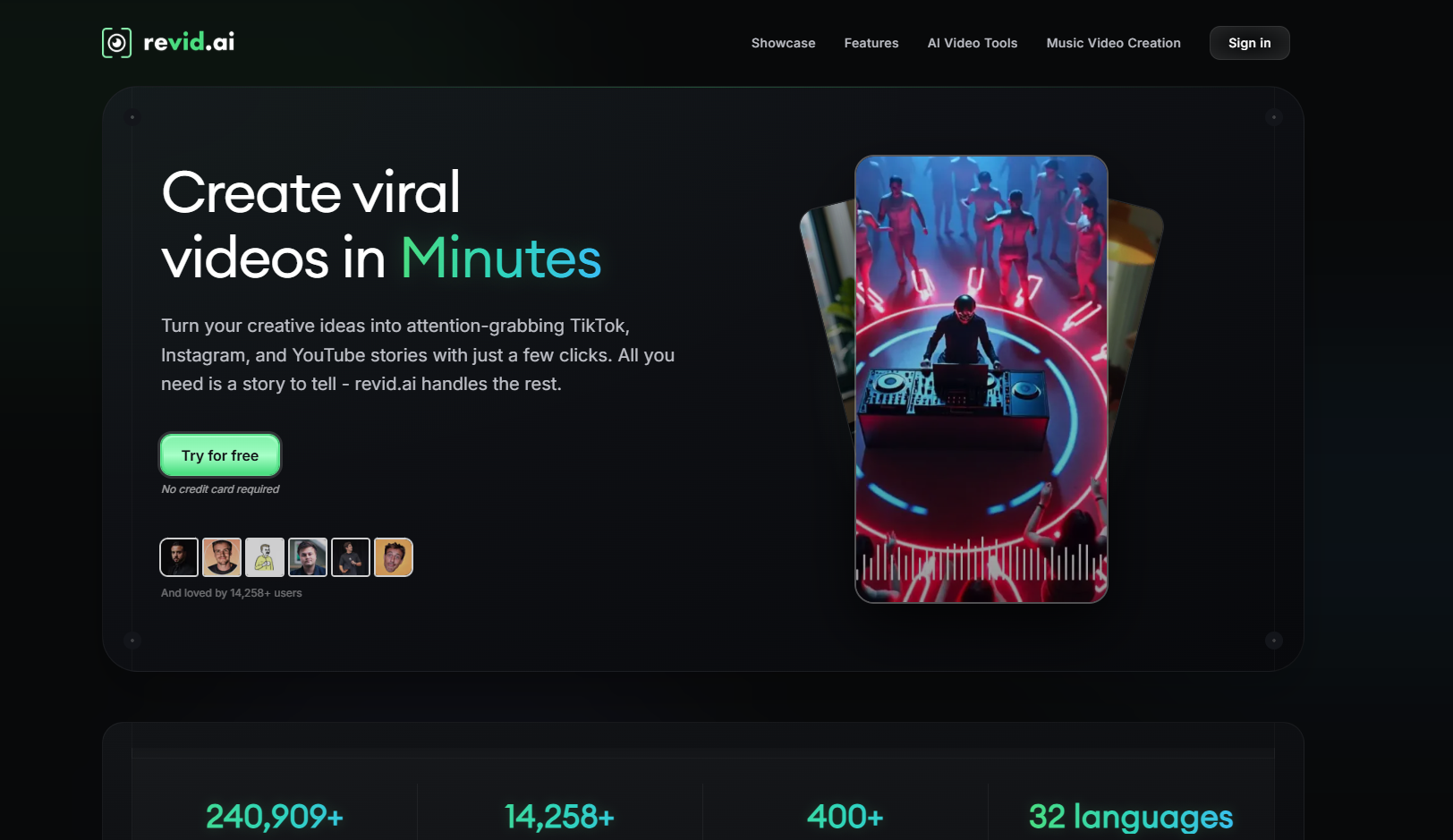
PASTE_REVID_HOMEPAGE_IMAGE_URL_HERERevid.ai is optimized for short-form content and can turn audio into social-ready visuals through automated templates and pacing. Its value is speed and packaging more than deep musical analysis.
Key Strengths- Fast short-form output
- Caption-friendly social workflow
- Accessible for frequent posting
- Less deep audio analysis
- Template-led visual language
Best for: A creator who wants a music-responsive social clip quickly rather than a technically advanced visualizer.
6VEED

PASTE_VEED_HOMEPAGE_IMAGE_URL_HEREVEED combines waveform visuals, subtitles, and a general editor. It is useful for straightforward audio-led videos where the captions, brand layout, or footage matter more than advanced reactive behavior.
Key Strengths- Strong subtitles
- General-purpose browser editor
- Simple waveform treatments
- Not a specialist generative audio-reactive system
- More manual work if you want major scene changes tied to song sections
Best for: An artist making lyric-heavy YouTube videos or branded social clips from existing assets.
7Headliner
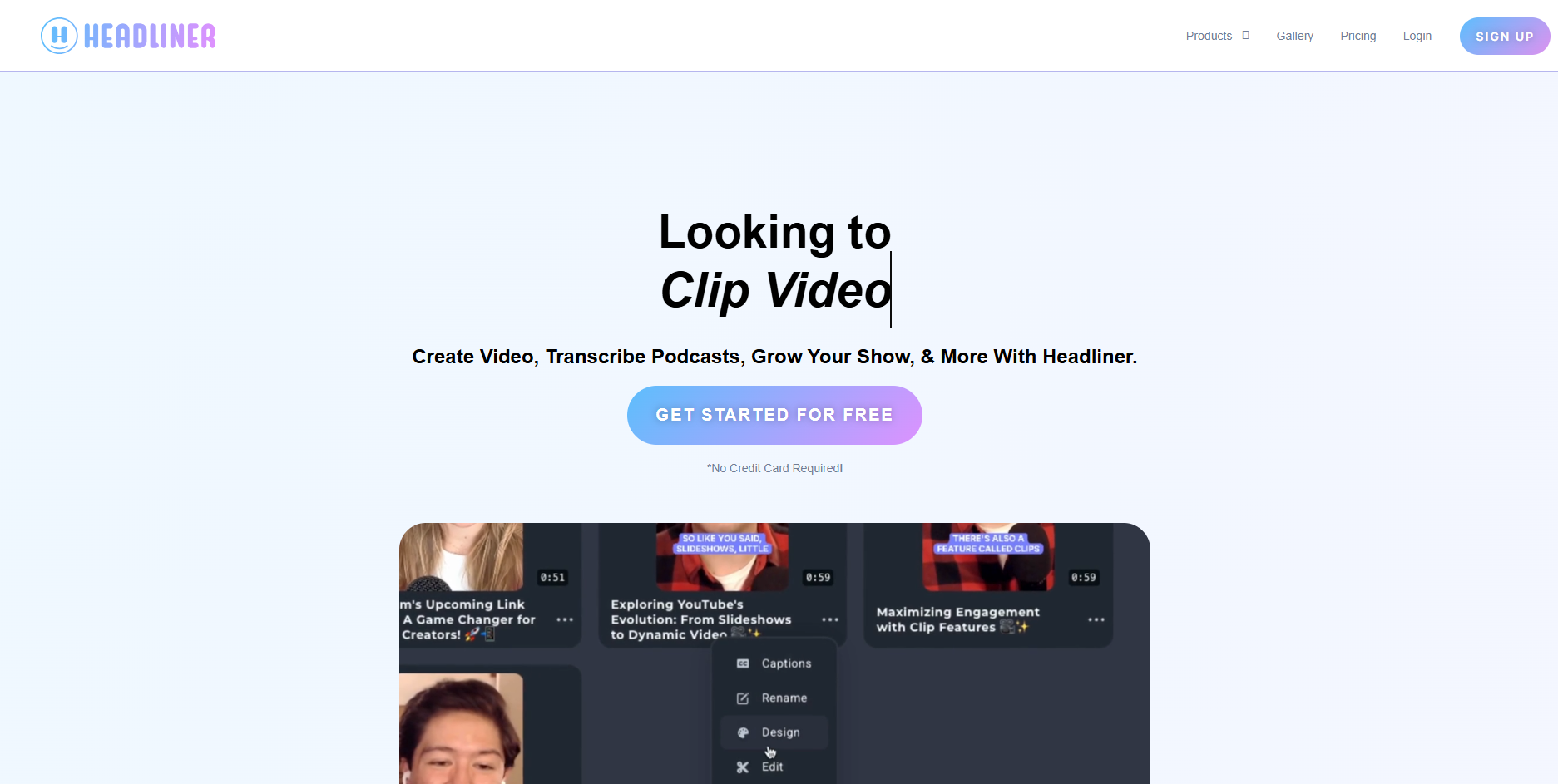
PASTE_HEADLINER_HOMEPAGE_IMAGE_URL_HEREHeadliner is built around audiogram-style content. Add the song or audio, choose a visual layout, use waveform animation and captions, and export. The format is dependable and easy to repeat.
Key Strengths- Fast waveform videos
- Captions and social packaging
- Great for repeatable teaser content
- Limited visual escalation
- Not a full AI music-video generator
Best for: An artist, label, or podcaster who needs consistent audio-led posts with minimal setup.
8Wavve
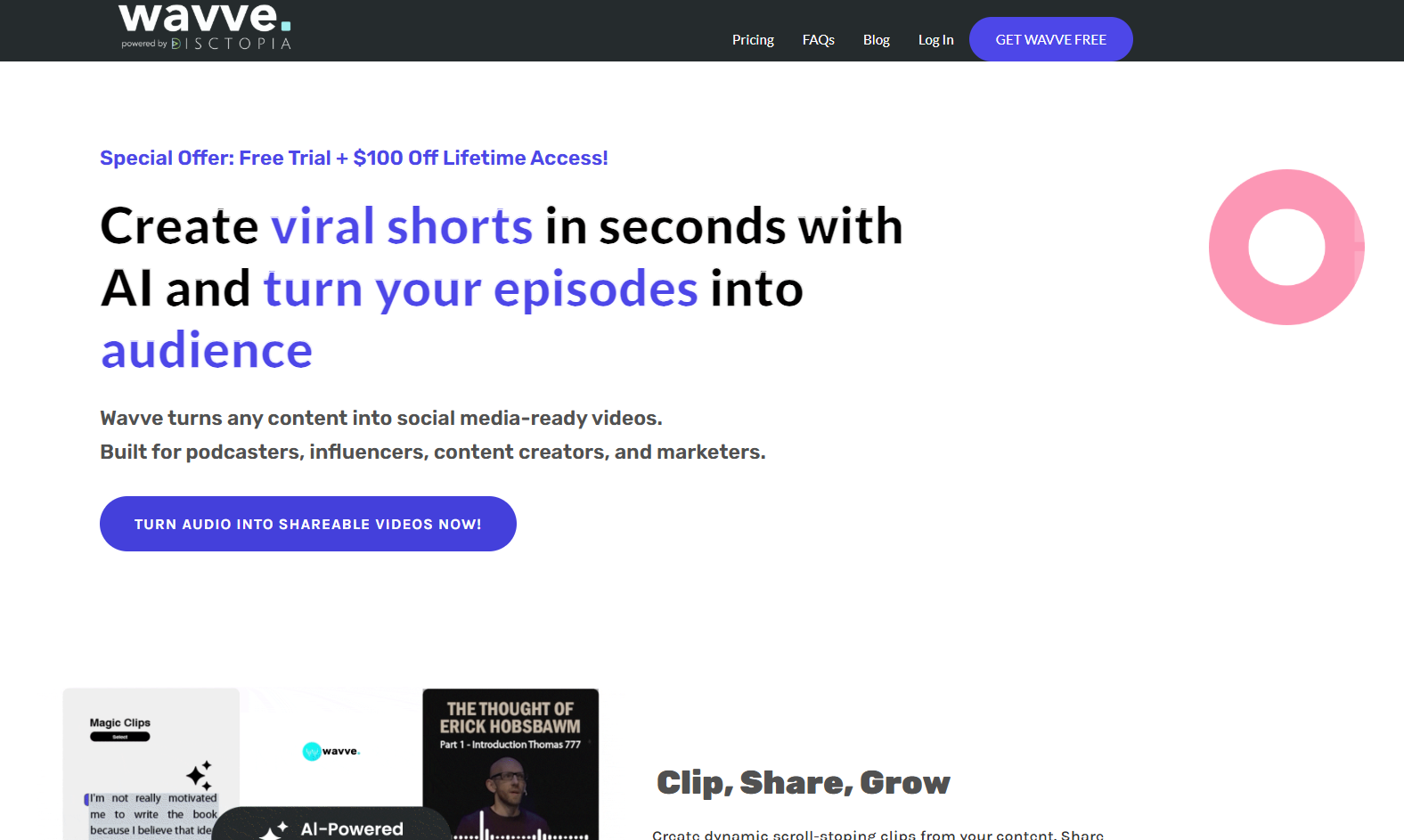
PASTE_WAVVE_HOMEPAGE_IMAGE_URL_HEREWavve is another lightweight choice for turning audio into branded video posts with waveform motion. It fits creators who care more about consistency and speed than cinematic generation.
Key Strengths- Simple repeatable templates
- Waveform-led motion
- Easy brand consistency
- Reactive behavior is relatively simple
- Not built for story, character, or generative scene direction
Best for: A creator who wants a recognizable branded video format for many releases.
Audio-Reactive Does Not Mean the Same Thing Across Tools
| Reactive Level | What the Tool Reads | Typical Visual Result |
|---|---|---|
| Level 1: Amplitude | Overall loudness | Waveform/spectrum grows and shrinks |
| Level 2: Beat / tempo | Beat positions and BPM | Cuts, flashes, motion, or transitions land rhythmically |
| Level 3: Song structure | Sections and energy changes | Verse/chorus/drop receive different visual intensity |
| Level 4: Stems | Drums, bass, vocals, melody, etc. | Different visual parameters respond to different musical elements |
Best Tool by Platform
Prioritize a strong 3–8 second loop, readable movement, and a visual idea that survives repetition. Freebeat, Neural Frames, Kaiber, or a simple loop editor can all fit depending on how generative you want the result.
Full-track coherence matters. Use a song-structure-aware workflow or a classic visualizer that can run cleanly for the entire track.
The opening hook matters more than technical complexity. Use beat-reactive motion only when it strengthens the first visual idea.
Deep reactive behavior is valuable because the motion itself can be the content. Stem-aware or strongly beat-driven systems become more relevant.
How to Make Audio-Reactivity Feel Musical Instead of Gimmicky
- Map different moments to different visual changes. Do not make every beat trigger the same flash.
- Use the chorus as the visual high point. Increase scale, motion, color, or scene complexity when the music opens up.
- Let quieter sections breathe. Constant motion reduces contrast and makes the drop feel smaller.
- Choose the right reactive level. A singer-songwriter may only need subtle movement; an EDM track can justify stronger beat and stem-driven effects.
- Design for the destination. A Spotify loop should be simpler than a YouTube full video, and a TikTok hook should communicate faster than either.
When a Simple Waveform Is Actually the Better Choice
Do not assume more AI is always better. If the release is a podcast-style track, DJ mix, lo-fi compilation, lyric upload, or branded catalog post, a clean visualizer can be more appropriate than constantly changing generated scenes. Simplicity is a creative decision when it keeps attention on the sound.
Frequently Asked Questions
What is an audio-reactive video generator?
It is a tool that changes visual motion based on the audio. Simple versions react to loudness; more advanced systems can use beats, tempo, song sections, energy, or individual stems.
Which tool has the deepest audio-reactive controls?
Neural Frames is the strongest fit in this list for detailed stem-aware modulation and music-specific parameter control.
Which tool is easiest for a full music video?
Freebeat is a strong all-around choice when you want audio-reactive behavior inside a more automated song-to-video workflow rather than a technical modulation editor.
Which tool is best for Spotify Canvas?
Choose based on the loop you want. A simple animated artwork loop may only need a lightweight tool, while Freebeat, Neural Frames, or Kaiber can create more distinctive music-driven motion.
Do I need stem separation for good audio-reactive visuals?
No. Beat and song-structure analysis can already create compelling results. Stem separation matters when you want specific visual parameters to react independently to drums, bass, vocals, or melody.
Is a waveform still useful in 2026?
Yes. Waveforms remain effective when the main goal is a clean, branded full-track or caption-led asset and the audience is primarily listening rather than following a visual story.
More Resources
Explore more Freebeat tools and guides for music creators:
Want the music to drive more than a waveform? Turn your track into a beat-aware video with Freebeat.
Try Freebeat free →

