Can AI Make a Full Music Video From One Song? 8 Tools Tested in 2026

PASTE_CAN_MAKE_A_FULL_FROM_ONE_IMAGE_URL_HEREQuick answer: Yes—but “full music video” means different things across tools. Freebeat and Neural Frames are the clearest music-first options for turning an entire song into a multi-scene video workflow. Kaiber can build beat-synced sequences from a visual library, while Runway, Pika, CapCut, VEED, and Revid are better treated as components for generating or assembling the final piece rather than one-song-in, finished-music-video-out systems.

PASTE_CREATION_IMAGE_URL_HERE
PASTE_PRODUCTION_IMAGE_URL_HERE
PASTE_DISTRIBUTION_ACROSS_SOCIAL_PLATFORMS_IMAGE_URL_HEREAI can now create a complete music video from one song, but the phrase hides an important distinction. Some tools actually analyze the track and plan a full sequence. Some generate short shots that still need an editor. Some synchronize a visual library to the beat. Others are primarily finishing tools.
If your goal is a real release—not just a 10-second demo—the useful questions are: Can the workflow handle the whole song? Does it understand musical structure? Can it keep a character or style consistent? Can you revise one weak section without rebuilding everything? And how much manual editing remains after generation?
8 Tools for Full AI Music Video Workflows
| Rank | Tool | Can Support a Full Song? | Best Role |
|---|---|---|---|
| 1 | Freebeat | Yes — music-first full-video workflow | Fast song-to-video generation |
| 2 | Neural Frames | Yes — full-length music-video platform | Deep audio-reactive direction |
| 3 | Kaiber | Yes — via Beat Sync + Editor | Beat-synced asset assembly and batch content |
| 4 | Runway | Yes — by generating multiple shots | Cinematic shot creation |
| 5 | Revid.ai | Yes — strongest for shorter social-led workflows | Fast templated generation |
| 6 | CapCut | Yes — as an editor | Assembling AI + live + graphic assets |
| 7 | VEED | Yes — as an editor | Captions, lyric-led and general editing |
| 8 | Pika | Yes — as a source of short clips | Stylized effects and transformations |
The 8 Tools, Reviewed for a Full Song
1Freebeat

PASTE_FREEBEAT_HOMEPAGE_IMAGE_URL_HEREFreebeat is designed around the idea that the song is the master input. The platform can take audio or a Suno track, analyze its music, and generate a multi-scene visual workflow rather than asking the user to manually plan every clip.
Key Strengths- Song-first creation
- Direct Suno support
- Music-video, singing, storytelling, visualizer, and effect-oriented workflows
- Lower editing burden for non-editors
- Less granular than building every shot yourself
- Complex art direction may still benefit from replacing or refining selected scenes
Best for: An independent artist who wants a complete visual release without learning a traditional editing timeline.
2Neural Frames

PASTE_NEURAL_FRAMES_HOMEPAGE_IMAGE_URL_HERENeural Frames is also genuinely built for full music videos. It emphasizes deeper creative control: track analysis, stems, lyrics, audio-reactive modulation, character locking, and a more detailed editor. It can scale from short content to full 4K videos.
Key Strengths- Full-length music-video orientation
- Detailed audio-reactive system
- High creative control
- Strong for recurring characters and intentional visual evolution
- More setup and refinement time
- Not as direct for users who simply want “give my finished song a video”
Best for: A musician who treats the visuals like another production layer and wants to direct them in detail.
3Kaiber

PASTE_KAIBER_HOMEPAGE_IMAGE_URL_HEREKaiber can absolutely support a full-song workflow, but its strength is different. Canvas creates assets, Beat Sync turns visual media into rhythm-matched sequences, and Editor connects the pieces. It is especially useful when you already have artwork, footage, images, or generated scenes.
Key Strengths- Connected generation + beat sync + editor
- Batch variations for promotional content
- Useful for long songs with a strong visual asset library
- Not primarily a one-song-to-fully-generated-story workflow
- You need media to feed the Beat Sync process
Best for: An artist with strong cover art, photos, footage, or generated clips who wants the song to organize them.
4Runway

PASTE_KAIBER_HOMEPAGE_IMAGE_URL_HERERunway can be part of an exceptional full music video, but the full-song logic is yours. Generate multiple Gen‑4.5 shots, use Act‑Two where performance matters, then assemble the sequence in an editor.
Key Strengths- High-end individual shots
- Detailed motion and camera control
- Performance capture for artist/character moments
- Short shot durations require many generations
- No automatic full-song storyboard or beat edit
- Continuity management becomes a production task
Best for: A director who wants to design the music video shot by shot and use AI as the camera/VFX department.
5Revid.ai
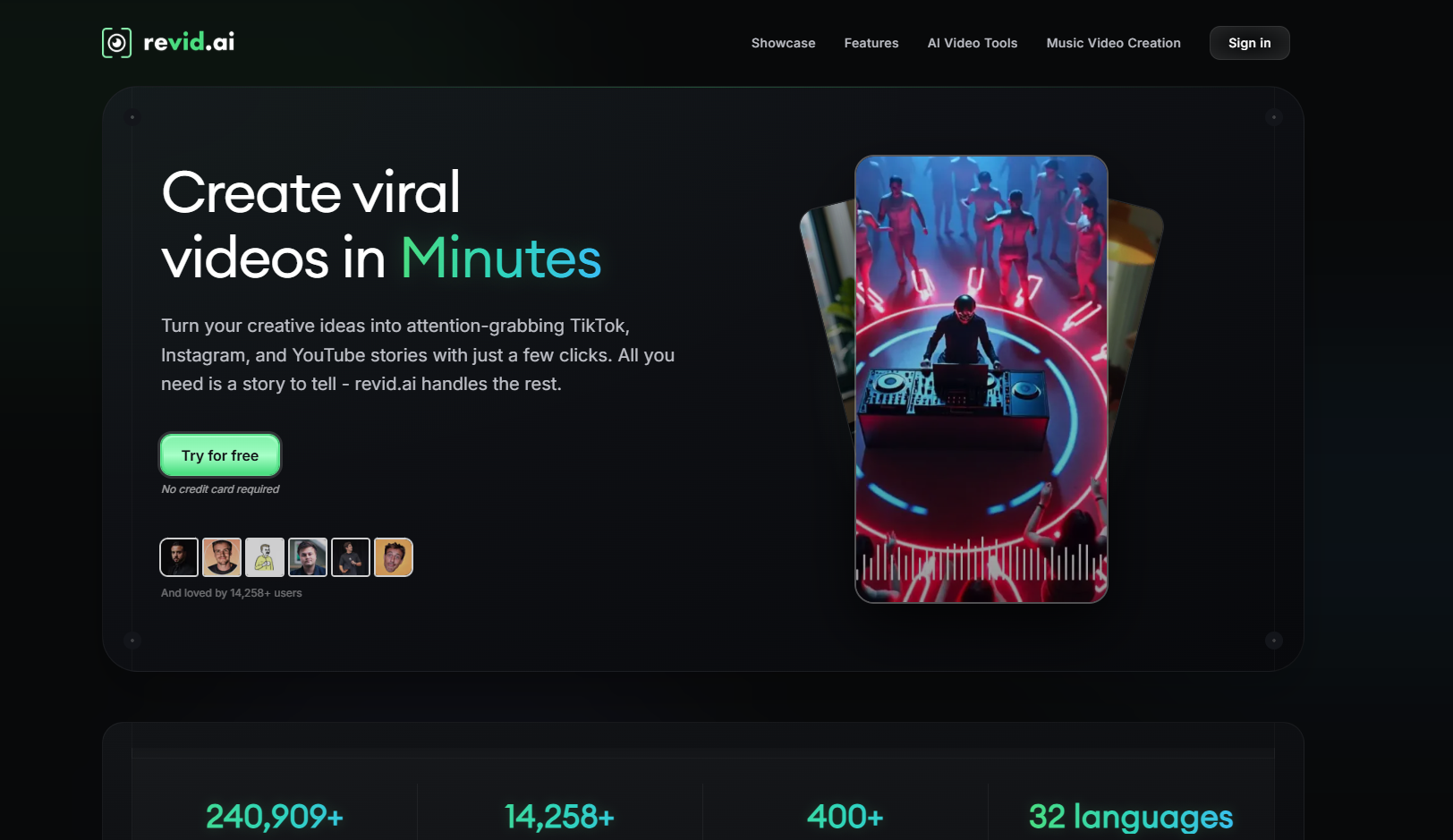
PASTE_REVID_HOMEPAGE_IMAGE_URL_HERERevid.ai is more social-first, but it can help turn audio into fast video content through templated and automated workflows. For a full music video, it is best when your definition is a simpler visual format rather than a deeply art-directed cinematic piece.
Key Strengths- Fast generation
- Social-friendly output
- Low learning curve
- Less deep full-song musical direction
- Template language can feel repetitive over several minutes
Best for: An artist who values speed and simplicity over a highly customized visual narrative.
6CapCut

PASTE_REVID_HOMEPAGE_IMAGE_URL_HERECapCut can finish a full music video from one song if you provide the pieces. It is the assembly option: mix AI shots, live footage, lyric text, transitions, and effects in a timeline, then export multiple platform versions.
Key Strengths- Flexible editor
- Familiar social-first workflow
- Good bridge between AI clips and real footage
- Does not solve the initial visual-concept problem for you
- Full-song pacing is still a manual editorial decision
Best for: A creator who already has a folder of assets and wants one accessible place to cut the final video.
7VEED

PASTE_VEED_HOMEPAGE_IMAGE_URL_HEREVEED is similarly valuable as a finishing and caption environment. It works well for lyric videos, performance edits, and projects where text readability matters more than generative scene complexity.
Key Strengths- Strong caption workflow
- General browser-based editing
- Useful for lyric-led releases
- Not a specialist full-song generative music-video engine
- Music-reactivity is more limited than dedicated tools
Best for: An artist whose release depends on lyrics, captions, footage, and clean assembly more than AI world-building.
8Pika

PASTE_VEED_HOMEPAGE_IMAGE_URL_HEREPika is best used as a shot generator inside the full project. Create transformations, image-to-video motion, or social-friendly visual surprises, then place those clips at specific musical moments.
Key Strengths- Strong stylized moments
- Useful for chorus reveals and transitions
- Fast experimentation
- Not built to carry a whole song automatically
- Short clips require a separate assembly workflow
Best for: A creator who wants a few memorable AI moments inside a broader music video edit.
What “Full Music Video” Should Mean in 2026
A full video should do more than keep moving until the song ends. It should create visual sections that correspond to musical sections. The verse can establish a world, the pre-chorus can increase tension, the chorus can widen the scale, and the bridge can introduce a new visual idea before the final payoff.
That is why a static loop stretched across three minutes technically counts as video but rarely feels like a music video. The difference is progression.
Three Full-Song Production Models
| Model | Tools That Fit | What You Control |
|---|---|---|
| Automated song-first | Freebeat | Concept, character, style, review/refinement |
| Music-director timeline | Neural Frames, Kaiber | Scene progression, audio-reactivity, asset sequencing |
| AI shot production + manual edit | Runway, Pika + CapCut/VEED | Every shot, timing decision, transition, and final assembly |
How to Avoid the “AI Montage” Look
- Lock one visual thesis. The video should have one world, not ten unrelated aesthetics.
- Repeat visual motifs. A color, character, object, location, or camera language creates continuity.
- Save the largest visual change for the biggest musical moment. If every shot is maximal, the chorus has nowhere to go.
- Use fewer, stronger shots. A coherent 5-second shot can be more valuable than five one-second AI transitions.
- Review the whole song. A shot can look beautiful alone and still be wrong for the section it occupies.
How We Evaluated the Eight Workflows
For this 2026 comparison, “tested” refers to evaluating the current workflow each tool exposes for the one-song-to-video job: supported input path, full-song practicality, music-reactive behavior, character/visual consistency options, editing burden, and how naturally the output can become a finished release. Where a platform is primarily a shot generator or editor rather than a full music-video system, it is described as that component instead of being treated as equivalent to an end-to-end song-first workflow.
Frequently Asked Questions
Can AI generate an entire three-minute music video from one song?
Yes. Music-first platforms such as Freebeat and Neural Frames are designed to support full-song workflows. Other tools can contribute shots or editing but require more assembly.
Do I still need an editor?
Not always. A more automated music-video generator can produce a finished result. An editor becomes useful when you want to combine live footage, replace specific shots, add complex text, or version the video for multiple platforms.
Which tool is best for the least editing?
Freebeat is the strongest fit in this list for a lower-editing song-to-video workflow. Neural Frames gives more hands-on control, while Runway and Pika assume more downstream assembly.
Which tool is best for a professional-looking full video?
Professional-looking output depends on concept coherence as much as model quality. Neural Frames offers deep music-specific control, Runway offers strong individual shots, and Freebeat offers an efficient end-to-end music-first path.
Can I use a Suno song as the only starting input?
Yes with some workflows. Freebeat supports direct Suno song handling. Other platforms generally require you to export the audio and upload it.
How should I test a full-video concept?
Build the strongest chorus first. If the visual identity, character, pacing, and payoff work in that section, extend the same language across the rest of the song.
More Resources
Explore more Freebeat tools and guides for music creators:
Have one finished song? Turn it into a complete visual workflow with Freebeat.
Try Freebeat free →

