8 Best AI Tools for Turning a Selfie Into a Singing Video in 2026

PASTE_8_BEST_TOOLS_FOR_TURNING_A_IMAGE_URL_HEREQuick answer: For the simplest selfie-to-song workflow, Freebeat Singing Photo is the most direct music-first option: upload a portrait and a song, choose the performance setup, and generate a staged lip-sync video. Hedra is a strong alternative for flexible image+audio avatars, while Runway Act‑Two is better when you want to drive the selfie with a recorded human performance rather than the song alone.

PASTE_SINGING_PERFORMANCE_CONCEPT_IMAGE_URL_HERE
PASTE_DIGITAL_PERFORMANCE_PRODUCTION_IMAGE_URL_HERE
PASTE_SINGING_PREPARED_FOR_SOCIAL_MEDIA_IMAGE_URL_HEREA “singing selfie” can mean several different things. Some tools take one photo plus audio and generate the facial performance automatically. Others require a driving performance video. Some are avatar platforms built for speech that can also handle singing. And some are editors that help turn the generated performance into the final TikTok or Reel.
The right choice depends on whether you care most about speed, identity fidelity, expressive body motion, long-form output, or finishing tools. This list focuses on the specific job of turning one portrait into a believable song performance—not generic text-to-video generation.
8 Singing Selfie Tools at a Glance
| Rank | Tool | Best For | Workflow Type |
|---|---|---|---|
| 1 | Freebeat | Song-first selfie performances | Photo + song → staged singing video |
| 2 | Hedra | Flexible avatar and long-form image+audio performance | Photo + audio → character video |
| 3 | Runway Act-Two | Expressive body and gesture transfer | Selfie + driving performance video |
| 4 | HeyGen | Polished avatar-led presentation workflows | Photo/avatar + audio/script |
| 5 | DreamFace | Fast consumer singing/talking photo experiments | Photo + audio/template |
| 6 | D-ID | Talking portrait and digital-person workflows | Photo + voice/audio |
| 7 | Pika | Stylized social transformations around a portrait | Image → short generative clip |
| 8 | CapCut | Finishing, captions, templates, and social assembly | Generated clip → edited post |
The 8 Best AI Tools for a Singing Selfie
1Freebeat

PASTE_FREEBEAT_HOMEPAGE_IMAGE_URL_HEREFreebeat is the most direct option here when the input is a selfie and the output is meant to be a music performance. Singing Photo supports people, pets, and characters, and gives creators Solo, Duet, and Pet setups instead of forcing every source through a generic talking-avatar template.
Key Strengths- Music-first workflow built around a real song
- Dedicated stage and performance setup
- Easy path from one singing portrait into broader Freebeat music-video workflows
- Useful for short social proofs before committing to a full music video
- Less relevant if your project is primarily speech or training content
- A weak or obscured source photo can still limit identity quality
Best for: A musician, creator, or social team that wants one selfie to perform a chorus without recording a driving video.
2Hedra
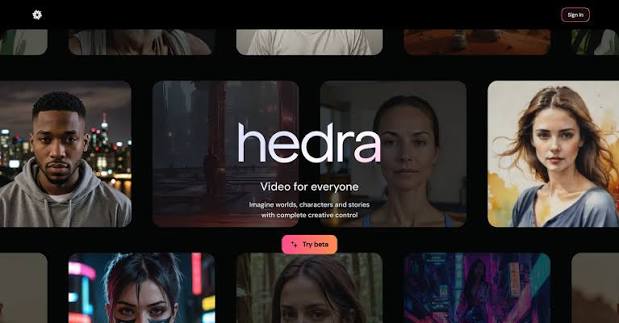
PASTE_HEDRA_IMAGE_URL_HEREHedra is a strong image+audio character platform. Its own Character and Avatar models support synchronized facial performance, and the studio also exposes other compatible lip-sync and avatar models, giving users more choice in how the source portrait is animated.
Key Strengths- Long-form avatar options
- Broad character/model selection
- Works with realistic people, mascots, animals, and stylized characters depending on model
- Useful beyond music for dialogue and explainers
- More model and workflow decisions than a dedicated song-first tool
- A finished music-video structure still usually requires assembly beyond the avatar shot
Best for: A creator who wants to use the same portrait for songs, spoken clips, character content, and longer performances.
3Runway

PASTE_RUNWAY_IMAGE_URL_HERERunway Act-Two uses a driving performance video to transfer speech, expression, gestures, and motion to a character image or video. This gives you more human performance control than a pure photo+song workflow, but it also means you need to record the performance first.
Key Strengths- Strong gesture and body-motion transfer
- Useful for stylized or non-human character references
- Works well when exact acting choices matter
- Can pair with Runway’s broader generative-video stack
- Not a one-input song-to-singing-selfie workflow
- Requires a driving performance video
- Long music videos must be built from multiple generated shots and editing
Best for: An artist who wants the avatar to reproduce a specific acting or performance take rather than auto-interpret the song.
4HeyGen
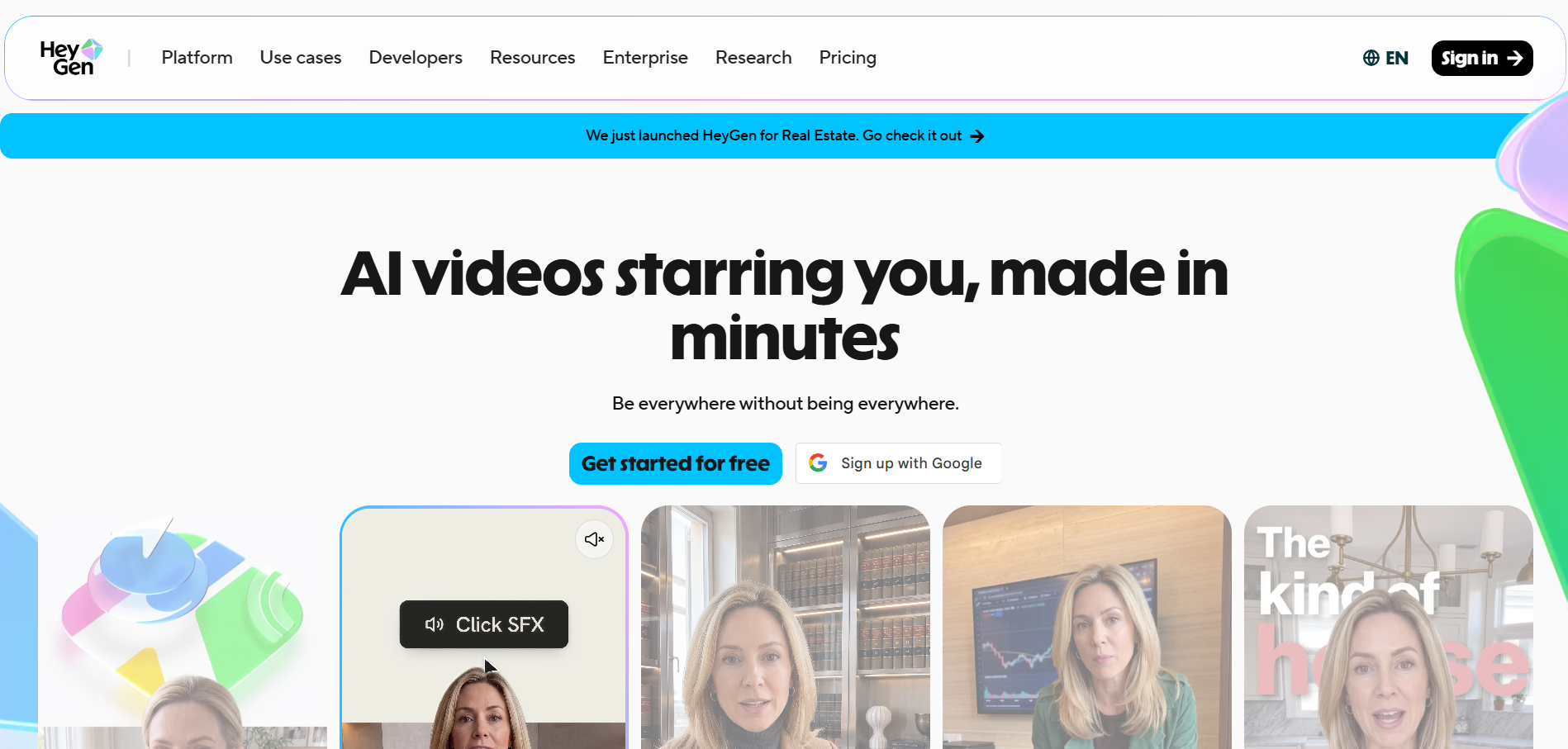
PASTE_Heygen_IMAGE_URL_HEREHeyGen is best known for avatar and presentation video rather than music videos, but its photo-avatar workflows can be useful when you want a polished, presenter-like singing or speaking face and a larger avatar production ecosystem.
Key Strengths- Mature avatar workflow
- Good for repeatable branded characters
- Strong business-facing creation and localization ecosystem
- Music is not the organizing principle of the product
- A performance can feel presenter-like unless you deliberately art-direct it
Best for: A creator who already uses avatar video for other content and wants the same identity to handle occasional musical clips.
5DreamFace
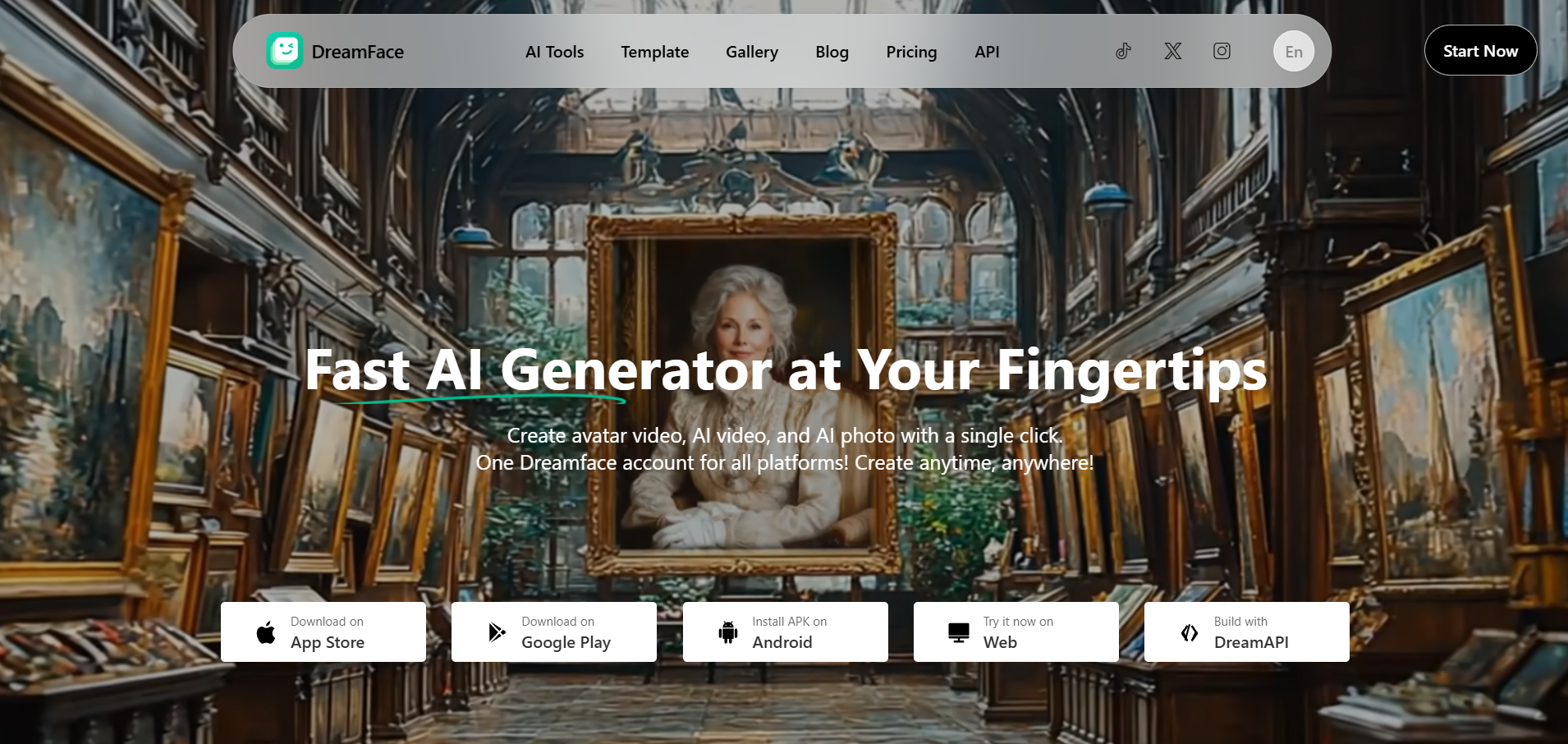
PASTE_Heygen_IMAGE_URL_HEREDreamFace is oriented toward quick talking- and singing-photo effects, making it useful for lightweight experiments and social concepts where speed matters more than building a full music-video production workflow.
Key Strengths- Low-friction consumer workflow
- Good for quick photo-animation experiments
- Useful for meme-style or casual social assets
- Less control over multi-scene music-video direction
- Results can feel template-led compared with a more art-directed workflow
Best for: A creator who wants to test a funny or casual singing-selfie idea quickly.
6D-ID
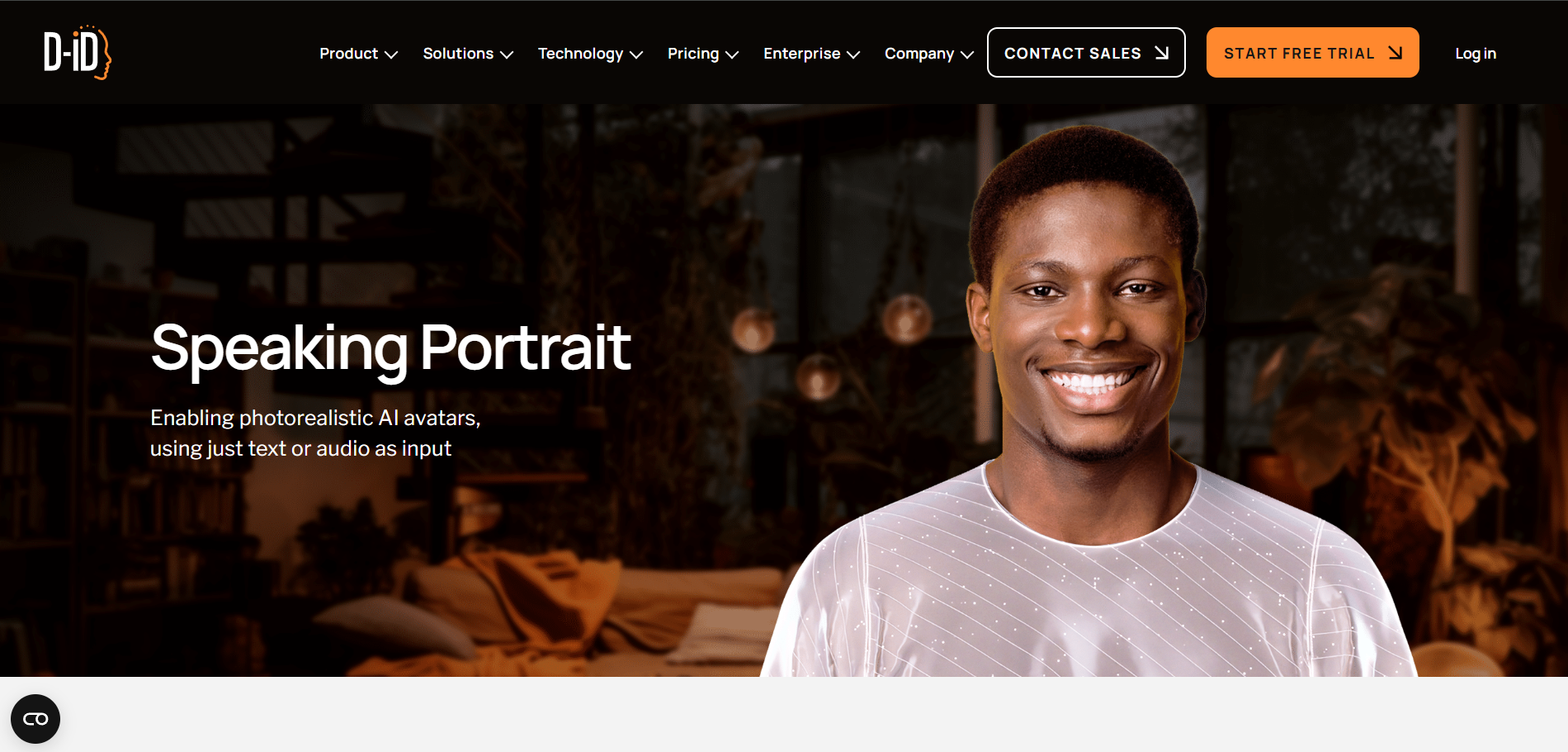
PASTE_Heygen_IMAGE_URL_HERED-ID focuses on digital people and talking portraits. It can animate a still face convincingly for speech-led content, and can be adapted to musical use cases when the audio is the primary driver.
Key Strengths- Established portrait-animation workflow
- Useful for voice-led content and digital presenters
- API and business use cases
- Not built specifically around musical structure or beat sync
- Better fit for face-led delivery than cinematic music videos
Best for: A team that already needs talking digital people and occasionally wants the same portrait to perform audio.
7Pika
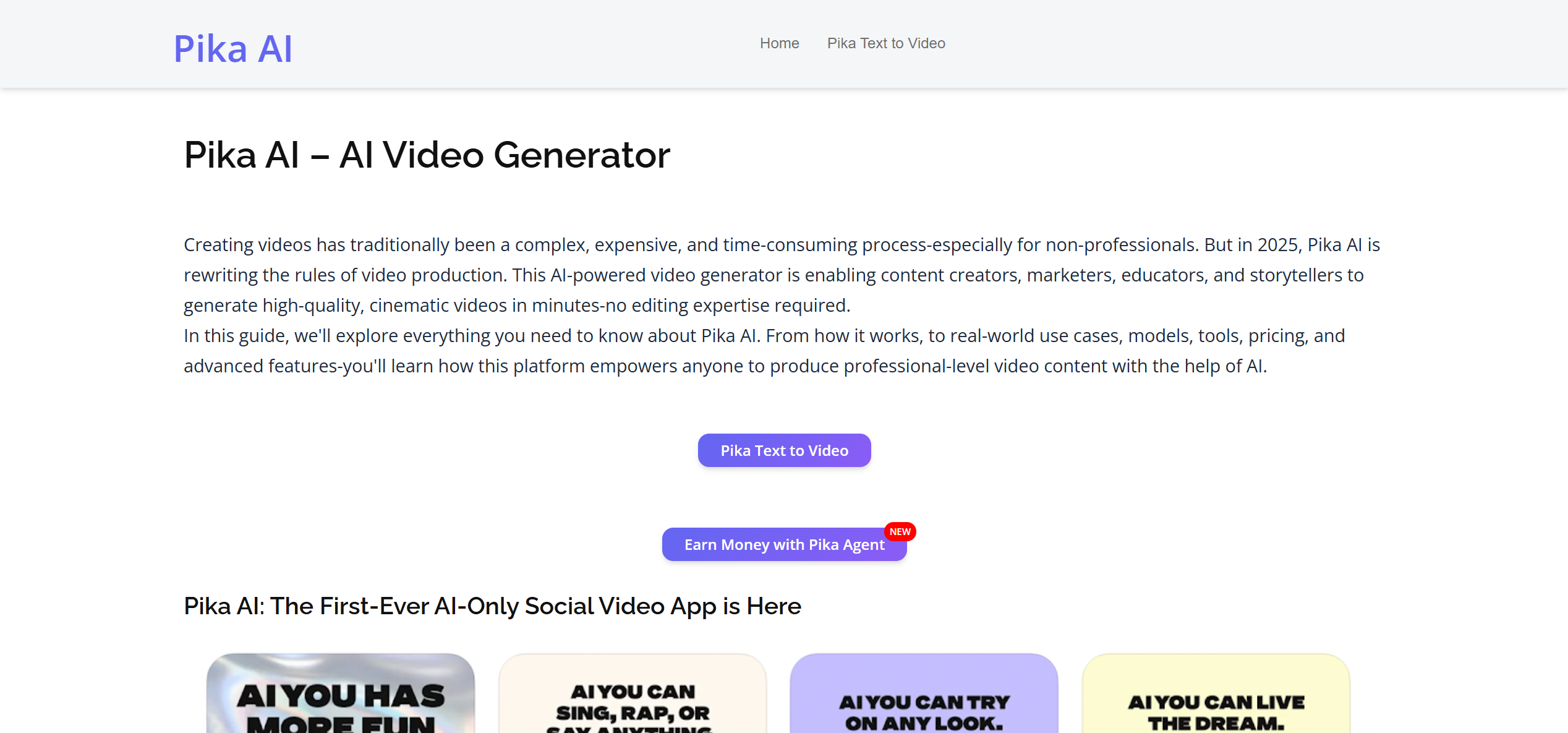
PASTE_Heygen_IMAGE_URL_HEREPika is more useful as a stylized image-to-video layer than as a dedicated singing-avatar system. It can create eye-catching short transformations and effects around a selfie, which can complement a lip-synced clip generated elsewhere.
Key Strengths- Fast stylized image-to-video ideas
- Good for transitions, transformations, and social hooks
- Useful companion for a multi-tool creative workflow
- Not the clearest choice for precise song lip sync
- Short generative shots still need assembly for a longer performance
Best for: A creator who cares more about visual surprise around the portrait than a continuous realistic singing take.
8CapCut

PASTE_Heygen_IMAGE_URL_HERECapCut belongs on the list because the generated singing selfie usually still needs captions, reframing, hooks, and platform-specific packaging. It is less about generating the core face performance and more about turning that performance into a post people will actually watch.
Key Strengths- Strong social editing and caption workflow
- Easy 9:16 finishing and template use
- Useful for hooks, cuts, text, and versioning
- Not the primary generation engine for a high-fidelity singing portrait
- Music-first AI scene generation is not its central strength
Best for: A creator who already generated the selfie performance and now needs a polished TikTok, Reel, or Short.
How to Choose the Right Tool
| If Your Priority Is… | Start With… | Why |
|---|---|---|
| Fast song + selfie workflow | Freebeat | The product is already framed around singing-photo performance |
| Long continuous avatar performance | Hedra | Long-form character animation is a core use case |
| Exact gesture / acting transfer | Runway Act-Two | The driving performance controls expression and body motion |
| Reusable business avatar | HeyGen or D-ID | Broader digital-presenter ecosystems |
| Casual meme / experiment | DreamFace | Low-friction consumer workflow |
| Effects around an existing selfie clip | Pika | Strong stylized short-form generation |
| Final social packaging | CapCut | Editing, captions, and platform-ready finishing |
Best Practice: Prove the Face Before You Build the Campaign
Whatever tool you choose, start with one 10–20 second chorus. Use one clean portrait, one output ratio, and one clear creative setup. If the identity stays stable and the mouth reads well on the hook, then build variants. Change the stage. Make a duet. Add an intro. Cut a vertical version. Turn the character into a recurring release asset.
If the proof clip does not work, do not compensate with more effects. Replace the source image or try a different generation method. The face is the product in this format.
Frequently Asked Questions
What is the best AI tool for making a selfie sing?
Freebeat is the most direct music-first choice in this list because Singing Photo starts with a portrait and song and is designed around a singing performance rather than a generic talking avatar.
Which tool gives the most control over body movement?
Runway Act-Two is a strong choice when you want to transfer a specific recorded human performance, including gestures and expression, onto a character image.
Which tool is best for a long singing avatar video?
Hedra is worth evaluating for long-form image+audio avatar output. For a multi-scene music video, however, a music-first workflow may be more appropriate than one continuous avatar take.
Can I use a cartoon selfie or illustrated character?
Yes. Several tools can animate stylized characters, but the source still needs a clearly readable face. Preserve the character’s original visual style instead of forcing photorealism.
Do I need CapCut if I use a singing-photo generator?
Not necessarily. Use an editor only when you need extra captions, hooks, multiple clips, platform versions, or campaign packaging beyond the generated performance.
Should I animate a celebrity photo?
Use images you own or have permission to animate. Avoid misleading realistic impersonations, and be especially careful when a generated performance could be mistaken for a real endorsement or recording.
More Resources
Explore more Freebeat tools and guides for music creators:
Have a selfie and a song? Start by proving the chorus in Freebeat Singing Photo.
Try Freebeat free →

