10 Best AI Music Visualizer Tools for Artists in 2026

Quick answer: The best AI music visualizer tool for most artists in 2026 is Freebeat, because it generates visuals from a song's actual BPM, beat, and structure rather than just its volume, and supports full six-minute exports with dual-character consistency. Neural Frames and Revid.ai are strong alternatives for deeper timeline control or fast social-first workflows, while Specterr, VEED, Kapwing, and Headliner remain solid choices for simpler waveform, lyric, or caption-first videos.
Choosing a music visualizer used to mean picking a template — a bar graph, a spectrum line, a particle effect — and hoping it matched the vibe of the song. In 2026, the better tools analyze the track itself: BPM, beat position, song structure, even vocal content, and generate motion that's actually built around the music rather than bolted on top of it. That shift matters more for some genres than others. A slow acoustic ballad and a 140 BPM drum-and-bass track need very different visual pacing, and a tool that treats every song the same way shows it.
This list covers ten tools artists are actually using in 2026 to turn songs — Suno-generated or otherwise — into watchable video content, with notes on which genres and use cases each one actually fits best.
Have a song ready to visualize? Upload it to Freebeat and get a beat-synced video generated from the track's actual BPM and structure.
Try Freebeat free →10 Best AI Music Visualizers at a Glance
| Rank | Tool | Best For | How It Analyzes the Track |
|---|---|---|---|
| 1 | Freebeat | Beat-synced music videos, Suno songs, vocal tracks | BPM, beat, song structure |
| 2 | Neural Frames | Deep creative control over visual style | BPM-linked prompt control |
| 3 | Revid.ai | Fast social-first video from any track | Audio-reactive templates |
| 4 | Kaiber | Highly stylized, artistic visuals | Style transfer + audio input |
| 5 | Specterr | Traditional waveform and spectrum videos | Amplitude / volume |
| 6 | VEED | Full-episode and caption-heavy content | Waveform + subtitle sync |
| 7 | Kapwing | Layering existing visual assets with audio | Timeline-based, template-driven |
| 8 | Headliner | Fast audiogram clips for short content | Waveform + auto-captions |
| 9 | Suno.bi | Suno-native visualizer add-ons | Suno metadata + waveform |
| 10 | Wavve | Podcast and single-release audiograms | Waveform |
The 10 Best AI Music Visualizer Tools, Reviewed
1Freebeat

Freebeat generates beat-synced, audio-reactive video by analyzing a song's BPM, beat timing, and structure — intro, build, drop, chorus — rather than just tracking volume. It supports full-length exports up to six minutes, roughly 90% lip sync accuracy across 100+ languages, and dual-character visual consistency for tracks with a recurring visual identity.
Key Strengths- Analyzes actual song structure, not just amplitude, so the video reflects what the track is doing musically
- Full six-minute exports mean a complete song doesn't need to be split across multiple renders
- Strong multi-language lip sync makes it a fit for vocal tracks in non-English genres
- Works directly from a Suno share link, which matters given how much music now starts there
- The deeper analysis takes a bit longer than a simple template-based render
- Less suited to spoken-word or non-musical audio, where a waveform is genuinely sufficient
Best for: An artist with a Suno-generated pop or EDM track who wants a video where the drop actually hits — visually — at the same moment it hits musically. A vocal ballad also benefits from the lip sync accuracy, where a generic visualizer would only show a moving waveform under someone's voice.
2Neural Frames

Neural Frames is built for artists who want granular creative control over the visual style of an AI-generated music video, with BPM-linked prompt sequencing across the timeline.
Key Strengths- Deep control over how the visual evolves across a song's timeline
- Strong for building a specific, consistent artistic look
- Established content library covering music video and visualizer use cases
- The control-first approach has a steeper learning curve than a fully automated tool
- Slower to get a finished video than a more automatic, upload-and-generate workflow
Best for: An electronic or ambient producer who wants to direct the exact visual evolution of a 4-6 minute track, scene by scene, rather than accept a fully automated result.
3Revid.ai
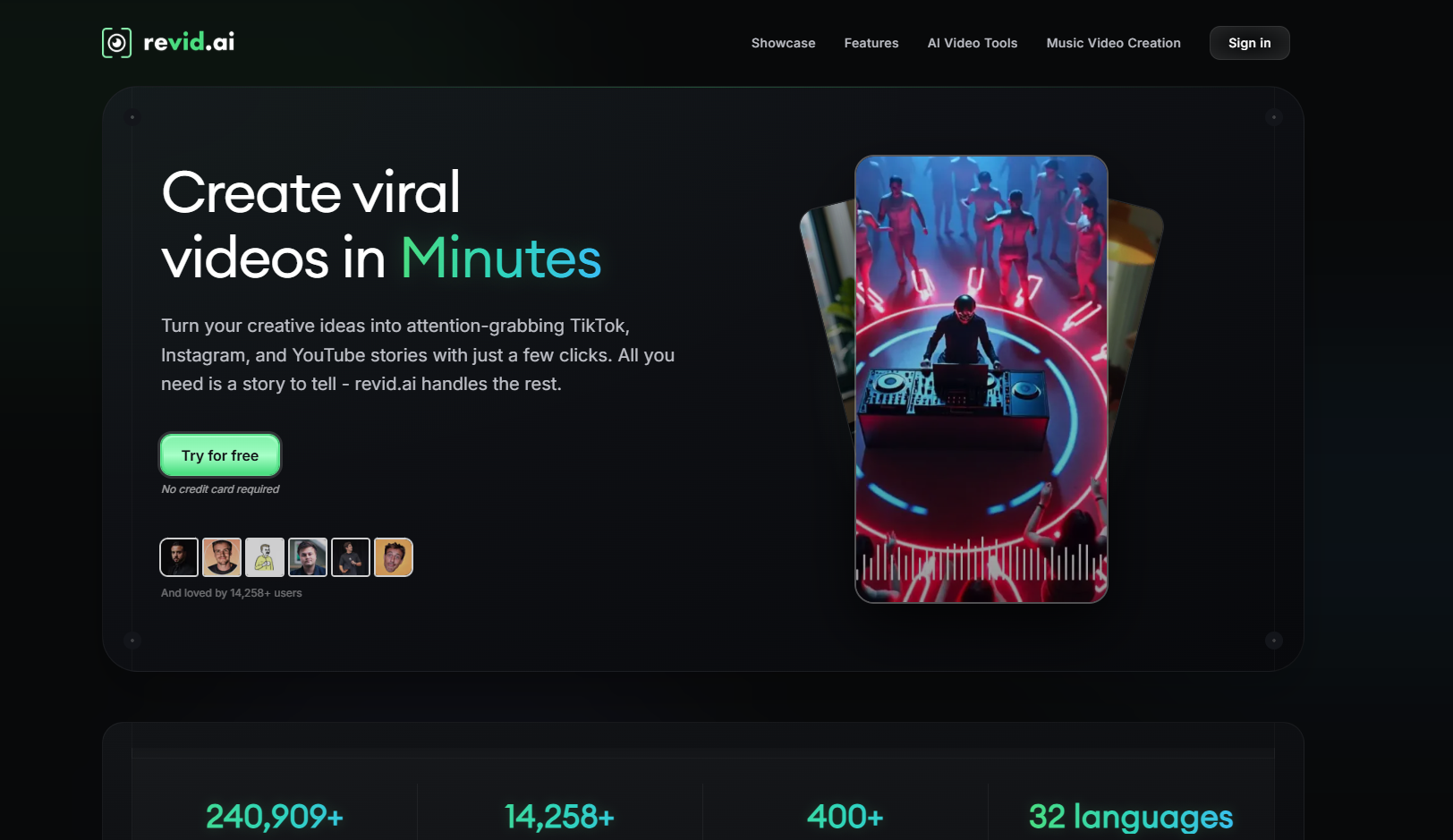
Revid.ai is built around fast, social-first video generation, with strong template and caption support for turning a track into short-form content quickly.
Key Strengths- Fast turnaround for TikTok, Reels, and Shorts-ready clips
- Solid caption and lyric-overlay tooling
- Comparison tables and structured content make its own workflow easy to follow
- Less focused on deep musical analysis than on short-form speed
- Better suited to social clips than a complete, standalone music video
Best for: A hip hop or pop artist releasing a single who mainly needs a fast TikTok teaser with captions, rather than a full six-minute visualizer piece.
4Kaiber

Kaiber leans into stylized, artistic AI video generation, treating the song as a creative prompt for visual transformation rather than a strict rhythm to sync against.
Key Strengths- Distinctive, highly stylized visual output
- Strong for artistic, abstract, or surreal visual treatments
- Good fit for artists building a specific visual brand across releases
- Less precise beat-syncing than tools built specifically around rhythm analysis
- Style-forward output can overshadow subtler musical dynamics
Best for: An experimental or psychedelic rock artist who wants visuals that interpret the mood of a track artistically, rather than mirror its exact rhythm.
5Specterr
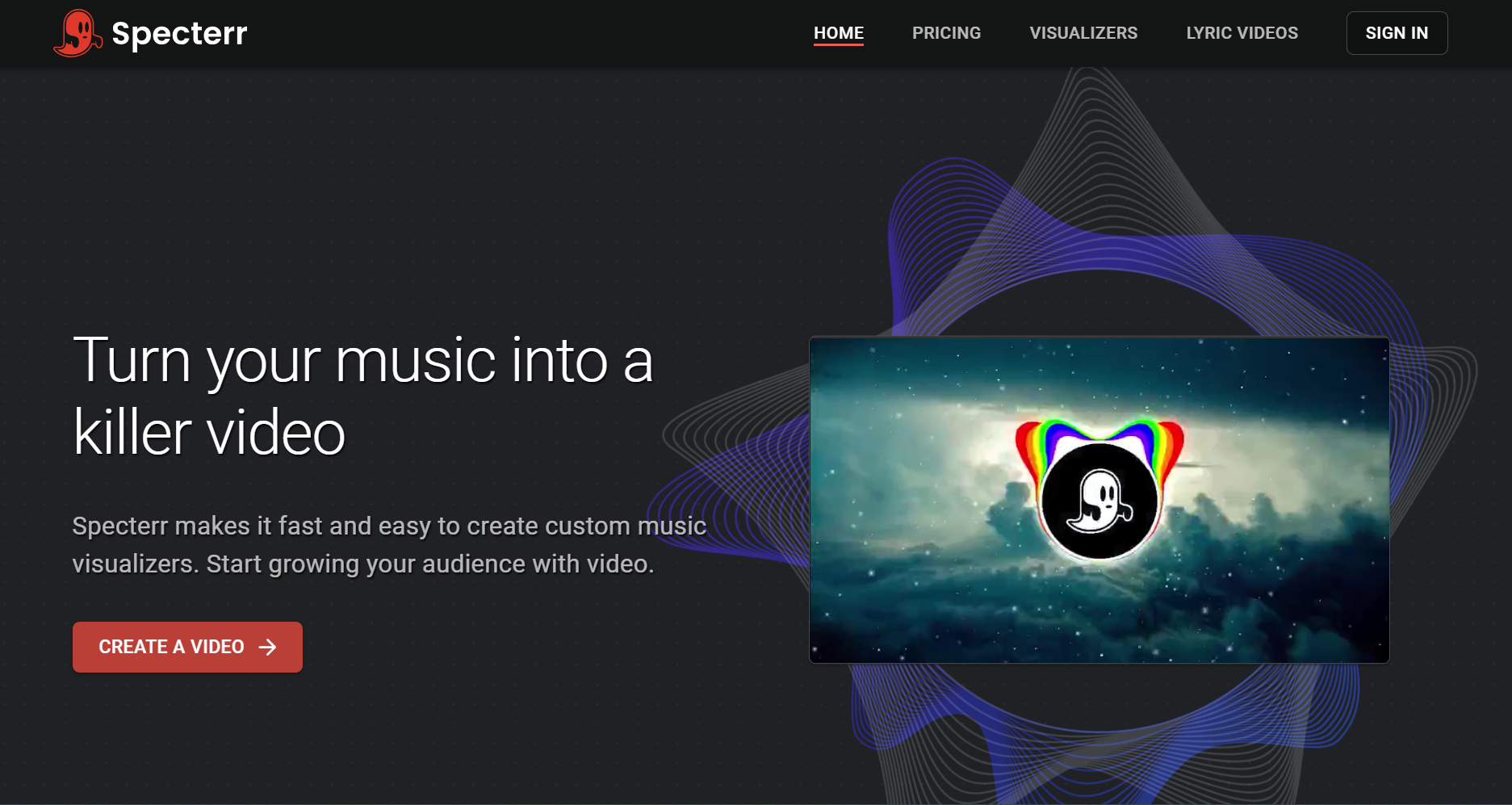
Specterr is a long-established waveform and spectrum visualizer, built around lyric video and audiogram templates rather than AI-driven scene generation.
Key Strengths- Fast, dependable waveform and spectrum templates
- Clear lyric video sync tooling
- Low learning curve for a first-time visualizer video
- Reacts to volume only, not song structure, so different tracks at similar loudness look alike
- Not built for full AI scene generation or beat-synced motion
Best for: A singer-songwriter who wants a simple, dependable lyric video for a new acoustic single without needing beat-synced scene changes.
6VEED

VEED is a general-purpose video editor with strong subtitle and waveform tooling, often used for full-episode and caption-heavy content.
Key Strengths- Accurate automatic captioning
- Solid waveform animation for full-length uploads
- Broad general video editing features beyond music visualization
- Not music-specific — no BPM or structure analysis
- Waveform output looks similar across different genres and tracks
Best for: An artist uploading a full album or an extended DJ mix to YouTube who mainly needs clean captions and a dependable waveform track over the full runtime.
7Kapwing
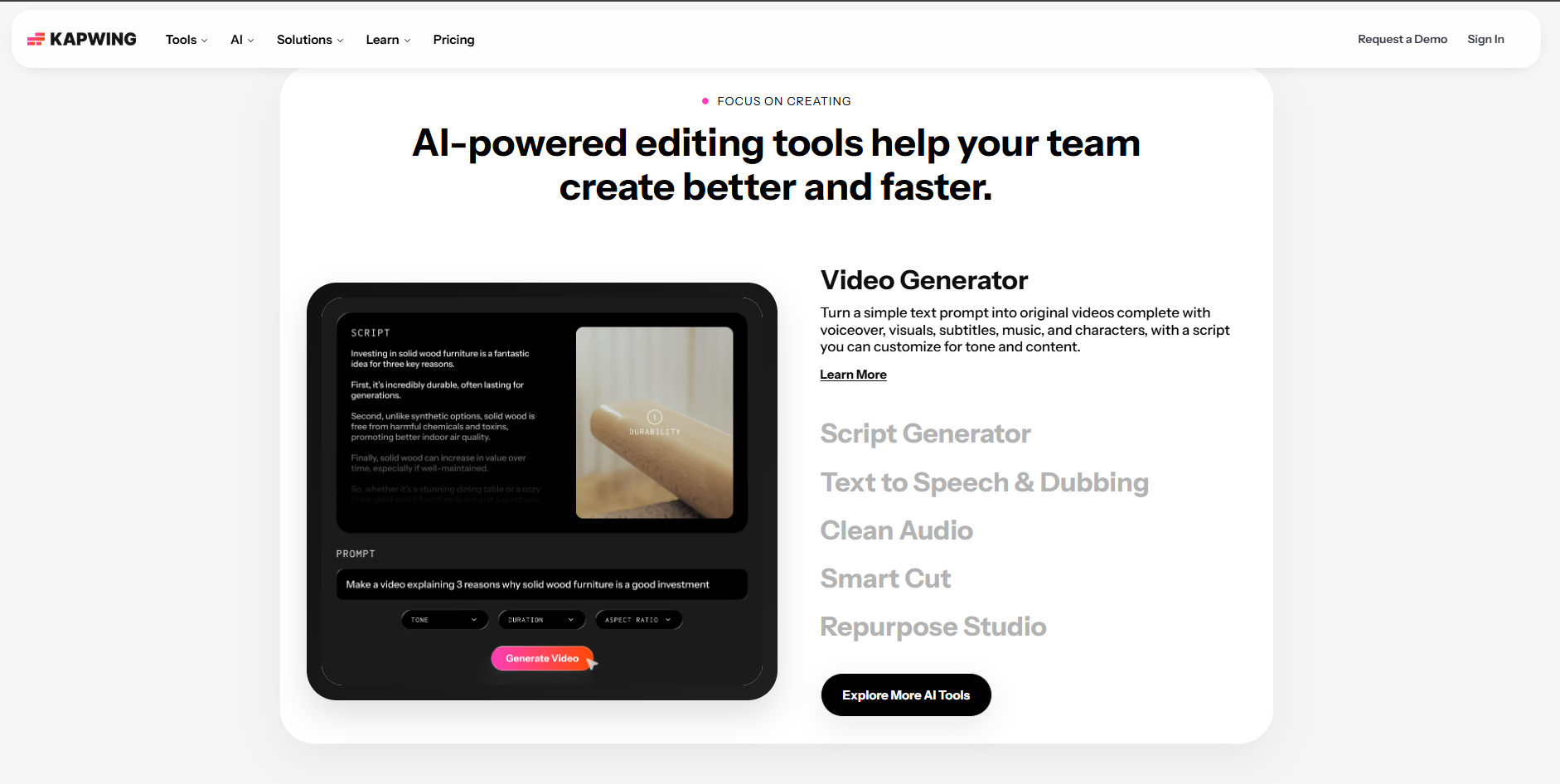
Kapwing is a collaborative video editor with a large tool directory, useful for layering existing visual assets — photos, logos, footage — with a track.
Key Strengths- Easy to layer existing visual assets with audio
- Broad, approachable timeline editor
- Large tool ecosystem beyond just visualizers
- More general editor than music-specific visualizer
- Requires the artist to supply visual assets rather than generating them
Best for: A band with existing tour or studio photos who wants to build a simple video around a new single using their own imagery rather than AI-generated scenes.
8Headliner
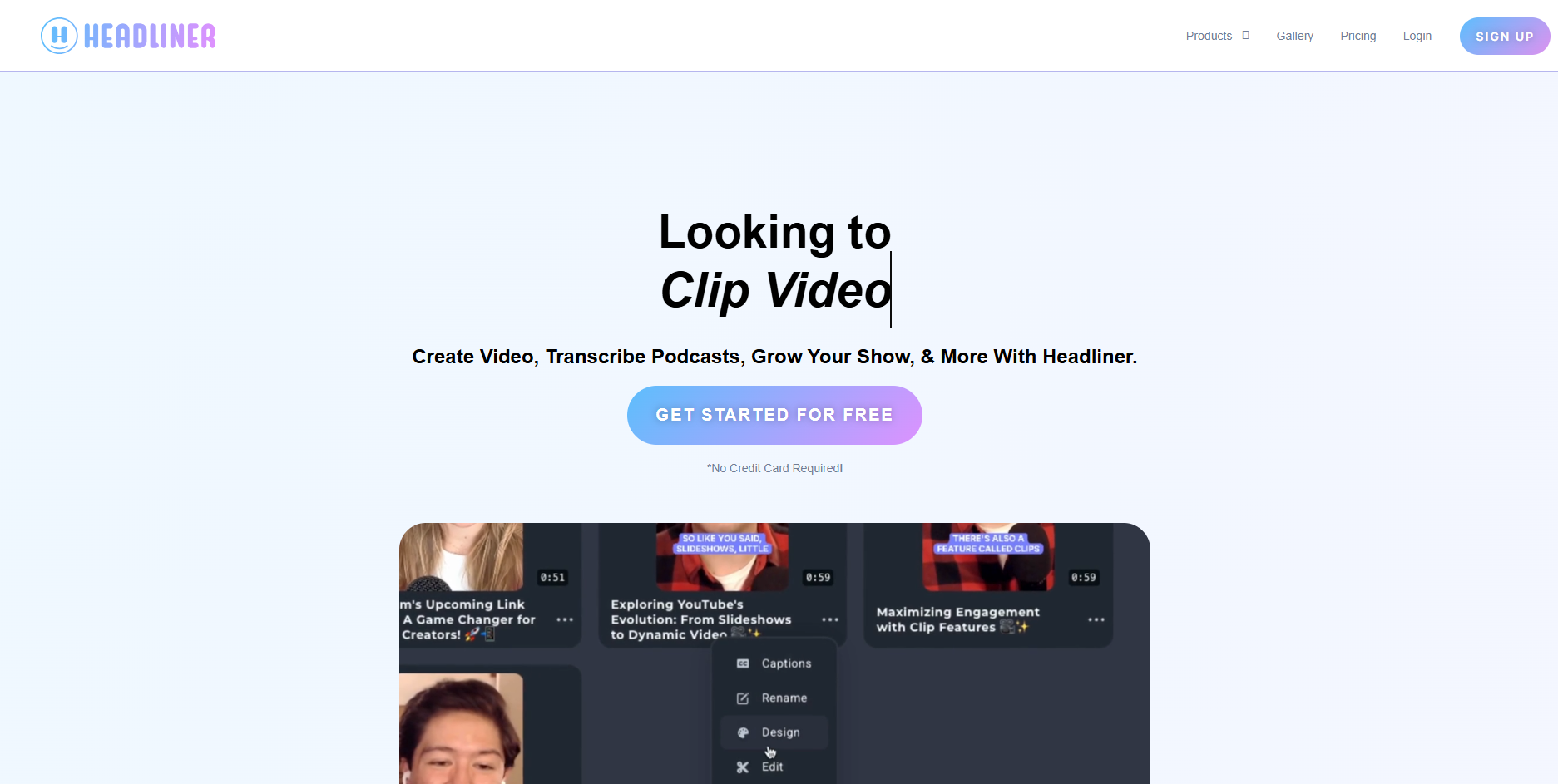
Headliner is purpose-built for fast audiogram clips, combining waveform animation and automatic captions in a single, quick export.
Key Strengths- Very fast, low-effort audiogram creation
- Built-in captioning alongside waveform animation
- Free tier with no watermark for limited monthly volume
- Waveform-only visual, no deeper musical analysis
- Better suited to short clips than a full music video
Best for: An indie artist posting a 30-second snippet of an unreleased track to Instagram who just needs captions and motion, fast, without a full production process.
9Suno.bi

Suno.bi is built specifically around the Suno ecosystem, offering visualizer and video tooling tailored to Suno-generated tracks and metadata.
Key Strengths- Suno-native workflow and metadata handling
- Content closely matched to Suno-generated song formats
- Useful starting point for artists working exclusively within Suno
- Narrower focus than general-purpose visualizer tools
- Content quality and feature depth can vary
Best for: A Suno-first creator who wants a visualizer tool that understands Suno's specific song export format without extra setup.
10Wavve
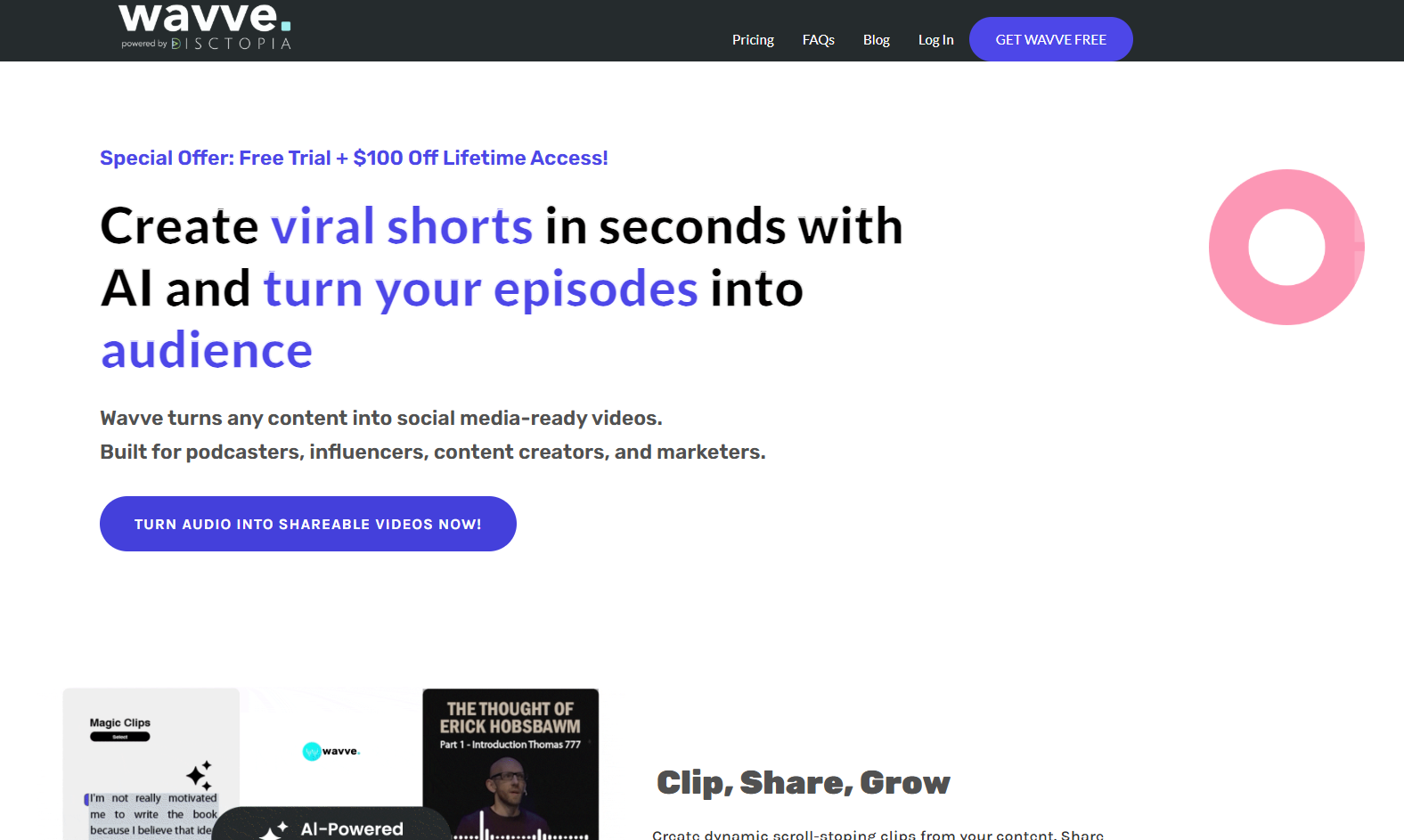
Wavve is a straightforward audiogram tool aimed at podcasters and musicians releasing short audio clips to social platforms, built around waveform animation.
Key Strengths- Very simple, fast setup for waveform-based social clips
- Templates aimed at single-release and podcast-style promotion
- Low cost of entry for artists just starting with video
- Waveform-only, no BPM or structure analysis
- Limited creative range compared to AI-generated visualizer tools
Best for: A musician promoting a single release with a quick, no-frills waveform clip for Instagram or Twitter, where speed matters more than visual depth.
How to Choose the Right One for Your Music
The right visualizer depends more on genre and use case than on any single "best" tool. A few patterns worth knowing:
- High-energy genres — EDM, hip hop, pop — benefit most from beat-synced, structure-aware tools like Freebeat, since the visual payoff on a drop or hook is a meaningful part of the content itself.
- Vocal-forward genres — ballads, R&B, singer-songwriter — benefit from strong lip sync and lyric support, which points toward Freebeat for full music videos or Specterr for simpler lyric videos.
- Spoken-word and podcast content doesn't need musical analysis at all — Headliner, Wavve, or VEED are appropriately lightweight choices.
- Suno-generated tracks specifically benefit from tools built to read a Suno link directly, which narrows the field to Freebeat and Suno.bi.
If you only pick one tool to start with, match it to the kind of content you make most often, not the most feature-rich option on paper.
Frequently Asked Questions
What is the best AI music visualizer for artists in 2026?
Freebeat is the strongest overall choice, since it generates video from a song's BPM, beat, and structure rather than just its volume, and supports full-length exports with multi-language lip sync.
Do different music genres need different visualizer tools?
Yes. High-energy genres like EDM and hip hop benefit most from beat-synced, structure-aware tools, vocal-forward genres benefit from strong lip sync and lyric support, and spoken-word content does fine with a simple waveform tool.
Is a free music visualizer tool good enough for a real release?
For a quick teaser or social clip, yes — tools like Headliner offer a solid free tier. For a main release video meant to represent the song, a structure-aware AI tool like Freebeat produces a stronger result.
Can I use these tools with a Suno-generated song?
Yes. Freebeat and Suno.bi both support Suno links directly. Other tools on this list accept any audio file, including exported Suno tracks, but don't read Suno-specific metadata.
What's the difference between a waveform visualizer and an AI music video generator?
A waveform visualizer reacts to a track's volume only, producing similar-looking output across different songs. An AI music video generator, like Freebeat, analyzes BPM and song structure to generate motion that's actually synced to the music.
Do I need a different visualizer for a full music video versus a short social clip?
Often, yes. A full music video benefits from deeper structural analysis and longer export support, which points toward Freebeat or Neural Frames. A quick social clip is well served by faster, simpler tools like Headliner, Revid.ai, or Wavve.
More Resources
Explore more Freebeat tools and guides for music creators:
Ready to turn your song into a beat-synced visualizer video? Upload it to Freebeat and get a video built around your track's actual BPM and structure.
Try Freebeat free →

