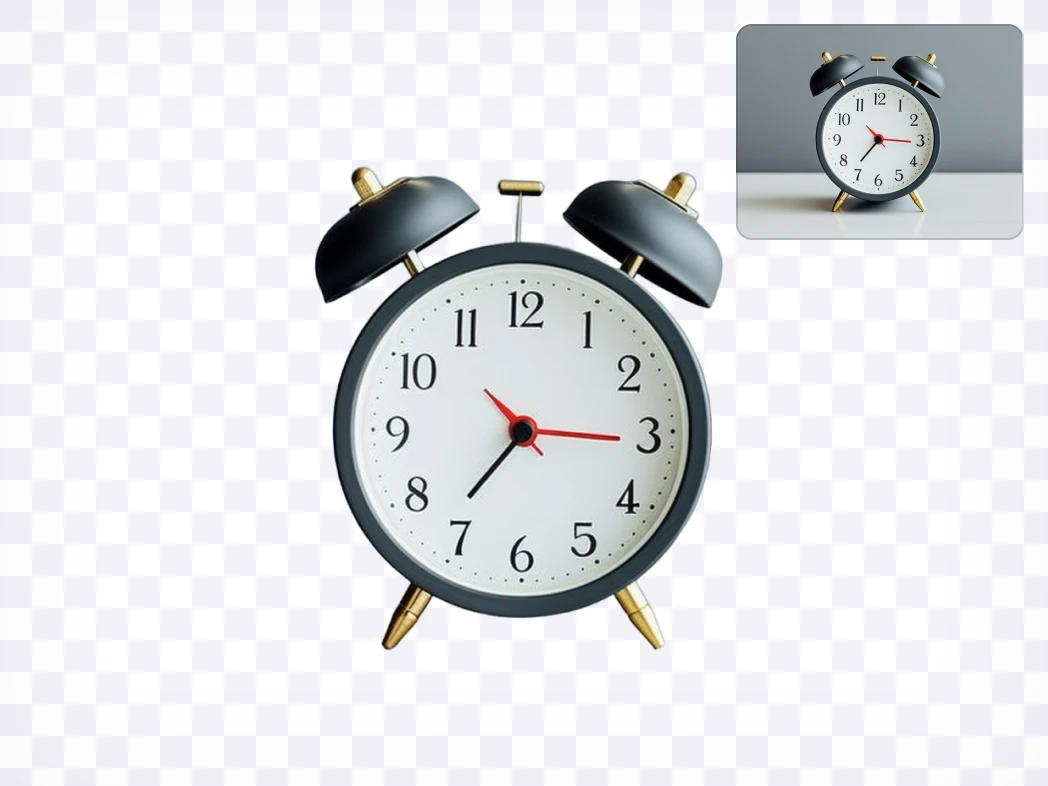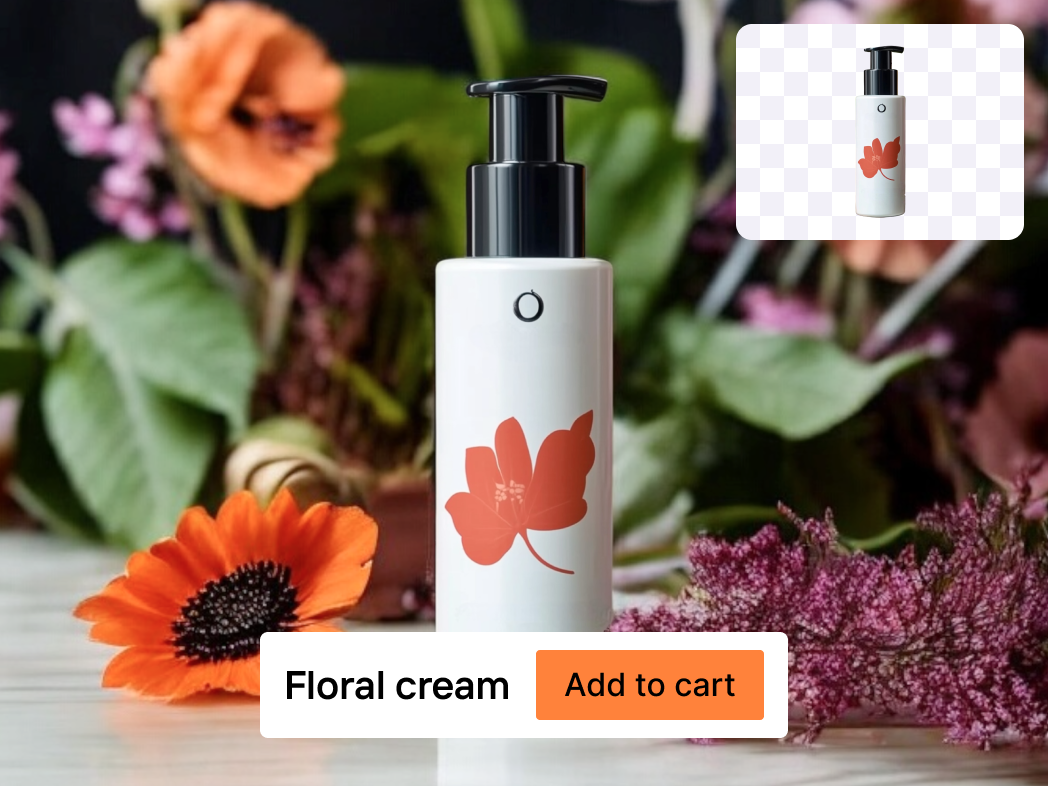
Free Transparent Background Maker

Transform your visuals with our advanced free transparent background maker. Easily remove unwanted backgrounds and get transparent background instantly for any image.

12,500+ images processed dailyTrusted by creators worldwide
Hero image
Checking quota...
Image

Use an image with a clear main subject.

Upload an image to create a transparent PNG.

Explore More Free Tools

How to Use Our Free Transparent Background Maker Online

Quickly make image background transparent with these simple steps.

01

Step 1: Upload Your Image

Begin by selecting the image you wish to edit. Our intuitive interface allows for easy uploading from your device. This is the first step to remove background from image free online, ensuring your chosen picture is ready for transformation. Prepare to create png with transparent background effortlessly.
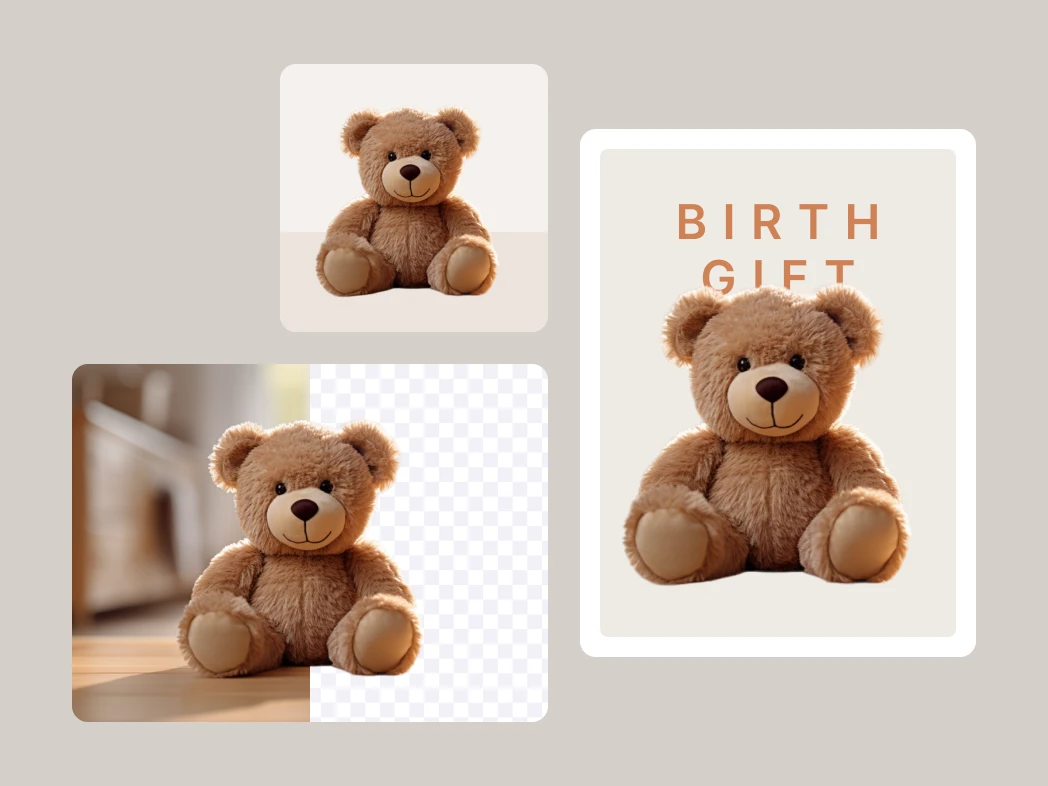
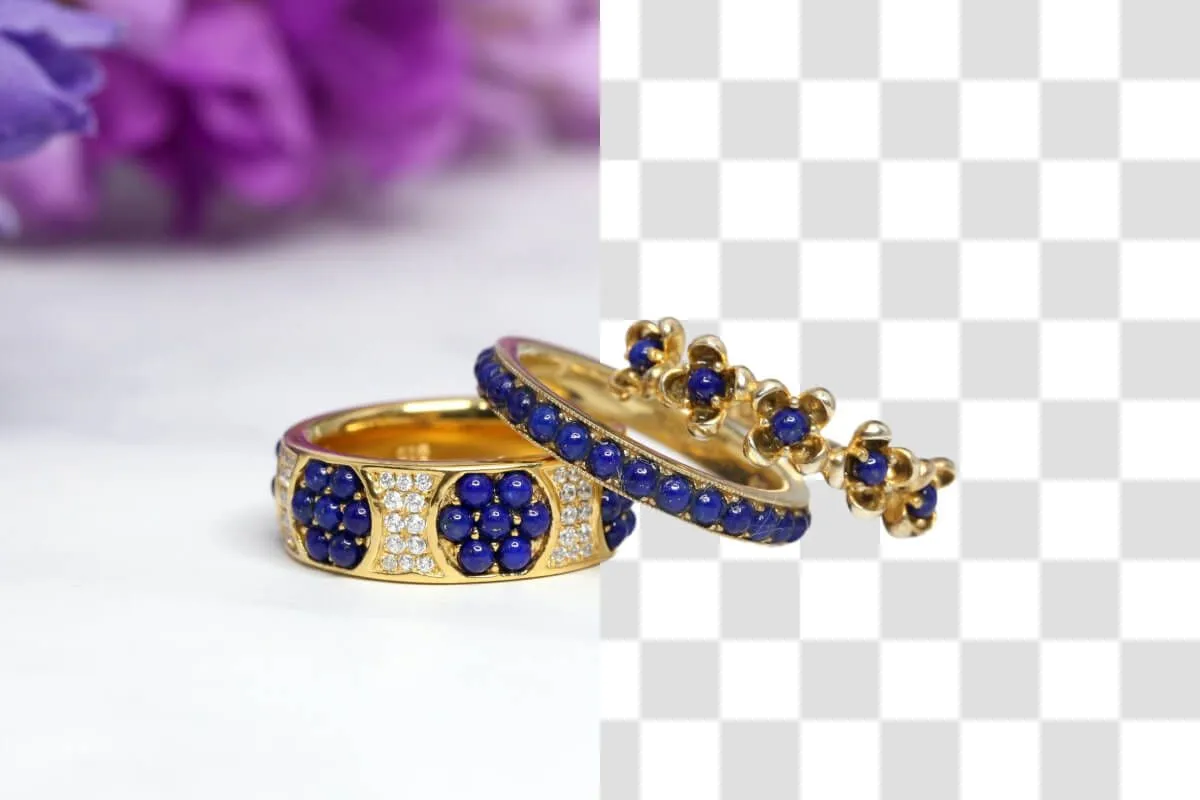
02

Step 2: Auto-Remove Background

Our advanced AI instantly detects and removes the background from your photo. Witness the magic as your image becomes foreground-focused. There's no need for manual selection or complex editing, making it simple to convert image to transparent background free and fast.

03

Step 3: Download Your Transparent Image

Once the background is removed, your new transparent image is ready for download. Get a high-quality PNG file with a perfectly clear transparent background. This final step helps you easily remove white background from image online, providing a versatile asset for any project.

Key Features of Our Transparent Background Tool

Experience the power of our transparent image maker.

AI-Powered Precision

Our background remover leverages cutting-edge AI image editing to accurately distinguish between foreground and background elements. This ensures clean, crisp edges and professional-quality results every time. Easily create a transparent background with unparalleled precision, saving you time and effort.

Feature image 1

Instant Processing

Say goodbye to long waiting times. Our tool processes images in seconds, allowing you to get transparent background instantly. This efficiency makes it the ideal free transparent background maker for busy professionals and casual users alike, streamlining your workflow.

Feature image 2

High-Quality PNG Output

Download your edited images in the widely supported PNG format, which preserves transparency perfectly. You get a high-resolution transparent background image ready for any application, from web graphics to print media. This ensures your digital assets maintain their quality.

Feature image 3

User-Friendly Interface

Designed for simplicity, our online transparent background tool makes it incredibly easy for anyone to make image background transparent. No complex software knowledge is required. Just upload, process, and download your transparent background, making advanced image editing accessible to all.

Feature image 4

Experience the Best Free Transparent Background Maker Online

Achieve professional results without the cost or complexity.

01

Enhance Visual Impact

Make your subjects truly stand out by giving them a clear transparent background. This instantly elevates your visual content, making images more versatile and impactful. It’s the best free transparent background tool to draw attention to your main subject.

02

Save Time and Resources

No more tedious manual selections or expensive software. Our free background remover simplifies the process, allowing you to create stunning transparent images in moments. This frees up your time, letting you focus on other creative tasks without hassle.

03

Boost Creative Freedom

Gain the ability to place your subjects onto any new background or integrate them into complex designs. Knowing how to make an image transparent without Photoshop opens up endless possibilities for graphic design and composition. Easily manipulate your digital assets.

04

Professional E-commerce Visuals

Elevate your product photography with crisp, clear, transparent backgrounds. Our easy online transparent background maker ensures your products look their best on any platform, helping to drive sales and create compelling E-commerce visuals.

Versatile Uses for Our Transparent Background Maker

Discover how our tool empowers various creative and professional needs.

01

Product Photography Enhancement

Create studio-quality images for your online store by using a transparent background for product photography. This allows your merchandise to shine without distracting elements. Learn how to make a product photo background transparent effortlessly and impress your customers.

02

Logo and Branding Projects

Make logo background transparent free with ease, ensuring your brand identity is clean and adaptable across all materials. A transparent logo can be seamlessly integrated into websites, documents, and marketing collateral, maintaining consistency and professionalism for your E-commerce visuals.

03

Dynamic Social Media Content

Design eye-catching posts and stories by adding transparent elements to your visuals. Our transparent background maker for social media helps you craft unique graphics that stand out in crowded feeds, enhancing engagement and visual appeal for your audience.

04

Professional Presentations

Improve the clarity and aesthetics of your presentations by using images with transparent backgrounds. This ensures a clean, integrated look for charts, diagrams, and photos, making your content more polished and professional. It’s perfect for digital assets.

What Users Say About Our Free Transparent Background Maker

Real people, real results with freebeat.ai’s intuitive image tool.

Result 01

"I absolutely love this transparent background tool! As a small business owner, I needed a free way to get my product images ready for my online shop without spending a fortune on design software. This tool made it so easy to make the backgrounds disappear. The quality is fantastic, and it’s become my go-to for all my product shots. Truly a lifesaver."

EREmily R.E-commerce Entrepreneur
Result 02

"This is a seriously effective transparent background maker. I've tried a few different free options, but freebeat.ai's stands out for its accuracy. It handles complex edges well, which is crucial for my architectural renders. It's an easy online transparent background maker that delivers consistent results every time, which is all I ask for."

DLDavid L.Graphic Designer
Result 03

"Honestly, I was skeptical about a free tool, but freebeat.ai's transparent background maker blew me away. I just needed to quickly isolate a few images for a school project, and it did exactly what I needed. No fuss, no hidden costs, just a clean transparent background. Simple and straightforward, highly recommend it for anyone."

SMSarah M.Student
Result 04

"Finally, a free background remover that actually works! I used to struggle with making my social media graphics look professional because of distracting backgrounds. This free transparent background maker has made it incredibly simple to create transparent images. My content looks so much better now, and it took me literally seconds. A fantastic resource."

AKAlex K.Content Creator
Result 05

"For my blog, having clean images is essential, and this transparent background tool is perfect. It's fast, efficient, and the results are always high quality. I appreciate that it's free and consistently performs. It's saved me a lot of time I would have spent fiddling in a more complex photo editor. Excellent functionality."

CPChris P.Lifestyle Blogger
Result 06

"I frequently need to create transparent images for client presentations. This online transparent background tool is a godsend. It consistently delivers professional results quickly, making my workflow much smoother. I especially appreciate how precise it is with various objects, ensuring my digital assets always look polished."

JTJessica T.Marketing Specialist

Frequently Asked Questions About Our Transparent Background Tool

Get quick answers to common questions about using our powerful image background removal service.

Q: What is a transparent background and why is it useful?

A: A transparent background is an image feature that makes the background completely clear, allowing the content behind it to show through. This is incredibly useful for versatility in design. It lets you seamlessly integrate an object or person into different backdrops, perfect for product photography, creating logos, or combining multiple images without unsightly white boxes. Our free transparent background maker creates images that adapt to any design effortlessly.

Q: How do I create a PNG with transparent background using this tool?

A: Creating a PNG with transparent background is very simple with our tool. Just upload your image, and our AI will automatically detect and remove the background. The resulting image will be a PNG file, which is the standard format for preserving transparency. You can then download your newly created transparent image, ready for any project or design needs.

Q: Can I convert image to transparent background free, or are there hidden costs?

A: Yes, you can convert image to transparent background free using our online tool. We provide a generous number of free uses daily. There are no hidden costs for basic functionality. Our aim is to offer a best free transparent background tool that is accessible to everyone for their everyday image editing needs.

Q: Is this tool truly the best free transparent background tool available?

A: Many users consider our tool among the best free transparent background tools due to its AI-powered accuracy, speed, and ease of use. It rivals professional software in its ability to handle complex edges and deliver high-quality results. If you need to remove white background from image online or make logo background transparent free, you'll find our solution incredibly effective.

Q: How does this tool help me make an image transparent without Photoshop?

A: Our online transparent background tool eliminates the need for complex software like Photoshop. You don't require any advanced editing skills or expensive subscriptions. Simply upload your photo, and our AI does all the heavy lifting, automatically making your image transparent in seconds. It's the perfect solution for how to make an image transparent without Photoshop.

Q: Can I remove white background from image online with this tool?

A: Absolutely. Our tool is highly effective at identifying and removing solid color backgrounds, including white. Upload your image, and our advanced background remover will accurately isolate your subject, providing a clean transparent background. This makes it incredibly easy to remove white background from image online for crisp, professional visuals.

Q: What file formats are supported for input and output?

A: Our transparent background tool primarily supports popular image formats like JPG and PNG for input. For output, we always provide a high-quality PNG file. The PNG format is essential for preserving the transparency of your edited images, ensuring they integrate seamlessly into any design project or website.

Q: Can I use this free transparent background remover for pictures with complex details?

A: Yes, our free transparent background remover for pictures is designed to handle complex details, including hair, intricate patterns, and delicate edges. Powered by advanced AI image editing, it intelligently differentiates between the foreground and background, providing precise cuts and a clean transparent background even on challenging images.

Q: What are the daily usage limits for the free transparent background maker?

A: Our free transparent background maker offers 5 free uses per day. This allows you to process several images for your projects without any cost. If you have higher volume needs, we offer premium options for expanded access to our robust Image background removal capabilities. This ensures everyone can experience the benefits of our tool.