Free Black and White Image Converter

Transform your photos into timeless black and white masterpieces with our easy-to-use online tool. Completely free and ready to convert your images instantly.

12,500+ images processedTrusted by creators worldwide

Welcome to our free online black and white image tool, where you can quickly make your photos black and white. Thousands trust us to convert image to black and white effortlessly.

Hero image
Checking quota...
Color image

No upload to a server is needed.

Upload an image to convert it to black and white.

Explore More Free Tools

How to Make Your Image Black and White Online

Our intuitive platform simplifies how to make image black and white. Simply upload your image, apply the black and white filter, and download your new grayscale image. It's the quickest way to turn photo black and white online.

01

Step 1: Upload Your Image

Begin by selecting the photo you wish to convert. Our tool supports various image formats, ensuring compatibility for almost any picture you want to make black and white. Simply drag and drop your file or click the upload button to get started.
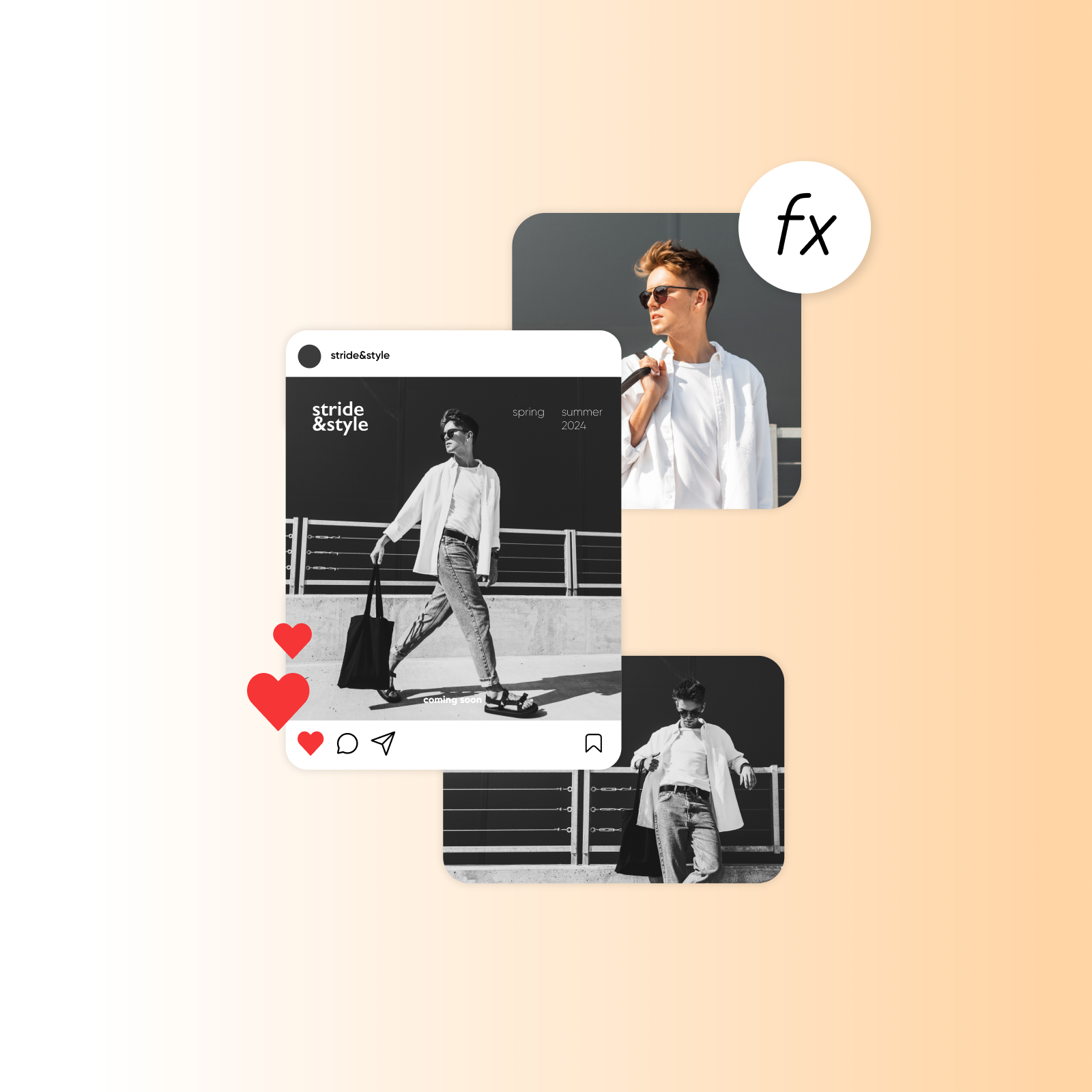
02

Step 2: Apply Black and White Filter

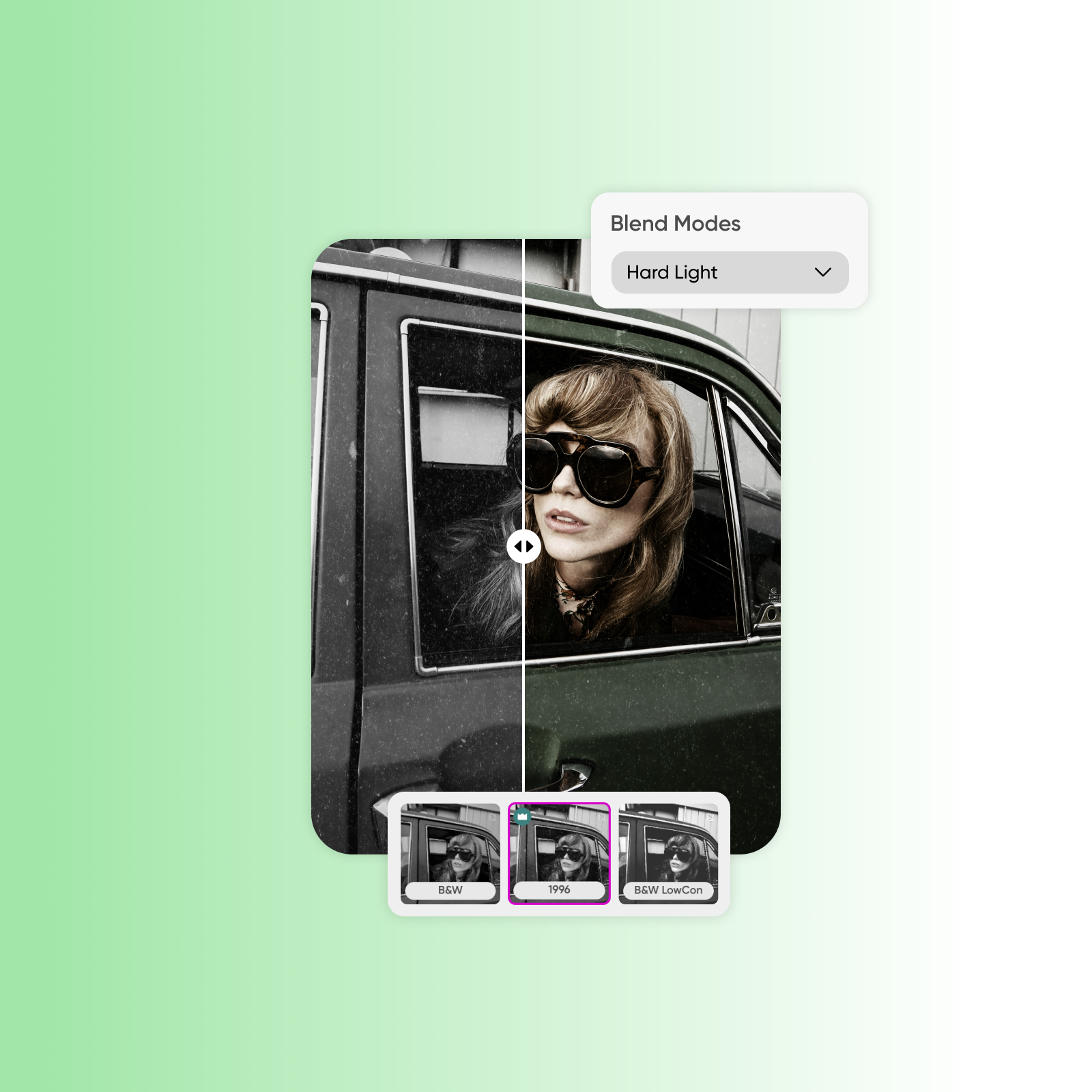
Once uploaded, our powerful online black and white image tool automatically processes your image. You can then fine-tune the black and white filter intensity or choose from subtle presets to achieve your desired grayscale look. This step gives you creative control.

03

Step 3: Download Your Grayscale Photo

After applying the perfect black and white effect, instantly download your newly converted image. Your original photo remains untouched, and you get a stunning grayscale image ready for sharing or further editing. It is truly that simple to make image black and white.

Unlock the Power of Our Free Black and White Photo Converter

Transform your digital photography with powerful features designed for everyone.

Versatile Format Support

Our advanced grayscale image converter supports various formats, allowing you to easily convert JPG to black and white, or remove color from image online with precision. We handle common image files, making your conversion process smooth.

Feature image 1

Customizable Black and White Filter

Apply a black and white filter to picture with customizable intensity. Adjust the contrast and brightness to achieve the perfect monochrome effect for your image. This gives you artistic control over the final look and feel of your photo.

Feature image 2

Fast Online Processing

Experience lightning-fast conversions. Our efficient online black and white image editor quickly transforms your color photos into striking grayscale images without any delay. You can get a black and white version of image in mere seconds.

Feature image 3

User-Friendly Interface

Designed for simplicity, our tool makes it incredibly easy to make image black and white. Its intuitive design ensures a smooth experience for both beginners and experienced users. There are no complicated menus or confusing settings to navigate.

Feature image 4

Experience the Benefits of Our Grayscale Image Converter

Discover how our free online tool enhances your images and simplifies your workflow.

01

Create Timeless Aesthetics

Experience the best free black and white converter that transforms your digital photography. Give your modern photos a classic, timeless appeal, adding depth and emotion to every image. Achieve a sophisticated and artistic look effortlessly.

02

Enhance Visual Storytelling

Change picture to grayscale online to emphasize textures, shapes, and light, making your images more impactful. This technique helps viewers focus on the narrative and emotion within your photograph. It's an effective way to highlight details.

03

Save Time and Effort

Easily change picture to grayscale online, saving you time and effort. Our streamlined process eliminates the need for complex software, allowing you to achieve professional results quickly. Get a black and white version of image without hassle.

04

Achieve Professional Results

Produce high-quality black and white images suitable for any purpose, from personal projects to professional portfolios. Our tool ensures your grayscale photos look polished and ready for display. Elevate your images with a refined finish.

Practical Use Cases for Your Black and White Images

Explore diverse applications for your converted photos, catering to various needs and creative visions.

01

Social Media Aesthetics

Whether you need to make photo black and white on phone for social media or how to make image monochrome for artistic projects, our tool is perfect. Create cohesive and stylish feeds by applying a consistent black and white filter to your pictures. This instantly elevates your online presence.

02

Artistic Photography Projects

Transform ordinary photos into artistic expressions by removing color and highlighting composition. Experiment with different shades of gray to evoke specific moods and tones for your fine art digital photography. This allows for deep creative exploration.

03

Vintage Document Restoration

Convert old, faded color photos or scans of documents into crisp, clear black and white images. This can help improve readability and give a consistent, archival look to historical materials. It's great for preserving memories and records.

04

Website and Blog Design

Use monochrome images to create a sophisticated and uncluttered look for your website or blog. Black and white photos often integrate seamlessly with various design schemes, providing a versatile visual element. They help focus on content.

What Users Say About Our Free Black and White Image Converter

Hear from individuals who have successfully used our online tool to convert their photos into stunning grayscale.

Result 01

"I needed to convert color photo to black and white online free, and this site was a lifesaver! The free online tool to turn photos black and white is incredibly easy to use. I was able to get a beautiful black and white version of image for my blog post in minutes."

SMSarah M.Content Creator
Result 02

"As a photographer, finding a reliable, free make image black and white tool is essential. This black and white filter option is fantastic, offering great control over the final grayscale image. It truly simplifies my workflow for quick edits."

DRDavid R.Amateur Photographer
Result 03

"This tool is perfect for when I want to make photo black and white on phone for quick social shares. It's incredibly fast and the quality is superb. I recommend it to anyone looking for a straightforward grayscale image converter without any fuss."

ECEmily C.Social Media Enthusiast
Result 04

"I was looking for how to make image black and white for a presentation, and this online tool to turn photos black and white delivered. The ability to apply a black and white filter to picture precisely made all the difference. Very impressed with the results."

MTMichael T.Student Researcher
Result 05

"My old family photos needed a modern touch, and using this free online tool to turn photos black and white was amazing. I could easily convert JPG to black and white, giving them a uniform, classic feel. It helped me restore their vintage charm."

JLJessica L.Family Historian
Result 06

"This service is the best free black and white converter I've found online. It lets me quickly change picture to grayscale online for design mockups. The ease of use and consistent quality save me valuable time every single day."

KPKevin P.Graphic Designer

Frequently Asked Questions

Q: How do I make image black and white using your tool?

A: Simply upload your photo and click the 'Convert' button. It's designed to be an intuitive online black and white image editor. The platform guides you through a few simple steps to quickly remove color from image online, resulting in a beautiful grayscale version. You can process up to 5 images per day for free.

Q: Is this tool really free to use?

A: Yes, our service is completely free to make picture black and white. You can utilize the core functionalities to transform your images without any cost. This allows everyone to access a high-quality image converter for their digital photography needs. You are limited to 5 free uses per day.

Q: Can I apply a specific black and white filter?

A: Yes, we offer several filter options to customize your output. While the default setting provides an excellent grayscale conversion, you can adjust settings to fine-tune the intensity and contrast, allowing you to achieve the exact monochrome look you desire for your picture.

Q: What image formats are supported by the converter?

A: Our versatile image converter supports a wide range of popular formats, including JPG, PNG, and more. This ensures that you can easily convert almost any color photo to black and white online free, regardless of its original file type.

Q: Will my original image quality be preserved after conversion?

A: Yes, our tool is optimized to maintain the highest possible image quality during the conversion process. We ensure that when you get a black and white version of image, it retains crispness and detail, providing professional-grade results.

Q: Can I use this tool to make photo black and white on phone?

A: Absolutely! Our online black and white image tool is web-based, meaning it's fully accessible from any device, including your smartphone or tablet. You can easily make photo black and white on phone without needing to download any apps.

Q: Is it possible to revert an image back to color after using the converter?

A: Our tool generates a new black and white version of your image, leaving your original color photo untouched on your device. So, you always have your original color file if you wish to keep it. ---