01
Step 1: Upload Your Image
Begin by uploading the photo you wish to darken. Our tool supports various formats, making it easy to get started. Just click the upload button and select your file to make image darker.
Effortlessly enhance your photos by adjusting their light levels with our intuitive tool. Make image darker to create mood, depth, or correct overexposure, all without complex software.
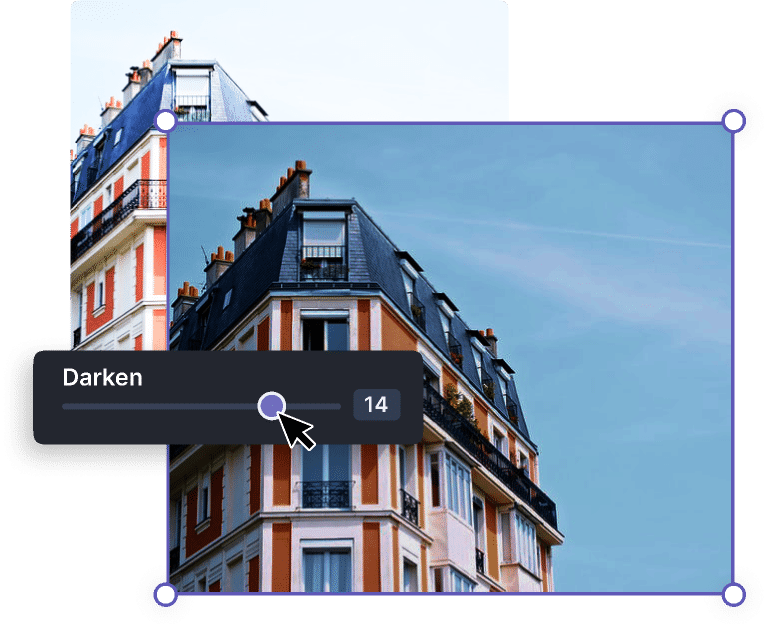
Use the slider to control the darkening amount.
Learn how to darken an image online quickly with our simple steps. Our online image dimmer tool makes adjusting your photos straightforward. Get started with our effective darken image tool today.
Begin by uploading the photo you wish to darken. Our tool supports various formats, making it easy to get started. Just click the upload button and select your file to make image darker.
Use the intuitive sliders to control the darkening effect. You can precisely adjust brightness and other parameters to achieve your desired visual. Watch your image transform in real-time.
Once satisfied with the result, simply download your newly darkened image. Your edited file will be ready for immediate use, allowing you to share or further process it without delay.
Unlock advanced photo adjustments with our free image darkener. Our online photo darkener offers robust capabilities to help you achieve professional results.
Our tool allows you to darken image without losing quality. We ensure your original photo integrity is maintained, providing crisp, clear results even after significant adjustments to your image.
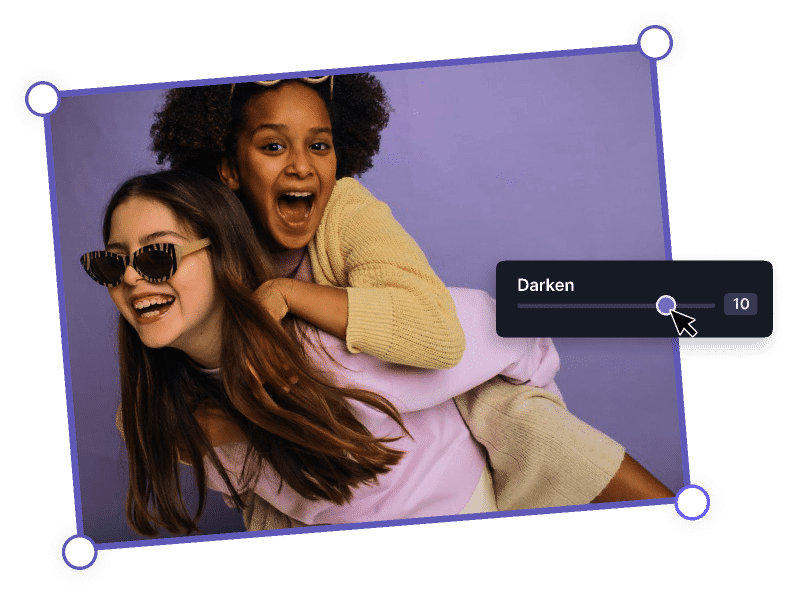
Take full command by choosing to darken image shadows highlights specifically. This feature lets you fine-tune the darker areas and preserve detail in the brighter parts of your photo for perfect balance.
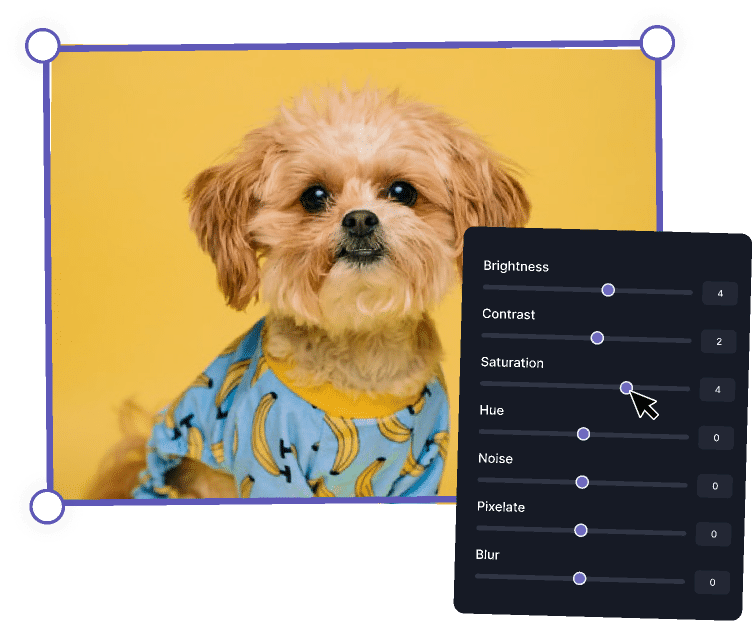
Utilize our precise controls to darken image brightness contrast. This allows for detailed adjustments, ensuring your photo achieves the perfect level of depth and visual impact across various tones.
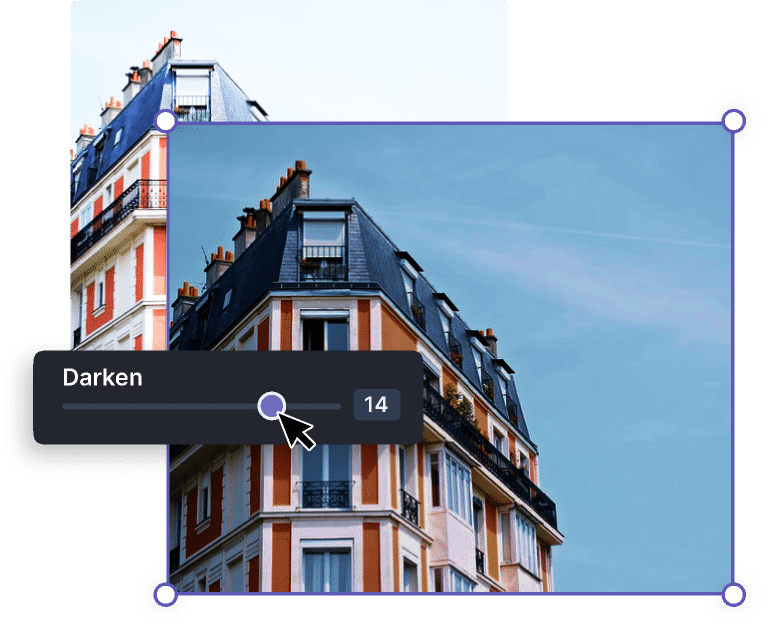
Save valuable time with our bulk darken images online feature. Upload and apply darkening effects to several photos simultaneously, making it ideal for large projects or batch editing JPG and PNG files.
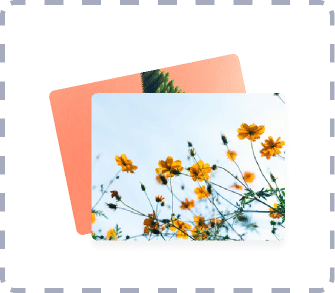
Experience the future of photo editing when you darken photo with AI. Our smart algorithms intelligently analyze your image to suggest optimal darkening, making complex edits simple and efficient.
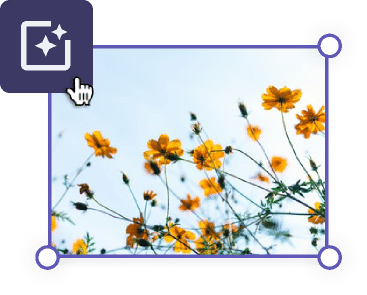
Discover the benefits of using our free image darkener. Our online photo darkener provides a seamless experience, ensuring professional results every time you darken photo online.
Enjoy the freedom to darken image free no watermark. Your edited images are yours completely, without any distracting branding, making them perfect for personal or professional use.
Our tool is designed for instant results, letting you darken image online free quickly from any device. Access our powerful darkening capabilities whenever you need them, without installations.
Experience an incredibly simple interface, making it easy for anyone to make image darker. No prior editing experience is needed to achieve stunning results with our intuitive design.
We prioritize your privacy. All images uploaded for processing are handled securely and deleted after a short period, ensuring your personal photos remain confidential as you darken image.
Darkening images can transform your visuals. Explore different applications to darken image for cinematic look or add depth, enhancing your photos for various purposes.
Photographers can darken image for cinematic look, creating dramatic mood and visual storytelling. This effect enhances the atmosphere of scenes, perfect for captivating narratives and stylistic projects.
Use the tool to darken image for depth, guiding the viewer's eye to key elements. By selectively darkening backgrounds or edges, you can make subjects pop, adding dimension to your compositions.
Quickly darken image on phone using our mobile-friendly interface. Perfect for on-the-go adjustments, ensuring your photos look great across all screens, from social media to presentations.
Artists can darken images to create unique overlays or textures for digital art projects. This technique helps in blending elements seamlessly and achieving a cohesive, visually appealing aesthetic.
Hear from our satisfied users who frequently darken image online free with our platform. Their experiences highlight how our tool helps them make image darker effortlessly and effectively.
"This free image darkener is a lifesaver! I needed to quickly make image darker for a presentation, and it delivered perfect results. The controls are so easy to use, and my images look professionally edited."
"I constantly use freebeat.ai to darken image online free for my blog posts. It’s fast, keeps the quality high, and helps achieve the exact mood I want without any hassle. Highly recommend it to anyone!"
"As someone new to photo editing, I found the Free Darken Image Tool incredibly intuitive. It allowed me to darken my travel photos effectively, creating more dramatic skies and richer colors. A fantastic free resource!"
"The ability to darken image without losing quality is a huge plus. I've tried other tools, but this one truly delivers on its promise. It's my go-to for quick edits when I need to make image darker for social media."
"Finally, a free image darkener that works well! I used it to darken an image for a cinematic look, and the outcome was stunning. The interface is clean, and the process is very straightforward, which I appreciate."
Our Free Darken Image Tool allows you to adjust the brightness and exposure of your photos, making them darker. It's perfect for correcting overexposed images, creating dramatic effects, or enhancing mood and depth in your visuals. This online image editor provides precise control over Brightness, Contrast, Shadows, and Highlights, ensuring your photos look exactly as you envision.
Yes, our tool is designed to help you darken image without losing quality. We use advanced processing algorithms that preserve the original resolution and detail of your JPG and PNG images, even after applying significant darkening effects. This ensures your edited photos remain sharp and professional, suitable for any use case.
Absolutely! When you use our darken image online free tool, your edited photos will not have any watermarks. We believe in providing a seamless and professional experience, allowing you to download and use your darkened images freely for personal or commercial projects without any additional branding.
Our Free Darken Image Tool is fully responsive and accessible directly from your phone's browser. Simply visit freebeat.ai on your mobile device, upload your image, adjust the darkening sliders, and download. It’s a convenient way to darken image on phone without needing to download any additional apps.
Yes, in addition to darkening, our tool allows you to darken image brightness contrast. You get comprehensive control to fine-tune various aspects of your image, including shadows, highlights, and overall contrast. This makes it a versatile darken image editor online, giving you the flexibility to achieve the perfect balance in your photos.
Yes, as a free tool, there is a usage limit of 5 free uses per day. This allows many users to benefit from our service. If you require more frequent use, please consider exploring our premium options.