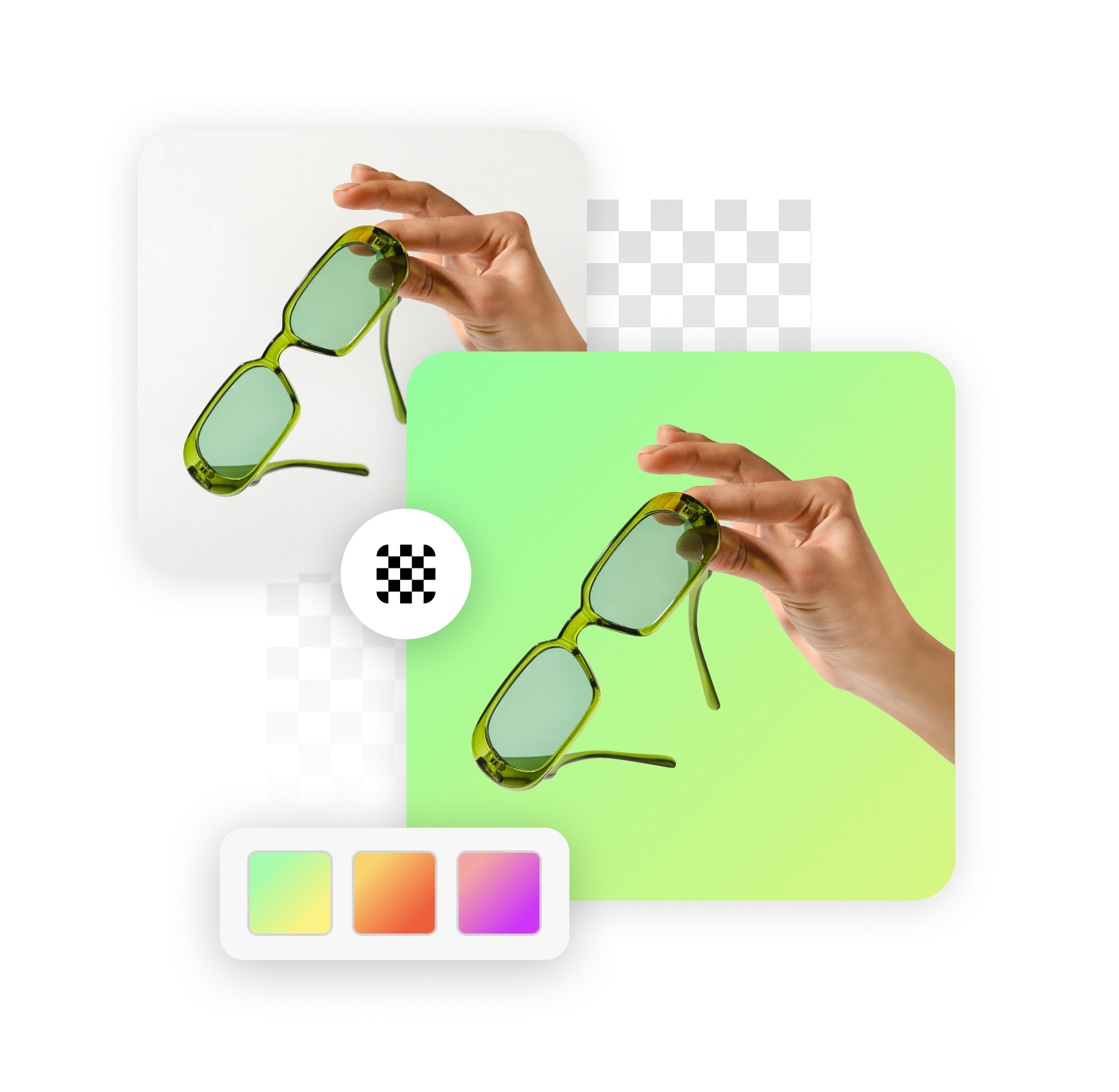
Free Green Screen Remover

Instantly remove green screen backgrounds from your images and videos online, creating stunning visuals with a transparent background. This free green screen remover streamlines your editing process, helping you achieve professional results effortlessly. Trusted by thousands of creators worldwide.

Hero image
Checking quota...
Green screen image

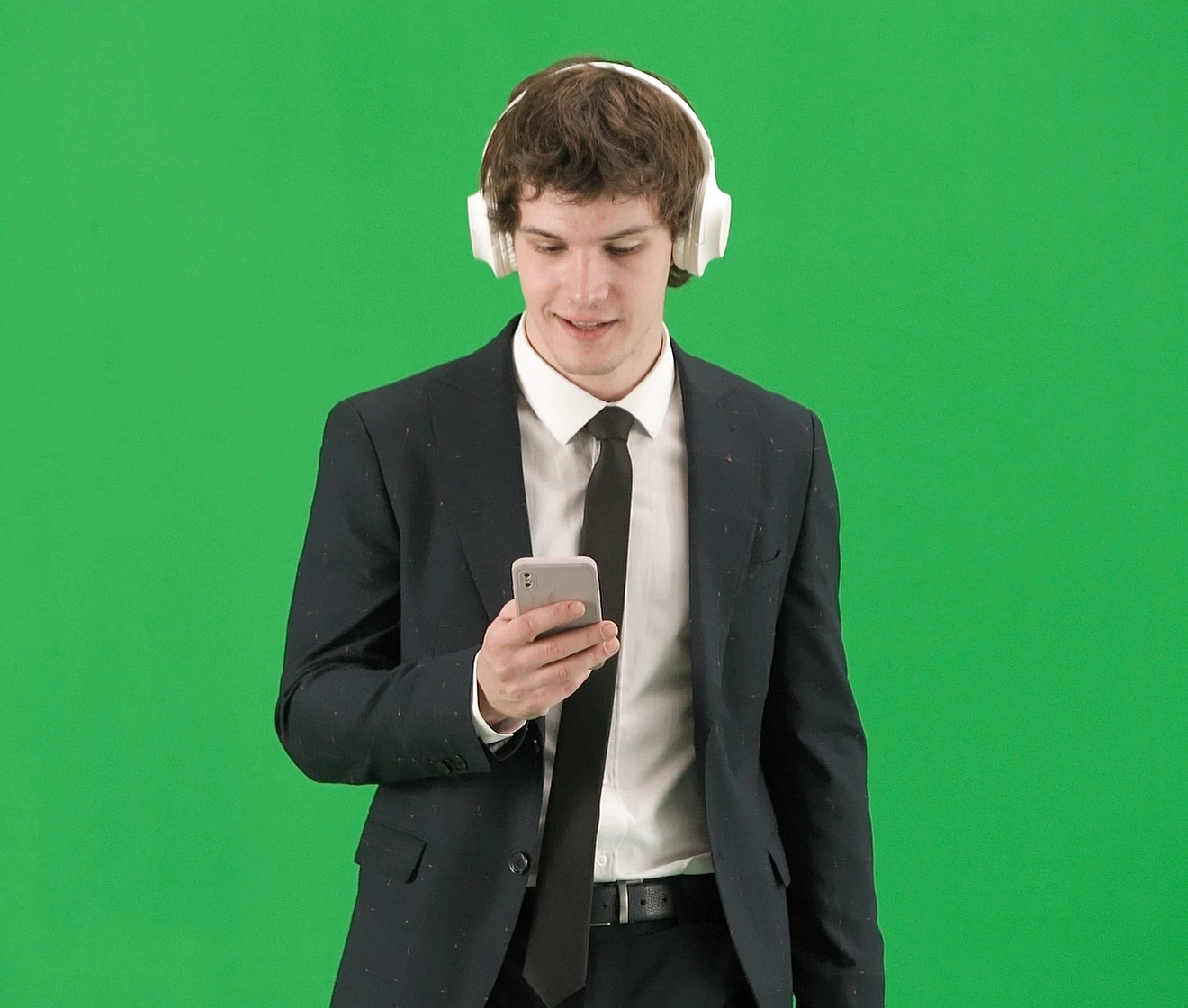
Use a photo with a green background.

Upload a green screen image to remove the background.

Explore More Free Tools

How to Remove Green Screen in 3 Easy Steps

Quickly learn how to remove green screen from your content with our straightforward guide.

01

Step 1: Upload Your Media

Start by uploading your image or video file. Our platform supports various formats, making it easy to import your content directly from your device. This is the first step in how to remove green screen from image online efficiently, ensuring your file is ready for processing.

02

Step 2: Auto-Detect or Refine

Our intelligent green screen background remover automatically detects and isolates the green screen area. You can fine-tune the selection with simple controls for precise results, learning how to use green screen remover online with intuitive adjustments, giving you full control.

03

Step 3: Download Your New File

Once the green screen is removed, instantly download your transformed image or video with a transparent background. You can remove green screen online without download of extra software, thanks to our web-based, easy green screen removal tool. Your perfect content is ready for use.

Key Features of Our Green Screen Remover

Discover the powerful capabilities engineered into our advanced green screen remover.

Intelligent Chroma Key Technology

Our chroma key remover employs sophisticated algorithms to accurately detect and eliminate green screen elements. This ensures clean edges and precise background removal, making it a reliable choice for effective online green screen removal. Experience superior accuracy for all your projects.

Feature image 1

High-Quality Output

The tool processes your media to deliver exceptional results, preserving the original quality of your content. You can confidently remove green screen from transparent png files or high-definition videos, maintaining clarity and detail. Achieve professional-grade output every time.

Feature image 2

AI-Powered Efficiency

Leveraging advanced AI background removal technology, our green screen remover quickly analyzes and processes your files. This intelligent approach speeds up the entire removal process, providing an efficient and reliable online chroma key removal tool free to use for rapid transformations.

Feature image 3

Versatile Background Removal

Beyond simple green screen, our tool excels at general Background removal, providing a perfectly Transparent background. It intelligently creates an Alpha channel for seamless integration into new scenes. This comprehensive capability makes it a top-tier choice for various visual editing tasks.

Feature image 4

Why Choose Our Green Screen Remover?

Experience unparalleled ease and efficiency with our free green screen remover, designed for superior creative control.

01

Save Time & Effort

Our intuitive interface and automated processing significantly reduce the time spent on manual editing. This free green screen remover allows you to achieve perfect results in minutes, freeing up your valuable time for other creative endeavors. Work smarter, not harder.

02

Professional Results, Effortlessly

Achieve studio-quality transparent backgrounds without needing complex Image editing software. Our online tool to remove green screen from picture provides high-precision removal, ensuring your foreground subject stands out flawlessly, ready for any new backdrop. Elevate your visuals with ease.

03

Cost-Free Creativity

Access a powerful Photo editor and specialized remove green screen background from photo free without any subscriptions or hidden costs. This empowers creators of all levels to produce stunning visual content without budget constraints, making professional tools accessible to everyone.

04

Accessibility Anywhere

Our online green screen removal tool is entirely web-based, meaning you can access it from any device, anywhere. There's no software to download or install, providing instant access to a robust green screen remover whenever inspiration strikes. Your creative studio is always open.

Who Can Benefit From Our Green Screen Tool?

Our versatile green screen tool is perfect for a wide range of individuals and professions looking to enhance their visual content.

01

Content Creators & YouTubers

Elevate your video productions by quickly changing backgrounds or adding dynamic Visual effects. Our green screen background remover for video lets you transport your subjects to any location, making your content more engaging and professional without extensive post-production.

02

Marketing & Advertising Teams

Create compelling promotional materials with custom backgrounds for product showcases or brand campaigns. Use our green screen photo background remover to isolate products and models, ensuring they perfectly fit your branding and messaging across all platforms.

03

Students & Educators

Develop engaging presentations and learning materials by easily integrating subjects into diverse virtual environments. This tool supports creative projects and educational content, making complex visual concepts accessible and fun to create for academic purposes.

04

Photographers & Designers

Seamlessly composite subjects into new scenes or experiment with different backdrops for professional photo editing. Our green screen remover online offers precise control, enabling designers and photographers to achieve their artistic vision with clean, sharp results.

What Our Users Say About Our Free Green Screen Remover

Hear directly from creators and professionals who use our free green screen remover daily to enhance their projects.

Result 01

"I've tried so many tools for removing backgrounds, but this free green screen remover is by far the easiest and most accurate. As a small business owner creating product videos, it saves me hours of editing time. The results are always clean, even with challenging hair details."

SMSarah M.E-commerce Entrepreneur
Result 02

"This tool is a game-changer for my weekly video blogs. The online green screen removal is super fast, and I can upload directly from my browser. I get a perfect transparent background every time. It's truly a reliable and free solution for quick edits."

DCDavid ChenYouTube Vlogger
Result 03

"I needed a quick way to isolate a subject from a photo for a design project. This green screen remover delivered exceptional quality, maintaining sharp edges without pixelation. I was impressed by how intuitive it was to achieve professional output, and it's completely free to use."

EREmily R.Graphic Designer
Result 04

"The ability to remove green screen from both images and videos in one place is incredibly convenient. I especially appreciate the precision it offers, making complex selections manageable. It's become an essential part of my digital toolkit."

MTMark T.Digital Artist
Result 05

"I frequently experiment with different backdrops for my online tutorials. This free green screen remover handles all my video clips effortlessly. The process is so smooth, and the output quality is consistent, which is crucial for my brand image. Highly recommend for any content creator."

JLJessica L.Online Educator
Result 06

"Finding a truly free green screen remover that performs this well was a pleasant surprise. I use it for my personal projects and sometimes for client work. The speed and accuracy mean I can iterate faster and focus more on the creative aspects."

APAlex P.Freelance Videographer

Frequently Asked Questions About Green Screen Removal

Q: Is this green screen remover truly free to use?

Yes, our green screen remover is entirely free for a set number of daily uses. You can utilize the core functionality to quickly remove green screen backgrounds from your images and videos without any subscription fees. This makes it an accessible tool for anyone needing professional green screen removal capabilities. Users typically get 5 free uses per day, allowing ample opportunity to test and utilize its features for various projects.

Q: Can I use this tool as a free online green screen video remover?

Absolutely. Our tool supports both image and video files, functioning as a comprehensive free online green screen video remover. You can upload your video content, and our advanced algorithms will process it to remove the green screen, providing you with a video file featuring a transparent background. This is ideal for adding new backdrops to your footage.

Q: What makes this the best free green screen remover tool?

Our tool stands out as the best free green screen remover tool due to its combination of advanced AI technology, user-friendly interface, and high-quality output. It provides precise chroma key remover functionality that ensures clean edges and natural results, making it superior to many other free alternatives available online.

Q: What is chroma key removal, and how does your tool achieve it?

Chroma key removal, also known as remove green screen, is a visual effects technique for compositing two images or video streams together based on color hues. Our tool employs intelligent algorithms to detect a specific color range (typically green or blue) and make it transparent. This green screen remover online process is highly automated, allowing for quick and accurate isolation of your subject from the colored background.

Q: Can I use this tool for images as well as videos?

Yes, our platform is designed for both images and videos. Whether you need to remove green screen from a photograph or a video clip, our tool offers seamless functionality. It's a versatile solution for any creator looking for efficient online green screen removal from various media types, providing consistent, high-quality results.

Q: What output formats does the green screen remover support?

For images, our green screen remover typically outputs files in PNG format, which natively supports a transparent background. For videos, the output format usually depends on your browser and system, often resulting in formats like WebM or MP4 with alpha channel support. This ensures your final media is ready for immediate use in other projects.

Q: Are there any file size or duration limits for videos?

While our tool is designed to handle various file sizes, there might be practical limits depending on your internet speed and browser capabilities for large video files. For optimal performance, we recommend uploading videos of moderate length and resolution. Our free tiers typically have limits on both file size and duration to ensure fair usage for all users accessing the free green screen remover.