Free AI Image Unpixelator

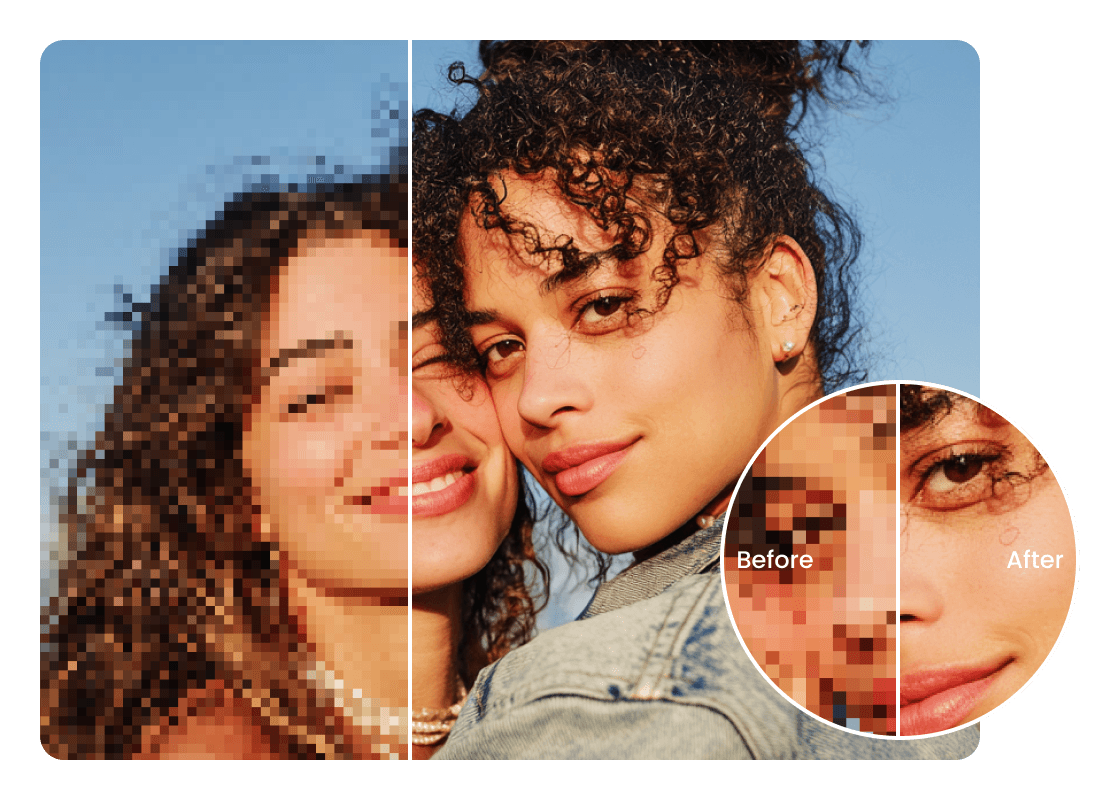
Instantly transform pixelated and blurry photos into clear, high-resolution images. Our powerful AI technology helps you enhance pixelated image quality, making it easy to fix pixelated images online free for stunning results and significant image quality improvement.

14,000+ images fixedTrusted by digital artists worldwide
Hero image
Checking quota...
Pixelated image

Use a pixelated or low-quality image.

Upload a pixelated image to enhance it.

Explore More Free Tools

How to Unpixelate Your Images with AI

Easily learn how to unpixelate an image using our intuitive, step-by-step guide. Transform your photos into crisp, clear visuals in just moments.

01

Step 1: Upload Your Pixelated Image

Start by uploading the image you wish to unpixelate. Our platform supports various formats, allowing you to quickly add your blurry photo from your device. This is the first step to depixelate image imperfections and begin the enhancement process seamlessly.
02

Step 2: AI Processes to Unpixelate Photo Online

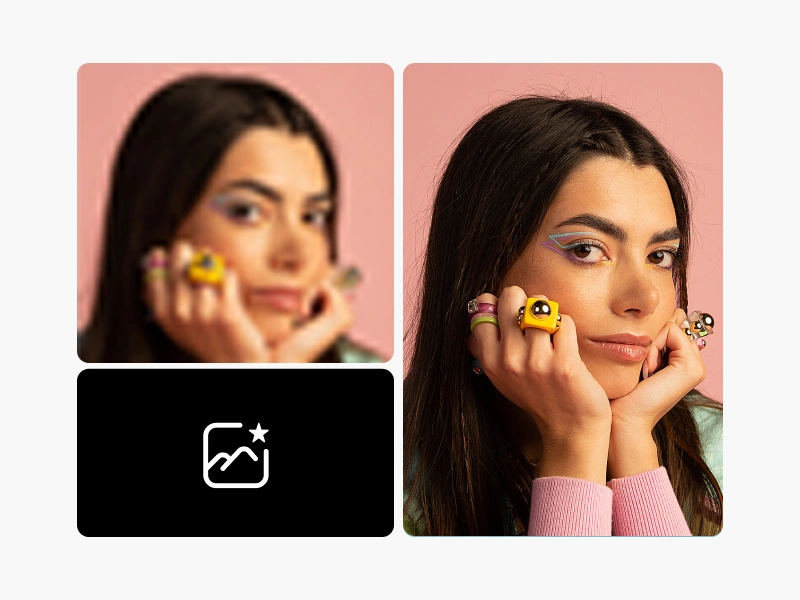
Once uploaded, our advanced AI photo editor instantly goes to work. It intelligently analyzes your image, identifying and correcting pixelation to restore detail and sharpness. Watch as your photo is transformed right before your eyes, ready to unpixelate photo online with precision.

03

Step 3: Download Your Clear, Enhanced Image

After processing, your newly unpixelated image is ready for download. You can preview the enhanced version to appreciate the dramatic improvement. Save your high-quality, pixel-free photo back to your device, ready for any use.

Unlock Clarity: The Free AI Unpixelator Features

Discover the powerful capabilities of our AI unpixelate tool designed to bring your images to life with remarkable clarity and detail.

Intelligent Image Pixelation Remover

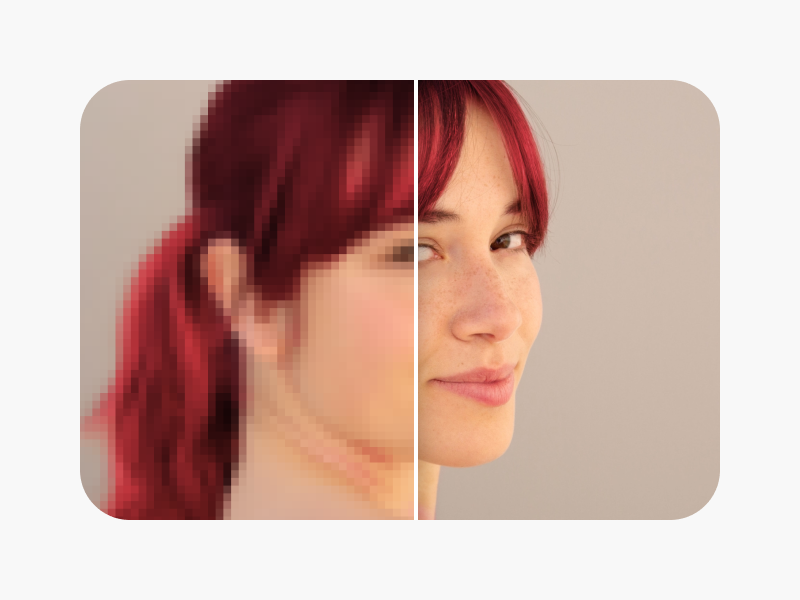
Our sophisticated AI system acts as a smart image pixelation remover, analyzing and reconstructing details that were lost to pixelation. It precisely identifies blurred areas and applies intelligent algorithms to restore them, ensuring a clean and sharp final image without manual effort. This advanced feature ensures your photos regain their original clarity.

Feature image 1

Maintain Quality, Unpixelate Image

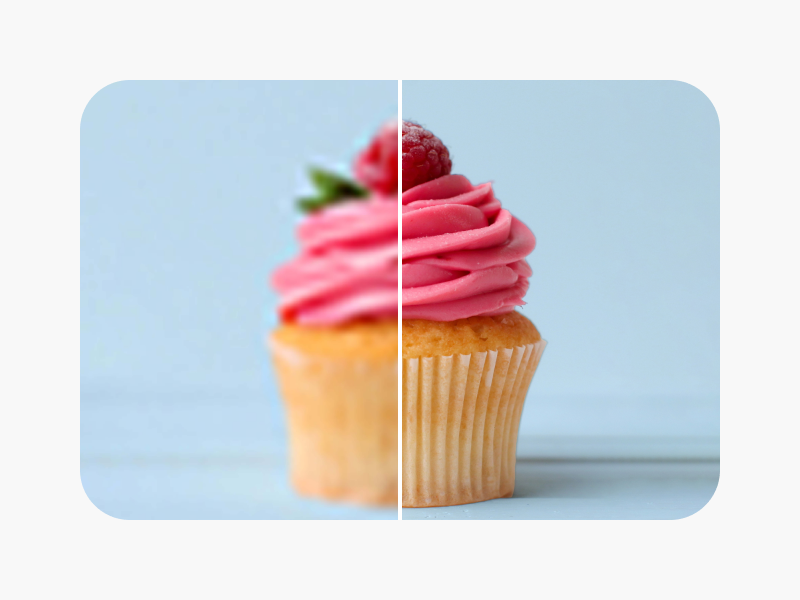
Experience the ability to unpixelate image without losing quality, preserving important details and textures. Our AI carefully enhances your image, focusing on increasing resolution while maintaining the integrity of the original colors and composition. This ensures professional-grade results, leaving your photos looking natural and vibrant, not over-processed.

Feature image 2

Free Unpixelate Image Enhancer

Access a free unpixelate image enhancer that brings professional-grade results to everyone. This tool offers comprehensive photo enhancement, from general sharpness to fine detail recovery, all powered by AI. It’s an effective way to improve any photo's visual quality, making high-resolution images accessible to all users without cost.

Feature image 3

Increase Image Resolution and Depixelate

Our tool doesn't just depixelate image, it also doubles as an Image upscaler. It works to increase image resolution and depixelate, adding significant detail and definition to your photos. This combined capability dramatically improves overall Image resolution, making small or low-quality images suitable for larger displays or prints. You can even unpixelate image in batch for efficiency.

Feature image 4

Why Freebeat.ai is Your Best Choice to Unpixelate Image

Experience superior results with our AI-powered solution, offering the best way to unpixelate an image quickly and effectively.

01

Restore Visual Perfection

Effortlessly fix pixelated image issues and bring your photos back to life. Our AI intelligently reconstructs missing pixels, eliminating blurriness and jagged edges, transforming low-quality images into stunning, high-definition visuals. This ensures your memories and digital assets always look their absolute best.

02

Simple and Accessible Photo Enhancement

Gain access to powerful photo enhancement technology that is incredibly user-friendly. Our platform provides the best way to unpixelate an image without requiring complex software or technical skills. Anyone can achieve professional-quality results with just a few clicks, making advanced image improvement accessible to all.

03

Boost Image Quality Effortlessly

Achieve significant image quality improvement with minimal effort. Our AI handles the intricate details of pixelation removal, delivering sharp, clear, and vibrant images. Spend less time editing and more time enjoying your perfectly restored photos, ready for sharing or printing.

04

Save Time with Instant Results

Our AI unpixelator delivers immediate results, transforming your pixelated photos into crisp images in seconds. This efficiency means you can quickly enhance multiple images, saving valuable time compared to manual editing processes. Get professional-grade clarity without the wait.

Practical Uses for Our Free Unpixelate Image Tool

Discover diverse applications for our AI image unpixelator, designed to meet the needs of various users and scenarios.

01

Unpixelate Old Photos for Revival

Breathe new life into cherished memories when you unpixelate old photos. Our tool is perfect for old photo restoration, clearing up pixelation that often degrades scanned or digitally saved vintage pictures. Restore the clarity and detail of sentimental images, preserving family history with improved digital photography quality.

02

Enhance Social Media Presence

Ensure your online content stands out when you unpixelate image for social media. Crisp, clear images capture attention and reflect professionalism. This tool is ideal for creators and businesses needing high-quality social media images, helping your posts shine and engage your audience more effectively.

03

Professional E-commerce Product Photos

Create stunning product listings when you unpixelate image for e-commerce. High-resolution, unpixelated product photos are crucial for attracting customers and building trust. Our tool helps businesses present their e-commerce product photos with exceptional clarity, enhancing the visual appeal and driving sales.

04

Elevate Digital Photography Projects

Perfect for photographers and enthusiasts, this tool enhances digital photography projects by refining image quality. It’s ideal for fixing minor imperfections or improving resolution on images intended for portfolios, online galleries, or print. Achieve a professional finish that reflects your artistic vision.

Real Users, Real Results with Our Free AI Image Unpixelator

Our users love how our free AI Image Unpixelator transforms their photos, bringing clarity and life back to every detail.

Result 01

"I thought my blurry wedding photo was unsalvageable, but this tool worked wonders. It helped me unpixelate image details I didn't even know were there, making it perfect for printing. The colors are vibrant and the faces are clear now."

SMSarah M.Graphic Designer
Result 02

"As a real estate agent, clear property photos are essential. This AI tool allows me to quickly unpixelate images from older listings, giving them a fresh, professional look for online marketing. It's incredibly efficient and delivers consistent quality."

MTMark T.Real Estate Agent
Result 03

"I often work with vintage game sprites that are low-res. To unpixelate image assets for modern displays, this tool is fantastic. It preserves the style while smoothing out the rough edges. A real game-changer for my projects."

LJLiam J.Indie Game Developer
Result 04

"Sharing travel photos on Instagram means they need to look their best. When my phone camera struggled in low light, I used this to unpixelate image shots and bring back definition. My followers noticed the difference immediately."

CPChloe P.Travel Blogger
Result 05

"For my online store, product images need to be pristine. I tried freebeat.ai to unpixelate image files that weren't quite sharp enough, and the results were amazing. My product pages look so much more professional now, and it didn't cost a thing."

EREmily R.E-commerce Owner
Result 06

"I had some old family photos scanned, and they came out a bit pixelated. Using this tool to unpixelate image issues helped restore them to their original glory. It's an invaluable resource for anyone wanting to preserve memories."

DKDavid K.Hobbyist Photographer

Common Questions About Our Free Image Unpixelator

Q: Why do photos become pixelated?

A: Photos become pixelated for several reasons, primarily when an image is enlarged beyond its original resolution. This stretches the existing pixels, making them visible as squares. It can also occur due to heavy compression, low-quality captures, or cropping a small section of a larger image. Our tool addresses these issues by using AI to intelligently fill in missing data and smooth out the visible pixels, effectively reversing the effects of pixelation.

Q: How does AI unpixelate an image?

A: Our AI unpixelate tool uses advanced machine learning algorithms trained on vast datasets of images. When you upload a pixelated photo, the AI analyzes the patterns and structures within the image. It then predicts and generates new pixels, reconstructing lost details and enhancing edges to create a smoother, higher-resolution version. This intelligent process allows it to unpixelate image content while maintaining visual coherence.

Q: Can I depixelate image files of any size?

A: Our tool is designed to depixelate image files across a reasonable range of sizes and resolutions. While it excels at improving common image issues, extremely small or severely degraded images may have limitations in how much detail can be perfectly restored. However, for most standard pixelated photos, you will see a significant improvement in clarity and sharpness.

Q: Is there a limit to how many images I can unpixelate?

A: Yes, our free image unpixelator offers users 5 free uses per day. This allows you to experience the full power of our AI tool for multiple images without any cost. You can easily unpixelate image after image within this daily limit, helping you enhance your photos for various projects or personal use.

Q: What is pixelation removal and how does it help?

A: Pixelation removal is the process of eliminating visible squares, or pixels, that degrade image quality. It helps by transforming blurry, low-resolution images into clear, sharp, and high-definition visuals. This process improves overall image resolution, making photos more aesthetically pleasing and suitable for professional use, printing, or sharing on digital platforms.

Q: Can this tool help with old, blurry photos?

A: Absolutely, our Free AI Image Unpixelator is specifically designed to handle challenges like old, blurry photos. It uses sophisticated algorithms to not only depixelate image imperfections but also to enhance overall clarity and recover lost details, making it perfect for old photo restoration. This helps bring cherished memories back to life with improved visual quality.

Q: How long does it take to unpixelate an image?

A: Our AI unpixelate tool processes images very quickly. Typically, it takes only a few seconds to unpixelate image files, depending on the image size and your internet connection speed. You'll get instant results, allowing for efficient photo enhancement without long waiting times.

Q: How to fix pixelated photos free without downloading software?

A: Our online tool provides a convenient way to fix pixelated photos free, entirely within your web browser. There's no need to download or install any software. Simply upload your image, let our AI do its work, and then download the improved photo directly to your device. This makes it an accessible solution for anyone looking to depixelate images quickly and easily.