1
Add freebeat to your AI client
Open the connection settings in Claude Desktop, Cursor, Windsurf, or Claude Code and add the freebeat server.
Turn Claudeinto a music video engine
Connect freebeat to Claude, Cursor, Windsurf, Claude Code, and generate music videos and AI effects right from your conversations.
How to Set Up the Music Video Generator MCP
Three steps and the Music Video MCP is ready to make videos with your AI agent. Claude
The Music Video MCP gives you everything needed to go from a song to a finished video, available the moment you connect.
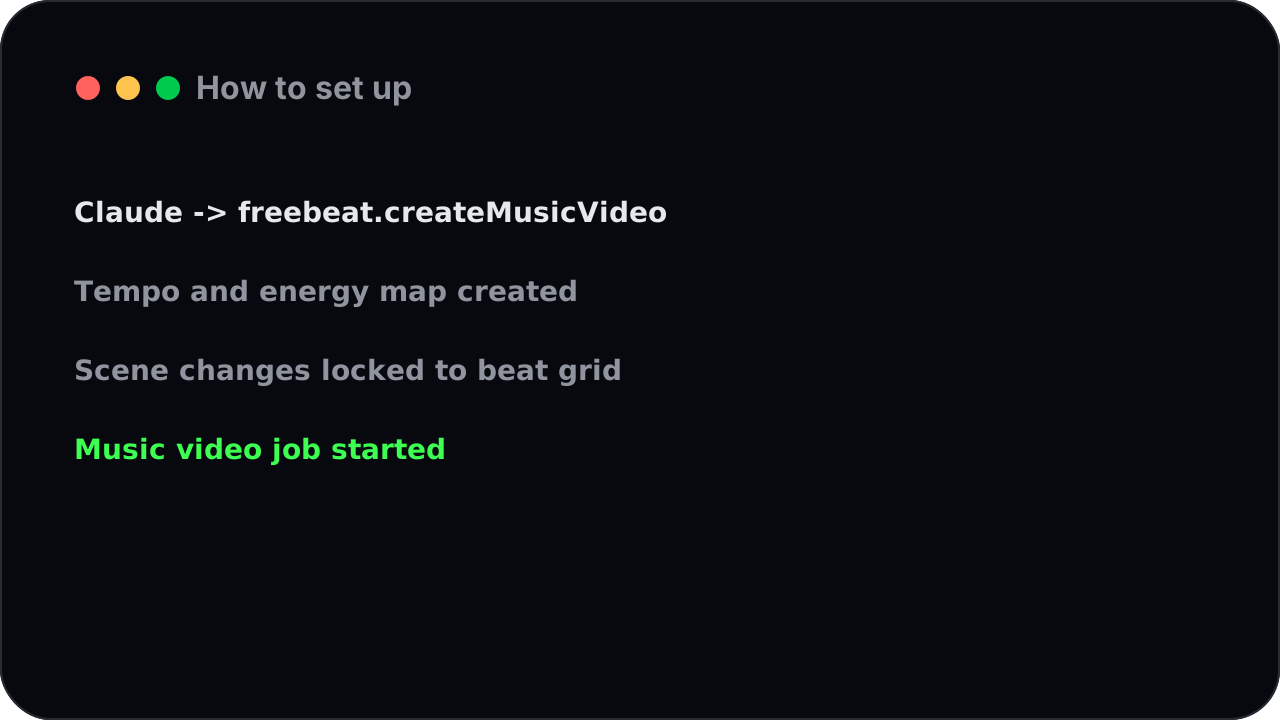
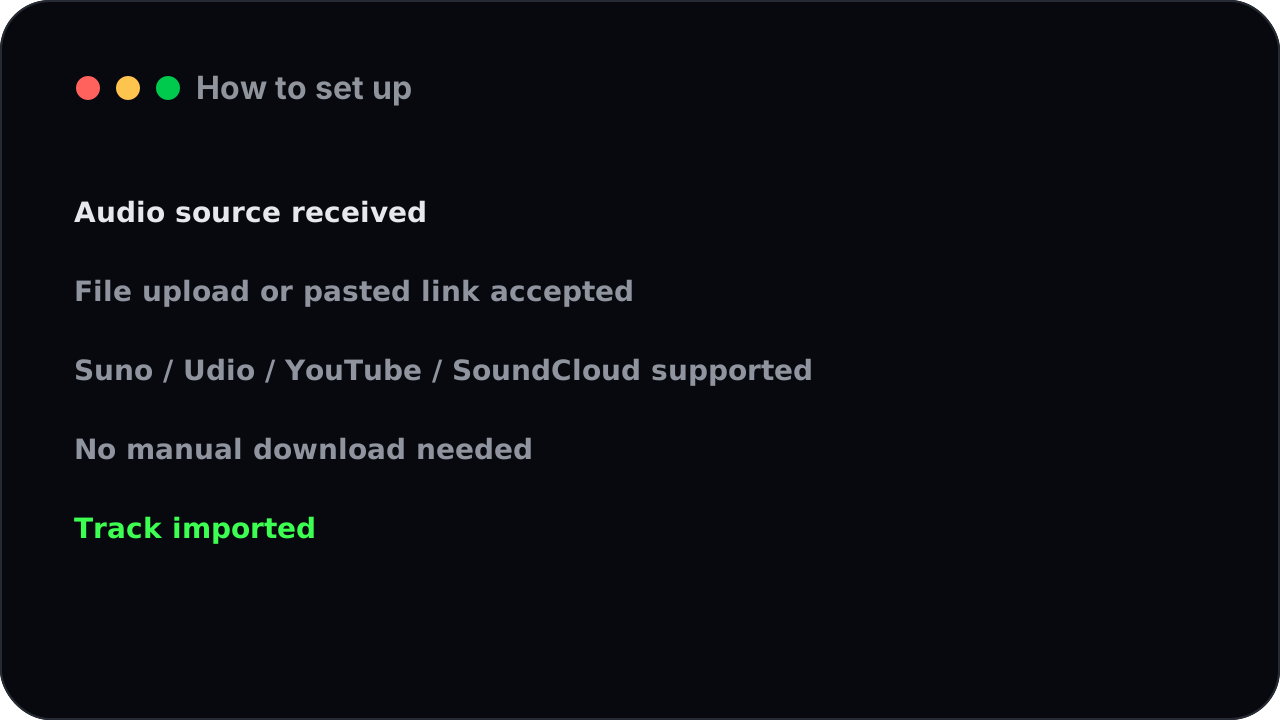
How to set up
Drop in a soundtrack and freebeat reads the whole song — its tempo, its energy, the way it builds — then lands every scene change on the beat. The result is a music video that moves with the music, not a slideshow stuck on top of it.
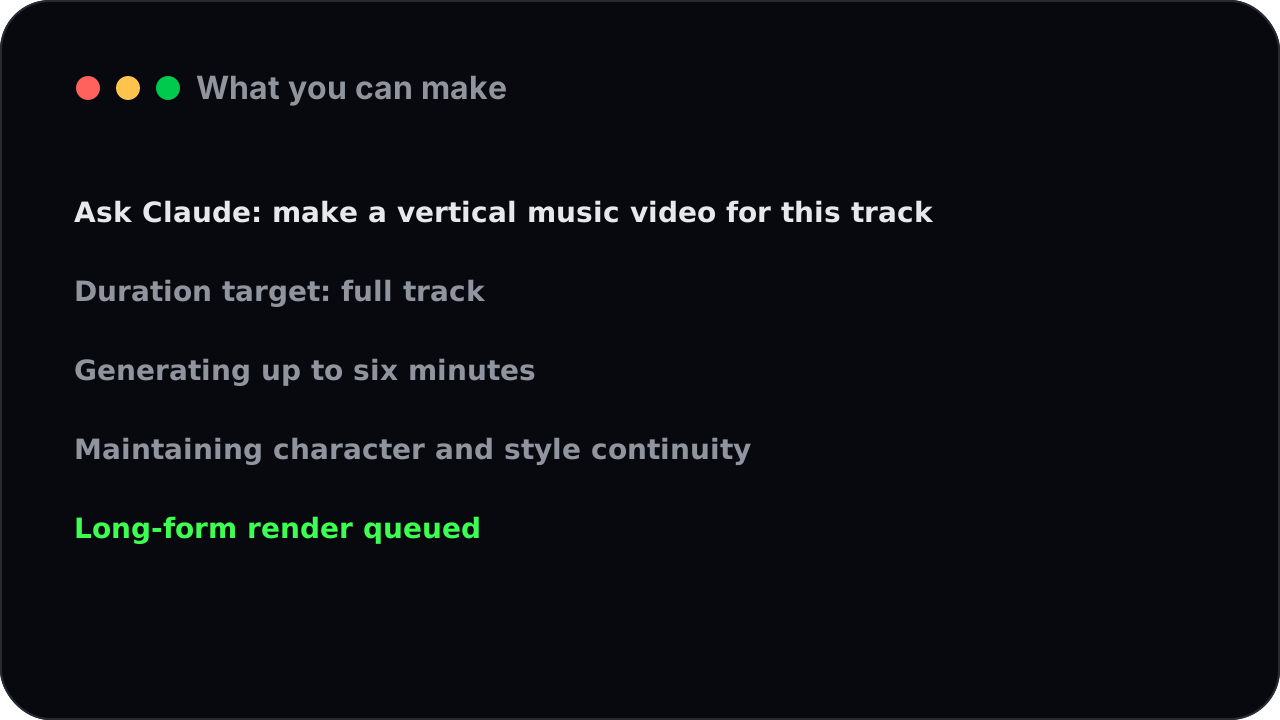
What you can make
This isn't a five-second clip. freebeat generates a complete, full-length music video — up to six minutes — with the same character and look holding together from the first note to the last.
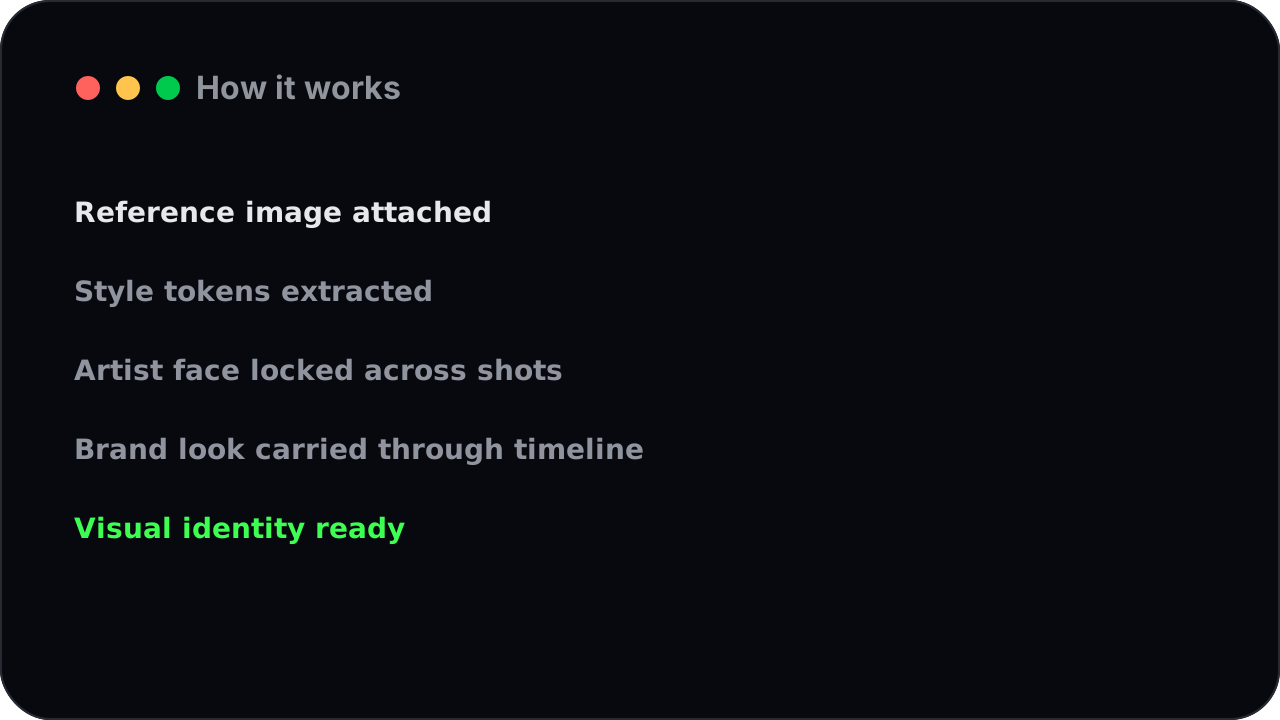
How it works
Add a photo or a reference image and freebeat carries that style and that face across the whole video, so your artist (or your brand) stays recognizable in every shot.
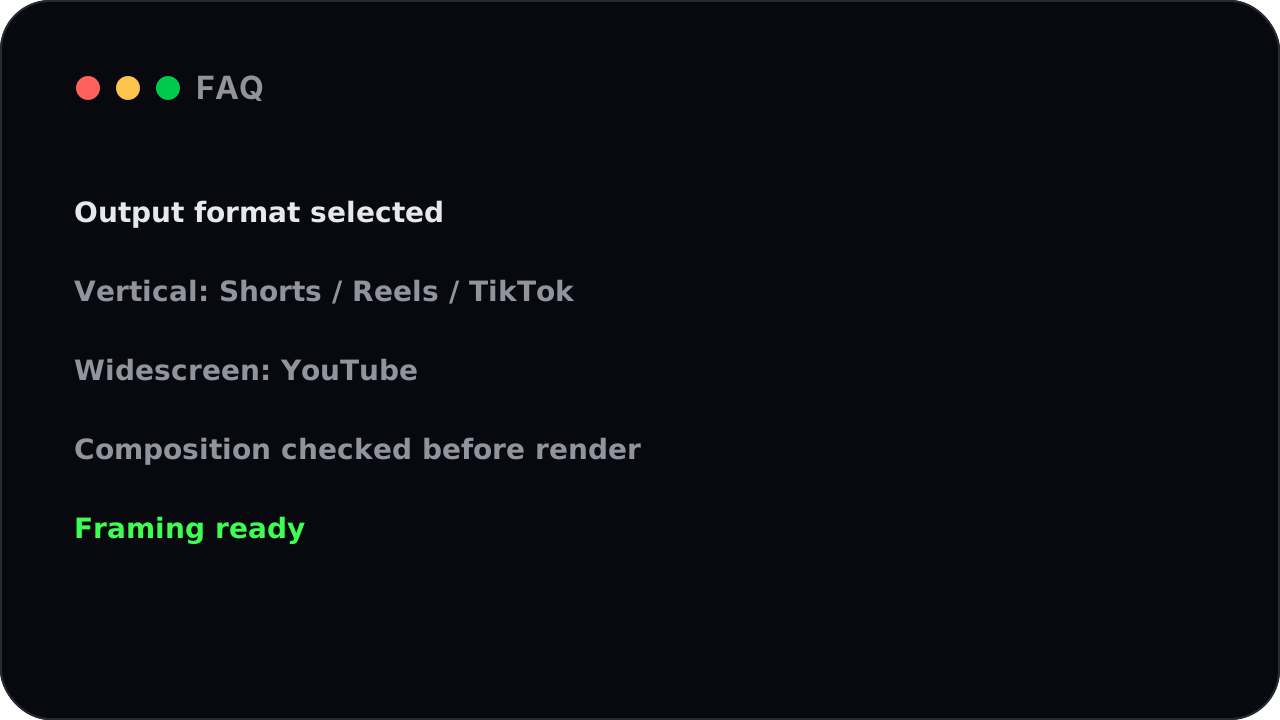
FAQ
Ask for vertical for Reels, Shorts, and TikTok, or widescreen for YouTube — freebeat frames the whole video for where it's going to live.
How to set up
Upload an audio file, or just paste a link from Suno, Udio, YouTube, SoundCloud, or TikTok. freebeat pulls the audio in for you — no downloading and re-uploading.
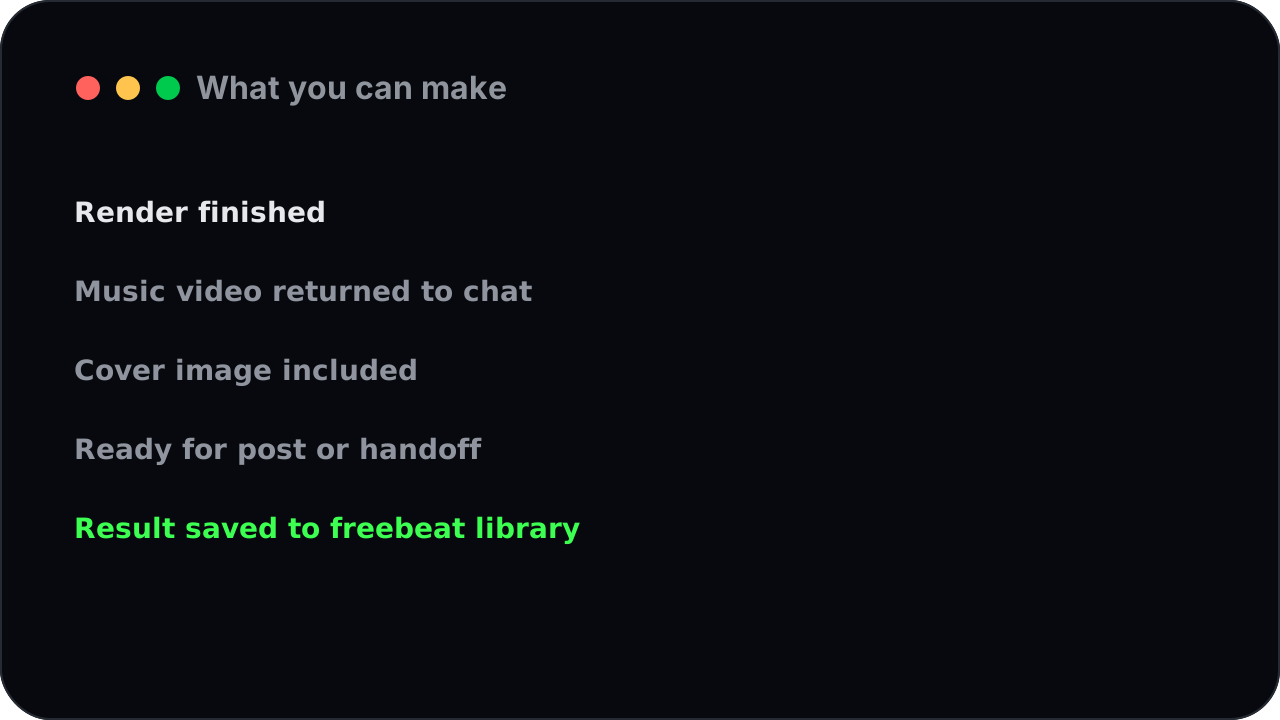
What you can make
When the render is done you get the music video plus a ready-made cover image back, so it's ready to post or hand off.
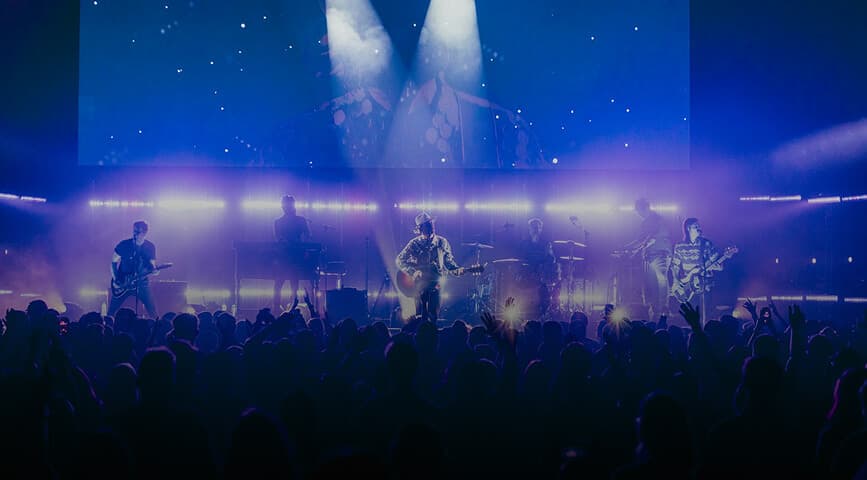
Upload a track or paste a music link in the chat.
A sentence is enough — "neon city, fast cuts, vertical." Add an image if you want a specific look or character.
freebeat scores the track and renders the video; you can keep chatting while it works and check back when it's ready.
A finished, beat-synced music video and a cover image, ready to publish.
→ A vertical, beat-synced video, ready for Shorts.
→ A character-consistent performance video.
→ A full-length, cinematic music video.
The Music Video MCP connects freebeat's music video generator directly to AI assistants like Claude and Cursor. Once connected, you can ask your assistant to turn a song into a finished, beat-synced music video without leaving the conversation.
Claude Desktop, Cursor, Windsurf, Claude Code, and other agents that support the same connection standard — all using the same freebeat setup.
A free freebeat account and a key from your profile. Add the freebeat server to your agent, paste the key, and you're ready.
Full-length, beat-synced music videos from any song — vertical or widescreen, with your own image or character carried through every scene.
Yes. Paste the link and freebeat pulls the audio in automatically, or upload your own audio file.
Rendering a full music video takes a little time, so freebeat works in the background — you keep chatting and pick up the finished video when it's ready.
No. Your key lives in the connection settings once. Your messages only describe the creative idea.
Connect the freebeat Music Video Generator MCP to Claude, Cursor, or Windsurf and make your first beat-synced music video in minutes. Free to start, no credit card.
Get started