
1
Turn Claudeinto a music video engine
Connect freebeat to Claude, Cursor, Windsurf, Claude Code, and generate music videos and AI effects right from your conversations.
Music Video Generator CLI: Turn Any Song Into a Music Video From Your Terminal
How to Set Up the Music Video Generator CLI
2
Save your freebeat key
Create a key on your freebeat profile, then save it once so every command is signed in.
3
Make your first music video
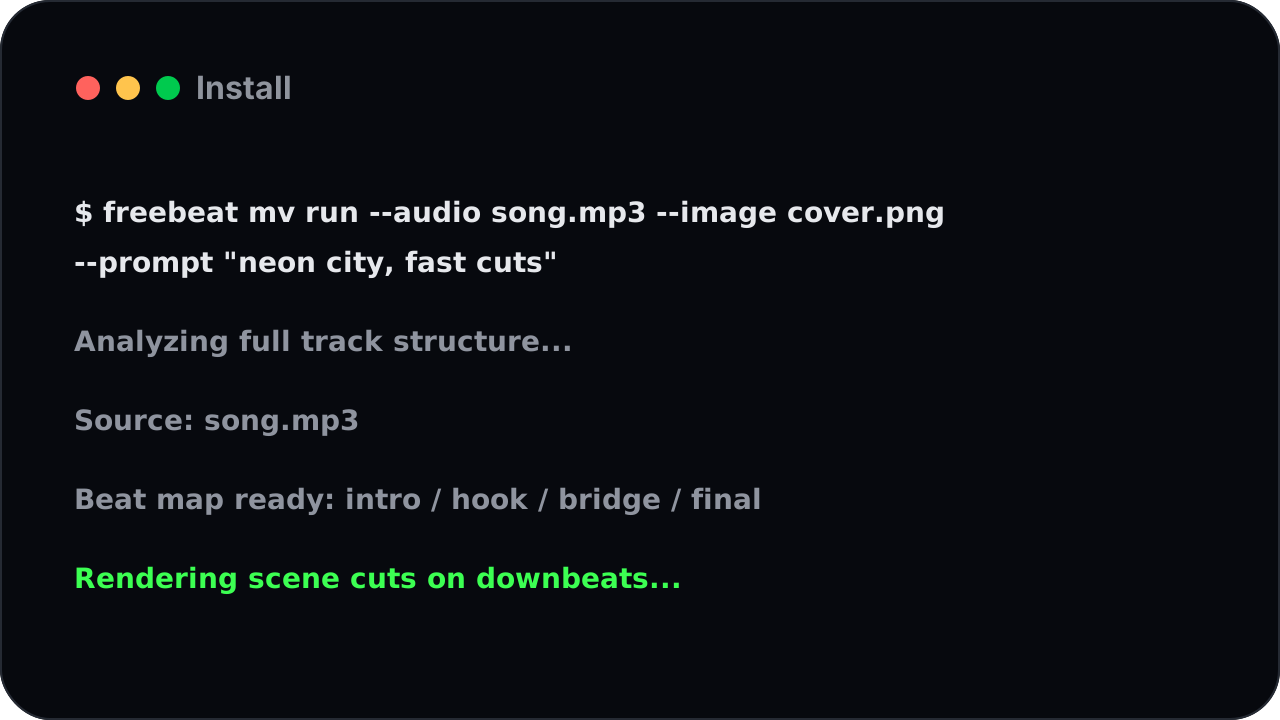
Point it at a song, add a reference image if you like, and describe the look.
The Music Video CLI is up and running in three commands. Claude
A Complete Music Video CLI Studio in Your Terminal
The Music Video CLI brings real music video generation to people who'd rather type than click.
Install
One command, one finished music video
Hand freebeat a soundtrack and a one-line description and it does the rest — reading the whole song, matching the visuals to the beat, and rendering a complete music video you can drop straight into your channel.
What you can make
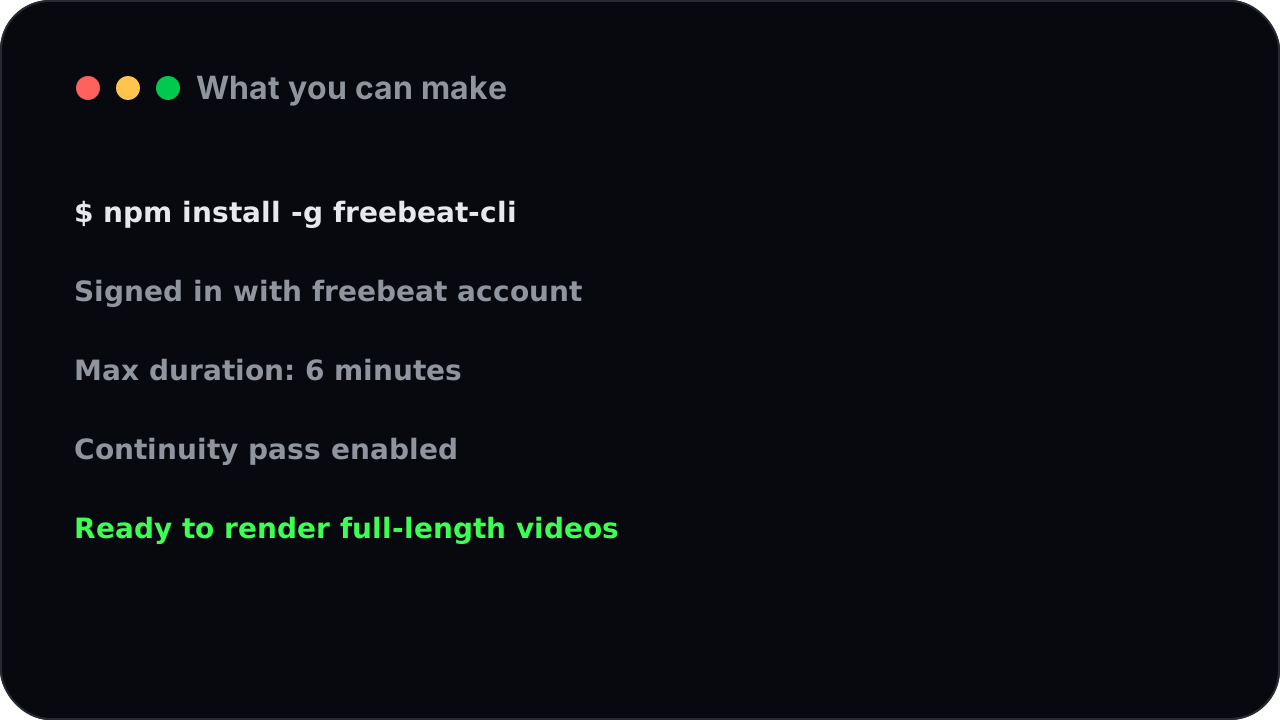
Full-length, up to six minutes
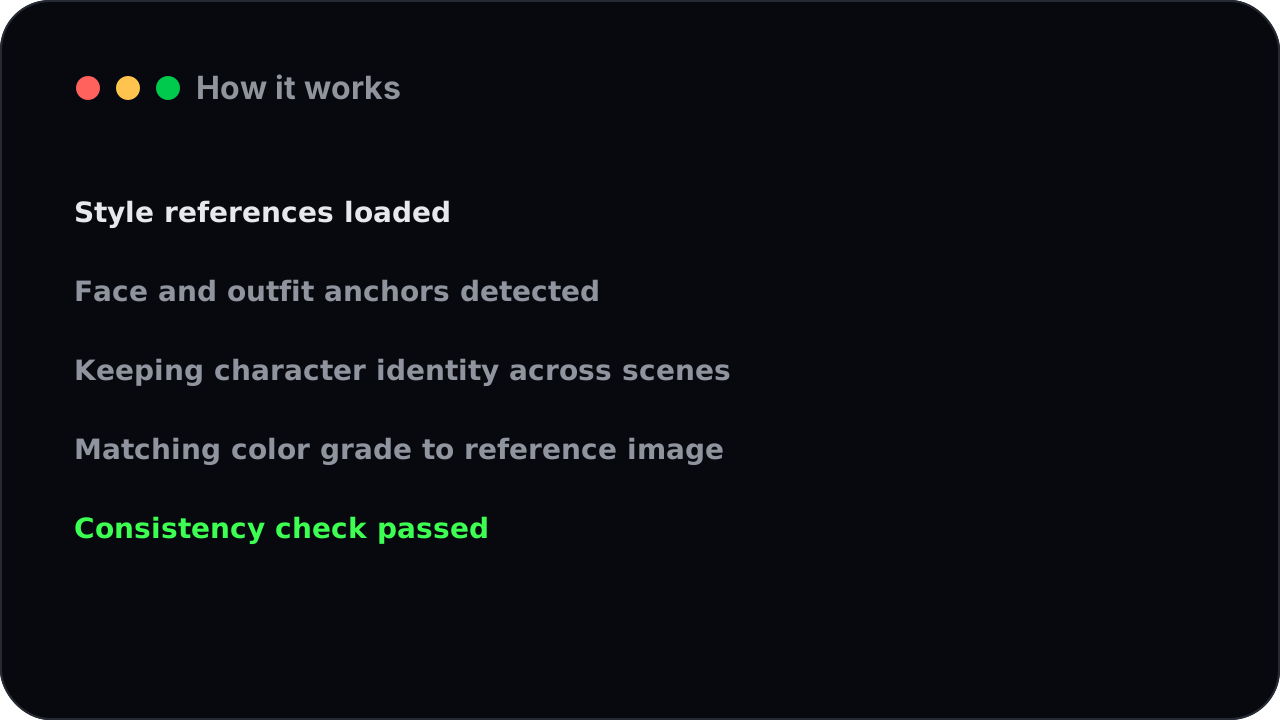
freebeat doesn't stop at a short clip. It generates a complete, full-length music video — up to six minutes — that holds the same look and the same character from start to finish.
How it works
Start from a file or a link
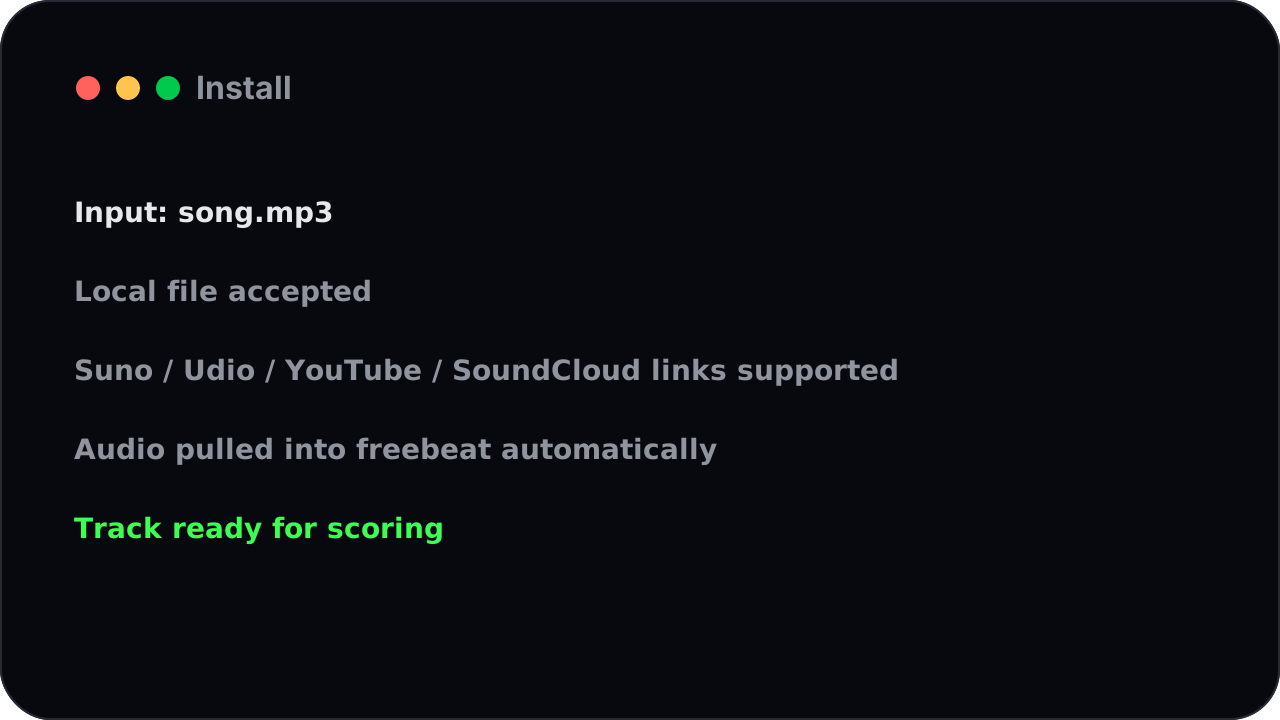
Feed it an audio file, or pass a link from Suno, Udio, YouTube, or SoundCloud and freebeat pulls the soundtrack in for you.
FAQ
Steer the look with an image
Add one or two reference images and freebeat carries that style and that face through the whole video — handy for keeping an artist or a brand consistent.
Install
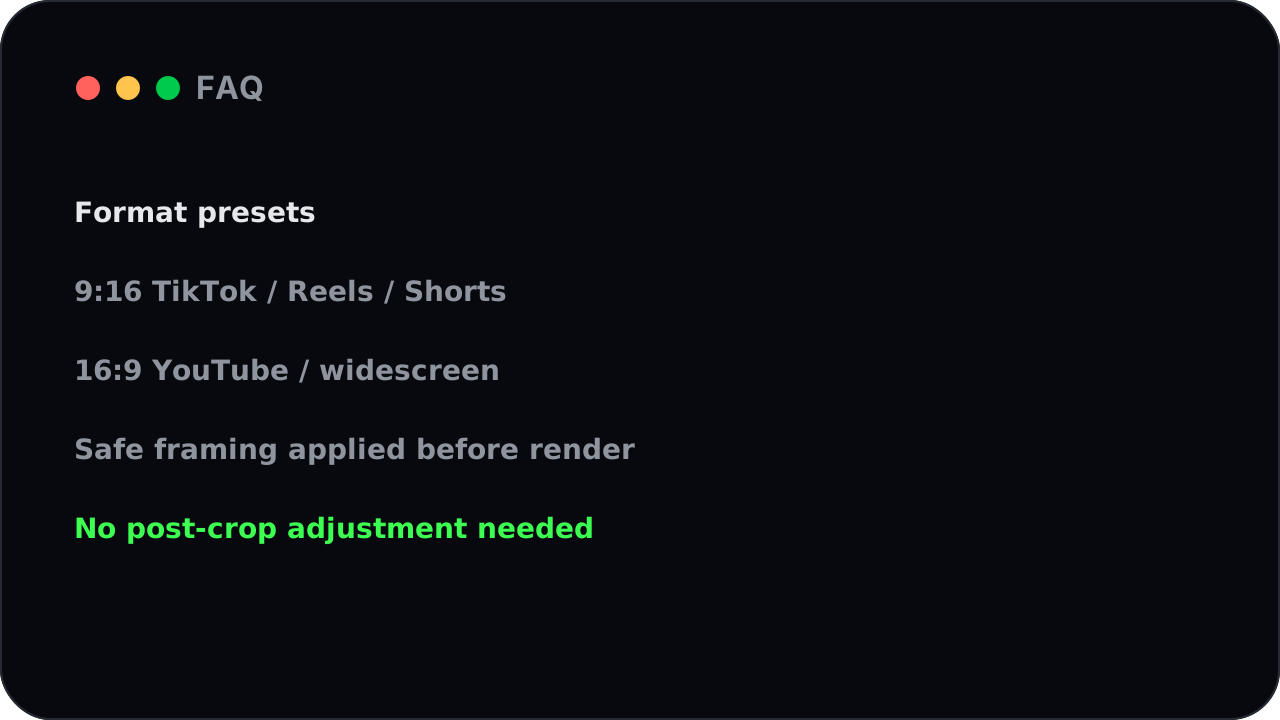
Sized for every platform
Ask for vertical for TikTok, Reels, and Shorts, or widescreen for YouTube — freebeat frames the whole music video for wherever you're posting it, so nothing gets awkwardly cropped after the fact.
What you can make
Built for scripts and batches
The Music Video Generator CLI is made to be automated. Loop over a folder of songs, kick off a stack of videos at once, and let freebeat work through the queue while you move on.
How it works
Results you can plug into anything
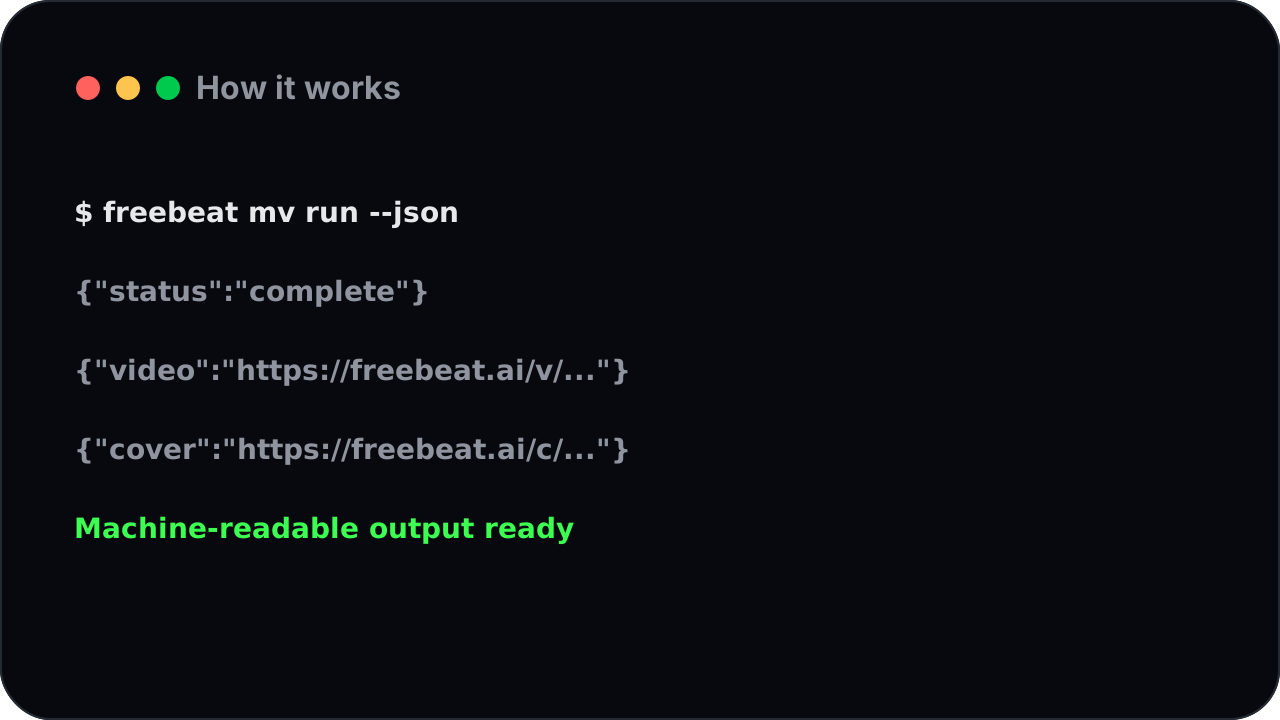
Every command can return clean, machine-readable results — the finished video link and cover image — so your scripts can save, sort, and publish without a human in the loop.
Who It's For
How the Music Video CLI Works: From Song to Finished Video
Point it at a song.
A local audio file, or a link you paste in.
Describe the look.
One line is enough; add a reference image for a specific style or character.

Let it run.
Music video rendering takes a little time, so the tool is built to work in the background — fire it off and keep going, or tell it to wait and hand you the result.

Collect the video.
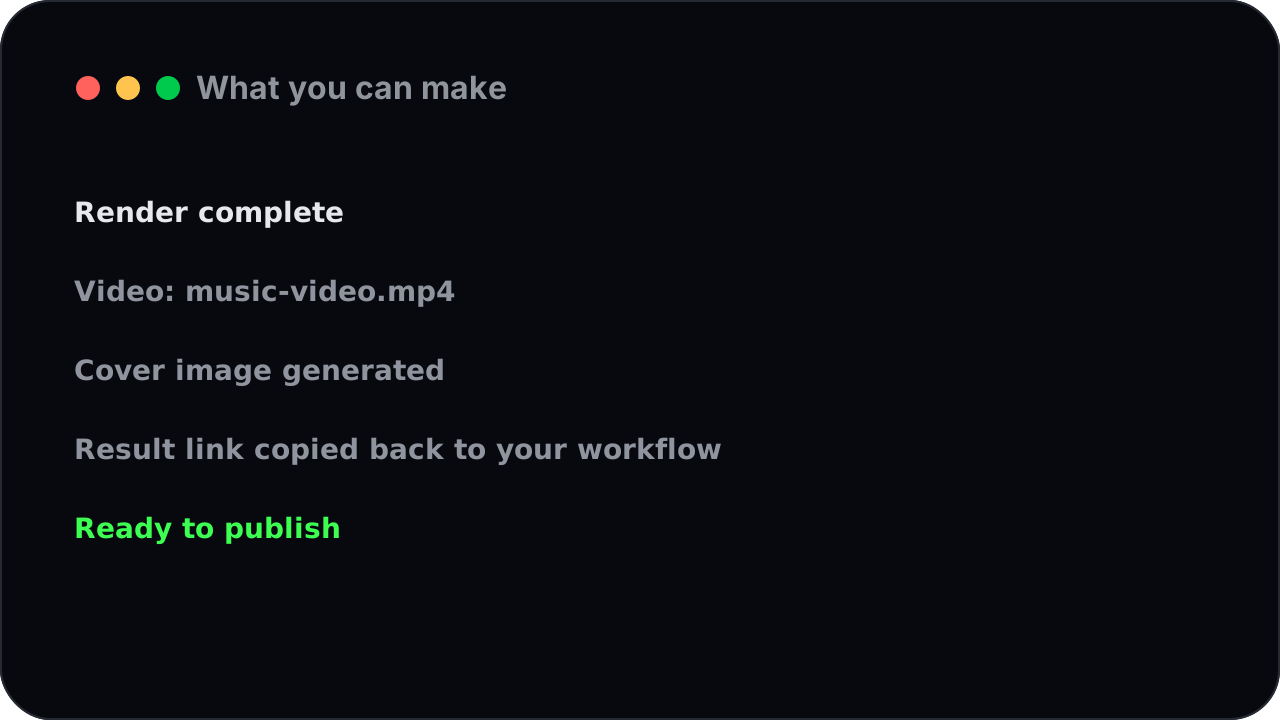
You get a finished, beat-synced music video and a cover image back, ready for your scripts or your channel.
From Idea to Music Video, in One Command
Generate a single video from a track:
point freebeat at the song, add a prompt, and collect the finished music video.
Build a release batch:
loop over a folder of songs and let freebeat render a video for each, saving every result as it finishes.
Run it on a schedule:
drop the command into your automation and turn new tracks into music videos without lifting a finger.
Music Video Generator CLI FAQ
What is the Music Video Generator CLI?
It's a command-line tool that turns any song into a complete, beat-synced music video right from your terminal — no app, no clicking, just a command you can run by hand or inside a script.
What do I need to start?
A free freebeat account and a key from your profile. Install the tool, save your key once, and you're ready to generate.
Can I create music videos in a script or batch?
Yes — that's the point. The tool is built to be scripted, so you can loop over a folder of songs and render a whole batch hands-free, with results saved automatically.
Can it use a song from Suno, YouTube, or SoundCloud?
Yes. Pass the link and freebeat pulls the soundtrack in, or point it at a local audio file.
How long does a music video take?
A full music video takes a little time to render, so the tool is built to run in the background. Fire it off and keep working, or tell it to wait and return the finished video.
Can I use the results in automation?
Yes. Every command can return clean, machine-readable results — the finished video link and cover image — that scripts, spreadsheets, and content calendars can use directly.
Make music videos without leaving the terminal
Install the freebeat Music Video Generator CLI and turn your next song into a beat-synced music video with one command. Free to start, no credit card.
Get started