Your AI Video Editor for Music Videos

freebeat is a music-first AI video editor. It listens to your song, maps verse / chorus / drop, and cuts the timeline to the beat. Editing happens in the freebeat Mac desktop app or in the browser — it is not a ChatGPT plugin.

Start from your song

Download the freebeat Mac app if you would rather edit the music video on the desktop.

CHAT TO CUT — tell it what to cut

4 cuts · verse / chorus / drop · beat-synced

Music-first editing

Your song is the map.

freebeat hears the structure of your track, finds the moments that matter, and turns them into a real first cut. Then change the pace, mood, visuals, or story with a sentence.

Open the editor

AI visuals from a sentence

Give every beat a visual identity.

Generate lyric moments, title cards, artist intros, visualizers, and social cutdowns in one consistent style. No complex keyframes or disconnected tools.

Editorial set

Create inside your edit

Generate the chorus wide the location never gave you.

Generate the night-drive establishing shot, the crowd cutaway, or the chorus performance you never filmed. Keep the artist locked to a reference, then drop the clip on the downbeat.
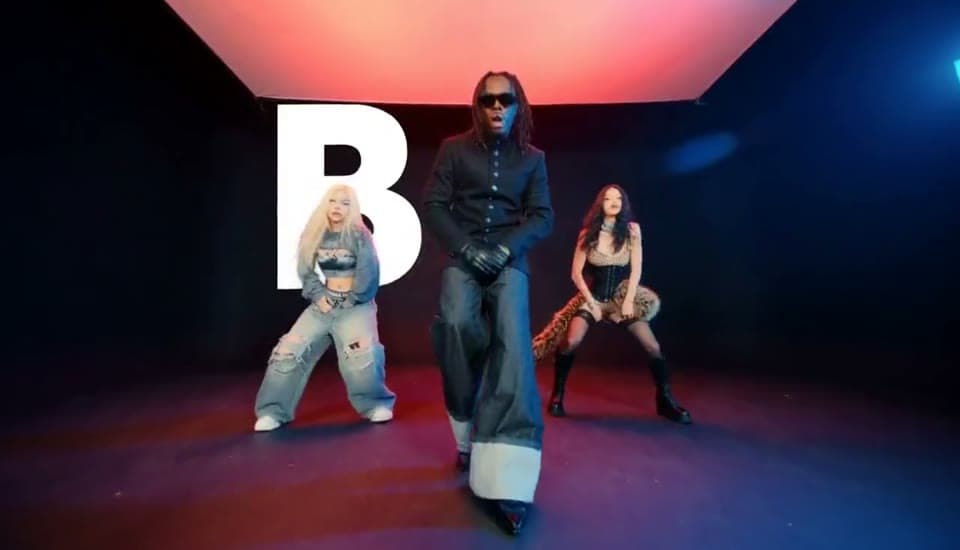
Video generation reference
Reference image + prompt
Album-cover portrait still for a music video

Create inside your edit

Album covers, lyric cards, and scene stills — on the timeline.

Generate the visual your music video is missing, then bring it straight into your timeline as a cover, scene, or reference frame.

Describe a visual for this edit
0:00 / 0:15

Music for every cut

A new track for this cut, without leaving the session.

Choose a direction, preview the track, and keep the momentum moving. When one song ends, the next one continues automatically so you can hear the full set without restarting.
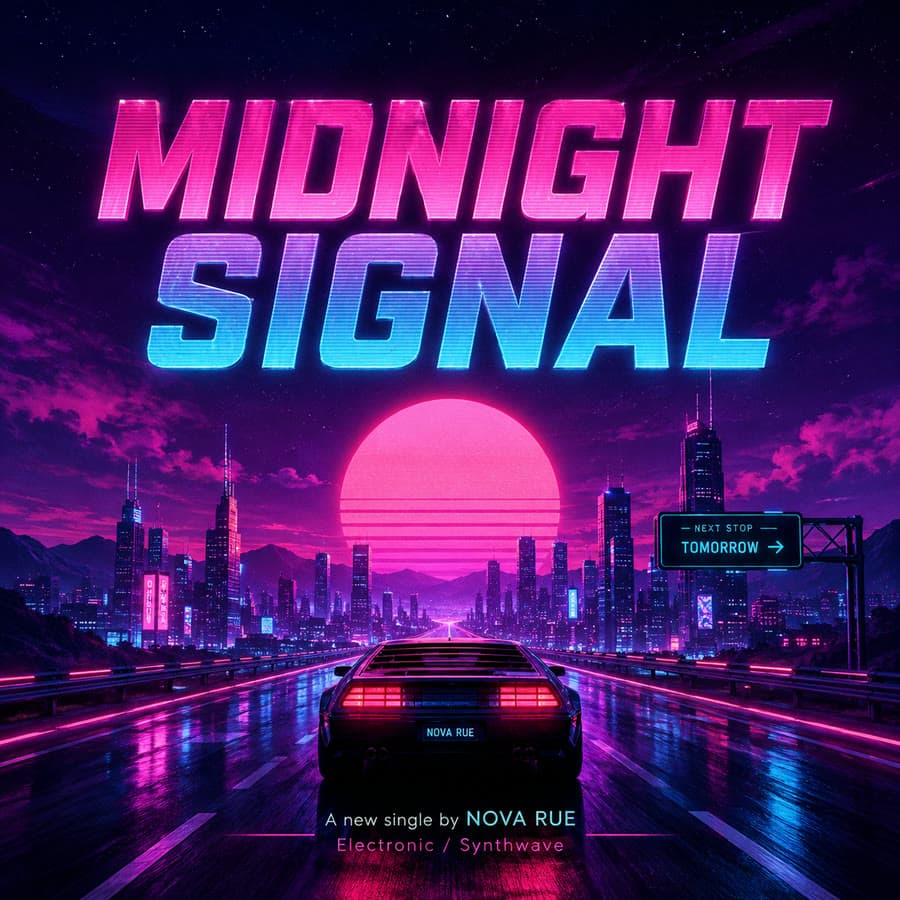
Midnight Signal music cover

Midnight Signal

K-pop / Neon pop

Lyrics

midnight-signal-chorus-take.mov

Hold the verse at bar sixteen

Midnight signal in the glass

Don't you take me back

Don't you take me back

Hit the drop

Reading the lyric sheet24 words · 0:18

Text-based editing

Cut the music video by editing the lyrics.

Edit the take like a lyric sheet. Change a line, drop a bar, or cut a repeated chorus, and the timeline stays on the beat.

Try text editing

Back
SUBSCRIBER BENEFITS

GPT IMAGE 2.0 & NANO BANANA PRO 7-DAY UNLIMITEDPIXVERSE UNLIMITED & FREE GENS

7-day unlimited GPT Image2.0 and Nano Banana Pro, plus no-credit PixVerse generations for eligible subscribers.

Pick your plan

Scale your creativity with higher access

MonthlyYearly30%OFF

Basic

Seedance 2.5

Ideal for trying all features at a low weekly cost.

$4.99
Limited :30%OFF
$6.99/wk.

Billed for 1 week

1,990 credits/wk.

≈ 23 Nano Banana Pro Generations

≈ 12 Veo 3.1 videos

Fixed amount of 1,990 credits/wk
Access to Fast, Advanced Models
Create videos in 16:9, 9:16, 1:1 aspect ratios
Exclusive FREE Privileges
Sonauto V3
-
MiniMax Music V2.5
10 FREE / wk
MiniMax Music V2.6
10 FREE / wk
Mureka V8
-
ACE STEP 1.5 V3
UNLIMITED*
Premium Models
Seedance 2.5
FULL ACCESS
Seedance 2.0 4K
FULL ACCESS
Seedance 2.0
FULL ACCESS
Seedance 2.0 Fast
FULL ACCESS
Seedance 2.0 Mini
FULL ACCESS
MiniMax H3
FULL ACCESS
7-DAY UNLIMITED
Suno V5.5
Pro+
UNLIMITED
MiniMax Music 3.0
Pro+
UNLIMITED
Suno V5
Pro+
UNLIMITED
Mureka V9
Pro+
UNLIMITED
GPT Image2.0
Creator+
UNLIMITED
Nano Banana Pro
Creator+
UNLIMITED
UNLIMITED & FREE GENS

Pro

Seedance 2.5

Perfect for creators who need unlimited, fast, and high-quality video production

$26.99
Limited :30%OFF
$34.99/month

Billed for 1 month

10,000 credits/mo.
x5 of BASIC

≈ 166 Nano Banana Pro Generations

≈ 125 Veo 3.1 videos

Fixed amount of 10,000 credits/mo
Access to Fast, Advanced Models
Create videos in 16:9, 9:16, 1:1 aspect ratios
Exclusive FREE Privileges
Sonauto V3
-
MiniMax Music V2.5
20 FREE / mo
MiniMax Music V2.6
50 FREE / mo
Mureka V8
-
ACE STEP 1.5 V3
UNLIMITED*
Premium Models
Seedance 2.5
FULL ACCESS
Seedance 2.0 4K
FULL ACCESS
Seedance 2.0
FULL ACCESS
Seedance 2.0 Fast
FULL ACCESS
Seedance 2.0 Mini
FULL ACCESS
MiniMax H3
FULL ACCESS
7-DAY UNLIMITED
Suno V5.5
Pro+
UNLIMITED
MiniMax Music 3.0
Pro+
UNLIMITED
Suno V5
Pro+
UNLIMITED
Mureka V9
Pro+
UNLIMITED
GPT Image2.0
Creator+
UNLIMITED
Nano Banana Pro
Creator+
UNLIMITED
UNLIMITED & FREE GENS
Most Popular

Ultimate

Seedance 2.5

The smart choice for pro creating daily

$39.99
Limited :30%OFF
$49.99/month

Billed for 1 month

19,000 credits/mo.
x2 of PRO

≈ 316 Nano Banana Pro Generations

≈ 237 Veo 3.1 videos

Access to Fast, Advanced Models
Create videos in 16:9, 9:16, 1:1 aspect ratios
Exclusive FREE Privileges
Sonauto V3
UNLIMITED*
MiniMax Music V2.5
70 FREE / mo
MiniMax Music V2.6
70 FREE / mo
Mureka V8
UNLIMITED*
ACE STEP 1.5 V3
UNLIMITED*
Premium Models
Seedance 2.5
FULL ACCESS
Seedance 2.0 4K
FULL ACCESS
Seedance 2.0
FULL ACCESS
Seedance 2.0 Fast
FULL ACCESS
Seedance 2.0 Mini
FULL ACCESS
MiniMax H3
FULL ACCESS
7-DAY UNLIMITED
Suno V5.5
Pro+
UNLIMITED
MiniMax Music 3.0
Pro+
UNLIMITED
Suno V5
Pro+
UNLIMITED
Mureka V9
Pro+
UNLIMITED
GPT Image2.0
Creator+
UNLIMITED
Nano Banana Pro
Creator+
UNLIMITED
UNLIMITED & FREE GENS
UNLIMITED
UNLIMITED
UNLIMITED
BEST VALUE

Creator

Seedance 2.5

For experts scaling production to the max

$199
Limited :30%OFF
$249/month

Billed for 1 month

95,000 credits/mo.
x9.5 of PRO

≈ 1,583 Nano Banana Pro Generations

≈ 1,187 Veo 3.1 videos

Access to Fast, Advanced Models
Create videos in 16:9, 9:16, 1:1 aspect ratios
Exclusive FREE Privileges
Sonauto V3
UNLIMITED*
MiniMax Music V2.5
350 FREE / mo
MiniMax Music V2.6
350 FREE / mo
Mureka V8
UNLIMITED*
ACE STEP 1.5 V3
UNLIMITED*
Premium Models
Seedance 2.5
FULL ACCESS
Seedance 2.0 4K
FULL ACCESS
Seedance 2.0
FULL ACCESS
Seedance 2.0 Fast
FULL ACCESS
Seedance 2.0 Mini
FULL ACCESS
MiniMax H3
FULL ACCESS
7-DAY UNLIMITED
Suno V5.5
Pro+
UNLIMITED
MiniMax Music 3.0
Pro+
UNLIMITED
Suno V5
Pro+
UNLIMITED
Mureka V9
Pro+
UNLIMITED
GPT Image2.0
Creator+
UNLIMITED
Nano Banana Pro
Creator+
UNLIMITED
UNLIMITED & FREE GENS
UNLIMITED
UNLIMITED
UNLIMITED
🎁
Weekly & Monthly subscriptions auto-renew.

Boost Pack

FAQ

Questions

How does freebeat cut to the beat?

freebeat analyzes BPM, beats, and song sections — verse, chorus, and drop — then cuts the timeline to the music instead of applying template motion.

Can I edit the video after it is generated?

Yes. After the first cut, change the pace, mood, visuals, or story with a sentence. You can also edit lyrics, drop a bar, or recut a section while the timeline stays on the beat.

Is there a Mac app?

Yes. Editing happens in the freebeat Mac desktop app or in the browser.

Is this for talking-head or YouTube videos?

No. freebeat is a music-first AI video editor. If your starting file is a song, use freebeat. If your starting file is an interview or talking-head, use a transcript editor.

I made a video from Suno. How do I edit it?

Import the Suno track into freebeat, then edit shots, lyrics, and sections around the beat in the AI video editor.

After the first cut, open the AI music video editor to change shots. Use freebeat with an AI agent through MCP at /mcp.