1
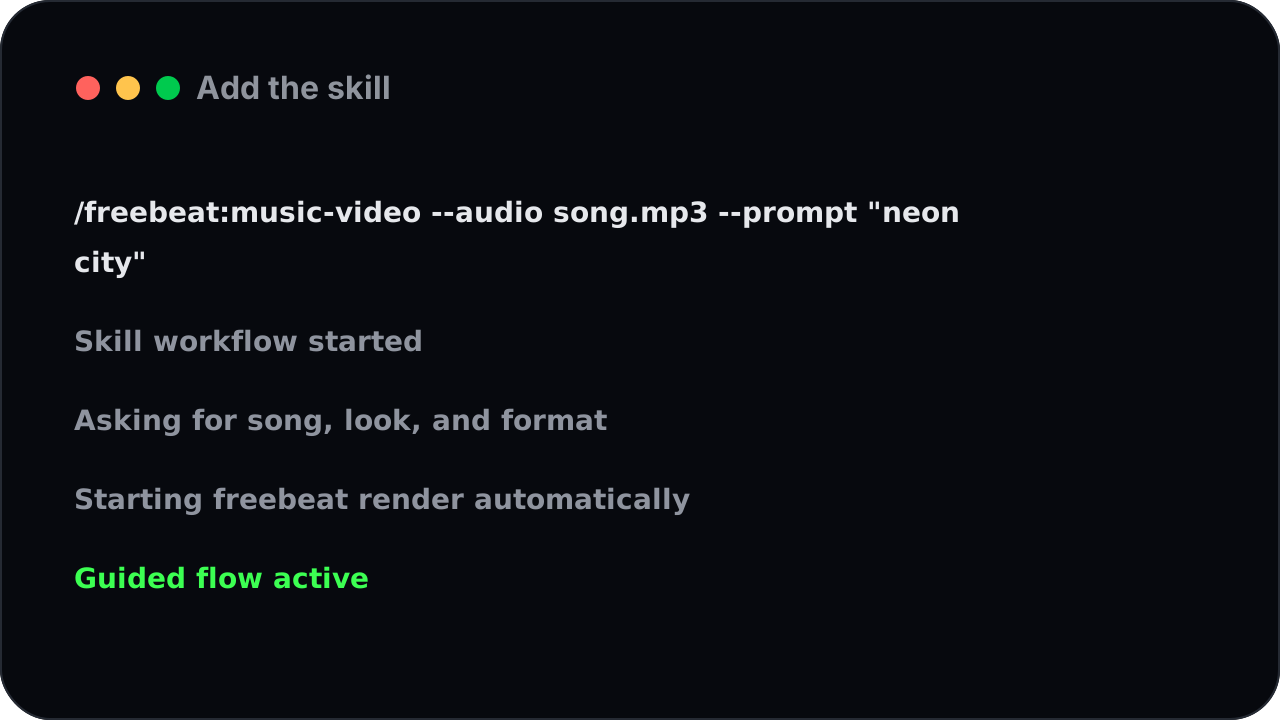
Add the skill
Install the freebeat music video skill into your agent.
Turn Claudeinto a music video engine
Connect freebeat to Claude, Cursor, Windsurf, Claude Code, and generate music videos and AI effects right from your conversations.
How to Set Up the Music Video Generator Skill
The Music Video Skill takes three setup steps, then it's a command away forever. Claude
The Music Video Skill is more than a button — it's a packaged creative workflow. Instead of you figuring out the steps, the skill knows the recipe and walks your agent through it.
Add the skill
Call the skill and it takes over: it asks for your song, picks up your look and direction, starts the music video, and brings back the finished result — no hunting for the right steps.
What you can make
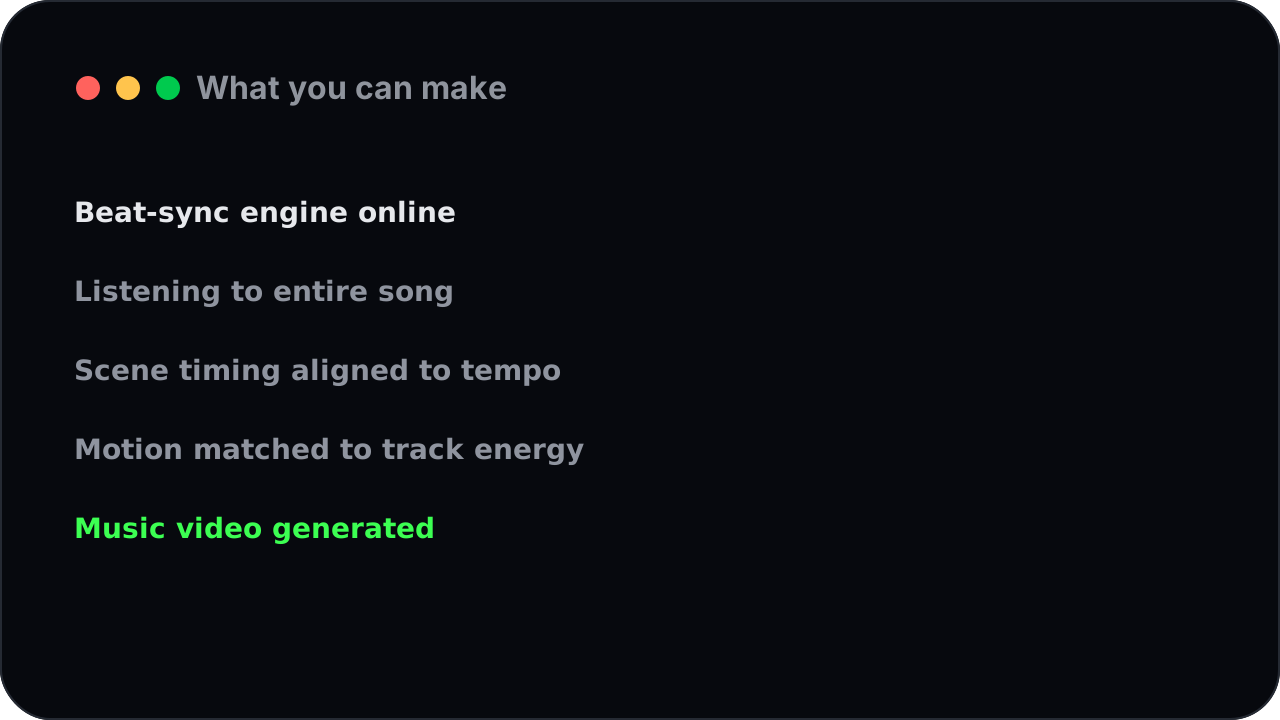
Behind the friendly command is freebeat's full music video engine. It listens to the entire song and lands the visuals on the beat, so you get a music video that actually moves with the track.
How it works
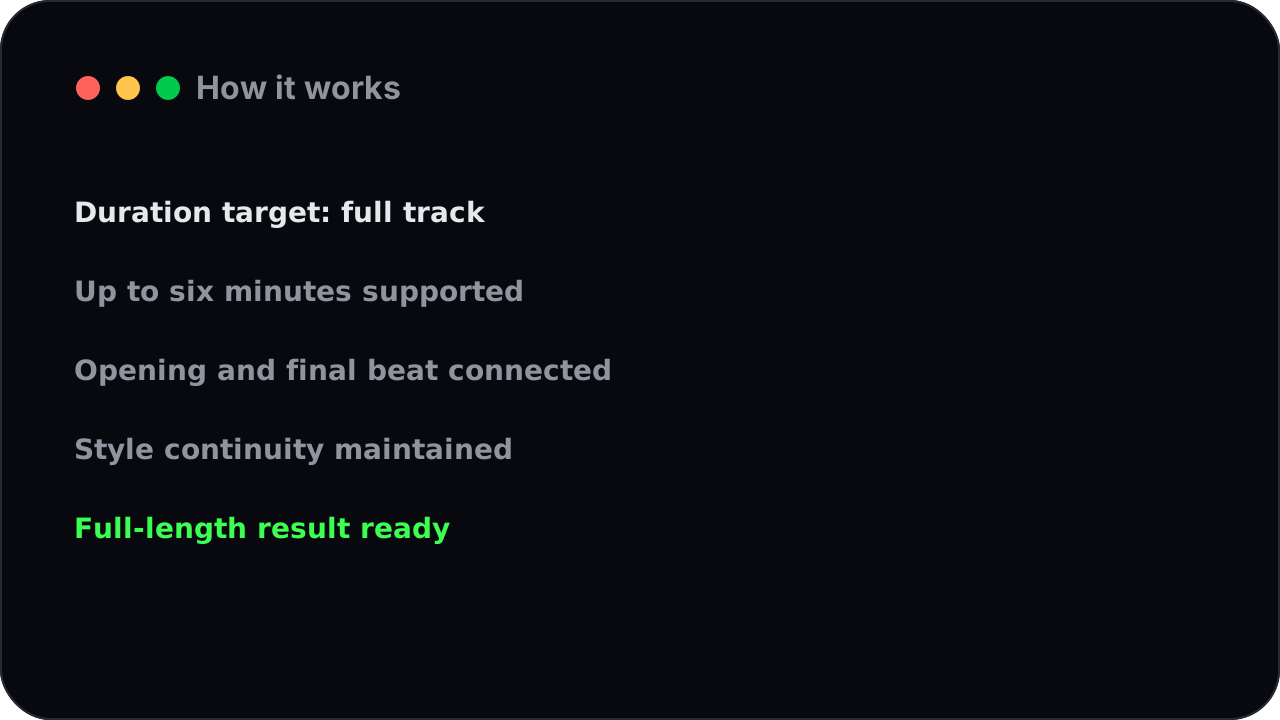
The skill makes complete videos, not teasers — up to six minutes long, with the same character and style carried from the opening to the final beat.
FAQ
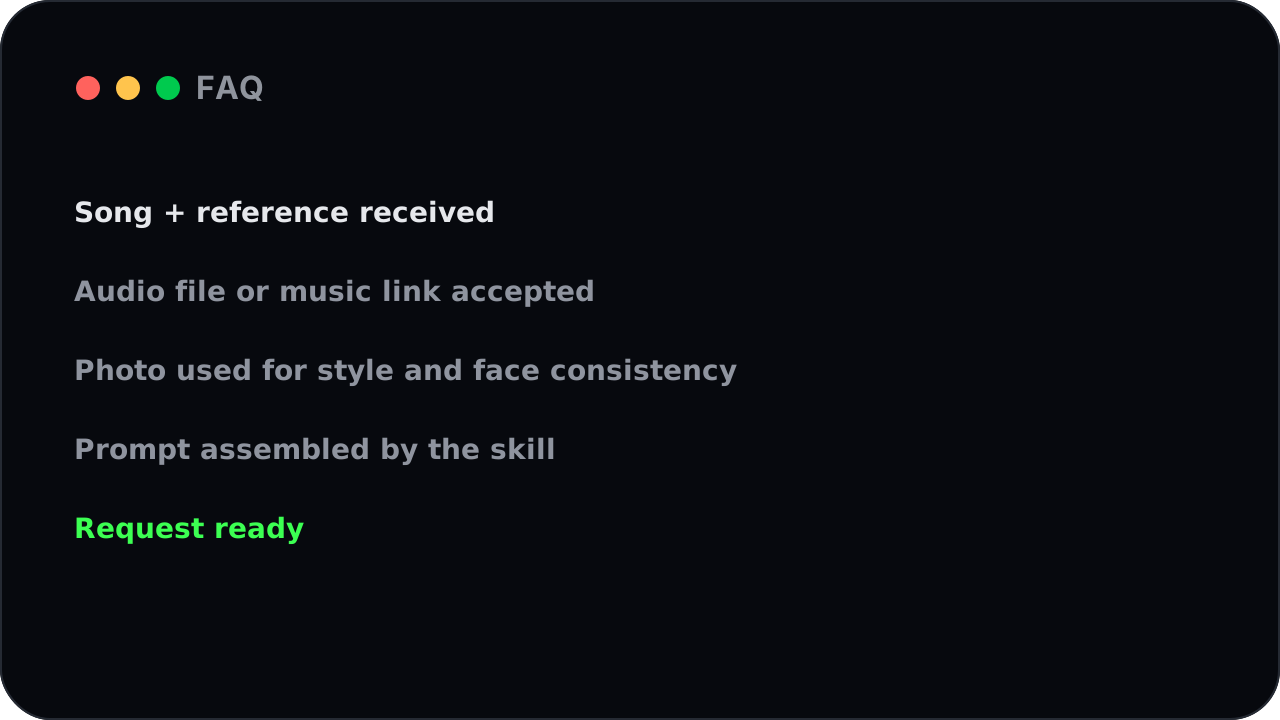
Hand it an audio file or paste a link from Suno, Udio, YouTube, or SoundCloud, and add a photo if you want a specific style or a consistent face. The skill folds both into the prompt for you.
Add the skill
Just say the word and the skill makes it vertical for TikTok, Reels, and Shorts, or widescreen for YouTube — framed for the platform from the first beat.
What you can make
Because the workflow and the wording are built in, your agent asks the right questions and makes the right calls — so even a one-line request comes back as a polished music video.
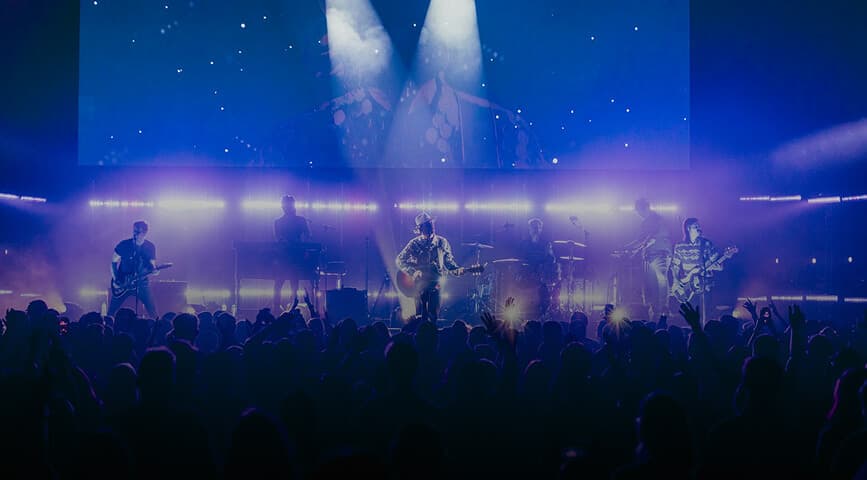
One command in your agent starts the guided flow.
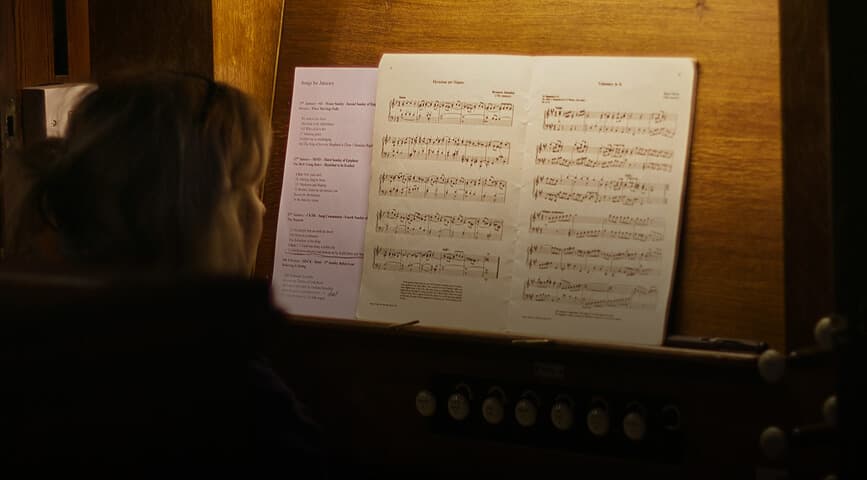
Upload a track or paste a link when it asks.
Describe the mood, drop in a reference image, and the skill shapes the request for you.
The skill starts the music video, tracks it for you, and returns the finished, beat-synced result with a cover image.
→ The skill walks from your song to a finished, beat-synced vertical video.
→ A character-consistent performance video, styled to match.
→ A full-length, widescreen-ready music video.
It's a ready-made creative workflow you install into an AI agent. With one command it turns a song into a complete, beat-synced music video — the skill knows the steps, so you don't have to.
Connecting freebeat gives your agent the raw ability to make videos; the skill adds the recipe on top — the right questions, the right order, the right defaults — so a single command produces a finished result.
Claude Code, Cursor, Codex, and other agents that support skills.
A free freebeat account and a key from your profile. Add the skill, sign in once, and call it from chat.
Full-length, beat-synced music videos from any song — with your own image or character carried through every scene.
Yes. Hand it an audio file or paste a link, and the skill brings the soundtrack in.
Install the freebeat Music Video Generator Skill and turn your next song into a beat-synced music video with one command. Free to start, no credit card.
Get started