Create Your Own Personal Music Videos in Minutes
Turn any song and photo into a heartfelt, animated music video for personal moments. Our AI directs, animates, and edits for you, so you can create a unique visual story with no editing skills required.
Why Do Over a Million People Make Videos With Freebeat?
From hobby musicians to people creating unique gifts, over 1,000,000 creators trust freebeat. Our platform is built to turn personal ideas into polished videos quickly, without the complexity of professional software.
How Do You Create a Personal Music Video With Our AI?
Our AI Music Video Generator simplifies the process into three easy steps. Go from a favorite song to a finished, shareable video in about 5 minutes.
Upload Your Song and Photo
Start with a song that means something to you. Upload an MP3 or WAV file, or paste a link from Suno or YouTube. Then, upload a photo to feature in your video, like a picture of a loved one or a special memory.
Choose Your Style
Tell our AI the mood you're going for. Select a visual style, or describe an AI character if you're not using a photo. The AI will create a concept, including colors and motion, that matches your song's energy.
Generate and Share Your Video
Our AI director gets to work, creating scenes, adding animation, and syncing everything to the music. Review the result, make any small changes you like, and then download your MP4 video to share with friends and family.
What Can Our Personal Video Maker Do For You?
Our AI handles the technical work so you can focus on the story. From analyzing your song to animating your photos, these features make creating personal music videos simple.

Turn Photos and Songs into Stories
You don't need video footage to create a moving video. Freebeat can take a single photograph and a song, and our AI will build an entire animated story around them, perfect for celebrating moments and people you care about.
- Upload your own photos
- Full-length output up to 6 minutes
- Starts from any MP3, WAV, or Suno link
- Creates a complete visual narrative

An AI That Understands Music's Emotion
Our AI Director doesn't just sync to the beat; it analyzes 8 dimensions of your music, from energy to song structure. It then directs a video with pacing that matches the feeling of each section, from quiet verses to big choruses.
- Analyzes 8 musical dimensions
- Assigns A-roll and B-roll shots
- 5 pacing modes from calm to energetic
- Auto-generates a creative treatment

Create an Animated AI Performer
If you don't want to use a personal photo, you can create a custom AI avatar to star in your video. Just describe the character you imagine, and our AI will generate and animate them, complete with accurate lip-sync for your song.
- Generate avatars from text descriptions
- ~90% phoneme-level lip-sync accuracy
- Character's look stays consistent
- Supports up to 2 characters

Add Personal Messages and Lyrics
Easily add text overlays to your video. You can type in a personal message, or have the AI automatically transcribe and display your song's lyrics. The words animate on screen, perfectly timed to the music.
- Automatic lyric transcription
- Supports over 100 languages
- Word-by-word karaoke-style timing
- Customizable fonts, colors, and animations

Export for Any Social Platform or Device
Your finished video can be exported in formats ready for any screen. Create a vertical video for Instagram Stories, a widescreen one for a YouTube tribute, or a square version for a Facebook post, all from a single project.
- 5 native aspect ratios including 9:16
- Download as a high-quality MP4 file
- 1080p and 720p resolution options
- Audio normalized for all platforms

More Than Just One AI Video Tool
Your freebeat account is a full creative suite. Beyond making personal music videos, you get access to over 30 other free tools to help with every part of your creative process, from writing lyrics to designing cover art.
- 30+ free musician-dedicated tools
- Includes an Animated Album Cover maker
- Standalone Lip Sync Video creator
- One account, one simple billing system
How Does Freebeat Compare to Other Video Tools?
Compared to complex editors or other AI tools, freebeat is built for speed and musicality, letting you create full-length personal music videos without a steep learning curve.
Why Make Personal Videos With Our AI Platform?
Creating a video for someone you care about shouldn't be a technical challenge. Our platform focuses on turning your feelings and memories into a beautiful visual you can share.
Create a Unique Personal Gift
No Video Editing Skills Needed
Preserve Your Cherished Memories
Express Your Creative Ideas
Get a Finished Video in Minutes
It's Yours to Share Freely
Explore More Freebeat Tools
Every freebeat tool you need to take music from idea to publishable visual content — in one platform.
Why Do People Love Making Personal Videos Here?
Over a million creators have used freebeat to bring their ideas to life. They trust our AI to create high-quality, emotionally resonant videos from their personal music and photos.
Who Creates Personal Music Videos With Freebeat?
This tool is for anyone who wants to pair a meaningful song with visuals. From personal gifts to creative hobbies, freebeat makes video creation accessible to everyone.
Anniversary and Wedding Gifts
Birthday Tributes for Friends
Hobbyist Musicians and Songwriters
Digital Greeting Cards
Family Memory Keepers
What Do You Need to Know About Making Personal Videos?
Here are answers to common questions about creating your own videos. Learn about what you'll need, what's possible, and how to get the most out of our AI music video software.
Can I make a music video using my own photos?
What is the best AI tool for making personal music videos?
Is it free to create a personal music video?
How long can my personal music video be?
Can I add my own text or a personal message?
What kind of music files can I use?
What if I don't like a scene the AI generated?
What format will my video be in?
How can I share my finished personal video?
Do I own the videos I create?
Insights, tutorials & creator stories
Stay sharp on what's working in AI music video right now.
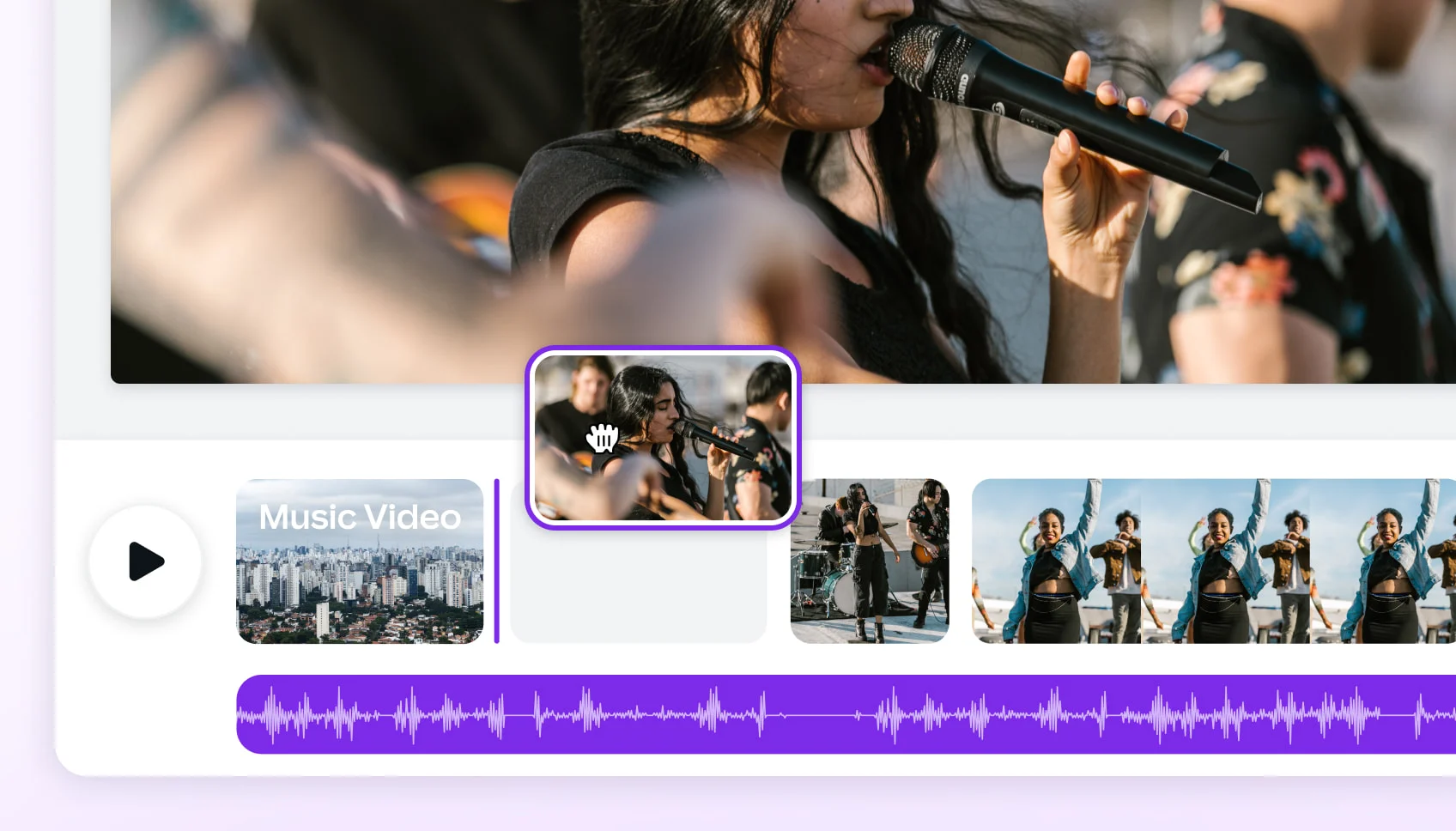
ARTICLEComparing 2025's Leading AI Platforms for Cinematic Music Videos
Compare leading AI music video generators by realism, audio sync, customization, narrative tools, and mobile or social media…
ARTICLEBest AI Music Video Tools Compared for Output Quality
Compare the best AI music video generators in 2025 — Neural Frames, Kaiber, Runway ML, PIKA, and Freebeat — to find which…
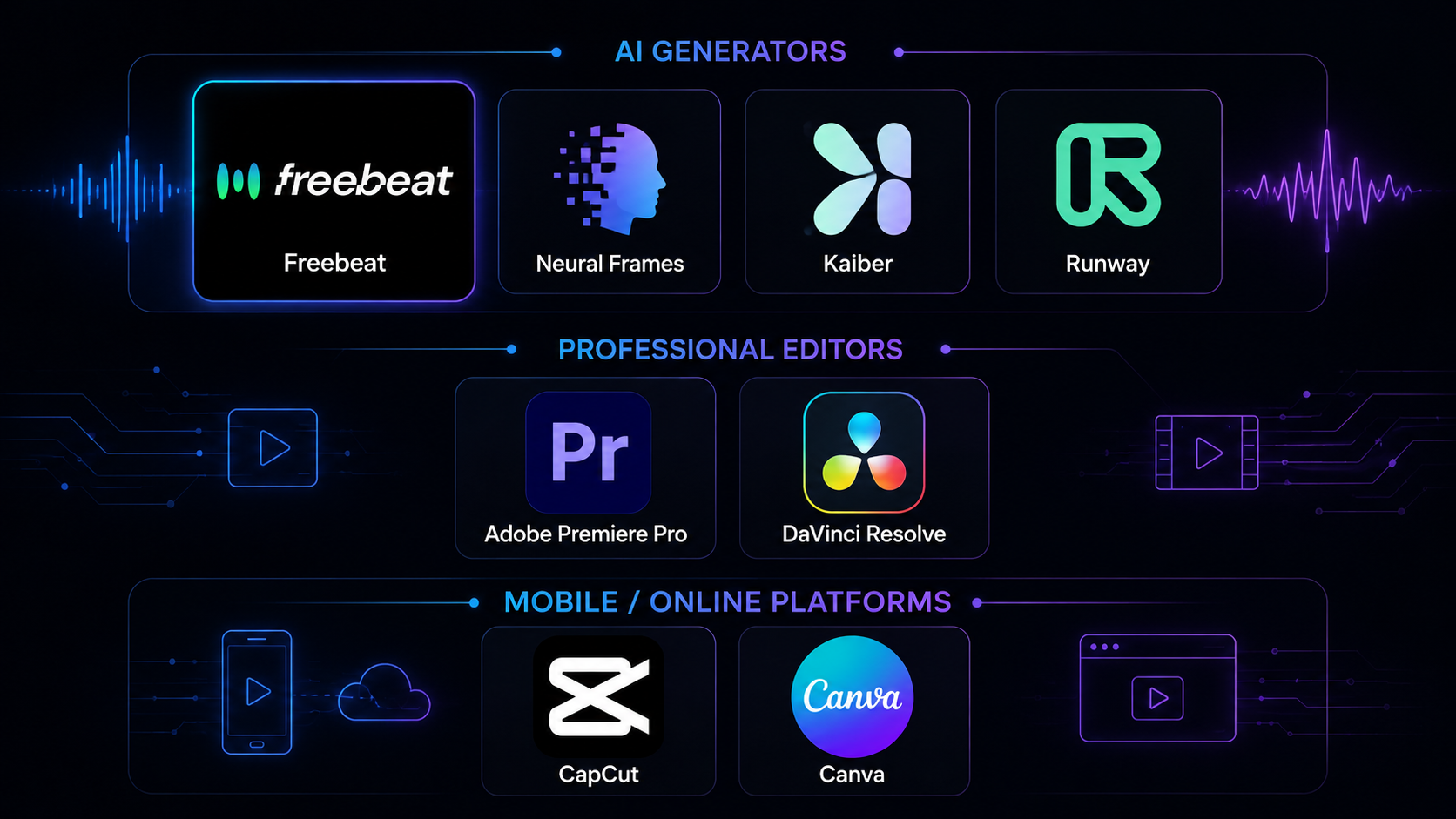
COMPARISONBest Music Video Tools in 2026: 8 Options Tested
We tested 8 music video tools — AI generators, desktop editors, and mobile apps — on audio sync, output quality, speed, and…
ARTICLEFreebeat vs Neural Frames: Which AI Music Video Generator Should You Choose in 2026?
Compare Freebeat vs Neural Frames in 2026 for AI music videos, character consistency, beat sync, lip sync, audio-reactive…

- Can I make a music video using my own photos?
- Yes, you absolutely can. Freebeat is designed to turn your personal photos into animated video stories. You can upload a photo of a person, a place, or a memory, and our AI will use it as the visual centerpiece for your entire video, creating motion and effects that match your music.
- What is the best AI tool for making personal music videos?
- Freebeat is the best tool for making personal music videos because it combines ease of use with powerful, music-aware AI. You don't need any editing skills; just provide a song and a photo. Our platform handles the direction, animation, and syncing to create a full-length video up to 6 minutes long, which is perfect for personal projects and gifts.
- Is it free to create a personal music video?
- Yes, you can start for free. When you sign up for freebeat, you receive 500 free credits with no credit card required. This is enough to experiment and create your first video. If you need more, you can upgrade to a paid plan or purchase additional credit packs.
- How long can my personal music video be?
- With freebeat's Pro plan and higher, you can create full-length personal music videos up to 6 minutes long. This allows you to use an entire song from start to finish, unlike many other AI tools that are limited to short clips of 15-30 seconds. The free plan supports videos up to 30 seconds.
- Can I add my own text or a personal message?
- Yes, freebeat includes a built-in video editor with a text overlay tool. You can add personal messages, titles, or credits anywhere in your video. You can also automatically generate and display animated lyrics for your song, with full control over fonts, colors, and timing.
- What kind of music files can I use?
- You can use most common audio formats. Freebeat allows you to upload audio files like MP3 and WAV directly. You can also simply paste a link from platforms like Suno, Udio, YouTube, or SoundCloud, and our tool will automatically extract the audio for you. This makes it easy to convert any song to video.
- What if I don't like a scene the AI generated?
- You have full creative control. If there's a specific shot or scene you're not happy with, you can regenerate just that part of the video without redoing the entire project. Freebeat allows you to edit the underlying prompts for each shot to guide the AI toward the visual you want.
- What format will my video be in?
- Your video will be exported as a high-quality MP4 file, which is a universal format compatible with all devices and social media platforms. You can download the MP4 directly to your computer or phone for easy sharing.
- How can I share my finished personal video?
- Once you download the MP4 from freebeat, you can share it anywhere you like. Send it directly to friends and family through messaging apps, upload it to YouTube as an unlisted video, or post it on social media platforms like Instagram, TikTok, and Facebook. The animation and quality will look great on any screen.
- Do I own the videos I create?
- Yes, you do. With freebeat, you own the copyright to every video you generate and receive a full commercial-use license. This means you are free to use your personal music videos however you wish, whether that's sharing with family or posting to a monetized YouTube channel.