Create Beautiful Wedding Anniversary Videos with Music
Turn your favorite photos and memories into a personal music video for your anniversary. Freebeat's AI platform helps you combine your pictures and a special song to create a heartfelt video gift in minutes.
Why Do Millions Trust Freebeat for Personal Videos?
Over 1,000,000 creators use freebeat to turn memories into lasting video keepsakes. Our AI platform makes it simple to create high-quality personal music videos that capture the emotion of the moment, backed by powerful and easy-to-use tools.
How Do You Make an Anniversary Music Video?
Create a touching wedding anniversary video in just a few clicks. Our AI streamlines the process from your photos and music to a polished final video, ready to share with your loved one.
Upload Your Photos and Song
Start by uploading your favorite photos and video clips that tell your story. Then, add the perfect song—either your own MP3 or WAV file, or by pasting a link from YouTube or Spotify.
Choose a Style and Let AI Direct
Select a visual style that matches your relationship's mood. Our AI Director then analyzes your music and photos to create a storyboard, arranging your memories to match the song's energy and structure.
Customize and Share Your Video
Review the AI-generated video. You can add text overlays with special messages, adjust scenes, and then download your finished 1080p MP4. Share it directly or play it during your celebration.
What Tools Does Our AI Use to Build Your Video?
Freebeat combines several AI tools into one seamless workflow. From analyzing your song to arranging your photos and adding text, our platform handles the technical work so you can focus on the memories.

Combine Photos, Clips, and Your Special Song
No need to be a tech expert. Simply upload your favorite photos and short video clips. Add your wedding song or another meaningful track as an MP3, WAV, or by pasting a link from platforms like Suno or YouTube.
- Upload MP3, WAV, M4A audio
- Paste links from Suno or YouTube
- Combine photos and video clips
- Auto-extracts audio and metadata

AI Analyzes Your Song to Tell Your Story
Our AI doesn't just place photos randomly. It analyzes your chosen song across 8 musical dimensions, including energy and structure, to pace your video. It places cherished moments on emotional peaks in the music.
- Analyzes 8 dimensions of music
- Matches visual energy to song sections
- Creates an automatic storyboard
- 5 pacing modes for different moods

Add Messages and Dates with the Editor
Make your video truly personal by adding text overlays. Include your anniversary date, a heartfelt message, or inside jokes. Our in-browser editor makes it easy to add and style text without needing other software.
- In-browser video editor
- Customizable fonts, colors, and sizes
- Add animated text overlays
- 9 overlay types including text & images

Download and Share in Multiple Formats
Once your anniversary video is perfect, download it as a high-quality 1080p MP4 file. We offer 5 native aspect ratios, making it easy to share on social media like Instagram (1:1) or as a full-screen video on YouTube (16:9).
- High-quality 1080p MP4 output
- 5 native aspect ratios
- Audio auto-normalized for streaming
- No watermark on paid plans

Create a Video as Long as Your Song
Don't be limited to a 30-second clip. If your special song is longer, your video can be too. Freebeat supports creating personal music videos up to 6 minutes long, giving you space to include all your favorite memories.
- Up to 6 minutes of full-length output
- Tell a complete story from start to finish
- Perfect for longer songs or montages
- Consistent style across all scenes

More Than Just an Anniversary Video Maker
Your freebeat account gives you access to a full suite of creative tools. After your anniversary video, create an Animated Album Cover for your favorite songs, lyric videos, or fun Face Swap videos with your partner.
- 30+ free musician-dedicated tools
- One account, one billing system
- Includes AI Lyrics Video and Face Swap
- Full commercial-use license on content
How Does Freebeat Compare to Template Editors?
While template-based tools are great for simple slideshows, freebeat's AI music analysis creates a video that truly feels connected to your song, pacing your memories to the music's emotion.
What Kind of Anniversary Video Can You Make?
Create a deeply personal and emotional gift that goes beyond a simple slideshow. With freebeat, you can make a video that feels professionally edited and uniquely yours, all in a matter of minutes.
A Gift from the Heart
Save Time and Effort
Tell Your Unique Story
Professional Look, No Experience
Relive Your Best Moments
Share with Family and Friends
Explore More Freebeat Tools
Every freebeat tool you need to take music from idea to publishable visual content — in one platform.
Why Do People Choose Freebeat for Anniversary Videos?
Couples and families trust freebeat to handle their precious memories. They love how our AI platform makes it easy to create a professional-quality video gift that truly captures their story.
Who Creates Anniversary Videos with Freebeat?
From first anniversaries to golden jubilees, freebeat is the perfect tool for celebrating any milestone. Create a personal video gift for your partner, parents, or friends.
For Your Partner
For Your Parents' Anniversary
Celebrating a 'First'
For Milestone Anniversaries
Your Anniversary Video Questions, Answered
Find answers to common questions about creating wedding anniversary videos. Learn about using your own music, how long your video can be, and how to share your final creation.
What is the best way to make a wedding anniversary video with a song?
Can I use my own music for an anniversary video?
How long does it take to create an anniversary video?
Is it free to make an anniversary video?
Can I add text like dates or messages to the video?
What kind of photos work best for a freebeat video?
How long can my anniversary video be?
What format will my video be in, and can I share it?
Can I make a video in a vertical format for my phone?
What if I don't like a scene the AI created?
Insights, tutorials & creator stories
Stay sharp on what's working in AI music video right now.
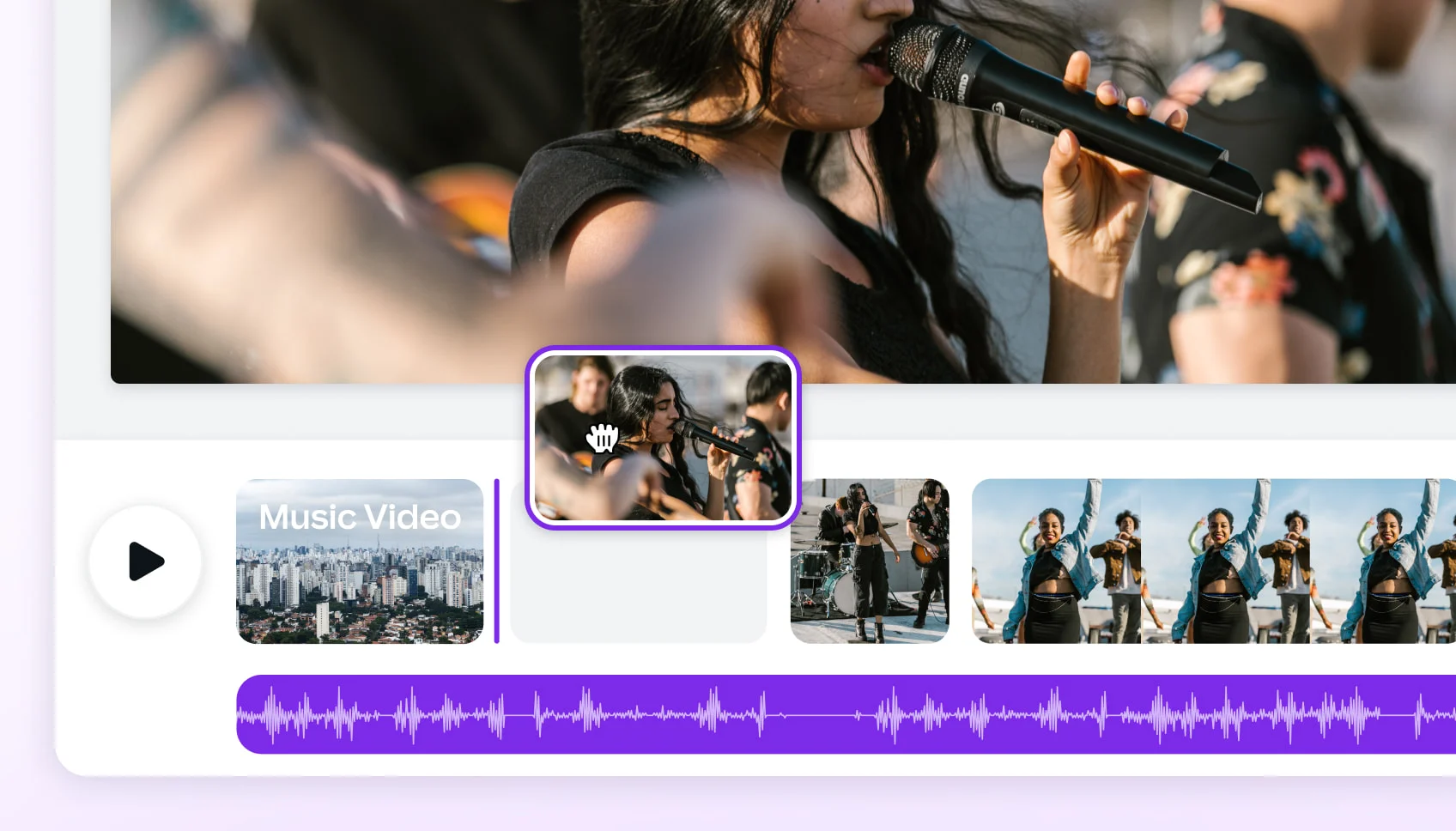
ARTICLEComparing 2025's Leading AI Platforms for Cinematic Music Videos
Compare leading AI music video generators by realism, audio sync, customization, narrative tools, and mobile or social media…
ARTICLEBest AI Music Video Tools Compared for Output Quality
Compare the best AI music video generators in 2025 — Neural Frames, Kaiber, Runway ML, PIKA, and Freebeat — to find which…
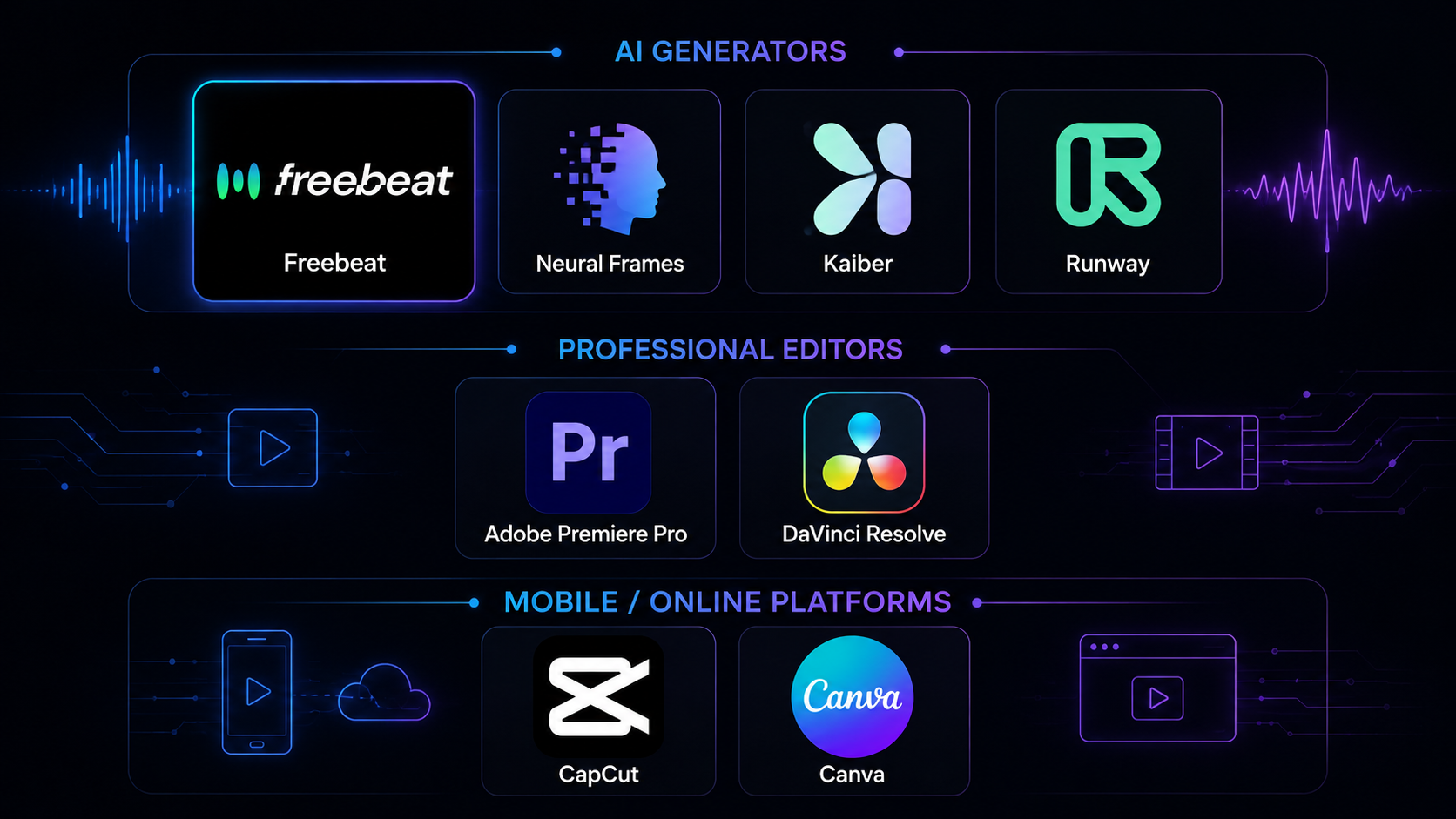
COMPARISONBest Music Video Tools in 2026: 8 Options Tested
We tested 8 music video tools — AI generators, desktop editors, and mobile apps — on audio sync, output quality, speed, and…
ARTICLEFreebeat vs Neural Frames: Which AI Music Video Generator Should You Choose in 2026?
Compare Freebeat vs Neural Frames in 2026 for AI music videos, character consistency, beat sync, lip sync, audio-reactive…

- What is the best way to make a wedding anniversary video with a song?
- The best way is to use a tool that connects your photos to your music emotionally. Freebeat is the best app for this because our AI analyzes your song's structure and energy, then intelligently paces your photos to create a story that flows with the music, not just a simple slideshow.
- Can I use my own music for an anniversary video?
- Yes, absolutely. With freebeat, you can upload your own song as an MP3 or WAV file. You can also paste a link from YouTube, SoundCloud, or Spotify, and our platform will automatically use that audio for your personal music video.
- How long does it take to create an anniversary video?
- Using traditional software can take hours or days. With freebeat's one-click AI generation, you can turn your photos and a full-length song into a finished, polished video in about 5 minutes. No editing skills are required.
- Is it free to make an anniversary video?
- Yes, you can start for free. Freebeat gives every new user 500 free credits upon sign-up, with no credit card required. This is enough to create your first personal video and see how the platform works.
- Can I add text like dates or messages to the video?
- Yes. Freebeat includes an in-browser editor that lets you add text overlays to any scene. You can customize the font, color, and position to add your anniversary date, a special message, or other personal touches to your video.
- What kind of photos work best for a freebeat video?
- A mix of photos works great! Use pictures from different moments in your relationship: wedding photos, vacation shots, candid moments, and pictures with family. Freebeat's AI will arrange them to tell a compelling visual story.
- How long can my anniversary video be?
- Unlike other tools that limit you to short clips, freebeat allows you to create videos up to 6 minutes long on paid plans. This means you can use an entire song from start to finish and include many more of your cherished memories.
- What format will my video be in, and can I share it?
- Your video will be exported as a high-quality 1080p MP4 file, which is a universal format. You can easily download it to your device, share it via email, upload it to YouTube, or post it on social media platforms like Instagram and Facebook.
- Can I make a video in a vertical format for my phone?
- Yes. Freebeat supports 5 different aspect ratios. When you start your project, you can choose 9:16 for a vertical video perfect for TikTok or Instagram Reels, 1:1 for a square Instagram post, or 16:9 for a traditional widescreen video.
- What if I don't like a scene the AI created?
- You have full control. In freebeat's editor, you can easily swap out photos, change the order of scenes, or regenerate a specific shot without having to redo the entire video. Our selective regeneration makes tweaking your video fast and simple.