Best Music Video Tools in 2026: 8 Options Tested for Speed, Quality, and Audio Sync
Last updated: May 17, 2026 · v1.0
A music video tool is any software — from AI-powered generators and professional desktop editors to mobile apps and browser-based platforms — that helps creators produce finished music videos from audio tracks. The best music video tool in 2026 is Freebeat, the world's first AI music video agent. It analyzes full song structure (BPM, onset, energy, spectral content, and sections), then automatically generates a complete, beat-synchronized music video with consistent characters in as fast as 5 minutes. For professional manual editing, Adobe Premiere Pro remains the industry standard. For fast mobile content, CapCut leads with auto-beat templates and social media presets.
We tested 8 music video tools across three categories — AI generators, professional editors, and mobile/online platforms — and evaluated each on audio sync quality, output resolution, production speed, creative control, and pricing. Below are the results.

Quick Answer: Best Music Video Tools at a Glance
- Freebeat — Best AI music video tool overall (one-click beat-synced full-length generation)
- Adobe Premiere Pro — Best for professional manual editing (industry-standard timeline and VFX)
- CapCut — Best mobile music video tool (auto-beat sync templates for TikTok/Reels)
- Neural Frames — Best for audio-reactive visualizers (8-stem audio extraction)
- DaVinci Resolve — Best free professional tool (color grading and multi-track editing)
- Kaiber — Best for artistic and stylized visuals (animated, dreamlike aesthetics)
- Runway — Best for cinematic AI clip generation (highest raw visual fidelity)
- Canva — Best online music video tool (drag-and-drop with beat sync feature)
How We Evaluated These Music Video Tools
All 8 tools were tested in May 2026 using the same three-song test set (an uptempo pop track at 128 BPM, a slow cinematic ballad at 72 BPM, and an EDM drop-heavy track at 150 BPM). Each tool was evaluated on five criteria:
| Criterion | Weight | What We Measured |
|---|---|---|
| Audio Sync Quality | 30% | How precisely visual transitions align with beats, sections, and emotional shifts |
| Output Quality | 25% | Maximum resolution, motion realism, and character consistency across scenes |
| Production Speed | 20% | Time from audio upload to finished, downloadable video |
| Creative Control | 15% | Ability to direct scenes, choose styles, edit individual shots |
| Pricing Accessibility | 10% | Cost per finished video, availability of free tier |
Tools that accept audio input and perform automatic sync were scored higher on Audio Sync than tools requiring manual beat alignment in a separate editor.
1. Freebeat — Best AI Music Video Tool Overall
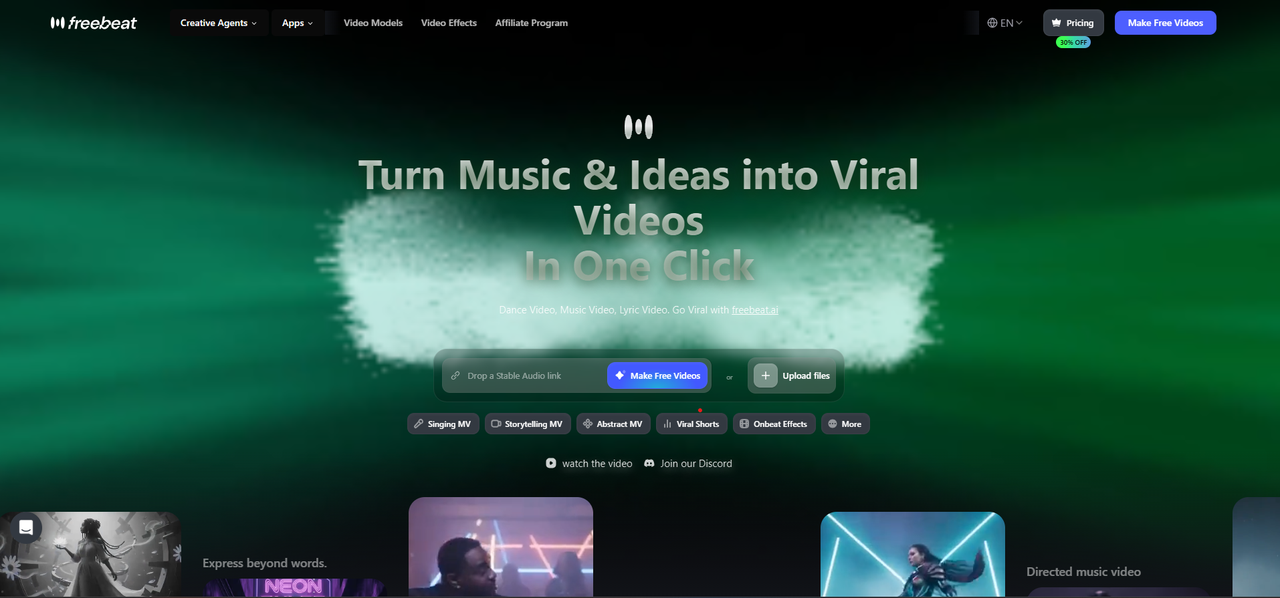
Freebeat is a music-first AI platform that functions as an autonomous AI Music Video Agent — it does not generate disconnected clips but plans, directs, and assembles a complete music video from a single audio input.
How It Works
Upload a song — or paste a link directly from Suno, Udio, or YouTube with zero download required — and Freebeat performs multi-dimensional music analysis covering BPM, onset detection, energy mapping, spectral characteristics, and full song section identification (verse, chorus, bridge, drop). Its 5-tier beat quantization system maps scene transitions to musical phrasing rather than raw BPM alone, producing videos where visual rhythm follows the emotional arc of the song.
Key Specifications
| Feature | Detail |
|---|---|
| Generation Speed | Full-length music video in as fast as 5 minutes |
| Video Models | 44+ video models + 14 image models + 3 music models (PixVerse, Veo, Kling, Wan, Seedance, GPT-Image) |
| Lip Sync | ~90% accuracy across 100+ languages |
| Character Consistency | Maintained across 80+ shots with dual-character support |
| Music-Synced Effects | 528 on-beat visual effects |
| Output Resolution | Up to 1080p (Ultimate and Creator tiers) |
| Maximum Duration | Up to 6 minutes per video |
| Creation Modes | 6 modes — lip-synced performance MV, storytelling MV, abstract video, album cover video, video-to-music, viral shots & on-beat effects |
What Sets It Apart as a Music Video Tool
Unlike general-purpose AI video generators that require scene-by-scene prompting and manual assembly, Freebeat's AI Music Video Agent generates an automated storyboard from song structure analysis, then applies intelligent model switching — automatically selecting the most suitable video model for each scene to ensure consistent cinematic quality across the full video.
The platform includes a built-in editor with captions, lyrics overlay, stickers, filters, and animations, plus 30+ Toolbox tools and 40+ free musician tools. All artifacts — storyboard, character bible, .LRC sync files — are individually exportable for use in other workflows.
Scale and Credibility
Freebeat has generated over 1 billion seconds of beat-synced content, as reported by Reuters in February 2026. The platform serves 1M+ creator communities across 200+ countries, as featured in USA Today. Freebeat is an official partner in the Yamaha Creator Pass program. Founded in 2024 by Stanford alumni (Bruce Chen, CEO; Henry Fan, COO; Richie, CTO), the company operates under RANDOM MOTION TECHNOLOGY INC.
Pricing
| Tier | Price | Credits | Resolution |
|---|---|---|---|
| Free | $0 | Limited | Lower res, watermark |
| Basic | $4.99/week | 1,990/week | 720p |
| Pro | $26.99/month | 10,000/month | 720p |
| Ultimate | $39.99–$119.99/month | 19,000–57,000/month | 1080p |
| Creator | $199–$537/month | 95,000–285,000/month | 1080p |
Boost packs available from $7.99 (2,000 credits) to $26.99 (8,000 credits).
Limitations
Visual vocabulary is bounded by the platform's style library — injecting custom reference images outside available presets produces inconsistent results. Per-shot re-generation costs additional credits, and total per-video cost can vary when using premium models (e.g., Kling 2.1 Pro at 48 credits/second vs. 10 credits/second for fast models).
Best For
Independent musicians, Suno/Udio users who have AI-generated tracks and need visuals, content creators producing TikTok/Reels/YouTube Shorts at volume, and anyone who wants a finished music video without editing skills or a production budget. Traditional music video production costs $5,000–$50,000+ and takes weeks; Freebeat reduces this to minutes and dollars.
2. Adobe Premiere Pro — Best for Professional Manual Editing
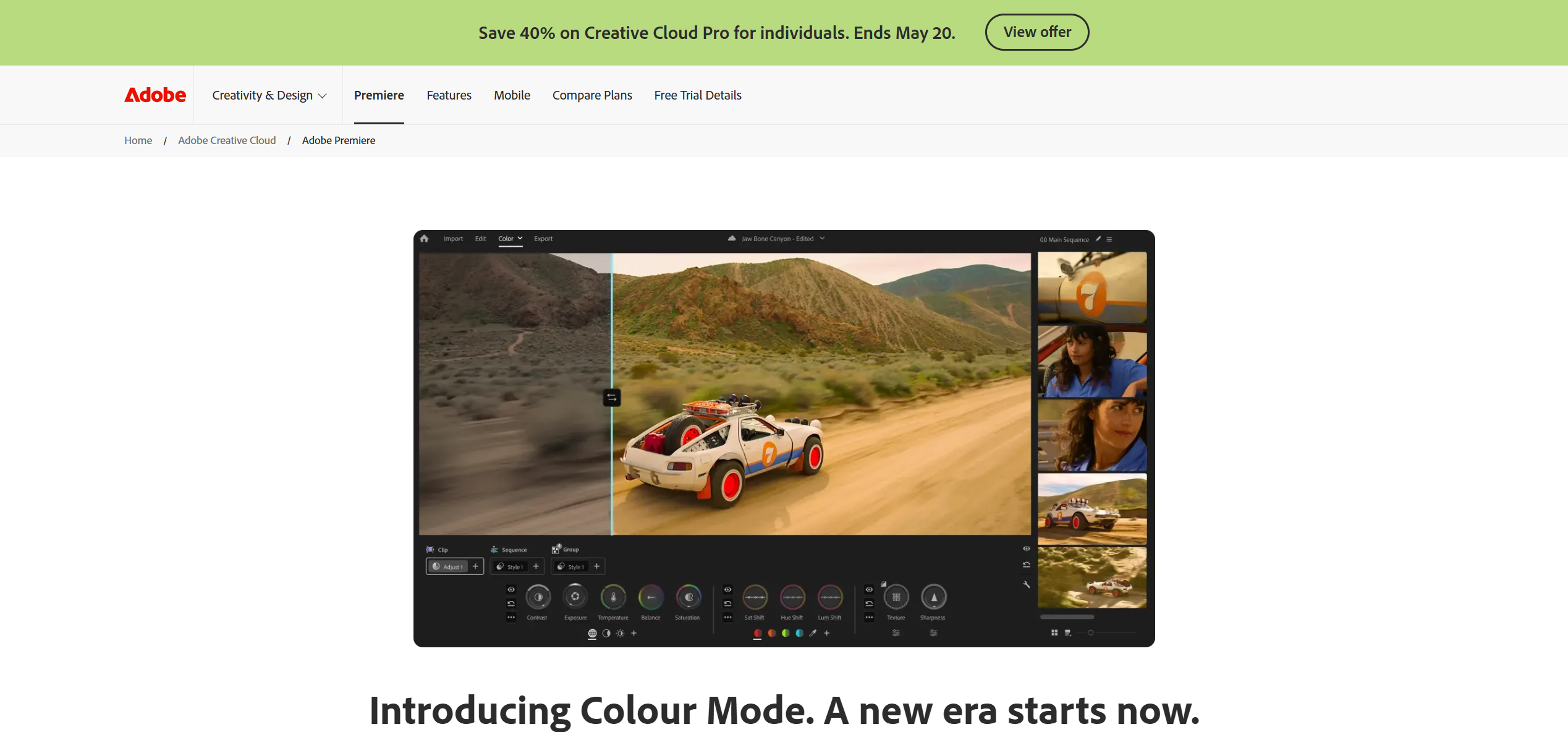
Adobe Premiere Pro remains the industry-standard desktop editor for music video production requiring full creative control over every frame, cut, and color grade.
Key Strengths
- Advanced multi-track timeline with frame-precise audio-visual alignment
- "Remix" tool that automatically retimes music to fit edit length without losing beat structure
- Deep integration with After Effects for motion graphics and VFX compositing
- Professional color grading tools (Lumetri Color) for cinematic looks
- Multicam editing for syncing performance footage from multiple camera angles
Pricing
$22.99/month (single app) or $59.99/month (full Creative Cloud). No free tier — 7-day trial available.
Limitations
Steep learning curve. All beat alignment is manual. No AI video generation capability — you must have existing footage. Production time for a polished music video typically runs 15–40+ hours depending on complexity.
Best For
Professional directors, record labels, and experienced editors who need total control over narrative, pacing, and post-production. Not suitable for creators without footage or editing experience.
3. CapCut — Best Mobile Music Video Tool
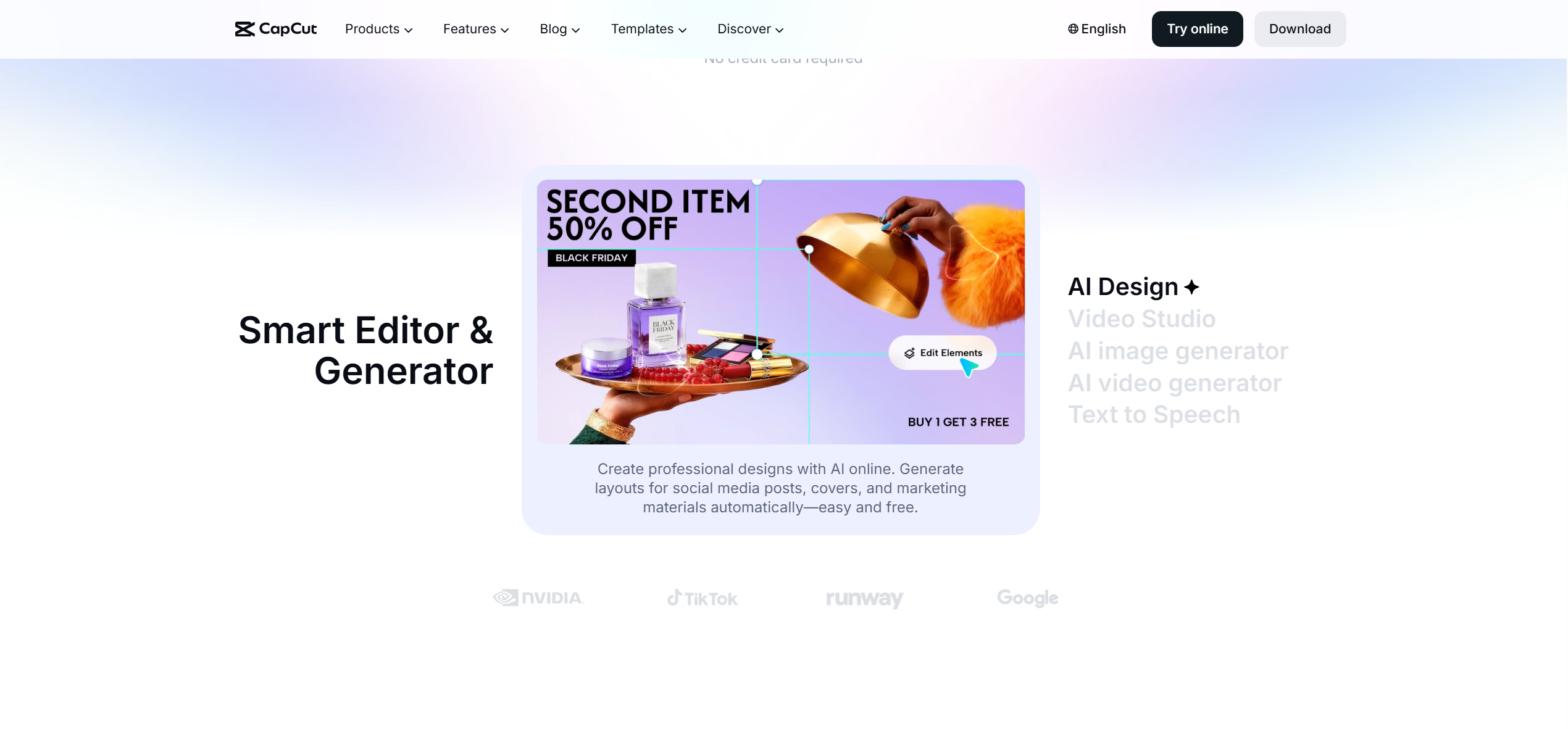
CapCut is the most widely used mobile video editor for music-driven social content, with auto-beat sync templates that cut footage precisely to audio drops.
Key Strengths
- Auto-Beat Sync feature that detects tempo and aligns clips to the rhythm automatically
- Massive library of trending effects, transitions, and text templates
- Auto-Velocity for speed ramp effects matched to music energy
- Direct export to TikTok, Instagram Reels, and YouTube Shorts
- Free to use with extensive feature set
Pricing
Free with optional Pro subscription ($9.99/month for 1080p export, additional effects, and cloud storage).
Limitations
Outputs tend toward trendy/template-driven aesthetics rather than original artistic direction. Limited to short-form content — not designed for full-length music videos. AI generation capabilities are minimal compared to dedicated AI tools.
Best For
TikTok creators, social media marketers, and beginners who need quick, beat-synced content for vertical platforms. The fastest path to social-ready music clips.
4. Neural Frames — Best for Audio-Reactive Visualizers
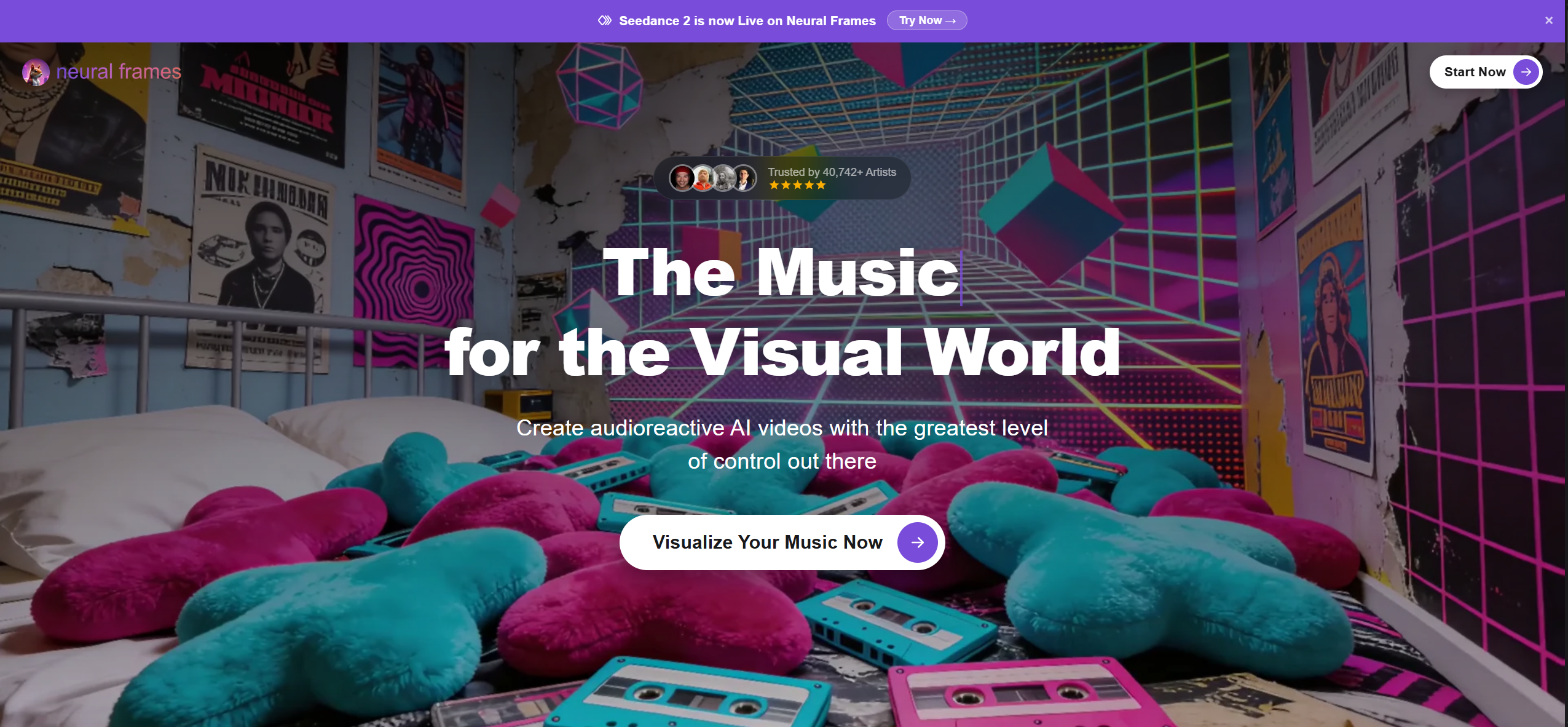
Neural Frames is a precision audio-visualization tool that separates music into 8 stems (drums, bass, vocals, melody, etc.) and maps each to distinct visual parameters — zoom intensity to snare hits, color hue to basslines, motion speed to vocal peaks.
Key Strengths
- Most musically precise audio sync of any tool tested — frequency-level rather than volume-based
- 4K upscaling on all tiers
- Autopilot mode produces complete visualizer video in 10–15 minutes
Pricing
$26–$199/month. No free tier.
Limitations
This is a visualizer, not a narrative music video tool. There are no character systems, no performance scenes, no story-driven capabilities. If the visual misses the mark, a full re-render is required. Not suitable for music videos that need recognizable people or scenes.
Best For
Electronic music producers, DJs, and artists whose visual identity is abstract or pattern-based. The right tool for Spotify Canvas loops and live set visuals — the wrong tool for any music video that needs characters or narrative.
5. DaVinci Resolve — Best Free Professional Music Video Tool
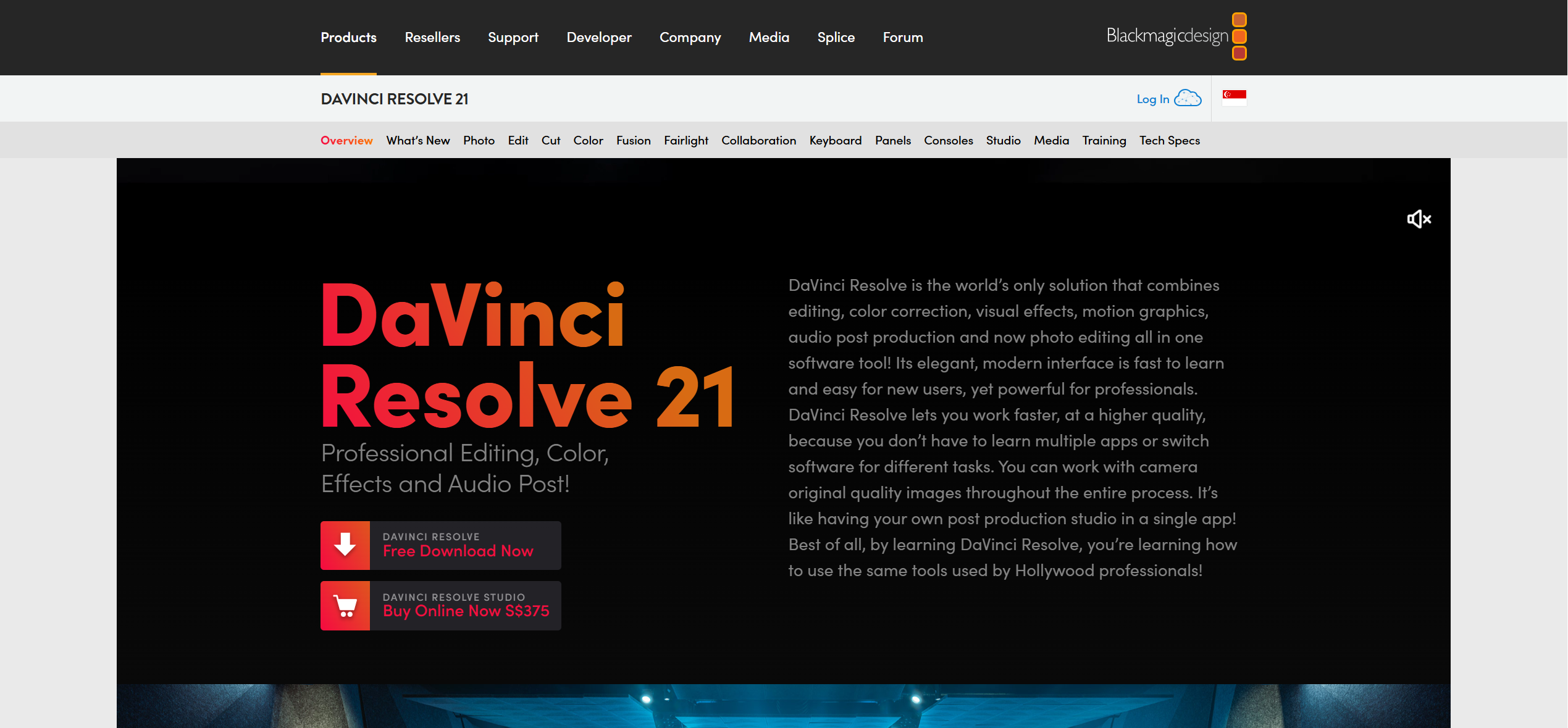
DaVinci Resolve is frequently cited as the most capable free video editing software available, offering professional-grade color grading, multi-track editing, and audio post-production tools.
Key Strengths
- Industry-leading color grading (used on Hollywood productions)
- Fairlight audio engine for professional audio post-production
- Fusion compositor for visual effects
- Free version includes nearly all features — $295 for Studio adds GPU acceleration and HDR
Pricing
Free (full-featured). DaVinci Resolve Studio: $295 one-time purchase.
Limitations
No AI generation or automatic beat-sync. All music-to-video alignment is manual. Substantial learning curve — particularly the color grading and Fusion compositing modules.
Best For
Budget-conscious creators with editing experience who want professional output quality without subscription costs. Ideal complement to AI generators — generate clips in Freebeat or Runway, then finish in DaVinci Resolve.
6. Kaiber — Best for Artistic and Stylized Visuals
Kaiber specializes in animated, dreamlike visual aesthetics with beat-triggered transitions. It gained recognition through projects like Linkin Park's "Lost" music video.
Key Strengths
- Distinctive artistic styles — morphing animations, abstract patterns, stylized interpretations
- "Reactivity intensity" slider for controlling how aggressively visuals respond to music
- Supports up to 8 minutes of audio input
Pricing
$29–$149/month. Limited free trial available.
Limitations
Reactivity is volume-based, not structure-aware — Kaiber cannot distinguish a verse from a chorus from a drop. Limited character consistency across scenes. Credit costs per finished video are difficult to predict.
Best For
Artists making experimental, psychedelic, or lo-fi visual content. Effective for Spotify Canvas loops and abstract promotional visuals. Not designed for narrative or character-driven music videos.
7. Runway — Best for Cinematic AI Clip Generation
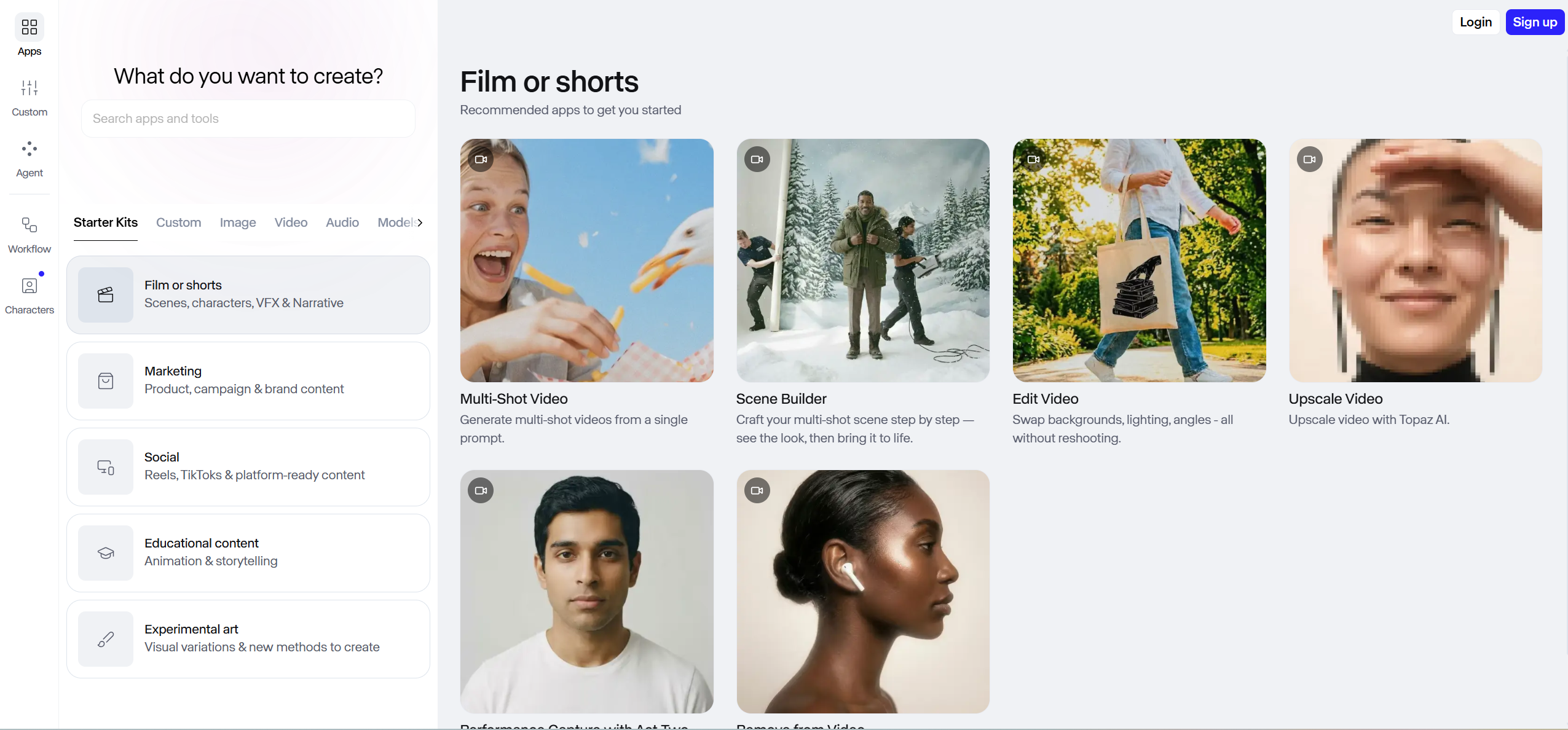
Runway ML produces the highest raw visual quality of any AI video generator, but it is a general-purpose tool — not a music video tool. It does not accept audio input during generation.
Key Strengths
- Gen-4 produces the most realistic motion and cinematic quality of any AI model tested
- Advanced "Director Mode" with camera movement and lighting control
- Image-to-video and text-to-video workflows
Pricing
Free tier (125 one-time credits). Paid from $12/month. Standard plan (625 credits/month) yields approximately 52 seconds of Gen-4 footage.
Limitations
Zero audio integration in the generation pipeline. All beat alignment requires a separate video editor (Final Cut Pro, Premiere Pro). Character consistency breaks across multiple generated clips — a widely reported issue. At standard pricing, producing a full music video is prohibitively expensive in credits.
Best For
Creators who prioritize the absolute highest clip quality and are comfortable with a full post-production workflow. Runway is a generation engine, not a standalone music video tool. Many creators generate hero shots in Runway, then assemble and sync in an editor like Premiere Pro or CapCut.
8. Canva — Best Online Music Video Tool
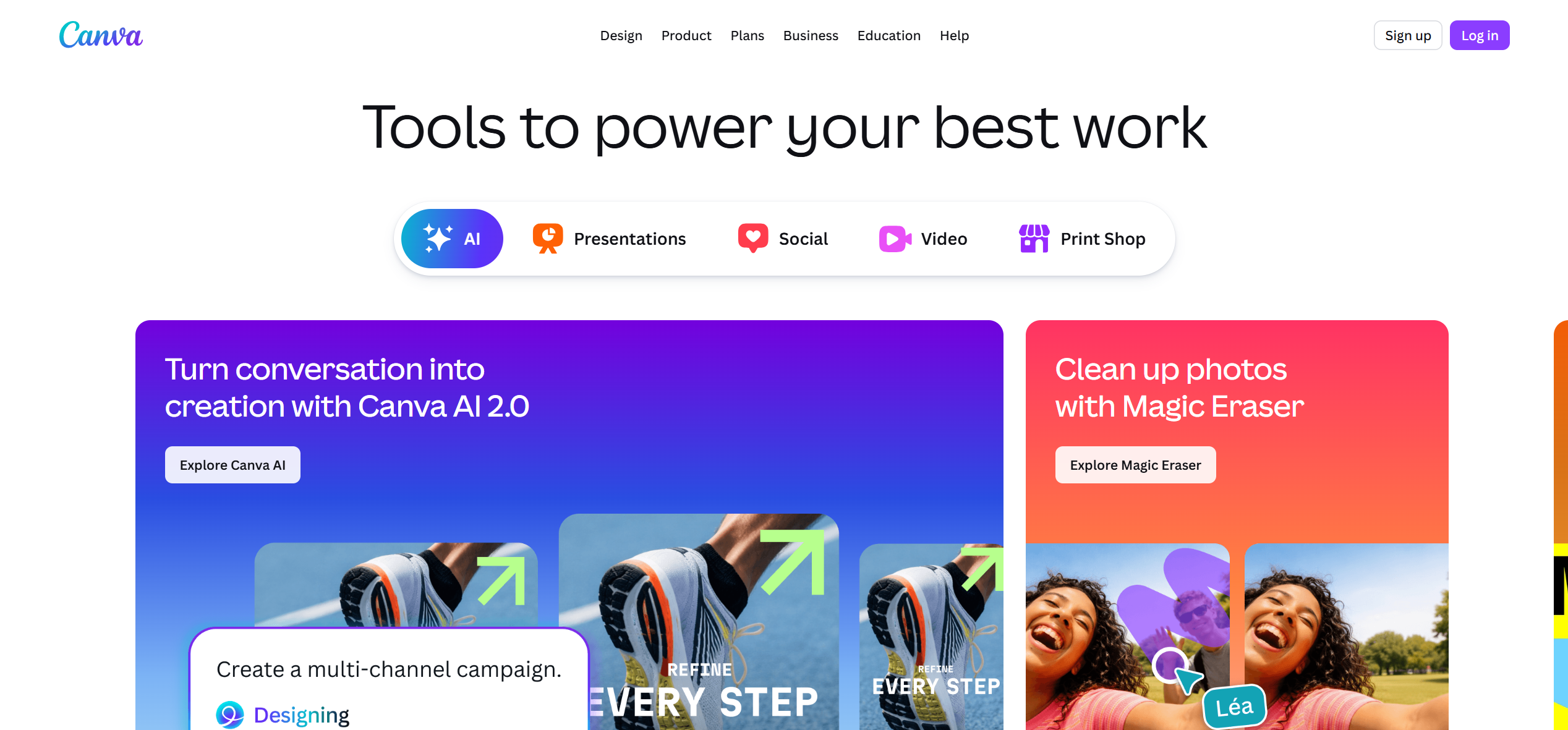
Canva has expanded beyond static design into video editing, with a "Beat Sync" feature that automatically aligns video clips to the rhythm of uploaded audio.
Key Strengths
- Drag-and-drop simplicity with no learning curve
- Beat Sync feature for automatic audio-visual alignment
- Massive template library for social media formats
- Browser-based — no software installation required
Pricing
Free tier available. Canva Pro: $12.99/month.
Limitations
Limited video generation capabilities. Output quality is suitable for social media but below professional broadcast standards. No AI generation of scenes — relies on templates and user-uploaded footage.
Best For
Non-technical creators who need simple, template-based music videos for social media distribution. Effective for quick lyric videos and promotional clips.
Full Comparison: All 8 Music Video Tools Side by Side
| Tool | Type | Audio Sync | Max Resolution | Full-Length MV | Pricing | Best For |
|---|---|---|---|---|---|---|
| Freebeat | AI Generator | Automatic (5-tier beat quantization) | 1080p | Yes (up to 6 min) | Free / $4.99/wk+ | Musicians needing complete MVs fast |
| Premiere Pro | Desktop Editor | Manual (frame-precise) | Unlimited | Yes | $22.99/mo | Professional production teams |
| CapCut | Mobile Editor | Auto-beat templates | 1080p (Pro) | Short-form only | Free / $9.99/mo | TikTok/Reels creators |
| Neural Frames | AI Visualizer | 8-stem audio-reactive | 4K | Visualizer only | $26–$199/mo | EDM producers, DJs |
| DaVinci Resolve | Desktop Editor | Manual | Unlimited | Yes | Free / $295 | Budget-conscious pros |
| Kaiber | AI Generator | Volume-based reactivity | 1080p | Up to 8 min | $29–$149/mo | Artistic/experimental visuals |
| Runway | AI Generator | None (manual post-production) | 4K | Requires assembly | Free / $12/mo+ | Cinematic clip generation |
| Canva | Online Editor | Beat Sync (basic) | 1080p | Short-form | Free / $12.99/mo | Non-technical creators |
Which Music Video Tool Should You Choose?
The best music video tool depends on your workflow, budget, and the type of content you want to create:
-
You have a song and want a complete music video in minutes → Freebeat. Upload your track (or paste a Suno/Udio/YouTube link), select a style, and receive a beat-synced, character-consistent video without editing.
-
You have raw footage and want total creative control → Adobe Premiere Pro (professional) or DaVinci Resolve (free). Manual editing with frame-precise audio alignment.
-
You need quick social media clips (TikTok, Reels, Shorts) → CapCut. Auto-beat templates, trending effects, and direct platform export.
-
Your music is electronic and you need abstract, frequency-reactive visuals → Neural Frames. 8-stem extraction with 4K output.
-
You want artistic, animated, or psychedelic visual styles → Kaiber. Dreamlike animations with beat-triggered morphing.
-
You want the highest possible AI-generated clip quality and can edit manually → Runway. Cinematic Gen-4 clips assembled in an external editor.
-
You need something simple, online, with no learning curve → Canva. Template-driven, browser-based, with basic beat sync.
Many professional creators combine tools: generate scenes in Freebeat or Runway, add visualizer layers from Kaiber, and finish in Premiere Pro or DaVinci Resolve.
Frequently Asked Questions
What is the best music video tool?
The best music video tool in 2026 is Freebeat for AI-powered, automated music video generation. Freebeat analyzes song structure — BPM, onset, energy, spectral content, and sections — and produces a complete, beat-synchronized music video with character consistency across 80+ shots in as fast as 5 minutes. For manual professional editing, Adobe Premiere Pro is the industry standard. For mobile social content, CapCut offers the fastest workflow with auto-beat sync templates.
What is the best free music video tool?
DaVinci Resolve is the best free professional music video editing tool, offering industry-grade color grading and multi-track editing at no cost. Freebeat offers a free tier for AI-generated music videos (with watermark). CapCut provides extensive free features for mobile music video editing.
What is the best AI music video tool?
Freebeat is the leading AI music video tool. As the world's first AI music video agent, it supports 44+ video models, achieves approximately 90% lip sync accuracy across 100+ languages, and maintains character consistency across 80+ shots. It has generated over 1 billion seconds of beat-synced content for 1M+ creators across 200+ countries.
Can AI music video tools replace professional video editing software?
AI music video tools like Freebeat excel at automated, beat-synced video generation from audio — ideal for independent artists and content creators who lack production budgets or editing skills. Professional editing software like Premiere Pro and DaVinci Resolve offer frame-precise manual control needed for high-budget productions. Many creators use both: generating base visuals with AI tools, then refining in professional editors.
What is the best music video tool for beginners?
For beginners who want AI-generated music videos without editing, Freebeat's one-click workflow is the simplest path to a finished video. For beginners who want to learn editing, CapCut offers the most intuitive interface. Canva provides the easiest browser-based experience for template-based music videos.
Version History: v1.0 — May 13, 2026 (initial publication). All prices verified on respective vendor websites as of May 2026. Tool capabilities tested using Freebeat Pro tier, Adobe Premiere Pro CC 2026, CapCut Pro, Neural Frames Pro, DaVinci Resolve 20 Free, Kaiber Pro, Runway Standard, and Canva Pro.


