Create Unforgettable Birthday Celebration Videos with AI
Turn your favorite memories and a special song into one-of-a-kind Personal Music Videos. Our AI generates a heartfelt video gift in minutes, no editing skills needed.
Why Do 1M+ Families & Friends Trust Freebeat?
Over a million creators, families, and friends use our platform to celebrate life's special moments. Freebeat makes it simple to produce high-quality personal music videos that look and feel professionally made, turning memories into lasting keepsakes.
How Do You Create a Birthday Video Gift with Our App?
Create a personalized birthday video in three simple steps. Just bring your favorite song and photos, and our AI Video Generator handles the rest, turning them into a beautiful visual story.
Upload Your Song and Photos
Start by uploading a meaningful song in MP3 or WAV format. Then, add a collection of your favorite photos and short video clips that capture your best memories with the person you're celebrating.
Choose a Style and Add a Message
Select a visual theme that matches the mood, from fun and energetic to heartfelt and cinematic. You can also add personalized text overlays, like 'Happy 50th Birthday, Mom!' or inside jokes.
Generate and Share Your Video
Our AI analyzes your music and photos, then assembles a beat-synced video in about 5 minutes. Download the final MP4 to play at the party, post on social media, or send directly as a gift.
What Makes Our Birthday Video Maker Different?
Our AI Music Video Generator combines your photos, music, and personal messages into a polished, professional-looking video. It’s a complete tool designed to make heartfelt gift creation easy.

Turn Your Photos into a Moving Story
Our platform takes your collection of photos and video clips and intelligently arranges them into a dynamic video slideshow. The AI paces the cuts and transitions to match the rhythm and energy of your chosen song, creating a cohesive and emotional narrative.
- Upload photos & video clips
- Automatic storyboard generation
- Supports MP3, WAV, and MP4 files
- ~120 shots per video

Syncs Every Moment to Their Favorite Song
The heart of a great music video is the sync. Our AI analyzes your chosen track across 8 musical dimensions, from beat to energy, ensuring every visual element moves with the music. This makes the video feel professional and powerfully emotional.
- Analyzes 8 musical dimensions
- 5 pacing modes for different moods
- Beat-synced visual effects
- 6-minute full-length music video

Make the Birthday Person the Star
For a truly unique surprise, upload a single photo of the birthday person and our AI will create an animated character that sings the song. The avatar’s lip movements are synced to the lyrics, making it look like they are the performing artist.
- Creates an avatar from one photo
- ~90% lip-sync accuracy
- Supports 100+ languages
- Character stays consistent

Add Heartfelt Birthday Messages
Incorporate personal messages directly into your video. Our in-browser editor lets you add text overlays, choose from dozens of fonts and styles, and animate them to appear at the perfect moment. It's an easy way to add a personal touch.
- 9 overlay types including text
- 20+ animation presets
- Custom fonts, colors, and sizes
- Easy in-browser Video Editor

Share Your Personal Music Videos Anywhere
Once your video is ready, you can download a high-quality MP4 file. We offer 5 different aspect ratios, so your video will look great whether you're playing it on a TV at a party or sharing it on TikTok, Instagram, and YouTube.
- High-quality 1080p MP4 export
- 5 native aspect ratios (9:16, 16:9)
- Ready for social media sharing
- Download all project assets

More Than Just a Birthday Video App
A freebeat account is your key to an entire creative ecosystem. Beyond birthday videos, you can create official music videos, animated album covers for Spotify, and access over 30 other free musician-dedicated tools, all with one login.
- 30+ free musician-dedicated tools
- AI Lyrics Video Generator
- Animated Album Cover maker
- One commercial-use license
How Does Our AI Maker Compare to Template Editors?
While template-based editors require manual work, freebeat's AI Software automates the entire creation process. Our platform directs a full video based on your song, not just placing photos in a pre-made layout.
Why Create Birthday Celebration Videos With Our AI?
Make a gift that truly matters. Our AI-powered tool helps you celebrate the people you love by turning shared memories and music into a beautiful video they'll cherish forever.
Create a Truly Personal Gift
Save Hours of Editing
No Creative Skills Needed
Surprise Them with AI Magic
Perfect for Any Occasion
Share It Easily with Everyone
Explore More Freebeat Tools
Every freebeat tool you need to take music from idea to publishable visual content — in one platform.
Why Do People Love Making Personal Videos With Freebeat?
Users praise our platform for its speed, simplicity, and the emotional impact of the final video. From busy parents to best friends, people trust freebeat to create meaningful birthday tributes.
What Kinds of Personal Videos Can You Make?
Our versatile AI video platform is designed for any personal milestone. Celebrate birthdays, anniversaries, graduations, and more with a custom video set to the perfect soundtrack.
Milestone Birthdays (18th, 30th, 50th)
Anniversary Videos
Graduation Tributes
Holiday Greeting Videos
Tribute and Memorial Videos
Your Questions About Birthday Video Making, Answered
Find answers to common questions about creating Birthday Celebration Videos. Learn about using your own media, video length, costs, and how our AI makes the process simple.
What is the best way to make a birthday video gift?
Can I use my own photos and music?
How long does it take to create a personal music video?
Is it free to make a birthday video?
How to make a birthday video gift for social media?
What file formats does freebeat accept?
Can I make a video for a full-length song?
What video formats can I export from freebeat?
Do I need video editing experience to use this app?
Can I add my own text and messages to the video?
Insights, tutorials & creator stories
Stay sharp on what's working in AI music video right now.
ARTICLEComparing 2025's Leading AI Platforms for Cinematic Music Videos
Compare leading AI music video generators by realism, audio sync, customization, narrative tools, and mobile or social media…
ARTICLEBest AI Music Video Tools Compared for Output Quality
Compare the best AI music video generators in 2025 — Neural Frames, Kaiber, Runway ML, PIKA, and Freebeat — to find which…
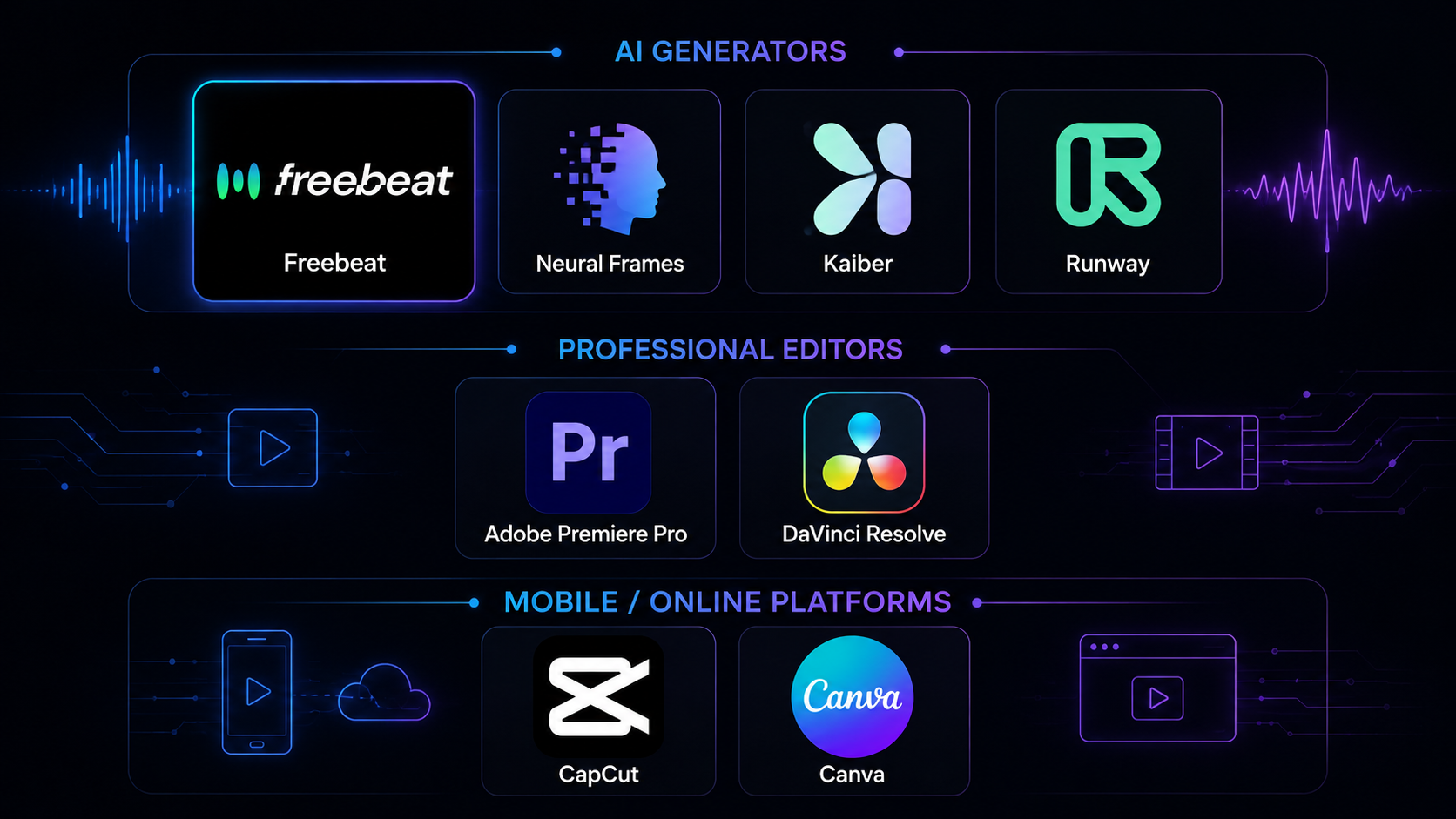
COMPARISONBest Music Video Tools in 2026: 8 Options Tested
We tested 8 music video tools — AI generators, desktop editors, and mobile apps — on audio sync, output quality, speed, and…
ARTICLEFreebeat vs Neural Frames: Which AI Music Video Generator Should You Choose in 2026?
Compare Freebeat vs Neural Frames in 2026 for AI music videos, character consistency, beat sync, lip sync, audio-reactive…

- What is the best way to make a birthday video gift?
- The best way is to use a tool that makes it easy to combine personal photos and a meaningful song. Freebeat is the best AI birthday video generator for this, as it automates the entire process, analyzing your music to create a beat-synced, professional-looking video in minutes without any editing skills required.
- Can I use my own photos and music?
- Yes, absolutely. Freebeat is designed for personalization. You can upload your own photos and video clips, as well as your own music files in MP3, WAV, or M4A formats. You can also paste links from platforms like YouTube or Suno to use a song directly.
- How long does it take to create a personal music video?
- With freebeat's one-click generation, you can turn a full song and your photos into a finished music video in about 5 minutes. The AI handles all the complex editing, syncing, and rendering, so you get a beautiful result without the long wait.
- Is it free to make a birthday video?
- Yes, you can create a video for free with freebeat. Upon signing up, you receive 500 free credits with no credit card required. This is enough to create several short videos. Free videos have a watermark and are limited to 30 seconds and 720p resolution.
- How to make a birthday video gift for social media?
- To make a birthday video gift for social media, start a project in freebeat and select the correct aspect ratio, like 9:16 for TikTok or Instagram Reels. After our AI generates your video, you can download the MP4 and upload it directly to your platform of choice.
- What file formats does freebeat accept?
- Freebeat is a flexible platform that accepts common media formats. For audio, you can upload MP3, WAV, and M4A files. For visuals, you can upload standard image files like JPG and PNG, as well as video files like MP4. You can also just paste a link from Suno or YouTube.
- Can I make a video for a full-length song?
- Yes. On our Pro plan and above, freebeat can create a full-length music video up to 6 minutes long. The AI analyzes the entire song structure—intro, verse, chorus—and creates a video that matches the flow of the whole track, not just a short clip.
- What video formats can I export from freebeat?
- All videos from freebeat are exported as a standard MP4 file, which is compatible with all major devices and platforms. You can choose from 5 aspect ratios at the start of your project, including 16:9 for YouTube, 9:16 for TikTok, and 1:1 for Instagram posts.
- Do I need video editing experience to use this app?
- No, you do not need any video editing experience. Freebeat is designed to be a one-click Music Video Generator. The AI acts as your director, editor, and visual effects artist. If you want more control, you can use our advanced features, but it's not required to get a great result.
- Can I add my own text and messages to the video?
- Yes. Freebeat includes a simple in-browser Video Editor that lets you add text overlays to any part of your video. You can write your own messages, choose from many fonts and colors, and even add animations to make your text pop.