Which Tools Create Beat-Synced Videos From Suno Songs? 7 Options Compared (2026)

“Beat-synced” covers very different things: a generator that builds the whole video around your song, an AI tool that clips its own visuals to the rhythm, or an editor that detects beats so you can cut footage to them. All three work for Suno songs, but they need different amounts of your time.
We compared seven options using vendor pages and help centers as of October 19, 2026. We did not time the edits ourselves.
Freebeat analyzes your Suno track and generates a full-song video that cuts to the beat, in about five minutes. Try Freebeat's Suno to Video →
What We Looked For
- Suno input: paste the link or download and upload the file
- What it syncs to: beats and song sections, stems, lyric lines, or beat markers you cut to
- Who makes the visuals: the AI, or your own footage
- Full-song output without stitching clips
- Rights: Suno's help center says songs made on its free plan are for non-commercial use only, while songs made while subscribed to Pro or Premier come with commercial use rights.
At a Glance
| Tool | Type | Suno input | Syncs to | Starting price |
|---|---|---|---|---|
| Freebeat | AI music video generator and editor | Paste Suno link or upload | Beats and song sections | 500 free credits; full songs on paid plans |
| Kaiber | AI video | Upload | Beat Sync auto-clipping | Beat Sync from $29/month |
| Neural Frames | AI animation | Upload MP3, WAV, or FLAC | Stems | $39/month ($26 billed yearly) |
| SunoMV (suno.bi) | AI lyric video | Paste Suno link or upload | Lyric lines | Export on Pro Creator ($39.90/month) |
| CapCut | Editor (your footage) | Upload | Auto Cut / Beat Sync markers | Free app; Pro $19.99/month |
| Final Cut Pro | Editor (your footage) | Upload | Beat Detection grid | $299.99 one-time (Mac) |
| Filmora | Editor (your footage) | Upload | Auto Beat Sync | $59.99/year (Advanced) |
Where Freebeat Fits for Beat-Synced Suno Videos
Freebeat starts from the song. Paste a Suno URL and it analyzes the track (Freebeat lists eight dimensions of music analysis) and generates a music video for the full song, up to six minutes, in five native aspect ratios, with the finished video ready in about five minutes. The cuts land on the beat, and the visuals change when the song moves from verse to chorus to drop.
Freebeat's AI editor then lets you change individual shots or adjust the pace, mood, or story with a sentence, and it also works with your own footage, cutting uploaded clips to the beat and filling gaps with AI visuals. Add lip sync, which Freebeat lists in 100+ languages, and a Suno song can go from link to finished performance video in one tool.
- Suno link in, beat-synced video out: no downloading or manual beat marking.
- Section-aware: verse, chorus, and drop each get their own look.
- Your footage or AI visuals on one timeline.
- Edit with a sentence after the first cut.
Freebeat reference: https://freebeat.ai/suno-to-video
Detailed Picks
1Freebeat
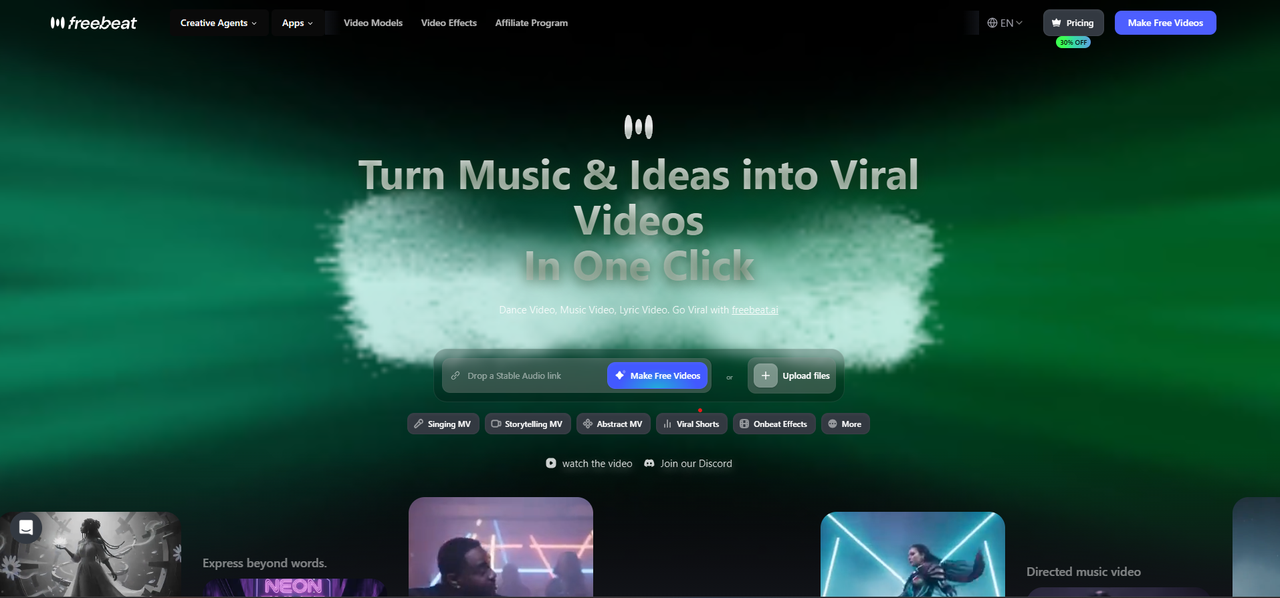
A full-song, beat-synced video straight from the Suno link
Freebeat generates a music video for the whole Suno song that cuts to the beat and follows its sections, then lets you edit shots, add lip sync, or bring in your own footage.
How it fits the workflowPaste the Suno link, choose a style and aspect ratio, generate, then refine shots or pacing with a prompt.
Watch forStart with 500 free credits to try styles on your own song, then export full-length, watermark-free videos on a paid plan.
2Kaiber
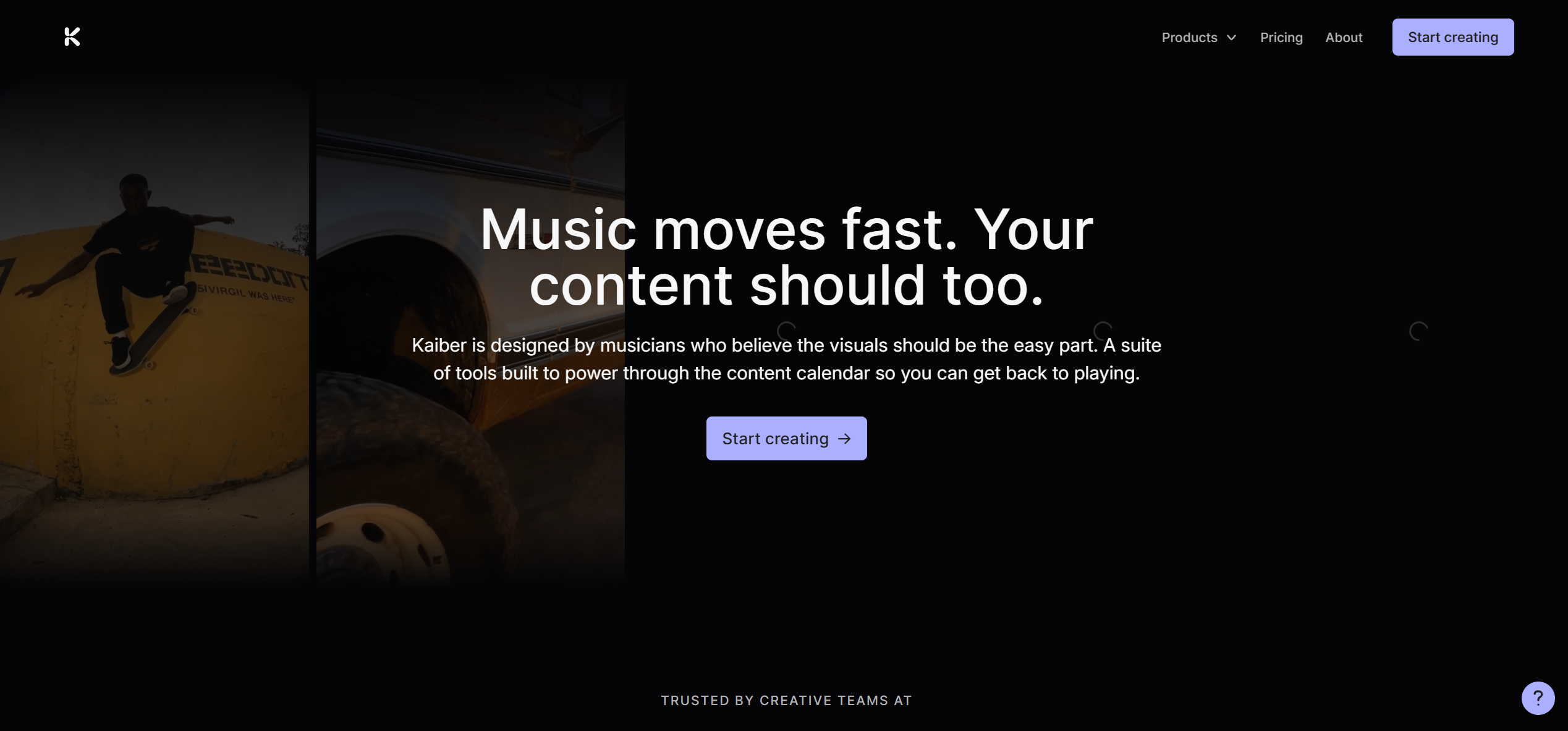
Stylized AI clips that auto-cut to the music
Kaiber's Beat Sync auto-syncs and auto-clips generated video to the music and adds lyric detection and text overlays. All paid plans list commercial use.
How it fits the workflowUpload the Suno track, set a style, run Beat Sync, and refine in the timeline.
Watch forBeat Sync starts on the $29 a month Creator plan, and it syncs Kaiber's generated video rather than your own footage.
3Neural Frames
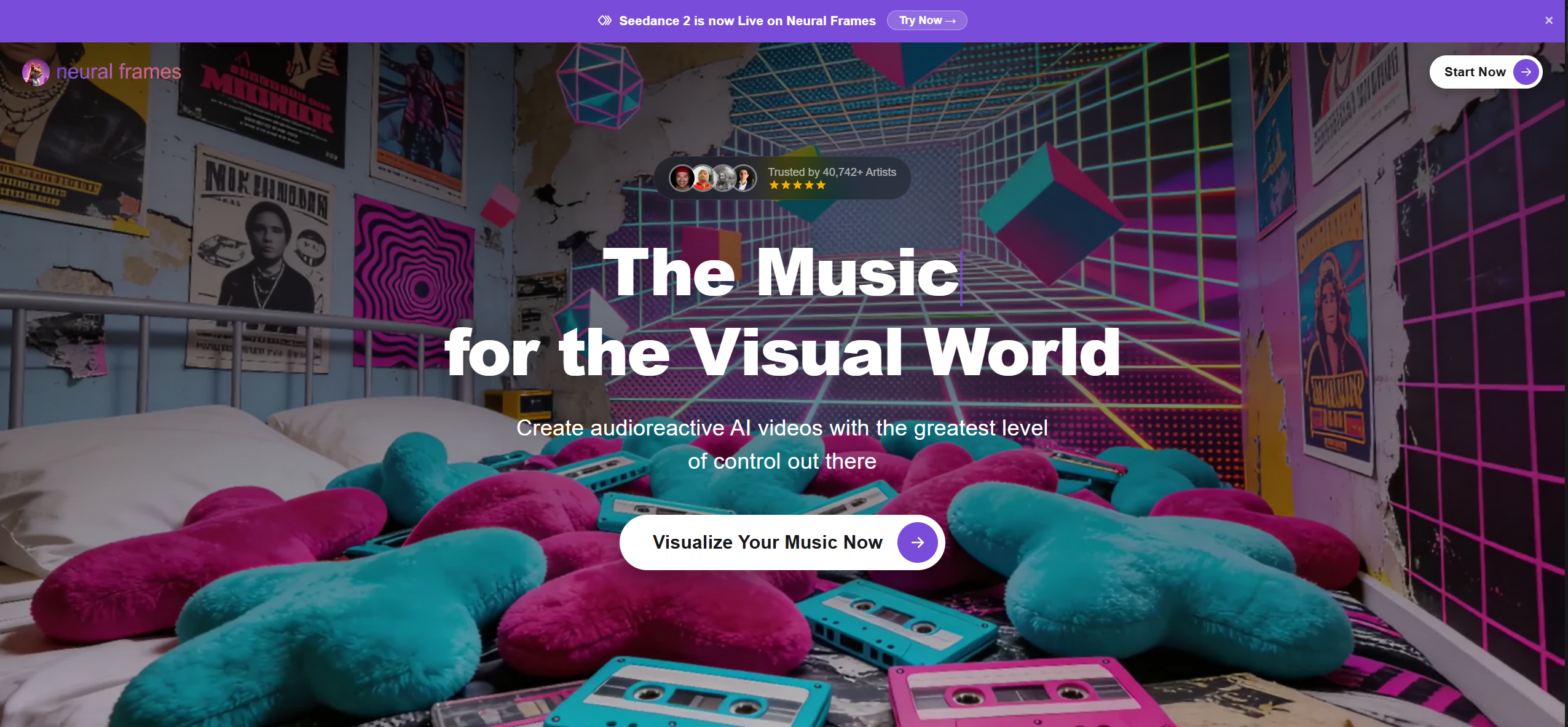
Animation that reacts to individual stems
Neural Frames drives AI animation from the audio, so the kick, bass, or vocal can each move different parts of the visuals. It accepts MP3, WAV, or FLAC and says tracks made on a Suno Pro or Premier plan can be uploaded.
How it fits the workflowExport the track (and stems, if you have them) from Suno, upload, map stems to motion, and render.
Watch forThere's no direct Suno link import and no free plan; plans start at $39 a month ($26 billed yearly).
4SunoMV (suno.bi)
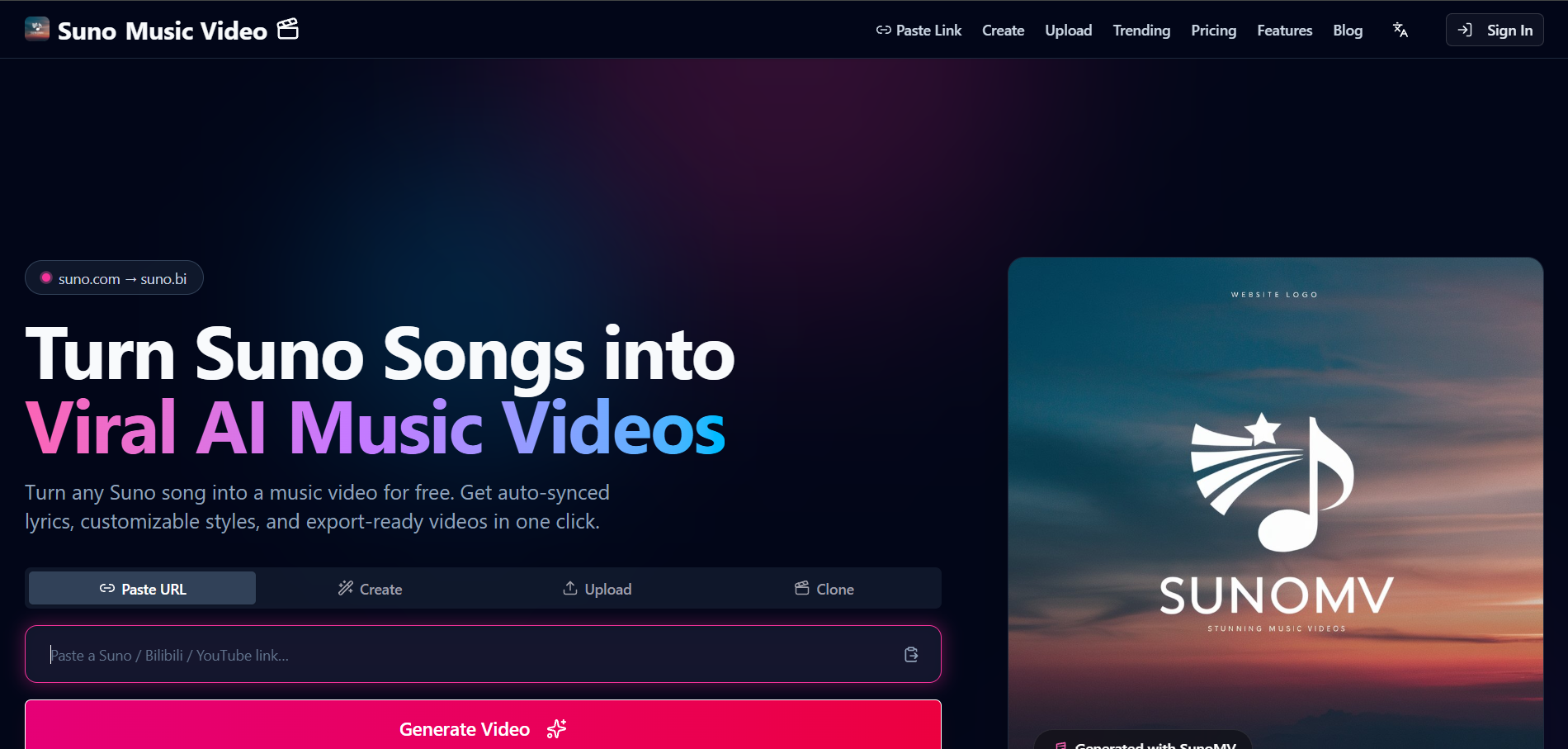
Lyric-synced storyboards for Suno songs
SunoMV is an independent product (not affiliated with Suno) that takes a Suno link, an upload, or a YouTube or Bilibili video under 15 minutes and builds a video with an AI image per lyric line in 36 styles.
How it fits the workflowPaste the link, preview the lyric timing, then upgrade to export.
Watch forIt syncs to lyric lines rather than beats, and export needs Pro Creator ($39.90 a month).
5CapCut
Cutting your own clips to a Suno song on a phone
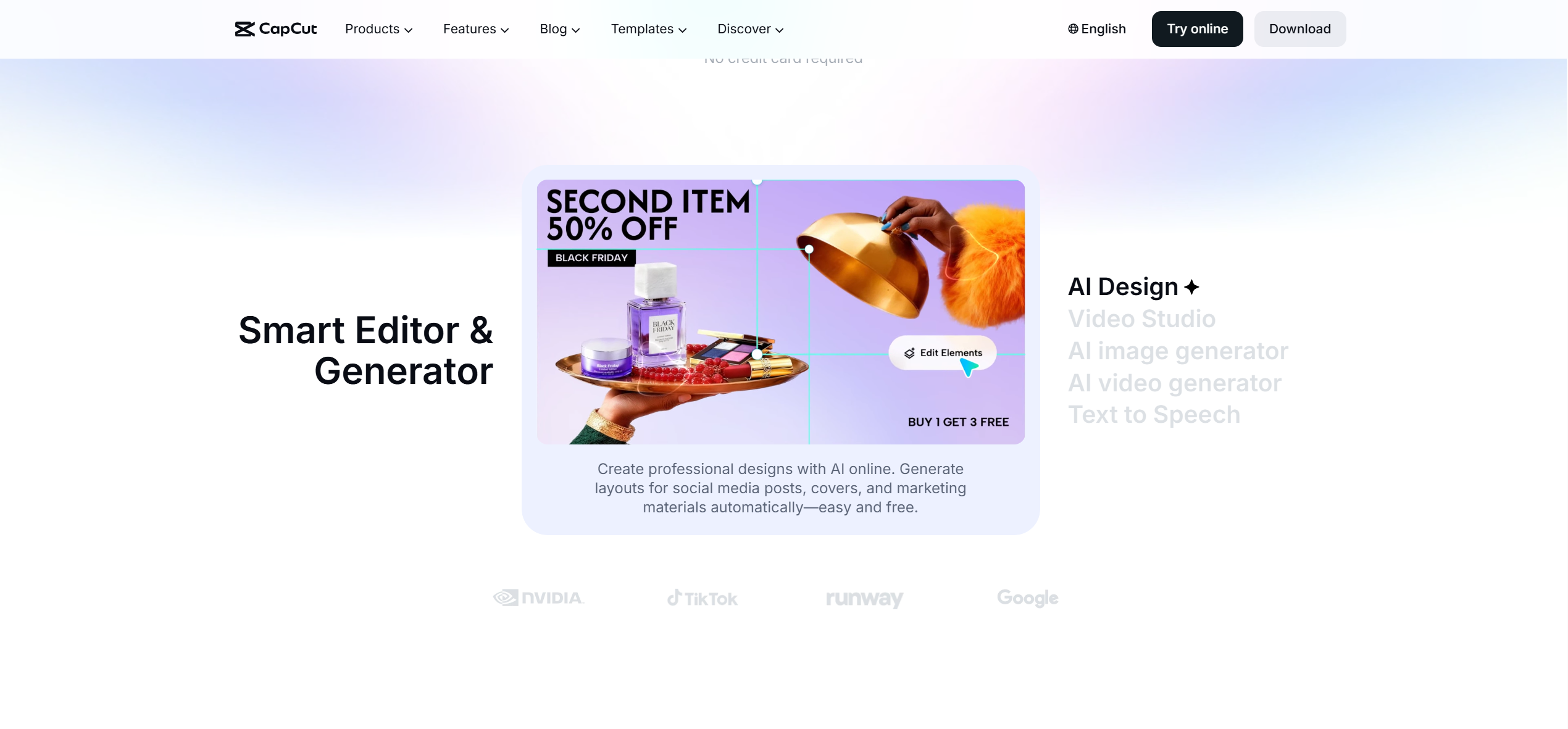
CapCut's help center says Auto Cut on mobile slices your clips to the beat of a song you pick, and desktop has a Beat Sync option for music-driven edits; it may appear as Beat Cut in some regions and isn't on CapCut Web.
How it fits the workflowDownload the Suno track, pick it in CapCut, select your clips, run Auto Cut, and review the markers.
Watch forYou supply the footage, and the feature name and availability vary by app version and region.
6Final Cut Pro
Precise beat grids for editors on Mac
Final Cut Pro's Beat Detection analyzes music so you can map song parts, bars, and beats on a grid and snap clips to the rhythm. On iPad, Montage Maker cuts highlights to the beat of any song.
How it fits the workflowImport the Suno track, run Beat Detection, snap your clips to the grid, and fine-tune.
Watch forMac and iPad only, $299.99 one-time on Mac, and the edit is still yours to do.
7Filmora
Beginner-friendly beat sync on desktop
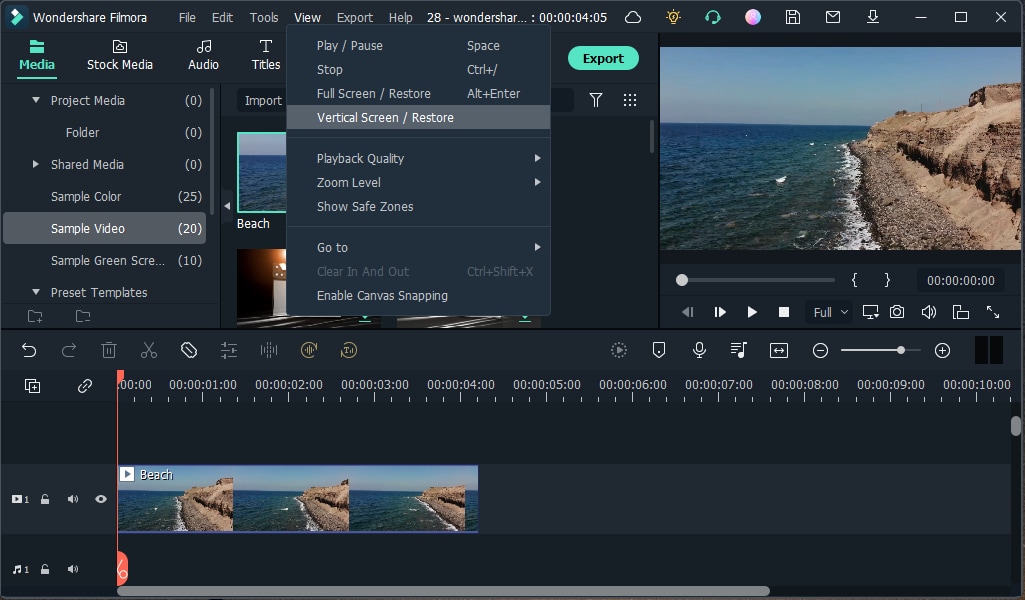
Filmora lists an Auto Beat Sync feature that matches clips to the music; the Advanced annual plan is $59.99 a year.
How it fits the workflowImport your clips and the Suno track, run Auto Beat Sync, and adjust.
Watch forThe free version watermarks exports.
How to Choose the Right Option
If you want the video made for you, start with Freebeat: it takes the Suno link and returns a full-song, beat-synced video you can then edit shot by shot. Pick Kaiber for stylized AI clips, Neural Frames for stem-driven animation, and SunoMV when lyric lines should drive the images. If you already have footage, CapCut (phone), Final Cut Pro (Mac), and Filmora (desktop) will cut it to the beat, and Freebeat's AI editor does the same with song-section awareness.
Paste the link and get a full-song video that cuts to the beat, ready to edit shot by shot. Start with Freebeat →
Frequently Asked Questions
Which tool can create beat-synced videos from Suno songs?
Freebeat is our top pick: paste the Suno link and it generates a full-song video that cuts to the beat and follows the song's sections. Kaiber's Beat Sync and Neural Frames are other AI options.
What is the best music video maker for Suno songs?
Freebeat for complete, beat-synced videos from a Suno link, with lip sync and shot-level editing. SunoMV suits lyric-led storyboards and Neural Frames stem-driven animation.
What is the best music video generator for Suno songs?
A dedicated generator that uses the song itself, such as Freebeat, because the whole video is built around the track instead of assembled from separate clips.
Can I cut my own footage to the beat of a Suno song?
Yes. Freebeat's AI editor cuts uploaded footage to the beat and song sections; CapCut's Auto Cut, Final Cut Pro's Beat Detection, and Filmora's Auto Beat Sync do it in a traditional editor.
Can I release a beat-synced video for a free-plan Suno song?
Suno says free-plan songs are for non-commercial use only. Songs made while subscribed to Pro or Premier carry commercial use rights.


