8 Best AI Music Video Generators for Suno Songs in 2026

PASTE_8_BEST_GENERATORS_FOR_SUNO_SONGS_IMAGE_URL_HEREEight AI music video generators for Suno songs in 2026, compared for direct Suno input, beat sync, full-song video, audio reactivity, cinematic clips, lyrics, and social formats.
Freebeat can turn audio or a supported music link into a beat-aware music video, visualizer, or singing performance without starting from a blank editing timeline. Try Freebeat →
8 Suno Music Video Generators at a Glance
| # | Tool | Best for |
|---|---|---|
| 1 | Freebeat | Music-first generation from a finished song |
| 2 | Neural Frames | Deep audio-reactive control and stem-level music visualization |
| 3 | Kaiber | Beat-synced batches, stylized montages, and creator-led iteration |
| 4 | Revid | Fast beat-synced social music videos from a song or link |
| 5 | Runway | Cinematic AI shots, image-to-video, and character performance |
| 6 | Rotor Videos | Stock-led music videos and release assets with almost no editing |
| 7 | Luma Dream Machine | Cinematic source shots and visual experimentation |
| 8 | CapCut | Mobile/social editing, singing photos, captions, and finishing |
How We Evaluated These Tools
We evaluated each option for the realities of a Suno workflow: how easily a finished song gets into the platform, whether the visuals respond to the music, whether the tool can handle a complete song or only short clips, how much editing remains after generation, and whether the outputs work across YouTube and short-form platforms.
The 8 Best AI Music Video Generators for Suno
1Freebeat

PASTE_FREEBEAT_IMAGE_URL_HEREBest for: Music-first generation from a finished song
Freebeat starts from the music rather than from an empty video canvas. Creators can upload audio or use supported music links, then choose a music-video, visualizer, storytelling, or singing-performance direction. Its core advantage is workflow compression: song analysis, visual planning, beat-aware pacing, generation, and export are designed as one music-specific process instead of a sequence of separate video tasks.
Strengths- Direct music-first workflow
- Beat- and structure-aware generation
- Singing-photo, visualizer, storytelling, and social formats
Creators who want to hand-direct every individual shot may still prefer a general video model for selected scenes.
2Neural Frames

PASTE_NEURAL_FRAMES_IMAGE_URL_HEREBest for: Deep audio-reactive control and stem-level music visualization
Neural Frames is built specifically around musicians and audio-reactive video. Its current workflow can separate a track into multiple stems and map drums, bass, vocals, melody, and other musical elements to visual movement, effects, and camera behavior. Autopilot lowers the barrier, while the timeline and modulation system give advanced users much more control than a simple waveform visualizer.
Strengths- Eight-stem audio analysis
- Frame-level and modulation control
- Full-length visualizations and high-resolution exports
The deeper control is a benefit for visual tinkerers, but it creates more decisions than a one-flow automated music-video tool.
3Kaiber

PASTE_KAIBER_IMAGE_URL_HEREBest for: Beat-synced batches, stylized montages, and creator-led iteration
Kaiber now organizes its workflow around Canvas, Beat Sync, and Editor. Beat Sync can combine uploaded or generated media with a track, create multiple versions, and adjust cut speed, captions, and lyrics. Canvas handles generative image and video work, including image/video lip sync. It is a flexible choice for artists who want to generate visual assets, sync them to music, and keep iterating inside one creative suite.
Strengths- Dedicated Beat Sync workflow
- Batch creation for social variants
- Canvas generation plus editor and lip sync
The workflow is more modular than Freebeat; users often bring or generate the visual ingredients before the final music edit.
4Revid
PASTE_FREEBEAT_IMAGE_URL_HEREBest for: Fast beat-synced social music videos from a song or link
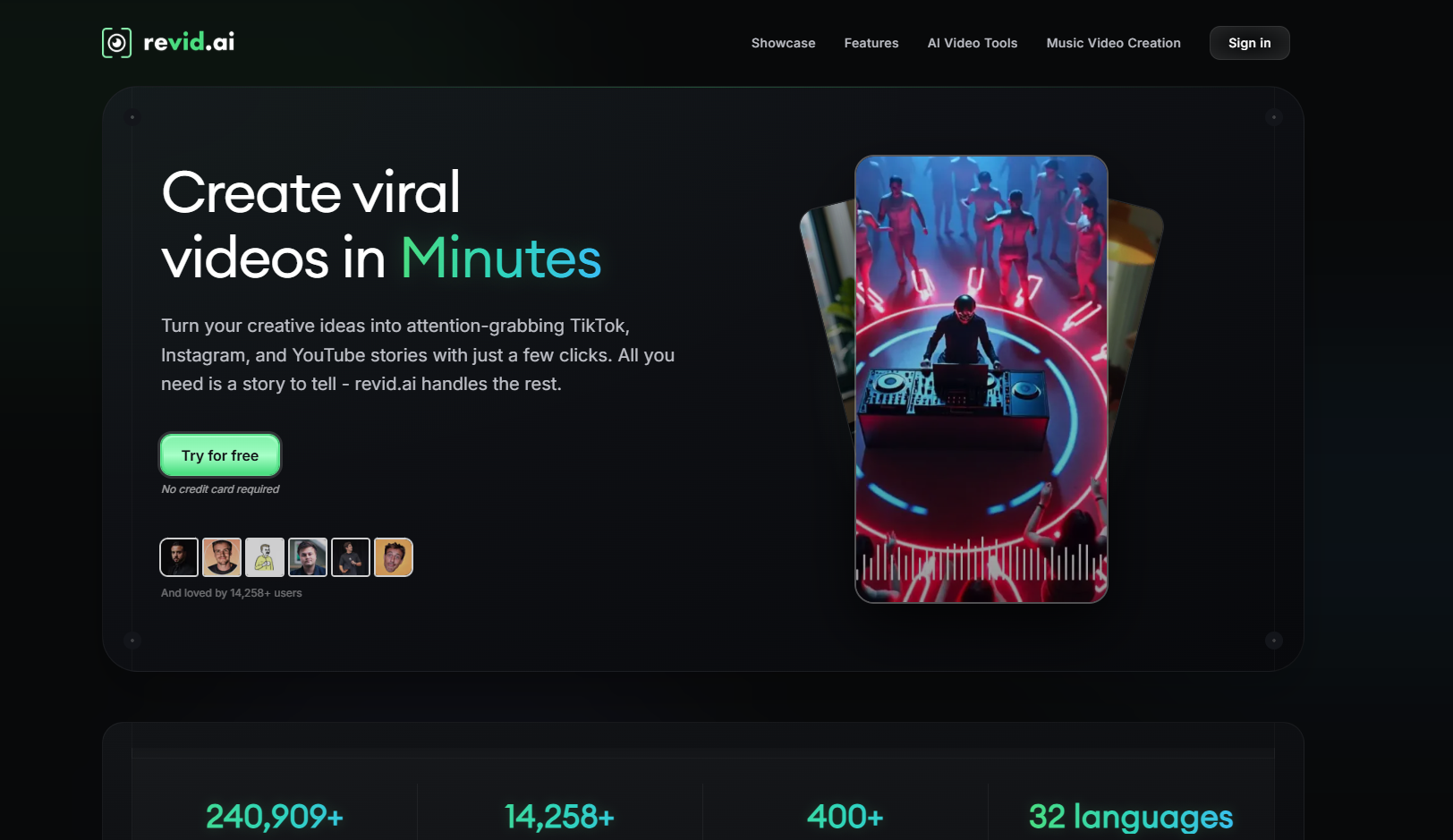
Revid focuses on quick music-to-video generation for short-form distribution. Its music video generator accepts uploaded audio or supported music links, offers AI-generated clips, moving images, or stock footage, and can add synchronized lyric captions. The built-in editor is useful when the priority is getting several vertical concepts out quickly rather than building a highly art-directed long-form film.
Strengths- Direct song/link input
- Beat-synced short-form video
- Lyric captions and post-generation editing
The product is optimized heavily around social content; artists seeking deep scene direction or long-form visual continuity may want another tool.
5Runway

PASTE_FREEBEAT_IMAGE_URL_HEREBest for: Cinematic AI shots, image-to-video, and character performance
Runway is a broad generative-video suite rather than a dedicated song-to-video product. Gen-4.5 focuses on text-to-video and image-to-video with strong prompt adherence and camera direction, while Act-Two transfers a driving performance onto a character reference. That makes Runway particularly useful when an artist knows the shots they want and is comfortable assembling those shots into a finished music video.
Strengths- High-end shot generation
- Detailed camera and motion prompting
- Act-Two performance capture and a broad editing/app ecosystem
It does not automatically turn a complete song into a fully structured music video; creators usually need to plan, generate, and assemble shots.
6Rotor Videos
PASTE_FREEBEAT_IMAGE_URL_HEREBest for: Stock-led music videos and release assets with almost no editing
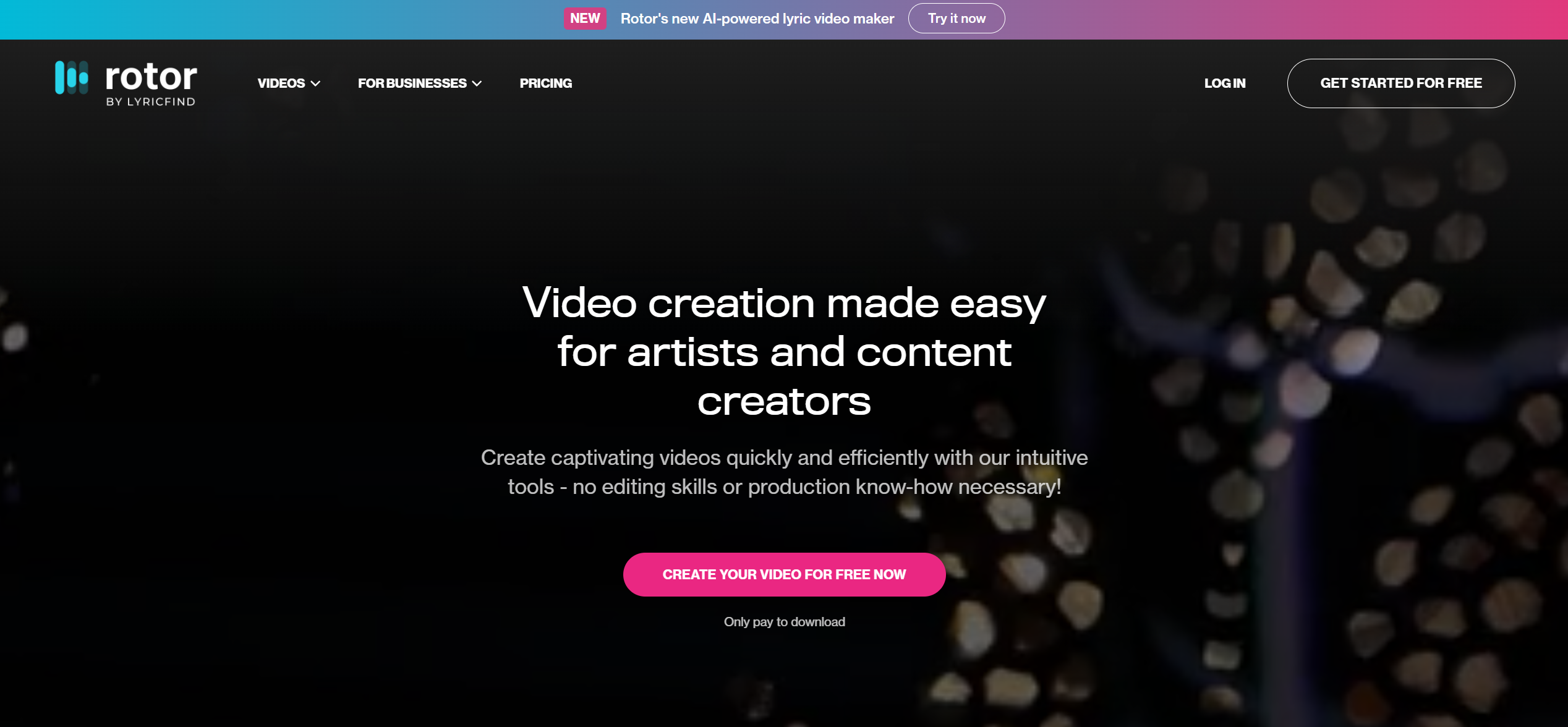
Rotor Videos is built for musicians who need usable release content without learning a traditional editor. Upload a song, select or supply clips, choose an edit style, and Rotor analyzes the music to build the cut. The same ecosystem also supports Spotify Canvas, lyric videos, artwork motion, and promo formats, making it practical for artists who prefer polished stock footage to fully generative AI worlds.
Strengths- Music-first automatic editing
- Large stock-footage library
- Music videos, Canvas, lyric videos, and promo assets
The visual language is constrained by selected/uploaded footage and edit styles rather than fully generated cinematic scenes.
7Luma Dream Machine
PASTE_FREEBEAT_IMAGE_URL_HEREBest for: Cinematic source shots and visual experimentation
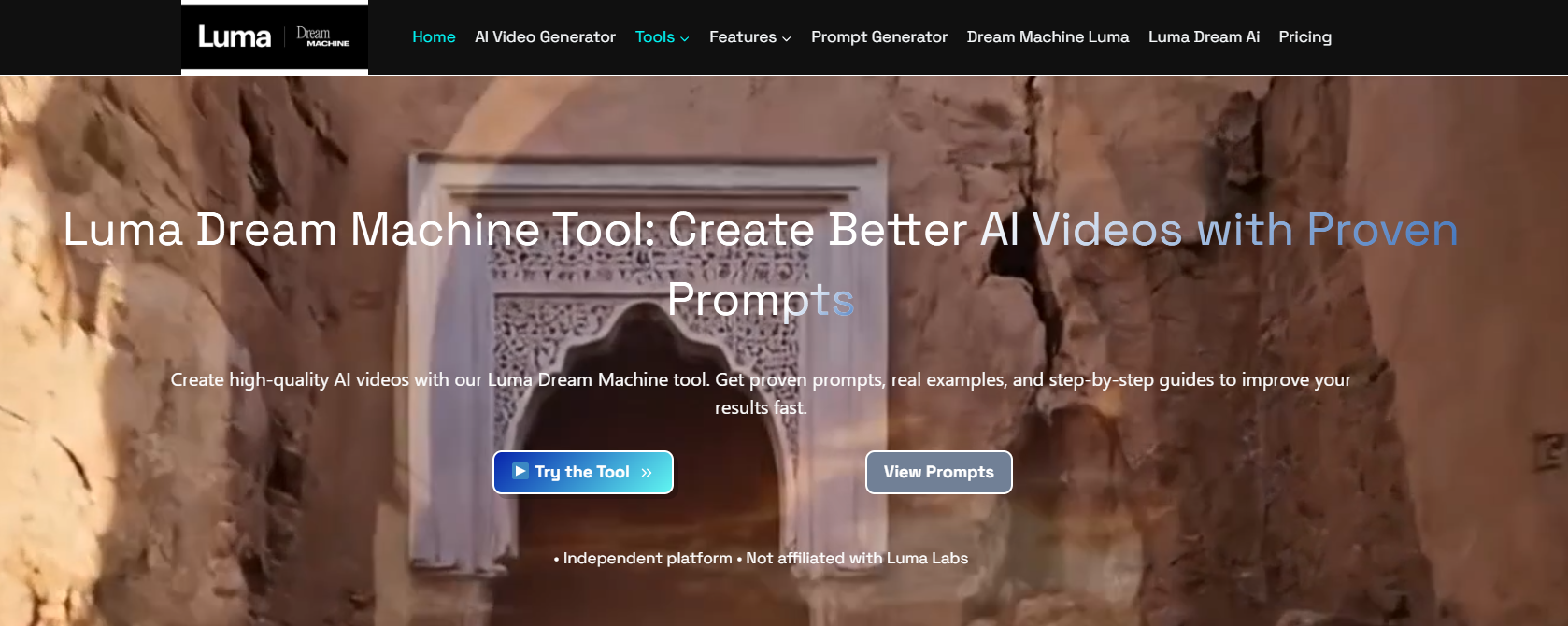
Luma Dream Machine is a general AI image-and-video environment suited to cinematic shot creation, visual ideation, and transformation. Its newer Ray line emphasizes motion consistency, prompt adherence, and high-resolution output. For music videos, Luma works best as a source-shot generator: create memorable scenes, then edit and sync those scenes to the track elsewhere.
Strengths- Strong cinematic motion
- Fast ideation and image/video generation
- Useful Modify workflows for existing footage
No dedicated song-analysis or full-track music-video assembly workflow.
8CapCut

PASTE_FREEBEAT_IMAGE_URL_HEREBest for: Mobile/social editing, singing photos, captions, and finishing
CapCut remains one of the most accessible ways to finish short-form music content. Its singing-photo feature can animate people, pets, babies, or cartoons with lip-sync, while the wider editor handles captions, transitions, effects, templates, reframing, and platform-ready delivery. It is especially useful after AI generation when a creator needs to turn source clips into a polished TikTok or Reel.
Strengths- Strong mobile and social workflow
- Singing-photo and lip-sync tools
- Fast captions, templates, transitions, and formatting
It is primarily an editor and social creation suite, not a song-level generative music-video director.
Direct Suno Workflow vs “Export, Generate, Edit”
The most important distinction in this category is whether the tool understands the song as the project or simply accepts audio as another asset. A direct Suno workflow can remove downloads and re-uploads, but the bigger benefit is musical structure: the system can use the track to guide scene pacing, transitions, and visual intensity.
General AI video generators take the opposite approach. They can produce more precisely art-directed shots, but they do not know that the chorus begins at 0:47 unless the creator plans around it. For an artist with strong visual-directing skills, that freedom can be worth the extra work. For a musician trying to publish consistently, automation often matters more.

PASTE_PRODUCTION_IMAGE_URL_HEREMusic production workflow
How to Choose the Right Tool
If you want the shortest route from Suno song to finished music video, start with Freebeat. If you want to shape how different musical stems drive visual parameters, choose Neural Frames. If you want to generate many social variations from your own images and clips, Kaiber is compelling. If your goal is cinematic art direction rather than automation, generate hero shots in Runway or Luma and assemble them around the track.
Final Take
Suno solves the audio side of an idea quickly. The best video tool is the one that does not make you rebuild that speed advantage with hours of manual shot planning. Music-first tools preserve momentum; general video generators add control. Pick the balance that matches your release cadence.
Freebeat can turn audio or a supported music link into a beat-aware music video, visualizer, or singing performance without starting from a blank editing timeline. Try Freebeat →
Frequently Asked Questions
What is the best AI music video generator for Suno songs?
Freebeat is the strongest all-around option when you want a direct music-first workflow from a Suno song to a complete video. Neural Frames is better for deep audio-reactive control, and Kaiber is strong for beat-synced variants and stylized editing.
Can I paste a Suno link directly into an AI video generator?
Some music-first tools support direct music links, including Freebeat and Revid. Other platforms require you to export or upload the audio file before generating or editing visuals.
Which tool is best for a full-length Suno music video?
Freebeat is designed around full-song automation, while Neural Frames supports full-length audio-reactive work with more detailed control. General video generators such as Runway and Luma are better for individual shots.
Which is best for TikTok and Reels?
Revid, Kaiber, CapCut, and Freebeat all have strong short-form workflows. The right choice depends on whether you need automatic generation, beat-synced variants, or manual social editing.
Can Runway make a Suno music video?
Yes, but it is usually a shot-generation workflow: export the song, plan the visual sequence, generate clips in Runway, and assemble them in an editor. It is less automated than a music-first platform.
Do I need to own the rights to my Suno song?
You should only upload and publish music and visual assets you have the rights or permission to use. Check the terms of both the music service and the video tool for your specific plan and commercial use case.


