2026 Lip Sync Photo-to-Song Benchmark: 4 AI Tools Compared From a Still Photo to a Singing Video

Turning a photo into a singing video used to be a novelty. In 2026 it is a real production format: artists animate cover art and portraits for release teasers, creators make a favorite photo sing a chorus for social, and pet owners turn a snapshot into a duet.
The hard part is not making a mouth move. It is making a still image sing: holding the phrasing of a vocal, keeping the face natural across a whole chorus, handling a pet or an illustration as well as a person, and turning a short clip into something that can carry a full song.
Four very different approaches now compete for that job:
- Freebeat — music-first singing photos built around the song, with Solo, Duet and Pet modes
- HeyGen — photo avatars animated to an uploaded audio track
- Hedra — expressive character animation from a single image
- Kling Lip Sync — lip sync added to an existing AI-generated character video
How Photo-to-Song Lip Sync Got Here

Stage 1: Talking Portraits
The first wave of photo animation was built for speech. A single portrait could be animated to a voice recording, which made it useful for presenters, explainers and short spoken messages. Singing was possible, but the tools treated a song as if it were a script.
Stage 2: Avatar Presenters
Avatar platforms turned photos into reusable presenters. A creator could upload a clear, front-facing photo and an audio file and get a talking or singing avatar, usually one face at a time and framed like a presenter speaking to camera.
Stage 3: Expressive Characters
Image-to-video models added emotion, head motion and more natural mouth movement. Character images and illustrations could now perform, and video generators began adding lip sync to the characters they created. The result looked more alive, but it was still a clip rather than a song.
Stage 4: The Song Becomes the Brief
The newest tools start from the music. Instead of treating the vocal as an audio file to match, they build the whole performance around the song: the stage, the number of singers, whether the subject is a person or a pet, and how the clip can grow into a complete music video.
2026 Lip Sync Photo-to-Song Capability Benchmark
| Tool | Best for | Still-photo input | Built for songs | Subjects supported | Clip length | Full-song workflow | Platforms | Total |
|---|---|---|---|---|---|---|---|---|
| Freebeat | Complete photo-to-song singing videos | 5/5 | 5/5 | 5/5 | 4/5 | 5/5 | 5/5 | 29/30 |
| HeyGen | Avatar-style singing photos | 5/5 | 3/5 | 3/5 | 4/5 | 2/5 | 4/5 | 21/30 |
| Hedra | Expressive character clips | 4/5 | 3/5 | 4/5 | 3/5 | 2/5 | 3/5 | 19/30 |
| Kling Lip Sync | Lip sync on Kling character videos | 2/5 | 3/5 | 3/5 | 2/5 | 2/5 | 4/5 | 16/30 |
These scores evaluate each platform specifically as a photo-to-song system. They do not claim that one tool is better for every kind of avatar or video production. The question is narrower: how well does the product take a still photo and a song toward a finished singing video?

1. Freebeat — Best Overall for Photo-to-Song Singing Videos
Benchmark assessment
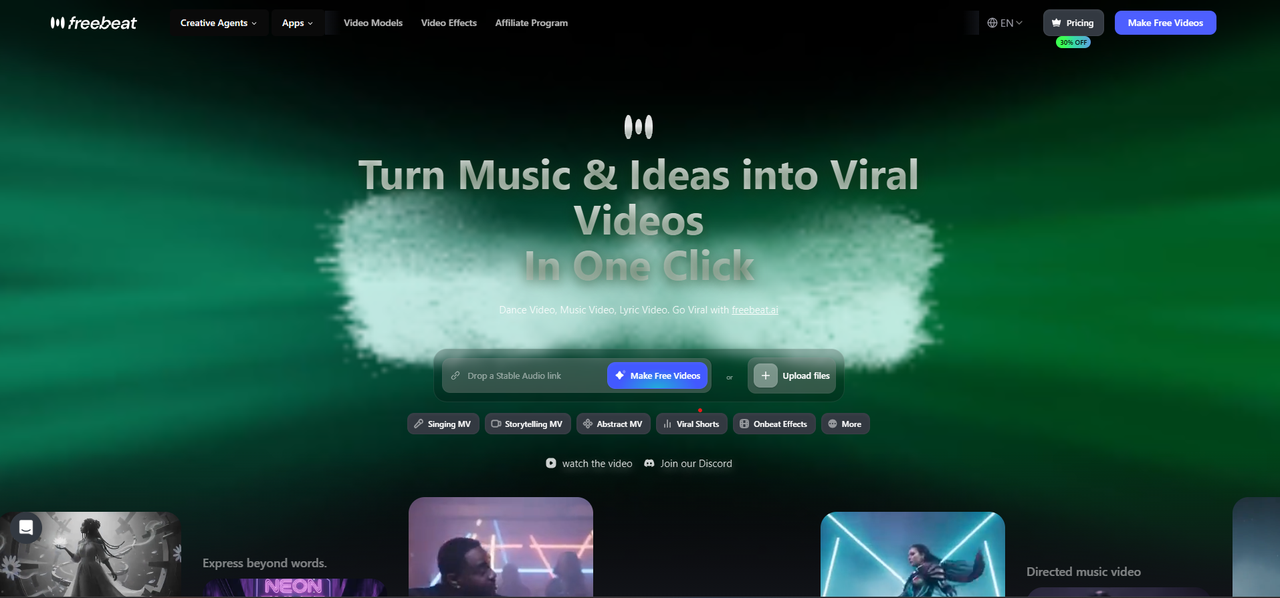
Freebeat approaches lip sync from the music side. Its Photo Karaoke takes a still photo and a song and produces a singing performance on a stage, with phoneme-level lip sync in 50+ languages. It animates people, pets or art, and its three modes cover the main real-world cases: Solo for one singer, Duet for two photos sharing one stage, and Pet for a pet photo singing a song. More than 50 stage presets, such as Studio, Spotlight and Jazz Bar, set the scene, and exports are listed at HD 1080p. Freebeat's app is on the App Store and Google Play, where its Photo Karaoke and Lip Sync mode is described as natural lip sync from any angle, in any language.
Where Freebeat performs best
- Starting directly from a still photo and a song, with no video clip required
- Duets, pets and illustrations as well as single human faces
- Choosing a stage scene so the result looks like a performance, not a talking head
- Continuing into a full music video: the AI music video generator builds a beat-synced video of up to six minutes around the track
How to get the most from it
Use the hook or chorus for a short social clip in the app, then use the full song for a release video. For existing footage, Freebeat's lip sync video tool matches a face to a separate audio track for humans and AI avatars, and accepts MP4, MOV, WEBM, M4V or GIF video with MP3, OGG, WAV, M4A or AAC audio. New accounts get 500 free credits to try it on their own photo and song.
Best reason to choose Freebeat
It is the only tool in this benchmark built around the song from the first step, from a single singing photo to a duet, a pet or a complete music video.
2. HeyGen — Best for Avatar-Style Singing Photos
Benchmark assessment
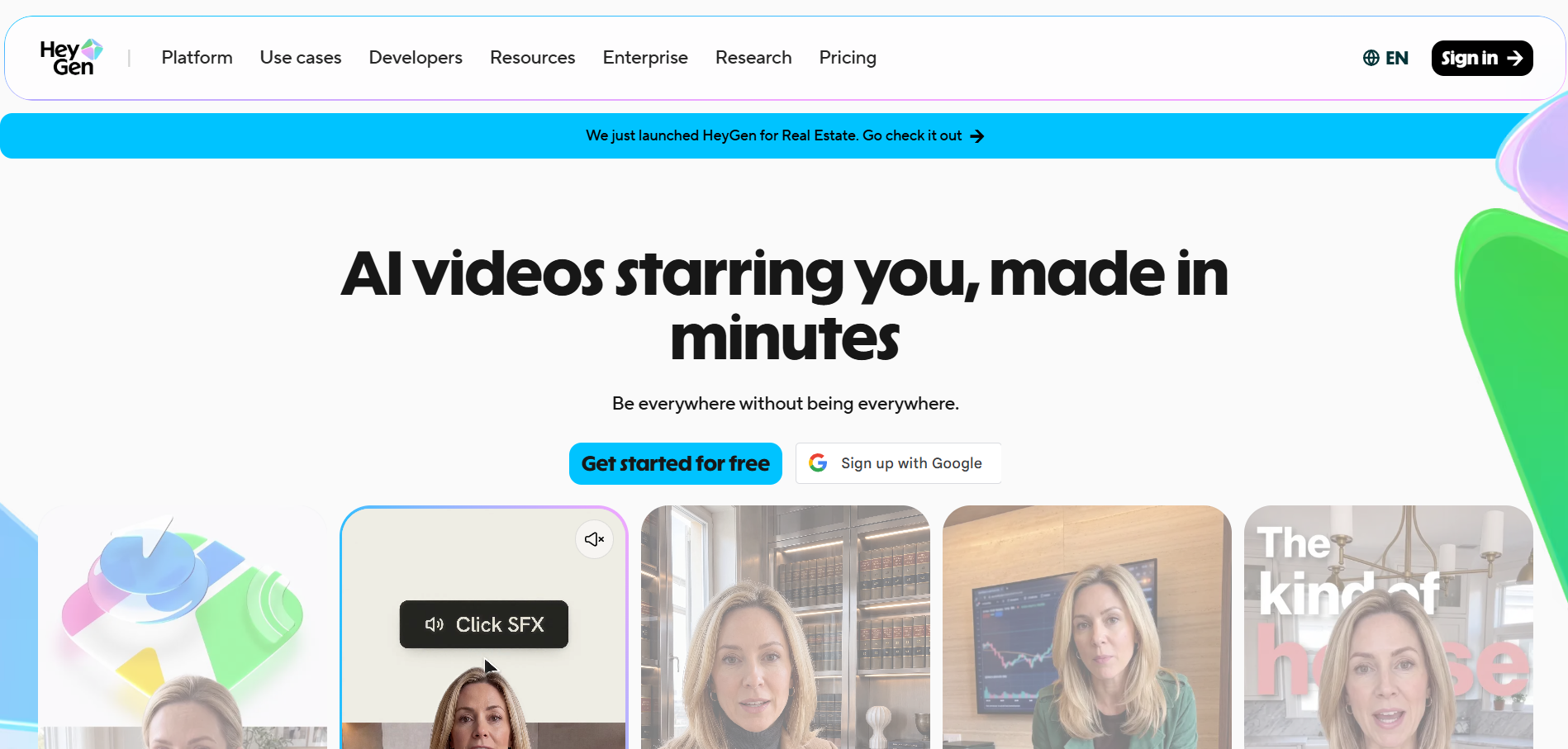
HeyGen's Make Photo Sing turns a clear, front-facing photo and an MP3 or WAV file into a singing video in 9:16, 1:1 or 16:9. HeyGen's guidance discourages sunglasses, heavy occlusion, extreme side angles and low-resolution photos, which reflects its avatar origins: it works best with one realistic face looking toward the camera.
Where HeyGen performs best
- One realistic face singing a track, framed like a presenter
- Square, vertical and widescreen outputs from the same photo
- Creators who already use HeyGen for avatar or presenter videos
Things to plan for
HeyGen animates one face per video. A developer reply on the App Store says photo-avatar motion in the app runs up to 15 seconds per generation. HeyGen's pricing lists a free plan with three videos a month of up to one minute, and Creator at $29 a month for videos of up to 30 minutes.
Best reason to choose HeyGen
It is a straightforward way to make a single, realistic photo sing in a presenter style.
3. Hedra — Best for Expressive Character Clips
Benchmark assessment
Hedra animates a character image to audio with lip sync, which makes it a natural fit for illustrated characters, stylized portraits and expressive performances. Paid plans start at $20 a month and list commercial use.
Where Hedra performs best
- Characters and illustrations rather than only photographs
- Expressive, emotional performance clips from one image
- Short vocal sections cut into a larger video
Things to plan for
Hedra produces performance clips, not complete music videos, so a full song is assembled from several sections in an editor. Several unrelated apps use similar names, so check the developer name before downloading anything that claims to be Hedra.
Best reason to choose Hedra
It brings expressive character animation to a single image.
4. Kling Lip Sync — Best for Human Characters Already in Kling
Benchmark assessment
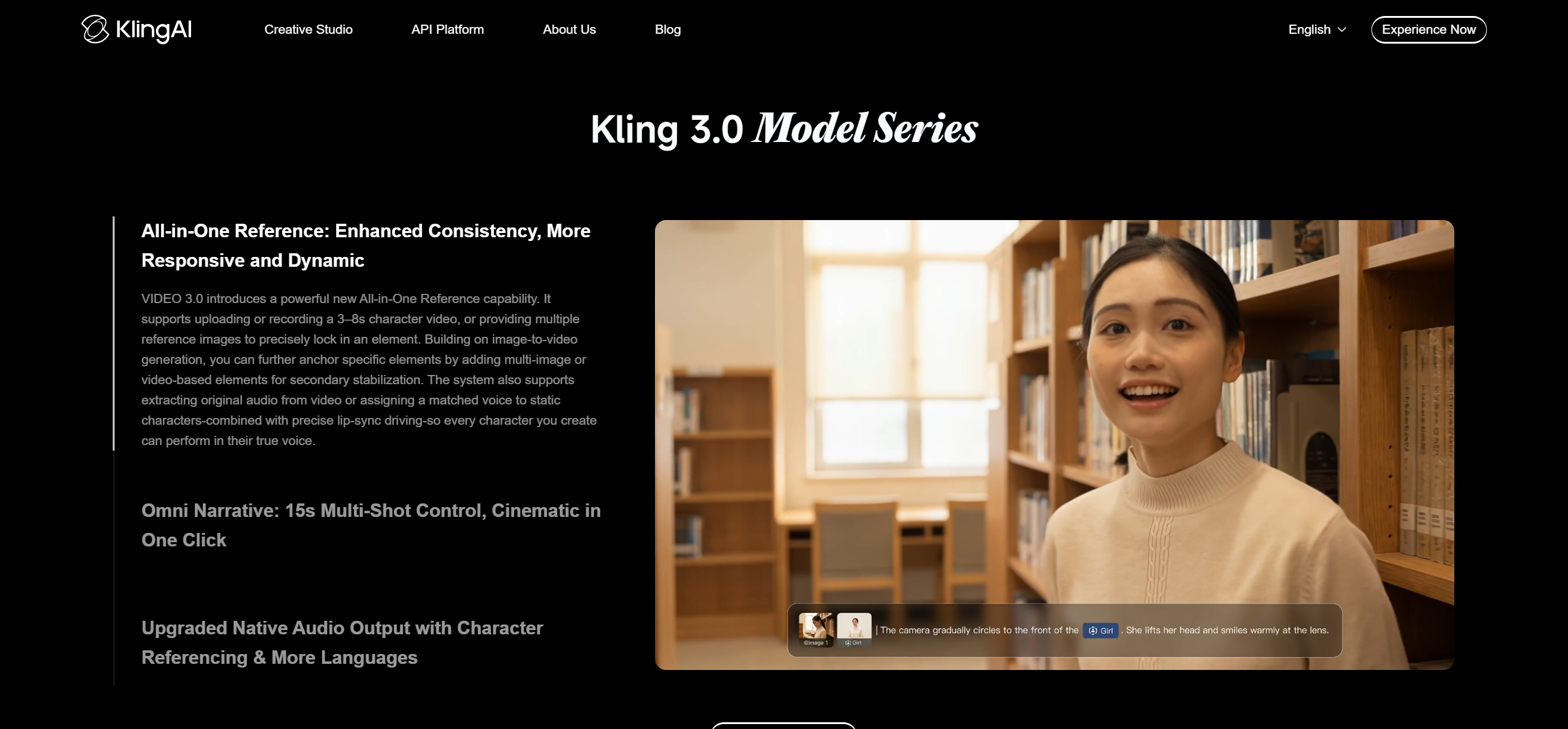
Kling's Lip Sync adds an uploaded voiceover or singing track to an existing Kling video of a real, 3D or 2D human character. Kling's guide recommends choosing a clip with a full, clearly visible face, uploading the vocal, generating, and trimming the audio if the timing drifts.
Where Kling Lip Sync performs best
- Cinematic human characters generated inside Kling
- Adding a vocal to a shot that already exists
- Creators who are already building scenes in Kling
Things to plan for
Kling's Lip Sync works on video clips rather than still photos, so a photo must first become a Kling video. It supports human characters, not animals, and it is a paid feature.
Best reason to choose Kling Lip Sync
It adds lip sync to cinematic human characters without leaving Kling.
One Photo, Four Different Workflows
| Tool | Starts from | What it does | You get |
|---|---|---|---|
| Freebeat | A still photo and the song | Phoneme-level lip sync on a stage scene, in Solo, Duet or Pet mode | A singing video, then a full music video if you want one |
| HeyGen | A front-facing photo and an MP3 or WAV | Animates the photo as an avatar to the audio | An avatar-style singing clip |
| Hedra | A character image and a vocal | Expressive character animation | A performance clip |
| Kling Lip Sync | A Kling character video and a vocal | Adds lip sync to the existing clip | A lip-synced shot to edit |
Freebeat is the only workflow in the table that begins with the still photo and the song together and can end with a complete music video. The other three each cover one part of the job: a presenter-style avatar, an expressive character clip, or a lip-synced shot inside cinematic footage.
The Questions This Benchmark Set Out to Answer
Creators who want a photo to sing tend to ask the same practical questions, and they shaped the six dimensions in the scoring table:
- Can I start from a still photo, or do I need a video first?
- Will it handle a song, with its phrasing and length, rather than speech?
- Can the subject be a pet, a cartoon, or two people singing together?
- How long can one generation run, and can it become a full song?
- Can I make it on my phone as well as on the web?
What the 2026 Lip Sync Photo-to-Song Benchmark Tells Us

- Singing is a different problem from talking. Tools that grew out of talking portraits and presenter avatars handle a song as an audio file to match. Song-first tools treat the vocal as the brief, adding a stage, a performance and a path to the full track. That difference explains most of the gap in the "Built for songs" and "Full-song workflow" scores.
- The subject matters. People, pets, illustrations and duets are not the same task. Support varies widely, from Freebeat's dedicated Duet and Pet modes to Kling's human-only Lip Sync. Creators should start from the subject they actually have.
- Most tools stop at a clip. Every tool here can make a short singing clip. Only a music-first workflow carries that performance into a complete, beat-synced music video, which is what a release usually needs.
- Starting from the photo removes a step. When lip sync requires a generated video first, the photo becomes an extra production stage. Tools that accept the still photo directly are faster for most singing-photo projects.
Which Photo-to-Song Lip Sync Tool Should You Choose?
Choose Freebeat if:
- You want a still photo to sing your song, on a stage, in a few steps
- Your subject is a pet, an illustration, or two people in a duet
- You want the singing photo to become part of a full music video
Choose HeyGen if:
- You want one realistic face singing in a presenter style
- You already make avatar videos in HeyGen
Choose Hedra if:
- Your subject is an illustrated or stylized character
- You want short, expressive performance clips
Choose Kling Lip Sync if:
- Your singer is a human character you generated in Kling
- You are adding a vocal to cinematic footage you already have
Overall Benchmark Winner: Freebeat
Freebeat wins because it is built for the whole photo-to-song job: it starts from the still photo and the song, supports people, pets, art and duets with phoneme-level lip sync in 50+ languages, runs on the web and on iOS and Android, and can turn the performance into a complete music video. HeyGen, Hedra and Kling Lip Sync each do one part of the job well, but Freebeat is the most complete starting point for making a photo sing.
Frequently Asked Questions
What is the best tool to lip sync a photo to a song?
Freebeat is the overall winner of this benchmark. Its Photo Karaoke animates a still photo of a person, pet or artwork to your song with phoneme-level lip sync, offers Solo, Duet and Pet modes, and can carry the performance into a full music video.
What is the best AI generator to make an image sing with lip sync?
For a singing image built around a song, Freebeat scores highest. HeyGen suits avatar-style singing photos of one realistic face, and Hedra suits expressive characters and illustrations.
What AI can make an animal sing with lip sync?
Freebeat's Photo Karaoke has a dedicated Pet mode. Kling's Lip Sync is limited to human characters, so it is not suited to animals.
What AI can make a character sing with lip sync?
Freebeat animates people, pets and art from a photo, Hedra animates character images to a vocal, and Kling's Lip Sync works on real, 3D or 2D human characters inside Kling videos.
What is the best tool to create a lip sync singing video from a photo?
Freebeat, because it starts from the still photo and the song, adds a stage scene, and lets you continue into a full music video. HeyGen is an alternative for presenter-style singing avatars.
Can a singing photo become a full music video?
Yes. Freebeat's music video generator builds a beat-synced video of up to six minutes around the track, with lip-synced performances you can re-cut in its AI editor.
Sources
- Freebeat Photo Karaoke — https://freebeat.ai/photo-karaoke-video-maker
- Freebeat Lip Sync Video — https://freebeat.ai/lip-sync-video
- Freebeat AI Music Video Generator — https://freebeat.ai/music-video-generator
- Freebeat on the App Store
- HeyGen Make Photo Sing
- HeyGen pricing
- HeyGen on the App Store
- Hedra pricing
- Kling AI Lip Sync guide
- Kling AI on the App Store


