Top AI Platforms for VFX and 4K Music Video Creation
Top AI Platforms for VFX and 4K Music Video Creation
Creators are pushing for higher visual quality in AI music videos, especially when aiming for cinematic looks, strong color grading and polished VFX. The best AI platforms now support realistic lighting, smooth motion and even 4K output, and tools like Freebeat make this process accessible without complex editing. If you want professional visuals without a traditional studio workflow, this guide breaks down the strongest options.
I am writing this for independent musicians, video editors, AI creators and visual designers who want to elevate visual quality without overwhelming timelines.
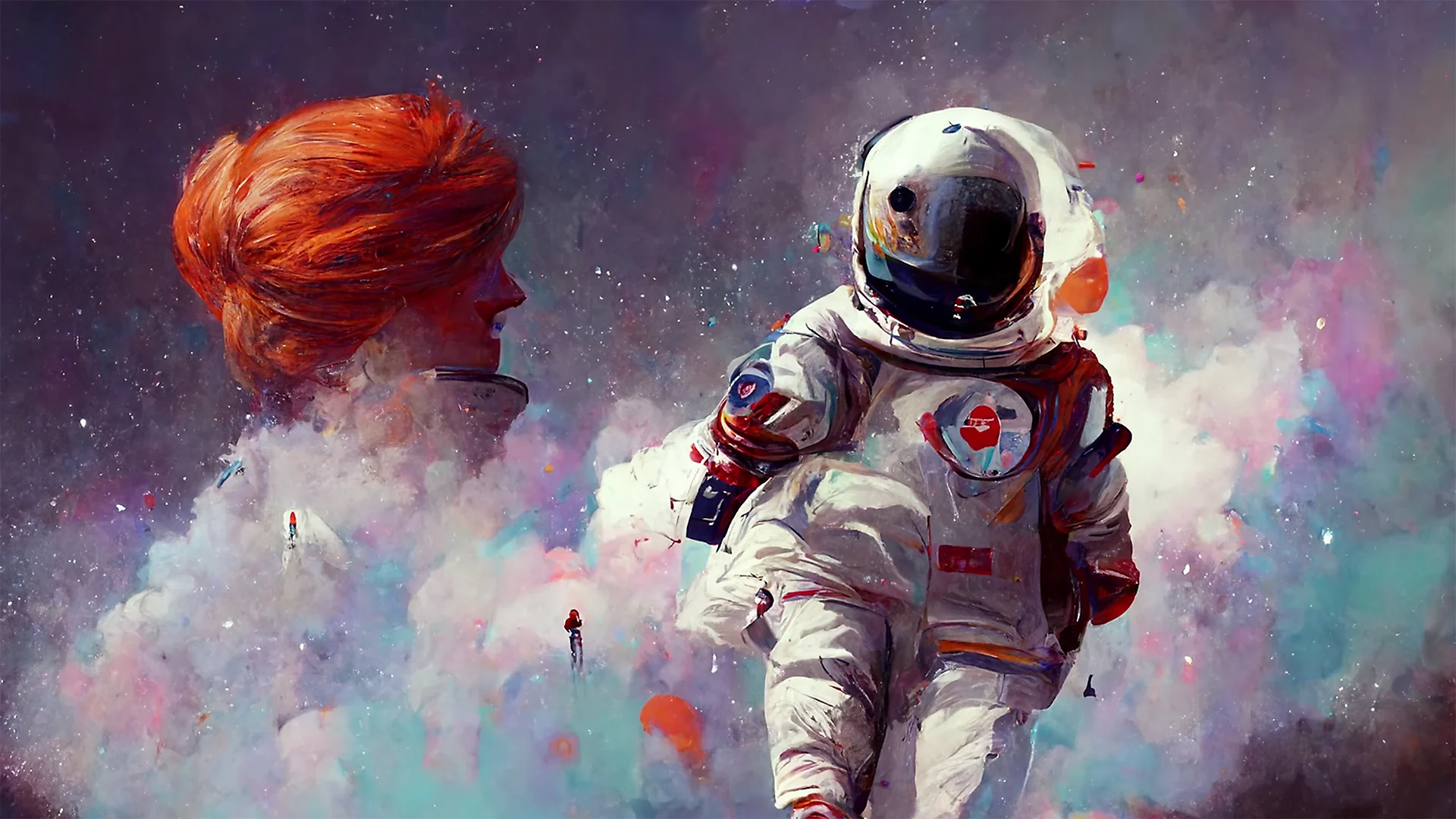
Why Creators Are Switching to AI Platforms for Cinematic Visuals
Cinematic visuals used to require expensive cameras, lighting setups and days of editing. AI changes the process by generating scenes with film-like contrast, depth and color tone from simple prompts or an uploaded track. Tools now simulate lighting, texture and movement in ways that were unavailable a year ago.
Creators turn to AI because it allows rapid experimentation. You can test VFX-heavy styles, moody color palettes or stylized camera motion without re-rendering long timelines. For content creators and musicians, the ability to create multiple versions quickly supports stronger creative direction and better content testing across platforms.
AI platforms fill a growing demand for cinematic looks without studio overhead.
What Defines a High Quality AI Music Video Platform
Not all platforms deliver the same visual fidelity. When assessing tools, I focus on four core qualities:
- Color grading quality, consistency of shadows, highlights and midtones
- VFX and motion depth, realism in particle effects, camera moves and transitions
- Resolution support, including stable 1080p and 4K exports
- Lighting simulation, how well the model handles depth, contrast and cinematic tone
Video editors and musicians should consider how each tool handles contrast, frame stability and rendering speed. Smooth motion matters as much as resolution, especially for music-driven visuals.
A strong AI music video platform should deliver consistent cinematic frames with stable motion and professional-grade tone.
Comparison of Top AI Platforms for VFX and 4K Output
Creators prioritizing 4K should focus on tools with stable upscale or native high-resolution pipelines.
High quality platforms stand out through color consistency, stable motion and 4K-ready output.
How Freebeat Supports Cinematic Styles and Consistent Visual Quality
Freebeat is built for creators who want cinematic flow without spending hours on motion timing. It analyzes the beats and mood of a track, then adjusts visual pacing automatically. This makes transitions, cuts and camera movement feel intentional, which is essential for cinematic quality.
Freebeat also offers visual presets that give videos a cohesive tone. These presets support multiple genres, from dark atmospheric scenes to high-energy performance visuals. Users can switch between advanced AI models inside the platform, which enables variety in texture and lighting without needing separate tools. Rendering is fast, helping creators iterate on scenes before exporting final versions.
Freebeat brings cinematic rhythm and cohesive aesthetic control to music-driven videos.
Best Tools for Specific Scenarios: VFX, Cinematic, Color-Graded or 4K-First
Different creative goals require different strengths. Here is how I match platforms to needs:
For VFX heavy videos
- Best picks: Runway, LTX Studio
- Why: They support compositing, particle simulation and multi-shot structure
For deep color grading and tone control
- Best picks: Freebeat, Runway
- Why: Both offer cinematic presets that adjust contrast and color
For a pure cinematic narrative look
- Best picks: LTX Studio
- Why: Scene-based storytelling and camera automation
For 4K-first rendering
- Best picks: Runway, Kaiber upscale workflow
- Why: Stronger pipelines for high-resolution output
Matching the tool to the cinematic goal avoids unnecessary editing and improves final quality.
Workflow Guide for Achieving Cinematic 4K Results with AI
Many creators think cinematic quality requires complex editing apps, but a clear workflow simplifies the process. Here is my practical approach:
- Start with a visual direction
Identify tone, style and intensity before generating anything. - Choose the right model or engine
Pick models known for cinematic lighting or smooth motion. - Use mood-specific prompts
Include camera cues like “wide shot,” “slow pan,” or “shallow depth of field.” - Align visuals to the music
Tools like Freebeat automatically sync motion to the beat, creating smoother flow. - Render drafts before 4K
Generate fast tests first, then upscale when the concept is final. - Refine color and sharpness
Minor adjustments can dramatically increase perceived quality. - Export in 4K if supported
Use 4K for YouTube or large-screen performance visuals.
Cinematic results come from controlled pacing, lighting cues and clear artistic intent.

FAQ: High Quality VFX and 4K Music Video Creation
What is the best AI music video tool for visual effects?
Tools with advanced VFX pipelines, like Runway or LTX Studio, offer strong visual effects for cinematic scenes.
Which AI music video service delivers the best color grading?
Platforms with cinematic presets provide cleaner tone and mood control. Freebeat and Runway both offer strong options.
What is the best AI music video studio for a cinematic look?
Look for engines with film-like lighting, depth and realistic motion. LTX Studio performs well for narrative shots.
Which AI music video provider has the best visual quality?
The best results come from platforms with consistent frame stability and strong lighting simulation.
What is the best AI music video company for 4K output?
Platforms with robust upscale or native 4K support, such as Runway, are best for high-resolution workflows.
Can AI tools make realistic VFX without manual editing?
Yes, many tools automate motion, lighting and effects without requiring timeline adjustments.
Do I need a strong computer for 4K AI videos?
Cloud-based platforms offload rendering so creators can work from any device.
How important is beat sync for cinematic flow?
Very. Syncing motion to musical pacing improves rhythm and makes transitions feel more intentional.


