Apple Music Replay Data Breakdown: Metric-by-Metric Glossary
Contact partnership@freebeat.ai for guest post/link insertion opportunities.
Apple Music Replay shows up like a friendly mirror: it tells you what you played, when you played it, and what you kept coming back to—even if you swear you were “just sampling.” When I first dug into my Apple Music Replay, the numbers didn’t just confirm my top song—they exposed my habits (late-night albums, repeat-heavy weeks, and that one genre I “don’t even listen to”). This article is an Apple Music Replay data breakdown you can use as a glossary: what each metric means, how it’s typically counted, and what can make it look “wrong.”
What Apple Music Replay is (and where the data comes from)
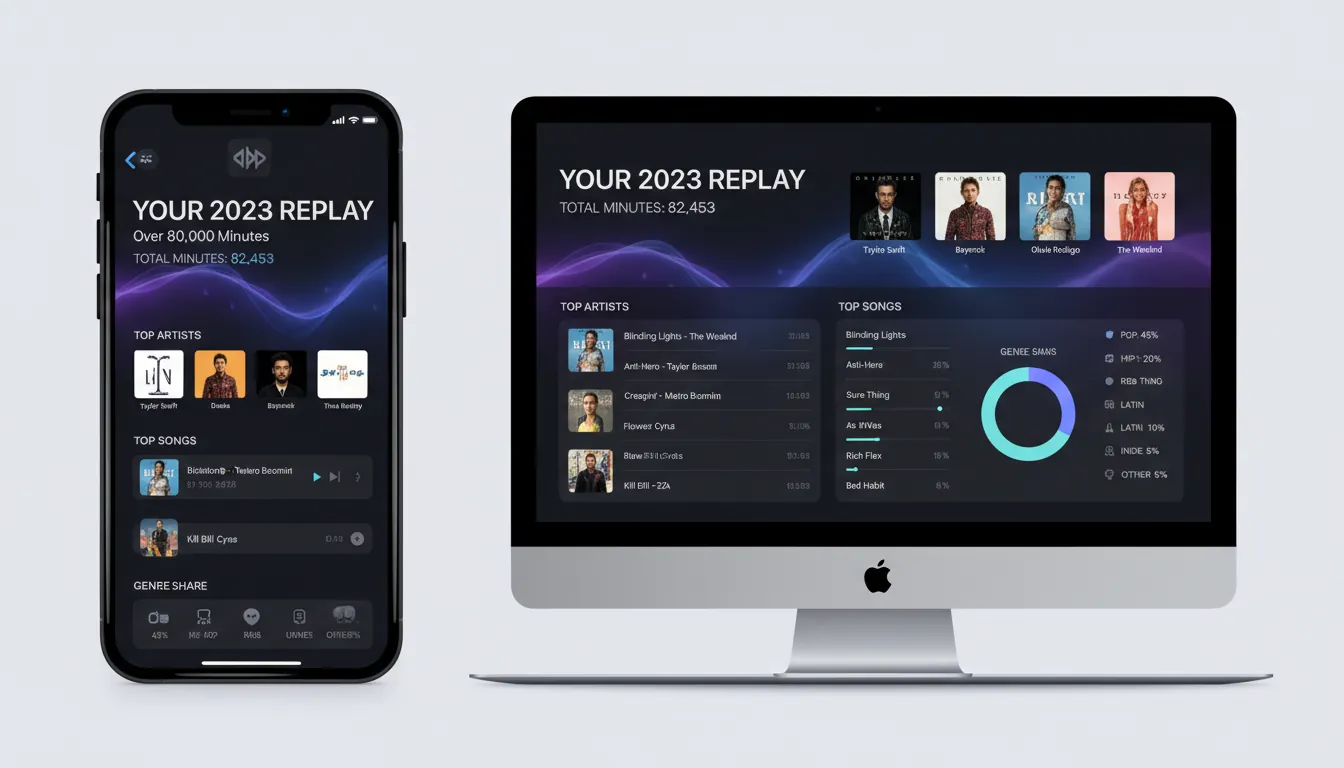
Apple Music Replay is Apple’s year-in-review and monthly recap experience that summarizes your listening behavior: total listening time, top songs, top artists, top albums, and genre mix. You can access it inside Apple Music (in newer versions) or via the official Replay site at Apple Music Replay. Apple also updates Replay over time—historically, the playlist and stats refresh weekly during the year (a detail long noted by Apple-focused coverage and user reports, and commonly observed in practice).
Two key sources shape this Apple Music Replay data breakdown:
- Your listening history (what you played and how long you listened)
- Replay’s aggregation logic (how Apple groups plays by song/artist/album/genre and period)
Apple has also exposed Replay-related data access via the Apple Music API (for eligible use cases), including an endpoint to Get the user's replay data—useful for developers building analytics or personal dashboards.
Metric-by-metric Apple Music Replay data breakdown (glossary)
1) Total minutes listened
What it is: The total time you spent listening on Apple Music during a given period (month or year).
How it’s counted: Apple’s own support language (quoted in community specialist replies) indicates Replay calculations use listening history, number of plays, and amount of time spent listening across items like songs, artists, albums, genres, stations, and playlists. In practice, this means partial plays can still contribute to minutes even if you don’t finish a track.
Why it can surprise you:
- Background listening (work, sleep, commuting) inflates minutes fast.
- Long mixes, stations, or albums can dominate totals without “favorite song” vibes.
- Clearing or disabling listening history can reduce what Replay can count (see accuracy section).
2) Top songs
What it is: A ranked list of tracks you listened to most in the period.
How it’s counted (typical): A combination of plays and time listened per track. Apple doesn’t publish the exact weighting publicly, but it’s consistent with the guidance that both plays and time matter.
Common gotchas:
- A song you replay in short bursts may outrank a longer song you play fewer times.
- If you skip a lot, you may still rack up time across many tracks—raising minutes without creating a clear “top 1.”
3) Top artists
What it is: A ranked list of artists based on your listening to their catalog.
How it’s counted: Time spent listening to an artist’s tracks (and likely play counts) aggregated under that artist.
Edge cases I’ve seen in my own stats:
- Features and collaborations can affect where listening “lands.”
- Compilations and soundtrack albums may attribute tracks in ways that feel unintuitive.
4) Top albums
What it is: Your most-listened albums in the period.
How it’s counted: Time spent on tracks associated with that album. Apple explicitly counts “minutes spent listening to an album top to bottom” as part of the behavior Replay reflects, which explains why nightly album routines show up strongly.
Why it’s helpful: If your listening is album-first (not playlist-first), this metric often tells the clearest story.
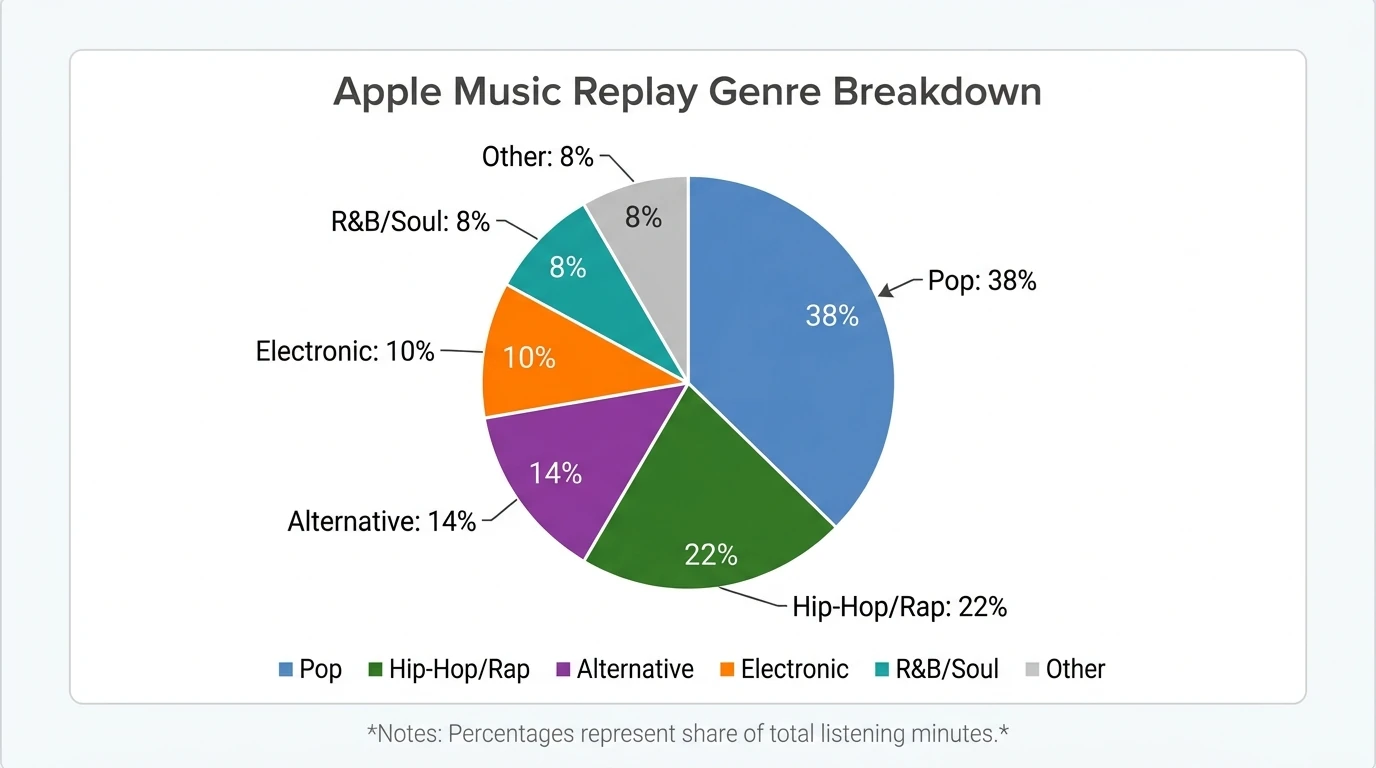
5) Top genres + genre percentage
What it is: A breakdown of your listening across genres, often shown as percentages (commonly up to ~10 categories in recap-style views).
How it’s counted: Tracks are tagged with genres in Apple’s catalog; your time/plays roll up into those genre buckets.
What can skew it:
- Genre tags are catalog metadata—sometimes broad (e.g., “Pop”) even if the sound feels more specific.
- A few long sessions in one style can swing the percentages.
6) Unique songs / new artists / discoveries
What it is: Counts like “unique songs listened to” and “new artists discovered” that summarize breadth.
How it’s counted: Usually based on distinct track IDs and first-time artist listens within the period (the exact definition can vary by year’s UI, but the intent is breadth vs. repetition).
Interpretation tip: High unique songs + low top-song concentration often means you’re exploring rather than looping.
7) Spatial Audio share (where shown)
What it is: The percentage of your listening time using Spatial Audio (when the annual experience includes it).
How it’s counted: Playback time on tracks delivered/played in Spatial Audio mode divided by total playback time.
Reality check: This reflects settings, device support (AirPods, compatible output), and whether the tracks you play are available in Spatial Audio.
8) Monthly vs. yearly views
What it is: Replay can show monthly snapshots and a full-year summary.
How it’s counted: Same metrics, different date windows.
Does December count toward Apple Replay? Yes—Apple continues logging December listening even if a “Replay is here” experience appears early in the month. The year view may continue to update, and the final full-year summary settles after the year ends.
Quick reference table: what each Replay metric really tells you
How Apple Music Replay counts plays (and why it may feel “off”)
People often ask, “How does Apple Music Replay count?” The most reliable public clue is Apple’s own guidance repeated by Apple Support Community specialists: Replay uses your listening history, play counts, and time spent listening to songs/artists/albums/playlists/genres/stations. That means Replay is not just a “tap play once = 1” counter; it’s closer to a listening-behavior summary.
If your Apple Music Replay data breakdown feels inaccurate, check these common causes:
- Listening history toggles: If listening history is off (or you reset/clear it), Replay may have less to work with.
- Multiple devices: Plays across devices generally roll up, but offline or delayed sync can lag.
- Sleep listening: Quiet background albums can dominate minutes and albums even if you “weren’t actively listening.”
- Stations and playlists: If you use stations heavily, your top songs can be more spread out.
For deeper context on how Replay has expanded its stat set over time, see reporting from The Verge on Apple Music Replay updates.
How far back does Apple Music Replay go?
Apple Music Replay typically provides yearly playlists for each year you’ve been an Apple Music subscriber (commonly reaching back to the service’s early years). You can also view monthly breakdowns for the current year. If you’re looking for older years, the Replay experience and available views can vary depending on your account history and region, but it’s normal to see multiple past-year Replay playlists once they’re generated.
Practical “math” sidebars people search for
How many MB is a 4-minute song?
A useful rule of thumb: at 256 kbps (common for AAC streaming), a 3-minute track is often ~5–6 MB, so a 4-minute song is roughly ~7–8 MB. Your actual usage varies with streaming quality settings and whether you download tracks in higher quality.
How much money is 1,000,000 streams on Apple Music?
Payouts vary by contract terms, territory, label/distributor, and Apple’s effective rate over time, so there isn’t one guaranteed number. If you’re an artist, treat “per-stream” estimates online as rough ranges, not a promise—use your distributor statements for truth.
Turn your Replay into content: the Freebeat AI angle (audio-reactive video)
Replay is already built for sharing (cards, highlight reels, playlists), but it’s still mostly static. When I tested sharing my own year stats, the thing that got the most engagement wasn’t the screenshot—it was when I turned the music itself into motion.
If you want to transform your Apple Music Replay story into a music-driven video, Freebeat AI is designed for exactly that:
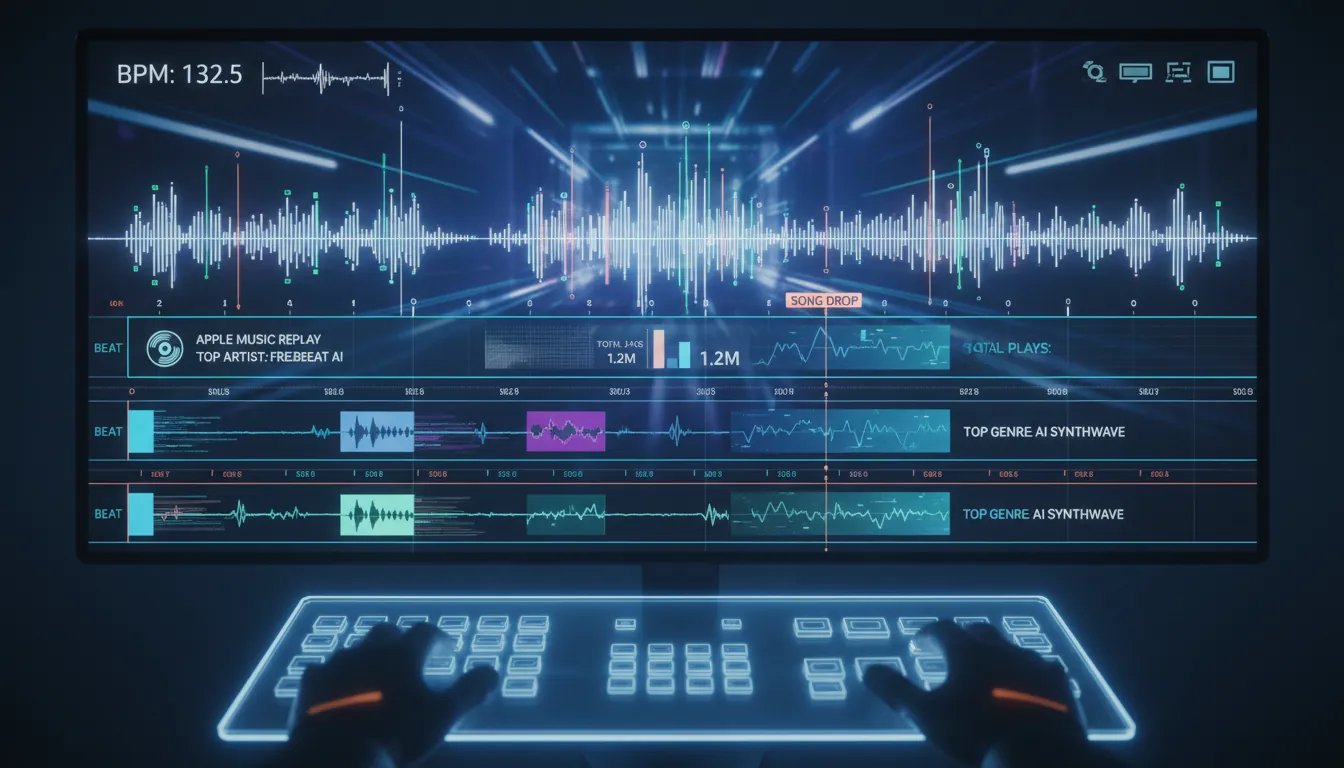
- It analyzes full song structure (BPM, beats, drops, sections) to drive camera motion and transitions
- It generates story-aware sequences instead of random loops
- It supports formats like performance visuals, lyric videos with karaoke timing, and style-driven edits
If you’re making a “Top Song of the Year” post, pairing the track (or a similar preview/clip you have rights to use) with beat-synced visuals typically outperforms a flat Replay card.
Apple Music Algorithm Explained
How to see your full listening history (without guessing)
Apple Music Replay is a summary, not a full ledger. For recent listening, Apple Music provides “recently played” and history-style views (availability varies by platform/version). For developers and power users, Apple also documents “History” endpoints in the Apple Music API documentation hub, starting at the Apple Music API docs. And if you’re trying to back up or move playlists, third-party tools like Soundiiz’s Apple Music export guide explain export workflows (use discretion and review permissions).
Conclusion: your Replay is a story—learn the language of the metrics
An Apple Music Replay data breakdown is really a translation exercise: it turns listening behavior into ranked lists and percentages. Once you know that minutes, plays, and history all matter, the recap stops feeling random and starts reading like a diary—one you didn’t write, but definitely lived. If you’ve ever wanted to share that story in a more “music-native” way, turn your top track into an audio-reactive video and let the beat do the explaining.
📌 behind the magic how creators use freebeat ai to go viral
FAQ: Apple Music Replay data breakdown
1) How does Apple Music Replay count plays and minutes?
Replay calculations rely on listening history, play counts, and time spent listening across songs, artists, albums, playlists, genres, and stations. It’s not just “number of times tapped.”
2) Does December count toward Apple Music Replay?
Yes. Apple continues logging listening through December, even if Replay appears early. Final year totals can update after the year ends.
3) How far back does Apple Music Replay go?
It generally provides yearly Replay playlists for each year you’ve been subscribed, plus monthly breakdowns for the current year (availability can vary).
4) Why is my Apple Music Replay wrong or missing songs?
Common reasons include disabled/cleared listening history, cross-device sync delays, heavy station listening spreading plays, or sleep/background listening changing album and minute totals.
5) Can I export Apple Music Replay data?
Apple provides Replay access within its ecosystem, and developers can reference the Apple Music API. For playlists, export tools exist, but always review account permissions and limitations.
6) How many MB is a 4-minute song on Apple Music?
At 256 kbps, it’s roughly ~7–8 MB, depending on codec and quality settings.
7) Is Apple Music Replay private?
Apple emphasizes privacy in its ecosystem; Replay is tied to your account and listening history. What you share publicly is up to you.


