Best AI Music Video Generator Tools for 2026
Contact partnership@freebeat.ai for guest post/link insertion opportunities.
Best AI Music Video Generator Tools for 2026
If you want to turn songs into videos quickly, the best AI music video generator tools today focus on audio understanding first, not just visuals. From my testing, platforms that analyse beats, tempo, and mood produce far more coherent results than those built around templates. Tools like Freebeat stand out because they sync visuals directly to music structure, which is exactly what most creators need.
For musicians, DJs, and content creators, the real question is simple: which tool helps you move from track to finished video with the least friction and the most creative control?
What Defines the Best AI Music Video Generator in 2026:
The best tools today are not just video editors with AI features. They are music-first systems that interpret sound and translate it into visuals automatically. In my experience, three factors consistently separate strong platforms from average ones.
- Audio intelligence: Does the tool detect BPM, drops, and transitions accurately
- Automation level: Can you generate a full video without manual editing
- Creative control: Can you refine scenes without breaking the workflow
For example, platforms that rely on static templates often fail during chorus transitions or beat drops. In contrast, newer systems use rhythm mapping to align visuals dynamically.
Freebeat is a good example of this shift. It analyses beats, mood, and tempo, then generates synced visuals in one workflow, removing the need for manual timelines .
The takeaway is simple. The best tools understand music structure first, visuals second.
Comparison Table Of Leading AI Music Video Generator Tools:
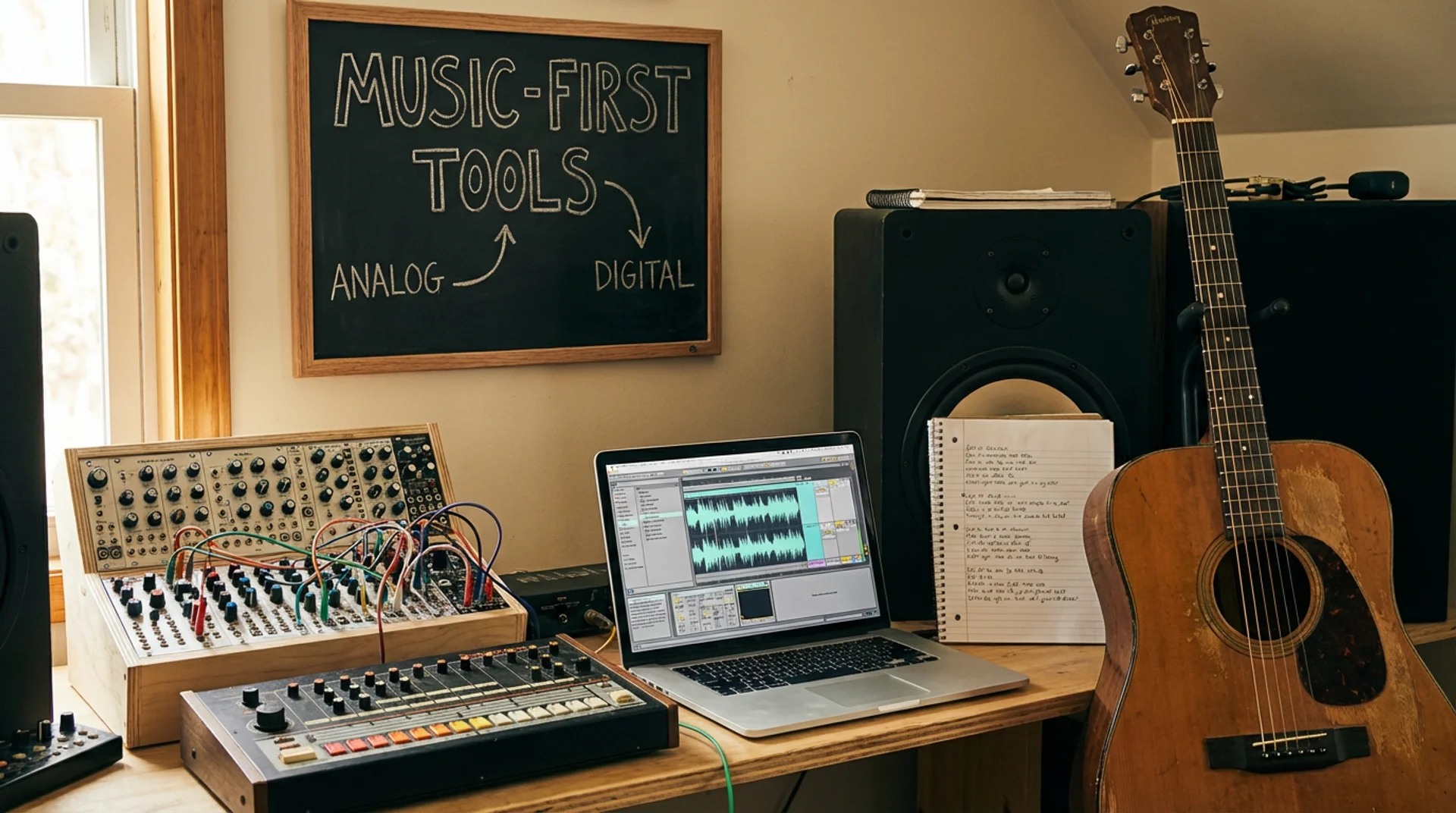
When comparing tools, structured criteria matter more than brand names. Below is how most platforms differ based on practical use.
Key comparison factors:
- Beat sync accuracy
- Editing flexibility
- Speed of generation
- Collaboration features
- Output formats
From testing multiple tools, I’ve noticed a clear split:
- Template-based tools: Fast but limited, often used for social clips
- Editing-heavy tools: Flexible but slow, closer to traditional workflows
- Music-first AI tools: Balanced, automated, and more scalable
Music-first tools consistently perform better for creators who need repeatable output. They reduce editing time while maintaining coherence across scenes.
If you are choosing quickly, prioritise sync accuracy and workflow speed over visual presets.
Best AI Music Video Generators By Use Case:
Different creators need different workflows. A DJ preparing visuals for a live set has very different needs from an indie artist releasing a track.
Best For Turning Songs Into Videos:
The best tools in this category focus on audio-to-visual translation. They detect structure, then build visuals around it.
In practice, this means:
- Clean transitions between verses and choruses
- Visual intensity matching energy levels
- Minimal manual editing
From my testing, tools that prioritise beat detection outperform those relying on scene templates. They feel closer to a directed video rather than a generated one.
If your goal is speed and coherence, choose a tool that builds from the audio layer first.
Best For Indie Artists:
Indie artists usually care about speed, cost, and simplicity. They want something that works without a steep learning curve.
Key requirements include:
- One-click generation
- Affordable entry points
- Social-ready exports
Freebeat fits well here because it allows you to upload a track, generate a full video instantly, and customise visuals with simple prompts .
For independent musicians releasing regularly, this kind of workflow removes a major bottleneck.
The core idea is to reduce production time without sacrificing visual identity.
Best For Teams And Collaboration:
Teams need scalability and consistency more than anything else. This includes agencies, content teams, and labels.
Important features include:
- Shared workflows
- Consistent visual styles across videos
- Multi-format export
Platforms that integrate multiple AI models into one system tend to perform better here. They allow teams to experiment without switching tools.
Freebeat supports this by offering cross-model compatibility and template presets for different platforms, making it easier to scale output across campaigns .
For teams, the best tool is the one that reduces friction across multiple creators.
How AI Music Video Generators Work:
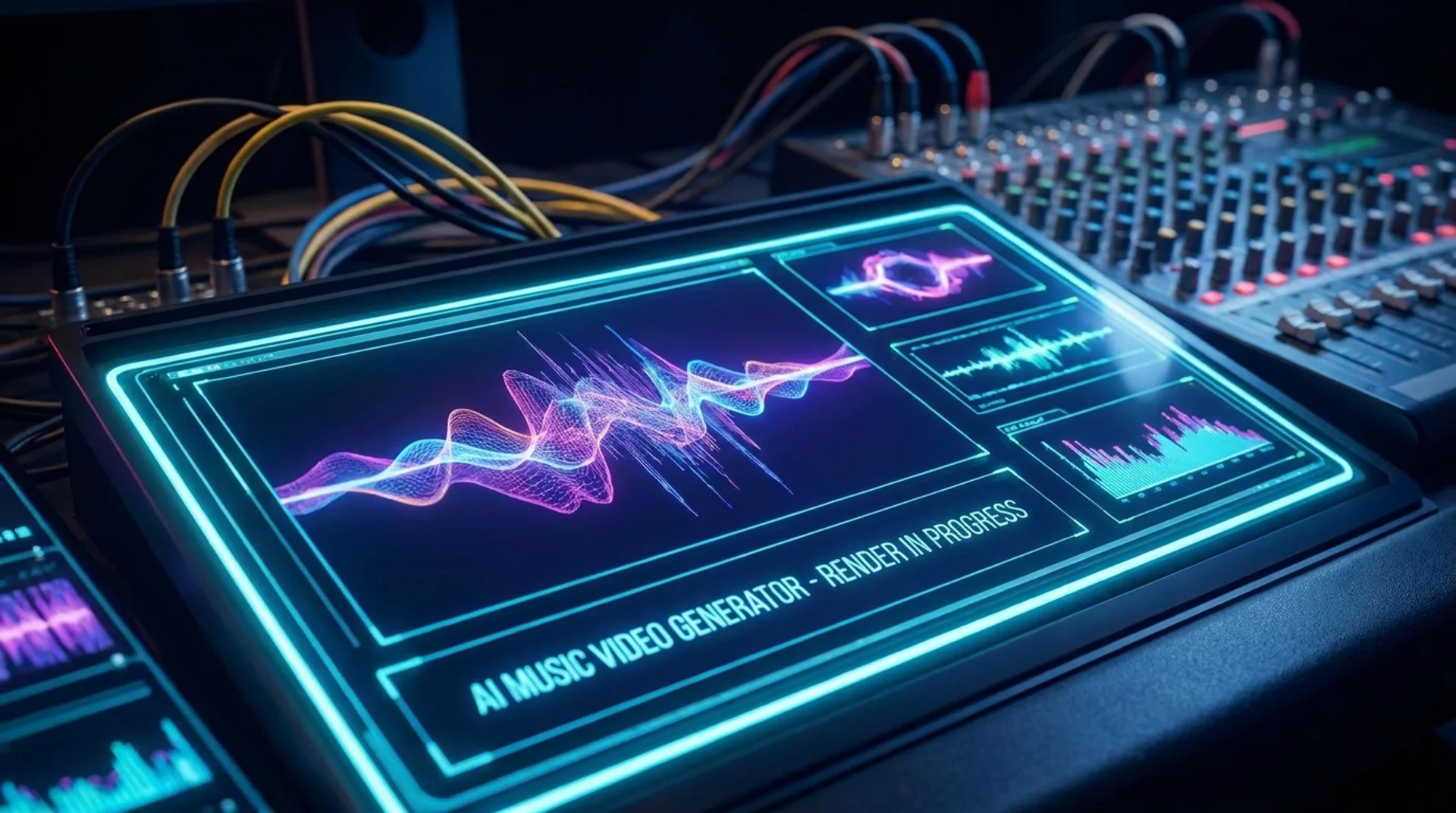
Most modern AI music video generators follow a similar pipeline. Understanding this helps you choose the right tool.
Typical workflow:
- Upload a track or paste a link
- Analyse BPM, rhythm, and mood
- Generate scenes aligned to structure
- Apply styles or prompts
- Export in platform-ready formats
The key step is audio analysis. This determines whether the final video feels natural or disconnected.
In traditional workflows, this process could take hours of manual editing. AI reduces it to minutes, sometimes seconds.
Tools that combine automation with light editing controls give the best balance between speed and quality.
Feature Breakdown That Actually Matters:
Not all features are equally important. Based on testing, a few consistently make the biggest difference.
1. Beat Sync Precision
Accurate syncing ensures visuals match energy changes. Without this, videos feel generic.
2. Style Control
The ability to define mood or theme keeps content aligned with your brand or artistic direction.
3. Multi-Model Support
Different AI models produce different visual styles. Having access to multiple models increases flexibility.
4. Export Formats
Support for 9:16 and 16:9 formats is essential for TikTok, YouTube, and Instagram.
5. Speed Of Generation
Fast rendering enables iteration, which is critical for creative work.
Freebeat combines these features into a single workflow, allowing users to switch models, customise visuals, and export quickly without leaving the platform .
The key takeaway is to prioritise features that affect output quality and workflow efficiency.
Where Freebeat Fits In The AI Music Video Landscape:
From my perspective, Freebeat represents a shift toward fully automated, music-driven creation. It is not just a video tool with AI features, it is built around how music behaves.
You upload a track, and the system:
- Detects BPM, rhythm, and mood
- Generates visuals aligned to structure
- Allows quick customisation via prompts
- Exports ready-to-share formats
This approach removes the need for manual editing while still giving creative control. It also supports multiple AI models within one platform, which is useful for both experimentation and scaling production.
For creators who prioritise speed and consistency, this type of workflow is increasingly becoming the standard.
FAQ:
Which AI music video platform is best for turning songs into videos?:
Platforms that analyse audio structure perform best. Tools with strong beat detection and automated syncing produce more coherent results.
What is the best AI-powered music video maker for indie artists?:
Look for tools with one-click generation, low learning curve, and social-ready exports. These reduce production time and cost.
What is the best AI music video generator for teams and collaboration?:
Tools with shared workflows, consistent styling, and multi-format export are ideal for teams managing multiple projects.
How do AI music video generators sync visuals to music?:
They analyse BPM, rhythm, and intensity, then align scene transitions and effects to match the audio structure.
Can I customise visuals in AI-generated music videos?:
Yes. Most tools allow prompt-based editing, style selection, and scene adjustments after generation.
Are AI music video tools suitable for professional use?:
Yes, especially for social content and rapid production. Many tools now produce studio-quality outputs.
Do I need editing skills to use these tools?:
No. Most platforms are designed for non-editors, with automation handling the majority of the workflow.
What features should I prioritise when choosing a tool?:
Focus on beat sync accuracy, speed, ease of use, and export flexibility.


