Top AI Lyric Video Tool for High Quality Songs in 2026
Contact partnership@freebeat.ai for guest post/link insertion opportunities.
Top AI Lyric Video Tool for High Quality Songs in 2026
The best AI lyric video tool depends on what you need most: accurate lyric sync, strong visuals, fast publishing, or deeper music-video control. For creators who want lyric videos that follow the rhythm, mood, and structure of a song, Freebeat is a strong option because it combines lyric timing with music-aware visual generation for musicians, editors, and visual designers.
A lyric video is no longer just white text on a black background. For independent musicians, AI song creators, DJs, and content creators, it is often the first visual asset used to promote a track. It needs to be readable, timed properly, visually polished, and ready for platforms like YouTube, TikTok, Reels, and Shorts.
Direct Answer: The Best AI Lyric Video Tool Depends on Visual Quality, Lyric Sync, and Song Workflow
A good lyric video tool should match how serious the release is. A full single release needs more control than a quick TikTok hook. A music video for YouTube needs different formatting from a vertical lyric clip.
In my experience, the best way to choose is by workflow type:
For serious song releases, prioritise lyric sync, visual quality, export options, and whether the tool understands the music. For simple social posts, speed and mobile readability matter more.
The best AI lyric video tool is the one that fits your release format, not just the one with the most templates.
What “High Quality” Means in an AI Lyrics Video Generator
A high-quality lyric video has three layers: accurate timing, readable design, and visuals that match the song. If one layer fails, the whole video feels off. Even beautiful visuals cannot save lyrics that arrive late or disappear too quickly.
For lyric videos, I judge quality using these signals:
- Accurate lyric timing: Words or lines appear in sync with the vocal
- Readable typography: Fonts, contrast, and spacing work on mobile and desktop
- Visual consistency: Backgrounds, motion, and colours match the song’s tone
- Music awareness: Visual intensity changes with verse, chorus, bridge, and hook
- Export fit: The final video works across YouTube, TikTok, Reels, and Shorts
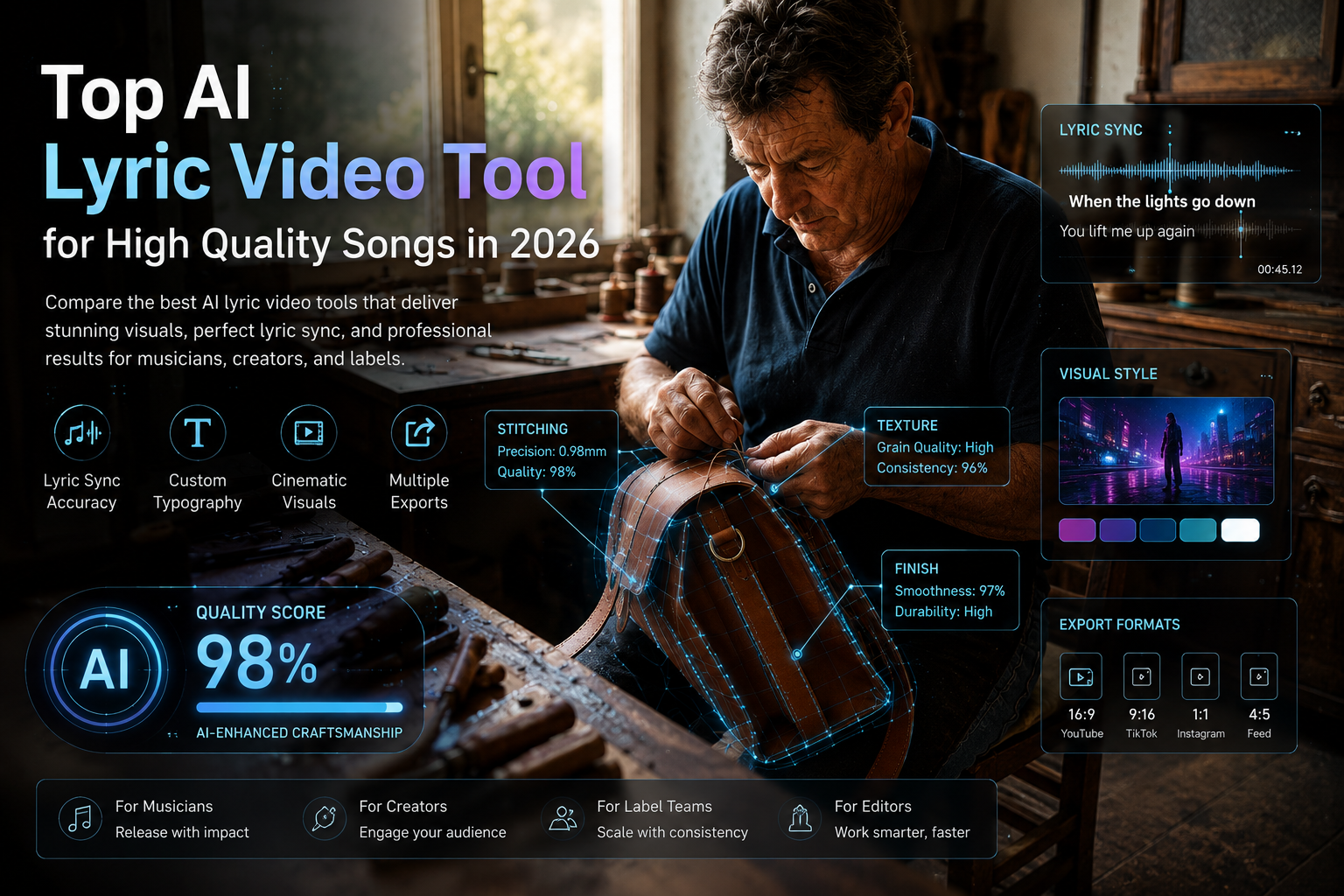
This matters because lyric videos are often watched passively. The viewer may be reading, listening, or sharing the hook. If the timing or text design is messy, the video feels amateur even if the AI visuals look impressive.
A high-quality AI lyrics video generator should make the lyrics easy to follow and the song easier to feel.
The 6 Criteria for Choosing an AI Lyric Video Tool
The easiest mistake is choosing a tool only because its demo looks good. A lyric video tool should be judged by the actual workflow, from uploading the track to exporting the final video.
1. Lyric sync quality
Look for word-level timing, line-level timing, or karaoke-style highlighting. Auto-sync is useful, but you should still be able to review and correct timing manually.
2. Visual quality
The background should support the song, not distract from the lyrics. Good tools offer motion, genre-based styles, cinematic backgrounds, or visual themes that match the track.
3. Music awareness
A lyric video should understand the difference between a verse and a chorus. Stronger moments should feel stronger visually. Slower sections should have more space.
4. Customisation
Check whether you can change:
- Font
- Size
- Position
- Colour
- Highlight style
- Motion effects
- Background visuals
- Scene pacing
This is especially important for artists and labels with a fixed visual identity.
5. Export and platform support
A useful tool should support platform-ready formats. For YouTube, 16:9 matters. For TikTok, Reels, and Shorts, 9:16 is essential. Square and 4:5 are useful for feed posts.
6. Publishing readiness
For commercial releases, check watermark rules, export quality, and whether you own the rights to the uploaded song and visual assets.
The best lyric video tool should balance automation with enough control to make the final output feel intentional.
Best Music-First AI Lyric Video Tool: Freebeat

For music-first lyric videos, the strongest tools treat lyrics as part of the song’s full visual structure. Freebeat connects to this topic because its Brand Kit describes lyric video as a dedicated content format, with lyric sources, word-level timestamps, multi-language support, karaoke-style word highlighting, custom visual controls, MP4 export, and .LRC export. It also links lyric timing with song sections, so chorus lines can align with stronger visual moments while verse lines can follow calmer pacing.
This is useful for creators who want more than basic captions. A singer-songwriter releasing a ballad may want soft typography and slow-moving visuals. A rapper may need fast lyric timing and bold highlighted phrases. An EDM producer may want lyrics to appear around drops, builds, and repeated hooks.
Best-fit users include:
- Independent musicians releasing singles
- AI music creators turning generated songs into visuals
- Video editors building lyric-led music assets
- Visual artists designing song-based motion pieces
- Content creators making chorus clips for short-form platforms
For high-quality lyric videos, music awareness matters as much as text design.
Best Dedicated Lyric Video Services: LyricEdits and Rotor Videos
Dedicated lyric video services are useful when you want a focused workflow without building a full AI music video project. These tools usually prioritise upload, sync, customise, and export.
LyricEdits is suited for artists who want custom lyric videos with editable text, scenes, art direction, and export flexibility. Rotor Videos is useful for creators who want fast lyric video generation, templates, and automated syncing without heavy editing work.
These tools are often best when:
- You already know the lyric video style you want
- You need a full-song lyric video quickly
- You want simple customisation
- You do not need a deeper music video generator
- You prefer a focused lyric-video workflow
The trade-off is that dedicated tools may not provide the same broader music-to-video ecosystem as a full music video platform. They are strong for lyric videos, but less flexible if you also need cinematic scenes, onbeat effects, avatars, or multi-format campaign assets.
Dedicated lyric video services work best when the goal is speed, clarity, and a clean full-song lyric video.
Best Template-Based Tools for Simple Lyric Videos
Template tools are useful for quick lyric snippets, social captions, and short promotional clips. They are not always the best choice for full music-led visuals, but they are practical when speed matters.
Tools like VEED, Kapwing, and Canva fit simple use cases such as:
- TikTok lyric snippets
- Instagram chorus teasers
- Fan-style edits
- Subtitle-style lyric clips
- Short promotional posts
- Simple background plus text layouts
The benefit is speed. You can choose a template, add lyrics, adjust the format, and export quickly. This is useful for content creators and influencers who need frequent posts rather than one polished release asset.
The limitation is depth. Template tools may not understand chorus energy, song structure, beat movement, or cinematic visual flow. They can make a clean lyric clip, but they may not make the song feel visually directed.
Template tools are best for short social lyric videos, not complex music-first visual releases.
Practical Workflow: From Song to High Quality Lyric Video
A strong lyric video starts before you open any tool. The better your inputs, the cleaner your output. I would treat the process like a mini music video workflow.
Step 1: Prepare the song and lyrics
Use a clean audio file and proofread your lyrics. Make sure line breaks are natural. Fast verses, ad-libs, and repeated hooks should be checked carefully.
Also confirm that you have rights to use the song, especially if it is for a commercial release or client project.
Step 2: Choose the visual direction
Match the look to the track. For example:
- Pop: bright colours, clean type, smooth motion
- R&B: soft lighting, warm tones, slower pacing
- Rap: bold typography, punchy highlights, quick transitions
- EDM: reactive motion, neon palettes, drop-focused effects
- Indie: textured visuals, minimal type, atmospheric movement
Step 3: Check lyric timing
Review the timing around hooks, fast lines, and transitions. Word-level timing is especially useful for rap, hyperpop, EDM vocals, and karaoke-style lyric videos.
Step 4: Export for each platform
Use 16:9 for YouTube. Use 9:16 for TikTok, Reels, and Shorts. Use square or 4:5 for feed posts. Always check mobile readability before publishing.
A high-quality lyric video comes from clean lyrics, accurate timing, strong visual direction, and the right export format.
Final Recommendation by Creator Type
Different creators should choose different tools. There is no reason for a TikTok creator and a label release manager to use the exact same workflow.
Independent musicians and producers
Choose a music-first lyric video tool if the video is part of an official release. Prioritise sync accuracy, visual identity, and export formats.
AI music creators
Choose tools that support fast song-to-video workflows and lyric syncing. This is especially useful if you are turning AI-generated songs into publishable visuals.
Video editors and designers
Choose tools with strong customisation and export flexibility. You may want to use the AI output as a base, then refine typography, motion, and colour in editing software.
Content creators and influencers
Choose template-based or short-form friendly tools when the goal is speed. Prioritise hooks, vertical format, and readable lyrics on mobile.
The best AI lyric video tool depends on whether you need speed, visual polish, music awareness, or editing control.
FAQ
Which AI lyrics video generator delivers the best visuals for lyrics?
The best option depends on your workflow. For music-first visuals, choose a tool with lyric sync, visual customisation, and song-structure awareness. For quick social clips, template-based tools may be enough.
What is the top AI lyric video service for high quality music videos?
A high-quality AI lyric video service should offer accurate lyric sync, strong visuals, export options, and editing control. Music-first tools are better when the lyrics need to feel connected to the song’s mood and structure.
Which AI platform makes the best lyrics video for songs?
The best platform should match lyrics to timing, mood, and publishing format. For full song releases, choose a tool that supports word-level sync, visual customisation, and platform-ready exports.
Can AI lyric video tools create karaoke-style lyrics?
Yes. Some tools support word-by-word highlighting, timed captions, and karaoke-style lyric displays. Check whether the tool allows timing edits and style customisation.
What should I look for in an AI lyric video maker?
Look for lyric sync quality, readable typography, visual customisation, background visuals, export formats, watermark rules, and rights clarity.
Can I use AI lyric videos for commercial releases?
Usually yes, if the platform allows commercial use and you own or have permission to use the song. Always check the tool’s terms and your music rights.
Are AI lyric videos good for social media?
Yes. AI lyric videos work well for TikTok, Reels, Shorts, and YouTube when the text is readable, timing is accurate, and the export format fits the platform.
Do AI lyric video tools support multiple languages?
Some tools do. Look for auto-transcription, multi-language support, font compatibility, and manual lyric correction features.
For creators who care about polished lyric visuals, the best choice is the tool that respects both the words and the music. Freebeat is worth considering when you want an AI-powered music video creator that syncs visuals to beats and mood, supports cinematic visual presets, and gives musicians, editors, and visual designers a broader song-to-video workflow.


