How to Turn Audio Into a Video in 2026: Songs, Podcasts, Voiceovers and DJ Mixes

“Video from audio” means different things for different audio. A song wants visuals that follow the beat. A podcast wants captions and a waveform. A voiceover may want a presenter. A DJ mix wants long, reactive visuals.
Here is the right tool for each, based on vendor pages as of October 19, 2026.
Freebeat turns songs, podcasts, and DJ mixes into videos synced to the sound, ready for YouTube, TikTok, and Spotify. Try Freebeat's audio visualizer →
What We Looked For
- Audio type: song, podcast, voiceover, or DJ mix
- What drives the visuals: beat, voice energy, or a presenter
- Captions and languages
- Length limits for long episodes and mixes
- Free option and watermark rules
At a Glance
| Tool | Best for | What you get | Length notes |
|---|---|---|---|
| Freebeat | Songs, podcasts, and DJ mixes | Music videos, waveforms with auto-captions, visualizers | Songs up to 6 minutes; ~5-minute generation |
| Headliner | Podcast promo clips | Waveform audiograms with captions | Free: up to 10 minutes, watermarked |
| Specterr | DJ mixes and long sets | Spectrum and particle visualizers | Up to 120 minutes on Unlimited |
| HeyGen | Voiceovers with a presenter | Avatar or photo video from your audio | Free: up to 1 minute; Creator: up to 30 |
| Kapwing | Captioned clips | Subtitles in a browser editor | Free: up to 4 minutes |
| VEED | Captioned clips | Auto subtitles | Unlimited subtitles on Creator |
Where Freebeat Fits: Step-by-Step
Freebeat covers the three most common jobs in one place. Its audio visualizer turns songs, podcasts, or DJ mixes into beat-synced visuals, analyzing the track's structure, energy, and beat. Its Podcast Audio Visuals tool adds animated waveforms and auto-captions in 100+ languages, in five aspect ratios, in about five minutes. And for songs, the music video generator builds a full video of up to six minutes.
Step-by-step: turn audio into a video with Freebeat
- Pick the tool for your audio: music video generator (songs), Podcast Audio Visuals (talk), or audio visualizer (mixes).
- Upload the audio (MP3, WAV, FLAC, or AAC) or paste a supported music link.
- Choose a style and an aspect ratio for YouTube, TikTok, or Spotify.
- Generate, review the captions or visuals, and download.
Freebeat reference: https://freebeat.ai/podcast-audio-visuals
Detailed Picks
1Freebeat

Songs, podcasts, and DJ mixes in one place
Freebeat makes beat-synced music videos, captioned podcast waveforms, and audio-reactive visualizers from your audio.
How it fits the workflowUpload the audio, choose the right tool and a style, generate, and export in the aspect ratio you need.
Watch forStart with 500 free credits to try styles on your own song, then export full-length, watermark-free videos on a paid plan.
2Headliner
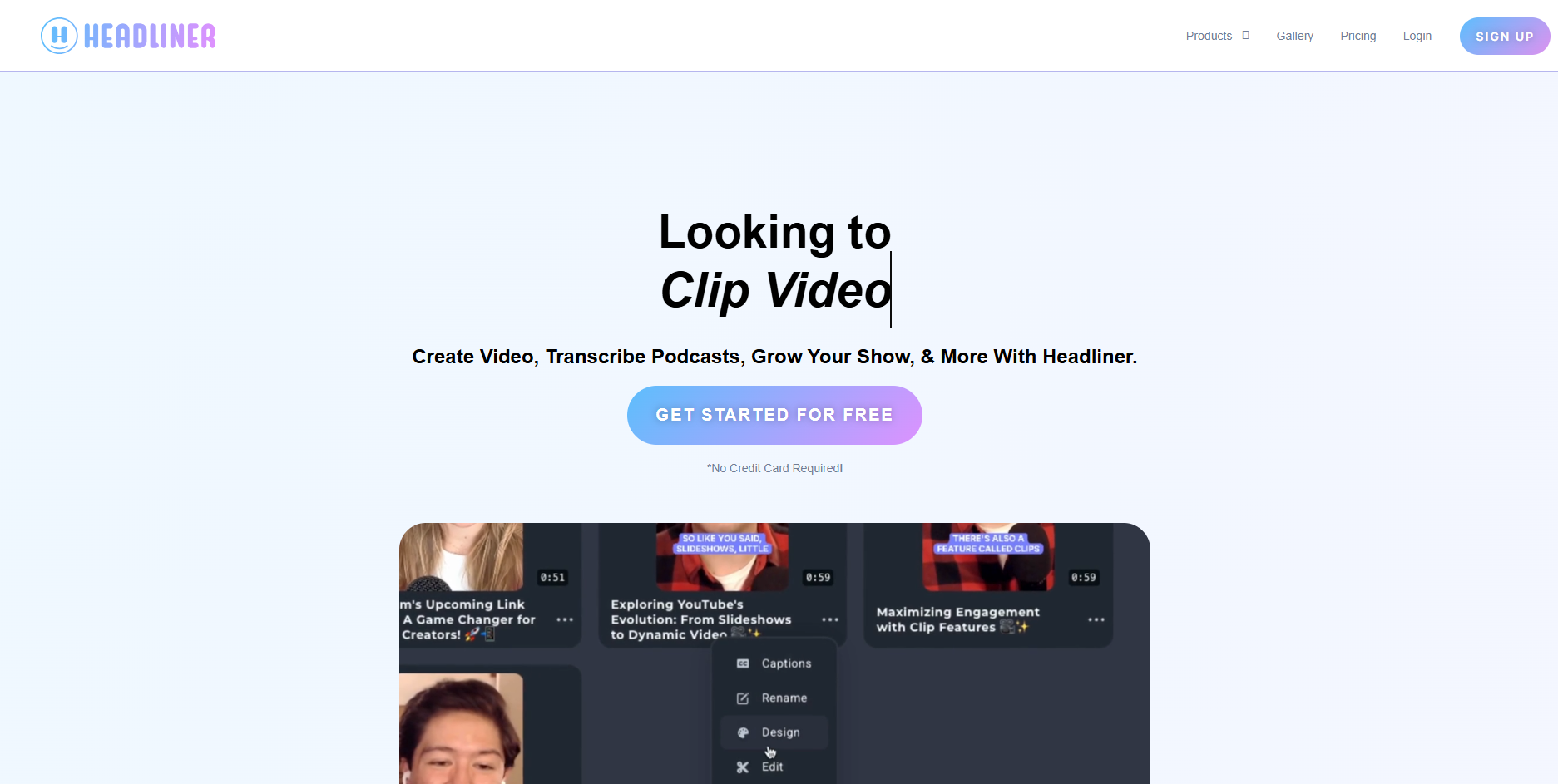
Podcast promo audiograms
Headliner's free plan offers unlimited watermarked audiograms at 1080p of up to 10 minutes; Basic ($9.99 a month, or $7.99 billed yearly) includes 10 unwatermarked audiograms a month.
How it fits the workflowUpload a clip, choose a waveform style, add captions, and export.
Watch forIt's built for talk audio, with limited music-reactive styling.
3Specterr
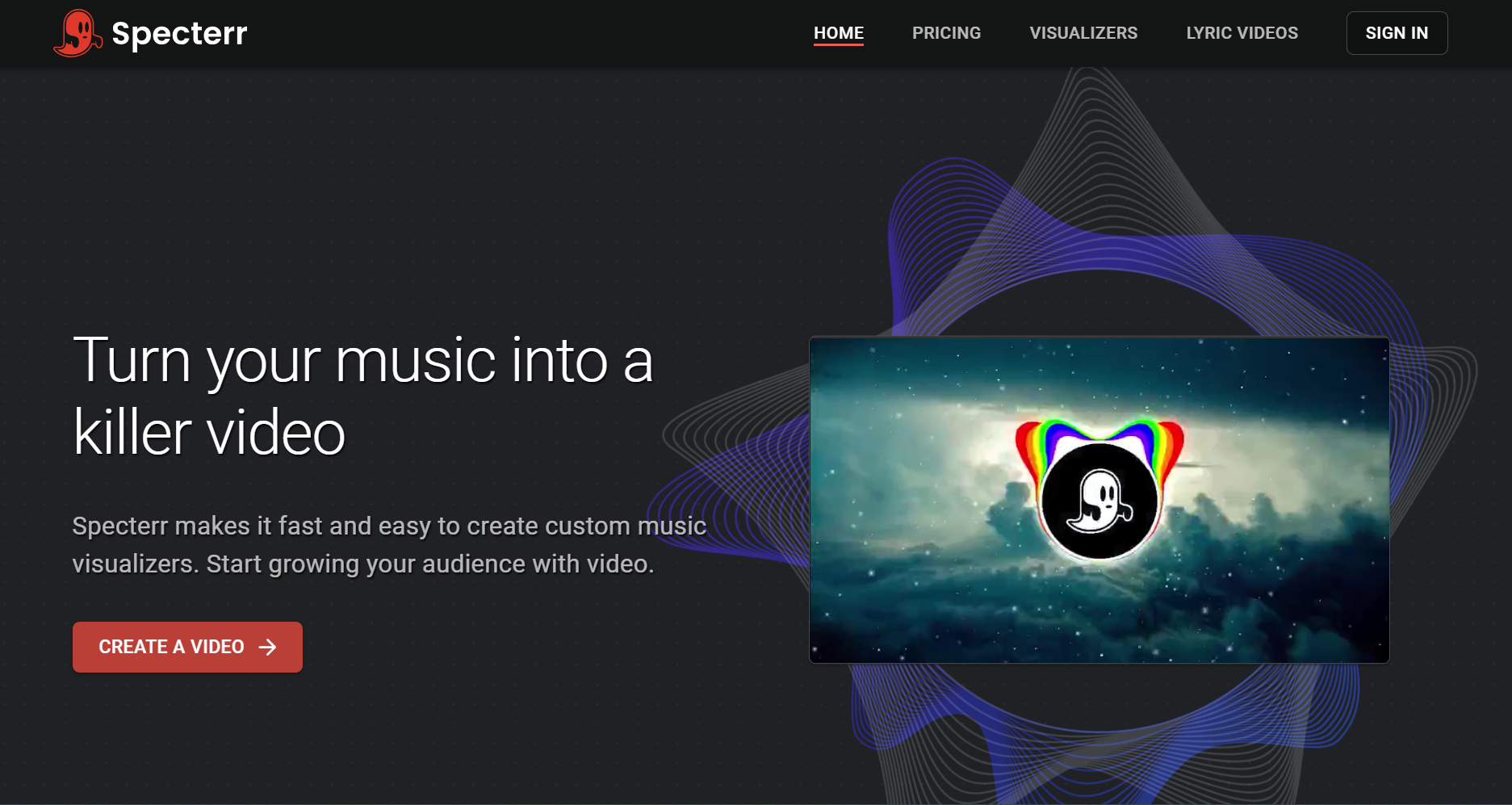
Long DJ mixes
Specterr's Unlimited plan ($49 a month billed yearly) renders 4K 60fps visualizers of up to 120 minutes; the free plan allows one watermarked 720p video a day of up to five minutes.
How it fits the workflowPick a visualizer template, add the mix, and render.
Watch forTemplate visuals don't change with song sections.
4HeyGen
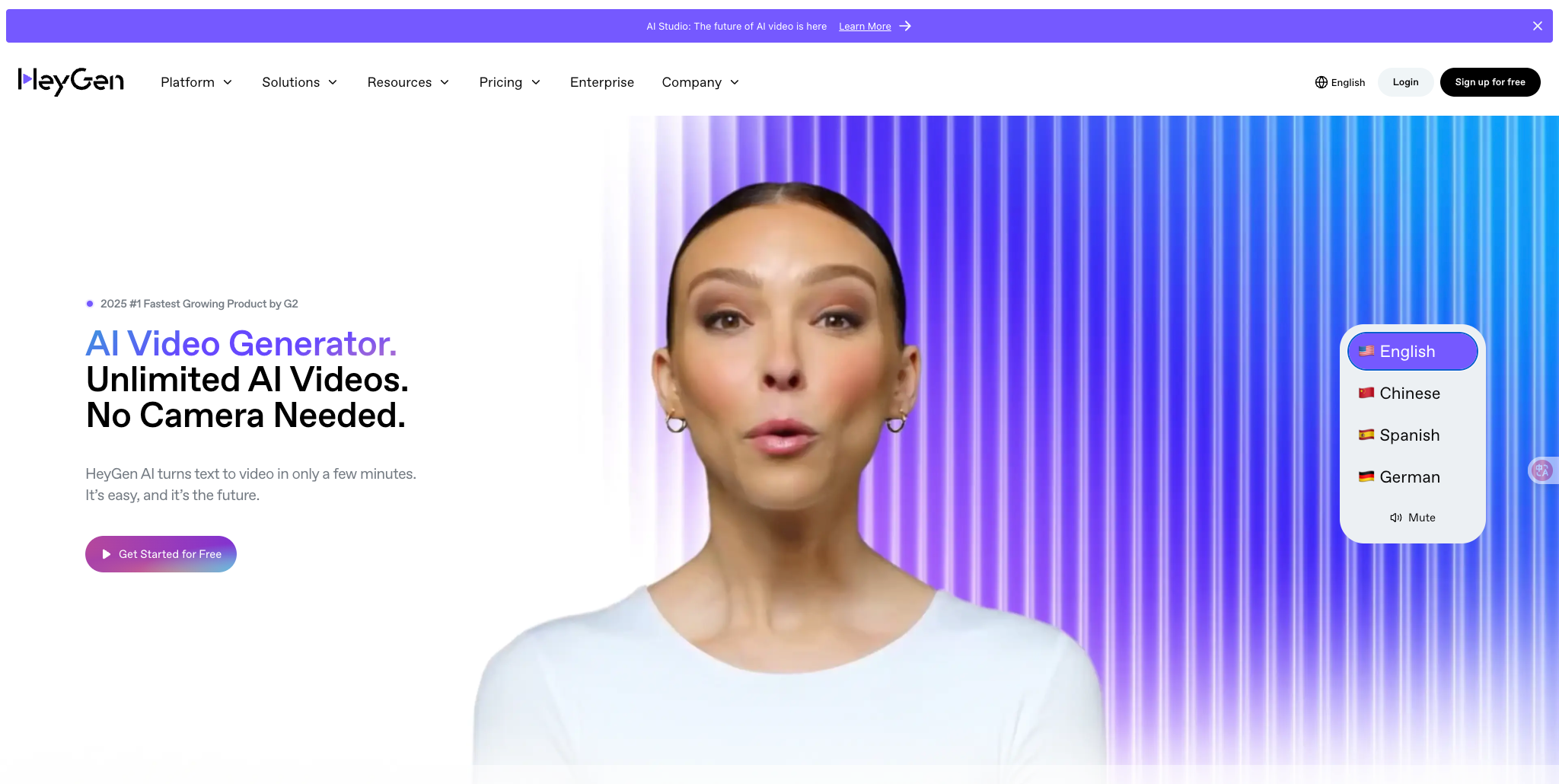
Voiceovers delivered by a presenter
HeyGen creates avatar videos with lip sync, and Make Photo Sing turns a photo and an MP3 or WAV into a talking or singing video. Its free plan allows three videos a month of up to one minute.
How it fits the workflowChoose an avatar or upload a photo, add the audio, and render.
Watch forIt's presenter-first rather than music-first.
5Kapwing
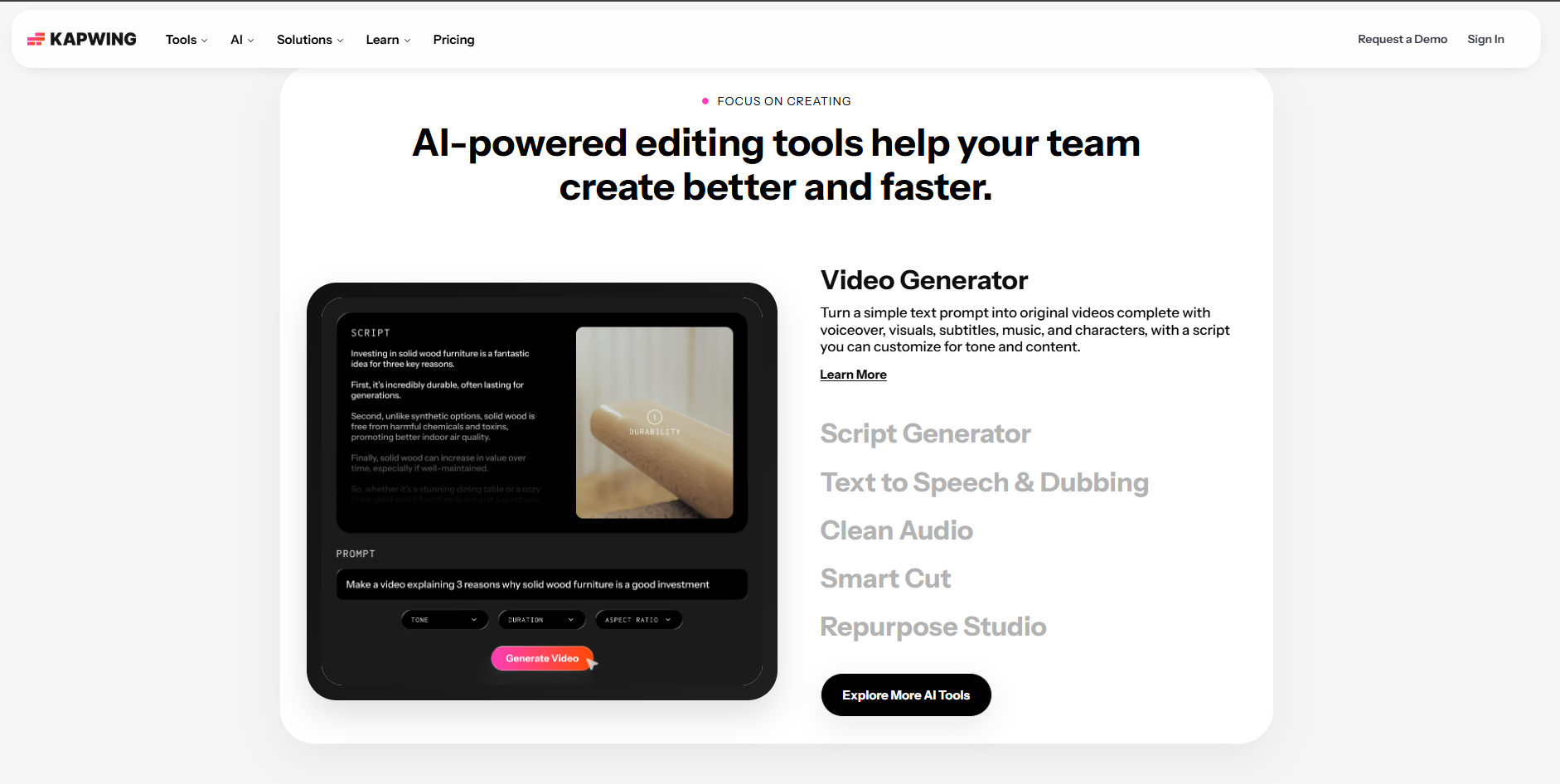
Captioned clips in the browser
Kapwing adds automatic subtitles in a collaborative editor; its free plan exports 720p video of up to four minutes with a watermark, and Pro ($16 a month) allows up to 120 minutes.
How it fits the workflowUpload the audio with an image or clip, generate subtitles, and export.
Watch forVisuals are up to you.
6VEED

Fast auto subtitles
VEED's Creator plan ($12 per user a month billed yearly) includes unlimited auto subtitles and no watermark.
How it fits the workflowUpload the audio, add a background, generate subtitles, and export.
Watch forFree exports are watermarked.
How to Choose the Right Option
Use Freebeat for songs, podcasts, and DJ mixes when you want visuals that react to the sound. Use Headliner for free podcast promos, Specterr for very long mixes, HeyGen for a presenter, and Kapwing or VEED when captions are the main event.
Beat-synced visuals for songs and mixes, captioned waveforms for podcasts. Start with Freebeat →
Frequently Asked Questions
How to make a video from audio?
Upload the audio to a tool that matches it: Freebeat for songs, podcasts, and DJ mixes; Headliner for podcast audiograms; HeyGen for a presenter. Pick a style and aspect ratio, generate, and export.
How to generate video from audio?
With Freebeat, upload the file or paste a music link, choose the music video generator, Podcast Audio Visuals, or the audio visualizer, and generate a video synced to the sound.
What tool can make a video from audio?
Freebeat, Headliner, Specterr, HeyGen, Kapwing, and VEED. Freebeat is the most complete for music and also handles podcasts.
What is the best audio to video converter?
Freebeat, because it analyzes the audio's beat, energy, and structure instead of just placing a waveform on a static image.
Can I turn a DJ mix into a video?
Yes. Freebeat's audio visualizer handles DJ mixes, and Specterr's Unlimited plan renders visualizers of up to 120 minutes.


