Best Music Visualizer Software in 2026: Real-Time Apps vs AI Video Visualizers

“Music visualizer software” covers two different products. Real-time visualizers draw graphics live from the audio that is playing, the way MilkDrop did inside Winamp. Video visualizers analyze a track and render a file you can upload. Most “best visualizer” lists mix the two, so the right answer depends on whether you need a live show or a video.
We compared eight tools across both groups using each vendor's own pages and app listings as of October 17, 2026.
Freebeat turns a song, podcast, or DJ mix into beat-synced visuals you can download for YouTube, Spotify, and vertical platforms. Try Freebeat's audio visualizer →
What We Looked For
- Live or rendered: does it react in real time, or export a video file?
- Platforms: Windows, macOS, Linux, Android, iOS, or the browser
- Audio in: a live audio input versus an uploaded track
- Export: resolution, length limits, and watermark rules
- Price model: free, one-time license, or subscription
At a Glance
| Tool | Type | Platforms | Pricing notes |
|---|---|---|---|
| Freebeat | Rendered AI visualizer (plus Realtime beta) | Web, iOS, Android | 500 free credits; full songs up to 6 minutes on paid plans |
| projectM | Real-time, MilkDrop-compatible | Windows, macOS, Linux; Android via third-party apps | Open source (LGPL 2.1); some third-party apps are paid |
| Synesthesia | Real-time live visuals | Mac, Windows | Free trial with logo on output; $199 Standard or $399 Pro, one-time |
| Specterr | Rendered templates | Web | Free: 1 video a day, up to 5 minutes, 720p, watermarked |
| Avee Player | Rendered spectrum templates | Android, Windows | Exports for all users; Premium removes ads and the app logo |
| Videobolt | Rendered templates | Web | Lite from €9.99/month billed yearly |
| Renderforest | Rendered templates | Web | Lite from $9/month billed yearly |
| Headliner | Waveform audiograms | Web | Free audiograms are watermarked |
Where Freebeat Fits for Music Visualizer Software
Freebeat sits on the rendered side. Its audio visualizer turns songs, podcasts, or DJ mixes into beat-synced videos, and Freebeat says it reads eight dimensions of music analysis, supports full songs of up to six minutes, renders in five native aspect ratios, and generates visuals in about five minutes. It also has dedicated styles for spectrum, bar, circular, equalizer, kaleidoscope, and other classic visualizer looks.
Freebeat's Realtime Music Video mode, currently a limited beta, generates AI music videos in real time, synchronized with your audio. That means Freebeat covers both sides of this category: rendered visualizer videos today, and real-time AI visuals that follow your song through the beta.
- Full-song exports: up to six minutes, with no editing required.
- Five aspect ratios for YouTube, Spotify, TikTok, Reels, and Shorts.
- Classic and AI looks: spectrum-style visualizers and AI-generated scenes in one place.
- Runs anywhere: in the browser and in Freebeat's iOS and Android apps.
Freebeat reference: https://freebeat.ai/audio-visualizer
Detailed Picks
1Freebeat

Exporting a finished, beat-synced visualizer video
Freebeat analyzes the track and renders audio-reactive visuals for the whole song, from classic spectrum looks to AI-generated scenes, ready for YouTube, Spotify, and vertical platforms.
How it fits the workflowUpload the song or mix, pick a visualizer style and aspect ratio, generate, and download the video.
Watch forStart with 500 free credits to try styles on your own song, then export full-length, watermark-free videos on a paid plan. Realtime Music Video is in limited beta, so request a spot early.
2projectM
Free real-time visuals on a desktop
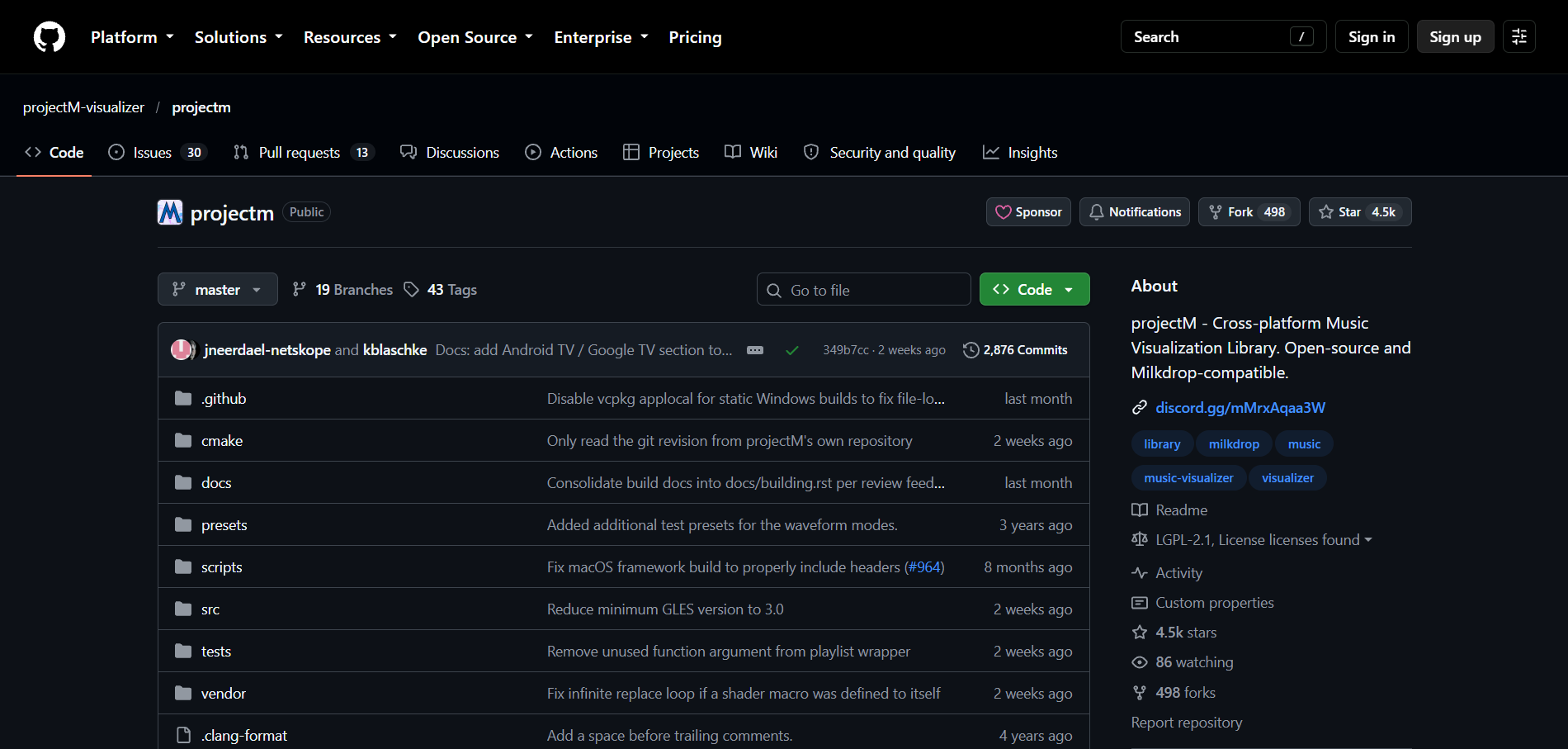
projectM is an open-source library that reimplements Winamp's MilkDrop and is MilkDrop-compatible. It runs as a standalone app on Windows, macOS, and Linux (including on Steam), with third-party apps on Android. Frontends bundle preset packs such as Cream of the Crop, which has about 10,000 presets.
How it fits the workflowInstall a projectM frontend, point it at your audio input, choose a preset pack, and run it full screen.
Watch forThe library ships with no presets, the Android apps are not made by the projectM developers, and the project doesn't document a built-in video export.
3Synesthesia
DJs, VJs, and streamers who need live visuals
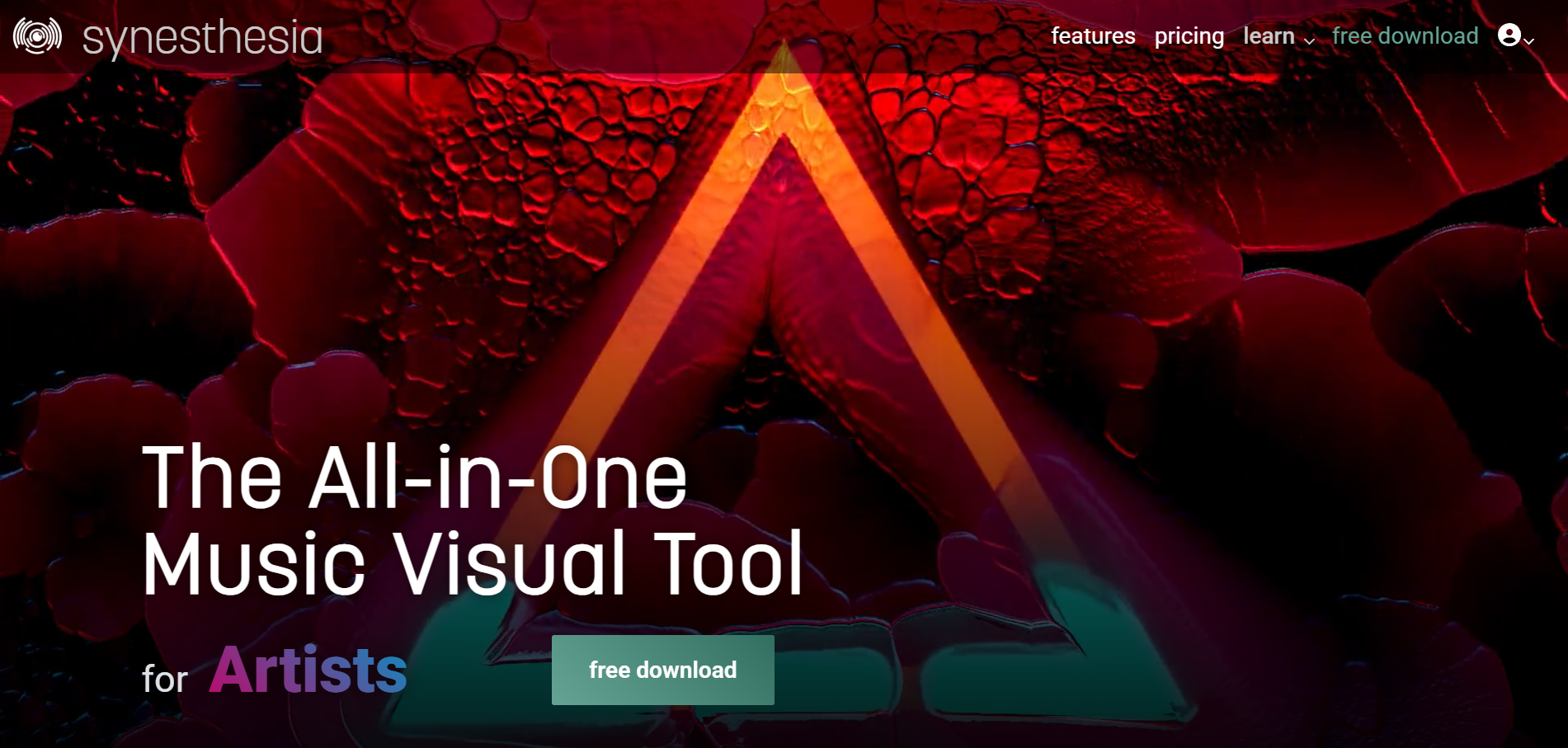
Synesthesia is live visual software for Mac and Windows that turns music into visuals in real time. It sends video to other VJ tools through Syphon, Spout, and NDI. The free trial has no time limit, but its video output carries a Synesthesia logo; Standard costs $199 and Pro $399 as one-time licenses, with optional updates at $60 a year.
How it fits the workflowDownload the app, choose built-in scenes (the free download includes 80), and send the output to a projector or stream.
Watch forIt's a live performance tool, not a song-to-video renderer, and the one-time price is high for casual use.
4Specterr
Classic spectrum, waveform, and particle videos
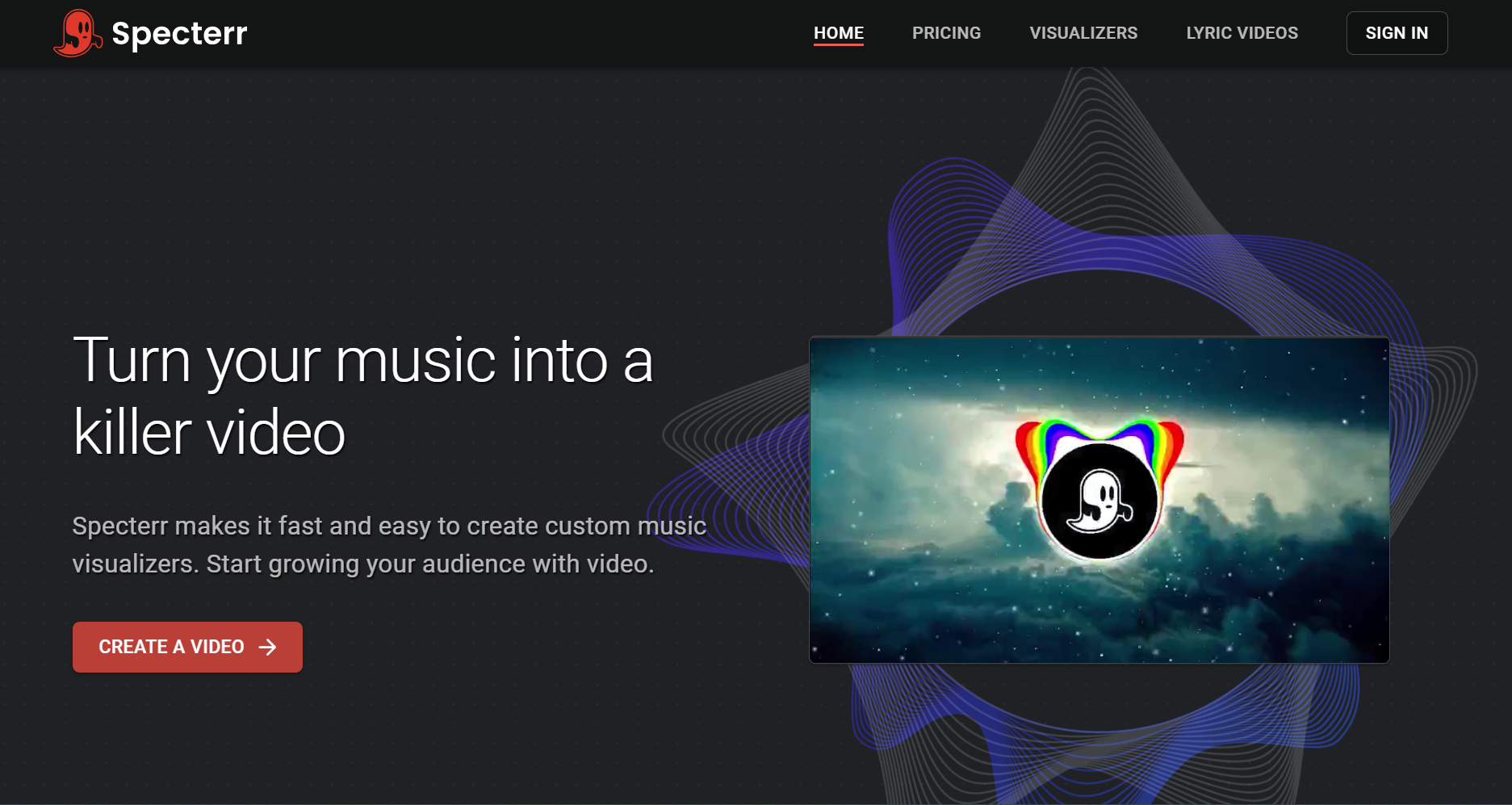
Specterr's free plan allows one 720p video a day of up to five minutes with a watermark. Pro ($16.50 a month billed yearly) exports 1080p 60fps without a watermark for up to 10 minutes, and Unlimited ($49 a month billed yearly) reaches 4K 60fps and 120-minute videos for DJ mixes.
How it fits the workflowChoose a template, set colors and background, add the track, and render.
Watch forTemplate reactivity doesn't change with song sections the way structure-aware AI does.
5Avee Player
Spectrum visualizer videos on Android or Windows
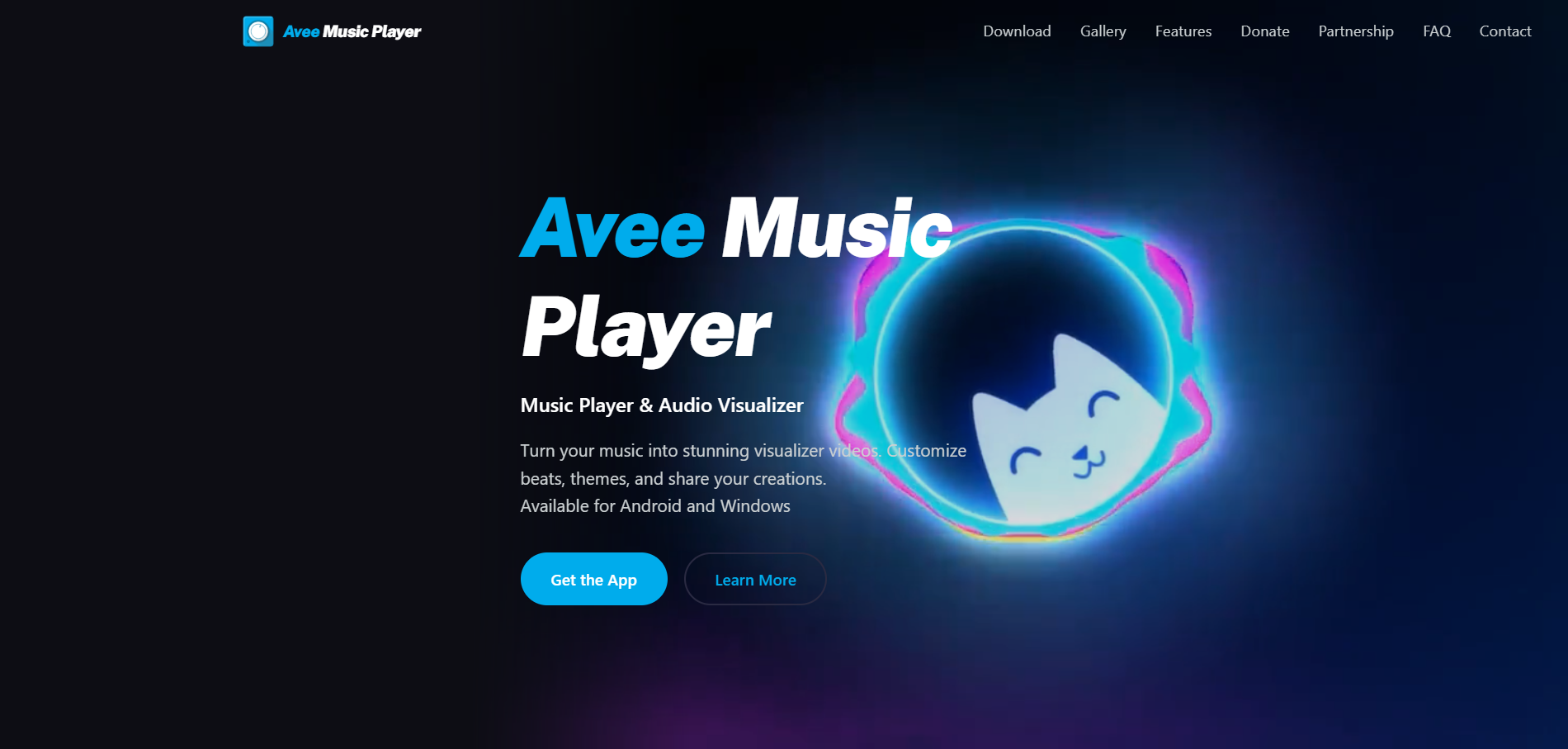
Avee Player is a music player whose Video Maker converts MP3 files into visualizer videos of up to 4K. It includes 18 built-in spectrum templates and lets you build your own. Exporting is open to all users; free users can hide the app logo by watching a rewarded ad, and Premium removes ads and the logo permanently.
How it fits the workflowLoad the track, pick or edit a template, set resolution and frame rate, and export.
Watch forThere is no iOS version, and Android exports are limited to 4GB.
6Videobolt
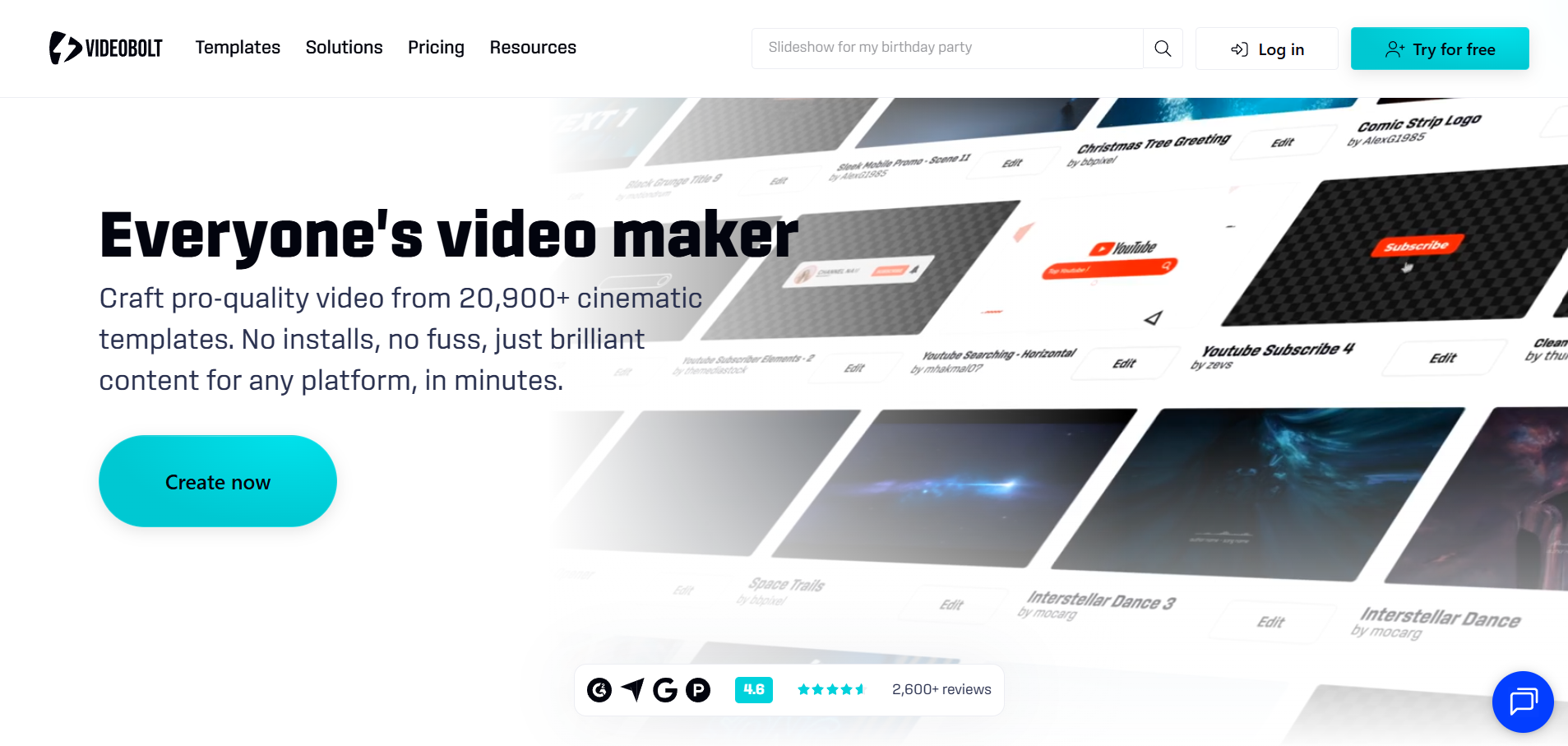
Template visualizers for long videos
Videobolt subscribers export without watermarks, with per-video length from 10 minutes on Lite (€9.99 a month billed yearly) up to 2 hours on Business.
How it fits the workflowChoose a visualizer template, add the track and branding, and render.
Watch forTemplates need customization to stand out.
7Renderforest
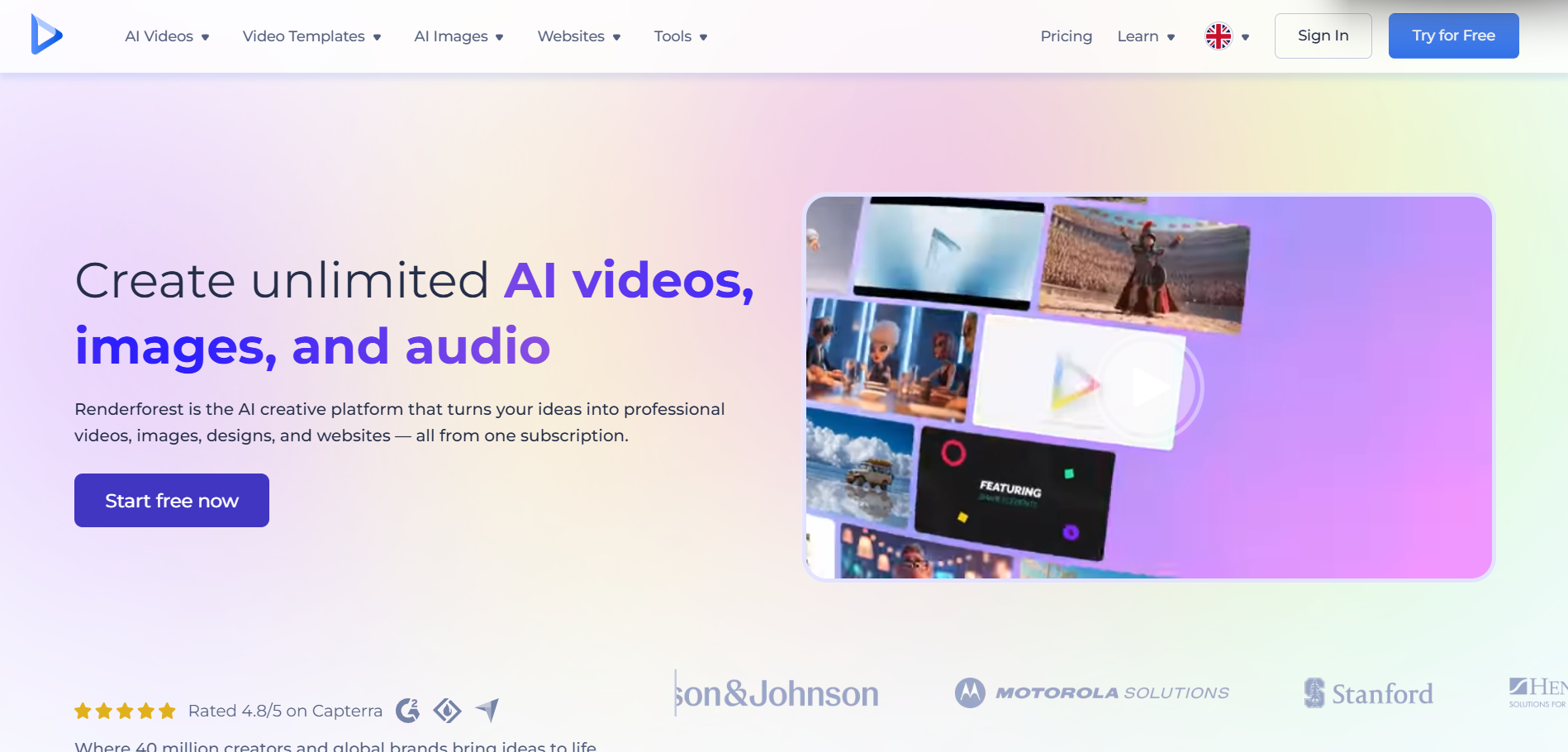
Visualizer templates inside a wider video suite
Renderforest pairs music visualizer templates with other video tools. Lite is listed at $9 a month billed yearly (720p) and Pro at $19 a month billed yearly (1080p).
How it fits the workflowPick a music template, add the track and artwork, customize, and render.
Watch forResults can look templated unless you replace enough default elements.
8Headliner
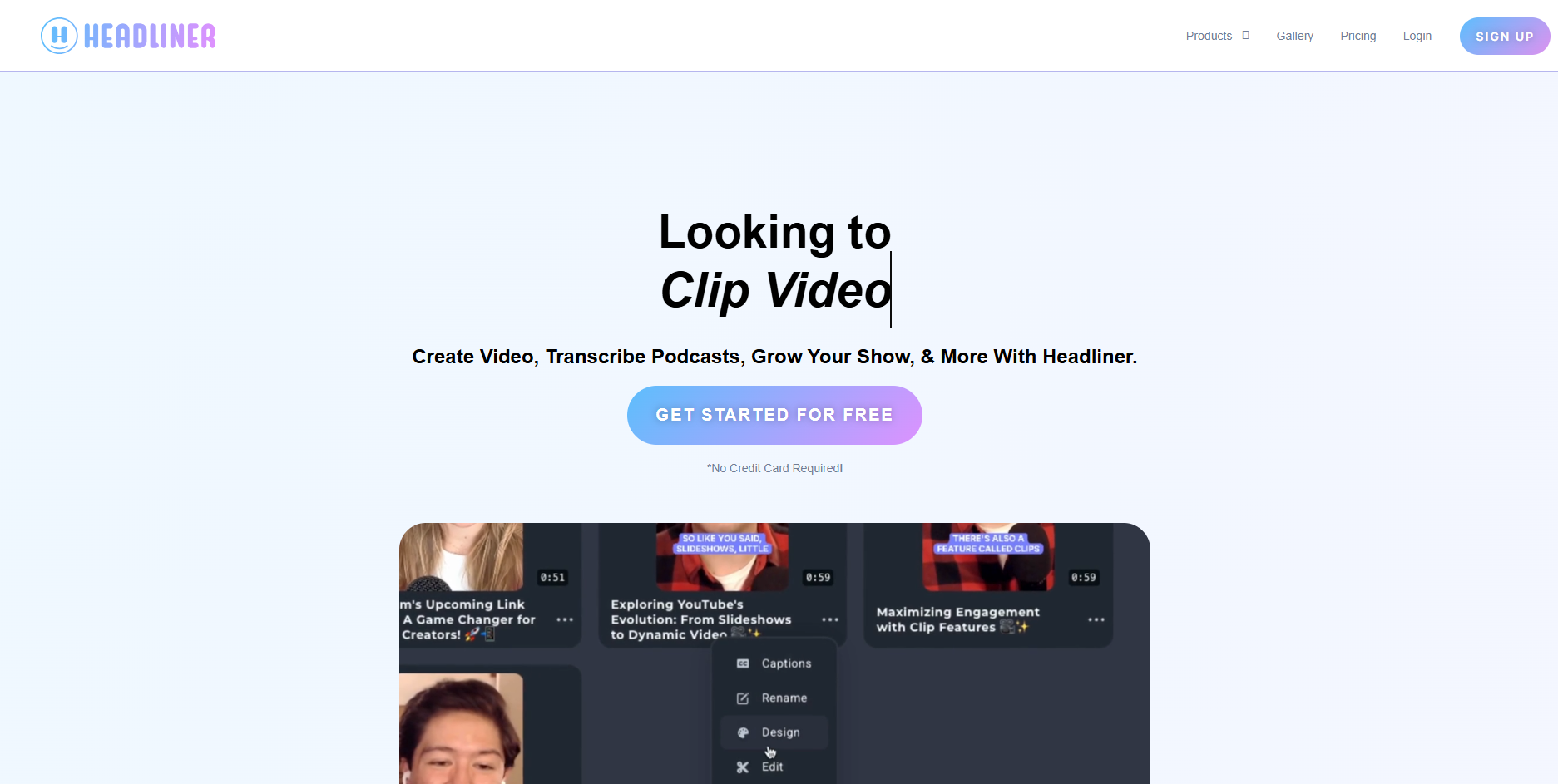
Waveform audiograms for promotion
Headliner's free plan offers unlimited watermarked audiograms at 1080p of up to 10 minutes; Basic ($9.99 a month, or $7.99 billed yearly) includes 10 unwatermarked audiograms a month.
How it fits the workflowUpload a clip, choose a waveform style, add captions, and export.
Watch forIt's built for podcasts, so music-reactive styling is limited.
How to Choose the Right Option
For most musicians, start with Freebeat: it gives you a finished visualizer video that follows the song, and its Realtime beta extends that to live visuals. If you run a dedicated live rig, projectM (free) and Synesthesia (paid, VJ-grade) are the established tools. For classic spectrum templates, use Specterr, Avee Player, or Videobolt; for templates inside a broader suite, Renderforest; and for promo audiograms, Headliner.
Generate beat-synced visuals for a full song, then reuse the look for your music video. Start with Freebeat →
Frequently Asked Questions
What is the best audio visualizer?
Freebeat is our top pick because it renders beat-synced visuals that follow the whole song, up to six minutes, and adds real-time AI visuals through its Realtime beta. For dedicated live rigs, projectM and Synesthesia are the established tools.
Can you recommend a music visualizer?
Use Freebeat if you want a finished video for YouTube or Spotify, projectM if you want free real-time visuals on a desktop, and Synesthesia if you perform live as a DJ or VJ.
What is the best song visualizer?
If you want visuals that change with the verse, chorus, and drop and export as a video, use Freebeat. If you want a classic spectrum or particle look, use Specterr or Avee Player.
Can you recommend an audio visualizer that works in real time?
Freebeat's Realtime Music Video beta generates AI visuals in real time, synchronized with your audio. projectM (open source, Windows, macOS, and Linux) and Synesthesia (Mac and Windows, with Syphon, Spout, and NDI output) are the established live tools.
Is MilkDrop still available?
MilkDrop was Winamp's visualizer. projectM is an open-source, MilkDrop-compatible reimplementation for Windows, macOS, and Linux. If you want a modern visualizer that exports a video for your release, Freebeat renders beat-synced AI visuals for full songs.


