Best Spotify Visualizers in 2026: Real-Time Apps, Plugins and Canvas Makers

Listeners want something that moves on screen while a playlist runs. Artists want a Canvas loop or a visualizer video for their release. Those are different products, and this guide covers both.
We compared six options using vendor pages and Spotify's own Canvas guidelines as of October 17, 2026.
Freebeat connects to your Spotify library and generates looping Canvas videos or full-length visualizers you can download as MP4. Try Freebeat's Spotify visualizer →
What We Looked For
- Who it's for: listeners watching music play, or artists making release assets
- How it connects: Spotify login and track data, an audio input, or an uploaded track
- Output: live on screen, a Canvas loop, or a full-length MP4
- Canvas fit: 3–8 seconds, vertical 9:16, 720–1080 px tall
- Price and watermark rules
At a Glance
| Tool | Best for | How it works with Spotify | Output |
|---|---|---|---|
| Freebeat | Artists | Connects to your Spotify library | Looping Canvas or full-length 1080p MP4 |
| projectM | Listeners | Reacts to an audio input (setup varies by system) | Live, full screen |
| Synesthesia | DJs, VJs, streamers | Audio-reactive live scenes | Live output via Syphon, Spout, and NDI |
| Rotor Videos | Artists | Upload track and artwork | Canvas, lyric, and music videos |
| Kaiber | Artists | Upload track; Beat Sync | Stylized clips |
| Canva | Artists | Animate cover art by hand | 9:16 MP4 |
Spotify Canvas specs: Spotify for Artists asks for a clip 3–8 seconds long, in a vertical 9:16 ratio, between 720 and 1080 pixels tall, as an MP4 or JPG. It also recommends footage without vocals, no rapid cuts or intense flashing, and keeping key elements away from the edges.
A note on browser visualizers: in November 2024 Spotify stopped giving new developer apps access to its audio-analysis data. Browser visualizers built on that data have become unreliable; kaleidosync.com, once a popular one, did not load when we checked on October 19, 2026. Visualizers that react to the audio itself, or that export a video from your track, avoid that dependency.
Where Freebeat Fits for Spotify Visualizers
Freebeat's Spotify visualizer is built for the artist side. Freebeat says it connects to your Spotify library, generates beat-synced videos for any track, and exports looping Spotify Canvas clips, abstract animations, or full-length music videos as 1080p MP4 files in five native aspect ratios, with 528 audio-reactive effects to choose from.
Because the same platform makes music videos, lyric videos, and visualizers, one look can carry from the Canvas to the YouTube upload. New accounts get 500 free credits with no card required, so you can try it on your own track.
- Spotify library access instead of uploading files.
- Canvas loops and full-length MP4s from the same track.
- Five aspect ratios, including vertical 9:16 for Canvas.
- 528 audio-reactive effects.
Freebeat reference: https://freebeat.ai/spotify-visualizer
Detailed Picks
1Freebeat

Artists who need a Canvas and a visualizer video from the same track
Freebeat generates beat-synced visuals from a Spotify track and exports Canvas loops or full-length MP4s.
How it fits the workflowConnect Spotify or upload the track, choose a style, export a 9:16 loop for Canvas, then a 16:9 version for YouTube.
Watch forKeep Canvas loops between 3 and 8 seconds to match Spotify's specs; paid plans export without a watermark.
2projectM
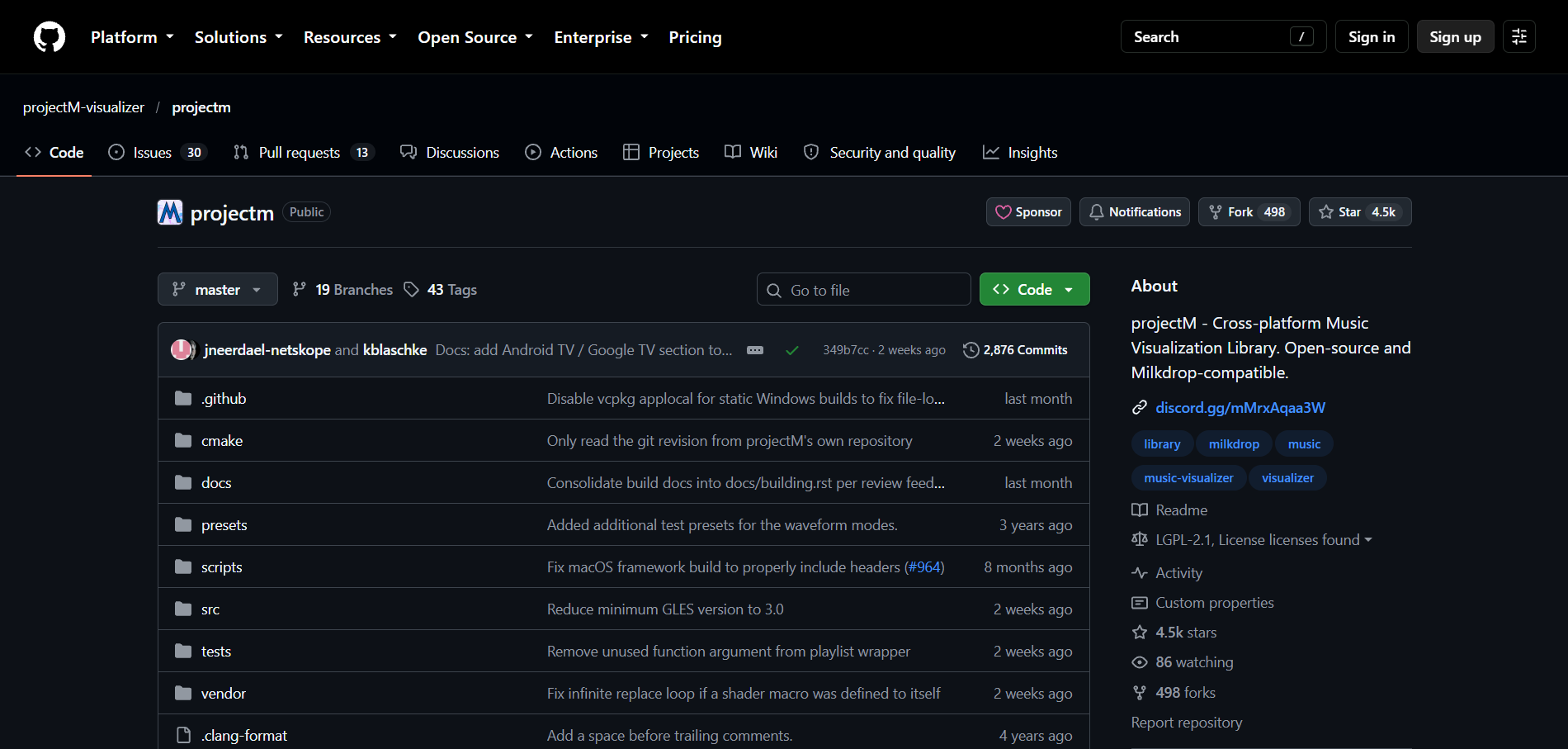
Free, MilkDrop-style visuals on a desktop
projectM is an open-source, MilkDrop-compatible visualizer that runs on Windows, macOS, and Linux and reacts to an audio input. On Mac there is a development-preview plug-in for Apple's Music app.
How it fits the workflowInstall a frontend, route the audio you're playing into it, and choose presets.
Watch forIt isn't connected to Spotify directly, so audio routing depends on your system.
3Synesthesia
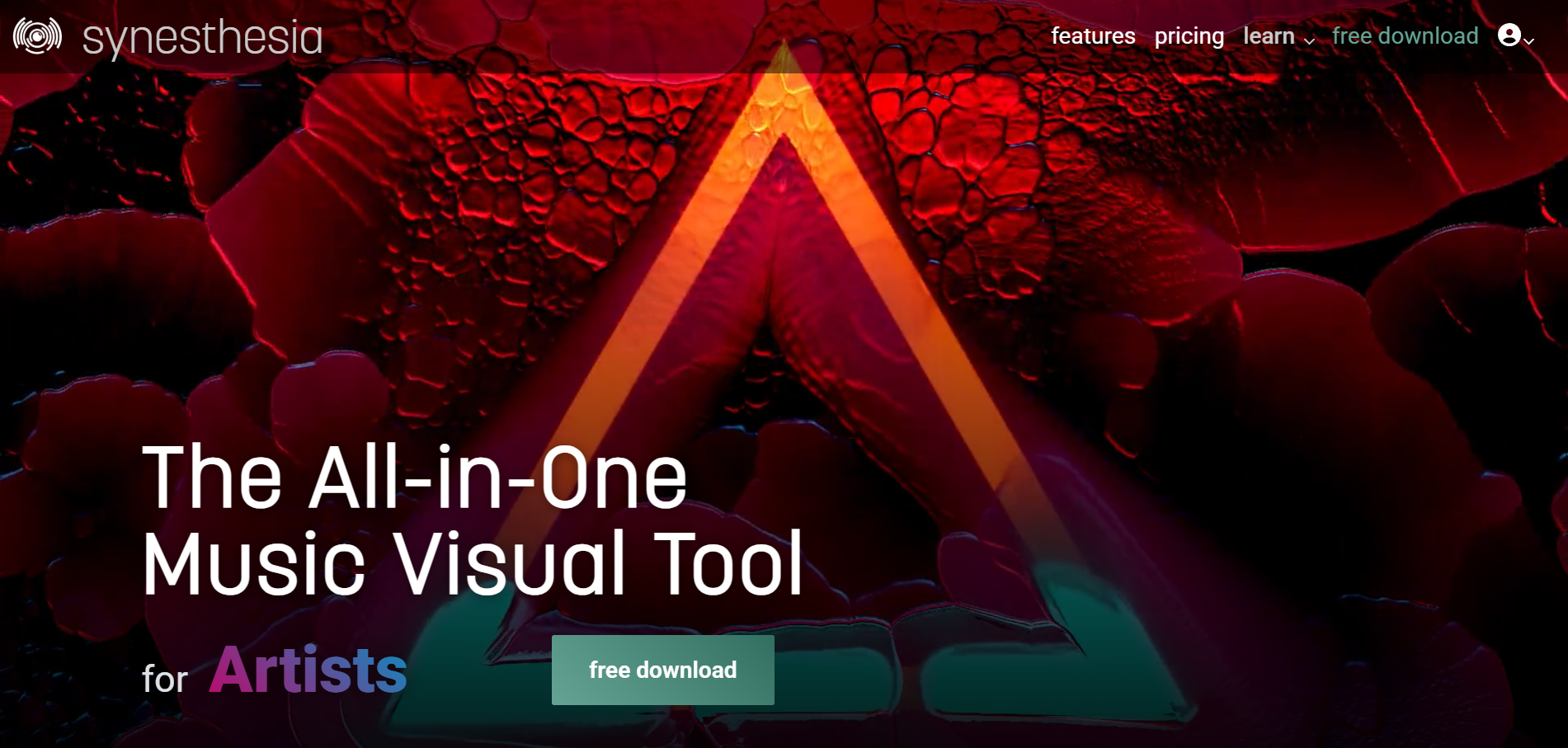
Live visuals for DJ sets and streams
Synesthesia turns music into visuals in real time on Mac and Windows and sends video to other tools via Syphon, Spout, and NDI. The trial is unlimited but marks output with its logo; licenses cost $199 or $399, one-time.
How it fits the workflowRun it alongside your music, choose scenes, and send the output to a projector or streaming software.
Watch forIt's a performance tool, not a way to make a Canvas file.
4Rotor Videos
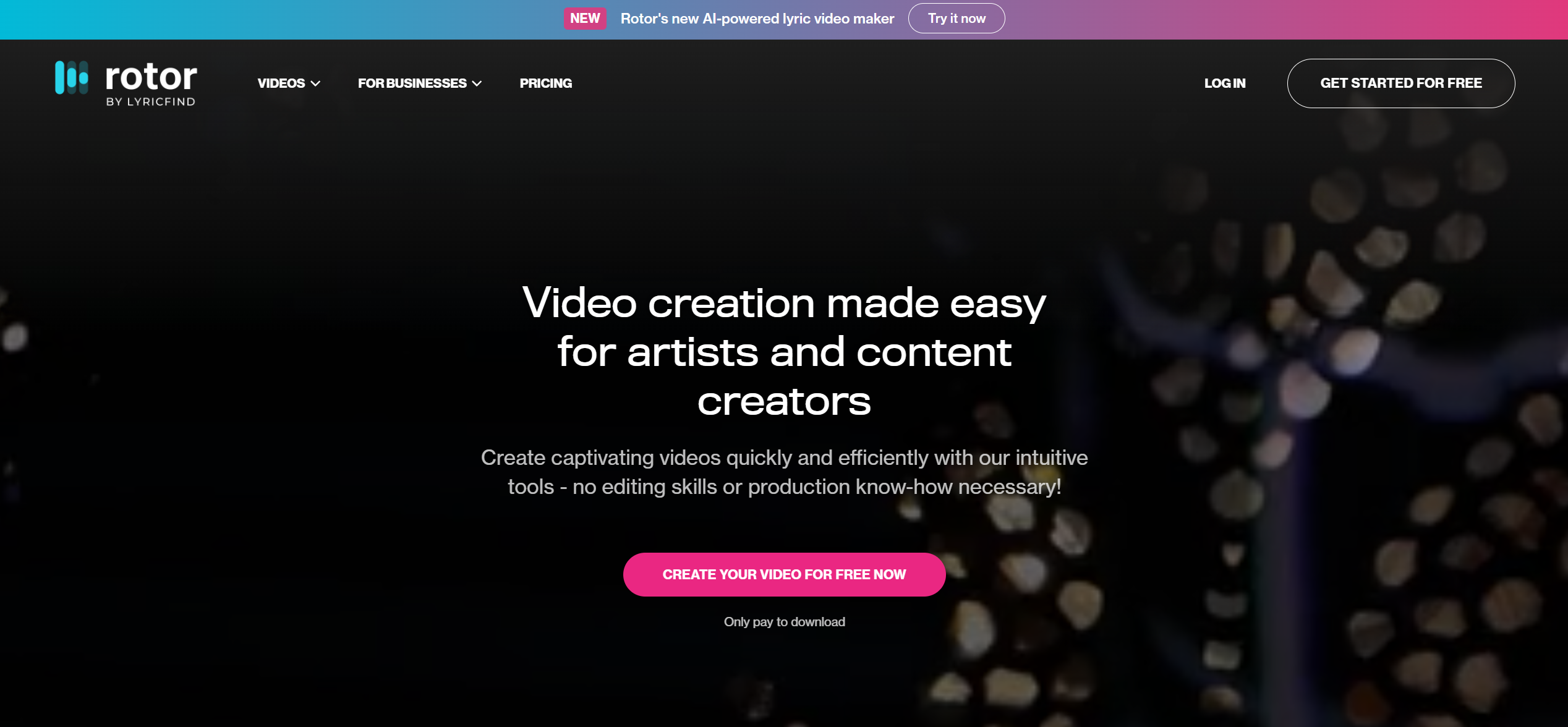
Fast Canvas loops plus other release assets
Rotor makes Spotify Canvas, Apple Music Album Motion, lyric videos, and music videos from your track and artwork. Canvas costs 1 credit ($9.99 for a single credit) or is unlimited on Artist Unlimited plans from $9.99 a month, with watermark-free exports.
How it fits the workflowUpload the track and artwork, choose a Canvas style, preview, and export.
Watch forYou must own the music and artwork you upload.
5Kaiber

Stylized clips synced to the music
Kaiber's Beat Sync, from the $29 a month Creator plan, auto-syncs video to music and auto-clips it. All paid plans list commercial use.
How it fits the workflowUpload the track, set a look, run Beat Sync, and trim a vertical loop.
Watch forThe $10 Starter plan doesn't include Beat Sync.
6Canva
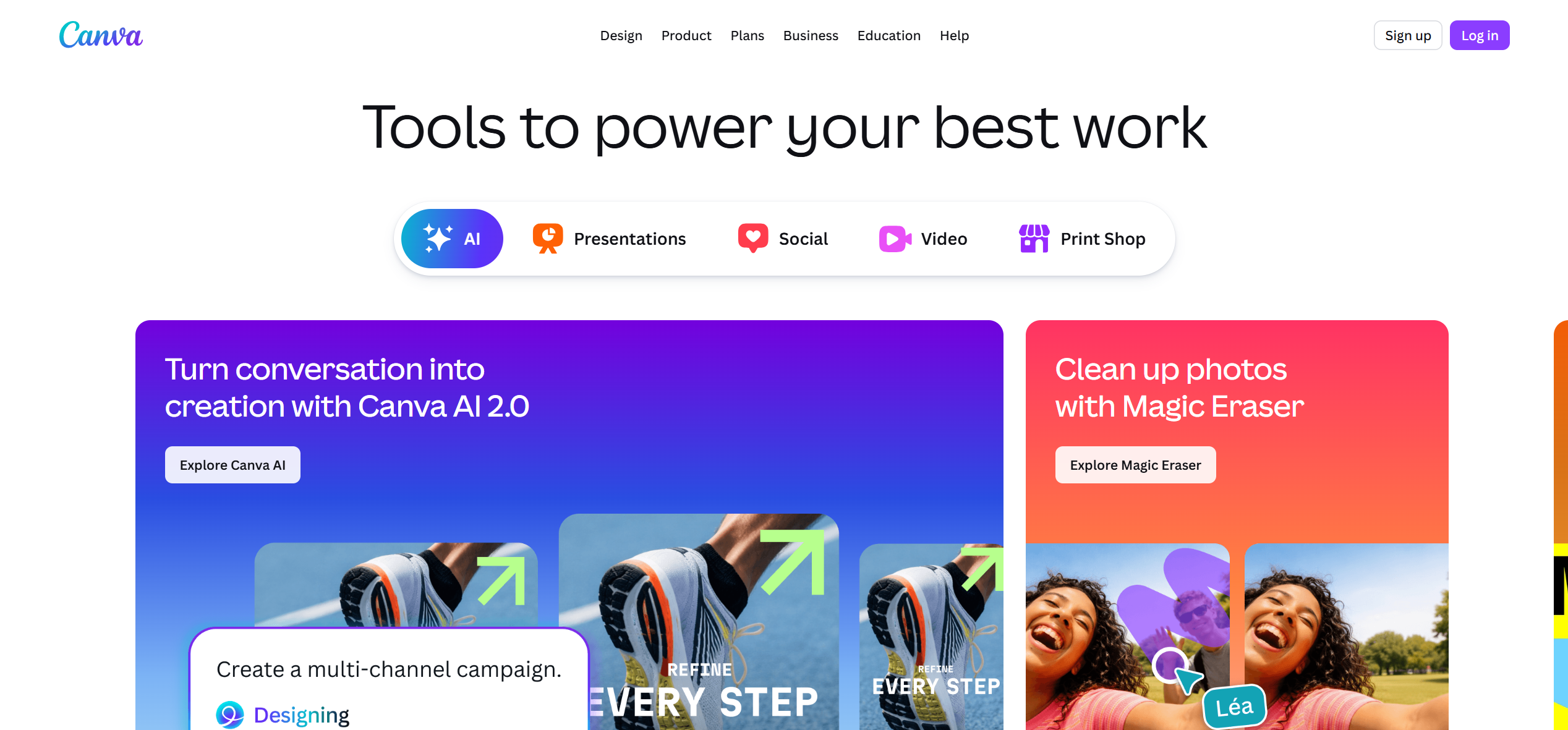
DIY Canvas loops from cover art
Canva can build a 9:16 loop from your artwork, and its help pages say free accounts export without a watermark when every element is free.
How it fits the workflowStart a vertical design, animate the cover subtly, keep it to 3–8 seconds, and export MP4.
Watch forAnimation is manual and not synced to the beat.
How to Choose the Right Option
If you're an artist, use Freebeat for a Canvas and a visualizer video from the same track, Rotor for fast template assets, Kaiber for stylized clips, or Canva for a free DIY loop. If you're a listener, run projectM on a desktop, and use Synesthesia if you perform live.
Generate a looping Canvas and a full-length visualizer from the same track. Start with Freebeat →
Frequently Asked Questions
What is the best Spotify visualizer?
For artists, Freebeat is our top pick because it connects to your Spotify library and exports Canvas loops or full-length MP4s. For listeners, projectM is a free desktop visualizer and Synesthesia suits live sets.
Can you recommend a Spotify visualizer?
Use Freebeat to make a Canvas and a full-length visualizer from the same track, projectM for free visuals while you listen, and Synesthesia if you need live visuals for a DJ set or stream.
Does Spotify still have a built-in visualizer?
No. Spotify doesn't offer one in its apps today, so listeners use third-party visualizers and artists use Canvas, the short looping video that plays behind a track.
What are the Spotify Canvas requirements?
Spotify for Artists asks for an MP4 or JPG that is 3–8 seconds long, vertical 9:16, and between 720 and 1080 pixels tall.
Can I make a Spotify Canvas for free?
Yes. Freebeat gives new accounts 500 free credits to generate beat-synced Canvas loops from your track, and Canva can build a manual loop from free elements.
Sources and Further Reading
- Freebeat AI Spotify Visualizer
- Spotify for Artists: Canvas guidelines
- Spotify for Developers: changes to the Web API (Nov 27, 2024)
- projectM on GitHub
- Synesthesia pricing
- Rotor Videos pricing
- Kaiber pricing
- Canva Help: premium elements and watermarks
- Related on Freebeat: 7 Best Spotify Music Visualizers for Artists


